The First HomeKit Enabled Devices Begin Shipping

A year after HomeKit was announced at WWDC 2014, the first HomeKit enabled products are today beginning to go on sale from five initial device manufacturers. HomeKit enabled devices, which can range from lights, thermostats and door locks, can be controlled through Siri, and the HomeKit framework enables developers to more easily create apps for home automation.

Insteon and Lutron have devices shipping from today, whilst ecobee, Elgato and iHome will have devices shipping by the end of July. For some details about their initial HomeKit products, jump the break.

Sources: MacRumors, The Verge, Re/code

Read more


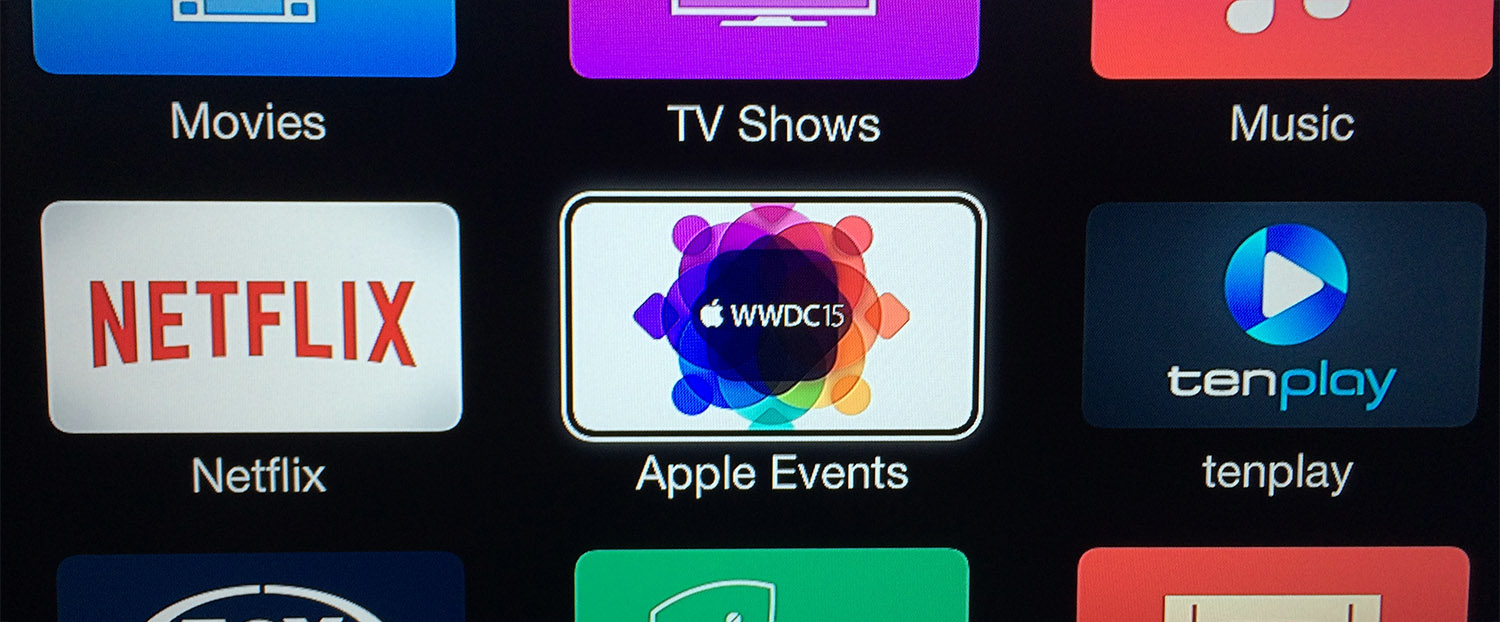
Apple Events Channel Now Available on Apple TV to Stream WWDC 2015 Keynote

Apple has today made their ‘Apple Events’ channel accessible again from any Apple TV (2nd or 3rd generation), ahead of next week’s WWDC 2015 keynote. The Apple Events channel confirms that the keynote will be live-streamed on Monday, June 8 at 10am, San Fancisco time.

For developers who want to follow along with the other WWDC sessions, Apple previously announced that ‘select’ WWDC 2015 sessions will be live streamed on the WWDC website and in the WWDC app. For those technical sessions that are not live streamed, Apple has said that they will be made available to stream and download at the end of each day.

In the meantime, the channel also allows users to stream past Apple events (including WWDC 2014), just in case you’ve got some free time over the next week. For those without an Apple TV, in the past Apple (for other live streamed events) also hosted a live stream on their website, but that will probably go live closer to next Monday.

You can also follow MacStories’ WWDC 2015 Special Event hub for updates, or subscribe through RSS to our dedicated WWDC 2015 Special Event feed.

Read more


Opener for iOS 8 Opens Web Links in Apps

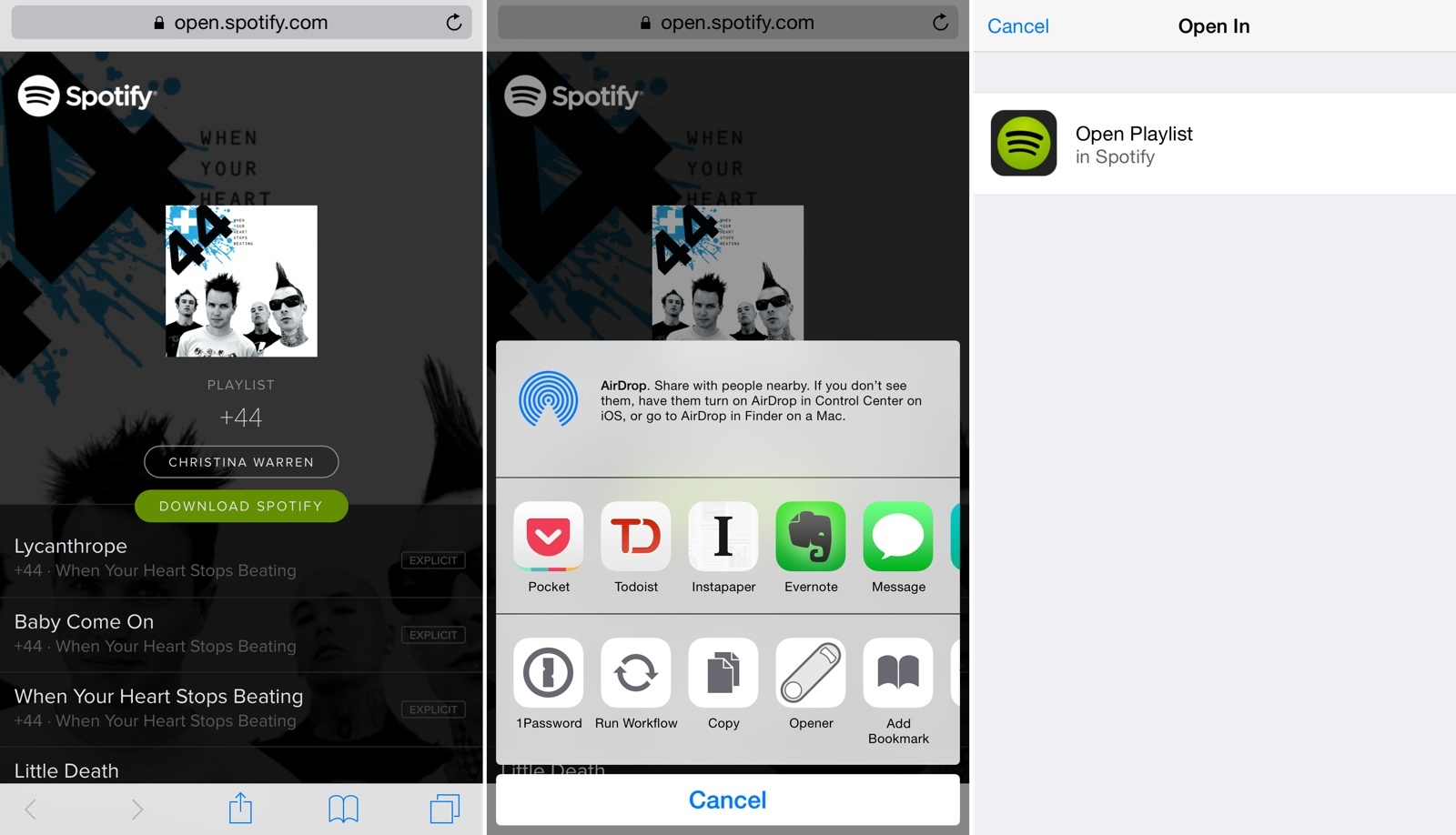
In spite of several companiesefforts to match web links to native apps, opening links from apps on iOS usually takes you to a web view even if you have the website’s associated iOS app already installed. This is why following links to songs on Spotify or podcast episodes on Overcast doesn’t automatically take you to their native apps: iOS lacks a native deep linking technology. While Apple could introduce such framework in the future, currently there’s no system-wide solution that can be adopted across every website and app out of the box. Many have tried to solve deep-linking on mobile, but to achieve real support for this experience, Apple will need to step in eventually.

In the meantime, Timothy Johnsen has created a workaround called Opener that uses an action extension to let you easily open a web link in its native app. Released with an initial set of compatible links/apps such as Twitter, Overcast, SoundCloud, Spotify, Kickstarter, and more, Opener allows you to avoid tapping buttons in web views to launch associated apps; Opener can automate the process by resolving links and launching them inside apps with an extension.

Read more


Apple Revamps App Store ‘Games’ Category with More Curated Lists

Sarah Perez, reporting on Apple’s latest tweak to the App Store curated picks, this time for the Games category:

Apple quietly made a number of changes to the way it features and organizes mobile applications in the iTunes App Store in May that are of particular interest to mobile game developers. Previously, developers relied on algorithmically generated sections highlighting new and trending titles as a way of having their games found, but now many of these lists are gone.

Now missing are lists like “New,” “What’s Hot,” and “All iPhone (Free & Paid),” for example. In their place, including for the first time ever in the Games’ subcategory pages, are editorially curated lists instead.

Games are the App Store’s most popular category, with 18 sub-sections for different game genres. I’ve argued in favor of more human curation on the App Store in the past, and Apple seems to agree that having human editors is the best (and only?) way to highlight good content with taste and thoughtfulness.

Some developers will always find ways to work around a system where apps are highlighted through algorithms; you can’t buy your way into a curated list unless you make a good app and Apple thinks it’s worth recommending to customers. Apple still has algorithm-based sections on the App Store (Top Charts, ‘Popular Games’ on the front page), but handpicking the best software is the right thing to do in a store with about 1.5 million apps. I’m glad that we’re seeing more of this.

Permalink

Igloo: an Intranet You’ll Actually Like [Sponsor]

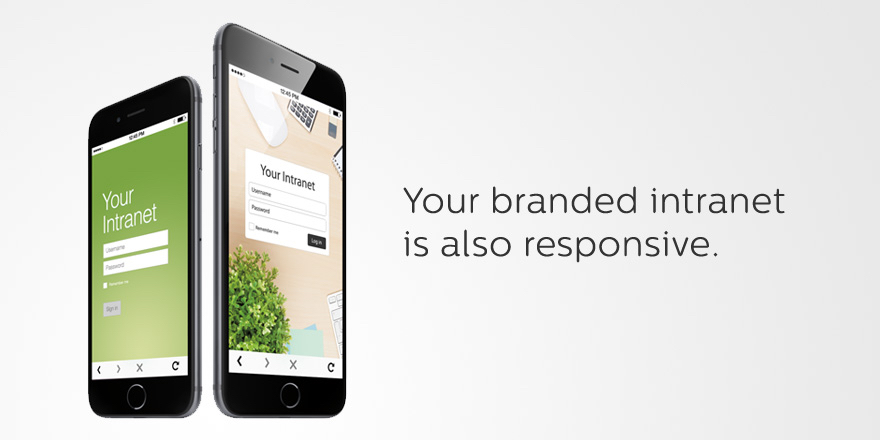
We all struggle with productivity. We are constantly pressured to accomplish more, and to do it quicker. There is no one definitive way to accomplish that, and we have all devised our own little method to make things work. At Igloo, we think your way is the best way, we just want to support you, and make your way better.

Our focus is on becoming that place where you know you can access all you need to work, whether that’s documents, communication, task management, and much more. That means you can access us from all your devices, but it also means our platform is fully customizable. You get involved in the work you do, and things get personal quickly. We think a platform should represent who you are, it should feel like home.

Everything is now mobile – work should be too. We’d rather work on being intuitive while you do your thing. Igloo is an intranet you’ll actually like.

Try Igloo for free for as long as you want with 10 of your favorite coworkers.

Our thanks to Igloo for sponsoring MacStories this week.


The Power of the Screenshot

Then there is keeping things to remember later. I do this quite often now for posts. Yes, I could copy & paste the text into a note-taking app, but why not just screenshot the passage? It’s so much easier to do.

The same is true with sharing things. Aside from the aforementioned textshots, I often take screenshots of Tweets/Facebooks/Instagrams/etc, and share those with others on chat apps. Again, this is actually more seamless than copying and pasting a link. It also saves time on both ends as the receiver only has to load my image, not an actual website. (Facebook may be on to something.)

MG Siegler wrote about the power and convenience of screenshots on iOS.

It’s interesting to observe how taking screenshots has evolved culturally from a tool to capture app icons or Home screens into a way to share information quickly (despite its accessibility concerns) because most web services/messaging apps make it easy to preview images. Taking screenshots is also the most popular way to save controversial tweets or Facebook posts that eventually get deleted or edited.

The only time when I don’t share screenshots of Twitter conversations or web articles is when I’m using Slack, which automatically pulls in tweets and headlines when you paste links into a thread. I guess this also says a lot about eschewing slow web views in favor of nimble inline previews.

Permalink

Why I Switched My Favorite Twitter, RSS, and Podcast Apps for Three Weeks

For at least five years there have been three slots on my iPhone Home screen dedicated to apps for Twitter, RSS, and podcasts. For as long as I can remember, they have been taken up by Tweetbot, Reeder and Castro. Three weeks ago I got rid of all three, and replaced them with Twitteriffic, Unread, and Pocket Casts. I had come to the awkward realisation that although I frequently tried new apps (and occasionally reviewed them), I didn’t do the same thing when it came to Twitter, RSS, and podcast apps – at all. I had become too comfortable with the same apps.

So for three weeks I’ve been solely using those apps, and this “experiment” has lead to a few interesting revelations to me. Perhaps the most obvious one was that I discovered certain features I really liked, but had no idea I liked, until they were missing in the app I switched to (and vice versa). I won’t spoil the results, but suffice to say I have resolved to try new apps (whatever their purpose) more frequently, even if I’m really happy with the app I’m currently using.

Read more


“Google Photos Is Gmail for Your Images”

The information gleaned from analyzing these photos does not travel outside of this product — not today. But if I thought we could return immense value to the users based on this data I’m sure we would consider doing that. For instance, if it were possible for Google Photos to figure out that I have a Tesla, and Tesla wanted to alert me to a recall, that would be a service that we would consider offering, with appropriate controls and disclosure to the user. Google Now is a great example. When I’m late for a flight and I get a Google Now notification that my flight has been delayed I can chill out and take an extra hour, breathe deep.

Steven Levy interviewed Google’s Bradley Horowitz about Google Photos. The article includes some fascinating details on how the technology behind it could be applied in the future. (Ads aren’t part of the plan – for now. It’s easy to imagine how they could be.)

I’m currently uploading years of photos to Google’s cloud because I’m interested in their search technology. I ran some initial tests on a first batch of photos, and machine learning was indeed impressive: the service organized photos by locations and people, but more importantly it let me search for common keywords like “fireworks”, “beach”, and “pets”. This, however, could also have negative repercussions, as Casey Newton noted in his story on Google Photos:

Google’s face detection is so powerful that I’m glad you have the option to disable it. It created an amazingly comprehensive photo album of my ex-boyfriend, and instantly reliving every holiday and road trip together just by tapping his face overwhelmed me. It’s magic, yes, but it can catch you off guard. (And it’s not perfect: a colleague who tried the service discovered that Google thought his wife was at least four different people.)

Finding photos and rediscovering memories is just as important – if not more important – than managing them. I believe that machine learning and deep neural networks have a huge potential to help us organize and retrieve information we’d forget otherwise, and Google is well positioned to tackle this. If anything, Google Photos makes for a good additional backup option after iCloud Photo Library.

Permalink