This Week's Sponsor:

Dropzone 5

Improve your Drag-and-Drop Workflow


Apple Podcasts Will Combine Video with Audio in Shows

Source: Apple.

Source: Apple.

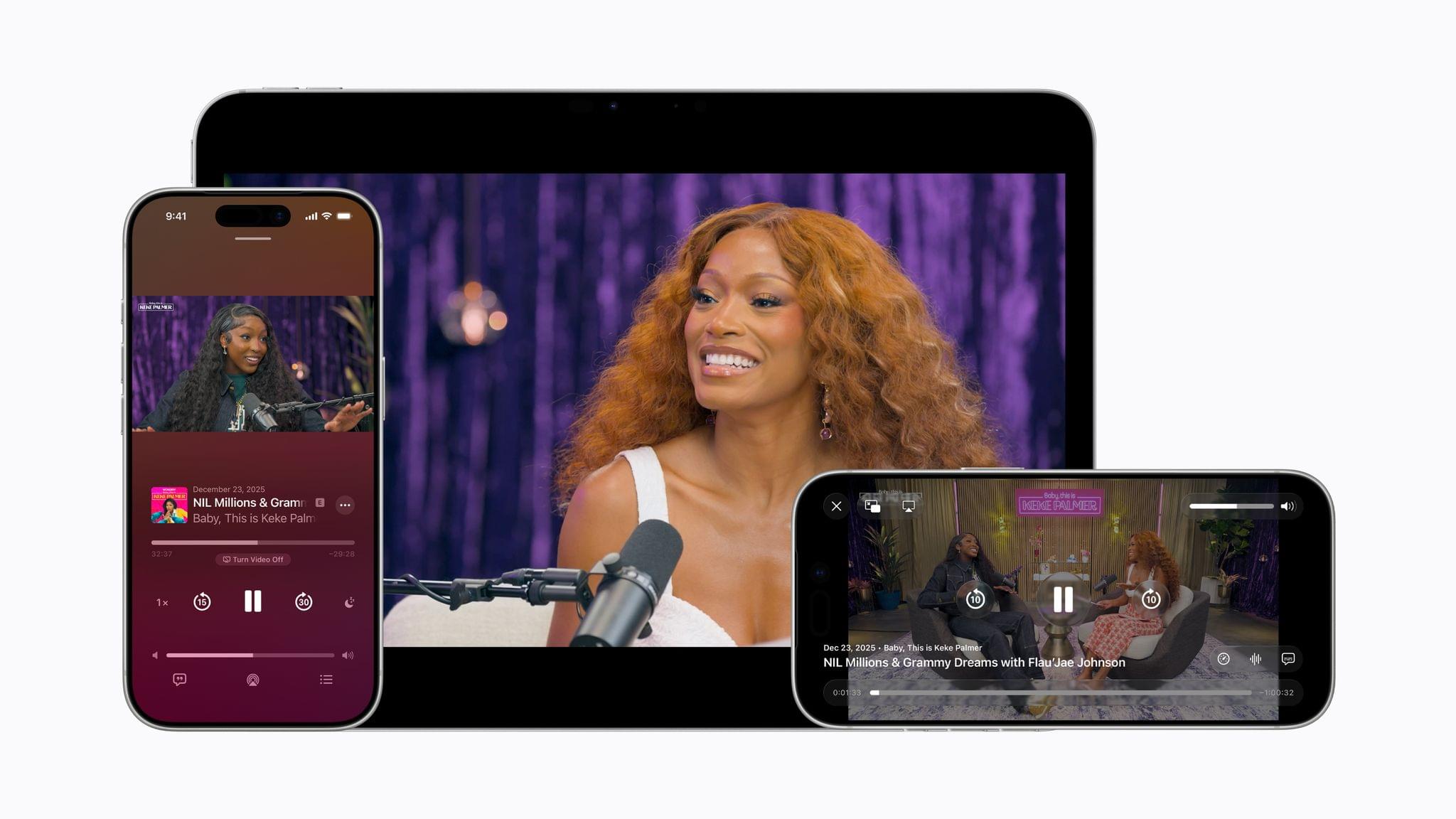
Apple announced today that beginning with the betas of iOS, iPadOS, and visionOS 26.4, which were released earlier today, the Apple Podcasts app will add video streaming. The feature is based on HTTP Live Streaming, known as HLS, that will allow listeners to switch between an audio-only version of a show and the video version. At launch, the feature will be available via Acast, ART19, Triton’s Omny Studio, and SiriusXM, which includes SiriusXM Media, AdsWizz, and Simplecast, with more to come in the future.

Apple’s HLS implementation will also support dynamic ad insertion. Advertisers will be charged an impression fee by Apple to include their ads. Podcast hosting companies and producers will not be charged to distribute HLS versions of shows through Apple Podcasts. It will be interesting to see if hosting companies charge podcasters a premium to deliver video versions of shows.

Eddy Cue, Apple’s senior vice president of Services, said of the new feature:

By bringing a category-leading video experience to Apple Podcasts, we’re putting creators in full control of their content and how they build their businesses, while making it easier than ever for audiences to listen to or watch podcasts.

I’ve been wondering for a while whether Apple would do more with video podcasts. This is an interesting move, but the launch is limited, applying to a handful of podcast hosting companies. That means the lineup of shows that support the feature will be limited at first, but with time, it could become standard across most podcasts. The move is clearly designed to counter YouTube, which has rapidly grabbed audience share from Apple and others, with its video-centric approach to podcasts.

Apple Announces a March 4th Press Event

Source: MacRumors.

Source: MacRumors.

Apple has invited members of the press to what it’s calling a “special Apple Experience” that will take place on March 4th at 9:00 am Eastern U.S. time in New York, London, and Shanghai, according to MacRumors. There’s no word yet on whether the event will be livestreamed.

With several products rumored to be getting updates in 2026, it’s hard to guess what’s planned, although in the past, Apple has launched or refreshed products like the iPhone 16e, iPads, and the MacBook Air around this time of year. It’s also notable that Apple is planning the event for multiple locations around the world. That certainly makes it more accessible than a single event in Cupertino, which is good to see.

Permalink

OpenClaw Creator Peter Steinberger Joins OpenAI

Peter Steinberger, the developer behind OpenClaw that was launched and took off barely a month ago and has already had three names, is joining OpenAI. In addition, OpenClaw is moving to a foundation where it will remain an open-source project.

As Steinberger explains on his website:

It’s always been important to me that OpenClaw stays open source and given the freedom to flourish. Ultimately, I felt OpenAI was the best place to continue pushing on my vision and expand its reach. The more I talked with the people there, the clearer it became that we both share the same vision.

The community around OpenClaw is something magical and OpenAI has made strong commitments to enable me to dedicate my time to it and already sponsors the project. To get this into a proper structure I’m working on making it a foundation. It will stay a place for thinkers, hackers and people that want a way to own their data, with the goal of supporting even more models and companies.

The AI world has been talking about agents for more than a year, but it wasn’t until Steinberger’s project came along that we got software that put the idea of agents to practical use. OpenClaw may have only been just a few months old, but it captured the imaginations of users, including Federico, who has an uncanny knack for spotting the next big thing very early.

It will be interesting to see where OpenAI’s apps go next. I’ve been impressed with Codex, and with the Sky team and Steinberger on the company’s roster, I have high hopes for what they’ll do next.

Permalink

Podcast Rewind: Handheld Gaming Truths, Just a Little Formula 1, and a Hulu Hack

Enjoy the latest episodes from MacStories’ family of podcasts:

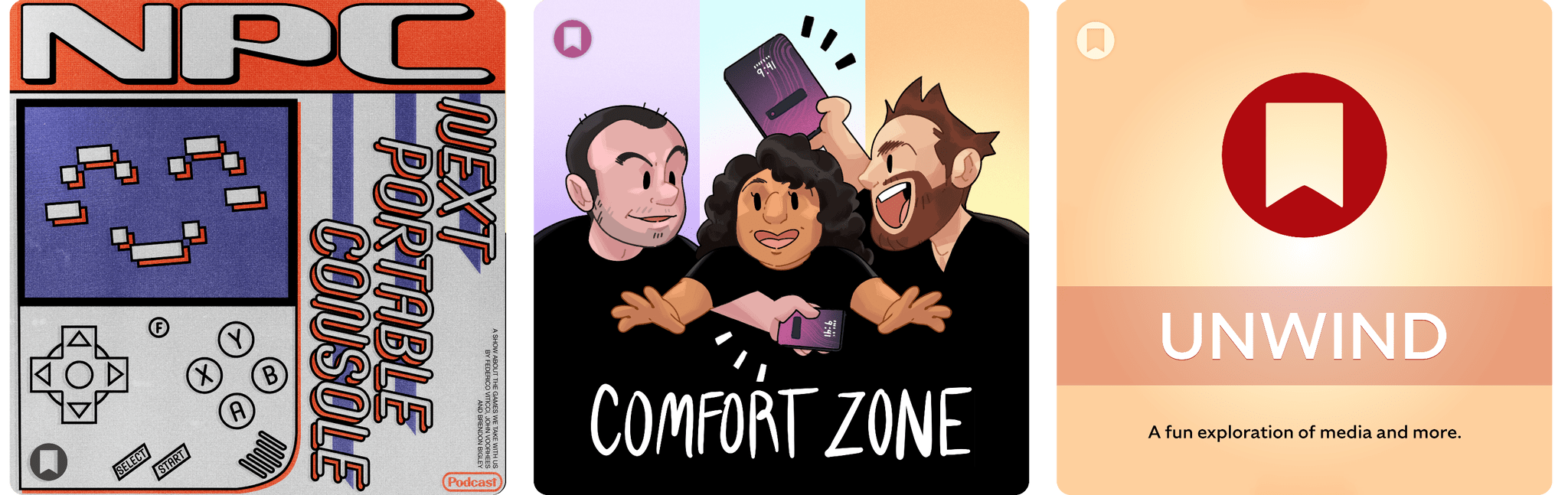
NPC: Next Portable Console

This week, a quick tour of Nintendo’s latest Direct, more details emerge about the Virtual Boy Switch 2 accessory, the Steam Machine and other hardware is delayed, Anbernic goes out on a limb, AYANEO steps on a rake, and the Odin 2 rides off into the sunset.

On NPC XL, Federico is choosing between Switch 2 controllers, and Brendon receives an unexpected gift.

Comfort Zone

Matt wants to do an AI check-in, Chris serves a master class on getting started with 3D printing, and Niléane is away, so the dads talk a little Formula 1… just a little.

On Cozy Zone, Chris gets a brand glow up!

MacStories Unwind

This week, Super Bowl traditions, Federico’s very hungry plumber, some High Potential follow-up, and the latest season of Shrinking.

Read more


MacStories Weekly: Issue 500

Read more

Google Releases YouTube App for Apple Vision Pro

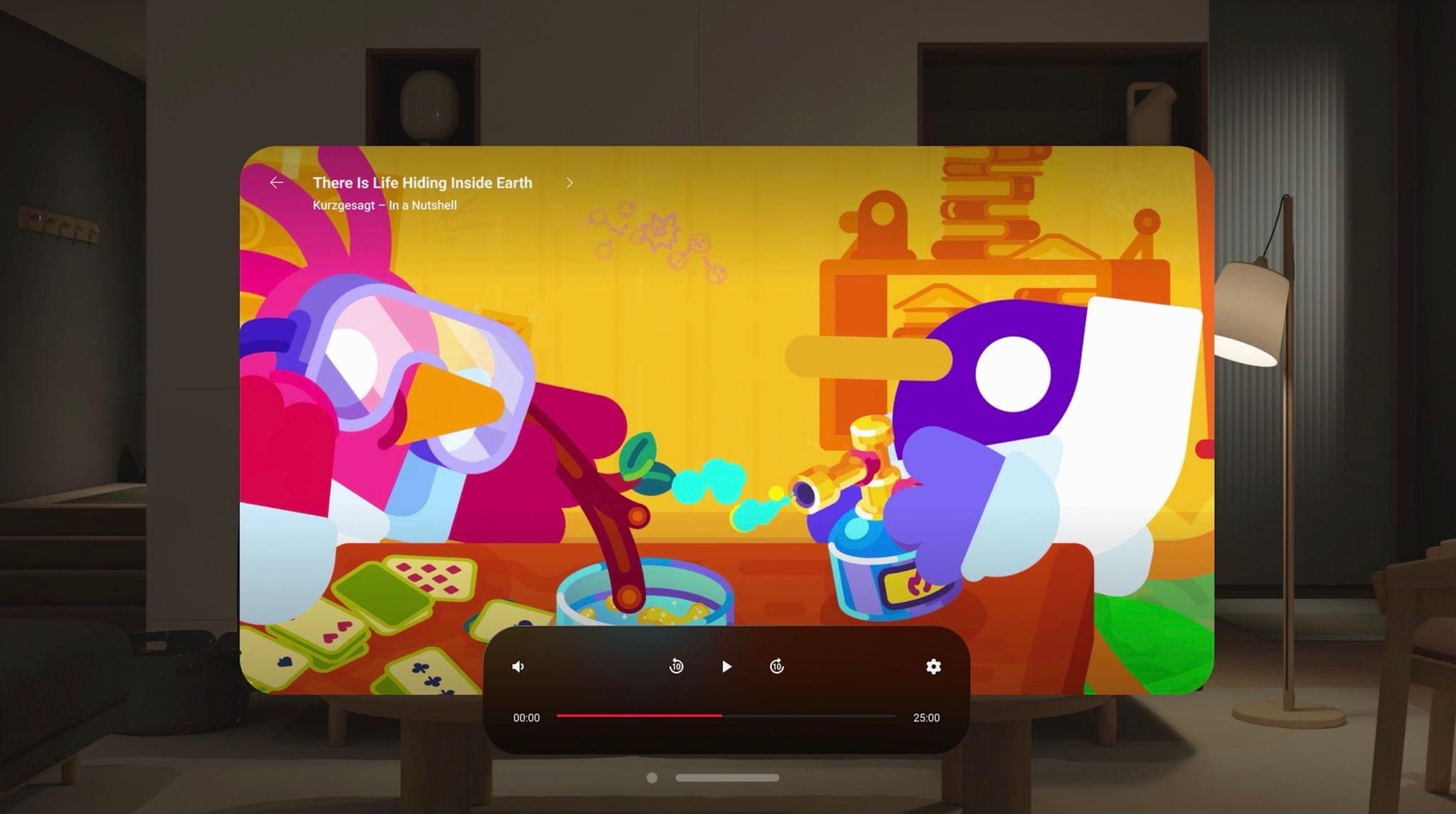
Today, Google released the official YouTube app for visionOS. The app allows users to sign in to view their subscriptions, watch later queues, and playlists, and it supports native playback of regular videos, shorts, and spatial formats including 3D, 180-degree, and 360-degree. On the M5 Vision Pro, the app supports playback of 8K videos as well.

The Vision Pro launched two years ago without an official way to watch YouTube. Third-party options like Tubular Pro and the now-defunct Juno filled the gap well, and users have always been able to watch YouTube in a browser on visionOS. (Apple even made improvements to web video playback in visionOS 2 to make using sites like YouTube and Netflix more seamless.) But the lack of a native app from Google has been seen as a mark against visionOS up to this point.

Whether you’re a Vision Pro user who spends a lot of time watching YouTube or just someone who wants to see the platform thrive, having an official solution is a win. One of the device’s most compelling use cases is watching video, and now, there’s a great way to do so directly from Google. It’s always seemed inevitable to me that YouTube would come to the platform at some point, and as visionOS continues its slow burn toward maturity while awaiting hardware that can run it with more mass market appeal, it’s good to have YouTube onboard.

Now, it’s Netflix’s turn.


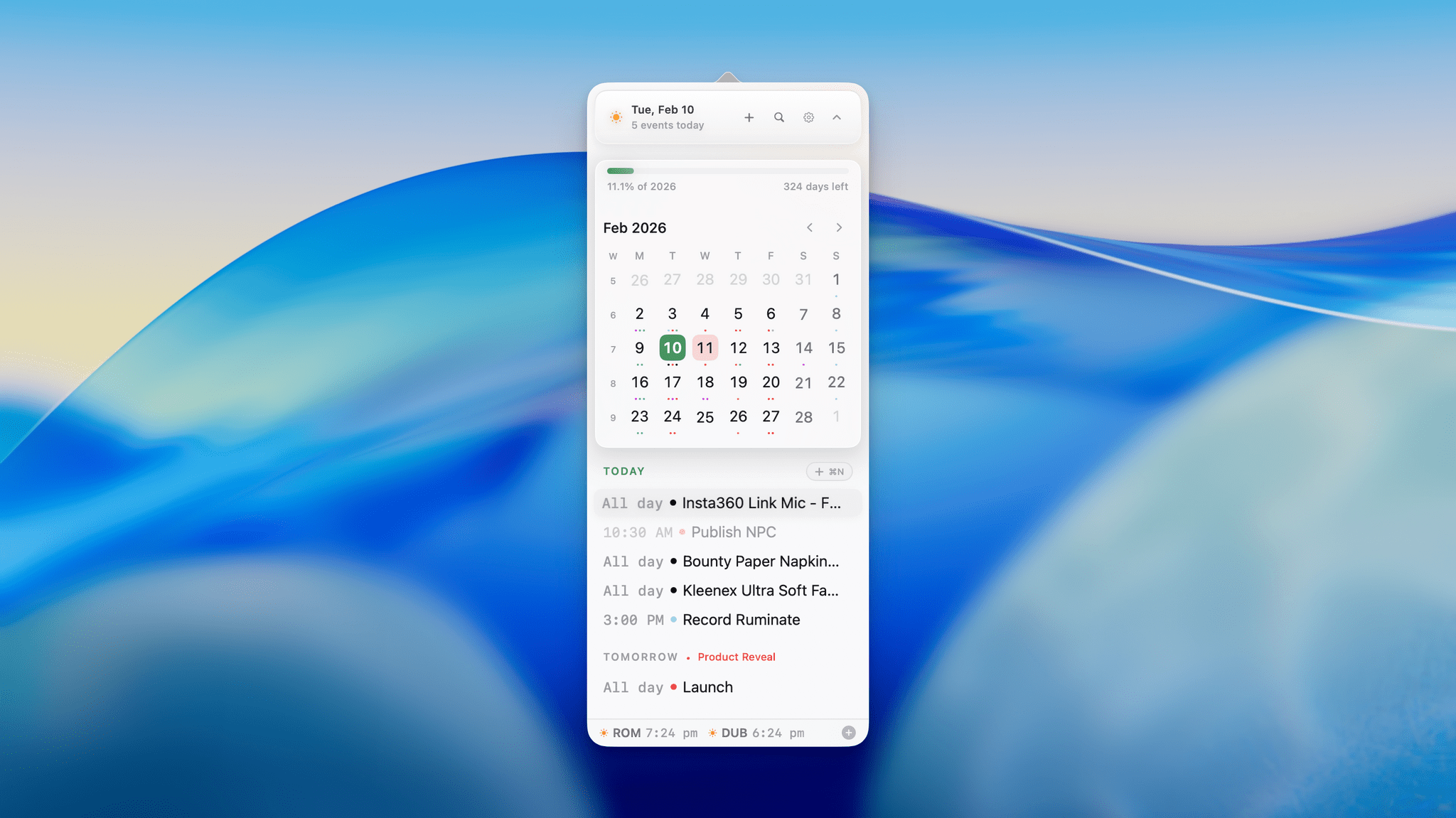
Dot: The Menu Bar Calendar That’s Become My Main Calendar

Over time, I’ve gravitated towards a two-calendar system on my Mac because I’ve never found an app where both the desktop app and the menu bar version meet all my needs. That’s probably because my calendar use is a little backwards. I don’t have a lot of meetings each week; instead, my calendar is a mix of reminders, package deliveries, and a handful of work and family events. With just two or three entries each day, I’ve found myself managing events more and more often from a simple menu bar app, reserving my full calendar app for more involved event entry and planning.

On the desktop side, I’ve used Apple Calendar the most, but I’ve also used Fantastical and BusyCal for extended periods, ultimately landing on Notion Calendar. It isn’t perfect, but its Notion integration can be handy at times. On the menu bar side of the equation, I used Dato for many years. It’s an excellent app, but even it is a little more than I need, which is why I was excited to recently discover Dot.

Read more


Submissions Open for the 2026 Swift Student Challenge

Today, Apple opened up applications for the Swift Student Challenge. Students have until the end of February to submit an app playground built with Xcode or Swift Playground. According to Apple’s developer website:

  • No prior experience is needed. The Challenge is open to students of all levels who meet the eligibility requirements.
  • The Challenge is free to enter — all you need is access to a Mac or iPad with Xcode or Swift Playground.
  • Your app playground can be on any topic of your choice. The best app ideas come from subjects or experiences that you’re passionate about. 
  • Your app playground should be experienced within 3 minutes or less.
  • The Swift Student Challenge is a great opportunity for students to build their skills and create something great.

Apple also released a video explaining the Challenge, and additional resources are available for both students and educators.

After the submission period closes, Apple will pick 350 winners, who will receive a one-year membership in the Apple Developer Program and a gift. Of those winners, 50 will be selected as Distinguished Winners who will be invited to visit Apple Park in Cupertino for a three-day visit, which in past years was held during WWDC.

for me, the kickoff of the Swift Student Challenge is the beginning of the build-up to WWDC, which is likely just four months away. It’s a great program that I know has inspired a lot of students to become the developers whose apps we cover at MacStories. Federico and I have also had the pleasure of interviewing many of the winners in the past and have always come away impressed and inspired what they create as part of the Challenge. I’m sure this year will be no different.


Podcast Rewind: Weird Nintendo Nostalgia, Reviving Old Tech, and Parking in Rome

Enjoy the latest episodes from MacStories’ family of podcasts:

NPC: Next Portable Console

This week, Federico, Brendon, and John tackle a load of weird news from playing Game Boy games on e-readers and ordering pizza from a Wii in 2026 to the upcoming Virtual Boy Switch 2 accessory.

On NPC XL, the guys chat about whether we’re approaching the endgame for handheld consoles and wonder why no one has made much of a move to adapt their handhelds for the living room.

Comfort Zone

Matt wants to talk about his (quick) notes, Niléane brings 3(!) topics, and everyone brings old(?) tech back from the dead.

On Cozy Zone, we tier listed Star Wars. All of it. Yes, even that one. If there was ever a time to give Cozy Zone a shot, it’s now.

MacStories Unwind

This week, John survived a bomb cyclone, Federico explains the fine art of parking in Rome, and John rounds out the episode with a reality TV show from Korea along with an Unwind deal you’ll find in the show notes.

Read more