Big Grocery Update Adds Recipe and Meal Planning Support Along with Other Refinements

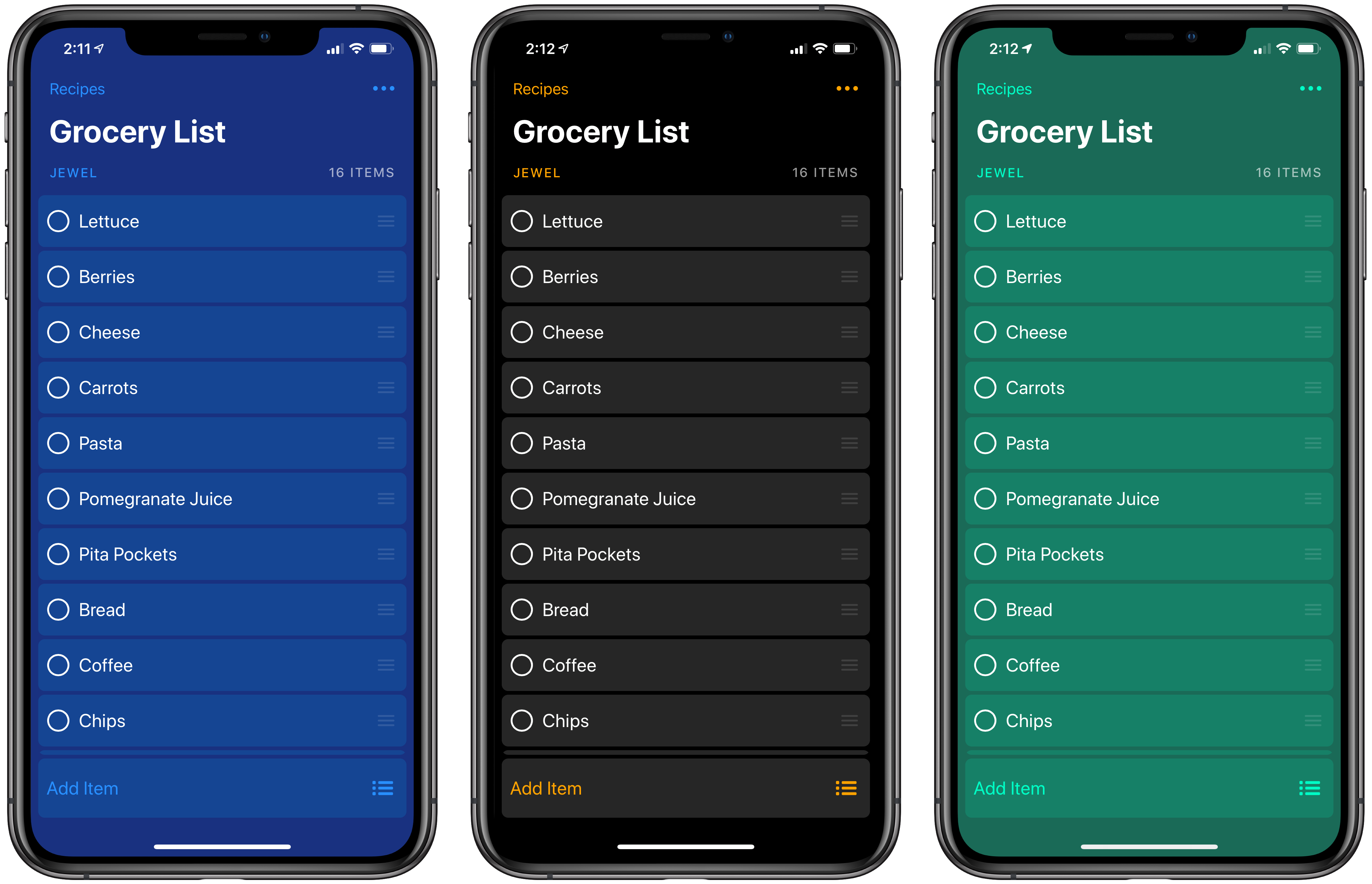
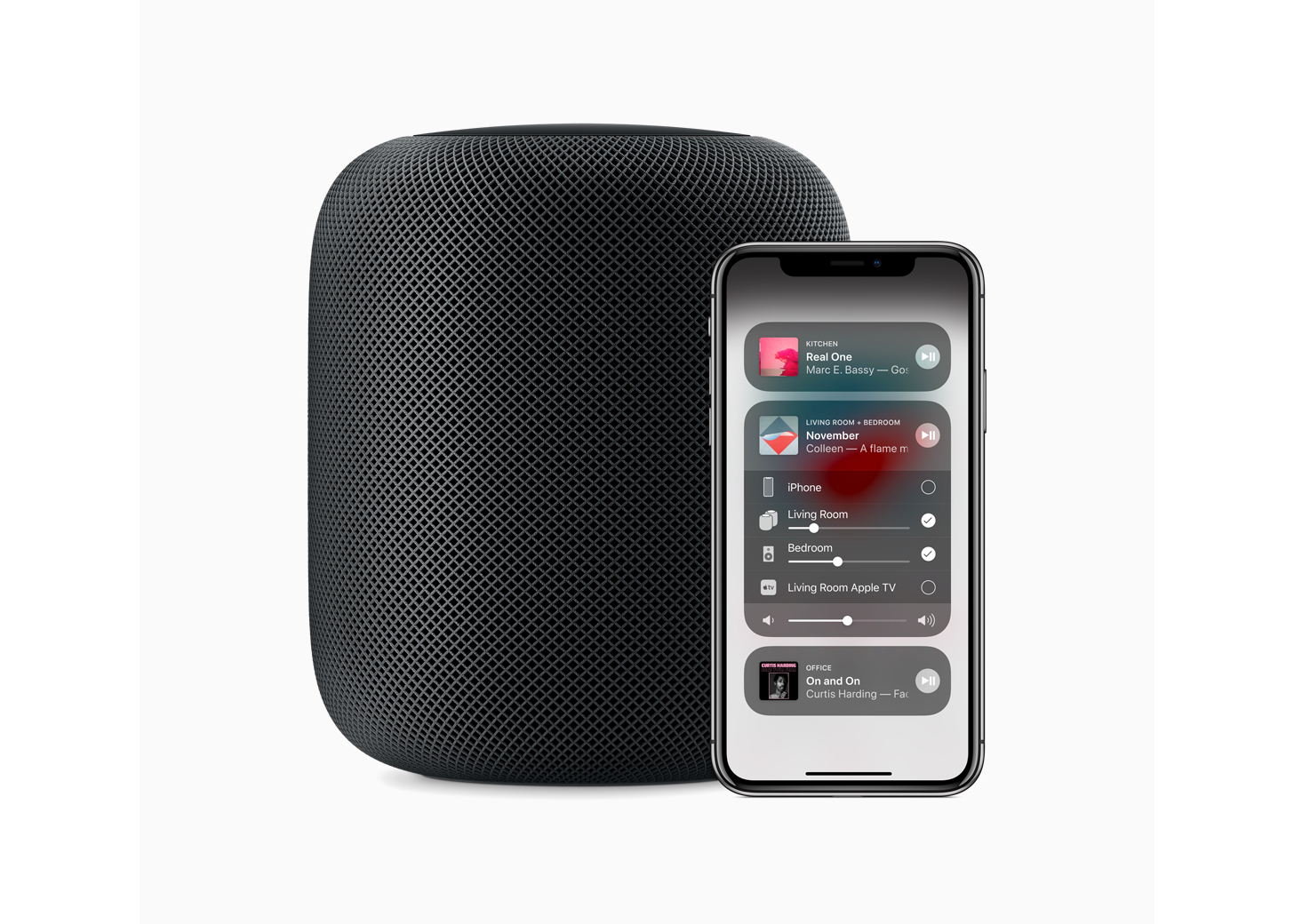
I’ve used Grocery on and off for a long time, but what finally made it stick in a way that it never did in the app’s early days was the addition of a HomePod in my living room/kitchen area. The app is built on top of Apple Reminders, which means that even from the earliest days of the HomePod, adding items to our family grocery list using Siri was reliable. Grocery’s Siri support was available before the HomePod, but the ability to add things to the list while I’m cooking or rummaging through the refrigerator transformed Grocery into an app I use throughout the week.

With version 2.0, Grocery has added a new level of power to the app by creating a flexible system that allows you to do everything from storing a template grocery list that you can reuse over and over to recipe management and meal planning. The new features add some complexity to Grocery, but if you invest a little time in understanding how the app works and take advantage of its Shortcuts integration, the update opens up interesting uses far beyond what was possible before.

Read more


Home: A Powerful, Flexible Alternative to Apple’s Home App [Sponsor]

Apple’s Home app is great when it comes to controlling your smart home accessories. But once you start adding automations to your home, you quickly encounter the limits of the Home app. HomeKit is much more capable and flexible than what Apple has to offer.

There is another Home app in the App Store developed by Matthias Hochgatterer. This app has been around for over 3 years and was released long before Apple introduced its Home app with iOS 10. The app is a full-featured HomeKit app that lets you configure, control and automate your HomeKit accessories.

You can configure your home, create rooms and zones, and arrange accessories as you like. You can create accessory groups to group multiple devices together. The app even creates smart groups for you, so you can turn off all lights in your home with a single tap.

The app offers multiple Today widgets and a watchOS app to view your most important accessories at a glance too. There is even dedicated camera widget, where all your favorite cameras are listed.

One of the most beloved features of the Home app is that you can create automations
that are not possible with any other HomeKit app. For example, you can turn on your heater when the current temperature drops below a certain threshold. There are endless possibilities to create your own smart home with HomeKit and the alternative Home app.

Now is the best time to get a copy of Matthias Hochgatterer’s Home app because it’s 30% off until March 4, 2019. To learn more about the app and HomeKit in general, visit the Home website.


Third-Party Vendors Fill the Void Caused by Overwhelmed Apple Geniuses

Molly McHugh writing for The Ringer:

The saturation of iOS and Mac products means more and more people own Apple devices—which means more and more people need help using them. Each iOS and MacOS release reveals a new suite of tools and capabilities, but also new challenges and complications (and sometimes bugs). At the same time, Apple’s Genius Bar has become a purgatory no iDevice owner wants to find themselves stuck in.

That in a nutshell is one of the greatest challenges facing Apple retail today, and one that’s been years in the making. It’s not really surprising either. Especially since the introduction of the iPhone, the number of Apple devices in consumers’ hands has grown exponentially, while the number of Apple Stores and Geniuses that work in them has not.

McHugh ultimately resorted to a third-party repair shop to solve a software problem with Voice Memos and had a good experience. The story, however, strikes an increasingly common refrain that highlights a problem Apple needs to address.

Permalink

How Apple Music Could Own the Classical Music Audience

Mitchel Broussard of MacRumors recently published an in-depth look at the problems classical music fans have with Apple Music’s approach to that expansive genre. Unlike many other common genres, such as hip-hop, pop, and country, the range of music deemed ‘classical’ bears its own unique challenges in a variety of areas. Broussard spoke to Benjamin Charles and Franz Rumiz, classical music enthusiasts, who shared their frustrations with how Apple Music fails to optimize for classical music’s distinctness. He writes:

[Apple Music’s Classical] section spans centuries, including all of the notable composers like Mozart (born 1756, died 1791), Maurice Ravel (b. 1875, d. 1937), and John Cage (b. 1912, d. 1992), but this grouping is frustrating for classical music aficionados, given how little these musicians have in common among one another…Rumiz: “The sorting of recordings follows the rules of pop & rock genre. For classical music this doesn’t fit at all, because you very often want to compare different recordings of the same pieces by the same composer with different soloists, orchestras and conductors.”
[…]
Charles says that one aspect of classical music that’s mixed up in the shuffle is the listener’s interest in a piece’s composer versus its performer. While some artists, like Leonard Bernstein, both compose and perform their music, Charles questions how Apple Music determines the best recording for a piece of music: “Is a recording more significant because it is composed by Bach, or is it more significant because it is performed by Glenn Gould?”

Classical music also can be extremely difficult to request of Siri due to the unique names for many classical tracks, and there are several other issues highlighted in the article, all of which appear like legitimate hindrances to a great classical music experience on Apple’s platform.

Overall Apple Music’s handling of classical music seems more like an oversight than an intentional design choice, but Broussard and his interviewees make a strong case that Apple should take note of. As the last line of the article states:

“This is a completely untapped market,” Charles tells me. “One streaming service could completely own the classical music audience if it wanted to.”

Permalink


Is Apple Doing Enough in the Smart Home Market?

Jason Snell writing about a recent Apple hire for Macworld:

This past week we learned that the company has hired a new head of home products, which makes me ask the question: What exactly does Apple expect Sam Jadallah to do? Is his job to make deals with HomeKit partners and make the HomePod more successful? Or is this the sort of thing that happens when a company shifts gears because it realized that its old strategy wasn’t working?

That story got Snell thinking about how Apple could expand its current lineup of home products. He proposes two: a soundbar that integrates HomePod and Apple TV functionality and a wireless mesh networking system.

Both make a lot of sense. The technology for the soundbar has already been developed and it’s a device that sits in a unique position in a home entertainment system where it could both enhance the viewing experience with superior sound and facilitate the delivery of content from Apple’s services.

Why Apple abandoned the wireless home networking market remains a mystery. Although it may not have been as profitable as other product lines, networking sits at a strategic crossroads between all of Apple’s products. Whether it’s AirPlay, Handoff, the Universal Clipboard, other Continuity features, or something yet to come, controlling the network over which those experiences are delivered helps ensure that they work seamlessly.

Sam Jadallah, who previously worked at Microsoft and later ran a smart lock startup called Otto that was shuttered, certainly has the background to run Apple’s existing HomeKit programs, but like Snell, I hope his hiring is a sign that something bigger is on the horizon.

Permalink

Eventail Widget Adds GoodTask Integration, New URL Buttons

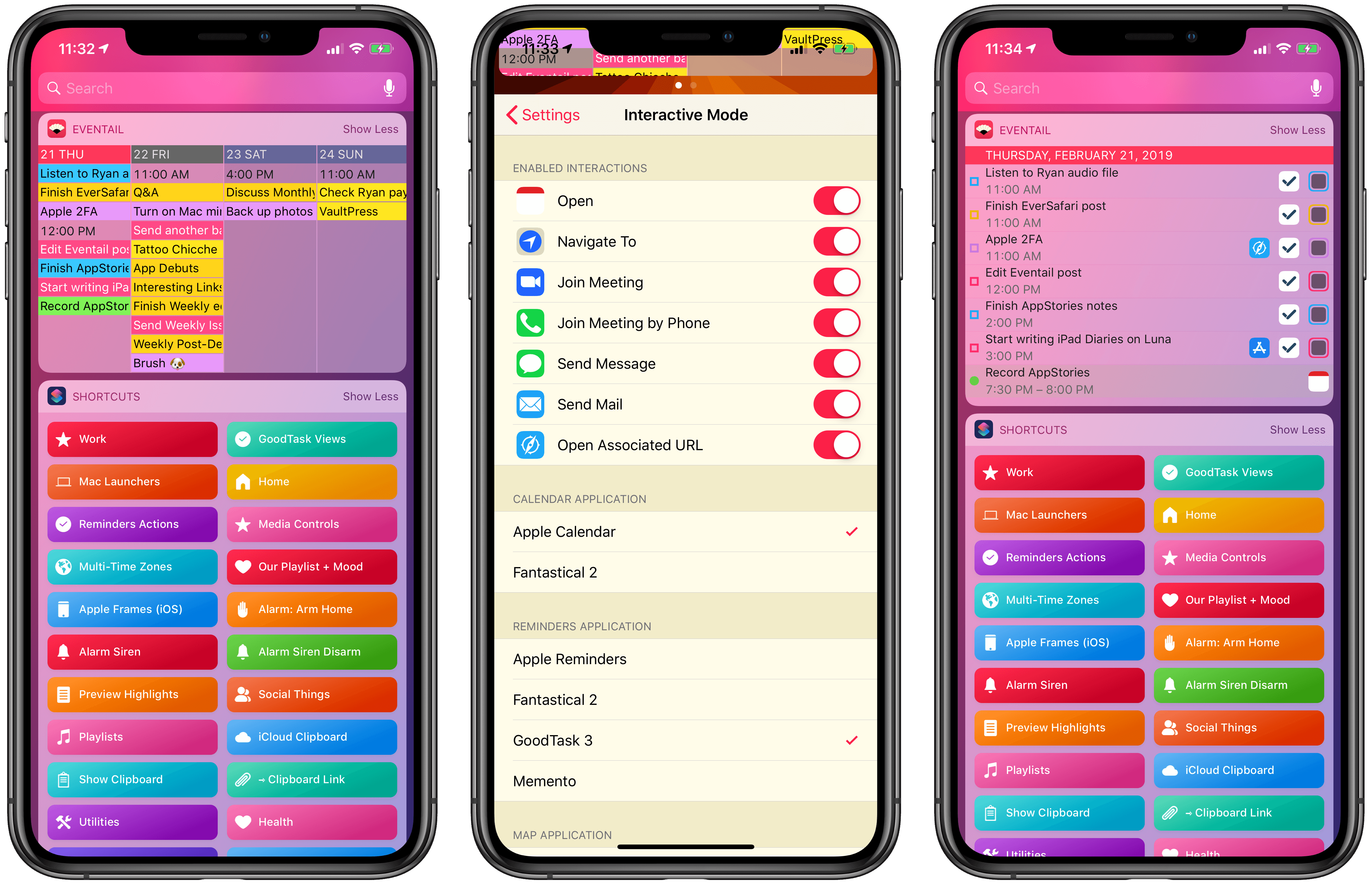
I last covered Eventail in April 2018, when its developer Jozef Legeny brought support for the iPhone X and new color schemes to his compact calendar widget for iPhone and iPad. With version 3.1 released today, Eventail (which over the past year also gained support for overdue reminders and interactive mode) is adding integrations for popular third-party apps and a convenient shortcut to reopen links contained in events and reminders.

Read more


Connected, Episode 231: Dozens of Invisible Footnotes

The boys dive into a sea of rumors after Federico explores San Jose’s municipal websites, Myke gives everyone a gift and Stephen returns from a journey.

On this week’s episode of Connected, we discuss the latest Marzipan rumors and consider the implications of a 6K display made by Apple. You can listen here.

Sponsored by:

  • Pingdom: Start monitoring your websites and servers today. Use offer code CONNECTED to get 30% off.
  • Luna Display: The only hardware solution that turns your iPad into a wireless display for your Mac. Use promo code CONNECTED at checkout for 10% off.
  • Care/Of: Personalized supplements delivered to your door.
Permalink

Apple Answers Two-Factor Authentication Questions Raised by Developers

A week ago, Apple sent an email to developers announcing that it would require two-factor authentication for all developer accounts beginning February 27, 2019. The message linked to an Apple two-factor authentication support page that applies to all Apple IDs. The trouble was, the support page didn’t answer many of the developer-specific questions that were immediately raised.

The concern I’ve heard voiced most often by developers is whether someone who uses one Apple ID to log into their developer account would be able to do so using an Apple device that is logged in using a different Apple ID. Today, Apple published a new support page answering this and many other questions. Specifically with respect to the two-Apple ID scenario, Apple’s FAQ-style support page says:

Will I need a trusted device dedicated to my Apple Developer account if I enable two-factor authentication?

No. You’ll need to use a trusted device to enable two-factor authentication for the first time. However, you can use the same trusted device for multiple Apple IDs that are enabled for two-factor authentication. Additionally, if you do not have access to your trusted device, you can get your verification code via SMS or phone call. When possible, you should use a trusted device to increase security and streamline the process.

The document covers many other situations as well including:

  • How to check if you have two-factor authentication enabled
  • Configuring an iOS device or Mac to accept authentication codes for multiple Apple IDs
  • Enabling multiple trusted phone numbers that can receive authentication codes

The support page concludes with a link to a contact form for Apple’s developer team to raise any other circumstances that prevent a developer from enabling two-factor authentication.

Although it would have been better if this level of detail was published when Apple’s initial email went out to developers last week, the company has clearly heard the concerns raised by the developer community and has put together a thorough explanation that should address most situations. By answering the most common questions, Apple Developer Relations will hopefully be freed up to deal with any outlier issues that aren’t addressed in its support documentation.