Boom 3D: Enjoy Immersive Audio on Your Mac [Sponsor]

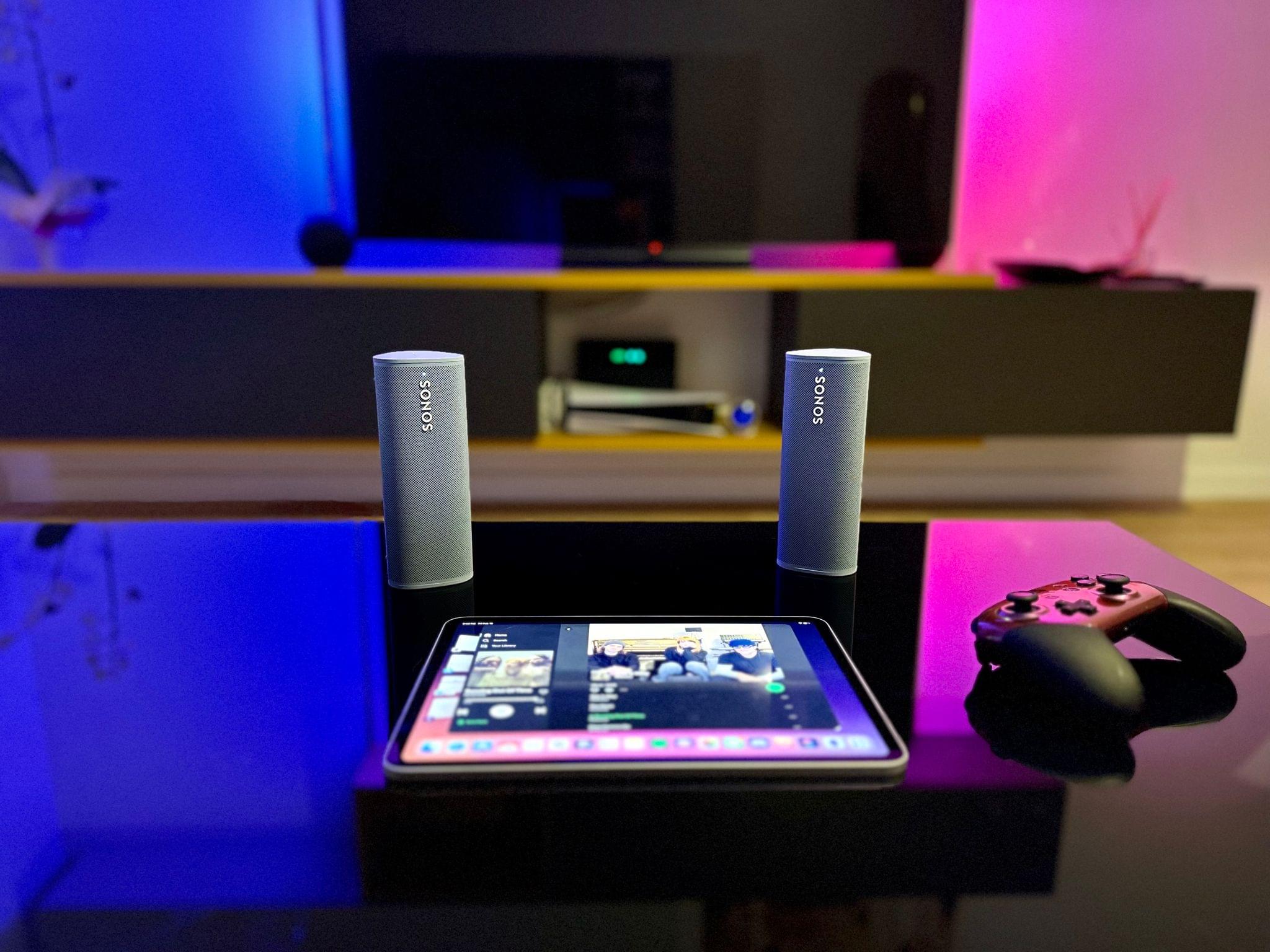
Boom 3D by Global Delight is the premier app for enhancing your Mac or Windows PC’s audio, and right now, it’s 75% off for Black Friday. The app produces exceptionally clear, clean, 3D sound without the need for added hardware. Just use the headphones you already own and let Boom 3D breathe new life into every entertainment experience.

The app’s 3D audio is driven by Global Delight’s patented sound staging algorithm and 31-band equalizer, which create an unparalleled, immersive experience with any headphones. Netflix and Apple offer spatial audio for some of their content, but with Boom 3D, all content benefits from Boom 3D and sounds amazing.

Boom 3D has been carefully crafted to produce spectacular, vibrant sound. The effect is the sort of thing that once you try it, everything else sounds lifeless and flat by comparison. It’s truly extraordinary. Even if your source audio is only recorded in stereo, it will be up-mixed into a stellar audio experience.

In addition to its patented audio technology, Boom 3D features a 31-band equalizer that allows you to precisely tune your Mac’s audio to your tastes. The app has also received praise from hearing-impaired users who can adjust audio to boost frequencies they have trouble hearing. Plus, Boom 3D includes its own audio player that supports a wide range of file formats, offers access to over 20,000 Internet radio stations, and integrates with Tidal.

There’s even a mobile version for iPhone, iPad, and Android users called Boom, which enhances audio played on your mobile device.

Global Delight is currently offering Boom 3D for 75% off for a limited time as part of its Black Friday sale, so don’t wait, download the app today.

Our thanks to Global Delight for sponsoring MacStories this week.


MacStories Unwind: Pokémon Scarlet and Violet First Impressions

AppStories+ Deeper into the world of apps
0:00
25:11

AppStories+ Deeper into the world of apps


This week on MacStories Unwind, Federico and John kick off the MacStories Selects awards season with nominations for the Readers’ Choice award before taking a first look at Pokémon Scarlet and Violet.


Coming Soon: The Fifth Annual MacStories Selects Awards, Readers’ Choice Award, and Lifetime Achievement Award

Soon, we’ll announce the fifth annual MacStories Selects Awards, honoring our favorite apps in a wide variety of categories. Winners will receive a physical MacStories Selects award designed by MacStories’ own Silvia Gatta. As with last year, awards will be selected in the following categories:

  • App of the Year
  • Best New App
  • Best App Update
  • Best New Feature
  • Best Design
  • Best Watch App
  • Best Mac App

We’ll also be conferring two special awards:

  • the Readers’ Choice Award
  • the Lifetime Achievement Award
In 2021, Club MacStories members picked Craft for the Readers' Choice Award.

In 2021, Club MacStories members picked Craft for the Readers’ Choice Award.

The Readers’ Choice Award is nominated by Club MacStories members and chosen by Club MacStories+ and Club Premier members. A link to the nomination form and details about which apps are eligible for the award will be available in this Friday’s issue of MacStories Weekly right at the beginning of the issue. Nominations will be accepted until Noon Eastern US time on Sunday, November 20th.

After nominations close, we’ll tally the submissions and open voting on the top five nominees to Club MacStories+ and Club Premier members via our Discord community. Voting will conclude at Noon Eastern US time on Tuesday, November 22nd.

For more details on Club MacStories, please visit plus.club.

2021's first annual Lifetime Achievement Award went to PCalc by James Thomson.

2021’s first annual Lifetime Achievement Award went to PCalc by James Thomson.

We’ll also be selecting a Lifetime Achievement Award to recognize an app that has had an important impact on the world of apps. We’ll be choosing an app beloved by users and inspiring to developers, which has left its mark on the App Store’s history.

Every year, we use hundreds of terrific apps. MacStories Selects is our way to call out a handful of our absolute favorites that are shining examples of the best apps on Apple’s platforms.

We look forward to sharing our selections and our Club members’ pick with you in December.


‘Command-K Bars’ as a Modern Interface Pattern

Maggie Appleton (via Michael Tsai) has written about one of the UI trends I’ve seen pop up more and more lately, and which we mentioned on AppStories several times over the past year: the so-called ‘Command-K’ bars inside apps.

Command bars are command-line bars that pop up in the middle of the screen when you hit a certain keyboard shortcut.They’re also known as ‘command palettes’, ‘command launchers’, or ‘omniboxes’ Traditionally CMD + K, hence the moniker “Command K bars.” But CMD + E and CMD + / have also been strong shortcut contenders.

[…]

They don’t even have to remember its exact name. Fuzzy search can help them find it by simply typing in similar names or related keywords. For example, if I type “make” into a command bar, it’s likely to show me any actions related to creating new items. Even if “make” isn’t part of the action name.

[…]

These bars also do double duty as universal search bars. You’re not only searching through the available actions in an app. You can also search through content like documents, file names, and tasks.

You’ve probably seen these command bars in apps like Obsidian, Craft, Todoist, Arc, Cron, Notion, and lots of others. (On Apple platforms, Things did something similar all the way back in 2018 with a feature called ‘Type Travel’.) It feels like every modern productivity app – especially on desktop – has its own flavor of this interface element nowadays. In a way, this visual trend reminds me of pull-to-refresh before it was standardized by Apple and became a native iOS UI component.

I’m intrigued by Command-K bars as a feature that speeds up keyboard-driven interactions on iPad and Mac while at the same time serving as a search box for an app’s own commands. Think of the typical Command-K bar as a mix of Spotlight, the macOS menu bar, and iPadOS’ keyboard shortcut menu, but as an element that can be invoked from anywhere in an app and dismissed with just a keystroke. As the examples in Maggie’s article show, Command-K bars can be genuinely useful to surface hidden commands and allow power users to save time when using complex apps.

There are plenty of cases where Apple’s apps could benefit from this kind of in-app search makeover. Here’s Notes, for instance, when you activate the ‘Note List Search’ command:

Search inside Notes.

Search inside Notes.

And here’s the rather complex list of keyboard shortcuts supported by Safari:

Keyboard shortcuts in Safari for iPad.

Keyboard shortcuts in Safari for iPad.

I said this on AppStories and I’ll say it again: I think Apple should consider an in-app version of Spotlight that replicates the functionality of Command-K bars and is optimized for keyboard usage on iPadOS and macOS. Modern productivity software is clearly moving in this direction on desktop and the web; I’d like to see Apple apps offer faster keyboard navigation and command discoverability too.

Permalink

Apple and Major League Soccer Will Launch MLS Season Pass on February 1, 2023

Yesterday, Apple announced the MLS Season Pass, which will bring every regular season Major League Soccer match, the playoffs, and the League Cup to over 100 countries without blackouts, with the only exception being the Leagues Cup and Campeones Cup, which won’t be available in Mexico. Matches can be viewed on any Apple device, as well as smart TVs, streaming devices, set-top boxes, and game consoles that offer Apple’s TV app.

The MLS Season Pass is included for free for MLS season ticket holders. Beginning February 1, 2023, everyone else can subscribe for $14.99 per month or $99 per season or $12.99 per month, and $79 per season if they’re also an Apple TV+ subscriber. Some matches will be streamed free to TV app users, with additional matches available to TV+ subscribers for no extra charge too.

MLS Season pass is part of Apple’s 10-year deal inked with Major League Soccer in June. MLS’ regular season kicks off on February 25, with 2022 MLS Cup champions Los Angeles FC playing the LA Galaxy in the Rose Bowl Stadium in Pasadena, California, which will be available for anyone to watch for free in the TV app. In addition to matches, which will include English and Spanish crews, plus French-speaking crews for matches involving Canadian teams, MLS Season Pass will feature highlights, recaps, and more.

Major League Soccer’s 2023 season is just around the corner, and MLS Season Pass is ambitious by any measure. It will be interesting to see how MLS fans react to the service, and I’m sure other sports leagues that are talking to Apple about covering their teams will be watching how it plays out very carefully.


AppStories, Episode 305 – A Close-Up Look at Anybox and Spring

This week on AppStories, we dig into two excellent apps we’ve been enjoying recently: Anybox, a bookmark and file organizer, and Spring, a third-party Twitter client.

Sponsored by:

  • Memberful – Monetize your passion with membership.

On AppStories+, Federico explains what’s coming next with Apple Frames 3.1, his shortcut for framing screenshots with Apple hardware images.

We deliver AppStories+ to subscribers with bonus content, ad-free, and at a high bitrate early every week.

To learn more about the benefits included with an AppStories+ subscription, visit our Plans page, or read the AppStories+ FAQ.

Permalink

Unlock Your Sales Potential with the New Daylite Opportunities Board [Sponsor]

For small businesses, acquiring new business often means juggling multiple priorities at the same time, as each deal has its own time frame and different client requirements. That’s why you need a tool that will help better manage your sales pipeline, so you’re making the most of every sales opportunity that comes your way.

Meet the Daylite Opportunities Board

The Daylite Opportunities Board lets you visually track your deals’ progress at every stage and helps you prioritize sales opportunities. This powerful feature gives you a holistic view of your sales pipelines, allowing you to track where each Opportunity is in the process, so you and your team can focus on the most valuable ones. The drag-and-drop functionality allows you to move opportunities from one stage to the next, and you can easily classify deals as “won” or “lost” by dragging them to the respective status categories. Learn more about how this powerful Daylite feature has become a game-changer for Apple-savvy small businesses

About Daylite

Daylite is an award-winning CRM and productivity business app that empowers small businesses to get more done throughout the full customer lifecycle. Daylite is a native app built exclusively for Mac, iPhone, and iPad. From meeting prospects and taking control of your sales to managing the moving pieces on projects, all the way through to winning more repeat business, it’s all done in Daylite. 

And now, with the Daylite Opportunities Board, you can finally better manage your sales process and unlock your sales potential. 

Are you ready to close more deals with Daylite? Start your free trial here.

Our thanks to Daylite for sponsoring MacStories this week.