

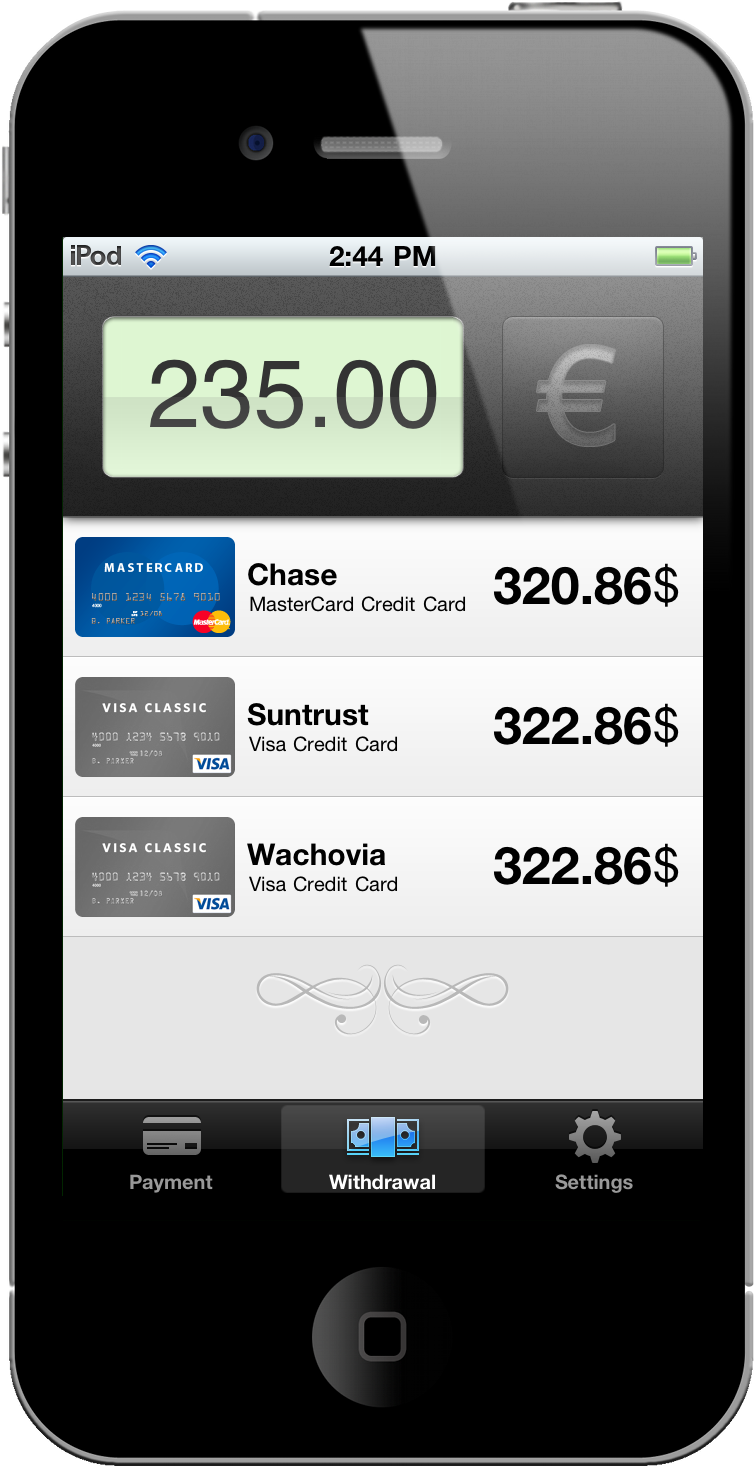
Perhaps there’s a beautiful French woman waiting for you overseas. Boarding the next International flight and armed to the teeth with your Visas and MasterCards, you’ve found the perfect place in Paris to buy her that beautiful diamond ring. While I am stealing a page out of a Google commercial, spending money overseas is no joke when credit card fees are involved. Don’t be caught off guard: Wallet Dilemma for the iPhone accurately approximates just how much those Euros will end up costing you in good ol’ USD.
No More Hidden Fees: We’re Giving Away Wallet Dilemma So You Can Shop Safely Overseas With Your Credit Cards
Apple: Everything That Happened in 2010 [Video]
We know 2010 has been a terrific year for Apple. New MacBooks, New iMacs / Mac Minis and Mac Pros, the iPhone 4, the iPad. Not to mention the new & improved Apple TV, iOS 4, Retina Display on the iPod touch, the fiscal results….overall, it’s been a good year. One of those that will end up on Wikipedia someday.
The video below puts all of this in perspective by placing all the events that marked Apple’s 2010 in chronological order.
“We think it’s great.”
[via Seth Weintraub]
Bringing Google Calendar To The iPad, Cloud Calendar Just Works (And We’re Giving It Away)
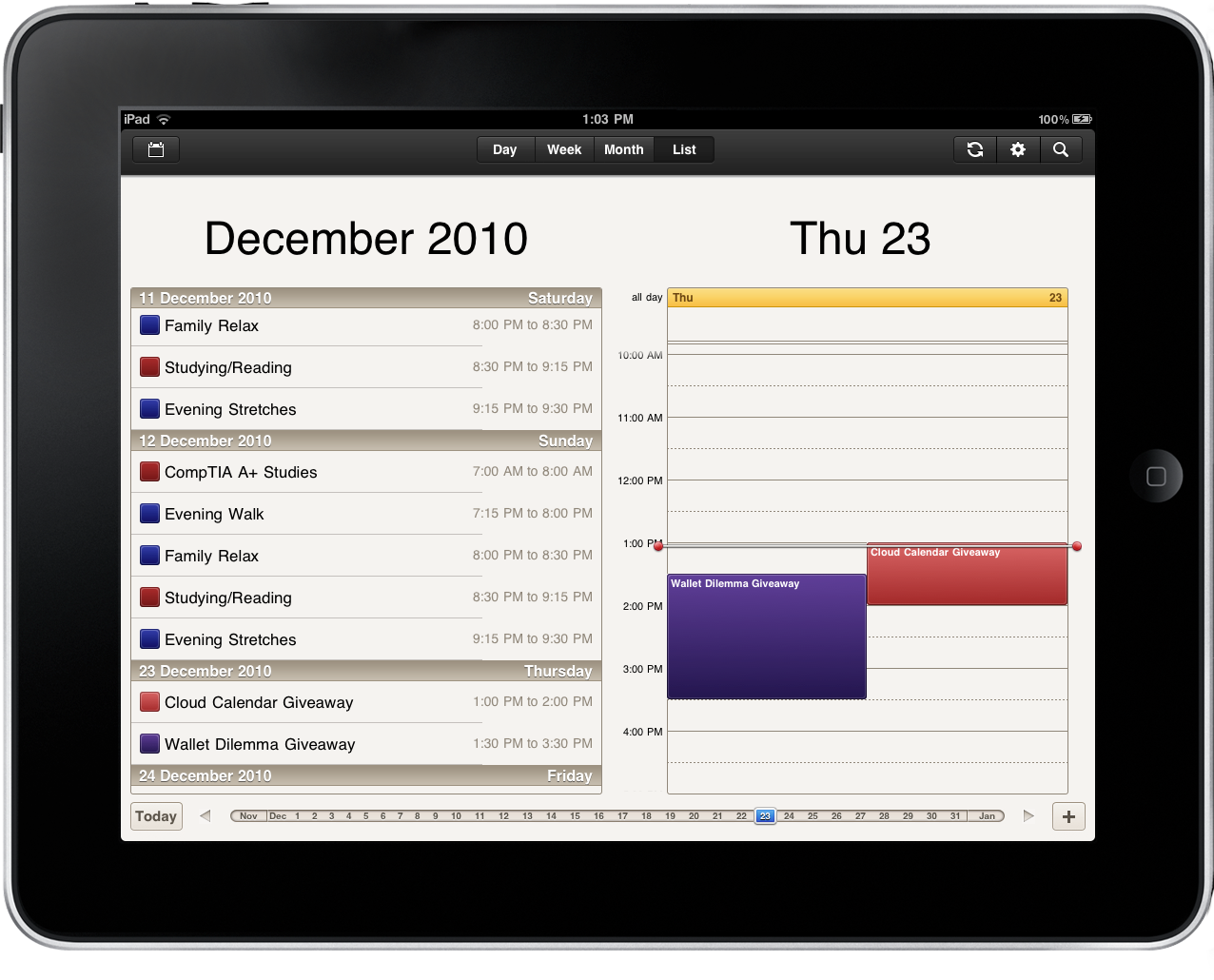
The simplicity of iCal should be transcended to our Google Calendars. Wrestling iCal and Google Calendars to work in harmony has been somewhat of a challenge because I have completely two different sets of calendars and events that need to be merged, and currently I can’t risk the time (or expense) to sit down and ensure my mid 2011 dates aren’t hacked to pieces because of conflicts. What I need isn’t a syncing solution, but rather a completely new app that allows me to separate my personal life from my business life. Cloud Calendar from Clean Cut Code delivers all of my Google dates to my iPad with the familiarity of iCal.
#MacStoriesDeals - Thursday

Here’s some great deals for today on iOS & Mac apps that are on sale for a limited time, so get ‘em while they’re hot!
Because Everyone Needs A Second Monitor, We’re Giving Away 10 Copies Of DisplayPad
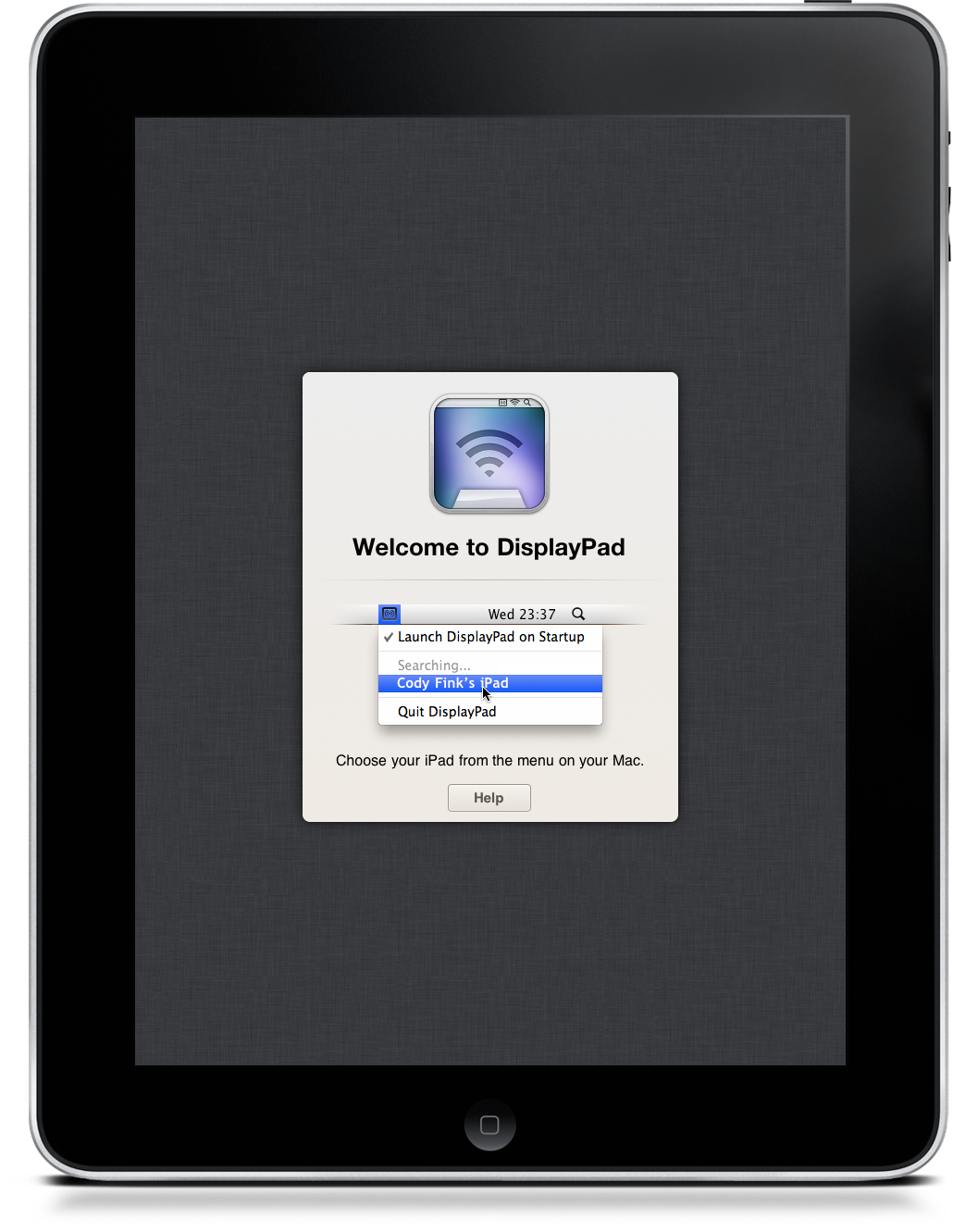
Thinking about buying a monitor for the holiday? How about a multi-touch monitor that doubles as a computer when it isn’t sitting in a dock next to your iMac? DisplayPad for the iPad was reviewed yesterday as the multi-touch champ that is drop-dead simple to set up. Who doesn’t want a whole second monitor dedicated to iTunes or Reeder for OS X? DisplayPad is currently on sale for $.99 in the iTunes App Store, but Christmas penny pinchers may want to click past the break for a MacStories-to-Ten chance to win DisplayPad for your iPad.
Financial Times: Steve Jobs ‘Person of the Year’→
Financial Times: Steve Jobs ‘Person of the Year’

When Steven Paul Jobs first hit the headlines, he was younger even than Mark Zuckerberg is now. Long before it was cool to be a nerd, his formative role in popularising the personal computer, and Apple’s initial public offering on Wall Street – which came when Mr Jobs was still only 25 – made him the tech industry’s first rock star.
Now, three decades on, he has secured his place in the foremost ranks of the West Coast tech titans who have done so much to shape the world around the turn of the millennium.
And here’s why: “The worst thing that could possibly happen as we get big and a get a little more influence in the world is if we change our core values and start letting it slide. I can’t do that. I’d rather quit.”
Folio Case - The Simplest PDF App We’re Giving Away
Why do PDFs on the iPad have to be so formal? Often times we find our selves swiping stiff pages of a manual or some other instructional text only to find ourselves bored with the lack of any real depth. Magnifying glasses, page locks, and even that overwhelming panel of font settings can sometimes be completely unnecessary for simply enjoying the content you’ve uploaded to your device. Folio Case for the iPad brings PDFs back to basics with a bare bones interface designed for familiarity and simplicity. Turn pages - don’t slide them! And download PDFs you find online thanks to Folio’s built in capture tool. Currently on sale for $2.99, it makes a perfect companion to Apple’s iBooks and an excellent reader for all of the online documentation you’re likely to amass this Christmas. But if those last pennies were spent on coffee and not apps, we have you covered.
Apple’s Antenna Fix? Hide It Behind The Apple Logo
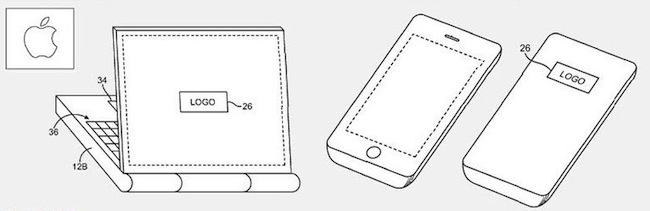
According to Patently Apple, the antenna engineers at Cupertino might have figured out a better placement for 3G antennas in future iPhone and “telephonic” MacBooks: hidden behind the Apple logo.
As Patently Apple reports, while the whole Antennagate story was spreading like a virus on the Internet and general media, Apple was busy thinking about a new patent they call the “logo antenna”. Placed behind the famous logo that’s on the back of computers, iPhones and iPads, such location would allow to “gain a stronger signal without intervening metal or other conductive housing walls interfering”.
It is difficult to place antennas in small and lightweight mobile devices, and the solution detailed in this patent would imply a “conductive antenna cavity” with “vertical sidewalls and a planar rear surface or may have other suitable cavity shapes”. Technical details are provided in Patently Apple’s coverage of the patent.
To regular users, this means that Apple has been thinking about new ways to improve antenna placement in mobile devices, and they’ve been thinking about MacBooks with built-in 3G connection, too. Me? I just want a glowing Apple logo on my iPhone.
Concept: iPhone-connected Smart Finger For The Visually Impaired
iOS devices come with great accessibility support. It is fairly easy for developers to implement in their apps, and iOS is packed with accessibility functionalities out of the box. The Thimble is “a concept multimedia finger glove” designed by Erik Hedberg and Zack Bennet that has an optical scanner right above the finger tip which is capable of on-the-fly conversion of text to Braille messages.
We know the iPhone 4 can be controlled with Braillant-32 bluetooth Braille Displays, but this concept is different: the Thimble also acts as a location-aware device that can connect to the internet to pull news and other data and pass them along as Braille messages. From the video below, it also looks like there’s some kind of speech recognition technology in there.
The Thimble is just a concept for now, but I think it would make for a great product to further extend iOS’ accessibility features. [FSM via dvice]