

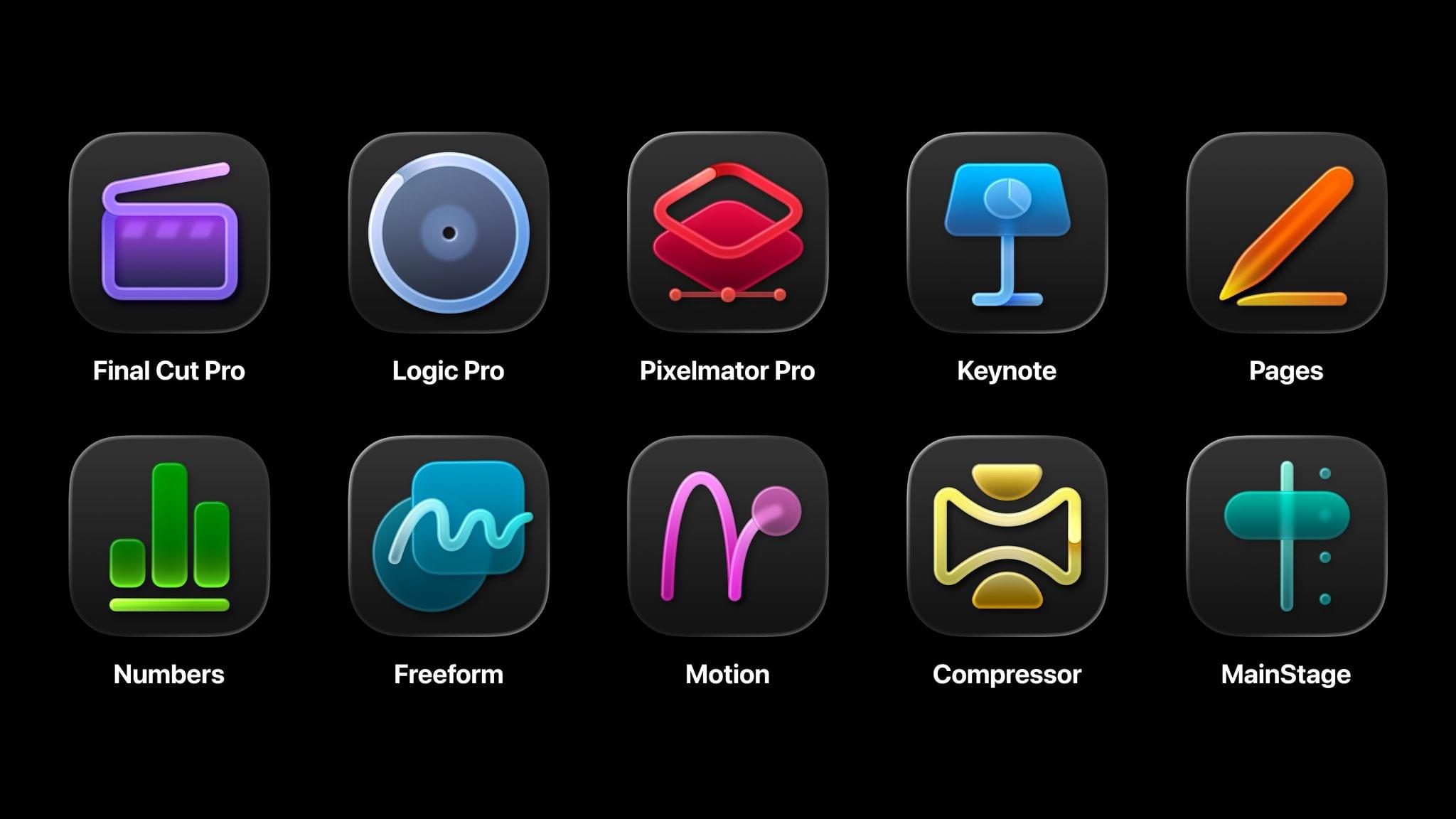
Today, Apple announced Apple Creator Studio, a suite of creativity apps for the Mac and iPad combined with premium content and features for productivity apps across the company’s platforms. This collection of apps, which includes the debut of Pixelmator Pro for iPad, offers tools for creative professionals, aspiring artists, students, and others working across a wide variety of fields, including music, video, and graphic design.
The bundle includes a number of apps:
- Final Cut Pro for Mac and iPad (video editing)
- Logic Pro for Mac and iPad (music creation)
- Pixelmator Pro for Mac and iPad (photo editing and graphic design)
- Motion for Mac (video effects)
- Compressor for Mac (video encoding)
- MainStage for Mac (music performance)
It also features a new Content Hub with premium graphics and photos for Apple’s iWork suite – Pages for word processing, Keynote for presentations, and Numbers for spreadsheets – as well as exclusive templates, themes, and AI features. The company says these features will also come to its Freeform canvas app soon.
Apple Creator Studio will be available on Wednesday, January 28, for $12.99/month or $129/year with a one-month free trial. Students and teachers can subscribe at a discounted rate of $2.99/month or $29.99/year, and three months of Apple Creator Studio will come free with the purchase of a new Mac or iPad. The subscription also includes Family Sharing, allowing users to share the apps and features with up to five family members.
With this offering, Apple is combining several disparate offerings for creatives into a single package that looks quite compelling. Because many of these apps are also available individually – some of them for free – there are a lot of details to get into regarding what’s new, what’s included, and what’s available elsewhere. Let’s get into it.
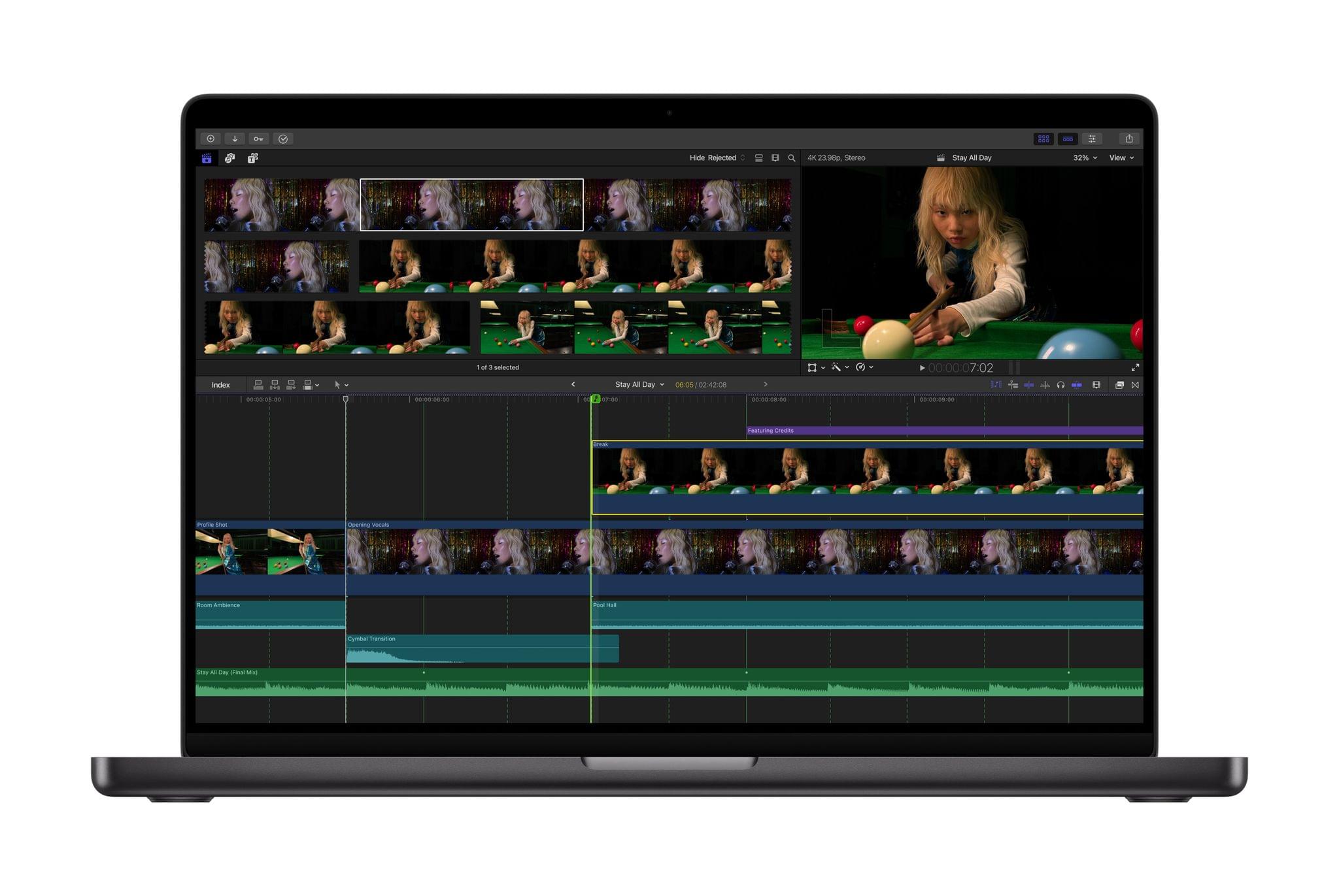
Final Cut Pro will continue to be available as a one-time $299.99 purchase on the Mac. Whether you purchase it that way or subscribe to access the app on both Mac and iPad, you’ll get a variety of new features, including Transcript Search to find moments in footage based on dialogue and Visual Search. Beat Detection will help video editors make cuts to match the rhythm of music playing under a video. And Montage Maker on the iPad is a new AI feature that automatically pulls together the best moments of a user’s footage into a montage, with options to adjust the pacing, edit the video to match a music track, and reframe from a horizontal aspect ratio to vertical for sharing on social media.
Mac-exclusive video tools Motion and Compressor are included in the bundle but also remain available to purchase separately for $49.99 each.
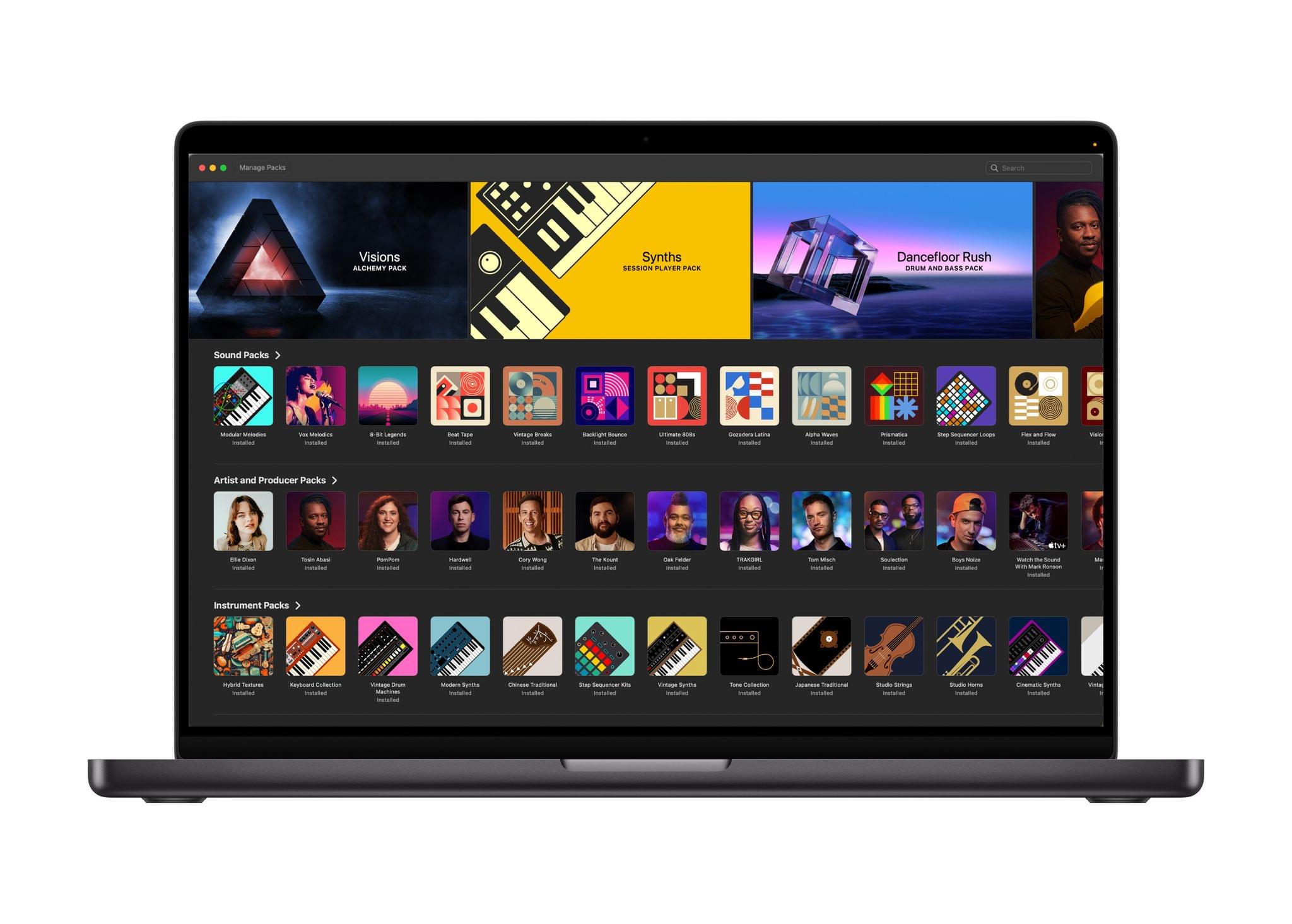
Logic Pro will similarly be available to purchase on the Mac for $199.99, but both the Mac and iPad versions will be included in Creator Studio. New features include the addition of a Synth Player to the app’s collection of AI Session Players; the player can be directed based on the sound the user is going for, and it can even access third-party Audio Units and play hardware synthesizers. Chord ID turns recorded music into readable chord progressions. The Mac version of Logic Pro gets a new Sound Library, while the iPad version gains natural language search for the Sound Browser via Music Understanding as well as the Quick Swipe Comping feature previously exclusive to the Mac.
MainStage for the Mac is available as part of Creator Studio or as a separate one-time $29.99 purchase.
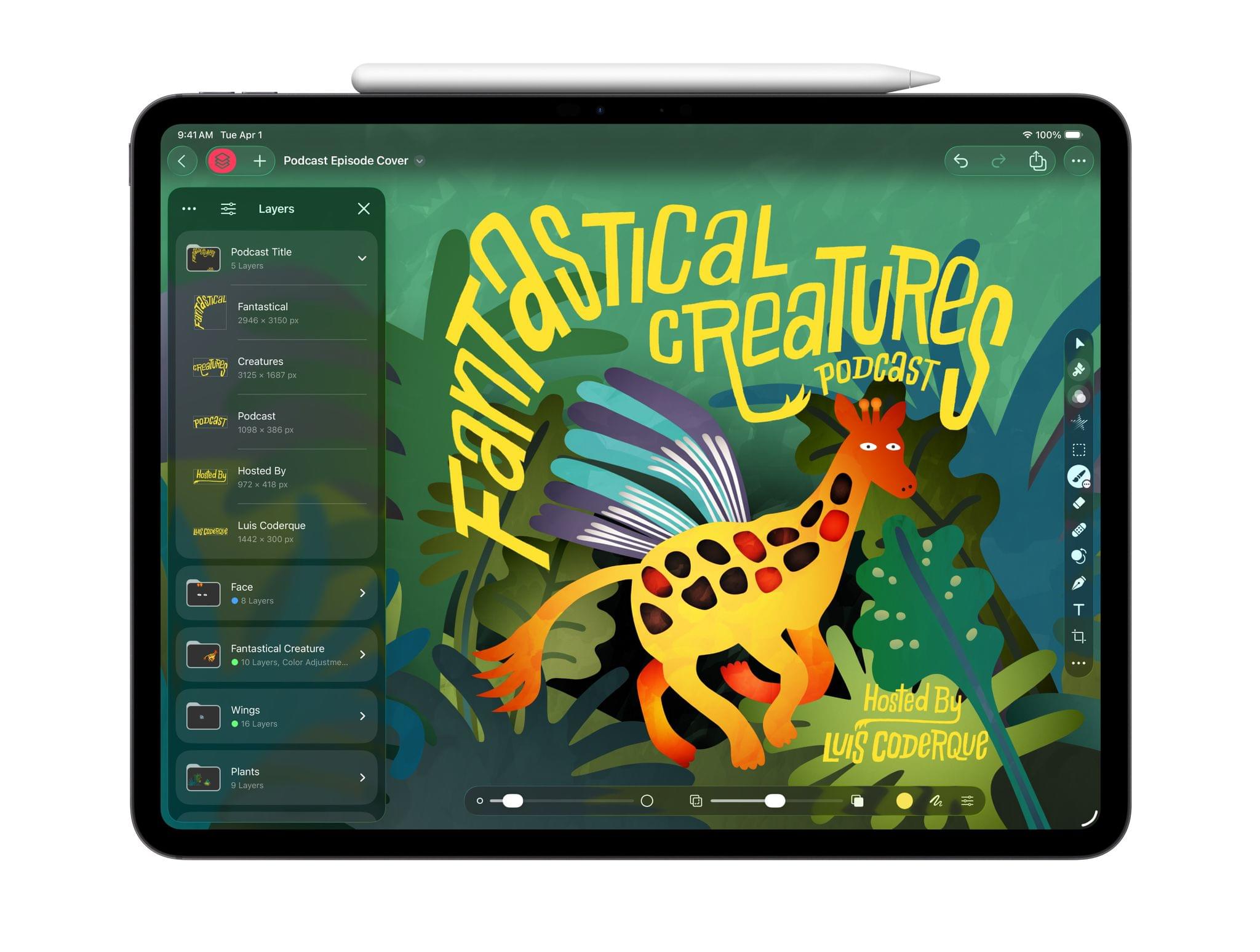
Pixelmator Pro comes to the iPad for the first time with a UI optimized for touch and the Apple Pencil as well as file compatibility with its Mac counterpart. Familiar image editing tools like smart selection, Super Resolution, Deband, and Auto Crop are available in the iPad version, and the Apple Pencil integration is optimized for painting digital art. A new Warp tool is available as a Creator Studio exclusive in both the Mac and iPad versions of Pixelmator Pro.

Pages, Keynote, and Numbers will remain free and receive a Liquid Glass update, but Creator Studio subscribers gain access to new tools within Apple’s productivity apps. The Content Hub is a collection of images, graphics, and illustrations available for subscribers to include in their documents and presentations. Subscribers also have access to exclusive themes and templates, as well as experimental features. In Keynote, subscribers can generate presentations from an outline, create speaker notes based on slide content, and automatically clean up the layout of their slides. And Numbers includes a new Magic Fill feature to generate formulas and fill in tables automatically.
Apple has long offered powerful apps for creatives, but they’ve never been put together in a single package in this way before. For those who rely on these tools for their everyday work, it’s an exciting proposition to get access to everything, including exclusive and experimental features, for a single price. At the same time, it will be interesting to see how these changes are communicated in practice to those who aren’t subscribed. For example, how prominent will the Content Hub be for the many, many free users of the iWork apps?
We’ll find out exactly how it all works on January 28. In the meantime, I’m encouraged to see all the progress being made on Apple’s creative tools, especially on the iPad, and I look forward to giving Apple Creator Studio a try.
