Posts in Sponsored Posts

MacStadium: Mac Private Clouds Built on Genuine Apple Hardware [Sponsor]

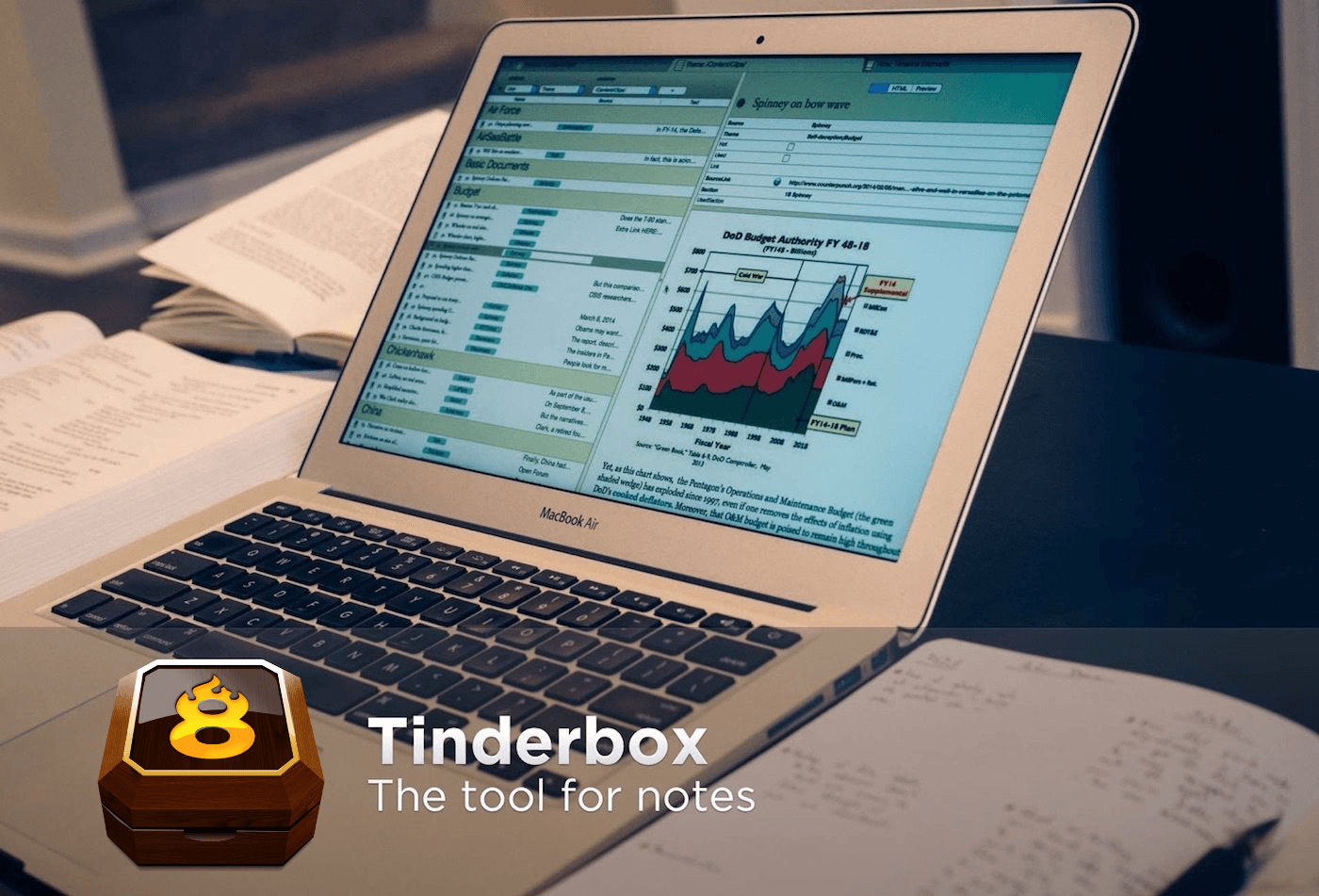
Mac and iOS apps can only be compiled and tested on macOS running on genuine Apple Mac hardware. That means developers need access to a large pool of Macs to run their CI-driven development pipelines. MacStadium’s solution is Orka, a virtualization platform specifically designed for Apple hardware but based on standard cloud orchestration tools like Docker and Kubernetes. With Orka, developers can harness the power of MacStadium’s Mac infrastructure in a high-performance, scalable, secure, and reliable way.

MacStadium developed Orka to provide Mac and iOS developers with the ability to use container technology features the same way they can on other platforms. On Orka, though, clouds can be built on Mac Pros or on the latest T2 Mac minis and take advantage of plugins for your favorite CI tools including Jenkins, GitHub, GitLab, Buildkite, and TeamCity.

Since Orka launched last year, package manager Homebrew is just one of many Orka success stories. With Orka, Homebrew has allocated resources across nodes allowing for highly CPU-intensive builds, which is critical to the sort of intensive demand that Homebrew faces. “Everyone who has to deal with macOS automation would love a Google Cloud or AWS for macOS,” says Homebrew’s Mike McQuaid. “I feel like Orka is the closest thing that you can get to that. You’re able to, spin up, spin down VMs using an easy-to-use CLI or API.”

Try Orka today with a free two-hour demo playground environment at tryorka.com. It’s a fantastic way to see what Orka can do to streamline your development pipeline.

Of course, MacStadium is also the premier Mac hosting company that provides dedicated Mac hardware and private cloud services, and it has a special deal just for MacStories users. Just use the coupon code MACSTORIES at checkout to get two months for the price of one on a new Mac mini subscription.

Our thanks to MacStadium for sponsoring MacStories this week.

Concepts: Where Ideas Take Shape [Sponsor]

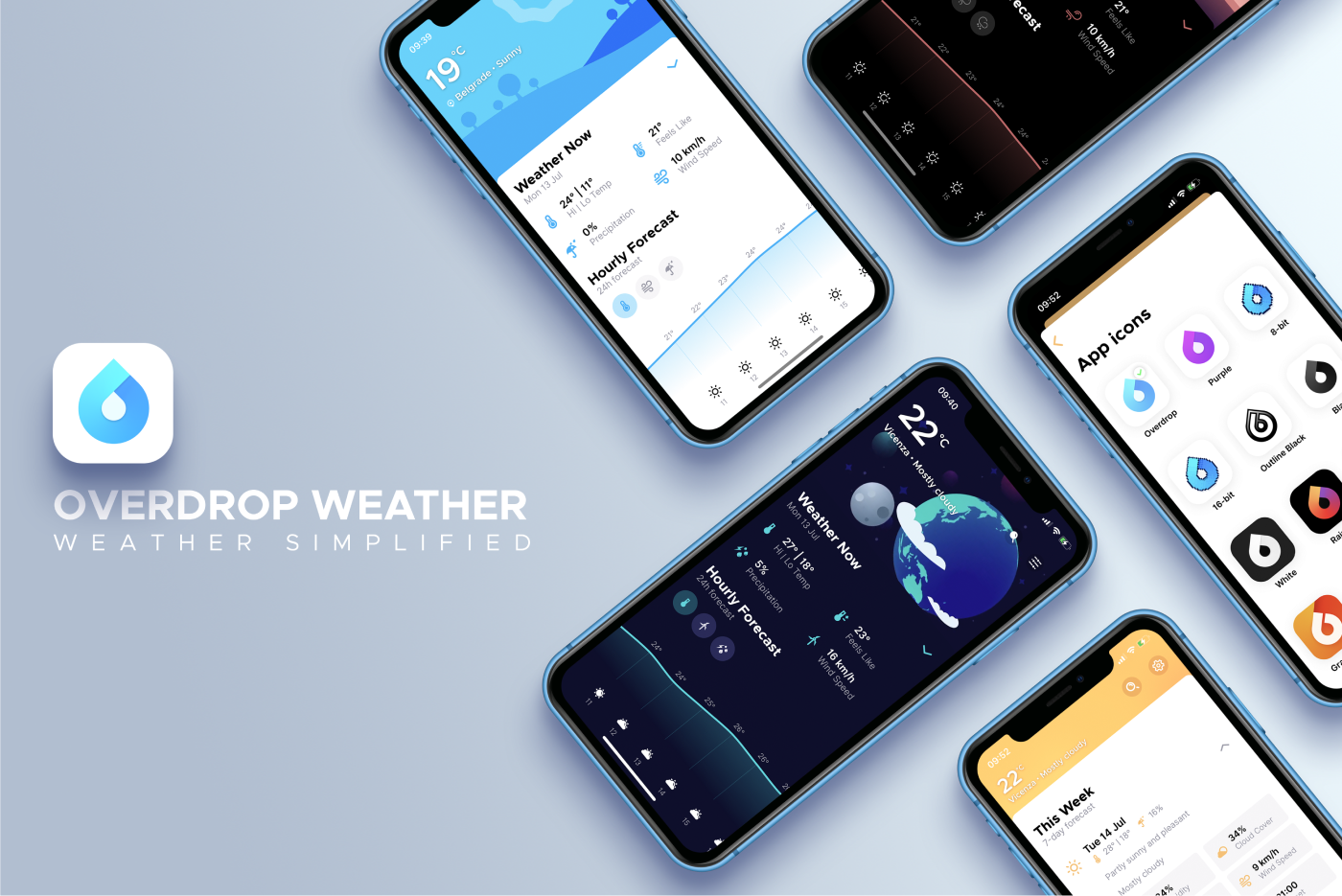
Concepts is a powerful creative ally to help you think, explore, and sketch your ideas. Stretch your mind past the limits on an infinite canvas, using fluid pens and brushes in designer COPIC colors. Used by creative professionals for note-taking, mind mapping, drawing, storyboarding, graphic design, product iteration, and architectural planning, Concepts lets you sketch, communicate and present your ideas with a flexible, customizable workflow.

Built from the ground up for iPad’s touch interface, Concepts combines vector drawing with natural touch gestures to maximize your creativity. Everything you draw can be edited, moved, and reorganized, allowing you to interact with your ideas at a deeper level. Drag and drop images and objects for fast ideating and mood boards, use layers, and grid layouts to organize your work and apply shape guides, measurement, and scale features for more precision drawing.

Concepts comes with a free, built-in presentation mode that lets you connect via AirPlay or cable to a large display for graphic discussion and sharing during events. It works with apps like Zoom or Reflector for instant virtual whiteboarding too. Once final, export and share multiple file types (JPG, PNG, SVG, PDF, DXF, PSD) for flexible work between teams and apps.

The app comes free as a basic sketching tool, with the ability to unlock 200+ libraries of brushes, objects, and services via subscription or one-time purchase. Sketch, explore, and share your ideas infinitely with Concepts.

Download Concepts today for free and give it a try. To learn more about how Concepts can help you explore your ideas, visit concepts.app.

Our thanks to Concepts for sponsoring MacStories this week.

SoundSource: Superior Sound Control from Rogue Amoeba [Sponsor]

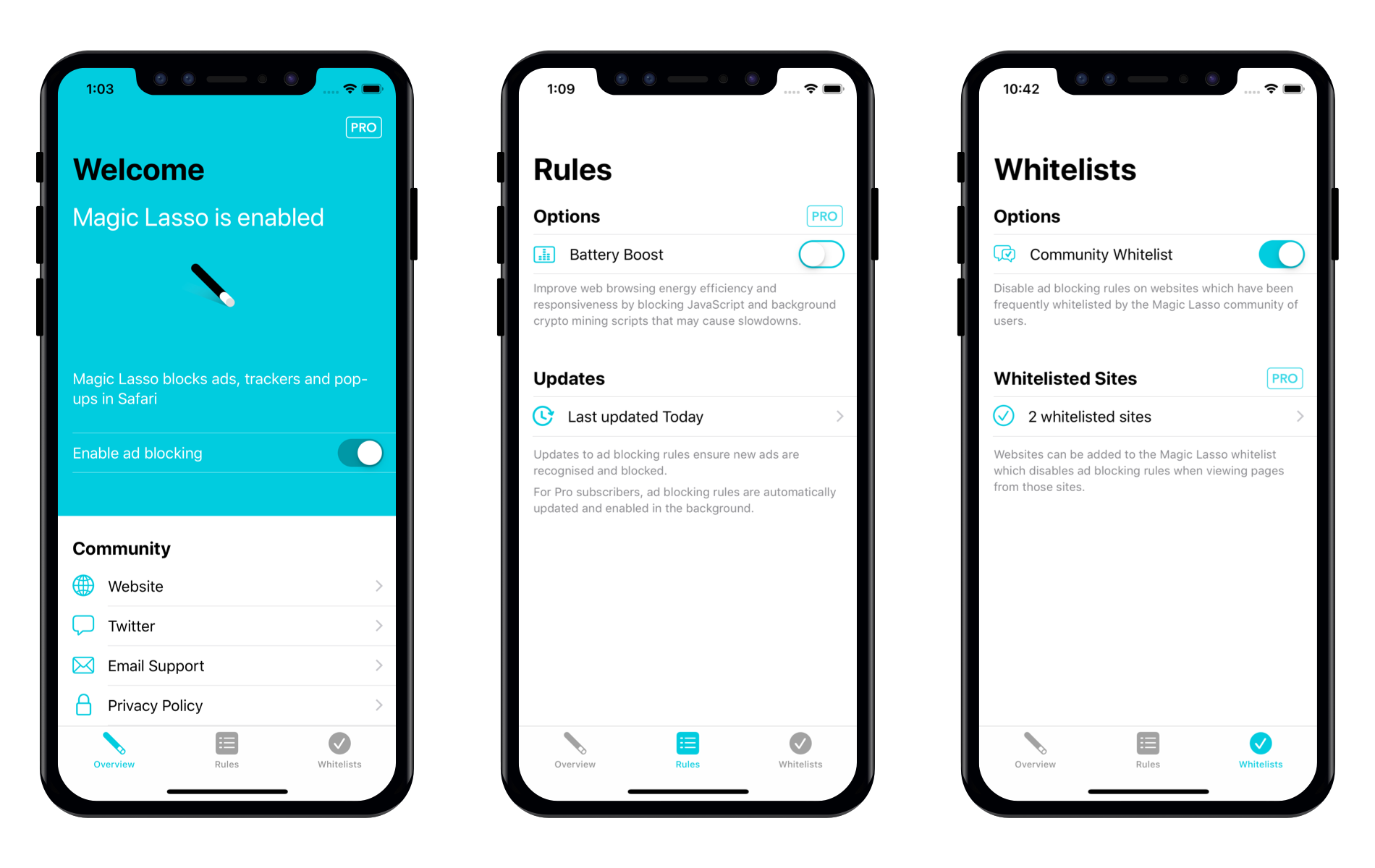
SoundSource from Rogue Amoeba puts fine-tuned sound control at your fingertips whenever you’re using your Mac. The app sits within easy reach in the menu bar, ready to tweak the inputs and outputs of system sounds and even individual apps. Plus, SoundSource includes an equalizer, single-click volume Boost, and preset effects to tailor the sounds to your tastes and setup.

The power of SoundSource starts with the control it provides over both system and app-level sound. That allows you to do things like set the volume of macOS sound effects independent of the music you’re listening to over connected speakers. That way, if you were recently listening to loud music, you won’t be startled by loud system effects ever again.

System sound settings can be overridden on a per-application basis too. For example, you can ensure that sound from a Skype call or Zoom video conference is always routed through the headphones connected to your Mac instead of your speakers. You can also set the volume on a per-app basis, add audio effect presets like Spoken Word for FaceTime or Skype calls or Rock for music, and even use Audio Unit effects.

Another great feature is Super Volume. It gives you control over HDMI or DisplayPort-connected audio devices that macOS doesn’t. The functionality is perfect for speakers and soundbars connected to displays.

The Mac’s one-size-fits-all approach to sound isn’t sufficient in a computing world where audio is part of so many different apps and workflows. Visit Rogue Amoeba today to learn more about SoundSource, download a free trial, and through May 15, 2020, save 20% when you purchase SoundSource by using the promo code MS2020.

Our thanks to SoundSource by Rogue Amoeba for sponsoring MacStories this week.

The Clock: The Best World Clock [Sponsor]

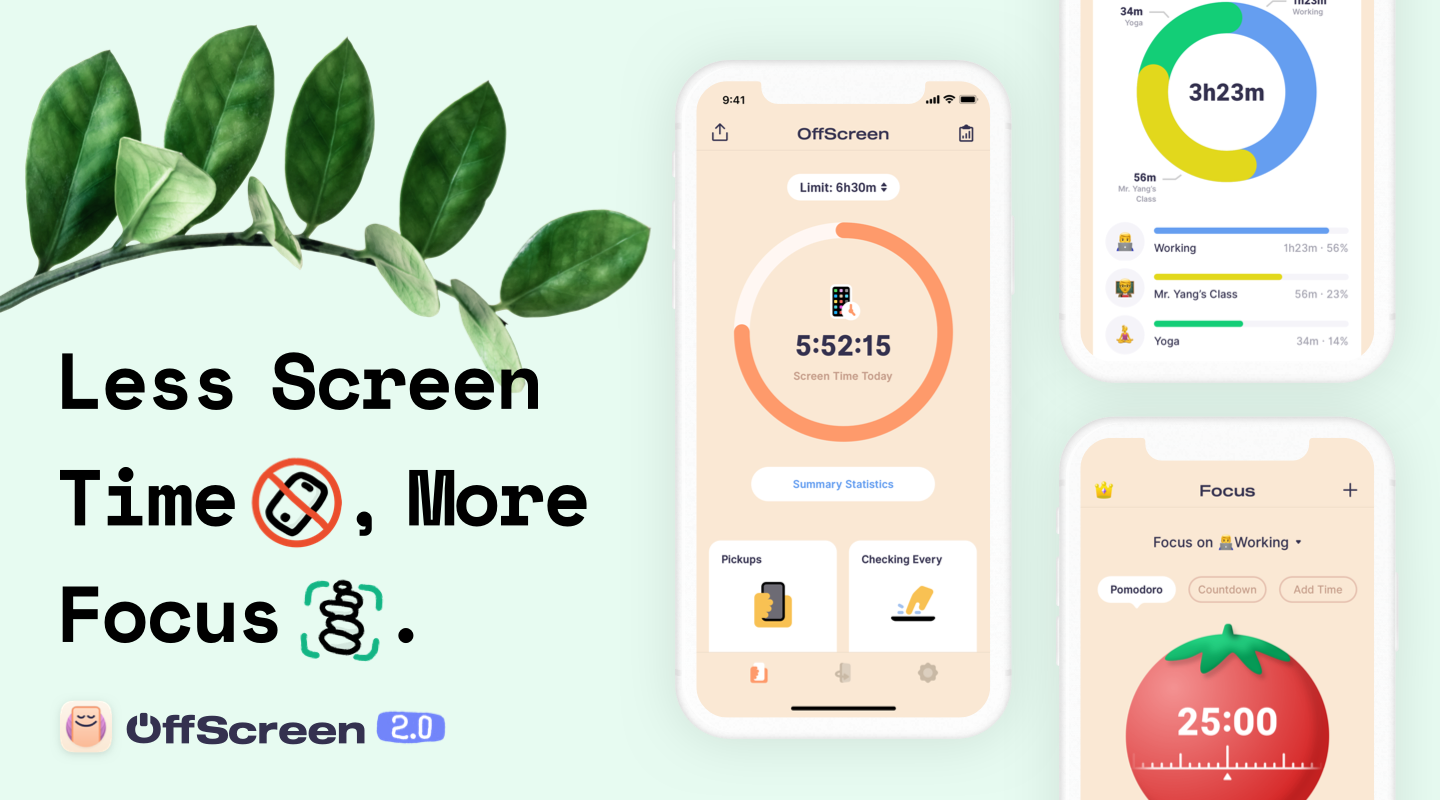
The Clock for iOS and the Mac takes the hassle out of time zones, so you can stay in touch with friends and family and schedule meetings with colleagues scattered across the globe. The app dispenses the confusion caused by time zones, eliminating the worry about when an event is scheduled to begin.

The result of nine years of updates and customer feedback, The Clock 4 is an intuitive and essential utility. Just take a look at the app’s many positive reviews on the Mac and iOS App Stores.

Of course, times and dates can be displayed in a a wide variety of formats, but that’s just the start. The Clock includes four handsome themes and supports eight different complications that display information like sunrise and sunset times, business hours, days off, days of the week, time zone offset, and more.

The Clock is also indispensable for planning meetings. With calendar integration and a unique slider interface, it’s easy to find a time window to chat with colleagues around the world. The app also automatically adjusts for Daylight Savings Time and alerts you as the time change approaches.

The Clock is loaded with lots of other features too:

  • Menu bar and dock options
  • Notes
  • Accessibility support
  • Local, iCloud, and Dropbox backups
  • An advanced widget
  • Keyboard support on the Mac and iPad
  • Handoff
  • Share sheet and service integration for converting times
  • Split Screen and Full Screen
  • Shortcuts

The Clock is the best world clock you’ll find anywhere on the Mac or iOS. Learn more about The Clock for macOS and download a trial version from the app’s website. While you’re there, check out the iOS version too. Both the macOS and iOS versions are available on the iOS App Store and the Mac App Store.

We’re giving away 20 copies each of the Mac and iOS versions of The Clock to MacStories readers too. Click here, to learn more and enter the giveaway.

Our thanks to The Clock for sponsoring MacStories this week.


Gear.Coffee: Upgrade Your Coffee Ritual with the Kinu M47 Series Hand Grinders [Sponsor]

If you’re someone who can’t get through the day without coffee, I’m sure you understand the importance of having great coffee. With the Kinu M47 Series Hand Grinders from Gear.Coffee you can upgrade your entire coffee experience with freshly-ground, flavorful coffee.

Each cup of coffee should be supreme, and you should enjoy each sip you take during the day. After all, believe it or not, this is part of what makes your day great. Every little detail sums up to produce an outstanding cup of coffee, but freshness is key here. So make sure that you get this part of your coffee ritual right.

To get a fully flavor-filled experience, the first thing you need is fresh-ground coffee beans. And to get the richest infusion of flavor and aroma to your coffee, you should grind it just before you brew it. Of course, you need a coffee grinder to accomplish this because coffee beans are super hard!

Gear.Coffee makes it easy for you to choose because they’ve selected the top three high-quality manual coffee grinders by Kinu Grinders. The German-engineered Kinu M47 Phoenix and Simplicity hand grinders feature the best in consistency and reliability no matter how you prepare your coffee: Aeropress, Pour-over, Espresso, Moka Pot, Drip, etc.

Choose the one that suits you best. There’s no wrong choice with these grinders!

MacStories readers can get $10 off their first grinder purchase by visiting the Gear.Coffee website using code “macstories10” at checkout throughout April. Check out these terrific grinders today and enjoy a fantastic cup of coffee.

Our thanks to Gear.Coffee for sponsoring MacStories this week.

CleanMyMac X: Your Mac, as Good as New [Sponsor]

CleanMyMac X by MacPaw is your complete Mac maintenance solution. It’s the perfect way to do a little spring cleaning on your Mac. With an award-winning, beautiful design, CleanMyMac X frees up wasted storage space, protects against malware, optimizes your Mac’s performance, and a whole lot more.

It all starts with Smart Scan, the all-in-one center for analyzing, optimizing, and protecting your Mac. Here you’ll find features like System Junk removal module for finding unneeded system files that can be discarded, and Space Lens a visual and intuitive tool for cleaning up unwanted, large files. CleanMyMac also scans for malware, protecting your Mac against malicious third-party code and vulnerabilities. Better yet, the app’s Malware Monitor can scan for threats in the background, in real-time, catching and notifying you of malware before it takes hold. There’s an optimization section that can free up RAM and manage login items, launch agents, and memory-hungry apps too.

CleanMyMac X includes an app update module that scans your installed apps for available updates too. It’s a fantastic, centralized way to see all the apps on your Mac that have updates whether or not you bought them on the Mac App Store. When you want to uninstall an app, CleanMyMac X is there to help, deleting hidden files and any other cruft that an app would otherwise leave behind.

CleanMyMac X is a fantastic investment to get an older Mac running as good as new and to ensure that more modern Macs keep running smoothly and safely with enough storage to get your work done. The app is notarized by Apple, too, meaning you can download it with confidence.

So, don’t wait, check out CleanMyMac X today. There’s a free trial waiting to help you make your Mac as good as new, and until April 19, 2020, MacStories readers can purchase CleanMyMac X for 30% off, which is a fantastic deal.

Our thanks to CleanMyMac X for sponsoring MacStories this week.

Concepts: Where Ideas Take Shape [Sponsor]

Concepts is a powerful creative ally to help you think, explore, and sketch your ideas. Stretch your mind past the limits on an infinite canvas, using fluid pens and brushes in designer COPIC colors. Used by creative professionals for note-taking, mind mapping, drawing, storyboarding, graphic design, product iteration, and architectural planning, Concepts lets you sketch, communicate and present your ideas with a flexible, customizable workflow.

Built from the ground up for iPad’s touch sensitivity, Concepts combines vectors with natural finger gestures to maximize your creativity. Everything you draw can be edited, moved, and reorganized, allowing you to interact with your ideas at a deeper level. Drag+drop images and objects for fast ideating and mood boards, use layers, and grid layouts to organize your work and apply shape guides, measurement, and scale features for more precision drawing.

Concepts comes with a free, built-in presentation mode that lets you connect via AirPlay or cable to a large display for graphic discussion and sharing during events. It works with apps like Zoom or Reflector for instant virtual whiteboarding. Once final, export and share multiple file types (JPG, PNG, SVG, PDF, DXF, PSD) for flexible work between teams and apps.

The app comes free as a basic sketching tool, with the ability to unlock 200+ libraries of brushes, objects, and services via subscription or one-time purchase. Sketch, explore, and share your ideas infinitely with Concepts.

Download Concepts today for free and give it a try. To learn more about how Concepts can help you explore your ideas, visit concepts.app.

Our thanks to Concepts for sponsoring MacStories and the iPad at 10 series this week.


AppStories, Episode 155 – Stuck at Home

This week on AppStories, we talk about how the global COVID-19 pandemic has changed the way we relax, work, and approach their days.

Sponsored by:

  • Linode – Cloud Hosting & Linux Servers. Get a $20 credit.
  • Metrical – Build habits, stay productive, be in charge! Use the code APPSTORIES in the app to try Metrical’s pro features free for 30 days.

AppStories+ Deeper into the world of apps

AppStories Episode 155 - Stuck at Home

0:00
47:02

AppStories+ Deeper into the world of apps


Pushcut: The Powerful Companion for Shortcuts and Home Automation [Sponsor]

Pushcut is a one-of-a-kind utility that extends the power of Apple’s Shortcuts app with a smart notification system that supercharges your shortcuts and home automations.

Pushcut includes an easy-to-use but sophisticated notification editor that lets users set up push notifications based on factors like location and time. The notifications are feature-rich allowing users to pick from multiple choices and perform several actions from a single notification.

The app includes a powerful web API too, which allows you to extend the functionality of Apple’s Home app, for example. Home includes an automation component, but it’s limited. However, with Pushcut, controlling a HomeKit device can trigger a notification on your iOS device that prompts you to run a shortcut that couldn’t be run in Home.

Pushcut is being updated all the time and just added a feature that lets users run a personal Automation Server on an iOS device they keep at home. Trigger your shortcuts from IFTTT, Zapier, Integromat, or HomeKit automations, run Home scenes automatically when leaving from or arriving at a location, and even run shortcuts on a schedule without user interaction. It’s a powerful way to take Shortcuts to an all-new level.

If you’ve ever been frustrated by some of the limitations of Shortcuts, you need to try Pushcut today. Whether you want to extend Home’s automations, enhance how location and iBeacons integrate with Shortcuts, schedule shortcuts, or kick off shortcuts from your Apple Watch, Pushcut is the powerful companion you need.

Download Pushcut from the App Store now and give it a try. You won’t believe how much you can accomplish with the help of Pushcuts.

Our thanks to Pushcut for sponsoring MacStories this week.