

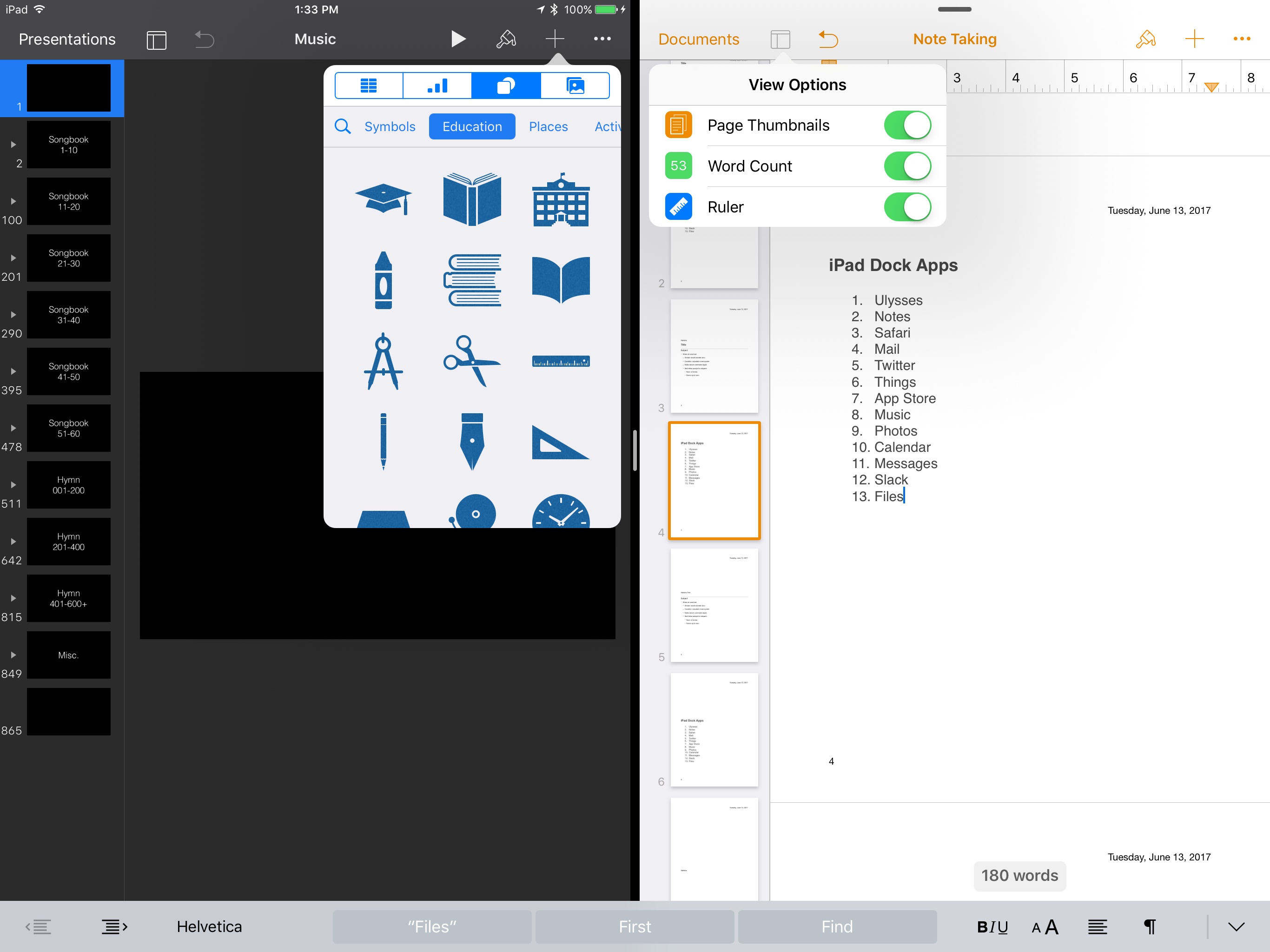
Today Apple released updates for its entire iWork suite across iOS and macOS. Pages, Keynote, and Numbers each received several improvements, some of which are shared and others of which are unique to certain apps.
Posts in news
iWork Updates Bring Professionally Drawn Artwork, New View Options, and More
tvOS 11 Will Add Automatic AirPod Pairing and Dark Mode Activation Plus Home Screen Syncing
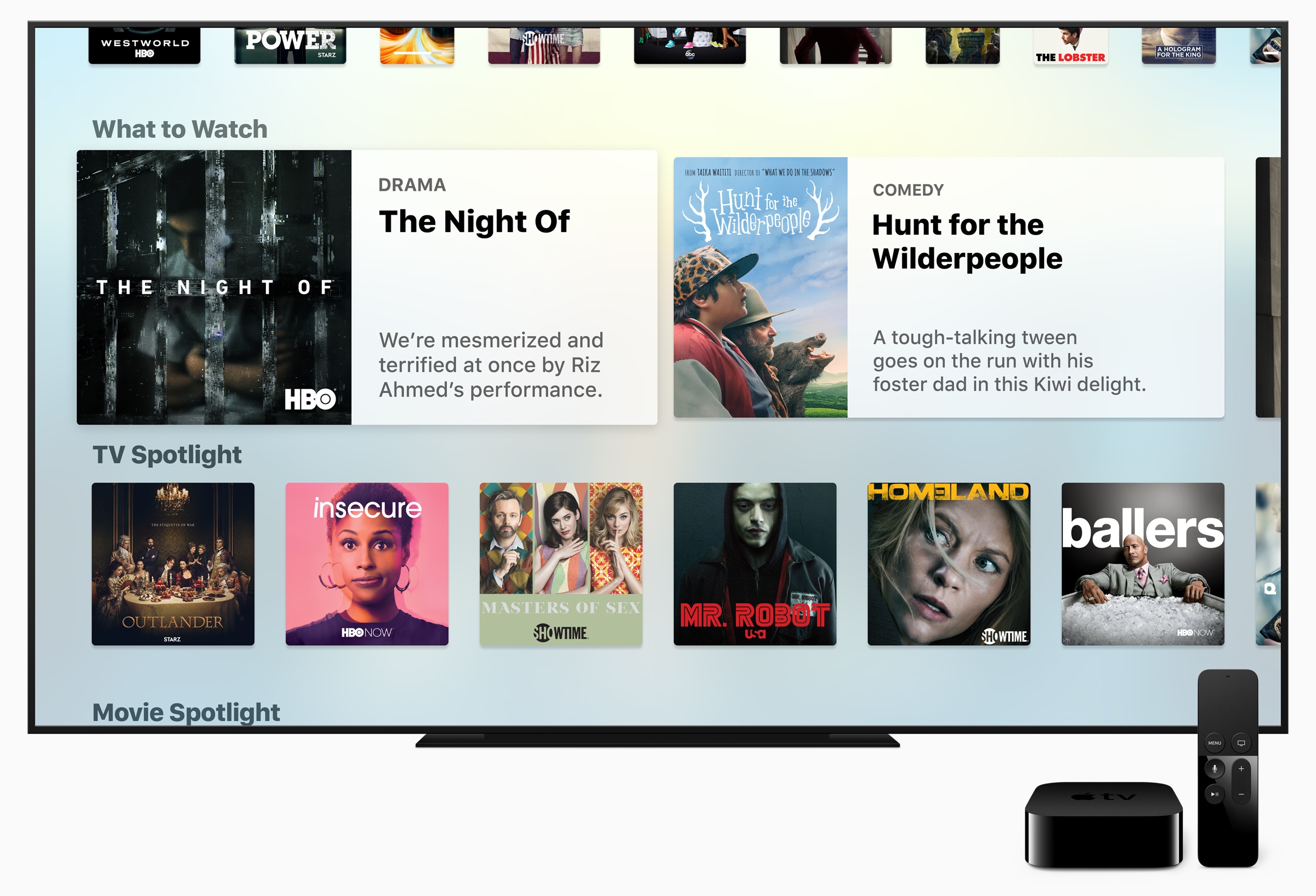
The Apple TV’s stage time at WWDC was limited to an announcement by Tim Cook that Amazon Prime Video will introduce an app to Apple’s streaming television-connected box later this year. Although they didn’t receive stage time during Apple’s WWDC keynote, Zac Hall at 9to5Mac discovered that Apple’s first beta of tvOS 11 includes a handful of additional features that look like they could come in handy.
The first tvOS 11 beta includes automatic pairing of AirPods to Apple TVs. When you pair AirPods with an iPhone, the settings are currently propagated across other iOS devices and Macs that are signed into the same iCloud account. That means you only have to pair AirPods once and then you can easily connect with other devices and Macs. However, Apple TVs were left out of the original implementation of this feature, which required them to be manually paired each time someone wanted to use AirPods with an Apple TV. tvOS 11 promises to eliminate those extra pairing steps by automatically pairing with Apple TVs on the same iCloud account too.
The tvOS beta also includes Home screen syncing among multiple Apple TVs. If you own more than one Apple TVs and want a consistent experience across them all, turning on Home Screen Sync ensures that the same apps will be installed automatically on each and organized in the same way.
Finally, the tvOS 11 beta has a setting for automatically switching between light and dark mode based on the sunrise and sunset times where you live.
The tvOS 11 beta is currently for developers only but will be available as part of Apple’s public beta program soon.
iOS 11 Will Not Support 32-bit Processors
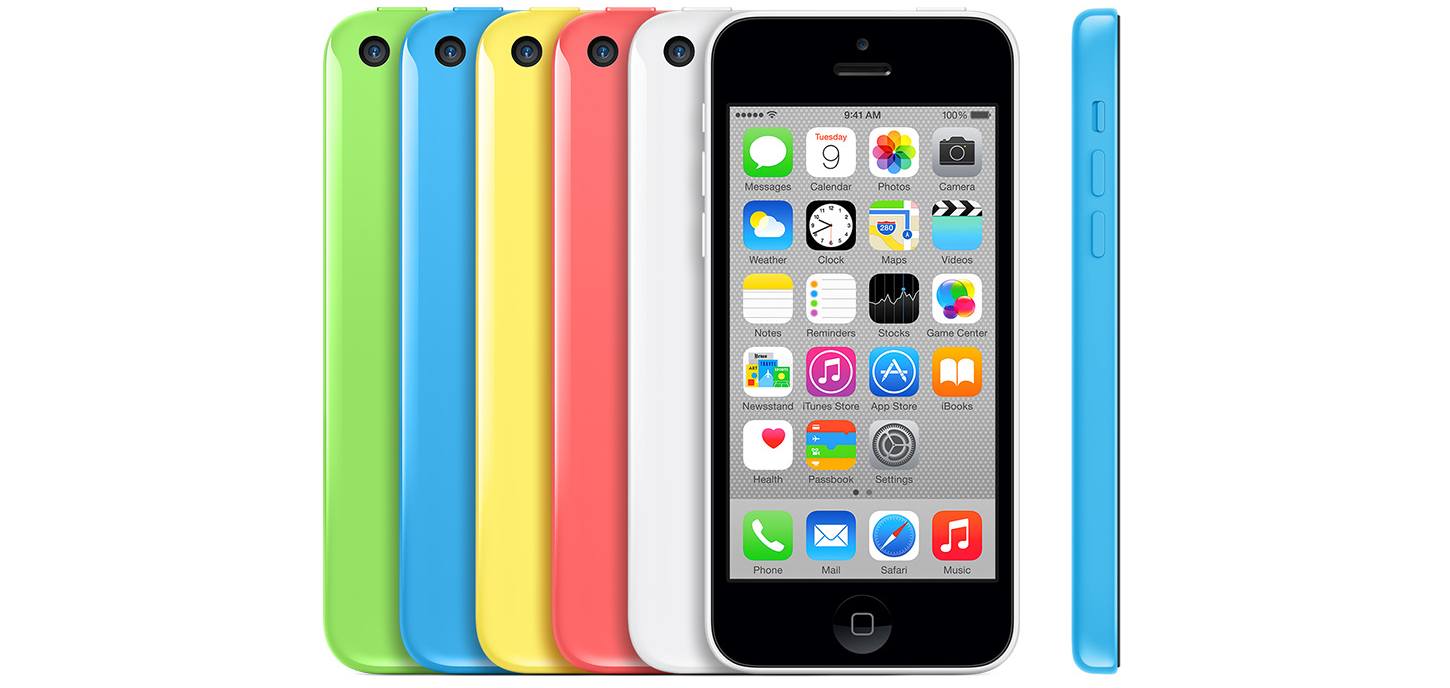
It’s not unusual for older iOS devices to get left behind with the introduction of new versions of iOS. This year will be no different. With the anticipated release of iOS 11 this fall, Apple will end iOS support for the iPhone 5, 5c, and iPad 4, which are the last three iOS devices in Apple’s product lineup with 32-bit processors supported under iOS 10. That means iOS 11 will be compatible with the iPhone 5S and newer models, the 6th generation iPod Touch, the iPad mini 2 and newer, the 5th generation iPad and newer, and all iPad Pro models.
The latest change goes hand-in-hand with a compatibility alert added to iOS 10.3 that appears when 32-bit-only apps are launched. Apps that haven’t made the transition to a 64-bit architecture will no longer run under iOS 11. SensorTower, a mobile app analytics company, estimates the move could render approximately 187,000 apps unusable.
V for Wikipedia: A Reading Interface To Discover The World [Sponsor]
V for Wikipedia is a beautifully-designed reader for Wikipedia. The app, which has won awards for its design and was declared an Editors’ Choice by Apple, emphasizes typography and mapping to make exploring Wikipedia a delight.
V for Wikipedia features a four-tab interface with a search box that is always available at the top of the main interface. The first tab features the most popular Wikipedia articles in an attractive two column layout. There are also search history and bookmark tabs for easily finding recently browsed or saved articles.
But where V for Wikipedia really shines is its location tab. The app marks locations around you that have Wikipedia entries with colorful markers that have lines that gracefully curve to a row of articles that scrolls horizontally across the bottom of the screen. The design is attractive, but also functional, like an interactive travel guide or encyclopedia.
https://vimeo.com/188793327
Another highlight of V for Wikipedia is its attention to each article’s layout, imagery, and typography. From the signature map view, to the the careful design of the articles, V for Wikipedia transforms Wikipedia into a stylish reading experience that sets it apart from other Wikipedia readers. Chosen by Apple as one of the best apps of 2016, V for Wikipedia is the best choice for travelers, students, researchers, and anyone else who uses Wikipedia regularly.
V for Wikipedia is available on the App Store as a Universal app for the iPhone, iPad, and Apple Watch. Learn more about V for Wikipedia here.
Our thanks to Raureif for sponsoring MacStories this week.
Apps Can No Longer Use Custom Review Prompts; Apple Mandates Standardized Method
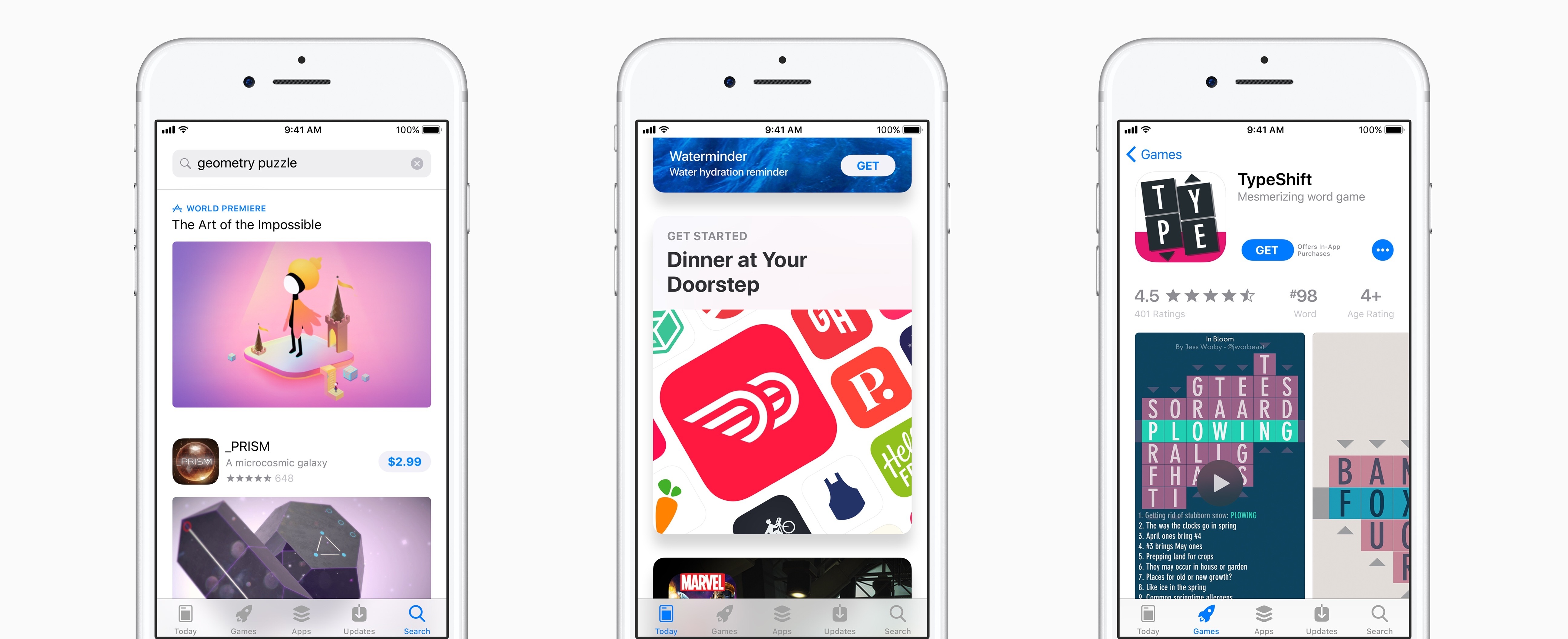
In iOS 10.3 earlier this year, Apple introduced a new API for prompting users to give apps an App Store review. At the time, developers were allowed to continue using any custom review prompts they had previously implemented, with the warning that such permission would eventually be revoked. As reported by 9to5Mac, that day has already come.
App Store policy has been updated to mandate use of Apple’s standardized rating API going forward, disallowing custom review prompts. The updated language in Apple’s review guidelines reads:
Use the provided API to prompt users to review your app; this functionality allows customers to provide an App Store rating and review without the inconvenience of leaving your app, and we will disallow custom review prompts.
In the few months since its introduction, adoption of Apple’s review prompt API has been slow. Perhaps it is due to that lack of adoption that the company wasted little time before requiring its use.
Apple’s solution certainly provides a better user experience than custom alternatives, particularly since it allows rating an app without needing to visit the App Store. But the concern from developers may be the loss of control over when, or how often, that prompt is presented.
WWDC Roundup: All the Little Things

WWDC is packed full of announcements and updates, and there are always a wealth of tidbits that come out throughout the week as people try out the new OS betas and scour documentation on Apple’s developer portal. Some of those tidbits are clarifications of things previously announced, while others are new features entirely. Here is a roundup highlighting some of the most interesting of those updates.
Apple Design Awards 2017 Winners Announced
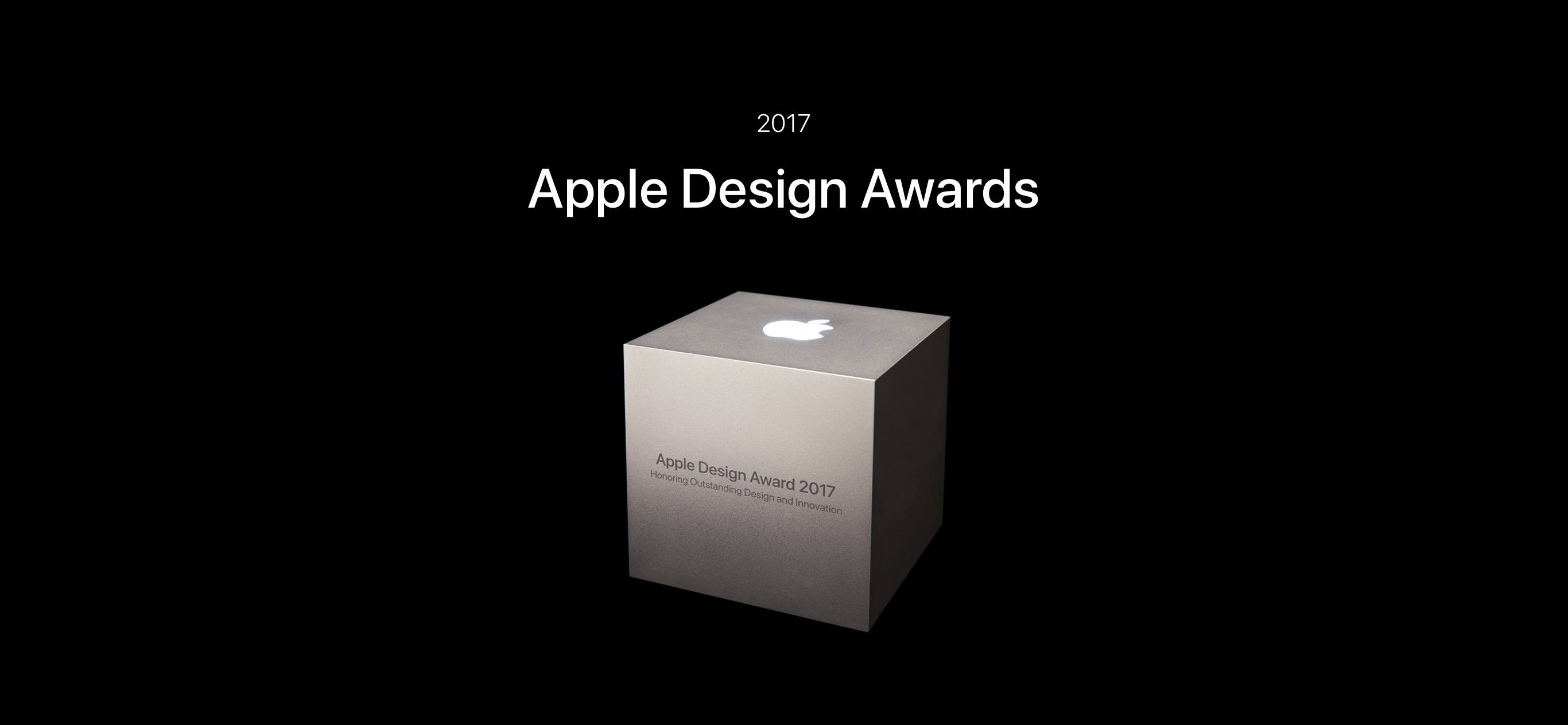
Apple has traditionally held its annual awards for app developers – the Apple Design Awards – in a public ceremony on the first night of WWDC, where all developers are typically encouraged to attend. But this year there was no public award show, and instead Apple recognized standout developers in a smaller, private forum according to Rene Ritchie of iMore. Ritchie also notes that Apple won’t say whether future ADAs will follow this year’s new approach, revert to the patterns of past tradition, or do something else entirely.
The Apple Design Awards are Apple’s way of showcasing the very best apps across all of its software platforms – iOS, macOS, watchOS, and tvOS. And with this year’s batch of winners, that certainly stands true.
Below is the full list of award winners, each of which you can learn more about at the dedicated Apple Design Awards page on Apple’s website.
App Winners
- Lake for iOS
- Bear for macOS and iOS
- Kitchen Stories for iOS, watchOS, and tvOS
- Things 3 for macOS, iOS, and watchOS
- Elk for iOS and watchOS
- Enlight for iOS
- Airmail 3 for macOS, iOS, and watchOS
Game Winners
All game winners are available on iOS.
You can also follow all of our WWDC coverage through our WWDC 2017 hub, or subscribe to the dedicated WWDC 2017 RSS feed.
Planet of the Apps Launches Worldwide with Season Premiere
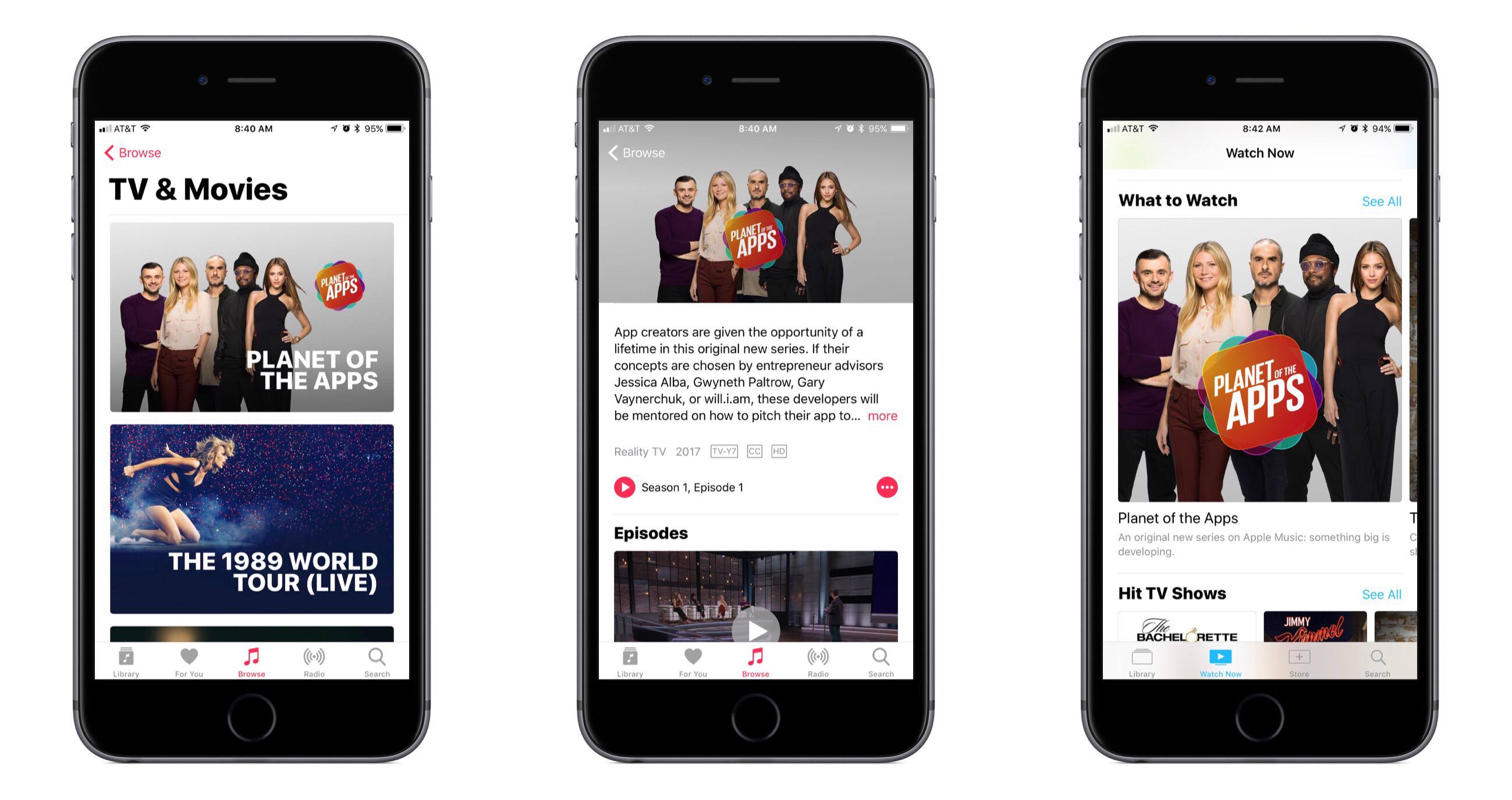
Apple launched the premiere episode of Planet of the Apps last night, at the end of the second full day of WWDC. Planet of the Apps features app creators who compete to receive funding for their apps with the help of the show’s celebrity mentors. The first episode runs just under 50 minutes, and is available free of charge for a limited time to all viewers on the show’s website. Future installments of the 10-episode series will only be available to Apple Music subscribers, and will release weekly.
Timed to coordinate with the launch, the Apple Music app for iOS has received a new ‘TV & Movies’ section inside the ‘Browse’ tab. The section is headlined by Planet of the Apps, but it also features some of Apple’s previously released original video content, such as Drake’s ‘Please Forgive Me’ and the ‘808’ documentary. If you tap through to the Planet of the Apps informational page, it contains more info about the show, a listing of all currently available episodes, and also a selection of bonus video content featuring the series’ celebrity personalities.
If anyone sets out to locate Apple’s new original series, they won’t even have to visit the ‘TV & Movies’ section to find it. Apple is heavily featuring it in the top section of Apple Music’s ‘Browse’ tab with six featured banners. The show is also being featured inside of Apple’s TV app (assuming Apple Music has been given user permission to integrate with TV). Additionally, the show’s website is linked to from the front page of Apple.com, and a wide array of press stories have been released in the last 24 hours covering the launch.
Clearly, Apple wants the world to know that Planet of the Apps is different from its original video work of the past; the tech company is now officially in the TV content business.
watchOS 4 Introduces Proactive Watch Face, Streamlined Navigation, and Fresh Refinements
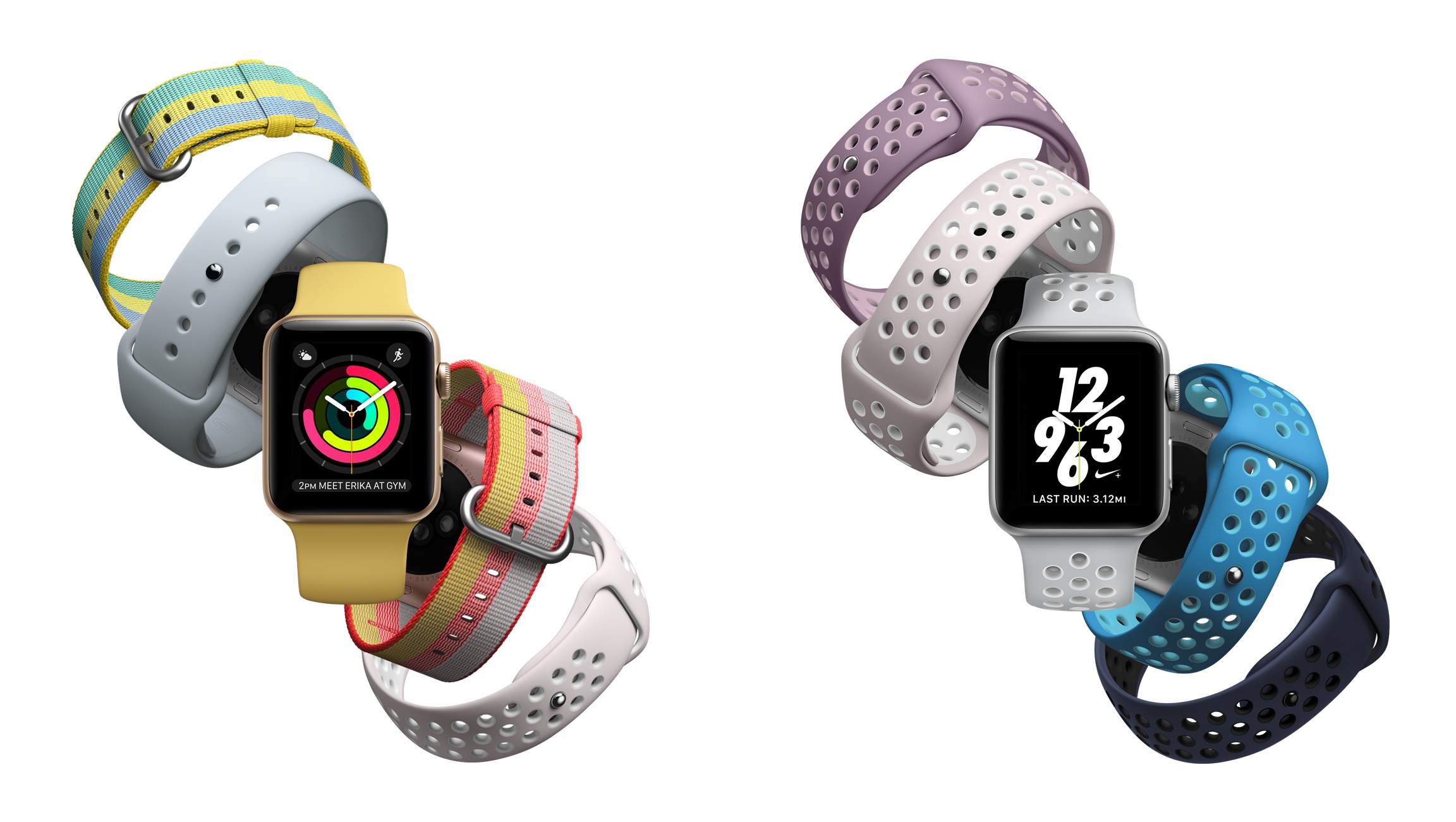
Yesterday at Apple’s WWDC keynote, watchOS 4 was introduced alongside updates to iOS and macOS. The latest version of the Apple Watch’s operating system features few major improvements, instead focusing on a variety of smaller updates that, taken together, add up to a solid release.
watchOS 4 takes the tasks that the Apple Watch already does well and makes them better. It features new ways to receive proactive information, to track health and fitness data, and more. It also streamlines navigation in a number of subtle ways to require less user interaction, such as fewer button presses and app switches.