Posts in news

Apple Posts How-To Videos Featuring Third-Party Apps

Last month, Apple posted a series of short how-to videos to prepare customers for iOS 11. The videos each featured one new aspect of iOS 11 delivered in a light-hearted humorous style. Apple has added three new videos in the same style that feature third-party apps.

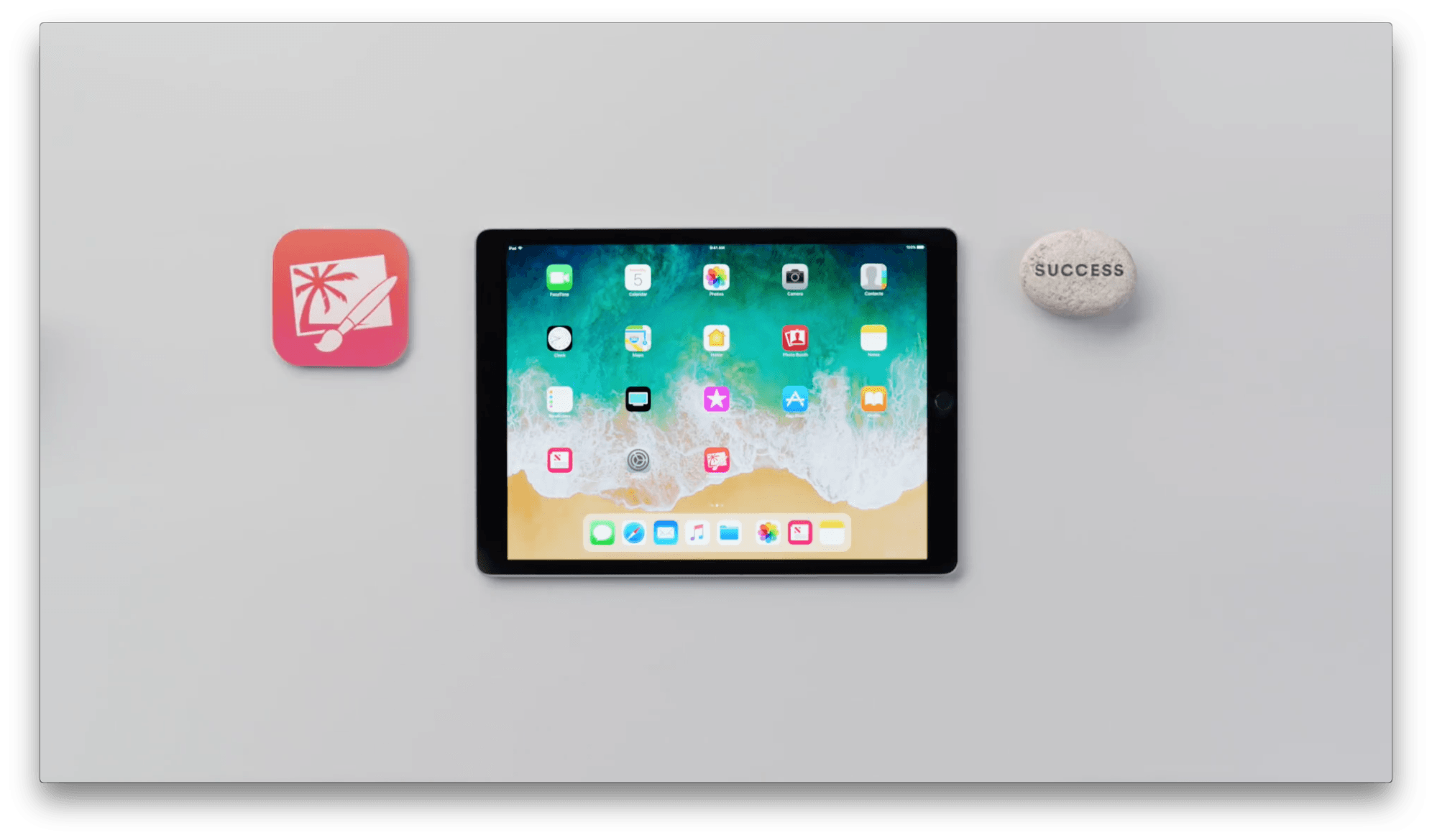
The first spot, ‘How to retouch a photo,’ features Pixelmator and demonstrates how to erase a stranger from a photo. The video concludes on a light note with ’You did great! The guy never knew what hit him.’

The second video, ‘How to copy and paste across devices with iOS 11’ features Curator, but highlights the Universal Clipboard, an iOS system feature. Curator is a mood-board and presentation app for creating collections of photos. The spot shows how to copy an image on an iPhone and paste into the Curator app on an iPad, explaining ‘the ice cream cone is now going to fly through the air’ and showing a time-lapse video of copying and pasting images over and over commenting ‘Really nice time-lapse everybody.’

The final video features GoodNotes and is called ‘How to magically convert notes to text and share them with iOS.’ The video shows how to use the lasso tool in GoodNotes to select handwritten notes and convert them into text that you can share via the system share sheet.

Like the videos posted by Apple in August, these spots strike a good balance between being informative and humorous. I’m glad to see Apple calling out third-party apps too because the ‘Pro’ in iPad Pro is as much about the third-party tools that are available as it is about the device’s hardware features.

You can watch each of the videos after the break.

Read more


Make the Most of iOS 11 With Omni’s Apps [Sponsor]

It’s almost iOS 11 time and The Omni Group is ready to go. Right from the start, three of Omni’s apps will take advantage of iOS 11’s advanced productivity features.

Getting things done on iOS has never been easier than with OmniFocus and iOS 11. Now you can drag and drop content to and from OmniFocus and even internally within the app. It’s the best way to share information between OmniFocus and your other apps, or move tasks among your projects or to change due dates by simply dragging tasks to different days in Forecast.

OmniFocus is also adding extensive Siri support. Just ask Siri to ‘add buy milk to my shopping list’ and Siri will drop the task straight into OmniFocus. Siri integration goes even deeper though. It also supports dates and times, location-based tasks, list creation, list display, and task completion.

OmniGraffle and OmniPlan will be ready for iOS 11 too. Both support the Files app so you can open files created with each wherever you have them stored. They support drag and drop too, so you can do things like drag objects to new positions in an OmniGraffle hierarchy and drag content into your Gaant charts in OmniPlan such as calendars and lists.

iOS 11 is full of power user features, especially for the iPad. OmniFocus, OmniGraffle, and OmniPlan were already among the most powerful productivity apps available on the App Store, but by leveraging the new system features of iOS 11, Omni’s apps are unrivaled.

OmniFocus, OmniGraffle, and OmniPlan each feature a 2-week free trial so there’s no reason to wait. Head over to Omni’s website to learn more about how its apps can make you more productive today.

Our thanks to The Omni Group for sponsoring MacStories this week.


Club MacStories Turns Two

I was a Club MacStories member before I joined the MacStories team as a writer, and it’s been fun to watch the Club grow and then become part of building it. The first issue of MacStories Weekly that I worked on was Issue 20 in February of last year. I was amazed that Federico and Graham Spencer had almost single-handedly produced those first nineteen issues of Weekly, several issues of the Monthly Log, and fifty issues of MacStories Weekly Classic. It’s a lot of work, but it’s also a labor of love – if it weren’t, we couldn’t do it. We produce the newsletter and other content for the Club because we love apps, the people who make them, and sharing them with our readers.

We’re fortunate at MacStories to have some of the very best readers around. Without you, MacStories wouldn’t be possible. Club MacStories gives us an outlet to share even more about apps than we could otherwise.

We’re also lucky to have the best team of writers around. In the past year, although Graham left the team, we added Ryan Christoffel, Jake Underwood, and Stephen Hackett to the newsletter as regular contributors, which has kept the MacStories Weekly and Monthly Log fresh and relevant to a broader audience.

Last year at this time, we celebrated Club MacStories’ first anniversary. After producing another 60 newsletters for a total of 120 since the Club’s inception, we wanted to do something special for members. When we asked our friends in the developer community to help us celebrate by offering special deals to Club MacStories members, the response was immediate and overwhelming, for which we’re very grateful.

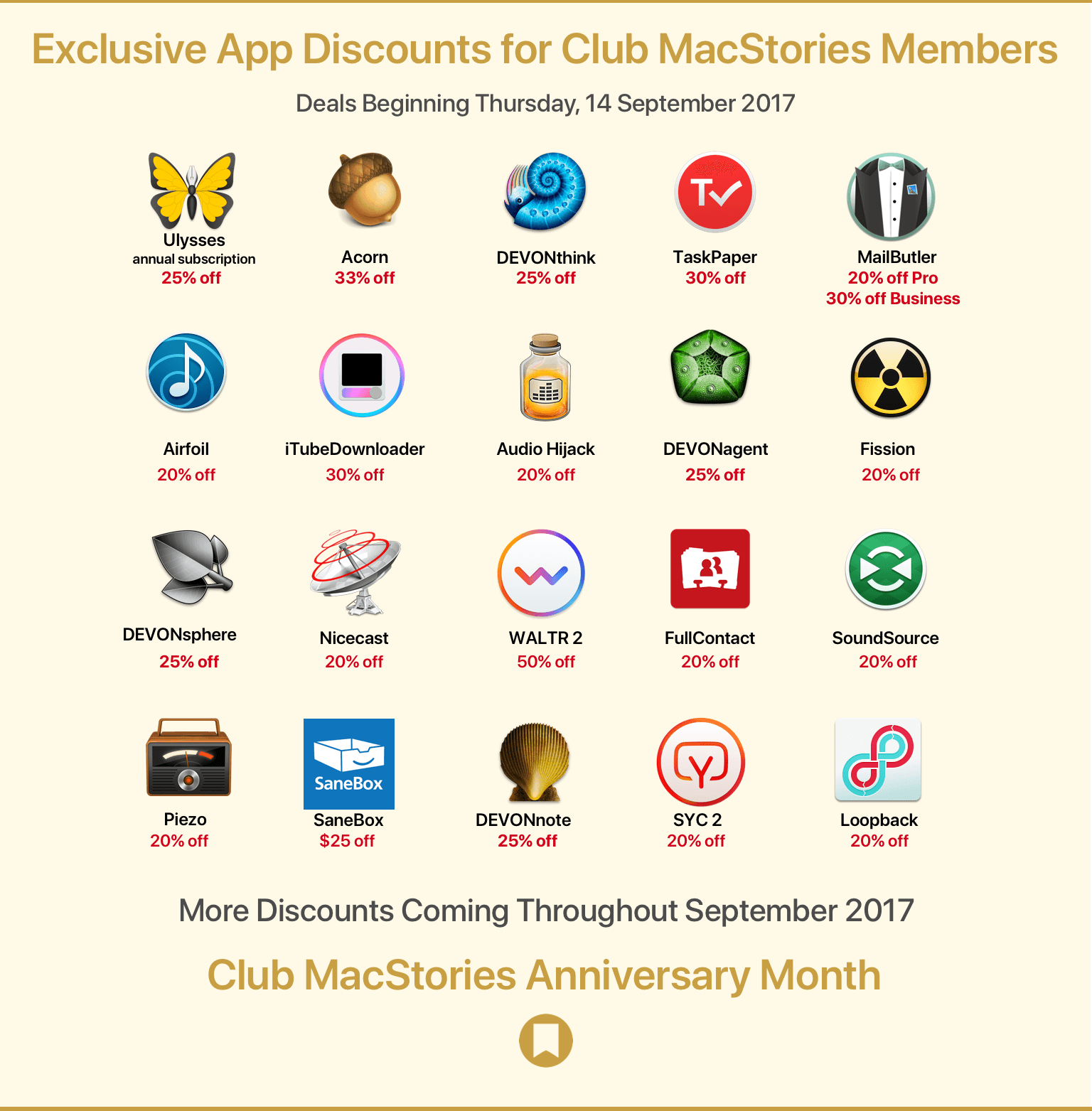
We’ve assembled a great list of discounts this year that we’ll announce in two waves. The first wave, launching today, includes:

As Club members, you can access these deals from a special webpage that we’ve set up just for you. The second wave of discounts will be announced next Thursday (September 21), and there will be additional surprises and deals announced in the next three issues of MacStories Weekly as well.

But there’s even more coming during Club MacStories anniversary month, including a free edition of the eBook version of Federico’s iOS 11 review, the ‘Making Of’ his iOS 11 review, and other special surprises. So be sure to keep an eye out for them beginning next week.

Thanks again to our Club members. We appreciate the hard-earned money you spend to be part of our growing community, and we enjoy making the newsletters for you every week. If you’re an annual member and your subscription is expiring, we hope you’ll join us for year three. We’ve got big plans for the Club and would love for you to be part of them.


September 12 Roundup: All the Little Things

Yesterday’s keynote event at the Steve Jobs Theater featured the debut of several major new products, but there were a lot of small details revealed outside the keynote as journalists got their hands on the new devices. Below is a roundup of some of the most interesting extra details from the day.

Read more


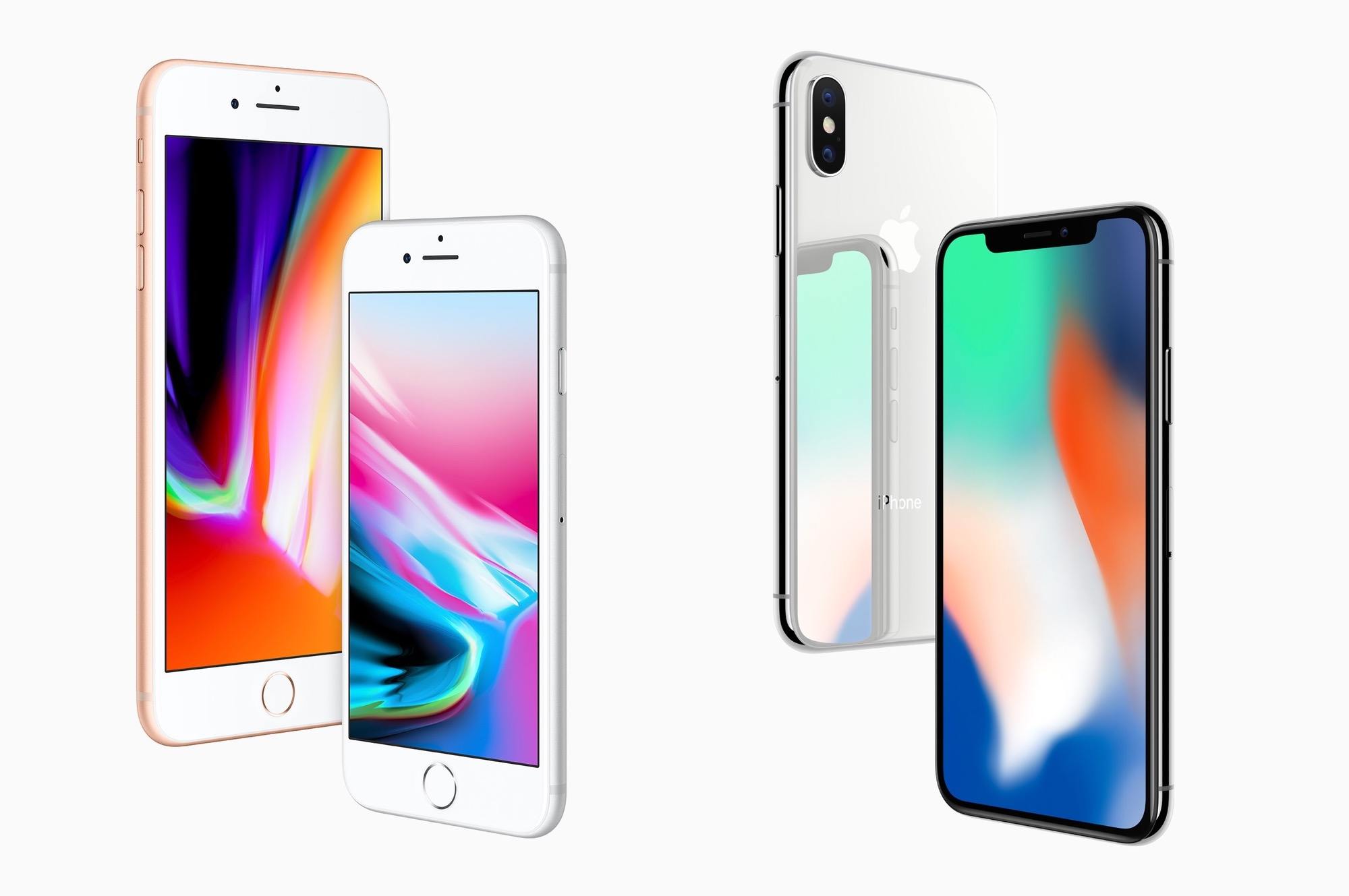
iPhone 8 and iPhone X: The MacStories Overview

This morning Tim Cook took the stage for the first time at the brand new Steve Jobs Theater within Apple Park. Following a touching tribute to Steve Jobs himself and a slew of other announcements, Cook introduced the products that everyone was waiting for: this year’s new iPhones.

Apple’s 2017 iPhone lineup has a big twist over past offerings. Rather than just releasing two models of differing size and very similar specifications, the Cupertino company has announced three new models. The iPhone 8 and iPhone 8 Plus are a fairly standard yearly update, including processor, camera, design, and display improvements, as well as a few unique and interesting new perks. Unveiled alongside these, however, is the big new thing: the iPhone X.

Apple is calling the iPhone X1 the future of smartphones, and it certainly does look futuristic. There are some huge changes in this new device for both hardware and software, but before we get there let’s review the updates to the also-brand-new iPhone 8 models. I know the iPhone X is getting most of the attention, but we shouldn’t overlook that Apple has some excellent updates to its other models as well. If the iPhone X weren’t shipping this year, Apple would still have a strong lineup of smartphones for 2017.

Read more


iTunes Removes the App Store and More to Focus on Music, Movies, TV Shows, Podcasts, and Audiobooks

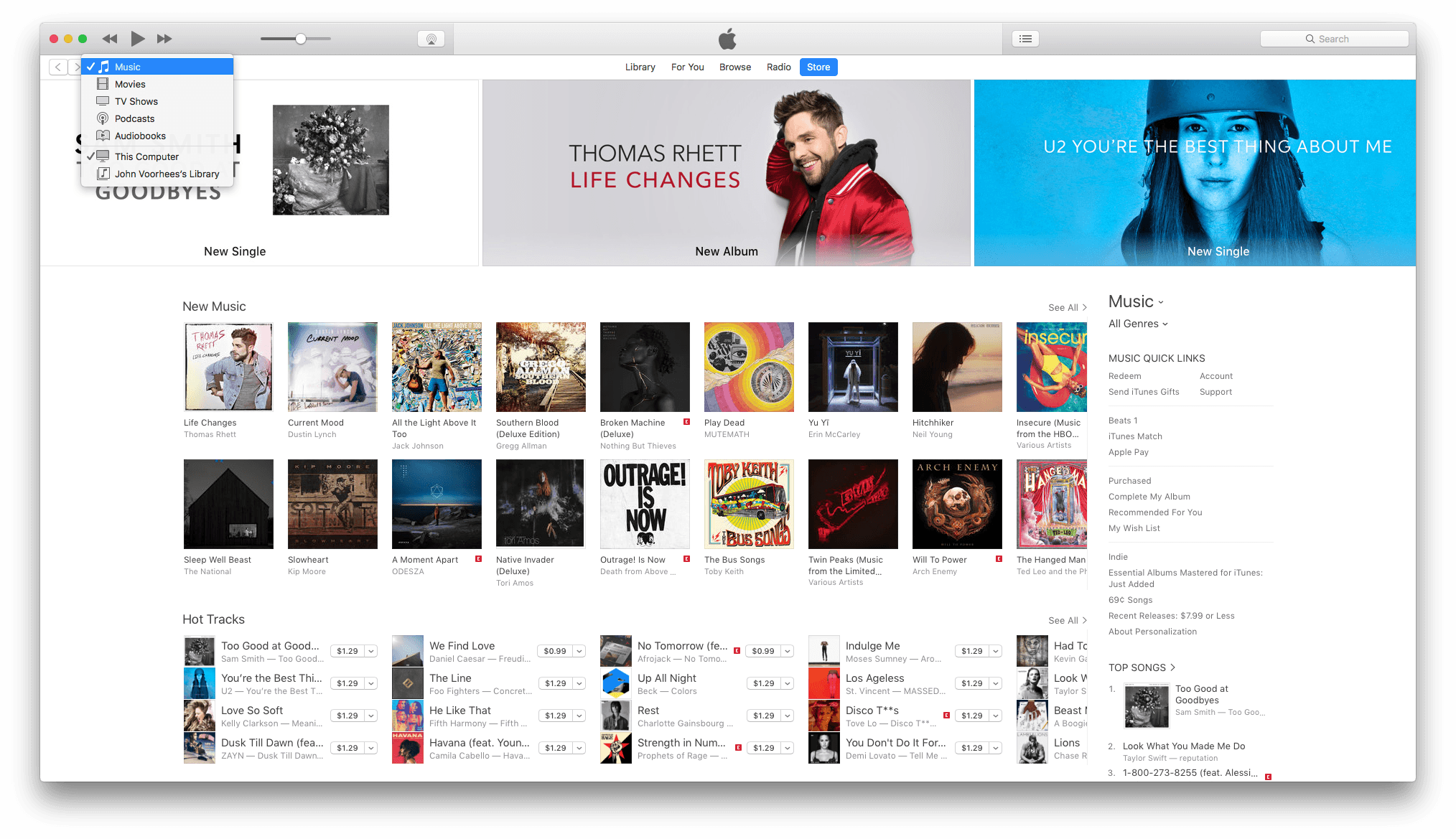
Apple has updated iTunes on macOS to eliminate ringtones, iTunes U, and perhaps most surprising of all, iOS apps. According to Apple’s support page:

Apps for iPhone, iPad, and iPod touch are now exclusively available in the new App Store for iOS.

iTunes 12.7 now includes music, movies, TV Shows, Podcasts, and Audiobooks only. Apple’s support page links to instructions on how to download each type of content that has been eliminated.

Although there were prior indications that Apple was streamlining iTunes, such as when it announced that iTunes U content was being eliminated from the app, the removal of downloaded iOS apps and the App Store itself is surprising. iTunes is now focused on just two types of media audio and video.

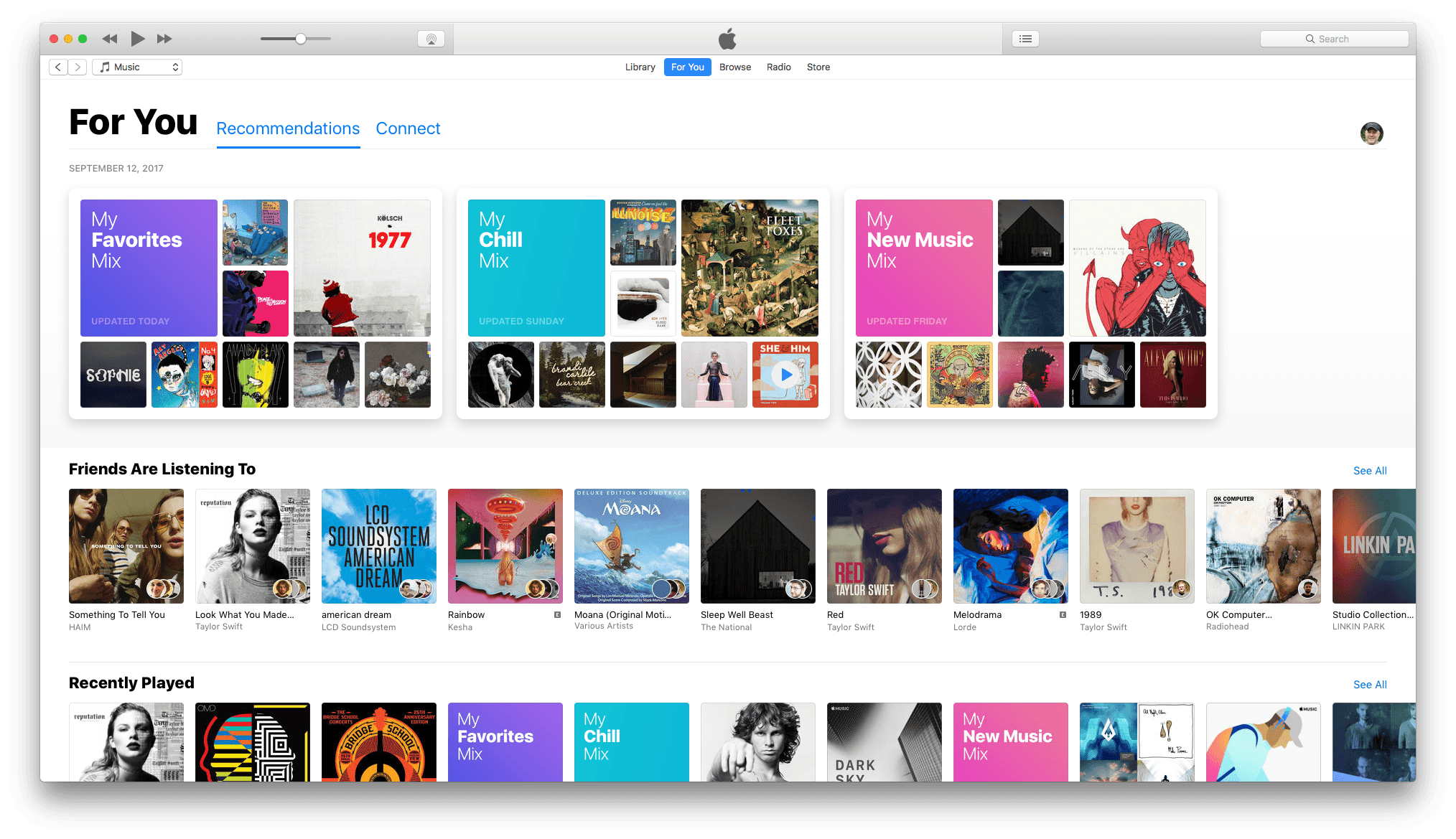
The update to iTunes also adds the Friends feature first seen in the iOS 11 beta. Apple Music subscribers can set up a profile and follow friends to see the music and playlists they are listening to. I’ve been using the Friends feature all summer and it’s been a great way to find and try new music.


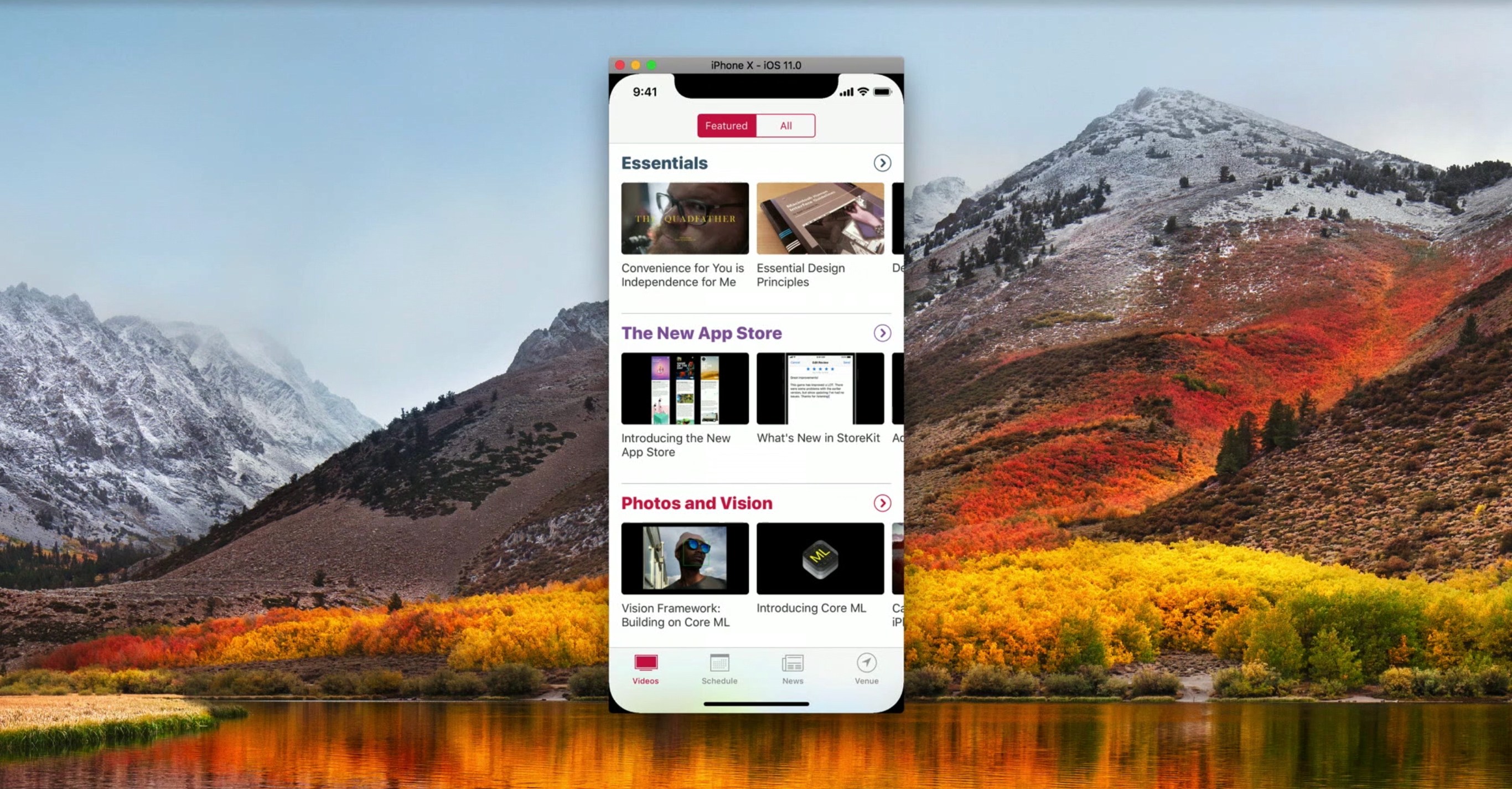
Apple Adds Videos to Developer Portal on Optimizing for New Devices

To help developers take advantages of the latest technologies introduced during today’s event, Apple has posted fourteen videos to its developer portal. The list features multiple videos on the iPhone’s A11 chip, as well as how to design apps for the iPhone X’s unique shape and updating apps to support the new Apple TV 4K.

Covering app frameworks, graphics and games, design, and media, these videos give insight into how to maximize apps for Apple’s newest devices. While some are on the shorter side – like “An Introduction to HDR Video” and “Authoring 4K and HDR HLS Streams” – many are well over ten minutes, diving deep into things like Metal 2 and how it integrates with the A11 chip.


You can also follow all of our Apple event coverage through our September 12 hub, or subscribe to the dedicated September 12 RSS feed.

Permalink