Posts in news

Reigns: Game of Thrones for iOS Announced and Is Available for Pre-Order

Today, Nerial and Devolver Digital announced that they are working with HBO to create a Reigns: Game of Thrones, which is available for pre-order now. Reigns, and Reigns: Her Majesty are among my favorite iOS games. Both Reigns games require players to swipe cards left and right to make decisions about ruling a medieval country and require a careful balancing of multiple interests to survive as monarch.

As I said in my review of Reigns, which I also named one of my favorite games of 2016:

Reigns is perfect for mobile…. Swiping left and right to make decisions about your kingdom is quick and easy wherever you are. The combination of the number of cards, consequences that span generations, and need to balance multiple statistics adds an interesting level of strategy. But above all else, what has endeared Reigns to me most is that the artwork and questions are imbued with a sense of humor that gives Reigns a unique personality unlike any iOS game I have played recently.

Nerial’s follow-up, Reigns: Her Majesty, took the successful formula of Reigns and evolved it to create a deeper more immersive experience than the original.

The same team that created Reigns: Her Majesty is back for the Game of Thrones version, which features characters from HBO’s hit TV series. To get a sneak peek at the game, which will be released in October, Nerial has created a trailer, which is embedded below.

Reigns: Game of Thrones can be pre-ordered now from the App Store for $3.99.


Apple Celebrates US National Parks with Apple Pay Donation Program and Fitness Challenge

Apple is celebrating US National Parks by donating $1 for every purchase made in an Apple Store, on apple.com, and at its retail locations in the US from August 24th through 31st to the National Park Foundation.

Tim Cook, Apple’s CEO said:

“America’s national parks are treasures everyone should experience, and we’re proud to support them again this month by donating a dollar for every purchase made with Apple Pay at one of our stores,” said Apple’s CEO Tim Cook. “These awe-inspiring places are our national inheritance, and Apple is doing our part to pass them on to future generations — just as extraordinary, beautiful and wild as we found them.”

In addition to the its fundraising efforts, Apple has announced a fitness challenge for September 1st. To commemorate the 50th anniversary of Redwood National Park, Apple Watch users who log a 50 minute workout that day will earn a special award in the Activity app and stickers that can be used in the Messages app. The App Store also plans to feature apps for discovering the US national park system.


Facebook’s Onavo Protect VPN App Is Removed from the App Store for Harvesting Data

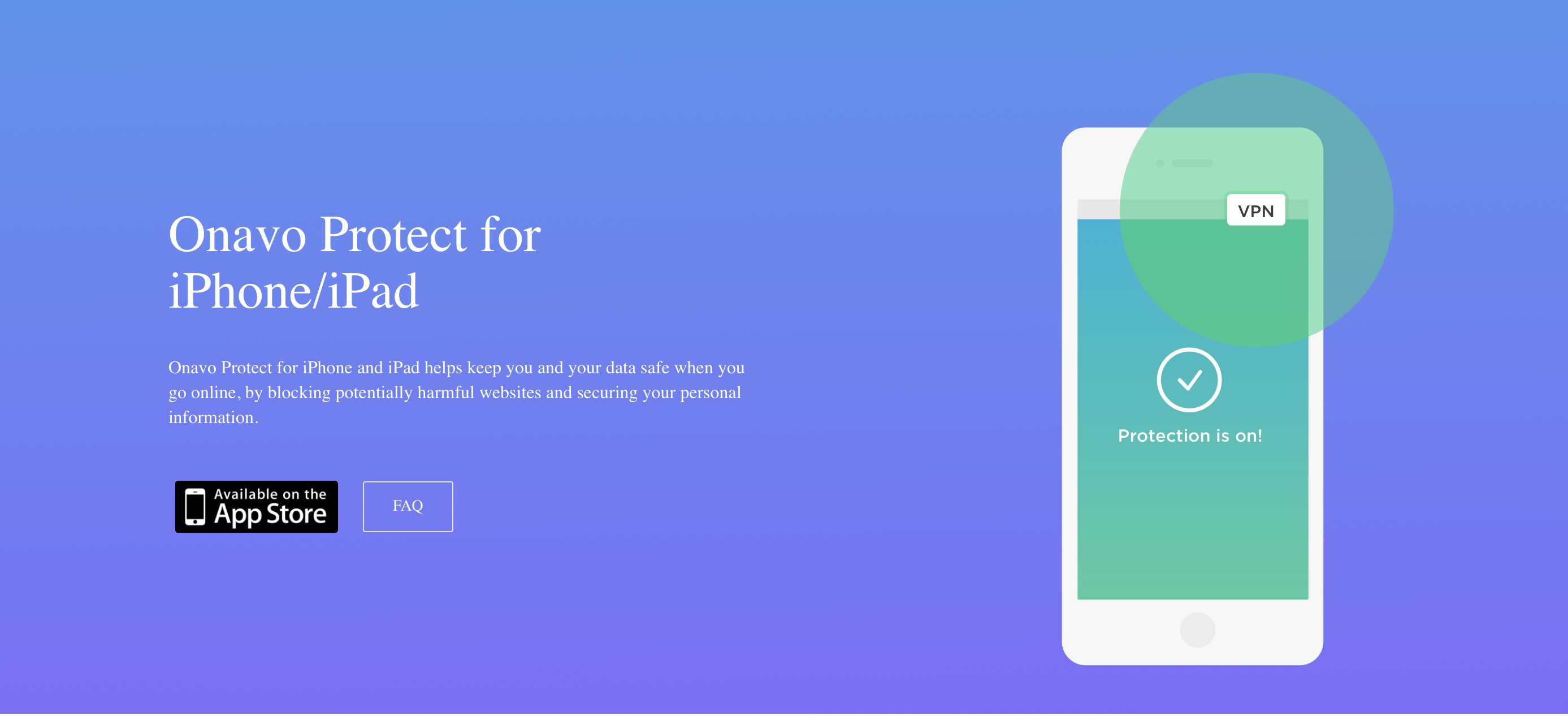
As first reported by The Wall Street Journal, Facebook has removed its Onavo Protect VPN app from the App Store after Apple said the app violated rules against data gathering. The app was acquired by Facebook in 2013 as part of its purchase of an Israeli company.

Onavo collected user data using network traffic to provide market intelligence to Facebook about the popularity and use of apps outside its own apps. TechCrunch reported on Onavo’s data collection practices back in February. In June during WWDC, Apple introduced new App Review Guidelines addressing data harvasting, which struck some as a direct response to Onavo.

In a statement to The Verge, Facebook said:

“We’ve always been clear when people download Onavo about the information that is collected and how it is used,” said a Facebook spokesperson in a statement given to The Verge. “As a developer on Apple’s platform, we follow the rules they’ve put in place.”

It’s good to see Apple enforce App Review guidelines against companies of all sizes, though a little disappointing that it has taken so long.


FiftyThree Apps Paper and Paste Acquired by WeTransfer Along with Its Other Assets

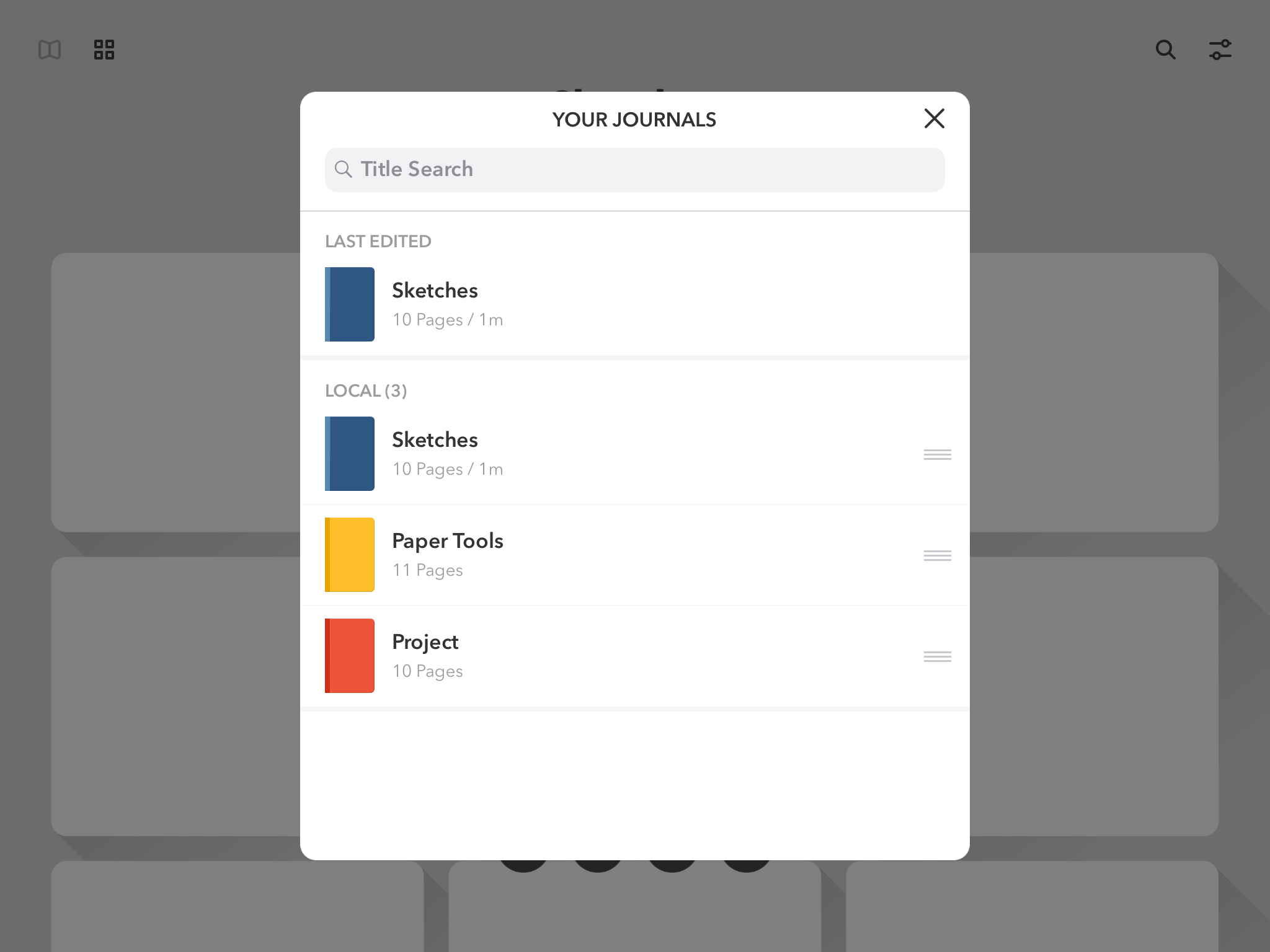
FiftyThree, the maker of the iOS apps Paper and Paste, has been acquired by WeTransfer, a file transfer company based in Los Angeles and Amsterdam. Paper, FiftyThree’s iPad drawing app, was named iPad App of The Year in 2012. Paste, which is FiftyThree’s iOS presentation app, allows users to create slides collaboratively.

In addition to its apps, FiftyThree is well-known for its creation the Pencil, a BlueTooth stylus that debuted before Apple’s identically-named Pencil. Although the Pencil is not mentioned by name in WeTransfer’s press release, the company is acquiring all of FiftyThree’s assets including intellectual property, which presumably covers hardware too.

WeTransfer provides web and app-based tools for transferring files among its users. In addition to offering a free version of its service, WeTransfer includes a premium paid version of its service and sells ads that appear in its web app. WeTransfer’s CEO Gordon Willoughby stated in the company’s press release that it had acquired FiftyThree to expand its ‘family of obvious creative tools, both on mobile and the web.’

FiftyThree has sought to reassure customers saying that:

For the millions using Paper and Paste, we want to assure you that we are dedicated now more than ever to building and growing both tools. This doesn’t change our path, it only accelerates it — the same great team will continue working on both tools. If you’re a paying Paste or Paper customer, nothing is changing around pricing or functionality in the near term, and we’ll keep you well-informed of any upcoming changes that may impact you. We’ve got a few big ideas cooking that we think you’ll be thrilled about.

I imagine the introduction of Apple’s Pencil took its toll on FiftyThree’s attempt to use hardware to build a sustainable business model. Hopefully, joining forces with WeTranfer will allow Paper and Paste, which are both excellent apps, to continue to be developed long into the future.


Microsoft Announces iPad Edition of Minecraft for Education Coming in September

Today, Microsoft announced that it was expanding Minecraft: Education Edition to include the iPad. According to Microsoft:

Now, students can tap into the power of iPad to build historic monuments, swim through coral reefs with the Update Aquatic, bring creative stories to life, experiment with chemistry, and document their learning with the camera and portfolio features.

The latest expansion of Minecraft: Education Edition adds to the existing 35 million teachers and students in 115 countries that were already using the app on other platforms. The program includes training and curriculum resources for teachers too.

Minecraft is being offered as part of Microsoft’s 365 for Education program and will be available on the iPad beginning in September.


Improve Typing Skills and Learn New Keyboard Layouts with KeyKey Typing Trainer [Sponsor]

KeyKey is a minimalistic touch typing trainer for Mac. It’s suitable for beginners who want to learn basic touch typing skills, as well as for advanced users seeking to master alternative layouts like COLEMAK or DVORAK.

Touch typing is not about key arrangement, as you might believe. It’s about training your muscle memory, making your fingers remember the micro-motions unique to each language. KeyKey knows the most popular letter combinations and words of your native language and utilizes them in lesson generation.

Lessons are presented in several languages, including English, Spanish, German and French, along with the popular layouts for these languages: QWERTY, COLEMAK, DVORAK, AZERTY, QWERTZ (Swiss) and BÉPO. Lessons can be changed both automatically and manually, and you can add punctuation marks, capitalization, and numbers to each of them.

In the near future, KeyKey will add separate lessons for programmers to practice touch typing on real code examples from some popular programming languages.

If you are ready to master the art of typing without typos while never looking at your keyboard, get KeyKey on the App Store, or try it for free in Setapp.

Learn more about all of KeyKey’s features at the KeyKey Typing Trainer website!

P.S. You have a chance to win a free copy of KeyKey ($9.99) in the KeyKey Facebook group. Just like and share this post to enter the giveaway. Five winners will be drawn randomly on Sunday, August 27 at 12 pm CST.

Our thanks to KeyKey for sponsoring MacStories this week.


Google One Launches with New Cloud Storage Tiers

Breaking out from the Google Drive moniker, Google has launched a set of new cloud storage tiers under the branding Google One. The new name makes sense, since Google Drive storage formerly encompassed space allotted to a wide swath of Google products, such as Photos, Docs, and Gmail, as well as files actually stored in Drive. Now Google One fills the role of covering your storage needs across all Google products and services, which I think will be less confusing. It’s a pattern that follows Apple’s own iCloud branding, where iCloud storage covers a variety of Apple services like Photos and Mail, with iCloud Drive just one of those services.

Along with the organizational change, Google One introduces revised pricing and storage options:

  • 15 GB: Free
  • 100 GB: $1.99/month
  • 200 GB: $2.99/month
  • 2 TB: $9.99/month
  • As well as 10 TB, 20 TB, and 30 TB options for prices in the hundreds of dollars per month

Google’s pricing is comparable to Apple’s own iCloud storage, though with more options and a more generous free tier. Apple offers 5 GB for free, 50 GB for $0.99/month, 200 GB for $2.99/month, and for 2 TB for $9.99/month.

Google One’s rollout will be staged worldwide, but as of today it appears to be available in the U.S. at least.


Third-Party Twitter Clients Remove Features as API Changes Loom

The latest chapter in Twitter’s contentious relationship with third-party developers is coming to a close. In April 2017, Twitter announced plans to eventually deprecate certain parts of its API that third-party apps rely on.

Fast forward one year to April 2018, roughly 10 weeks before the scheduled API transition of mid-June. Twitter’s new API still hadn’t been made available to third-party developers. The Iconfactory, Tapbots, and other makers of Twitter clients created a website called Apps of a Feather…Stick Together to explain how the looming changes would affect customers. The ensuing uproar among users caused Twitter to delay the API transition until tomorrow, August 16, 2018. Although Twitter has not flipped the switch on the changes yet, apps like Twitterrific and Tweetbot have already taken steps to deal with the changes.

Read more


‘Unlock 1Password’ Is the Latest Training Course from The Sweet Setup

The Sweet Setup has been on a roll lately with developing video training courses for some of the best iOS and Mac apps the App Store has to offer. Following similar deep dives into Things, Day One, and Ulysses, today they’re launching a new course called ‘Unlock 1Password.’

1Password has long been considered the premier password management solution on Apple platforms, but many users may only scratch the surface of what it can do, or they’re simply hesitant to trust it with their most secure data. ‘Unlock 1Password’ takes users of varying experience levels into account, covering key features of the app, an overview of the product’s security levels, ways it can be used alongside iCloud’s own Keychain feature, and more.

In total, the course includes a whopping 14 videos, all of which can be downloaded for offline viewing if you’d like.

  1. Overview of 1Password for Mac
  2. Overview of 1Password for iOS
  3. Why You Can Trust 1Password
  4. Which Version is Right for You?
  5. Installation and Setup
  6. All the Things You Can Store in 1Password
  7. Working with Vaults
  8. Using the Browser Extension
  9. How to Perform a Security Audit
  10. Using 2-Factor Authentication
  11. 1Password for Families and/or Teams
  12. Using 1Password Alongside iCloud Keychain
  13. How to Sync 1Password Across All Your Devices
  14. Understanding Backups

I’ve relied on 1Password for years, but there were still things I learned from the course, such as how family and team plans work, and the process for setting up 1Password as a two-factor authentication tool. This is one of the things I especially appreciate about The Sweet Setup’s courses: even when they cover apps that already have an important place in my life, I benefit from finding even more ways to put those apps to use.

As with the recent video courses from The Sweet Setup, ‘Unlock 1Password’ is launching at a special introductory price of $23, which will increase to $29 after a week. You can purchase the course here.