This Week's Sponsor:

Copilot Money

The Apple Editor’s Choice App for Managing Your Money


Posts in Linked

Apple Executives Explain How Crash Detection Works

In an interview with TechCrunch’s Brian Heater, Apple’s vice president of Sensing & Connectivity, Ron Huang, and vice president of Worldwide iPhone Product Marketing, Kaiann Drance explain how the iPhone 14 and 14 Pro and Apple Watch Series 8 and Ultra detect car crashes. A big part of the equation is the new gyroscopes and accelerometers the devices use. The accelerometers measure G Force, while the gyroscopes detect speed changes. Other sensors come into play, too, including the barometer, GPS, and microphone, as well as Bluetooth and CarPlay.

Not every sensor needs to be triggered to detect a crash, although multiple data points are necessary. As Huang explained:

There’s no silver bullet, in terms of activating crash detection. It’s hard to say how many of these things have to trigger, because it’s not a straight equation. Depending how fast the traveling speed was earlier, determines what signals we have to see later on, as well. Your speed change, combined with the impact force, combined with the pressure change, combined with the sound level, it’s all a pretty dynamic algorithm.

The system will also try to make calls to emergency services first using your mobile provider and will fall back to any other networks as necessary. The crash detection feature will be connected to Apple’s upcoming satellite service when it becomes available to handle the situation where no mobile network is available too.

For more details on how crashes are detected and the testing that went into developing the feature, be sure to read Brian Heater’s story. Also, it’s worth noting that TechCrunch’s interviews appear to have been done before recent reports emerged of roller coasters setting off the crash detection feature.

Permalink

AppStories, Episode 298 – Widgets, iPhone Photography, and the Apple Watch Ultra with David Smith

This week on AppStories, we are joined by Widgetsmith developer David Smith to talk about the history of his app, Widgetsmith, iOS 16 Lock Screen Widgets, and his recent hike through the Scottish Highlands where he tested the iPhone 14 Pro’s camera and the Apple Watch.

Sponsored by:

  • Pillow – Sleeping better, made simple.
  • MasterClass – Get unlimited access to EVERY Class and get 15% off an annual membership.
  • Trade – Save big, support small roasters. Get $30 off your first order.

On AppStories+, it’s my turn to surprise Federico.

We deliver AppStories+ to subscribers with bonus content, ad-free, and at a high bitrate early every week.

To learn more about the benefits included with an AppStories+ subscription, visit our Plans page, or read the AppStories+ FAQ.

Permalink

AppStories, Episode 297 – Lock Screen Widgets, Focus Filters, Shared with You Apps

This week on AppStories, we tour third-party apps with new iOS 16 features, including more apps with Lock Screen widgets and apps with support for Focus Filters and Shared with You.

Sponsored by:

  • Rogue Amoeba: Save 20% in celebration of the 20th anniversary.
  • Pillow – Sleeping better, made simple.

On AppStories+, I have thoughts on Lock Screen widgets and the Always-On display. Plus, we revisit Apple’s place in gaming from the perspective of the growing handheld gaming market.

We deliver AppStories+ to subscribers with bonus content, ad-free, and at a high bitrate early every week.

To learn more about the benefits included with an AppStories+ subscription, visit our Plans page, or read the AppStories+ FAQ.

Permalink

iOS 16.0.2 Fixes iPhone 14 Pro and Pro Max Camera Shake, Pasting Alerts, and More

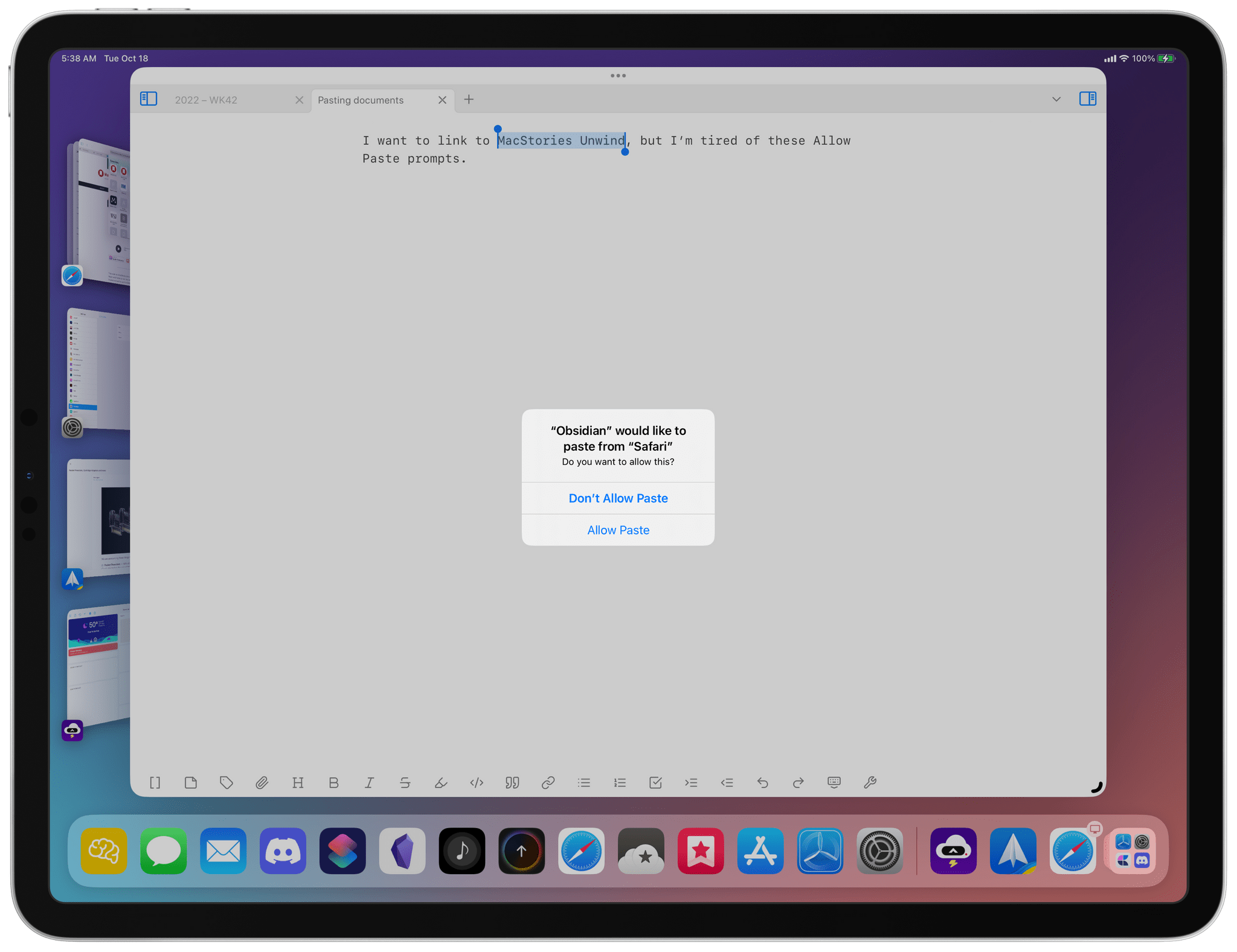
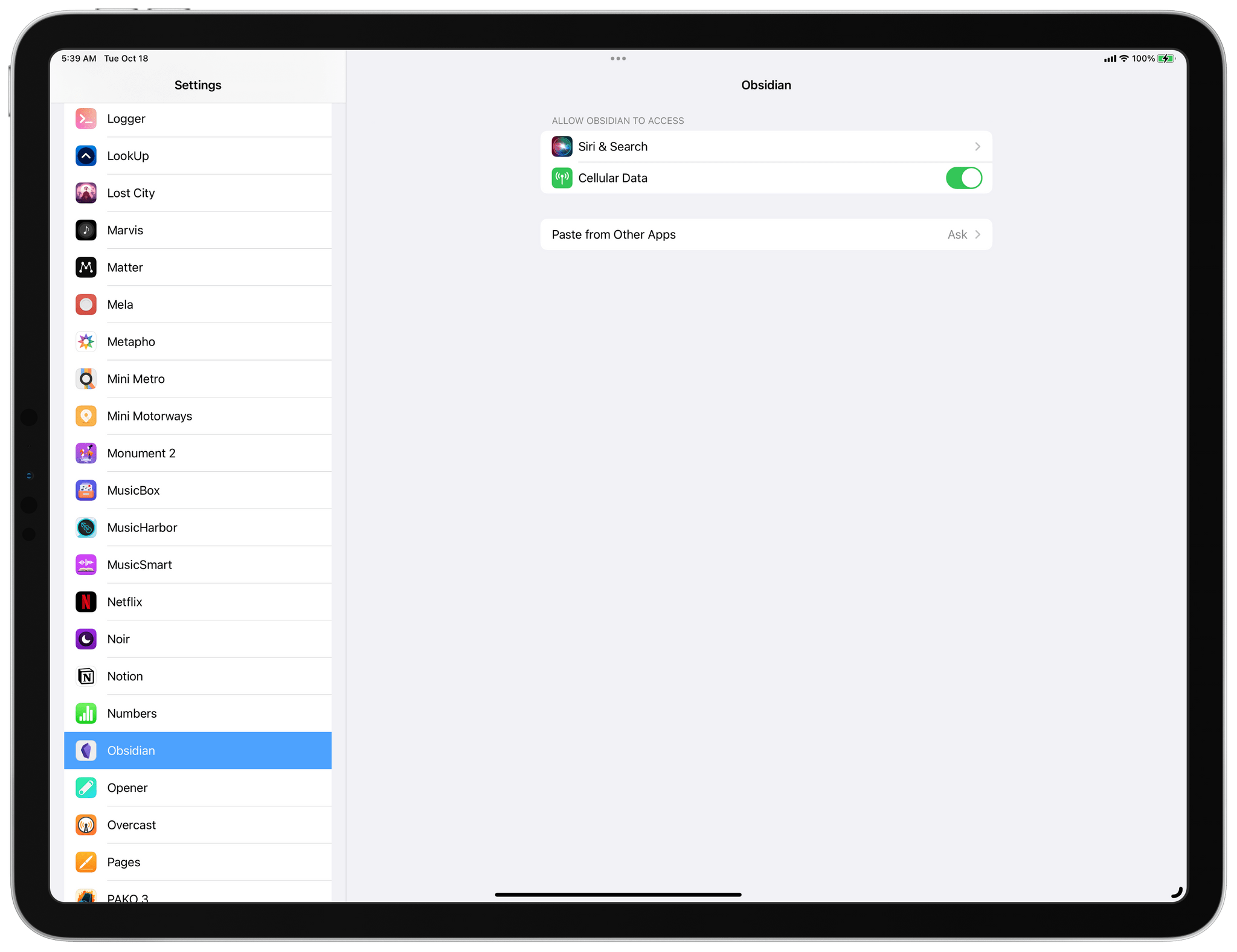
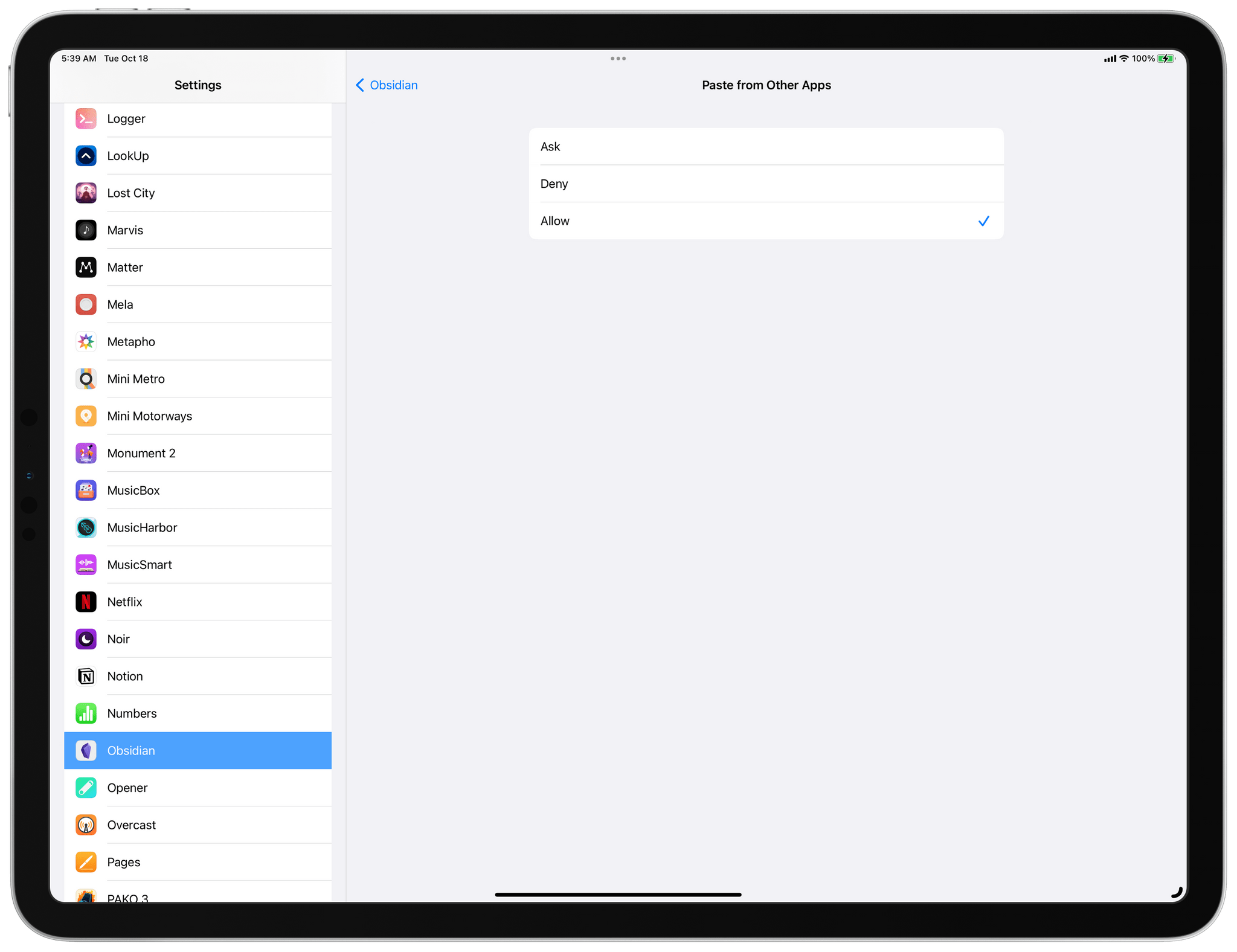
As reported by MacRumors’ Juli Clover, Apple released iOS 16.0.2 today to fix unspecified security issues along with several bugs. Among the bugs fixed are two that have been making headlines recently. One caused the iPhone 14 Pro and Pro Max’s cameras to shake when using some third-party camera apps, while the other displayed frequent alerts asking for permission to allow pasting from one app to another.

The full release notes are as follows:

  • This update provides bug fixes and important security updates for your iPhone including the following:
  • Camera may vibrate and cause blurry photos when shooting with some third-party apps on iPhone 14 Pro and iPhone 14 Pro Max
  • Display may appear completely black during device setup
  • Copy and paste between apps may cause a permission prompt to appear more than expected
  • VoiceOver may be unavailable after rebooting
  • Addresses an issue where touch input was unresponsive on some iPhone X, iPhone XR, and iPhone 11 displays after being serviced

Although Apple characterized the frequent alerts about pasting between apps as a bug, I have to wonder whether it was actually the intended behavior. It’s not as though nobody was talking about the issue throughout the beta period. In any event, it’s good to see all of these bugs being addressed so soon after the release of the phones.

Permalink

Victoria Song of The Verge Answers the Question: Who Is the Apple Watch Ultra For?

The Apple Watch Ultra reviews are out and instead of a roundup of all of them, I’m just going to link to Victoria Song’s review on The Verge, which comprehensively covers the watch’s new features, answers all of the questions I’ve had since the Ultra’s announcement, and explains better than anyone who it’s for and who it’s not:

After a week of testing, I don’t think it’s going to bump Garmin, Polar, or Coros watches for the Ironman, thru-hiker, or deep-sea diving crowds, at least not yet. But it’s legitimately good for weekend warriors and intermediate athletes — and very tempting for folks who aspire to that status and a whole lot of people who just want the biggest, baddest Apple Watch they can get.

The size of the Ultra is an area of intense interest, and while it’s big and chunky, Song explains that in practice, it feels smaller to wear:

I don’t normally love big smartwatches. I have petite wrists, and anything over 45mm is generally too uncomfortable for all-day wear, looks ridiculous on my arm, and leads to activity tracking inaccuracies. But I’ve found that some watches “wear small” — the Polar Grit X ProSamsung Galaxy Watch 5 Pro, and Suunto 7 all feel smaller than they look. To my surprise, the 49mm Apple Watch Ultra is one of them.

This is one of those things that’s hard to convey through pictures alone. In photos, the Watch Ultra dwarfs my wrist. In person, it feels smaller than some of the 45mm to 47mm round watches I’ve tested.

Song and The Verge editor-in-chief Nilay Patel both got better than rated battery life too:

The Ultra’s 36-hour battery estimate is also a bit conservative; if you’re not partaking in a triathlon, you’re likely going to get closer to 48 hours. And that’s without low-power mode enabled.

Although there’s room for improvement and Song doesn’t think Apple is going to take the sports watch category by storm just yet, she concludes that:

All in all, the Ultra is one of the best debuts in a new product category that I’ve seen in a while. A lot of thought was put into the Ultra, and it shows. It’s not enough to make Garmin shake in its boots just yet, but it’s more than enough to pique interest and spark competition. Apple’s officially a viable contender in the rugged watch category — and I can’t wait to see what comes next.

The review is full of real-life, hands-on scenarios that make the case for the Apple Watch Ultra as a device that fits the profile of a fitness enthusiast better than the fitness pro but also someone who wants the most Apple Watch available. It’s an interesting mix that will be interesting to watch develop as the Ultra is delivered to customers and evolves in the future.

Permalink

The Halide Team Compares the Camera Specs of the iPhone 14 Pro to the iPhone 13 Pro

If you’re curious about the technical changes to the iPhone 14 Pro’s cameras, the Halide team has you covered with a side-by-side comparison between the iPhone 13 Pro and iPhone 14 Pro. There are a lot of interesting details in the post, but it looks like the most significant changes are to the Main (formerly known as Wide) camera:

The Wide camera sees the greatest changes. The lens gets a bit wider, a 2mm focal length difference. The aperture is smaller (‘slower’), means the lens collects less light. This was probably necessary to work with a larger sensor. We calculate that the Wide camera is able to collect 20% more light compared to last year’s camera, even with this slightly worse aperture, thanks to its larger size.

We’re astonished by the improvement in the camera sensor’s ISO range. It goes far beyond previous iPhone cameras. Given high ISO values are accompanied by more noise, it’s highly likely this ISO range is made possible by how its higher resolution sensor combines 4 pixels into one, vastly reducing noise.

How these spec changes play out in practice will be interesting. We got some initial impressions in the reviews published earlier today, and Austin Mann’s review reveals some of the practical implications of the numbers cataloged by the Halide team. Still, I’m eager to see what Halide’s Sebastiaan de With and others think once they’ve had more time to push these cameras to their limits.

Permalink

Austin Mann Reviews the iPhone 14 Pro’s Cameras

Source: Austin Mann

Source: Austin Mann

Austin Mann’s review of the iPhone 14 Pro’s cameras is out, and as usual, he’s back with beautiful photos from an interesting location. This time it’s the Scottish Highlands where Mann put the iPhone Pro’s new cameras to the test.

One of the advantages of the new 48MP camera is more latitude to crop images without reducing their resolution too far. There’s a great example in Mann’s review of a tight crop on a rooster that illustrates how far an image can be cropped and still retain lots of detail. Still, Mann concludes that he’s more likely to shoot at 12MP than 48 in most situations because it’s still the fastest way to shoot and performs so well in low-light. Mann was also impressed with shooting video in Action Mode, although he notes that it requires good lighting and crops the resulting video substantially.

Mann’s bottom line:

With high-resolution imaging capability, Action mode stabilization, and a Cinematic mode that now supports 4K at 24 fps, the iPhone 14 Pro is a powerful imaging tool in the pocket of a creative pro. Beyond the cameras, new safety features like Emergency SOS via satellite and crash detection are exciting to have with me (and with my loved ones).

Now I’m just hoping we see some monster steps forward in the digital workflow so we can quickly get these beautiful files off our cameras and into our projects to share with the world!

For examples of the kind of shots that are possible when the iPhone 14 Pro is in the hands of a professional and more details on the camera’s performance, be sure to visit Mann’s site.

Permalink

AppStories, Episode 292 – What Makes a Great Modern Shortcuts Action?

This week on AppStories, we consider what it takes to create a great set of modern Shortcuts actions using examples of what Apple is doing in its own apps and what some of our favorite third-party apps are already doing to make Shortcuts accessible to a wider audience and more useful to power users.

Sponsored by:

  • RevenueCat – Subscription management built for mobile apps.
  • Setapp – More than 240 powerful apps. Try it free for a month.
  • Sourcegraph – Universal Code Search. Move fast, even in big codebases. Try it now.
  • Kolide – It helps you nail third party audits and internal compliance goals with endpoint security for your entire fleet. Learn more here.

On AppStories+, we look back at one year of AppStories+ and the expansion of Club MacStories and consider the ways that Apple’s new Shortcuts actions for Safari on iOS and iPadOS can be used to get more out of your web browsing.

We deliver AppStories+ to subscribers with bonus content, ad-free, and at a high bitrate early every week.

To learn more about the benefits included with an AppStories+ subscription, visit our Plans page, or read the AppStories+ FAQ.

Permalink

AppStories, Episode 291 – 2022 OS Preview: watchOS 9

This week on AppStories, I’m joined by Alex Guyot to talk about Alex’s MacStories origin story and walk through all of the changes coming to watchOS this fall as part of the MacStories Summer OS Preview series.

Sponsored by:

  • Concepts - Infinite, Flexible Sketching.
  • Trade – Save Big, Support Small Roasters. Get $30 off your first order.
  • Memberful – Monetize your passion with membership.
  • Sourcegraph – Universal Code Search. Move fast, even in big codebases. Try it now.

On AppStories+, Alex and I discuss Apple’s home automation strategy, Matter, Thread, and more.

We deliver AppStories+ to subscribers with bonus content, ad-free, and at a high bitrate early every week.

To learn more about the benefits included with an AppStories+ subscription, visit our Plans page, or read the AppStories+ FAQ.

Permalink