Posts in Linked

The Case for Low Power Mode on MacBooks

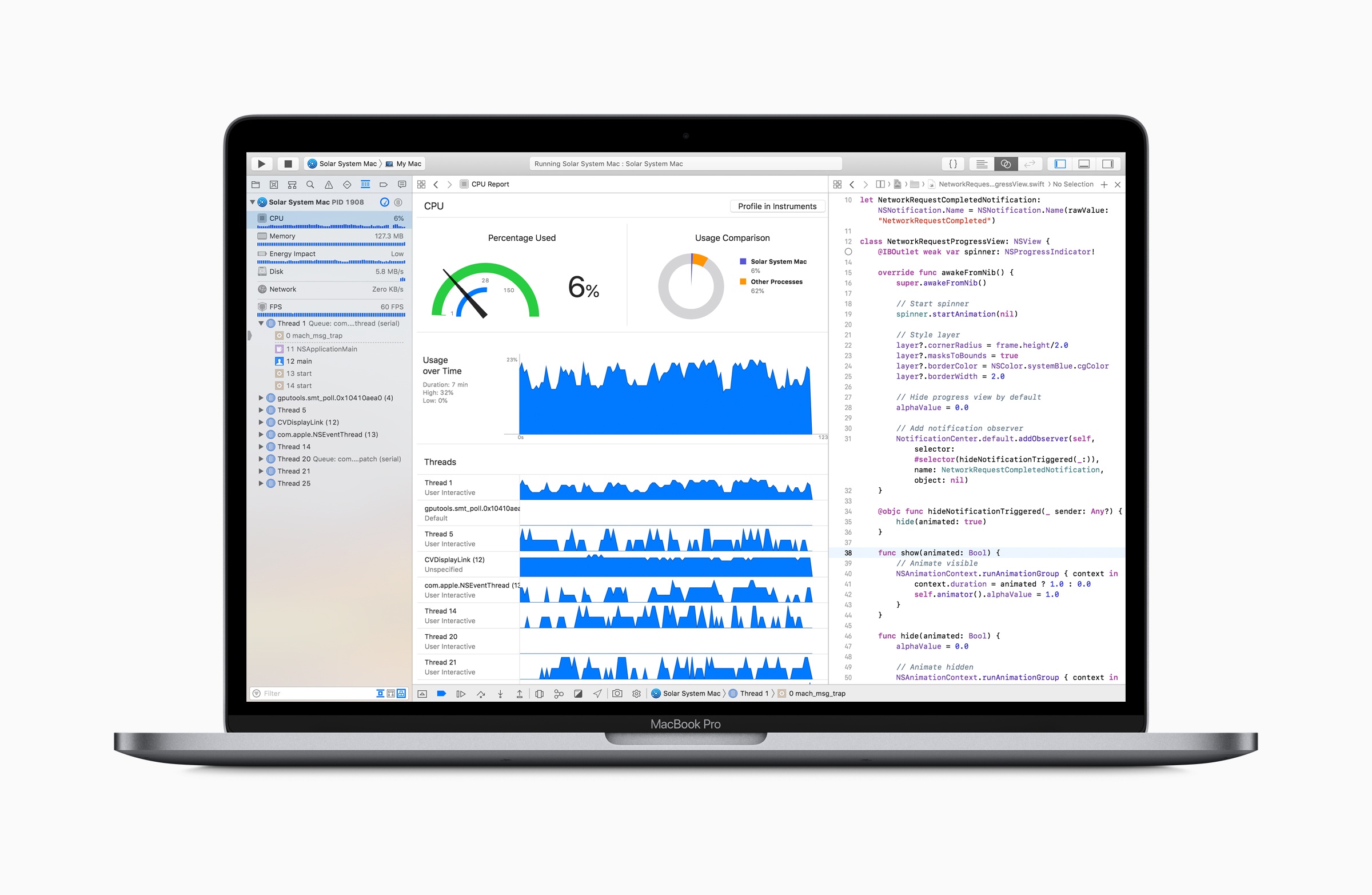
Marco Arment has revisited MacBook Pro battery life tests that he first ran in 2015 to see how his new 2018 13-inch MacBook Pro with a 2.7 GHz i7 processor and his 2015 2.2 GHz 15-inch MacBook Pro would fare under similar conditions. In 2015, Arment used an app called Turbo Boost Switcher to disable Turbo Boost on his laptop. This time around, he replicated disabling Turbo Boost on his 2015 MacBook, but on his 2018 model, he also limited the laptop’s power consumption using Volta.

Based on the results Arment concludes that:

the gain in battery life is about as large as the loss in heavy-workload performance. That’s a trade-off I’d gladly make when I need to maximize runtime.

The best bang-for-the-buck option is still to just disable Turbo Boost. Single-threaded performance hurts more than with wattage-limiting, but it’s able to maintain better multi-threaded performance and more consistent thermals, and gets a larger battery gain relative to its performance loss.

Running an app like Turbo Boost Switcher is worth considering when you have work to get done because it can mean the difference between your MacBook’s battery making it through a long flight or not. However, I’m with Arment – I’d prefer to run an iOS-like Low Power Mode for Macs that is implemented at the OS level and makes intelligent choices about what activities to stop or slow down. To get an idea of the sorts of things that might be throttled in a macOS Low Power Mode, check out the long list compiled by Arment.

Permalink

Logitech Purchases Blue Microphones to Better Serve Gamers, Podcasters, and More

Logitech is expanding its lineup of tools for content creators by acquiring the popular microphone company Blue. From Blue’s announcement post:

Logitech has announced plans to acquire Blue Microphones—and we are super excited about it! Blue’s mission is to help our users find and amplify their voice by making the coolest microphones on the planet, and we’re going to keep doing exactly that. With Logitech’s vast resources behind us, we can be supercharged. We can be better, stronger, faster…

The union of the companies makes a lot of sense, as each creates gear in overlapping domains like gaming, YouTube, and podcasting.

We both have strong brands in the gaming market. We make the most popular streaming mic, they make the most popular streaming cam. And we both want to put excellent, high-performance gear on every desktop.

Blue also makes professional-level microphones for musicians, but to most consumers the company may be best known for its Yeti and Snowball mics, which are favorite choices among podcasters. It will be interesting to see how Blue’s additional resources enable it to better serve the needs of its existing customer base.

Permalink

Steve Jobs Interview Covering the First Month of the App Store Released by The Wall Street Journal

One month after the App Store debuted, Nick Wingfield of The Wall Street Journal sat down with Steve Jobs to see how it was going. Today, The Wall Street Journal released a full transcript and audio of the interview on their site. The interview is behind the Journal’s paywall, but it’s worth a read or listen if you have access to it.

At the time of Jobs’ conversation with Wingfield, there were over 1500 apps on the Store, and Jobs estimated around 50 were being added each day. According to Jobs, of the 1500+ apps on the App Store:

27% of them are free, leaving 73% paid. Of the paid apps, over 90% are under $10.

Jobs put the numbers in perspective by comparing them to iTunes downloads:

Users have downloaded over 60 million apps from the App Store in the first 30 days…. That is 30% as big as iTunes for music downloads.

Jobs went on to explain what that meant to developers:

The total revenue has been $30 million in the first 30 days. Developers get 70% of that. Developers get $21 million. Nine of that $21 million is going to the top 10 developers. A lot of small developers are making a lot of money.

What can only be captured by the audio of the interview, is Jobs’ apparently sincere astonishment at the success of the App Store. In retrospect, it’s amusing to hear Jobs speculate that the App Store might someday reach $1 billion in revenue when we know now that it’s paid out a net to developers of $100 billion:

We’re already at a $360 million a year run rate. This thing is going to crest to half a billion soon.

Who knows? Maybe it’ll be a billion dollar marketplace at some point in time. This doesn’t happen very often. A whole new billion dollar market opens up. 360 million in the first 30 days, I’ve never seen anything like this in my career for software.

Although I’m surprised that The Wall Street Journal waited more than two weeks after the 10th anniversary of the App Store to release the interview, I’m glad they did. The interview is full of interesting facts about the early App Store and a unique insight into Steve Jobs’ reaction to the Store’s runaway success. I highly recommend you listen if you can.

Permalink

Connected, Episode 202: It Could Just Be Ghosts

Federico and Stephen are joined by John Voorhees to talk about MacBook Pro throttling, HomePod rumors and answer some listener questions.

A fun episode of Connected this week with a discussion about how we use our HomePods and what’s going on with the 2018 MacBook Pros. You can listen here.

Sponsored by:

  • TextExpander, from Smile: Multiply your team’s productivity.
  • Simple Contacts: Contact lens prescriptions from home: Use offer code CONNECTED20 for $20 off your contact lenses
  • Anchor: The easiest way to make a podcast. Ever.
Permalink

Apple Releases Software Fix to Address MacBook Pro Throttling

Jason Snell, writing for Six Colors:

After a week of controversy following the posting of a video that claimed the new 15-inch MacBook Pro could experience massive slowdowns, Apple on Tuesday acknowledged that the slowdowns exist—and that they’re caused by a bug in the thermal management software of all the 2018 MacBook Pro models. That bug has been fixed in a software update that Apple says it’s pushing out to all 2018 MacBook Pro users as of Tuesday morning.

Here’s the official Apple statement, furnished to Six Colors by an Apple spokesperson:

Following extensive performance testing under numerous workloads, we’ve identified that there is a missing digital key in the firmware that impacts the thermal management system and could drive clock speeds down under heavy thermal loads on the new MacBook Pro. A bug fix is included in today’s macOS High Sierra 10.13.6 Supplemental Update and is recommended. We apologize to any customer who has experienced less than optimal performance on their new systems. Customers can expect the new 15-inch MacBook Pro to be up to 70% faster, and the 13-inch MacBook Pro with Touch Bar to be up to 2X faster, as shown in the performance results on our website.

The controversy caused this past week over throttling reports surely isn’t the kind of publicity Apple was hoping for with its latest updates to the MacBook Pro. There’s been all kinds of speculation as to the reasons for the excessive throttling that’s been reported, with one popular theory claiming it’s an issue with the MacBook Pro’s thin body – an error similar to that found with the current Mac Pro, whose enclosure can’t sufficiently handle the additional heat caused by powerful chips and heavy workflows.

While official tests will take some time to confirm Apple’s message, it’s great to see that the i9 MacBook Pro’s issues don’t appear to be hardware-related, and Apple moved swiftly to solve them.

Permalink


iMessage Business Chat Continues Slow Rollout, Adding Multiple New Brands and Supported Platforms

Apple launched iMessage Business Chat earlier this year as part of iOS 11.3, but at the time only a select few companies were signed on to support the feature. Four months later, we’re now starting to see the next Business Chat partners go live. Sarah Perez reports for TechCrunch:

In addition to Dish becoming the first TV provider to support Business Chat, Apple says it has also added four other brands, Aramak, Four Seasons, Harry & David, and American Express, in addition to five new technology platforms businesses can integrate with.

To this point Business Chat has primarily been deployed as a customer support solution, but with these new companies comes more diversity in how the feature is being used. In particular, I’m intrigued by what Aramark is doing with Business Chat as a customer service tool. Perez writes:

Aramak is piloting a 10-game “Brew2You” program at Citizens Bank Park, the home of the Philadelphia Phillies. Fans will be able to scan a QR code on their seat back in three sections to order beer or water over iMessage, and have it delivered right to their seat.

Ordering drinks at a ball game is a perfect use case for Business Chat, and one I hope catches on with related markets, both sports and otherwise. Movie theaters, concerts, or Broadway shows that offer the ability to order refreshments from your seat would be another great fit.

I used Business Chat for the first time last week with Dish, and the service worked as advertised, offering a pain-free support experience that’s miles ahead of a traditional phone call or other web chat service. While expansion has gotten off to a slow start, I’m hopeful that with Apple targeting not just individual brands, but also large platforms like Cisco, it will be easy for more businesses to get on board sooner rather than later.

Permalink

iFixit Tests MacBook Pro’s Keyboard Membrane

iFixit ran more tests and took a closer look at the keyboard membrane that was added to the 2018 MacBook Pro released last week. It turns out, the membrane is one sheet of die-cut silicone with tiny cutouts to allow keycaps to connect to the butterfly switches beneath.

To test how well the new design holds up against dust, iFixit sprayed a new MacBook Pro with a dusting of paint additive. They then tore apart the notebook and found:

Lo and behold, the dust is safely sequestered at the edges of the membrane, leaving the mechanism fairly sheltered. The holes in the membrane allow the keycap clips to pass through, but are covered by the cap itself, blocking dust ingress. The previous-gen butterfly keys are far less protected, and are almost immediately flooded with our glowing granules. On the 2018 keyboard, with the addition of more particulate and some aggressive typing, the dust eventually penetrates under the sheltered clips, and gets on top of the switch—so the ingress-proofing isn’t foolproof just yet. Time will tell how long the barrier will hold up.

iFixit followed up by testing with grittier sand, which managed to cause keys to stick.

It’s good to see that the MacBook Pro’s keyboard withstands fine particles better than earlier models in testing. The real test, of course, is long-term human testing. Only time will tell whether the 2018 MacBook Pros can hold up when faced with a crumbly muffin in your local café or the pollen blowing across your keyboard as you browse the web in your backyard.

Permalink

Connected, Episode 201: An Internal Fortnite

Federico bought an iPod touch, Nest and Instapaper both have new bosses and the world is finally getting the leg emoji it deserves.

On this week’s Connected, I also shared a status update on my iOS 12 review and the apps I’m using to put it together. You can listen here.

Sponsored by:

  • Pingdom: Start monitoring your websites and servers today. Use offer code CONNECTED to get 30% off.
  • Simple Contacts: Contact lens prescriptions from home: Use offer code CONNECTED20 for $20 off your contact lenses
  • Timing: The automatic time tracking app for macOS. Use this link to save 10% on your purchase.
Permalink