When I installed the first betas of iOS and iPadOS 17 on my primary devices during the week of WWDC, I was immediately impressed by the power-user oriented improvements to the Notes app. Seriously, who would have ever guessed that Apple would actually implement internal linking between notes, a ⌘K keyboard shortcut for hyperlinks, and...
Threader, a Shortcut to Open Threads Profiles from Mastodon and Twitter Directly in the Threads App
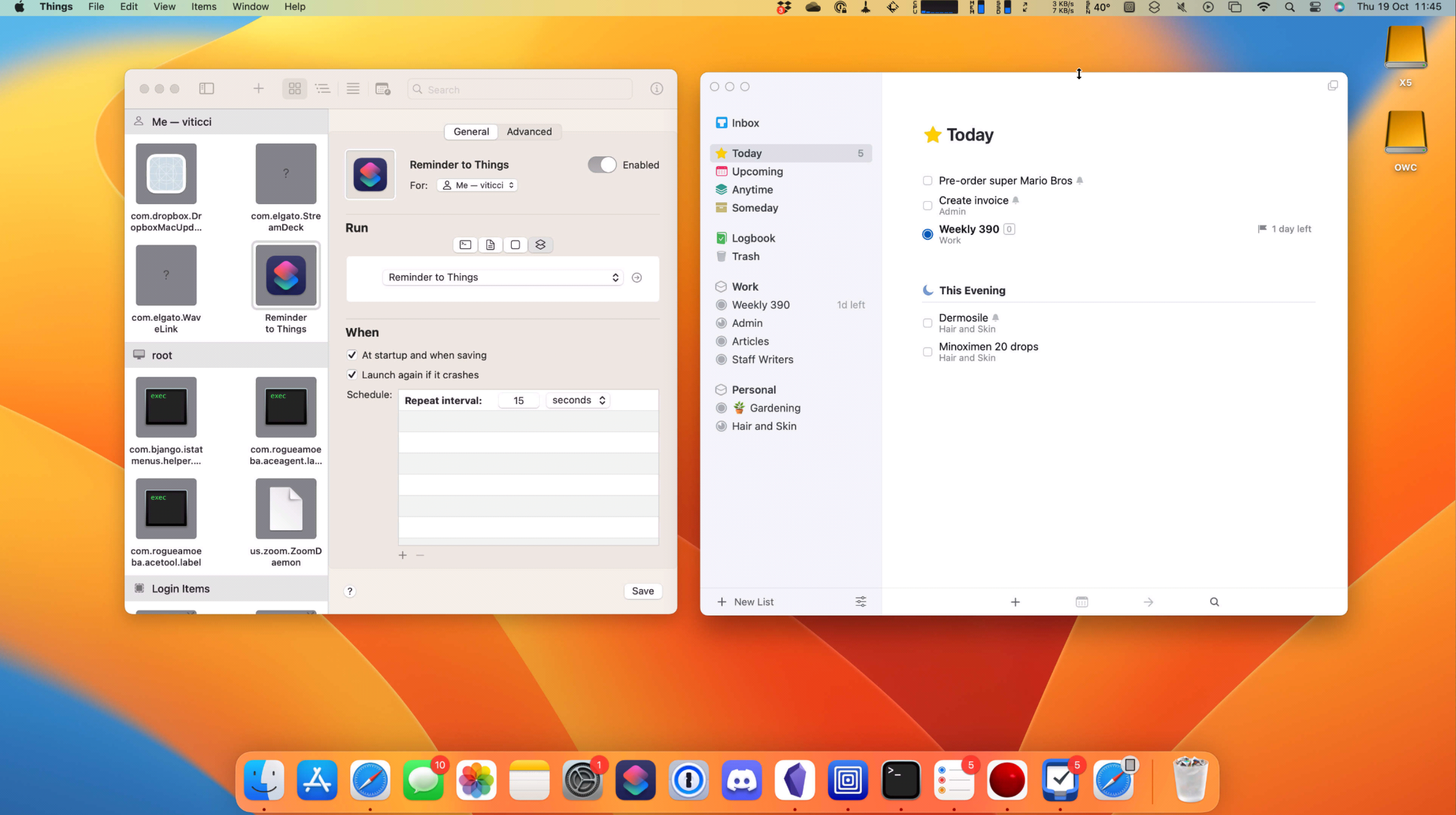
Instagram just rolled out Threads, the company’s new text-based social network that’s been advertised over the past few weeks as an alternative to Twitter. I’m trying out Threads (you can find my account at threads.net/@viticci) and in the process of setting up the list of people I want to follow, I immediately run into an annoying issue that I fixed with a shortcut.
Do Wishes Come True? (Part 2)
An Old Experiment Is New Again
I’ve spent the past few weeks watching WWDC sessions and taking notes about iOS and iPadOS 17. As you know, this is part of the process for my annual iOS and iPadOS reviews, but those notes will also come in handy for the public betas of both operating systems, which should be coming out at...
Do Wishes Come True? (Part 1)
What Is Still Missing From Stage Manager on iPad?
It’s no secret that I’m very happy with the changes Apple is bringing to Stage Manager in iPadOS 17. As I wrote on MacStories during the week of WWDC, Apple reversed two key design decisions in Stage Manager for iPad this year: in iPadOS 17, you can freely place windows anywhere onscreen (including, and especially,...
App Debuts
Sink It for Reddit I know what you’re thinking: Reddit is already sinking. Setting aside the idiotic decisions of the company’s current management, this new Safari extension fixes something that I wager many of us find extremely annoying about Reddit’s website: the banners that constantly tell you a page “looks better” in the app....
Tears of the Kingdom Travel Guide Is the Ideal iPhone and iPad App to Keep Track of Your Zelda Adventures
If your summer’s going to be anything like mine, some of these things should sound familiar: you’re going to play around with the iOS and iPadOS 17 betas and get on some TestFlights for third-party apps; you’re going to spend some time at the beach or perhaps even travel abroad; and you’ll still be playing through The Legend of Zelda: Tears of the Kingdom, which is a ridiculously massive game well worth waiting six years for. If the latter scenario applies to your life right now and in the near future, you’ll want to install TotK Travel Guide, which came out earlier this week for iPhone and iPad.
Faking ‘Clamshell Mode’ with External Displays in iPadOS 17
Fernando Silva of 9to5Mac came up with a clever workaround to have ‘clamshell mode’ in iPadOS 17 when an iPad is connected to an external display. The catch: it doesn’t really turn off the iPad’s built-in display.
Now before readers start spamming the comments, this is not true clamshell mode. True clamshell mode kills the screen of the host computer and moves everything from that display to the external monitor. This will not do that. But this workaround will allow you to close your iPad Pro, connect a Bluetooth keyboard and mouse, and still be able to use Stage Manager on an external display.
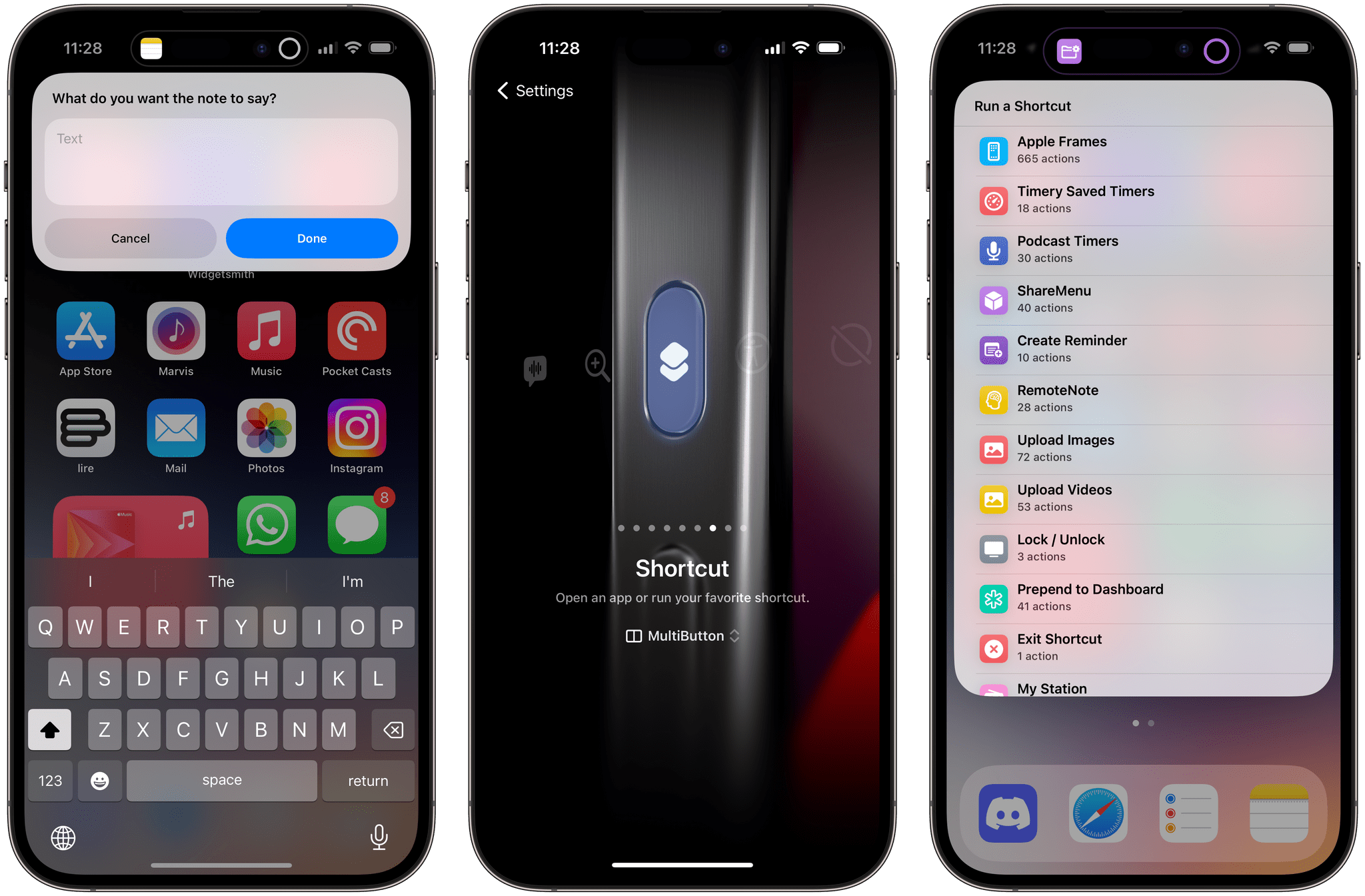
Essentially, the method involves disabling the ‘Lock / Unlock’ toggle in Settings ⇾ Display & Brightness that controls whether the iPad’s screen should lock when a cover is closed on top of it. This has been the iPad’s default behavior since the iPad 2 and the debut of the Smart Cover, and it still applies to the latest iPad Pro and Magic Keyboard: when the cover is closed, the iPad gets automatically locked. However, this setting can be disabled, and if you do, then sure: you could close an iPad Pro and continue using iPadOS on the external display without seeing the iPad’s built-in display. Except the iPad’s display is always on behind the scenes, which is not ideal.1
Still: if we’re supposed to accept this workaround as the only way to fake ‘clamshell mode’ in iPadOS 17, I would suggest some additions to improve the experience.