

For the past couple of years, I’ve been using my iPhone to track various health-related data points to build an archive of my lifestyle and habits. Keeping tabs on every aspect of this “quantified self” approach can be tricky, but Gyroscope provides a fantastic way to visualize everything in one place and monitor your...
 Q&A
Q&A
Question: When Apple announced that iOS 10 would include language prediction in QuickType, I was very excited – especially since they said it would include Chinese out the door. So far, I have not been able to get this to work, at least not as I expected it would. As you may know, Chinese characters...
Member Requests
Question: I work in the music industry for a band and I often need to send the members photos. I have a folder on Dropbox for each of them and every time I add new photos to the folder I send them an iMessage (we are all on iPhones) with the same link to their...
Link to Location Sharing Workflow
The link to Federico’sworkflow for sharing yourlocation with Street View and Apple Maps data was inadvertently omitted from the Workflow Essentials section of MacStories Weekly, Issue 60. You can get the workflow here. Logging Google Calendar Events with Zapier and Toggl In my pursuit of disciplined time tracking (which I detailed on the November 2016...
App Debuts
Scrivener Scrivener, which I used to write my iOS 10 review this year, has received its first update since it came out in July. The new version has brought document templates, the ability to import webpages, and Markdown enhancements for folks who, like me, don’t want to write in rich text. I’m going to...
Astra Brings Amazon’s Alexa Voice Assistant to the iPhone
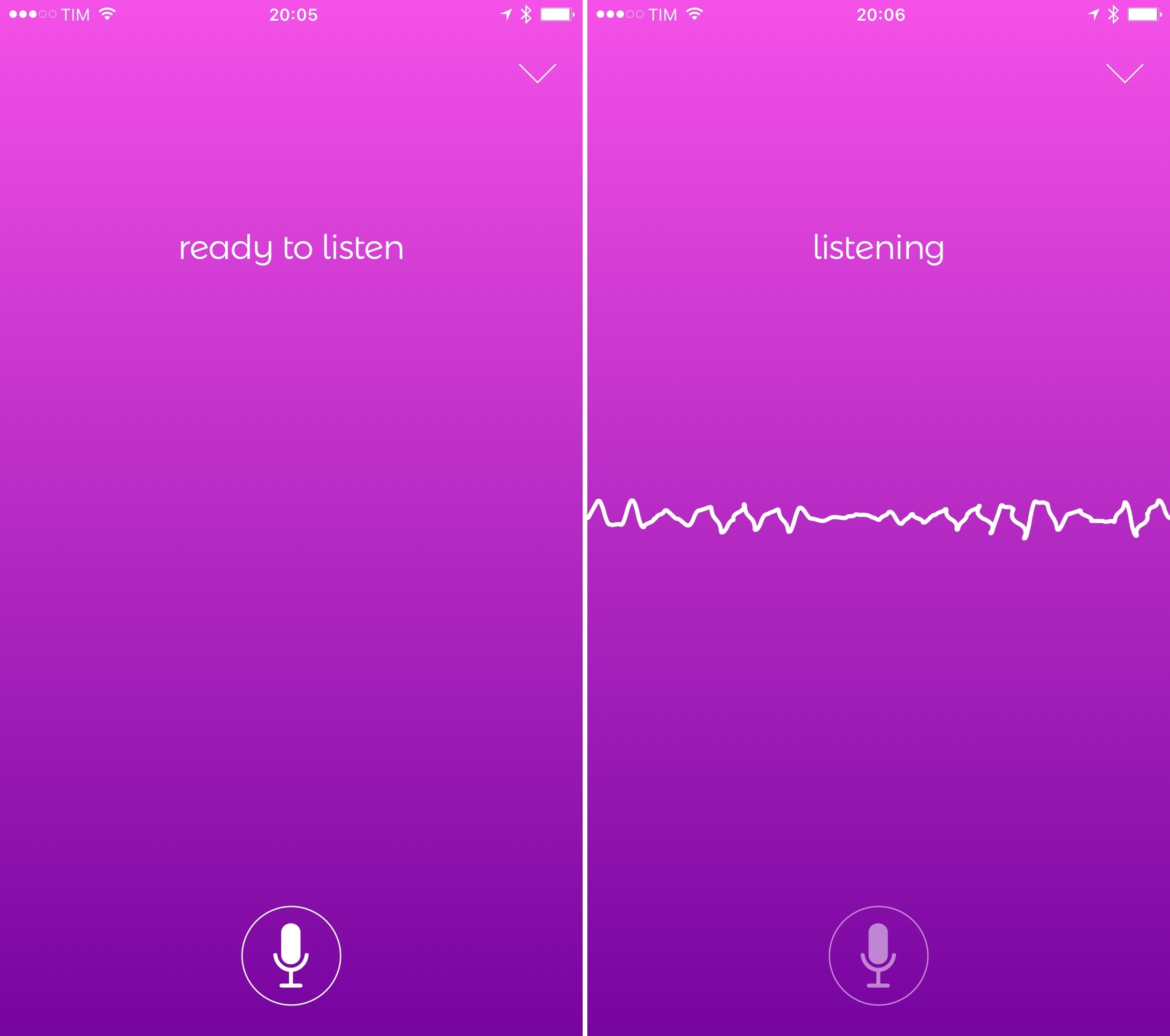
I use my Amazon Echo a lot. Since importing one from the U.S. last year, I’ve started using web services that provide native integration with Alexa, the platform that powers Amazon’s speaker. Whenever I come across a new web service I could use, I check if they have an Alexa skill too. I like Amazon’s take on the home assistant so much, I recently added an Echo Dot to my setup, which has further increased my usage of Alexa and connected services.
There’s one big problem with the Amazon Echo, though: Alexa has no iPhone presence, and Apple is never going to give up the prime spot of Siri on their devices. Amazon has an Alexa app, but it’s a clunky wrapper for a web view that has no voice functionality whatsoever. So while Siri has improved with iOS 10, it’s still behind Alexa in terms of third-party integrations. I often find myself wishing I could ask Siri what I ask Alexa to do for me at home. I have to confess that I even considered an Amazon Tap – the poorly reviewed portable speaker with Alexa support – only to have some way to summon Alexa when driving.
Thankfully, developer Thaddeus Ternes sees this as a problem as well, and he created Astra, an iPhone app to issue requests to Alexa via voice. You might remember Ternes from Lexi, the predecessor of Astra that also allowed you to use Alexa on the iPhone. Lexi was pulled from the App Store and it’s coming back as Astra, which sports a new design, support for timers and alarms, and background audio. After testing Astra for the past two weeks, I decided to put it on my Home screen and it’s quickly become one of my most used iPhone apps when I’m not at home.
Connected, Episode 121: Software Update Therapy→
AirPods are shipping, Mario needs the Internet and Myke has a story.
A fun episode of Connected this week with a good variety of topics. You can listen here.
Sponsored by:
- Foot Cardigan: Fantastic socks delivered to your mailbox every month. Get 10% off any subscription plan with the code WORLD
A Computer for Everything: One Year of iPad Pro

I wasn’t sure I needed a 12.9-inch iPad when Apple announced the iPad Pro in September 2015. And yet, over a year later, the iPad Pro is, by far, the best computer I’ve ever owned. I’ve never felt so satisfied with any other Apple device before – but the transition wasn’t easy.
After years spent adapting what I learned from the Mac to bring it to iOS, what I found on the other side was a more focused, efficient way of working and communicating with people. The iPad Pro accelerated my move to an iOS-only setup; today, I genuinely don’t know how to perform certain tasks on a Mac anymore.
I use my iPad Pro for everything. It’s my writing machine and favorite research tool, but I also rely on it to organize my finances, play games, read books and watch movies, program in Python and Workflow, and manage two successful businesses. While I’ve been advocating for such multi-purpose use of the iPad platform for a while, the iPad Pro elevated the threshold of possibilities, reaching an inflection point that has pushed others to switch to an iPad as their primary computer as well.
Much of the iPad’s strength lies in iOS and its app ecosystem. If Apple were to stop making iPads, I’d still prefer to work on a device that runs iOS rather than macOS. iOS is where app innovation happens on a regular basis with developers one-upping each other in terms of what software can achieve; I also prefer the structure and interactions of iOS itself. The iPad Pro is the purest representation of iOS: it’s a computer that can transform into anything you need it to be.
Even if this discussion was settled a long time ago, it bears repeating: millions of people today like working on iOS more than they do on macOS, and the iPad Pro is the best machine to run iOS. There is no sarcastic subtext about the Mac here, which is still a fantastic environment that many Apple users love and need for their line of work. The Mac and the iPad can coexist in a market where customers believe one is superior to the other. I prefer working on the iPad; others like their Macs more. And that’s fine because, ultimately, the Apple ecosystem as a whole grows stronger and we all reap the benefits.
Over the past year of daily iPad Pro usage, I’ve made it my personal goal to optimize my iPad workflows as much as possible. This is one of the best aspects of the iOS platform: competition between developers is fierce and you can always choose between different apps to get work done – apps that are improved on a regular basis and are constantly updated for the latest iOS technologies. With enough curiosity and patience, iOS rewards you with the discovery of new ways to work and save time.
Since my last iPad story in February, I’ve taken a hard look at my entire iPad setup and rethought the parts that weren’t working. I tried new apps, created new automations, and optimized every weak spot I could find. I improved how I collaborate with my teammates and produce weekly content for Club MacStories members. Thanks to the time I invested in understanding and fine-tuning my iPad Pro, I was able to embark on more projects, double MacStories’ growth, and manage a larger team.
As a result, my iPad Pro today is noticeably more capable than it was a year ago – all without the need for a hardware refresh.
Here’s what I’ve done.
Apple Releases iOS 10.2 with new Emoji, TV App, and More
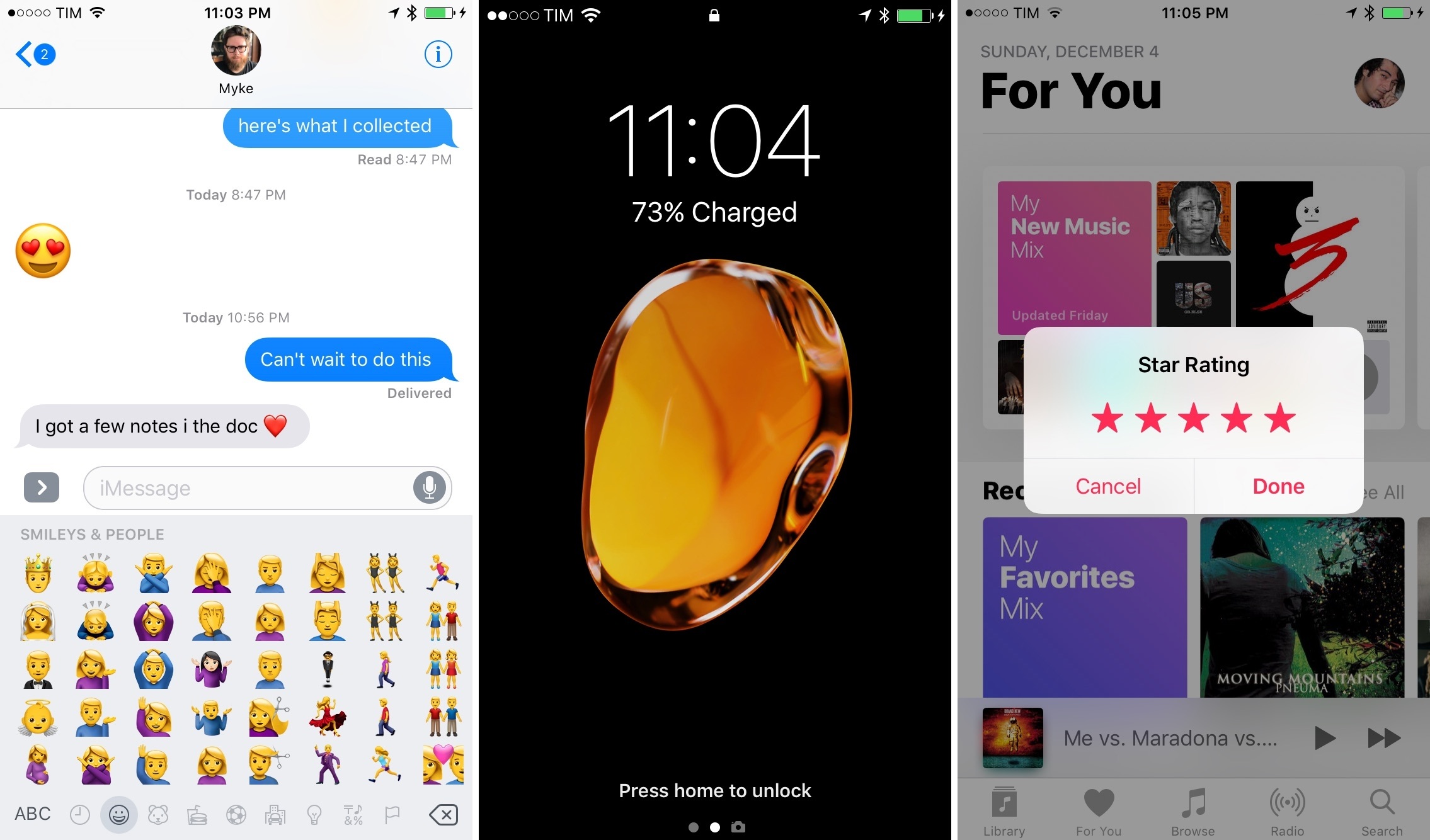
Apple released iOS 10.2 to the public today, bringing new and redesigned emoji, a variety of improvements to system apps and settings, and, for US-based users, the debut of the previously announced TV app.