Federico is the founder and Editor-in-Chief of MacStories, where he writes about Apple with a focus on apps, developers, iPad, and iOS productivity. He founded MacStories in April 2009 and has been writing about Apple since. Federico is also the co-host of AppStories, a weekly podcast exploring the world of apps, Unwind, a fun exploration of media and more, and NPC: Next Portable Console, a show about portable gaming and the handheld revolution.
There’s a lot going on: new iPhones, the new Apple Watch, iOS 13.1, Shortcuts updates and more. That’s not to mention the Galaxy Fold, iCloud woes and whatever Amazon has announced.
You can listen below (and find the show notes here).
0:00 01:44:47
Connected, Episode 262
AppStories+ Deeper into the world of apps
Sponsored by:
Pingdom: Start monitoring your website performance and availability today, and get instant alerts when an outage occurs or a site transaction fails. Use offer code CONNECTED to get 30% off.
TextExpander, from Smile: Unlock your productivity with TextExpander. Get 20% off with your first year.
Update: October 18, 2019: MacStories Shortcuts Icons has received its first free update, which adds 50 new icons to the set. You can read more here.
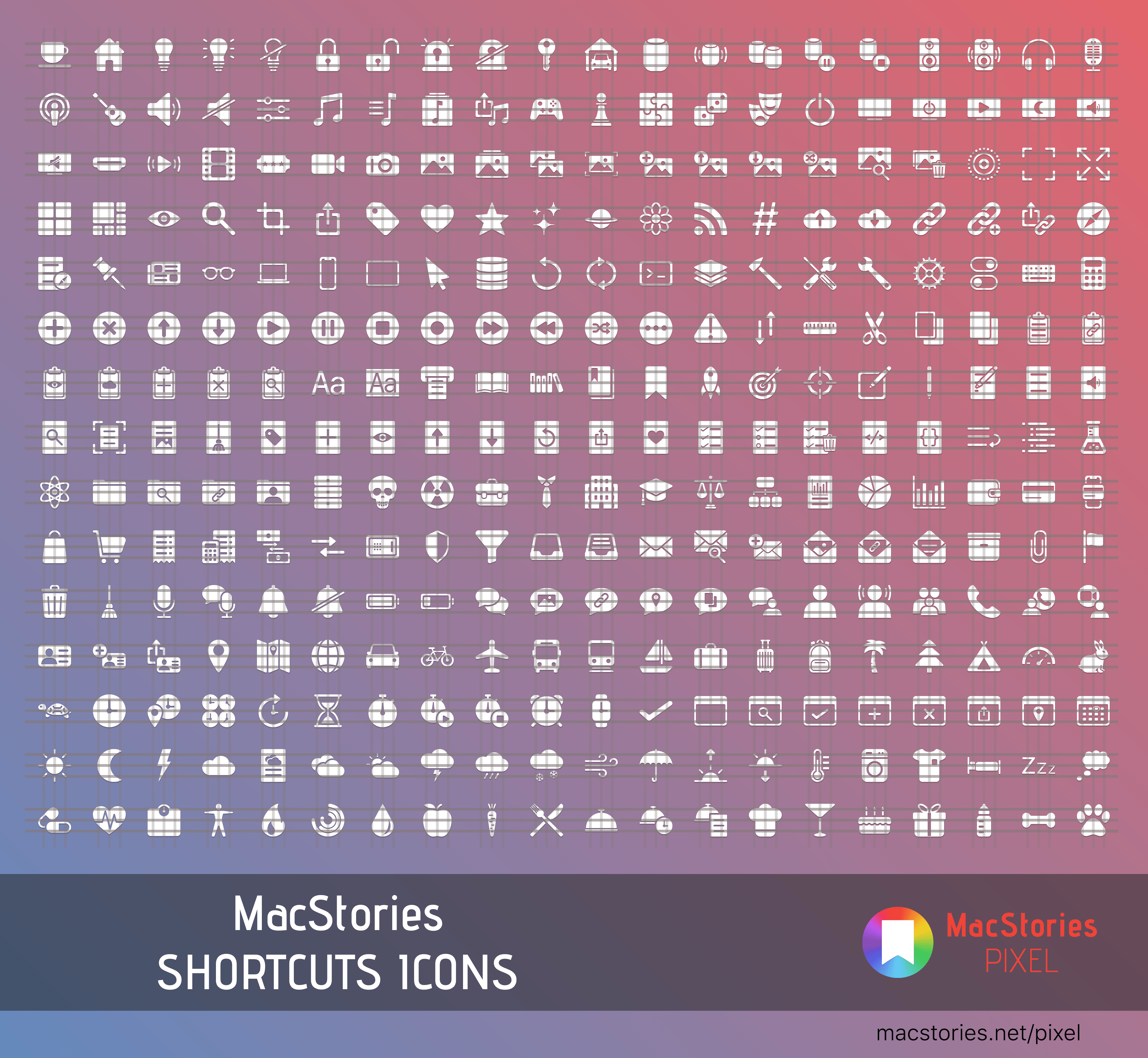
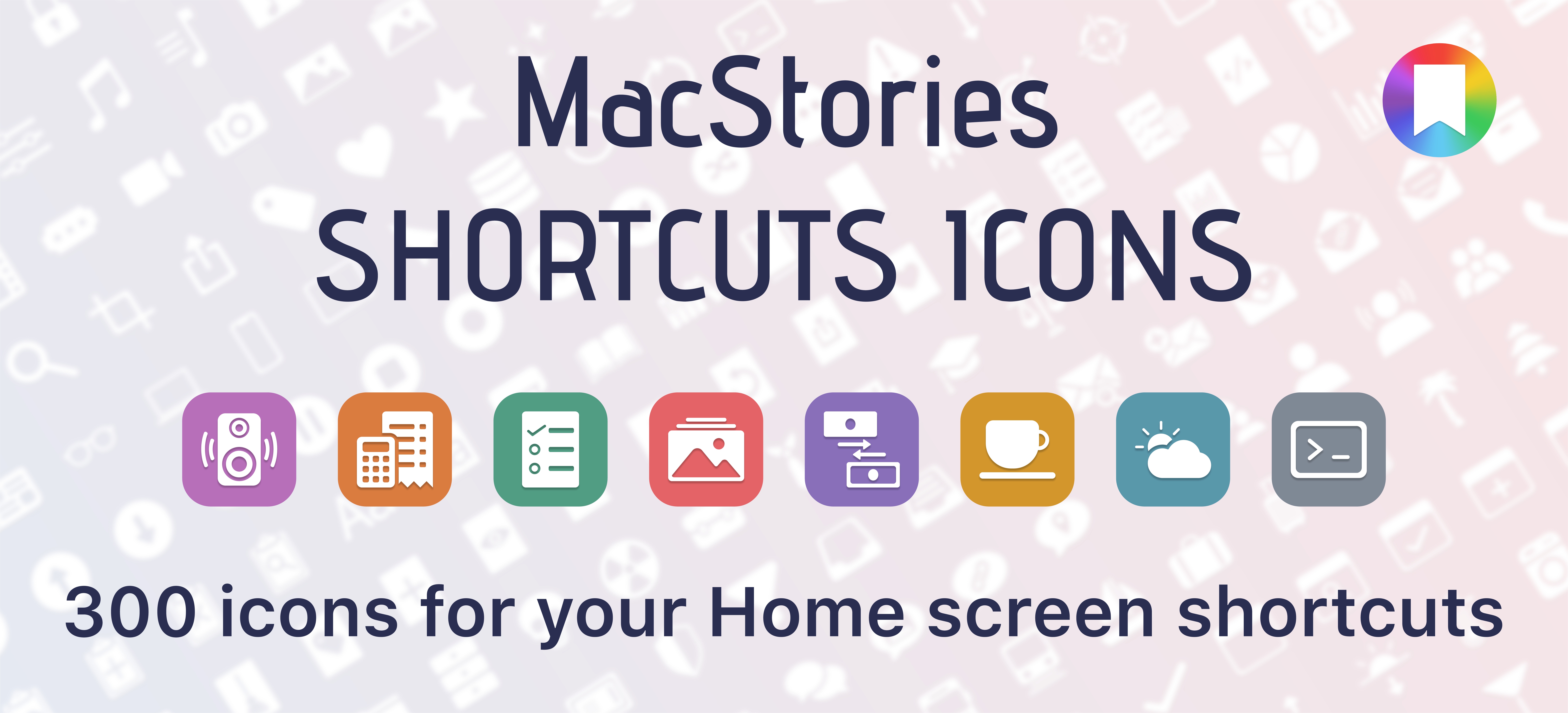
I’m thrilled to announce MacStories Shortcuts Icons, a set of 300 custom icons for shortcuts added to your Home screen, designed by the MacStories team.
Here’s the short version of this story: the set contains 300 Home screen icons, it has been specifically designed with Shortcuts users in mind, and it works on both iPhone and iPad. It’s available today at $14.99 and you can buy it here.
If you’re a Club MacStories member, check your member area for a discount code first: for you, the set is 33% off, so you can purchase it at $9.99.
All sales are final. You can read our license and terms of use here.
With these icons, you’ll have more options than what is provided by default in the Shortcuts app for Home screen icons. There are no workarounds, no hacks: our icons can be installed using a native feature of Shortcuts supported in the just-released iOS and iPadOS 13.1.
And here’s the best part: MacStories Shortcuts Icons will keep the original colors of your shortcuts, so you’ll be able to create Home screen shortcuts that are consistent with the app, yet unique and personal. MacStories Shortcuts Icons is the first Shortcuts-specific icon set to support this.
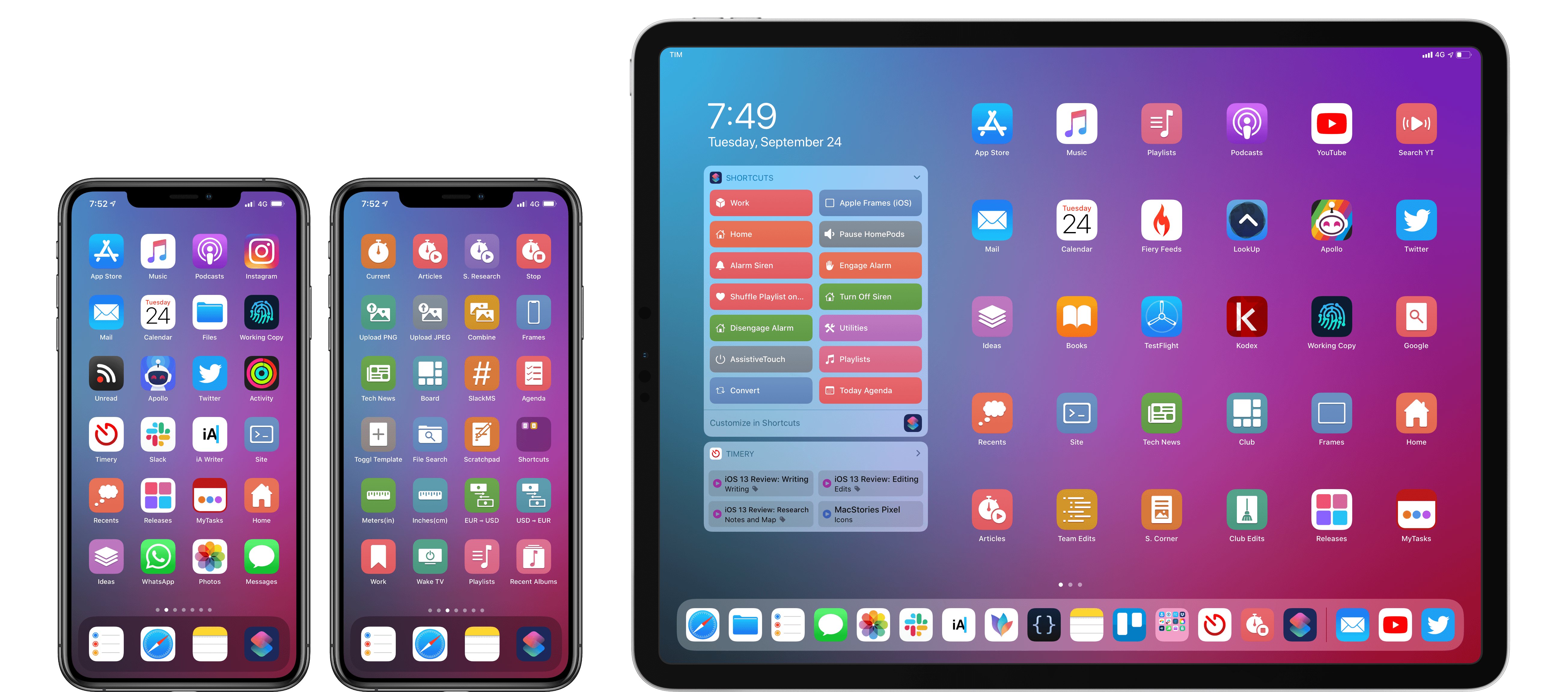
Here are actual examples of my iPhone and iPad Home screens, which I updated using MacStories Shortcuts Icons:
Mixing and matching apps with MacStories Shortcuts Icons on my Home screens.
We’ve teamed up with our designer Silvia Gatta for this set, which is the first product we’re launching under the new MacStories Pixel brand.
We spent months crafting MacStories Shortcuts Icons with attention and care for the Shortcuts community, and I’d love for you to check it out.
Now, let me share a few more details on how MacStories Shortcuts Icons came to be.
On iOS 13 release day, Federico and Ryan kick off a series covering everything new in the updated Shortcuts app. Afterward, Ryan outlines his efforts creating an image for MacStories sans-shortcuts.
You can listen below (and find the show notes here), and don’t forget to send us questions using #AskAdapt and by tagging our Twitter account.
There are major changes to Shortcuts in iOS and iPadOS 13 and coming on September 24th with iOS and iPadOS 13.1. Federico and John explore what the changes mean to third-party apps, who’s using them, and what it means to users.
When Apple announced that iOS was going to be split in a second branch called iPadOS back in June, I didn’t think it would cause any major disruptions to my schedule at first. I only realized that the scope of this year’s review was going to be wildly different from previous years when I...
Federico’s iOS and iPadOS 13 review is out, so we’ve got a special episode of AppStories all about the big-picture changes to the OSes, the evolution of Shortcuts into a Siri development tool supported by third-party developers, the balancing act Apple performs when updating apps distributed to hundreds of millions of users, and lots of interesting little details about iOS and iPadOS 13.
Following years of a judicious union between platforms, it’s time for iPad to embark on its own journey.
In looking back at major iOS releases from the recent past, it’s easy to see how building and positioning these annual updates has become a careful balancing act for Apple.
In last year’s iOS 12, we saw the company focus on improving performance, providing users with tools to understand their device usage habits, and adapting Workflow to the modern era of Siri and proactive suggestions. The strategy was largely successful: iOS 12 was regarded as Apple’s most reliable iOS release of late – a reputation that has resulted in a 90% adoption rate a year later; and the Shortcuts app – the highlight of last year from a user feature perspective – is becoming a built-in (and thus more powerful) app in iOS 13.
For all that Apple accomplished in iOS 12, however, some areas of the experience inevitably had to be put on the back-burner. Besides improvements to Reminders and Files, iOS 12 lacked a long-awaited dark mode (which was rolled out on macOS instead) as well as more substantial tweaks to the ever-evolving iOS 7 design language; chief among iOS 12’s absentee list, of course, was iPad. Even though Apple had trained users to expect major additions to the tablet platform on a biennial schedule (see iOS 9 and iOS 11), the lack of meaningful iPad features in iOS 12 spurred a contentious discussion when it became apparent that new iPad Pro hardware was so far ahead of its software, it legitimized asking whether investing in that hardware was even worth it.
The annual debate that surrounds which features make it into each major iOS release is symptomatic of a complicated truth: iOS isn’t just the operating system that runs on iPhones anymore, and these annual releases are more than a mere collection of updated apps. iOS is the platform for an ecosystem of devices – from our wrists and speakers to cars and TV sets – and its changes have repercussions that ripple far beyond an updated Reminders app or a new icon set.
This, of course, has been the case for a few years at this point, but the nature of iOS as an all-encompassing platform has never been as evident as it is today in iOS 13. For the first time since I started reviewing Apple’s annual iOS updates, it feels like the company is now keenly aware that a new iOS version has to cover an array of themes that can’t be pushed back for scheduling reasons. A single area of attention isn’t enough anymore – not for the Apple of 2019 as an economic, political, and social force, and not for iOS, the engine powering devices that aren’t just screens for apps, but bona fide lifestyle computers.
As a result, there’s something for everyone in iOS 13 and all the recurring themes of Tim Cook’s Apple are touched upon this time around. iOS 13 improves Face ID recognition and promises improvements to app download sizes and performance. Apple is sending strong signals on its commitment to privacy as a feature with a new sign-in framework for apps and enhancements to location tracking controls and HomeKit cameras. iOS’ design language is getting its biggest update in years with dark mode, new tools for developers to express colors and embed glyphs in their user interfaces, updated context menus, and redesigns aimed at facilitating one-handed interactions. We have notable improvements to built-in apps, including the rebuilt Reminders and Health, an overhauled Files app, and hundreds of quality-of-life tweaks that, in big and small ways, make iOS more capable and efficient.
No stone is left unturned in iOS 13 – and that includes iPad too.
The iPad experience has always been largely consistent with the iPhone – particularly since Apple unified core iOS interactions around a screen without a Home button – but also distinct from it. iOS 13 makes this distinction official by splitting itself in a second branch called iPadOS, which uses iOS as the foundation but is specifically optimized and designed for iPad.
It was clear when the new iPad Pro launched in late 2018 that it told only one part of a bigger story about the role of the tablet in Apple’s modern ecosystem. With iPadOS, Apple is ready to tell that full story: while the iPad has always been an extension of iOS, sharing key similarities with the iPhone hardware and software, it’s been evolving – arguably, a bit too slowly – into a different breed of computer that is fundamentally distinct from a phone.
We’ve been able to observe this divergence starting in iOS 9 with Split View multitasking and Apple Pencil, and the transition continued with iOS 11 and its drag and drop-infused environment. It was only natural (and well-deserved) for the iPad to begin advancing in a parallel direction to iOS – informed and inspired by it, but also capable of growing on its own and tackling problems that an iPhone doesn’t have to solve.
From this standpoint, there are two sides to iOS 13: on one hand, an underlying tide that raises all platforms, featuring a distillation of themes Apple comes back to on an annual basis; on the other, a fork in the road, opening a new path for the iPad’s next decade. And against this backdrop, a single question looms large:
This week, Federico and John dive into the new and updated apps announced at Apple’s fall keynote including Compass, Camera, and the upcoming Apple Arcade game subscription service.
The following section has been extracted from my iOS and iPadOS 13 review (which will be published on MacStories next week on Thursday) and is part of the (much bigger) Shortcuts chapter. Apple’s other automation initiative in iOS 13.1 is the ability to run custom shortcuts as HomeKit automations directly on HomeKit hubs that...








 John
John