Federico Viticci

10962 posts on MacStories since April 2009

Federico is the founder and Editor-in-Chief of MacStories, where he writes about Apple with a focus on apps, developers, iPad, and iOS productivity. He founded MacStories in April 2009 and has been writing about Apple since. Federico is also the co-host of AppStories, a weekly podcast exploring the world of apps, Unwind, a fun exploration of media and more, and NPC: Next Portable Console, a show about portable gaming and the handheld revolution.

Exclusive Preview: Firetask for Mac

Is there still room for another GTD app on Mac OS X? Probably. I think there’s still a huge room for creative and well developed apps, not for yet another clone of Things.app.

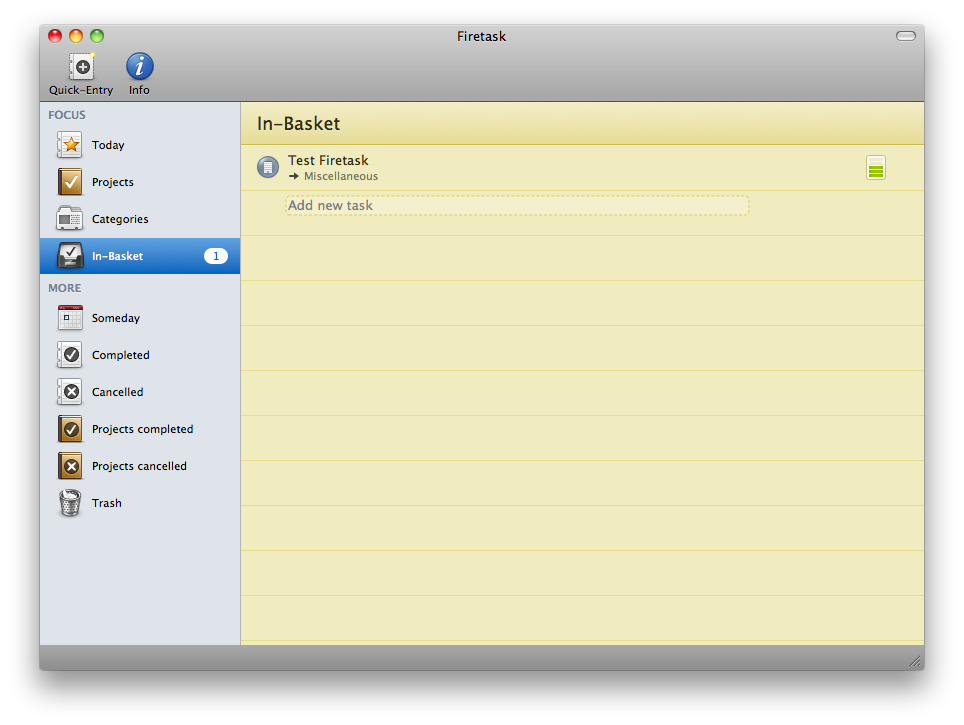
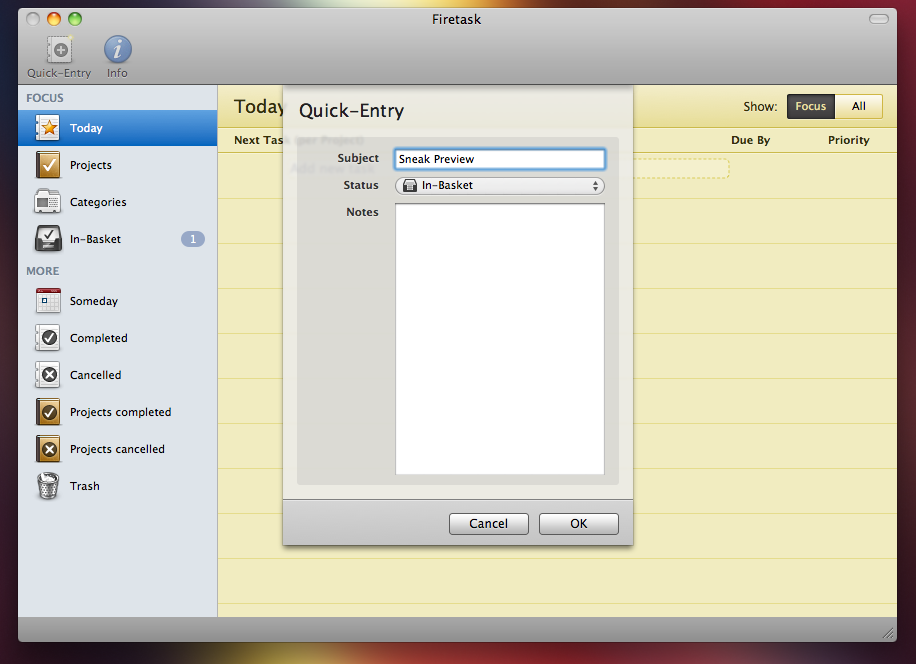
Thanks to Gerald Aquila and Wolfgang Bartelme I’m very proud to give you an exclusive sneak preview of a much anticipated application for Mac, Firetask. The app is currently in the early beta stage, so I’m attaching a very few screenshots as many things are likely to change before the official release.

Firetask will take a different approach from all the other GTD apps for Mac: it will be focused on simplicity, providing a clean and slick interface to not overhaul the user with tons of menus and tabs. In Firetask for Mac (and remember, there’s an iPhone app too which we reviewed here. The Mac version will sync with the iPhone one) you’ll be able to create tasks and give them a specific status, priority, category and assign them to a project.

The interface will be a mix of notebook-like pages and dark elements, plus some nice icons in the sidebar to quickly navigate.
Firetask Mac Preview

Firetask Mac Preview

Firetask Mac Preview

Firetask Mac Preview

I’m really looking forward Firetask for Mac, because it’s going to be different. I’m sorry I can’t tell more about it, but I’ll be sure to write another preview or review it as soon as it will be available. Can’t wait.
Dayta: One App to Rule Them All

The iPhone is more than just a phone to me. It’s an assistant, a device that I use to keep track of multiple things in my life (money, stats, followers, weight, smoked cigarettes) - each thing with a dedicated application. In the age of database driven applications, this is no doubt the best situation Jeff Raskin could ever imagine: a device that transforms in a new one everytime, according to the application that’s running on it.

But wouldn’t it be great to track all of this data in a single software? You know, at the end of the day they’re just numbers. I’ve slept 5 hours, I’ve spent 10 Euros in beer, I ate 3 eggs two days ago. They’re different situations, but they’re just numbers. And that’s why Sahil Lavingia (developer of Twizzle and Color Stream) started developing Dayta, the already popular One Week App: a single app that could keep track of data, no matter the context. Just data, and days.

And I tell you what, it works.

Read more


ThermoCLine: HUD Command Line for Mac OS X

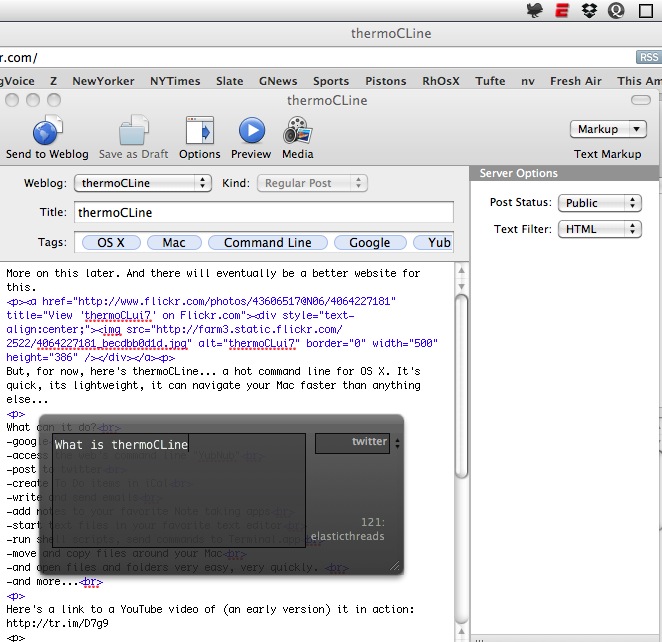
ThermoCLine is an interesting utility developed by my friend @elasticthread which allows you to perform a lot of action from a command line interface anywhere on your Mac. You can go to folders, start Google searches, do some math, shorten URLs and even tweet.

It requires a little bit of setup (you have to copy some files, assign a keyboard shortcut with Fastscripts to the required Applescript) but after that, it’s pure awesomeness. The .zip files comes with a huge explanation of how the app works and with a list of commands as well, so you won’t miss anything TCL offers.

ThermoCLine

ThermoCLine

You can download the app here. Don’t forget to follow @elasticthreads on Twitter and give him some suggestions for new features.


Bitspace Officially Launches

Bitspace, the cloud powered music application we reviewed here, is finally out of the closed beta stage. In case you missed you missed our post about it, Bitspace enables you to upload your music files and listen to them from any browser that supports HTML5 (Safari and Chrome, I’d recommend).

You can create a new account and enjoy the free trial for 30 days, or head over the Pricing page and choose the plan that fits your needs. Here’s the official announcement blog post.


iCurrency Pad: Not Another Simple Currency Convertor

The fact that I’m based in Italy doesn’t really help out with the management of MacStories advertisement. Being part of the BuySellAds network means that I have to deal with USD payments, which I have to convert everytime in Euros to see how much my income actually is. Which better tool than the iPhone to get a quick overview of currency conversion? There are hundreds of currency apps out there, including the popular Convertbot from Tapbots and Convert.

Today I’ll take a look at a new application that showed up this morning in my inbox, iCurrency Pad.

Read more


Walt Mosspuppet on the Windows Phone 7

This Mosspuppet thing is just great. Go read the latest post here.

“When you think about it, Microsoft’s successful attempt to come up with something new and innovative to secure their place as a contender in the mobile phone space is really pathetic.”


1Password for iPad Announced: First Mockups

AgileWeb Solutions is already working on the iPad version of the popular password manager and form filler app, 1Password. From the mockups that the developers posted online, we can see a very custom UI which will probably make an extensive use of popovers. We’ll see.

Here’s the blog post about it, we’ve included the first mockups right after the jump.

Read more


Hobiconer: Create, Import and Export Icons

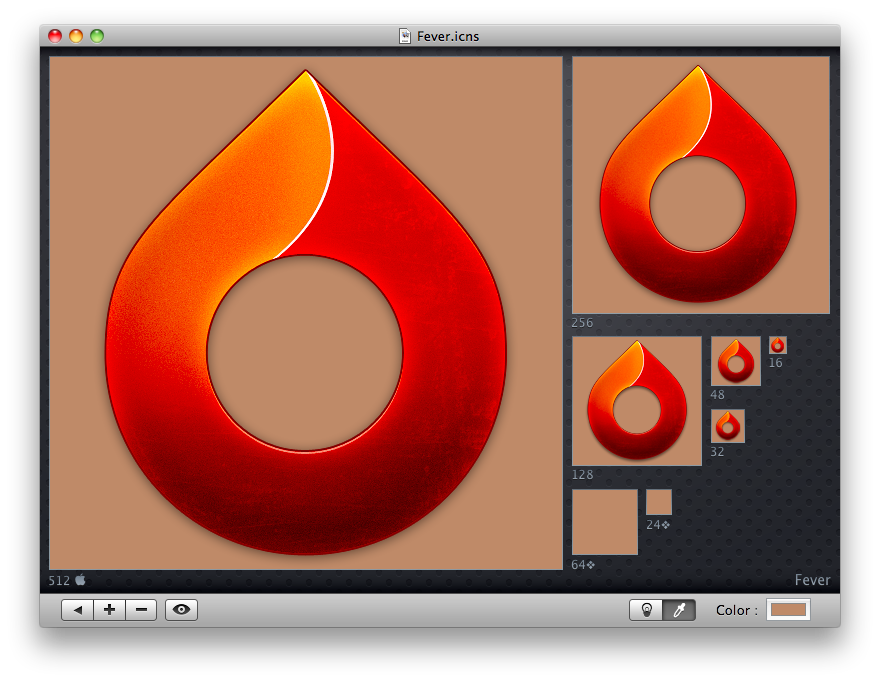
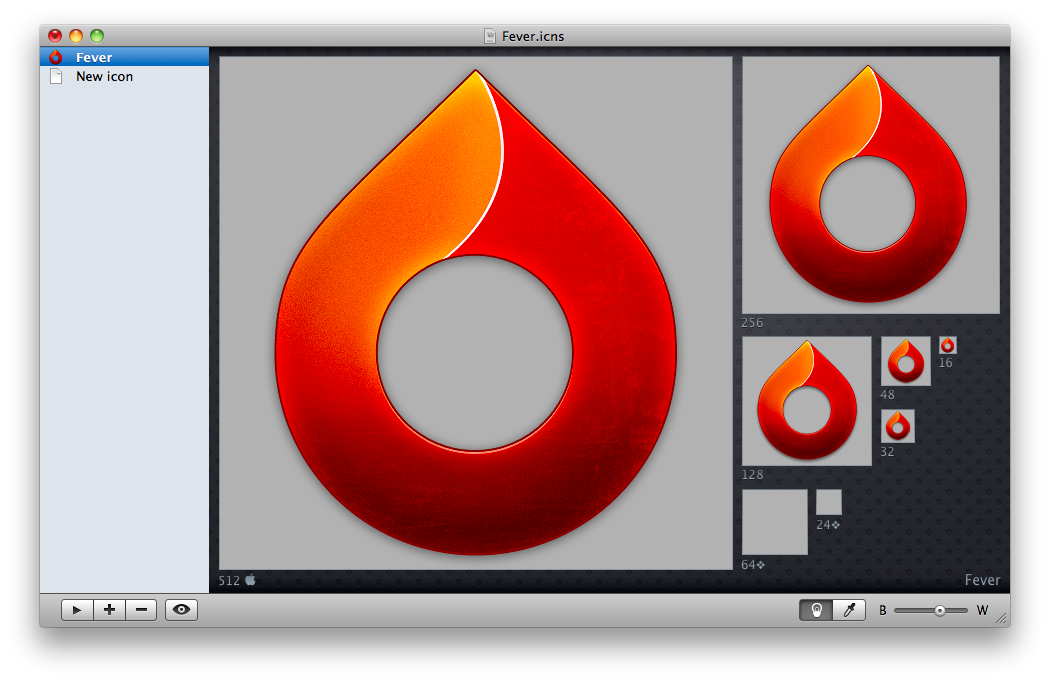
What a nice application I’ve just found on MacThemes forums. It’s called Hobiconer and it’s a free app by Jérémy Marchand that lets you create, import and export icon in many formats: .icns (Apple icon format), .ico (Microsoft icon), .png and .tiff.

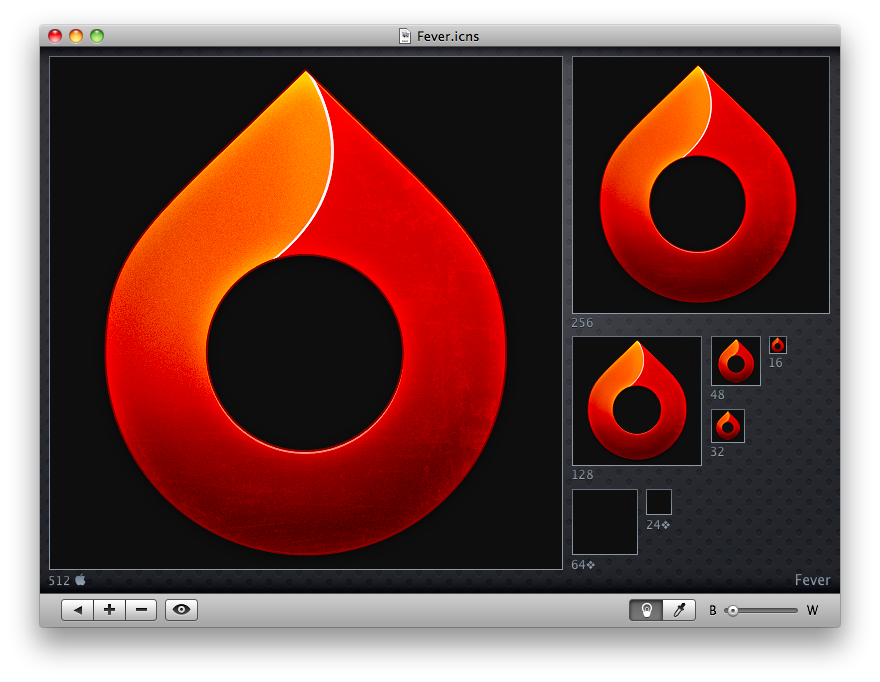
As you can see from the screenshots, you can import an icon and see it at every available resolution, change the background color from black to white with a slider (or even choose another color with the system wide picker), hit the eye button to see the icon “live” in the dock, open more than a “project” in the sidebar.

Hobiconer

Hobiconer

Hobiconer

Hobiconer

Hobiconer

Hobiconer

There are a lot of advanced tools that let you export icon image files, but this one is just a simple solution for people who need a quick conversion / preview. The app it’s free, it does well what it’s meant for, you should give it a try.

[Fever icon by Matthew Rex Downham. Go download it here.]