Ryan Christoffel

984 posts on MacStories since November 2016

Ryan is an editor for MacStories and co-hosts the [Adapt](https://www.relay.fm/adapt) podcast on Relay FM. He most commonly works and plays on his iPad Pro and bears no regrets about moving on from the Mac. He and his wife live in New York City.

Single Sign-on Launches for tvOS and iOS

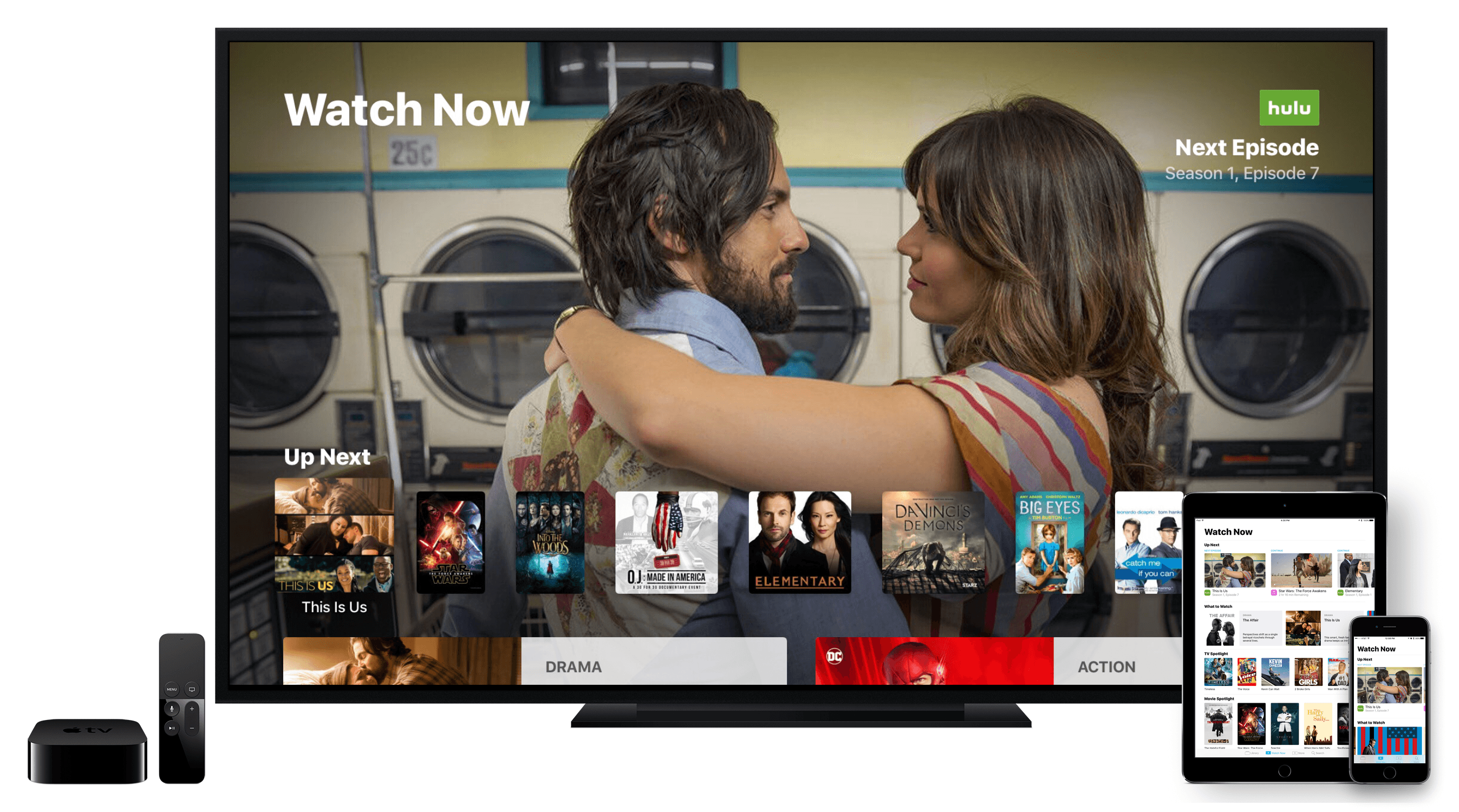
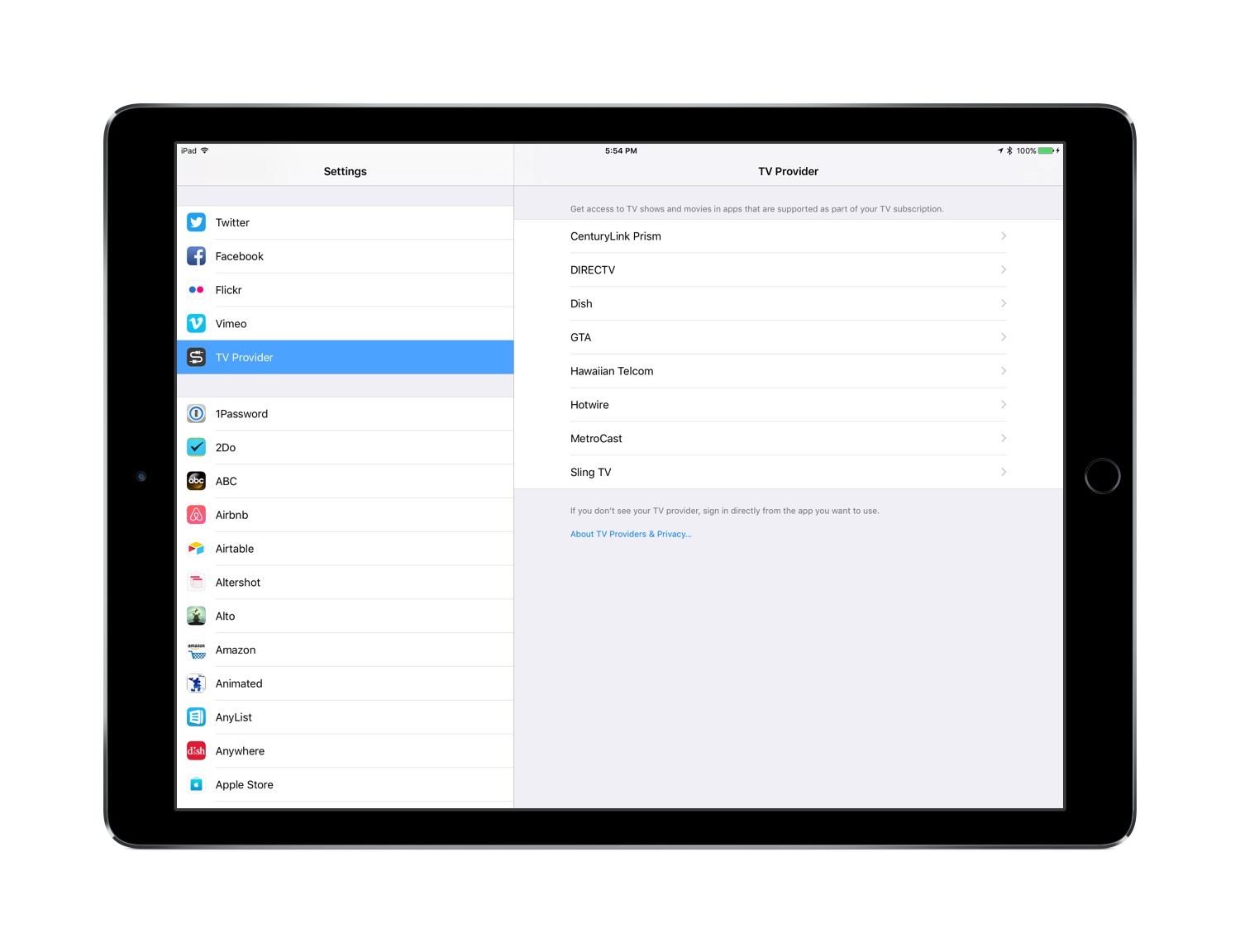
Today Apple launched its new Single Sign-on feature to all devices running version 10 or later of tvOS and iOS. The feature requires no software update or any other user action to get it.

Announced at this year’s WWDC, Single Sign-on was originally intended to ship with tvOS 10 in September, but ended up being delayed to later in the fall. The feature, which is available only in the U.S., allows users to enter their TV credentials once to gain access to content their TV plan entitles them to from a variety of video apps like NBC or USA NOW. Its delay was a disappointment to anyone who has experienced the annoyance of repeatedly proving that they pay for cable or satellite service. Now that Single Sign-on has officially arrived, its usefulness depends entirely on whether your TV provider is a launch partner.

Apple has a support page listing the details of which TV providers currently support Single Sign-on, and also which apps support the feature.

TV Providers:

  • CenturyLink Prism
  • DirecTV
  • Dish
  • GVTC
  • GTA
  • Hawaiian Telcom
  • Hotwire
  • MetroCast
  • Sling

Apps:

  • A&E (iOS only)
  • Bravo Now (tvOS only)
  • E! Now (tvOS only)
  • Hallmark Channel Everywhere (iOS and tvOS)
  • History (iOS only)
  • Lifetime (iOS only)
  • NBC (tvOS only)
  • Syfy Now (tvOS only)
  • Telemundo Now (tvOS only)
  • USA NOW (tvOS only)
  • Watch HGTV (iOS and tvOS)
  • Watch Food Network (iOS and tvOS)
  • Watch Cooking Channel (iOS and tvOS)
  • Watch DIY (iOS and tvOS)
  • Watch Travel Channel (iOS and tvOS)

Look for Apple to update these lists in the weeks and months to come as more TV providers and apps come on board.


Workflows of a Casual Apple Pencil User

One year ago, Apple launched a new product to accompany its first ever iPad Pro: the Apple Pencil. Presented not as a replacement for touch input, but as a tool geared toward specific tasks, the Pencil immediately endeared itself to creatives who sketch or illustrate. In the weeks following the announcement, I remember scouring Twitter and Instagram for any first impressions I could find from people who had tried this new device. Some of the best came from Apple’s visits to Disney and Pixar, where many of my favorite movie makers seemed thrilled about the Pencil. It looked like the perfect tool for artistic tasks.

Apple’s pride in creating the Pencil has been clear since they first announced it. In its already jam-packed September 2015 keynote, the company dedicated significant time and attention to the product, including a video introduction from Jony Ive and three live demos that put the Pencil to use. In this past March’s keynote, when Apple announced the 9.7” iPad Pro, Phil Schiller called the Pencil “the greatest accessory Apple has ever made.” High praise from a proud parent.

My initial take on the Pencil was that it seemed like a great device, but it wasn’t for me. I don’t sketch, I’m not a fan of handwriting notes, and using the Pencil for system navigation never appealed to me. But I bought one to give it a try. Apple’s return policy made sure no money would be wasted if the Pencil became merely a pretty paperweight in my life. Within a few hours of use I discovered that while the Pencil isn’t a daily-used tool for me, it is a device that, for specific tasks, I would never want to be without.

Read more