

Screens I use Screens as my go-to choice for remotely accessing my Mac mini via my iPad Pro, and the main reason for that is its excellent mouse and trackpad support in iPadOS. This week, Screens was updated with several enhancements that make the remote access experience better than ever, chief among them being...
Castro Debuts Extensive Siri and Shortcuts Podcast Controls
One of my favorite podcast clients, Castro, debuted a big update today that adds a host of Siri commands and strong Shortcuts support.
There are now 30 requests you can make of Castro through Siri, which can access all the world’s open podcasts. We know it can be hard to remember them all, so we made a handy reference guide in Settings → Siri where you can find what you’re looking for to make your day a little easier.
Besides the wide extent of possible commands in Castro, what’s especially impressive is the guide referenced above: Castro’s team has built an excellent Siri Guide and a related in-app Shortcuts Gallery, both of which are accessible via settings and highlight simply and beautifully what all is possible with Siri and Shortcuts.
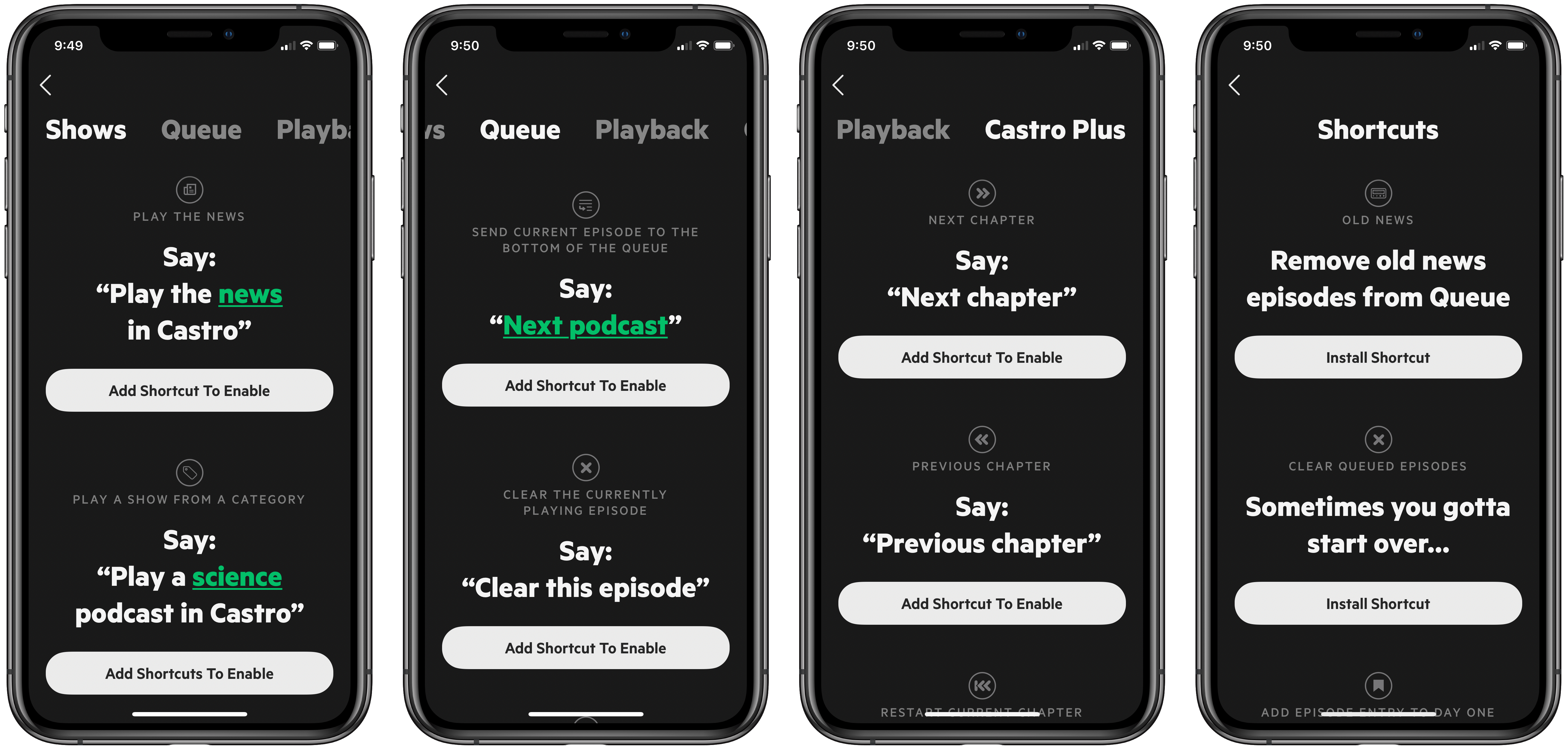
Discovery is one of the biggest challenges I’ve found with apps that support Siri and Shortcuts, as apps seldom make a list available of all supported voice commands and actions. With both Siri and Shortcuts, I’ve struggled in the past to find great podcast-related uses for these features, but Castro solved that problem for me.
On the Siri front, skipping chapters and managing my queue via voice works great. With Shortcuts, Castro offers some great pre-built shortcuts that do things like import your full Apple Podcasts library, clear all your queued episodes, subscribe to a new show even when you don’t have a proper Castro link, and more. While it’s always nice having the tools to build something custom, as someone who isn’t a heavy Shortcuts tinkerer I appreciate the work put in by Castro’s team to offer users extra functionality with minimal effort.
Stephen Hackett on the Apple Watch’s Breathe App→
Stephen Hackett, writing at 512 Pixels:
When Apple added the Breathe feature to watchOS 3, I — like many of you, I suspect — turned it off pretty quickly. However, over the last six months, it has come to be one of my favorite things about wearing my Apple Watch.
Hackett goes on to explain some of the specific circumstances that led him to revisit Breathe, and why it’s become such a valuable tool for him.
It’s fairly common for me to forget that a feature exists because I made a decision once, a long time ago, to turn it off. Revisiting the Breathe app could be a useful thing for a lot of us right now.
Apple TV Channels: A Great TV Experience That’s Failing
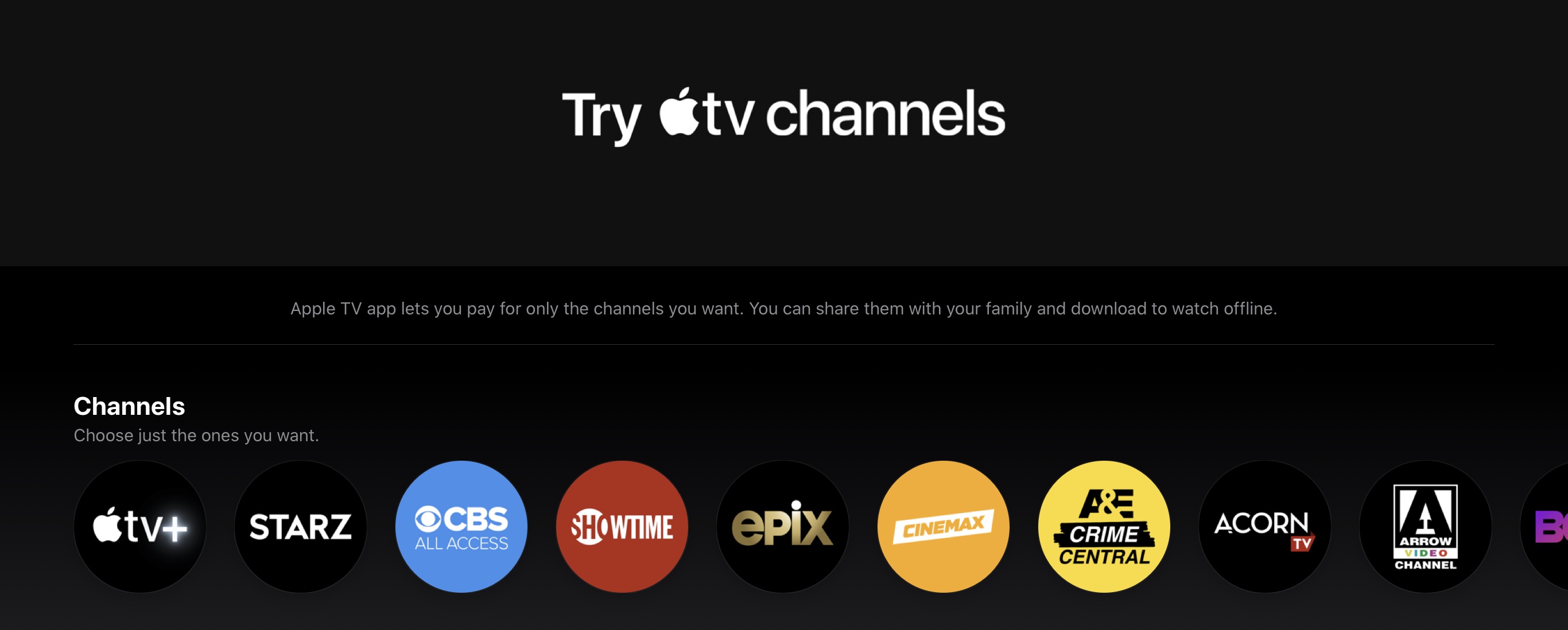
Apple’s TV strategy has produced a mix of both winning and losing. While I think the company is largely on the right track with its efforts to produce original TV+ content, and it’s also poised to take a cut of many popular streaming services’ revenue via In-App Purchases, I nonetheless think it’s clear that the company’s attempts to offer a great TV experience are failing.
Fantastical 3.1 Arrives as a Valuable Aid for Work-from-Home Users
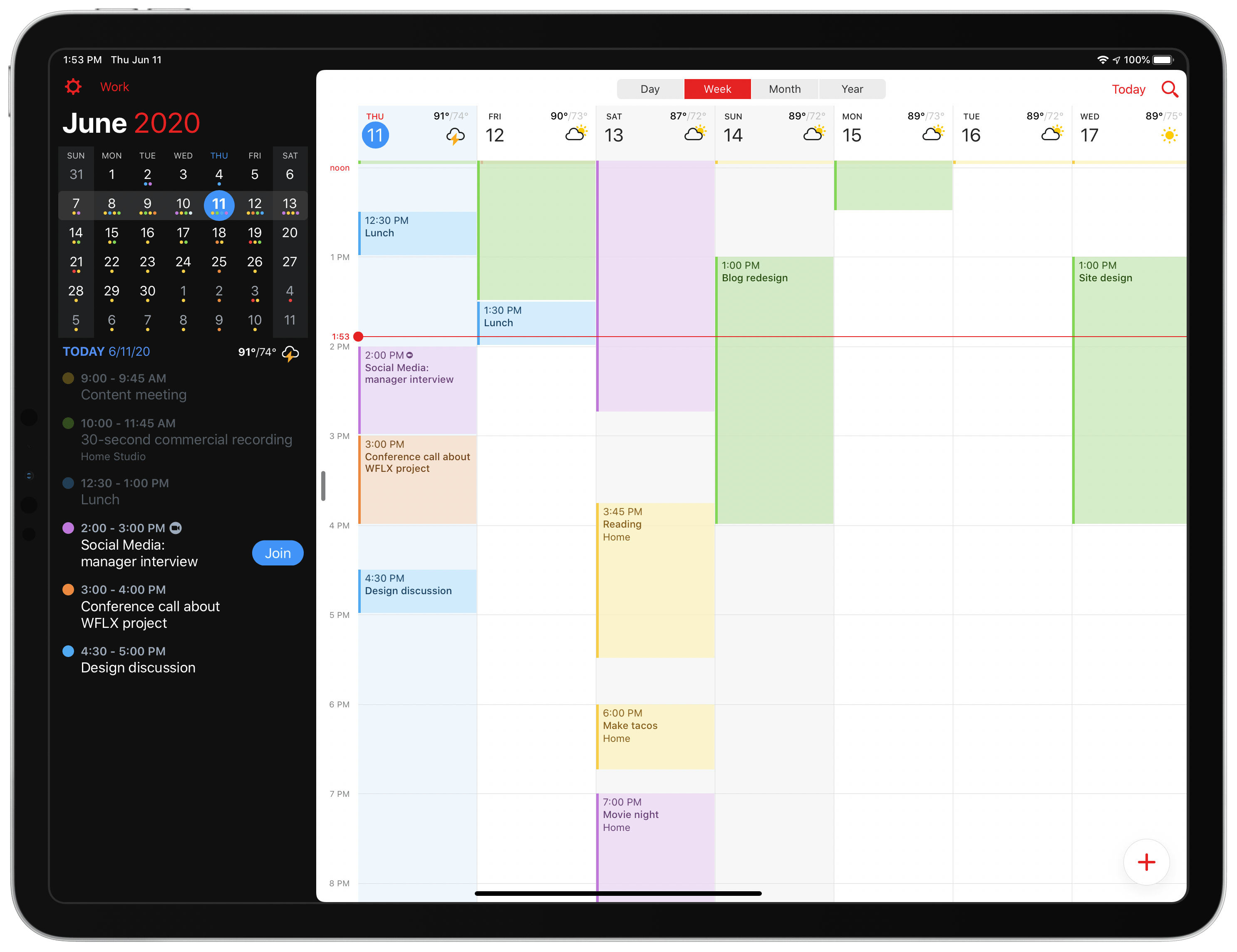
Today Fantastical is releasing an update geared toward users who are in work-from-home mode, with conference calls all throughout each day and unique needs that they’ve never had before. Enhancements to the app include link detection and a new Join button for conference calls, the ability to schedule calendar sets for different times of day, and more.
Apple Highlights Swift Student Challenge Winners
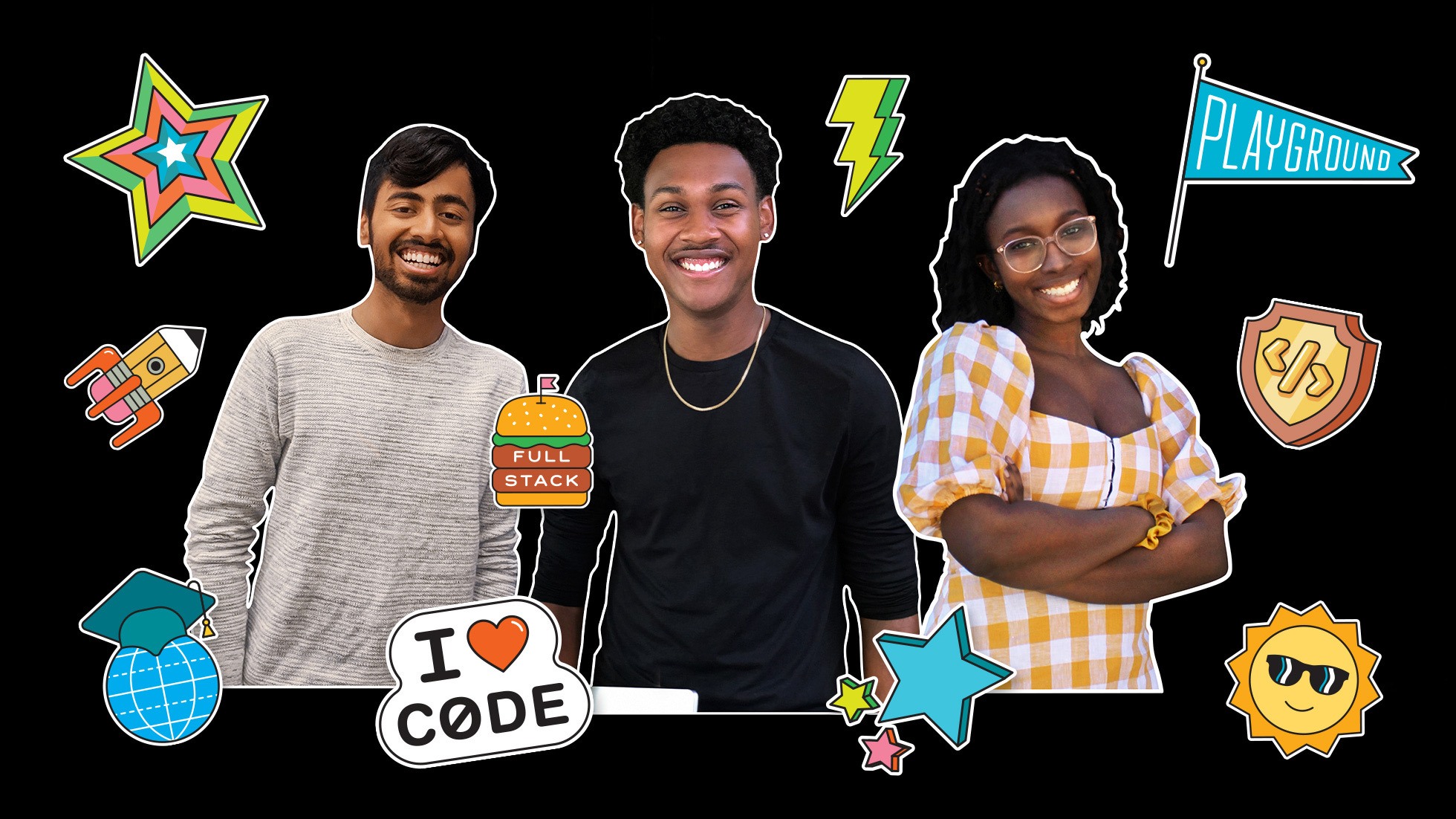
One unique component of Apple’s online WWDC this year is that the company opened a Swift Student Challenge where students could submit a Swift playground creation for special recognition. Today in a press release, Apple is highlighting three of the 350 winners: Sofia Ongele, Palash Taneja, and Devin Green.
For Sofia Ongele, 19, who just finished her sophomore year at New York’s Fordham University, her focus for change lies at the intersection of tech and social justice. ReDawn, her first iOS app, is a powerful example. After one of her college friends was sexually assaulted during her freshman year, Ongele created ReDawn to help survivors access resources in a safe, easy, and sensitive way.
[…]
Palash Taneja…went on to create a web-based tool that uses machine learning to predict how mosquito-borne diseases like dengue fever would spread. And for his Swift Student Challenge submission this year, created against the backdrop of COVID-19, Taneja designed a Swift playground that teaches coding while simulating how a pandemic moves through a population, showing how precautions such as social distancing and masks can help slow infection rates. He created it to help educate young people, after he saw others not taking warnings seriously.
[…]
Devin Green…was having trouble waking up in the mornings, so he designed a program using a pressure mat under his bed. If weight is still on the mat after he’s supposed to be up, an alarm goes off and won’t stop until he uses his phone to scan a QR code.
Apple has also created, naturally, a new post on the App Store where it’s highlighting three more winners and their apps: Lars Augustin, creator of Charcoal, Maria Fernanda Azolin, creator of DressApp, and Ritesh Kanchi, creator of STEMpump. Out of these, Charcoal is an app we’ve covered in our newsletter in the past, it’s an elegant way to perform quick sketches on your iPhone or iPad.
The Swift Student Challenge is a unique way for Apple to highlight some of the best and brightest young coders working on Apple platforms today. I loved reading the details about each of the six winners featured today, and hope we’ll get to learn about more of the 350 winners in the week ahead. With so many winners to recognize, perhaps we’ll see new App Store stories each day leading up to the conference.
Apple Card 0% Financing Option Now Available for iPad, Mac, Apple TV, and More
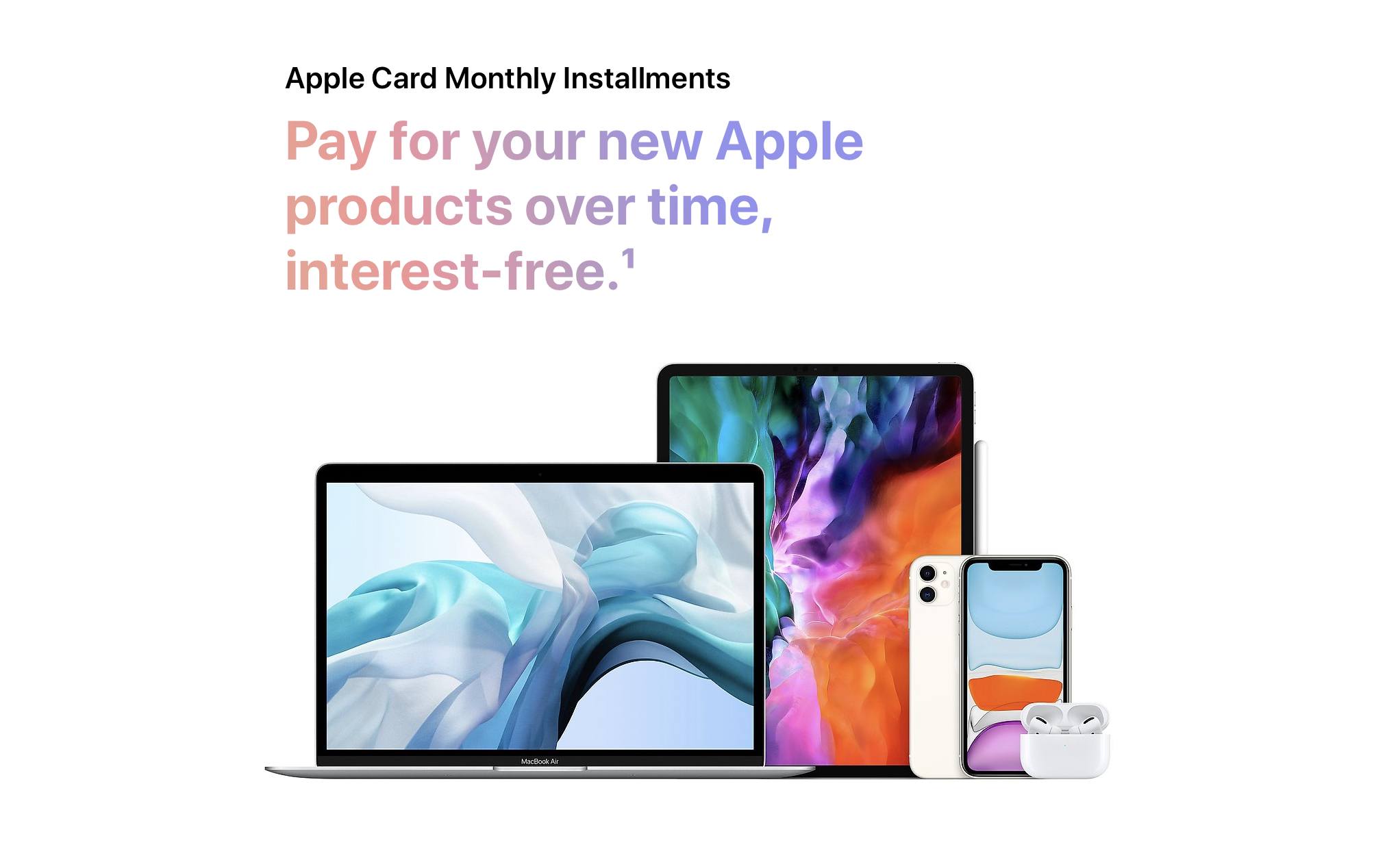
If you’re an Apple Card user, starting today purchases directly from Apple will offer a new payment option: 0% financing monthly installments using Apple Card.
Before today, 0% financing with Apple Card has been available for new iPhone purchases, but on a recent quarterly earnings call Tim Cook shared that the company was planning to expand that option to more product categories. One week before WWDC kicks off, Apple has launched that expanded array of financing options for its other products. If you live in the US – the only place Apple Card is currently available – then when using the Apple Store app or browsing the store at apple.com, you’ll see monthly payments as a new option.
Pay for new Apple products over time, interest-free with Apple Card. Just select Apple Card Monthly Installments when you check out.

The length of the 0% financing offer varies based on the product you purchase. Lower cost products such as AirPods and AirPods Pro offer 6-month payment plans, whereas more expensive products like iPads and Macs offer 12-month plans. Curiously, the Apple Watch is the one major product without financing options available.
Fun fact: thanks to Apple Card monthly installments you can now get a maxed-out rack-mountable Mac Pro for the low price of just $4,491.58 per month.
After the set period for 0% financing expires, the remaining balance of the product will be charged to your Apple Card and be subject to your standard interest rate.
I’ve had an Apple Card since the product first launched, and love it. Adding new, more flexible payment options for Apple purchases seems like a no-brainer new option, and I’m sure I’ll be using it for my next big purchase.
 Best Examples of Last Year’s WWDC Features
WWDC 2020 is drawing ever nearer, and before we learn about the new OS versions Apple’s been working on all year, I wanted to reflect on how last year’s WWDC announcements have impacted the world of third-party apps. iOS and iPadOS 13 were huge updates that enabled lots of new experiences inside apps:...
Apple Shares WWDC Details Including Keynote Time, Developer Forums, 1-on-1 Developer Labs, and More
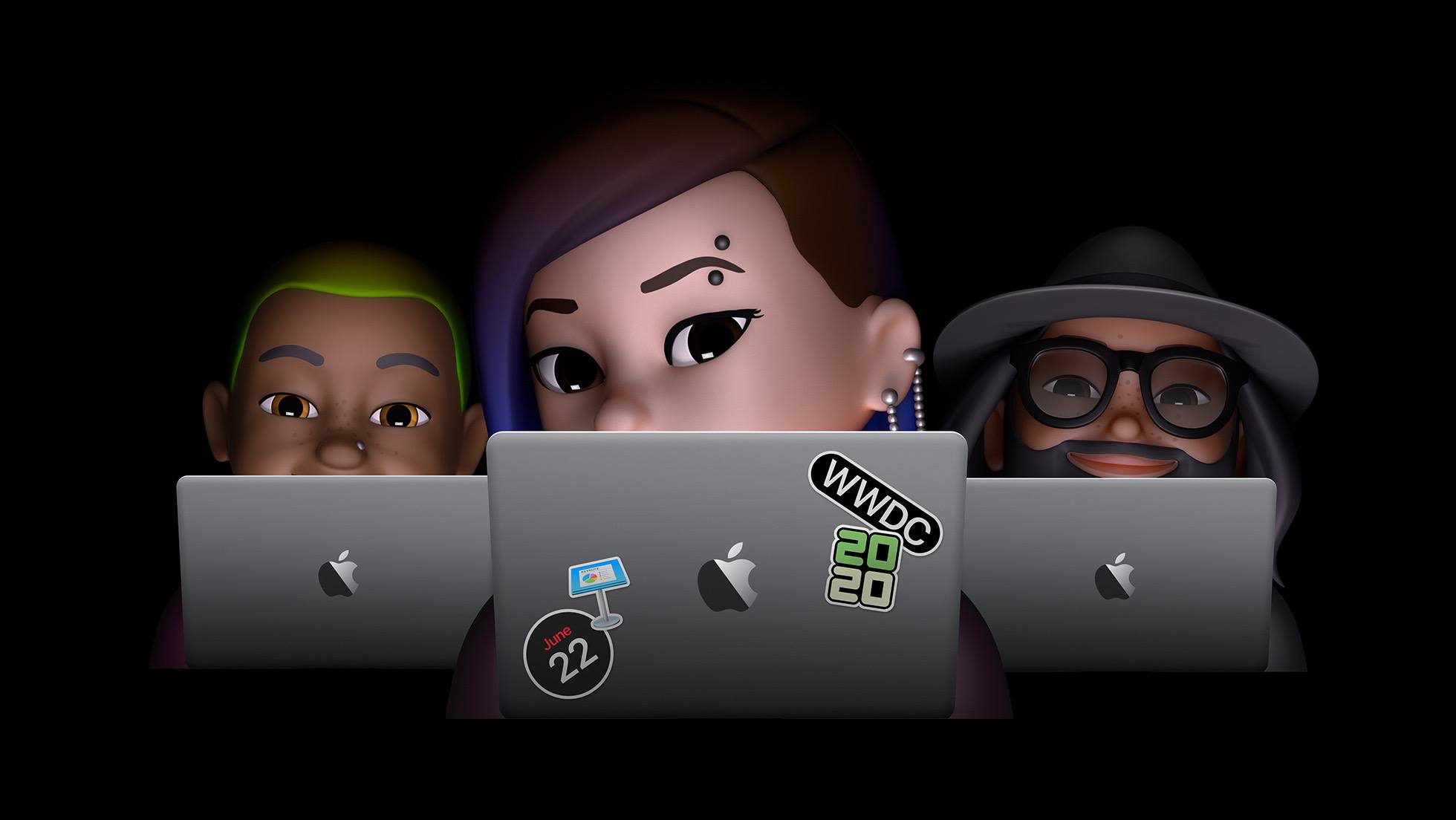
Little more than a week away from Apple’s first all-online WWDC, the company today revealed the full details for how this new virtual conference format will work.
While the full conference will span June 22-26, the two biggest events will be held on kickoff day, as per tradition. The Special Event Keynote will stream directly from Apple Park starting at 10 a.m. PDT on Monday, while the Platforms State of the Union will follow a few hours later at 2 p.m. PDT. The former will offer a wide variety of options for viewing, including apple.com, the Apple Developer app and website, the Apple TV app, and YouTube; the latter will be limited to the Apple Developer app and website.
Apple will also offer over 100 engineering sessions throughout the week. Rather than having these sessions at different times throughout each day, as usual, Apple will instead drop a new batch of videos every day at 10 a.m. PDT, which developers can view via the Apple Developer app or website.
Perhaps the biggest question marks about the conference have been what opportunities for interaction with Apple engineers will be made available. The company is addressing this in two ways: with brand new Apple Developer Forums and by offering reservation-only 1-on-1 Developer Labs. Through forums Apple will enable over 1,000 of its engineers to interact with the developer community in a more public way, while developers can get private help from an engineer through a 1-on-1 lab. More information about how to sign up for a lab slot will be forthcoming.
While this will certainly be a WWDC unlike any before, it sounds like Apple is doing everything it can to ensure developers get as much value out of conference participation as possible. Whether you’re a developer or not, there’s surely a lot of exciting things the week will bring.