

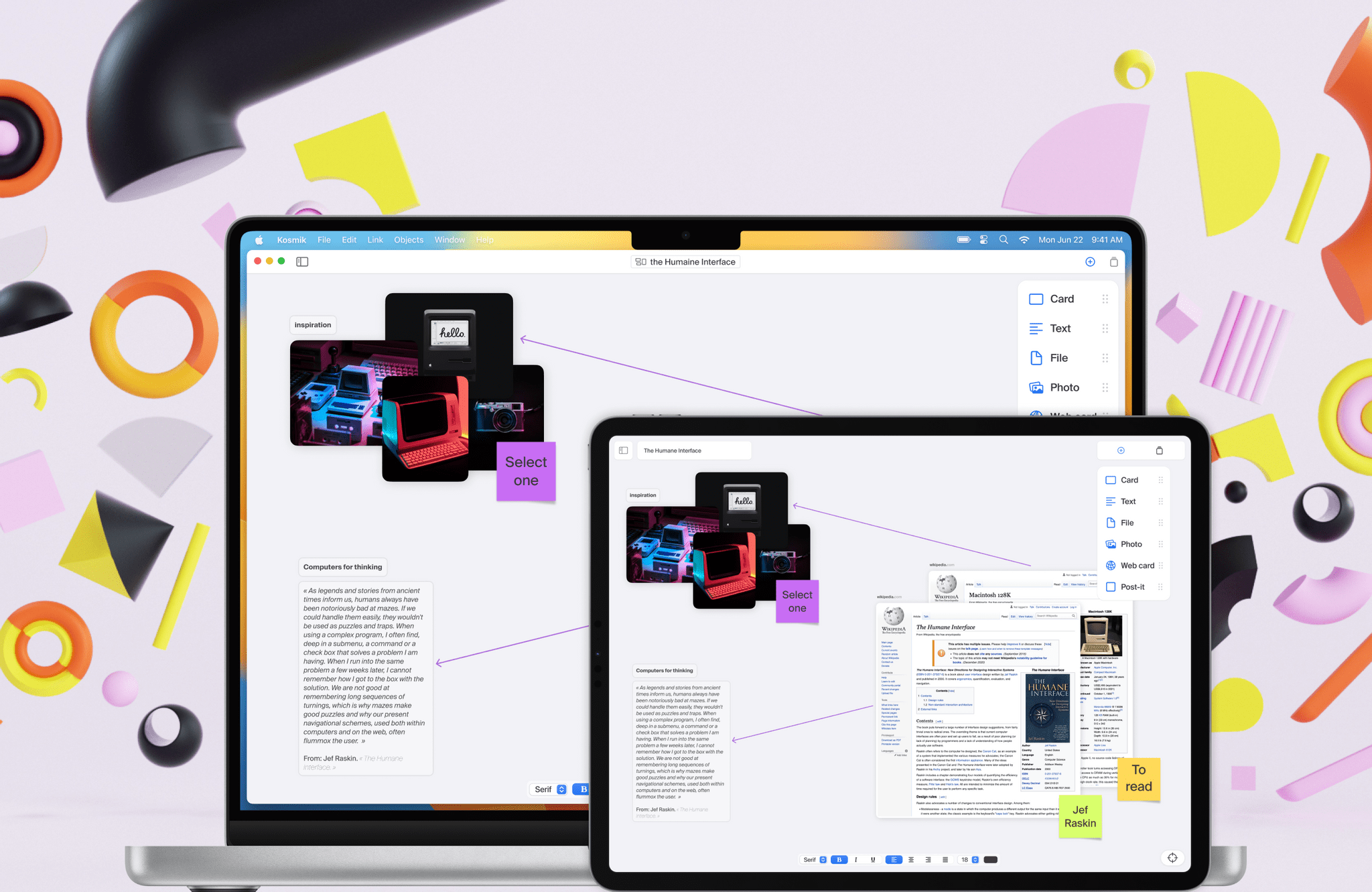
Kosmik is a dashboard for your creativity. Built for designers, researchers, and writers, Kosmik’s infinite canvas for the iPad and Mac lets you bring together notes, your writing, images, websites, PDFs, and more on a single canvas called a Universe, so you can stop switching between apps and focus on what you’re creating.
Everything in a Kosmik Universe is a card, and cards from one canvas can be incorporated into another, making the first canvas app with the sort of transclusion found in note-taking apps like Roam Research and Obsidian. It’s a powerful yet simple architecture that reduces friction, so you can focus on your work.
The flexibility of Kosmik’s canvas means you can take notes, browse the web, collect PDFs, images and other resources, and write all in one place. That encourages spatial thinking, making new connections and links between materials, and reduces distractions all at once in a single easy-to-use interface.
Kosmik is a completely native, peer-to-peer solution that respects your privacy. The app syncs your data between devices with no central server. Everything is encrypted end-to-end too.
You can publish your Kosmik canvases and cards to the web for sharing with colleagues, and even more collaboration features are coming later this year. Kosmik is available on the web now, too, making it accessible in more places and to more users than ever before.
If you’re looking for a new way to organize your thoughts, writing, and, really, anything else, sign up for Kosmik today. MacStories readers can enjoy a free year of access just by following this link. From ideation to production, Kosmik lets you think better and more freely to uncover insights and have some fun too!
Kosmik is available to download on the App Store and also offers great resources for new users like its Substack newsletter and Discord community.
Our thanks to Kosmik for sponsoring MacStories this week.