

Stories Raycast Introduces a Pro Subscription with New AI, Sync, Theming, and Clipboard Functionality Last Week, on Club MacStories: Using Dropover with Shortcuts, Mona Tips, an Apple Podcasts Experiment, and Giveaway Apple Announces Pride Edition Sports Band, Watch Face, and iPhone Wallpaper Final Cut Pro and Logic Pro Are Coming to the iPad on May...
 In This Issue
Federico shares two Shortcuts tips for Things, why app pricing is so complicated and sometimes frustrating, plus the usual Links, App Debuts, the latest happenings in the Club MacStories+ Discord community, a recap of MacStories articles, and a preview of next week’s episode of AppStories....
Up Next On AppStories
Next week on AppStories, Federico and John dive into their 2023 wishes for watchOS and tvOS....
Ulysses: The Ultimate Writing App for Mac, iPad and iPhone [Sponsor]

Ulysses is an exceptional text editor for the Mac, iPad, and iPhone with an unrivaled set of advanced features and a beautiful design that is always being refined and improved. The winner of an Apple Design Award, Ulysses features a distinctive balance of power-user features that writers appreciate in a simple, elegant, distraction-free UI that makes the app a pleasure to use.
A terrific example of the power available in Ulysses is its publishing tools. Users can publish to the most popular blogging platforms from right inside Ulysses. The app includes deep integration with WordPress, Ghost, Medium, and Micro.blog, allowing you to publish directly to them, complete with images, tags, and excerpts. Most recently, Ulysses added the ability to copy and paste tables from Excel and Numbers with row sorting and sketching on the iPhone and iPad versions of the app. The Mac gained PDF and image annotation too.
Ulysses has built-in grammar and style checking for over 20 languages and a special dashboard in the sidebar that includes statistics, keywords, and footnotes. An outline of the headings in your writing provides a handy bird’s-eye view of your work and a way to navigate your document.
The app’s Library sidebar helps order your writing into groups that can be nested. Along with features like sync, powerful search and filtering options, keyword support, in-line images that can be stored locally or remotely on a server, and new customization options, Ulysses is as flexible as it is powerful. Ulysses includes support for Projects now too, allowing you to show only what’s most relevant to your current task and hiding everything else.
You can also set character, word, and other types of writing goals that can be attached to a single document or entire group, which, combined with deadlines, is a fantastic way to form good writing habits. Then, when you’re finished writing, Ulysses has abundant export options, including plain text, Markdown, TextBundle, rich text, DOCX, ePub, HTML, and PDF. To learn more about Ulysses, visit ulysses.app.
Ulysses is free to try before deciding whether to subscribe for $5.99/month or $39.99/year. MacStories readers can take advantage of a special extended one-month free trial for a limited time. It’s a terrific way to discover the app’s full capabilities, so be sure to check out Ulysses’ new features right away.
Our thanks to Ulysses for sponsoring MacStories this week.
In This Issue
A tip from Federico about triggering shortcuts using drag and drop and Dropover on the Mac, John’s brief experiment with Apple Podcasts, bonus tips on how to master Mona, the Mastodon client that John reviewed this week, a Timery giveaway, plus the usual Links, App Debuts, the latest happenings in the Club MacStories+ Discord community,...
Perk
Timery Exclusively for Club MacStories members, we have 20 codes for Timery, the terrific time tracking app for the Toggl time tracking service by Joe Hribar. Please submit your email address here for a chance to win....
Previously, On MacStories
Stories Apple Reports Q22023 Earnings Is Landscape Mode the Key to Split View on the iPhone? Last Week, on Club MacStories: Raindrop, Obsidian Automation on the Apple Watch, iPad Apps on the Mac, and Too Many Genius Bar Visits Snowman’s Laya’s Horizon Takes Flight Apple and Google Submit Spec to Industry Group Addressing Unwanted Use...
Up Next on MacStories’ Podcasts
Next week on AppStories, Federico and John continue their OS wish list series with their wishes for iPadOS 17....
Unite 4: Turn Websites into Apps on Your Mac [Sponsor]
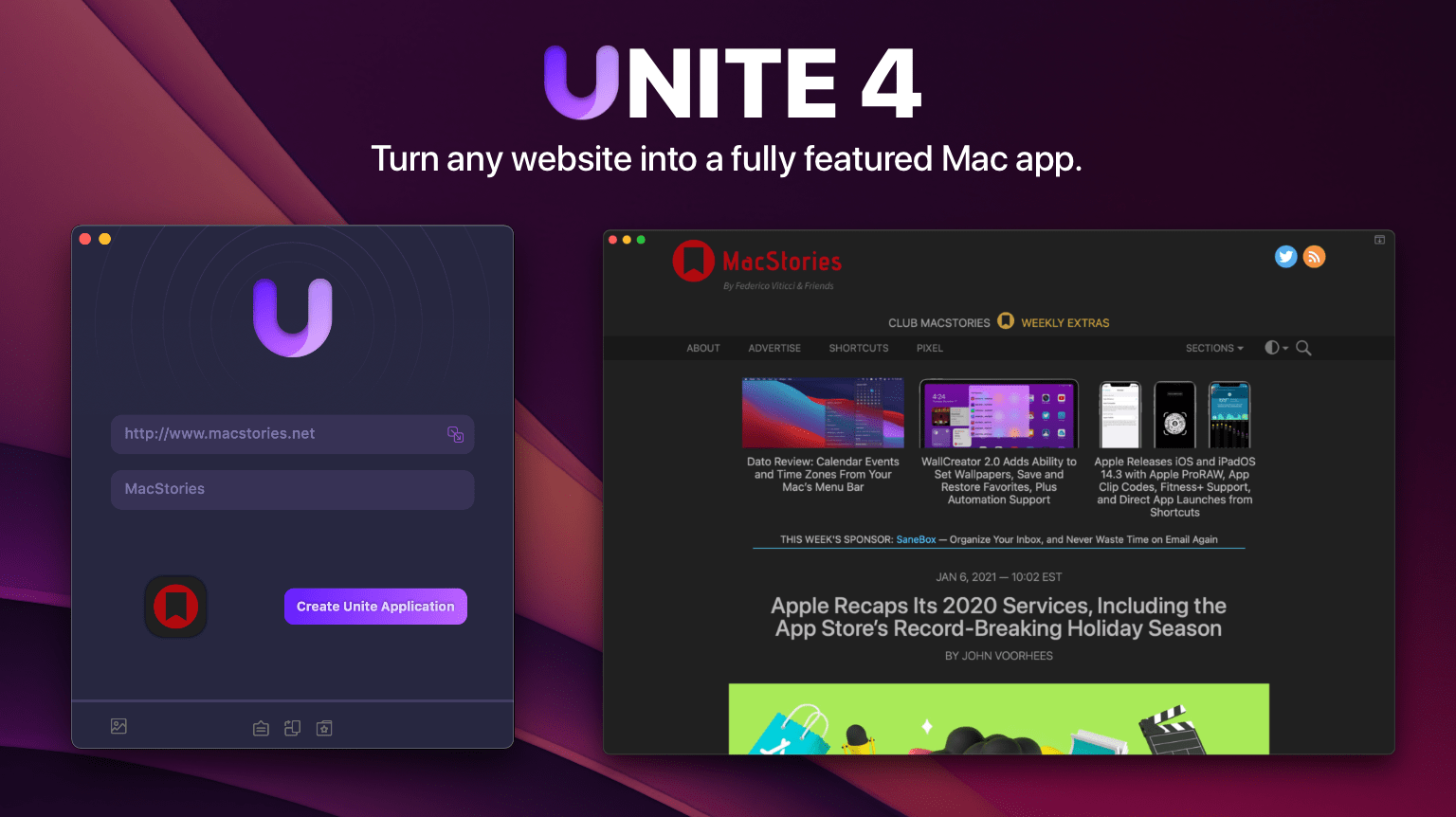
Are you tired of juggling multiple browser tabs while working on your Mac? Unite 4 for macOS revolutionizes your browsing experience by allowing you to transform any website into a tailor-made app for your Mac. Leveraging a lightweight, WebKit-powered browser as a backend, Unite 4 enables you to effortlessly create isolated, customizable apps from any site.
Unite 4 offers a multitude of features and customization options, making it a fantastic alternative to resource-intensive Electron apps or lackluster Mac Catalyst implementations. The apps you create are simple to set up, fast, isolated from your other browsing activity, and only limited by your imagination.
- Creating dedicated apps for your favorite streaming services like Netflix and Disney+
- Conserving your laptop’s battery by using Unite for Slack, Discord, and WhatsApp with full notification support
- Utilizing AI tools such as ChatGPT and MidJourney alongside your other macOS apps
- Streaming music through services like Apple Music or Spotify
- Tuning into podcasts with Overcast
- Organizing your notes in a dedicated Roam Research app
- Never losing your Figma design work amidst a sea of Safari tabs
- Restricting apps like Facebook from tracking you across sites
- Browsing your Instagram feed
- Monitoring your finances with Robinhood
This week only, MacStories readers can enjoy a 20% discount on Unite 4 by visiting bzgapps.com/macstories or using the promo code ‘MacStories’ at checkout.
Unite offers a 14-day free trial and is also available as part of a Setapp subscription.
Download Unite 4 today and transform your favorite websites into your favorite apps.
Our thanks to Unite 4 for sponsoring MacStories this week.