
Next week, AppStories+ and AppStories will be published a little later than usual on Monday, October 2nd around mid-morning Eastern US time for a discussion of a special review we’ve got coming the same day. We’ll have more to say soon, so stay tuned....
 Watch Faces, Podcasts Management, Non-Apple iPhone Cases, and More
Johnathan: This week on the Club MacStories Discord, members have been busy getting to grips with their new iPhones, sharing new setups, problem-solving lots of automations, and trying many, many different actions for the new Action button. Among the other highlights, itsmesofia asked about everyone’s new watch face setups and got lots of great replies....
Stupid Companies Make AI Promises. Smart Companies Have AI Policies [Sponsor]
It seems like every company is scrambling to stake their claim in the AI goldrush–check out the CEO of Kroger promising to bring LLMs into the dairy aisle. And front line workers are following suit–experimenting with AI so they can work faster and do more.
In the few short months since ChatGPT debuted, hundreds of AI-powered tools have come on the market. But while AI-based tools have genuinely helpful applications, they also pose profound security risks. Unfortunately, most companies still haven’t come up with policies to manage those risks. In the absence of clear guidance around responsible AI use, employees are blithely handing over sensitive data to untrustworthy tools.
AI-based browser extensions offer the clearest illustration of this phenomenon. The Chrome store is overflowing with extensions that (claim to) harness ChatGPT to do all manner of tasks: punching up emails, designing graphics, transcribing meetings, and writing code. But these tools are prone to at least three types of risk.
- Malware: Security researchers keep uncovering AI-based extensions that steal user data. These extensions play on users’ trust of the big tech platforms (“it can’t be dangerous if Google lets it on the Chrome store!”) and they often appear to work, by hooking up to ChatGPT et al’s APIs.
- Data Governance: Companies including Apple and Verizon have banned their employees from using LLMs because these products rarely offer a guarantee that a user’s inputs won’t be used as training data.
- Prompt Injection Attacks: In this little known but potentially unsolvable attack, hidden text on a webpage directs an AI tool to perform malicious actions–such as exfiltrate data and then delete the records.
Up until now, most companies have been caught flat-footed by AI, but these risks are too serious to ignore.
At Kolide, we’re taking a two-part approach to governing AI use.
- Draft AI policies as a team. We don’t want to totally ban our team from using AI, we just want to use it safely. So our first step is meeting with representatives from multiple teams to figure out what they’re getting out of AI-based tools, and how we can provide them with secure options that don’t expose critical data or infrastructure.
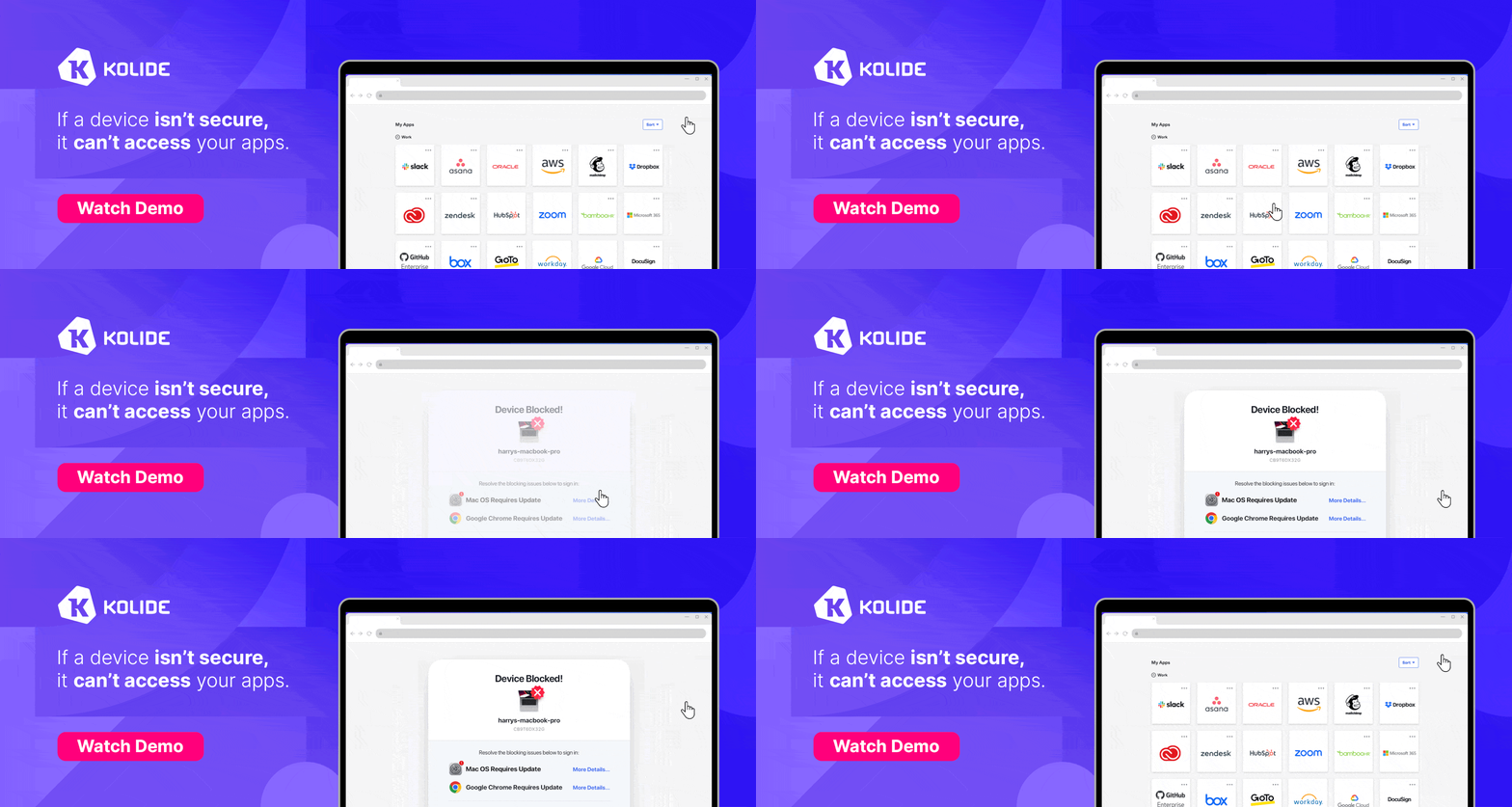
- Use Kolide to block malicious tools. Kolide lets IT and security teams write Checks that detect device compliance issues, and we’ve already started creating Checks for malicious (or dubious) AI-based tools. Now if an employee accidentally downloads malware, they’ll be prevented from logging into our cloud apps until they’ve removed it.
Every company will have to craft policies based on their unique needs and concerns, but the important thing is to start now. There’s still time to seize the reins of AI, before it gallops away with your company’s data.
To learn more about how Kolide enforces device compliance for companies with Okta, click here to watch an on-demand demo.
Our thank to Kolide for sponsoring MacStories this week.
The Making Of the iOS and iPadOS 17 Review Animations and Artwork

Michael Steeber Mastodon:@michaelsteeber. Website:michaelsteeber.com. I was thrilled when Federico invited me back for a second year to create the iOS and iPadOS 17 review artwork. I’ve had concepts in mind since last year’s review that I hoped to get another opportunity to try. There are only so many ways to present iPhones and iPads in...
Previously, On MacStories
Stories iPhone 15, USB-C, and External Displays Widgle’s Four Photo-Based Widget Games Deliver Simple, Fun Interactive Diversions AirScrobble Greatly Expands Its Utility with Headphone Compatibility, Live Activity Support, and App Shortcuts Home Widget Unlocks HomeKit Device Control That Apple’s Home App Doesn’t Offer Timery’s Updated Widgets Enable Starting and Stopping Timers, Pagination, and More Widgetsmith...
Using a Simple Automation to Get Charging Alerts Across My Apple Devices

Jonathan Reed Mastodon: @jonathanreed. Designer at design.studio Charging is one of the most essential yet boring parts of owning a mobile device or computer. This is true despite Apple recently making it more useful, as Federico pointed out in his iOS and iPadOS review this week. However, charging becomes frustrating when you have multiple devices...
Up Next on AppStories
Next week on AppStories, Federico and John cover some of their favorite interactive widgets for iOS 17, iPadOS 17, and macOS Sonoma....
In This Issue
Federico has more on the making of his annual iOS and iPadOS review, plus two Club MacStories+ and Club Premier-exclusive Obsidian plugins, Michael Steeber explains the making of the animations and 3D art he created for the review, Jonathan shares a simple automation for sending battery charge alerts to his devices, plus the usual Links,...
The Dirty Secret of OS Updates [Sponsor]
Getting OS updates installed on end user devices should be easy. After all, it’s one of the simplest yet most impactful ways that every employee can practice good security.
On top of that, every MDM solution promises that it will automate the process and install updates with no user interaction needed.
Yet in the real world, it doesn’t play out like that. Users don’t install updates and IT admins won’t force installs via forced restart.
Let’s talk about the second problem first. Sure, you could simply schedule updates for all your users, and have them restart during non-work hours. But this inevitably leads to disruptions and lost work. This, in turn, leads to users (especially executives) who simply demand to be left out of your update policy. The bottom line is: any forced restarts without user approval will lead to data loss events, and that makes them so unpopular that they are functionally unusable.
There is another class of tools that claim to get users to install updates themselves, through “nudges.” These reminders pop up with increasing frequency until users relent or the timer runs out. This is an improvement, since it involves users in the process, but users still tend to delay updating as long as possible (which for some tools can be indefinitely).
At Kolide, OS updates are the single most common issue customers want us to solve. They come to us because we have a unique (and uniquely effective) approach to device compliance.
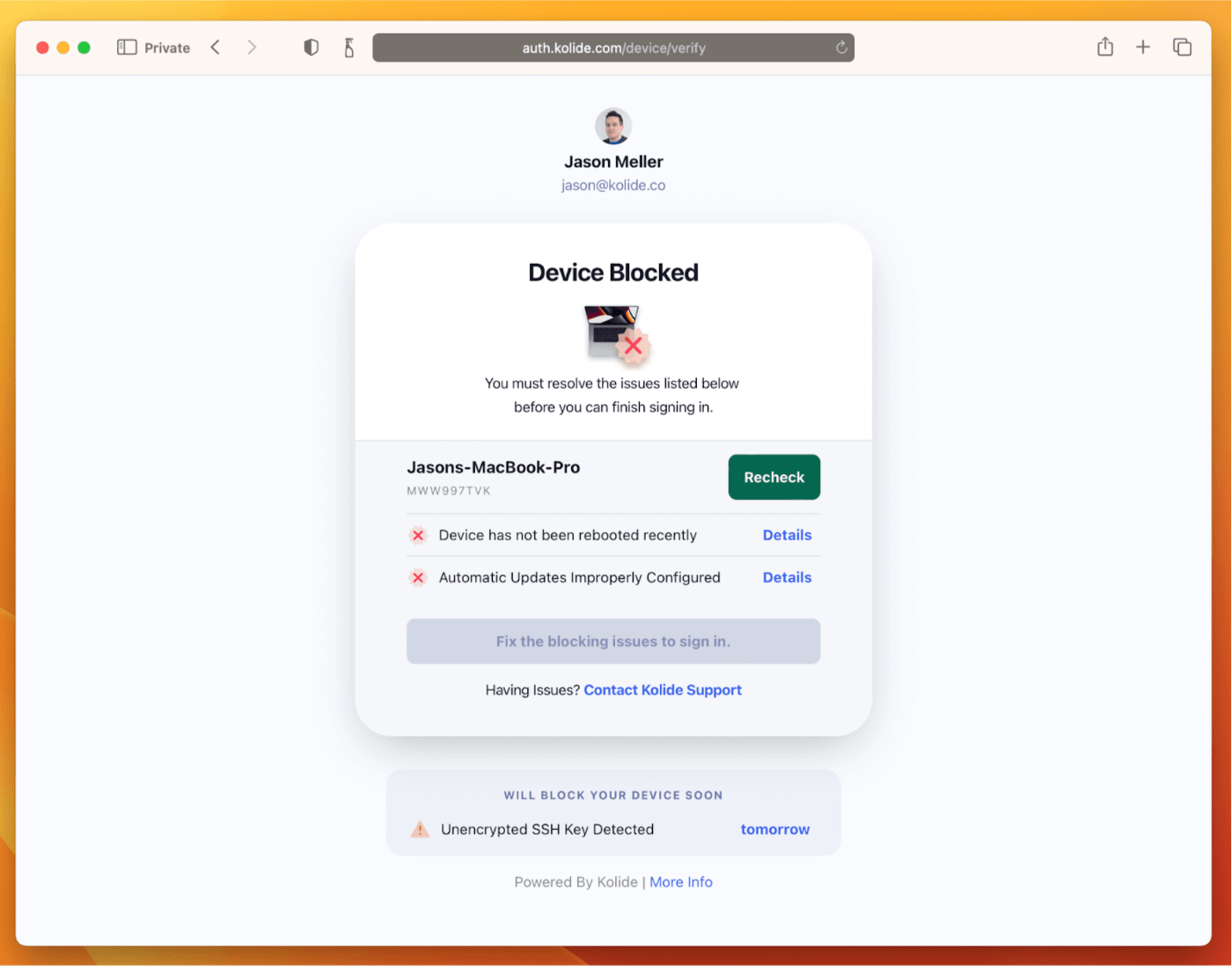
With Kolide, when a user’s device–be it Mac, Windows, Linux, or mobile–is out of compliance, we reach out to them with instructions on how to fix it.
The user chooses when to restart, but if they don’t fix the problem by a predetermined deadline, they’re unable to authenticate with Okta. (At present, Kolide is exclusive to Okta customers, but we plan to integrate with more SSO providers soon.)
If your fleet is littered with devices that stubbornly refuse to update, then consider these two principles:
- You can’t have a successful patch management policy without involving users.
- You can’t get users to install patches unless you give them both clear instructions and real consequences.
Installing OS updates is a top priority for both security and IT, and when you make it part of conditional access, you can finally get it done without massive lists of exemptions or massive piles of support tickets.
To learn more about how Kolide enforces device compliance for companies with Okta, click here to watch an on-demand demo.
Our thank to Kolide for sponsoring MacStories this week.