
Outcast, Apps Perfect for Relaxing (Vol. 1), a 10% discount on time tracking app Timing, how to read Instapaper articles on your Kindle, filtering URLs from Reminders, Matt Barker’s story about getting started with iOS development, plus the usualWorkflow Corner, Weekly Q&A, Links, App Debuts, a recap of MacStories articles, and a preview of next...
 Perks
Perks

In This Issue
This month, Stephen reflects on the importance of anniversaries, Ryan considers the value of the TV app to Apple’s video streaming ambitions, and John shares his USB-C hub frustrations....
Soulver: A Notepad Calculator for Doing Calculations and Figuring Stuff Out [Sponsor]
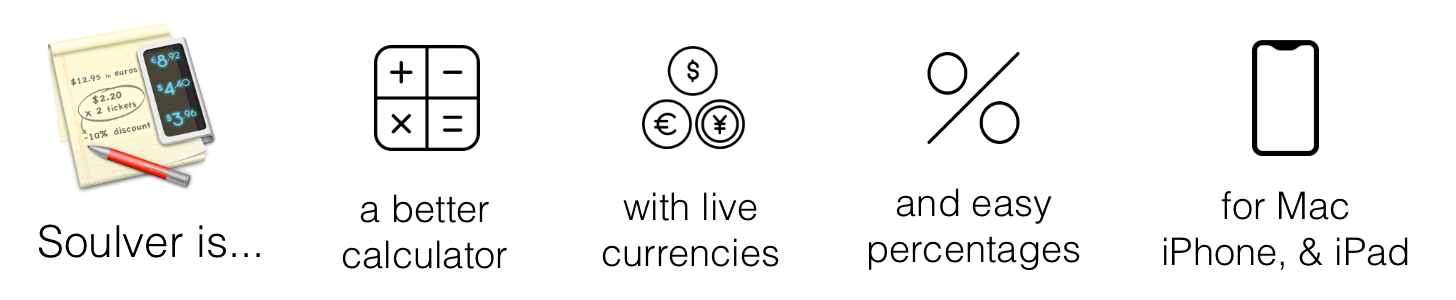
If you’ve ever sat down with a pen and piece of paper to work out calculations, you’ll understand the power of Soulver immediately. The Mac and the iOS apps are part text editor, part calculator and work the way you think by letting you combine text and numbers on the same page.
For anyone who spends more time in a text editor than a spreadsheet app, Soulver is perfect. By mixing text and figures, a Soulver document becomes a roadmap making it easy to retrace your steps when you revisit your work later. Instead of guessing what all the numbers on a page mean, you can give each a descriptive label and add other text providing context. Writing calculations in plain English is faster than using a spreadsheet too because you don’t have to stop to consider what formulas to apply to which cells.
Best of all, Soulver approximates how you’d solve the same problems with a pen and paper, making it intuitive, but also better because the calculator is built right into the page. As you type on the left side of a document, Soulver keeps track of the math on the right-hand side with syntax highlighting that makes the calculations simple to follow.
Soulver is smart too. It keeps a running total of all lines in a document, and it can look up currency conversion rates, stock prices, and commodity values for things like gold and oil. The app handles all sorts of conversion rates too from weights to cooking units and much more. Students and programmers will appreciate features like the built-in trigonometry functions as well as the ability to calculate values in binary and hex.
To learn more, check out Soulver’s website or download both versions today from the Mac App Store and iOS App Store.
Our thanks to Soulver for sponsoring MacStories this week.
Interesting Links
The Verge takes an in-depth look at Apple’s troubles in India, the world’s third largest smartphone market, where iPhone sales are barely a blip on market share charts. (Link) Motherboard reports on 11 leaked Apple service videos that cover topics like iPhone X disassembly and battery replacement. (Link) The Washington Post has a beautiful gallery...
A Little Time Off
As we do every year, we are taking a short break from MacStories Weekly to recharge in advance of the Apple OS launch season. There will be no issue of MacStories Weekly on August 10th or 17th, but we’ll be back with another issue on August 24th. If you joined Club MacStories in the past...
Home Screen: Aleen Simms

Twitter: @Aleen. Host of Originality podcast and founder of App Launch Map. I had the privilege of sharing my Home screen with MacStories Weekly readers almost three years ago. A lot has changed since December 2015, but a lot has stayed the same. Back then, my iPhone 6s Plus was my primary computing tool. While...
In This Issue
Twitter,John’s Apple Watch Dock, a Things for Mac Tip, a mail merge workflow from Federico, an interview with Daniel Alm, Aleen Simms’ Home screen, plus the usualWeekly Q&A, Links, App Debuts, a recap of MacStories articles, and a preview of next week’s episode of AppStories....
Up Next on MacStories’ Podcasts
Next week on AppStories, Federico and John consider what make an app a ‘pro’ app....