
Textor,Our Favorite Watch Apps (Vol. 4), a custom save menu shortcut for Keep It, an interview with LookUpdesignerVidit Bhargava, plus the usual Weekly Q&A, Tip, Links, App Debuts, arecap of MacStories articles, and a preview of next week’s episode of AppStories....
 Interesting Links
Android is 10 years old, and Dieter Bohn at The Verge takes a look at what has become the world’s largest computing platform. (Link) There have been many attempts to dislodge traditional banks with technology, but the highly-regulated industry has proven to be a tough nut to crack, until recently, thanks to the rise of...
Previously, On MacStories
A Roundup of Apps Updated for iOS 12 and watchOS 5 How Apple Made Its New Apple Watch Faces iOS 12 on the iPhone 5S, iPhone 6 Plus, and iPad mini 2 macOS Mojave: The MacStories Review OmniFocus 3 for Mac: Multiple Tags, Enhanced Forecast, Powerful Perspectives Apple Completes Acquisition of Shazam Waze Adds CarPlay...
Interview: Vidit Bhargava

Twitter: @viditb. UI and graphic design for LookUp. LookUp recently added a rich set of Siri shortcuts in iOS 12. When it came time to choose which shortcuts to add, then work to implement them in your app, what was that overall process like? For me Siri has always been about quickly accessing information that...
Up Next on MacStories’ Podcasts
Next week on AppStories, Federico and John consider what the new Marzipan apps in Mojave may mean for the future of apps on all of Apple’s hardware platforms....
Bear: Write Beautifully on iPhone, iPad, and Mac [Sponsor]
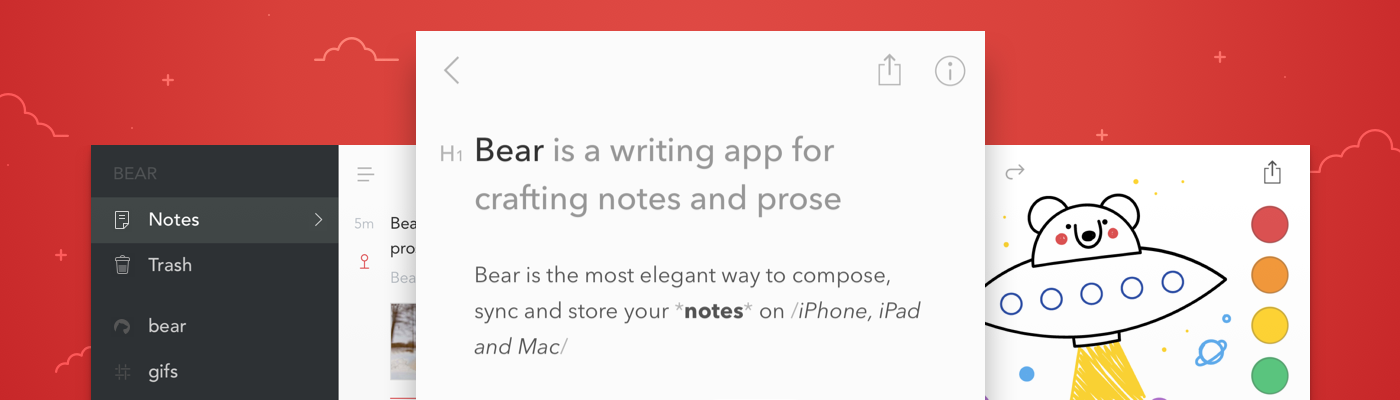
Bear is a beautiful, flexible new notes app for Mac, iPad, iPhone, and Apple Watch. In less than two years, Bear has earned an Apple Design Award, an App Store Editor’s Choice award, and numerous mentions on Apple’s Today page for being a great way to capture ideas, write the next blockbuster novel, and much more.
Bear embraces portability, flexibility, and privacy. Your notes are written in Markdown and saved in standard formats, then organized with the power of tags and nested tags. Sketch with styluses like Apple Pencil, and grab links with app extensions. When it’s time to ship your notes elsewhere, export them to a variety of formats.
Upgrade to Bear Pro to unlock iCloud sync, a dozen beautiful writing themes, and even more powerful export options.
For iOS 12 and macOS Mojave, Bear is ready with a big update to support their best features.
On iOS, Bear now works with Siri shortcuts for powerful automation. Who even types notes anymore? Nickelback, that’s who. Use Siri and the beautiful sound of your voice to create notes, open your to-do notes, and more. For Mojave on the Mac, free and Pro users can write in the all-new Dark Mode with our new free theme: Dark Graphite.
Most of Bear’s features are free to use, so grab it from the iOS and Mac App Stores. Learn more at bear.app, and subscribe to their infrequent newsletter for tips, user interviews, and more.
Our thanks to Bear for sponsoring MacStories this week.
Interesting Links
As Hurricane Florence barreled towards the US last week, Twitter was abuzz about the Weather Channel’s storm surge animation. Wired takes a look at how the TV channel used the Unreal Engine that drives many games to create the effect. (Link) Matt Birchler’s watchOS 5 review is available on BirchTree and is packed with lots...
In This Issue
‘sodes,Federico’s epic Making Of: The iOS 12 Review, Weekly Q&A, Links, App Debuts, a recap of MacStories articles, and a preview of next week’s episode of AppStories....
Previously, On MacStories
PCalc 3.8 Adds Support for iOS 12’s Siri Shortcuts, Including Powerful Clipboard Commands Streaks 4 Adds iPad Support, Timed Tasks, HealthKit Improvements, and Siri Shortcuts Text Case Adds Siri Shortcut Support for Text Transformations iOS 12: The MacStories Review iOS 12 Review Extras: Audiobook, Shortcuts, eBook, and Making Of Things 3.7 Brings Support for Shortcuts,...