
New perks for Club members, the apps and workflows Ryan uses for MacStories, Federicoand John’s work setups, plus the usual Links, App Debuts, a recap of MacStories articles, and a preview of next week’s episode of AppStories....
 Interesting Links
Alfred and LaunchBar have very similar, but subtly different features, and Dr. Drang does an excellent job of explaining why he switched back to LaunchBar after trying Alfred for five months. (Link) Although it’s debatable whether the quirks and bugs of Apple News+ rise to the level of ‘total mess’ as suggested by this Gizmodo...
New Club Perk: 6 Months of 1Password Families Free
As was mentioned earlier this week, one way we’re continuing the celebration of our 10th anniversary is by offering a special thank you to Club MacStories members in the form of 6 free months of 1Password Families for new subscribers. 1Password Families is a subscription plan that offers full access for up to 5 family...
Up Next on MacStories’ Podcasts
Next week on AppStories, Federico and John talk about their Mac minis, the very different ways they use them, and the apps they rely on the most....
Previously, On MacStories
Calory Review: Simple, Convenient Calorie Tracking 10 Years of MacStories Announcing the MacStories 10th Anniversary T-shirt and Pin Latest iPad Pro Ads Highlight the Device’s Versatility ‘Tim Cook: The Genius Who Took Apple to the Next Level’ Is an Insightful Look at the Values that Guide the Company’s CEO The Perfect Side Gig CalZones Review...
Agenda: First Your Calendar, Now Your Reminders [Sponsor]
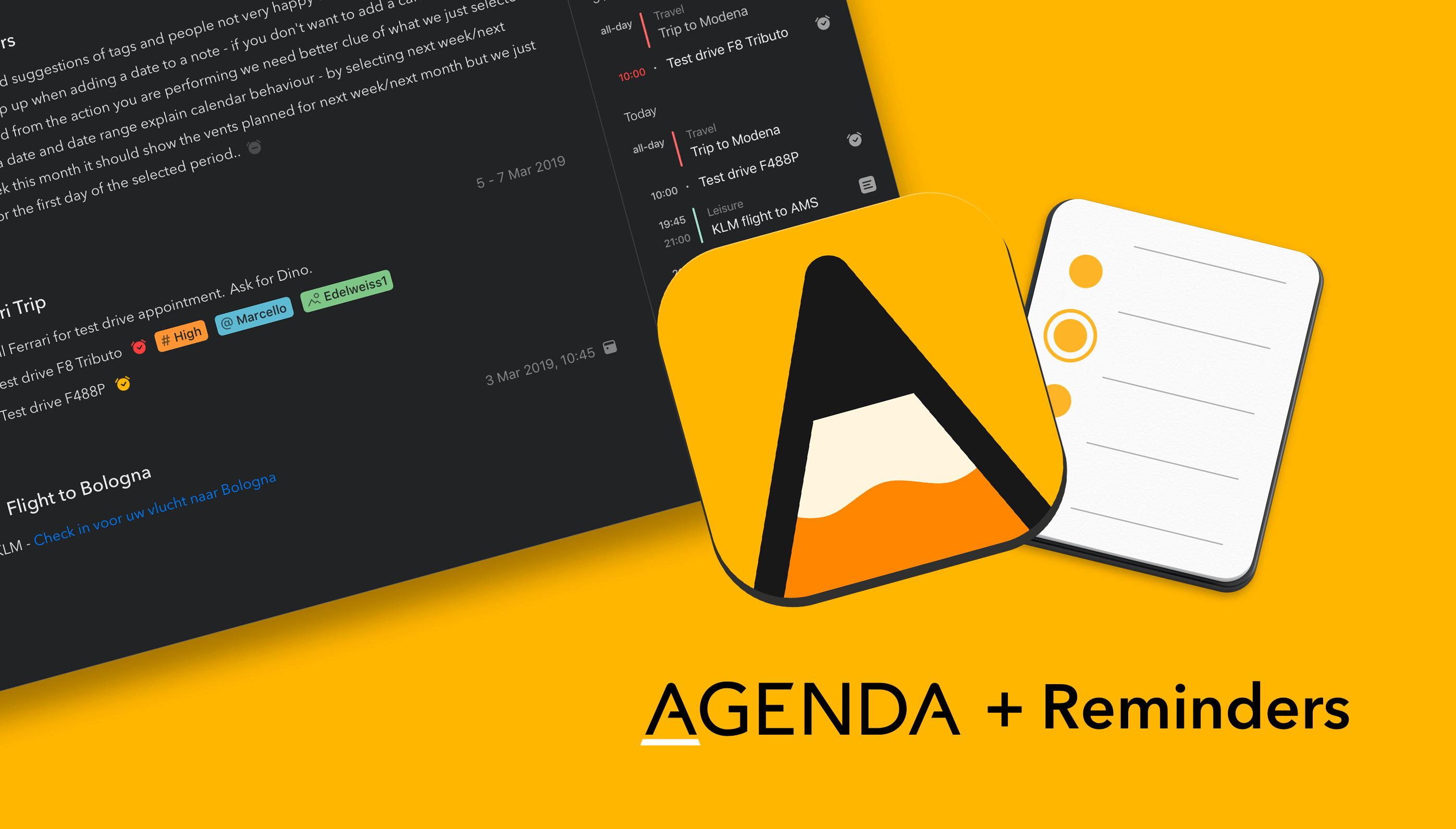
Agenda is a strong new entrant in the arena of note taking apps for Mac, iPad, and iPhone. It’s elegant and powerful — Agenda was the only Mac app to win an Apple Design Award in 2018 — and includes a few twists on what you have come to expect from a note taking app.
To begin with, Agenda focuses on dates. You organize your notes chronologically in projects, with each project flowing from future, through present, and into the past. Use Agenda to plan for a future meeting or vacation, and have your notes ready when it is time to begin. When it’s all over, the very same notes are preserved for posterity in Agenda’s unique timeline.
You can even link notes to events in your calendar app, and edit the events without leaving Agenda. Rather than competing with your calendar, Agenda complements it, working perfectly in tandem.
Even more exciting, the Agenda team is putting the finishing touches on an update which will bring that same level of integration for Apple’s Reminders app. Reminders is great tool for scheduling tasks that are due at a particular time or place; in just a few weeks time, Agenda will allow you to create and edit reminders without leaving the app.
Similar to calendar support, the Agenda team have opted to integrate with the existing Reminders app, rather than reinvent the wheel. You will be able to link reminders to list items in Agenda, so that you get a notification when they become due. Agenda will autofill as much information as possible, making it ridiculously easy to create new reminders for your tasks. There is even support for a markdown-like syntax, so you don’t even have to stop typing.
Agenda is free to download and use forever. It is a great time to give it a try, because there is now support for importing from Evernote and Apple Notes, and free sync via iCloud.
A premium feature upgrade is available via In-App Purchase. It includes all current premium features, as well as new ones added in the next 12 months. Best of all, the features you unlock are yours to use forever — strictly no subscription.
Our thanks to Agenda for sponsoring MacStories this week.
Interesting Links
We may not have gotten the rumored black AirPods, but ColorWare is back at it with a line of colorized second generation AirPods available in a wide range of colors including the rumored but not released matte black. (Link) Toaster-fridge jokes aside, the idea of tucking a Sonos speaker into an Ikea lamp (there’s a...
Previously, On MacStories
HoudahSpot 5 Review: Advanced File Search and Filtering on the Mac Pixelmator Photo: The MacStories Review Using a Mac from iOS, Part 2 – Luna Display and macOS as an App Mobile Video Production Spotlighted at the 2019 NAB Show Calory Review: Simple, Convenient Calorie Tracking...
Up Next on MacStories’ Podcasts
Next week on AppStories, to celebrate MacStories’ 10th anniversary, John interviews Federico for an in-depth look at MacStories past, present, and future....