
Ryan on sweating the details of user experience, Stephen has ideas on how Reminders could beimproved, and John explores Apple’s complex, intertwined road to streaming music and Marzipan....
Unlock Creative Lighting with Apollo: Immersive Illumination [Sponsor]

With Apollo: Immersive Illumination, you can unlock unlimited creativity over a single Portrait mode photo with the app’s powerful relighting tools. Apollo enables an infinite number of lighting variations that let you create a dull, dark, spooky, magical, or night club feel to your images. But Apollo isn’t only about theming your photos. You can also create more natural effects by removing lighting from areas of an image, highlighting faces with low emissive lights, or adding other subtle lighting effects.
Apollo sees photos as 3D scenes but hides the technical complexities of the process behind elegant single-finger interactions that allow users to focus on the adjustments to their pictures, which update in real-time. Up to 30 virtual light sources and adjustments to their position, brightness, color, and spread can be applied to a single photo. You can apply masks that alter emitted light and color and adjust parameters like shadow intensity, the range of lighting effects, progressive background removal, and fog effects. Apollo’s features are constantly refined and new ones are added all the time after thorough testing to ensure they work across a wide range of iPhone models and wow users.
To see exactly what Apollo can do for your Portrait mode photos, check out its Twitter and Instagram accounts which are full of stunning examples of the app in action.
Download the Apollo on the App Store today to open a new world of creative lighting for your Portrait photos. Apollo is a one time paid up-front app. There are no In-App Purchases or subscriptions.
Also, just for MacStories readers, Apollo is giving away 51 promo codes for the app that can be redeemed in the App Store. The codes are available on a first-come, first served basis, so don’t wait, visit this link for a chance to win a copy of Apollo.
Thanks to Apollo for supporting MacStories this week.
 Up Next on MacStories’ Podcasts
Next week on AppStories, on another installment of Pick 2, Federico and John go in depth with Moment - Pro Camera and MindNode 6 for iOS....
Interesting Links
The Verge has two stories about the rocky launch of Luminary, which saw podcast creators big and small request that the company remove their content from the paid subscription service this week. (Link/Link) Variety reports on a study that streaming customers will outnumber cable subscribers this year in the US and attempts to convert them...
Interview: Mohammed Taher

Twitter: @robokick. Director @BraveWaveMusic; Worked on Street Fighter II, Ninja Gaiden, Shovel Knight, Sonic Adventure & SNK vinyl OSTs; QA Lead on Octahedron; Photographer. How did Brave Wave get started and what role has technology played in its success? I was directing and producing albums before the actual formation of the label. What got me...
Previously, On MacStories
My MacStories Story: How iOS Automation Changed My Life Apple Launches Dedicated YouTube Channel for Apple TV MindNode 6 Review: Refined Mind Mapping Juice Consolidates the Mac’s Bluetooth Functionality into a Single, Handy Utility The Bittersweet iOS Document Browser Marvis Review: The Ultra-Customizable Apple Music Client...
In This Issue
Sofa,Manual Camera Apps, a tip on how to use tab search to close select Safari tabs only, an interview with Mohammed Taher of Brave Wave Music, plus the usualWeekly Q&A, Links, App Debuts, arecap of MacStories articles, and a preview of next week’s episode of AppStories....
Time Is Running Out
Monday, April 29th is the last day to order MacStories’ first official t-shirt from macstoriesmerch.com. To learn more about the shirt, which comes in three colors and men’s and women’s styles, check out our announcement post on MacStories. Enamel pins of the MacStories bookmark logo will be available for a few additional days, but will...
Spark: The Future of Email [Sponsor]
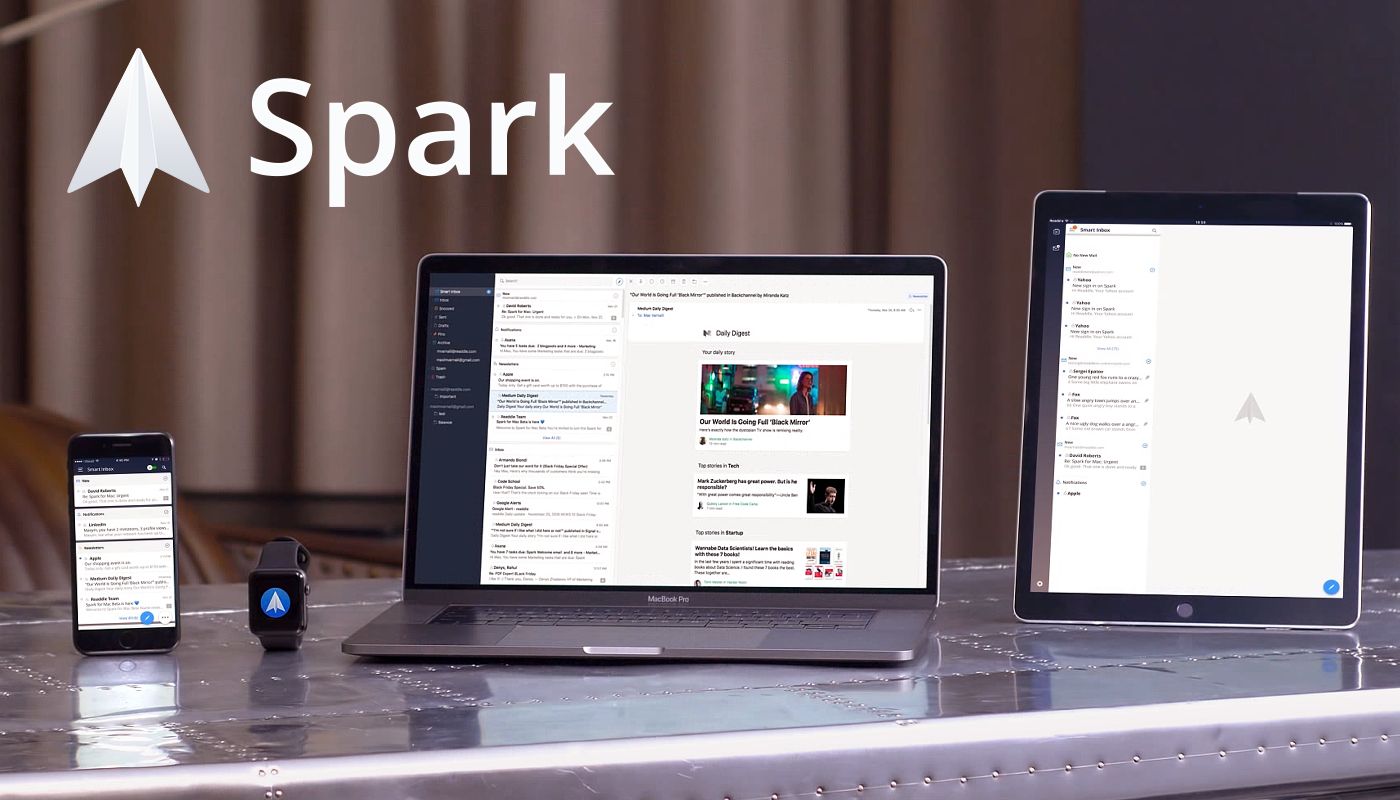
Email doesn’t have to be difficult. Instead of letting it rob you of your precious time use Spark on iOS and the Mac to recover those lost moments automatically.
Spark is loaded with smarts starting with its Smart Inbox that categorizes messages as Personal, Notifications, and Newsletters, which makes it easy to focus on what’s important and return to what’s not later.
Intelligent search makes it simple to find messages no matter where they are too. Spark features a natural language algorithm that thinks just like you. Spark also uses Smart Notifications, so you only get notified what you need to know now.
Spark features beautifully designed card-style calendar invitations that can be accepted with just one tap, the ability to send later and set up reminders for messages that don’t receive a reply, message snoozing, and Quick Replies that let you acknowledge a message with a single tap. Spark also has customizable gesture actions and works with Dropbox, Box, iCloud Drive, and more.
As if that weren’t enough, Spark for Teams completely changes the way colleagues collaborate giving them the ability to do things like comment on and discuss messages and even write messages together. Messages can be delegated to team members for follow up too. Once you’ve tried Spark for Teams, you won’t know how you worked without it.
The future of email is now. Download Spark today for free on iOS and the Mac to take control of your inbox.
Thanks to Spark for supporting MacStories this week.