

Twitter: @steipete. Founder/CEO of @PSPDFKit and maker of PDF Viewer. What changes would you like Apple to make to improve the implementation of the document browser in iOS? Faster startup: The document browser is fairly slow, which reflects poorly on our app. Stricter third-party test toolkit: Dropbox, Box, Microsoft – they all offer integration, but...
 Interesting Links
Wired has an in-depth interview with Satya Nadella covering many of the announcements made at the company’s Build conference this week, along with Microsoft’s poor treatment of women who work there. (Link) Prime is a cornerstone of Amazon’s success as an online retailer, and Vox has an excellent oral history of its development. (Link) The...
Up Next on MacStories’ Podcasts
Next week on AppStories, Federico and John look at the latest rumored changes to Apple’s iOS system apps said to be coming in iOS 13....
In This Issue
MusicHarbor,John compares two CarPlay systems, an interview with PSPDFKit founder and CEO Peter Steinberger, plus the usualWeekly Q&A, Links, App Debuts, a recap of MacStories articles, and a preview of next week’s episode of AppStories....
Arq: Trustworthy Backup [Sponsor]
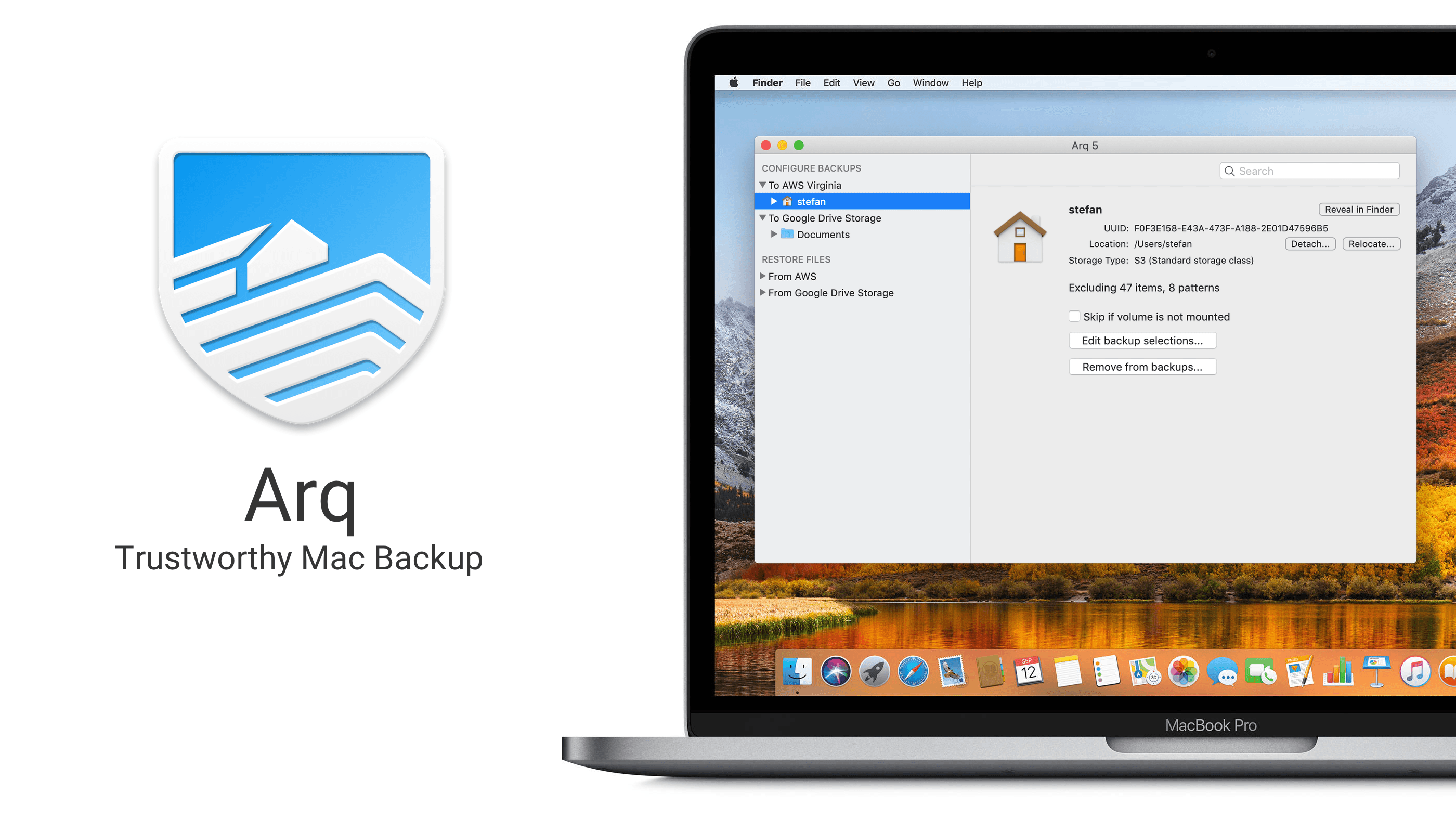
Backups of your computer’s files have to be trustworthy. If you can’t trust your backups, they’re not really backups.
The reason Stefan created Arq Backup for the Mac back in 2009 was because he couldn’t find an online solution that felt like real backup. Most online backup providers were and continue to be vague about where the data are stored, how durable the storage is, and how sustainable the business model is.
Arq does everything it can to provide a completely trustworthy backup solution.
Why should you trust Arq?
- Arq is open. It stores versioned, de-duplicated backup records in a format that’s documented.
- Arq is private. Backup records are encrypted with a password that only you know. The password never leaves your computer, and your data is encrypted before ever leaving your computer.
- Arq gives you control. Your backup data is stored in your own cloud account, SFTP server, or NAS.
- Arq verifies. Arq periodically makes sure the contents of the objects at the destination match the contents of your files on disk.
- Arq notifies. You’ll get a notification when there’s an error.
Do you like having total control over your data? Do you want to maintain your privacy? Then Arq is for you!
Download a free 30-day trial of Arq today and rest easy knowing that your files are backed up and secure.
Our thanks to Arq for sponsoring MacStories this week.
Up Next on MacStories’ Podcasts
Next week on AppStories, Federico and John revisit Episode 21 about breaking up iTunes in light of Marzipan....
Interesting Links
Announced during this week’s F8 conference, Facebook is planning an ambitious redesign that emphasizes the Groups, Marketplace, and Watch sections of the service. (Link) The Verge has a detailed review of MrSpeakers’ new $2,000 high-resolution Ether 2 headphones, which it gave a 9/10 rating. (Link) The New Yorker looks at how Airbnb is changing the...
In This Issue
Keep It, Federico has a tip about a very well hidden Files feature, Johntakes a tour of his Mac menu bar, Ryan checks in on News+ after a month with the service, plus the usual Weekly Q&A, Links, App Debuts, arecap of MacStories articles, and a preview of next week’s episode of AppStories....
Previously, On MacStories
Overcast Adds Simple Podcast Video Clip Sharing Apple Responds to The New York Times’ Story on the Removal of Parental Control Apps from the App Store HomeRun Launches Advanced Daily Routine Feature for Complications and Siri Face Apple Q2 2019 Results – $58 Billion Revenue Highlights from the Six Colors Transcription of Apple’s Q2 2019...