
Next week on AppStories, Federico and John consider why surprising apps seem increasingly rare and share some of the most surprising apps they’ve discovered over the past year. This week on MacStories Unwind, Federico and John cover Adobe Fresco, new kid-friendly podcast collections, a new portable speaker coming form Sonos, Men’s Health’s look...
 Previously, On MacStories
Sonos Announces the AirPlay 2-Compatible Roam Portable Speaker Adobe Fresco: A Fun and Powerful iPad Drawing and Painting App For Pros and Novices Apple Launches Kid-Friendly Podcast Collections Men’s Health Goes Behind-the-Scenes at Apple’s Fitness+ Studio Apple Has Apparently Pulled the Plug on the iMac Pro Coppice: Visual Note-Taking and Research for the Mac...
DEVONthink: Get Organized to Conquer the World [Sponsor]
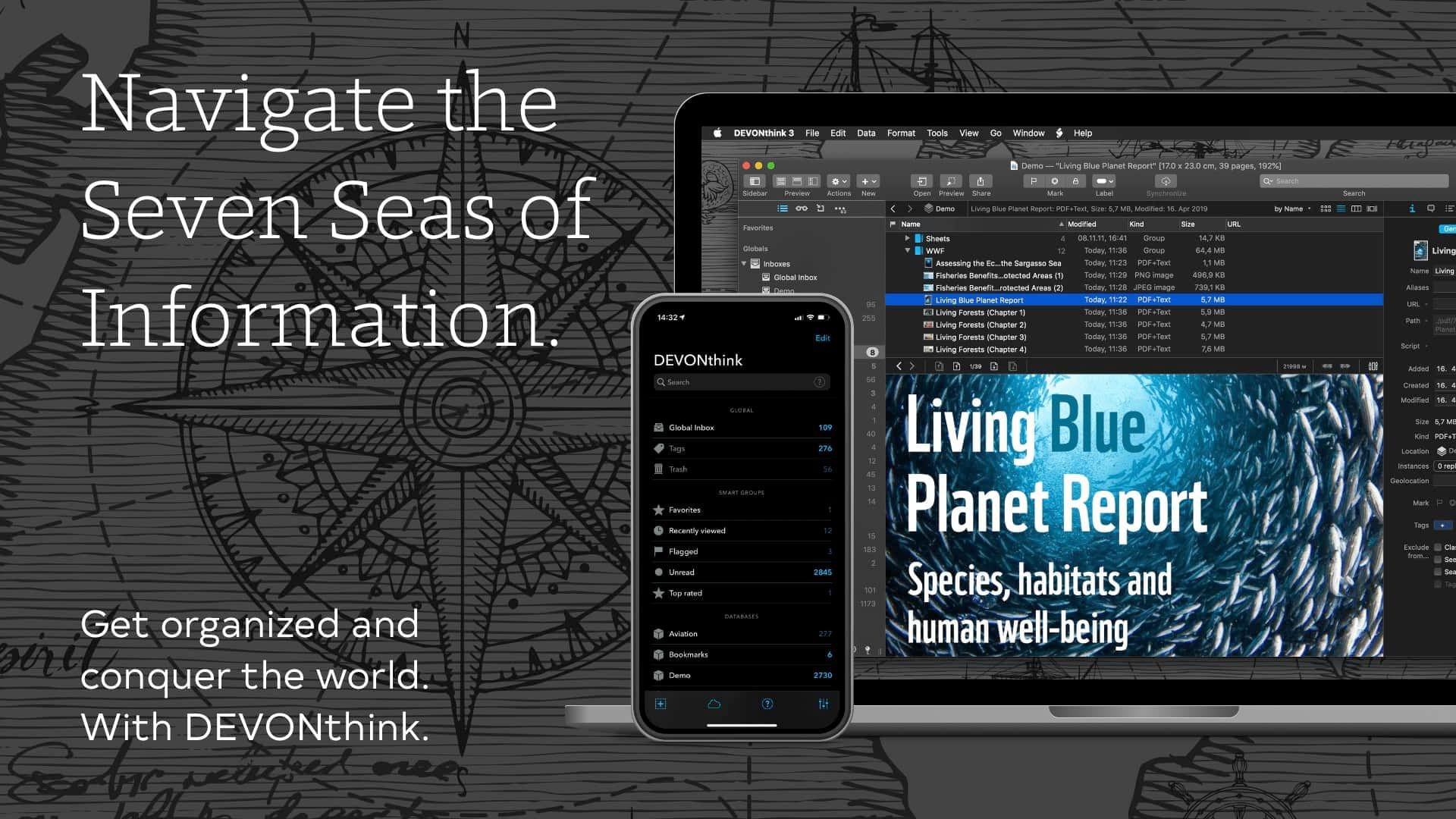
DEVONthink is the one-stop, comprehensive solution for all your document and information management needs on the Mac and iOS. With DEVONthink, all of your documents, snippets, bookmarks, and more are available in one place, paired with powerful tools for organizing, managing, and searching it all. And right now, MacStories readers can purchase DEVONthink for 10% off.
The Mac app takes advantage of integrated artificial intelligence to assist you with filing new materials finding them with the app’s powerful search. Advanced Boolean operators and smart groups of saved searches make it easy to create refined searches that you can return to whenever you need them.
Managing your collection of documents and information is easy with DEVONthink smart rules and flexible reminders system too. Instead of manually managing everything, set up rules once and let DEVONthink take care of filing, renaming, imprinting PDFs, and other repetitive tasks. It’s surprising how leveraging just a few rules can automate the process, keeping your database organized.
DEVONthink also includes built-in OCR, so every PDF you save, whether it’s user manuals or a personal database of academic research papers, is fully text-searchable. Combined with DEVONthink’s powerful search capabilities, it’s the perfect solution for collections of reference materials of all kinds regardless of their size.
Synchronizing DEVONthink’s databases is flexible too. You can do so locally or with cloud-based services. Either way, everything is encrypted and fast.
What’s more, with DEVONthink’s brand-new iOS app, you have access to everything in your database right at your fingertips, no matter where you are. The iOS app has been completely overhauled with an elegant, modern UI, integrated OCR, extensive Shortcuts support, and much more.
There’s never been a better time to bring order to your documents, webpages, bookmarks, and everything else. Visit devontechnologies.com/macstories right now to learn more about how DEVONthink can help you gain the upper hand on your data and take advantage of a special 10% discount for readers.
Our thanks to DEVONthink for sponsoring MacStories this week.
Up Next on MacStories’ Podcasts
Next week on AppStories, Federico and Johndig into how they manage and read the email newsletters to which they subscribe. This week on MacStories Unwind, Federico and Johnlook back John’s review of Coppice, a new Mac app for organizing your notes and research materials, Apple’s statement about using Siri to switch music streaming...
Previously, On MacStories
Apple Clarifies Ability to ‘Set Default’ Audio Apps in iOS 14.5 Eve Systems Announces That Its New Eve Energy Smart Plug and Eve Weather HomeKit Devices Will Support Thread Apple Launches Service for Transferring iCloud Photos and Videos to Google Photos Coppice: Visual Note-Taking and Research for the Mac Spotify Adding Genre and Mood Filters...
Interesting Links
If we told you a few years ago that NASA would land a new rover on Mars powered by the same processor found in the iMac G3, would you have believed the story? Gizmodo has all the details on NASA’s decision to use the PowerPC 750 chip for its Perseverance rover. (Link) The next game...
Perks

Taio Exclusively for Club MacStories members, we have 10 1-year subscriptions for Taio Pro the new text processing app for the iPhone and iPad that combines clipboard functionality, Markdown editing, and text workflows all-in-one terrific app. Entries close Wednesday, March 10th, so be sure to enter right away! Enter for a Chance to Win...
Organize Your Inbox (and Never Waste Time on Email Again) with SaneBox [Sponsor]

SaneBox is your personal email assistant that automatically organizes your inbox, saving you valuable time. SaneBox works with your existing email service, making sure that only the most important messages reach your inbox. The rest of your messages are neatly tucked away in designated folders like SaneLater and SaneNews for reviewing later. You can snooze emails, too, setting them aside to deal with when you have time.
Better yet, if there’s something you never want to see again, drag in into the SaneBlackHole folder. It’s far easier than the hit or miss process of unsubscribing from email lists.
SaneBox has a built-in reminders system too. SaneReminders are a terrific way to stay on task. Send yourself a reminder to do something later, or get a reminder when someone hasn’t responded to one of your messages. For example, bcc: [email protected] and the message will show up back in your inbox only if the recipient doesn’t reply within three days. SaneReminders is perfect for making sure that nothing falls through the cracks.
Also, because SaneBox works with your existing email setup, there’s no app to download or new email account to set up. You can use any email service and client you want.
Sign up today for a free 14-day SaneBox trial to take back control of your email. You’ll see big benefits immediately as the message count in your inbox drops, and you’ll be able to maintain control going forward with SaneBox’s help. MacStories readers can receive a special $25 credit automatically by using this link to sign up.
Our thanks to SaneBox for sponsoring MacStories this week.
In This Issue
This month, with the recent news that Simple Bank is shutting down, Alex reflects on the impact its app has had on the way he approaches his finances and banking and John explain how he uses a two-tier system of project lists and tags across multiple apps to organize his work....