
Nova Review: Panic’s Code Editor Demonstrates Why Mac-like Design Matters Apple’s Perplexing Home Strategy Apple Maps Adds COVID-19 Vaccination Sites in the US Downtime Organizer Sofa Adds Apps, Audiobooks, Board Games, Deeplinking, Backups, and More Themes First Impressions: Kensington’s StudioDock Aims to Turn Your iPad Pro into an Expandable Desktop Workstation Apple Has Discontinued the...
 Interview: Sawyer Blatz

Twitter: @SawyerBlatz. Creator of iOS budgeting app, Nudget, and iOS devleoper at Slack. How did you get started with iOS development? I actually started back in 2015 with the release of Swift. I always thought it’d be cool to make apps that I could use on my phone and carry with me every day, but...
In This Issue
An announcement about MacStories Favorite, CleanShot X, more Taio automations fromFederico, aninterview with Nudget developer Sawyer Blatz, plus the usual Links, App Debuts, a recap of MacStories articles, and a preview of upcoming podcast episodes....
Up Next on MacStories’ Podcasts
Next week on AppStories, Federico and John, who are always on the lookout for new ways to read and process the stories they find, discuss the features and approaches they’d like to see in the ideal read-it-later app. This week on MacStories Unwind, Federico and Johncover the new Kensington StudioDock workstation, Panic’s Nova...
Interesting Links
Sony announced the SRS-XB13 portable Bluetooth speaker this week for €60, which features a microphone for phone calls, IP67 water resistance, Google Fast Pair technology for connecting to Android phones and tablets, and six summery colors. (Link) This week Intel debuted a series of ads featuring Justin Long, who famously played a Mac in Apple’s...
Goodbye Spotlight, Hello Raycast [Sponsor]
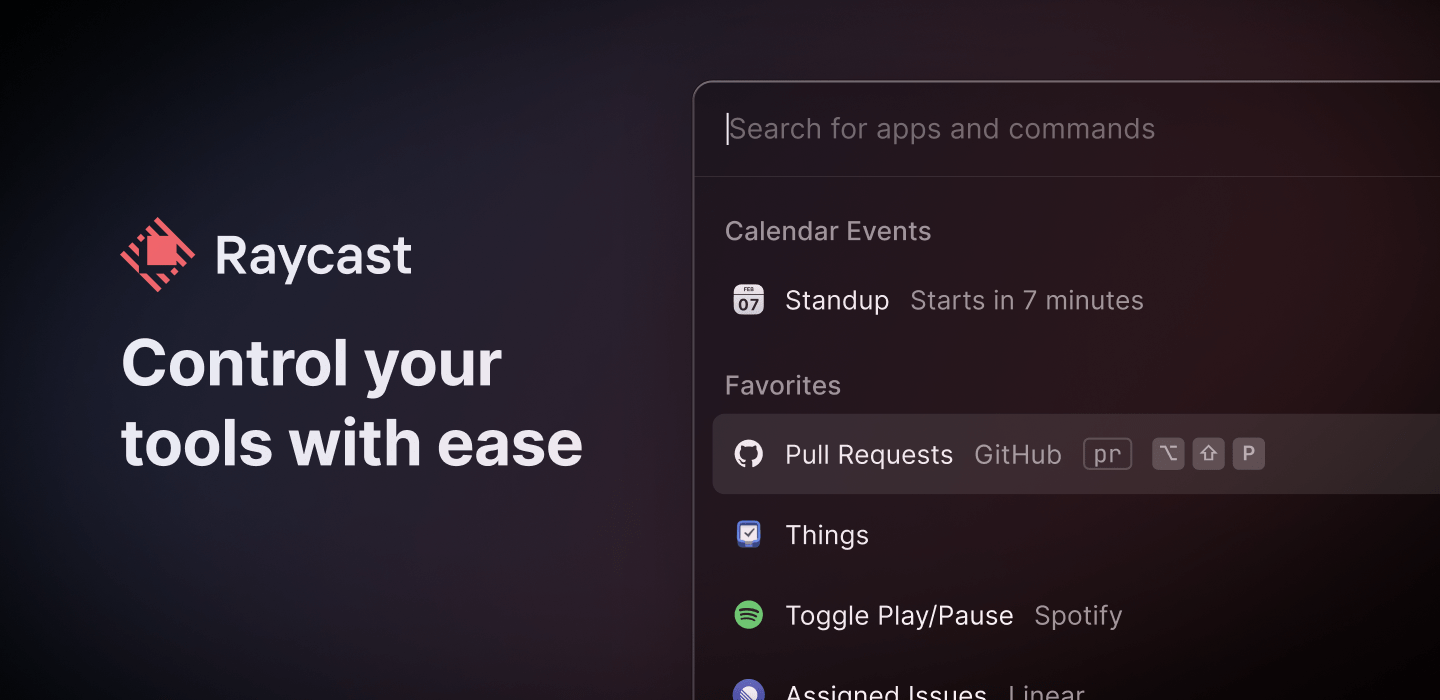
Raycast is a native Mac productivity tool that defies definition because it’s so much more than just a replacement for Spotlight. By invoking Raycast from your keyboard, you can launch any app, but you can also:
- Search for and access your files
- Use third-party apps and services like G Suite, GitHub, Jira, Asana, Linear, and more
- Check your schedule
- Start, schedule, and join Zoom meetings
- Access the clipboard
- Set a reminder
- Take a quick note
- Control system functions on your Mac
- And a whole lot more
Raycast is extensible with scripts too. Plus, the development team is working on an API that’s already in alpha that will make it easier than ever to get the most out of Raycast. See for yourself what you can do:
Raycast is a native app, which means it behaves as you’d expect on your Mac and is fast and responsive. The app also respects your privacy. There’s no login to use Raycast, your data doesn’t leave your Mac, and your credentials for third-party services are safely stored on your Mac in Keychain.
By letting you control your most important tools with just a few keystrokes, Raycast keeps you focused on what’s important to you. You avoid inefficient context switching and eliminate clutter, summoning what you need when you need it, so you can work smarter and more efficiently all day long.
Download Raycast for free right now to give it a try and level up your productivity.
Our thanks to Raycast for sponsoring MacStories this week.
Interesting Links
We’ve come a long way since Klout, with ‘influencers’ now able to sell fans the ability to control their day-to-day lives, as Taylor Lorenz explains in this piece from The New York Times. What could go wrong? (Link) Becca Farsace of The Verge reviews the Hasselblad 907X 50C, a small digital camera body with a...
MacStories Unplugged
In this month’s episode, John has a theory about why he breaks so many dishes, it turns out that Federico isn’t doing much better with wine glasses, and they check in on the state of Apple Arcade. Show Notes: Apple Arcade Games Mentioned: Coming Soon Fantasian Wonderbox Older Games The Last Campfire The Pathless...
In This Issue
IINA, reading Twitter in an RSS client, Federico shares threeTaio automations, John rounds up the latest pro apps to adopt native M1 Mac support, an all-new episode of MacStories Unplugged is out,plus the usual Links, App Debuts, a recap of MacStories articles, and a preview of upcoming MacStoriespodcasts....