
Federico recommends Remind Me Faster and shares a Reminders tagging tip, John imagines the ideal modern read-it-later app, plus the usual App Debuts, Interesting Links, the latest happenings in the Club MacStories+ Discord community, a preview of upcoming MacStories podcast episodes, and a recap of MacStories articles....
 AppStories ‘Unleashed:’ Recording Live in Discord on Monday
On Monday, October 18th, Apple is hosting an online event where it’s expected to reveal new Macs. We’ll be covering everything announced on MacStories and then hosting a live recording of AppStories in the Club MacStories Discord community where we’ll be joined by Alex Guyot to recap the event and share our first impressions. We’ll...
Discourse: A Powerful, Customizable Platform for Civilized Discussion [Sponsor]
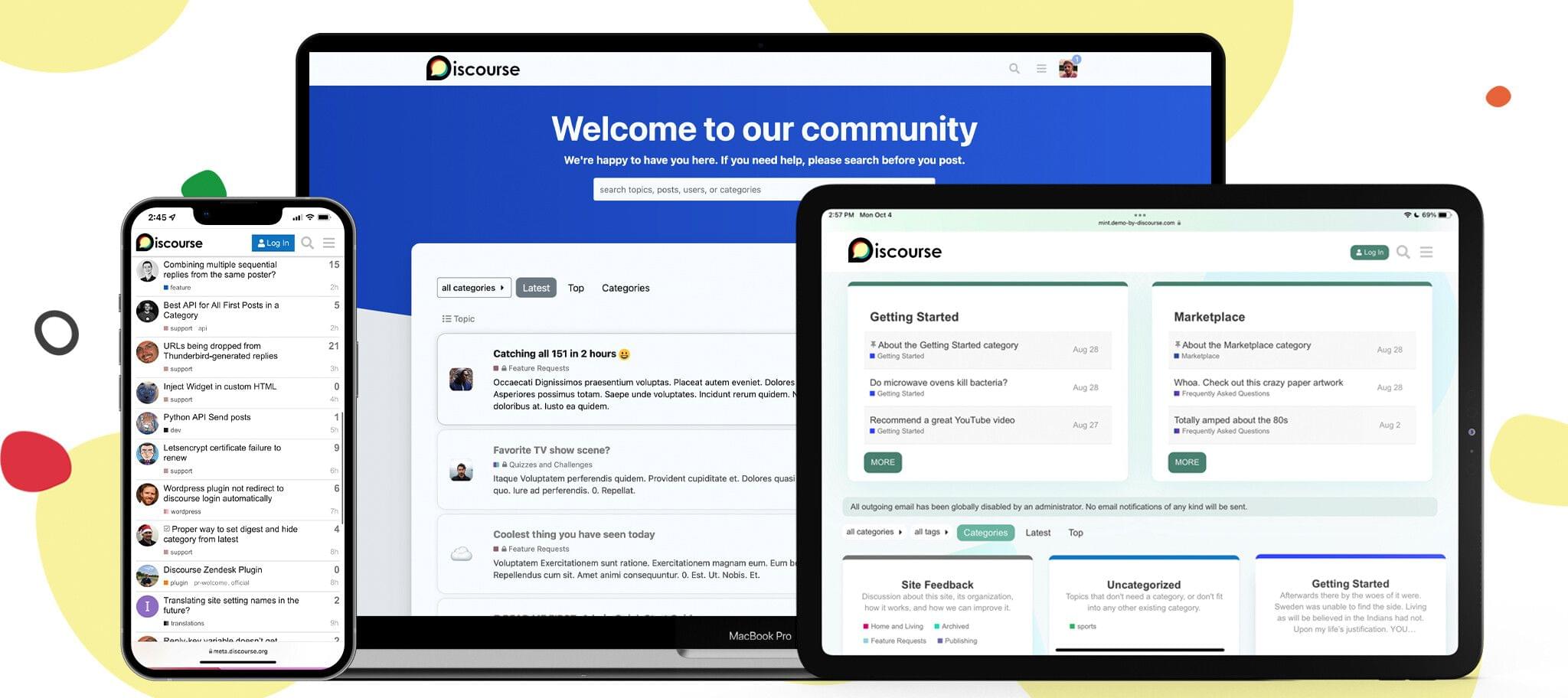
Discourse is a powerful, customizable, open-source platform designed to facilitate civilized discussion for your community. We’re reimagining what a modern discussion platform could be. Discourse is designed with the tools to create and scale a healthy, vibrant, and fun place to connect with your customers, superfans, or teammates online.
Toxicity and spam are two of the biggest problems for online communities, and we’ve developed features to help make your corner of the Internet a more civilized place. Discourse’s automatic trust system encourages new users to interact with your community in helpful, thoughtful ways – all while keeping spammers at bay. Plus, our built-in community-led moderation tools assist in keeping the trolls out and topics on track.
Wondering if your site will look just like every other community out there? We have you covered. Whether you’re a gaming community or a worldwide brand, you can customize Discourse to fit your company’s image with our extensive theming system. Additionally, our developer API and plugin ecosystem give you the ability to extend Discourse in a limitless number of ways.
Oh, and did we mention that you can trust your data with Discourse? Discourse never sells your data to advertisers, and you can download a full backup of your community at any time – no questions asked and no hidden fees.
Ready to try it out? MacStories readers can get a 60-day 100% free trial by using coupon code SHORTCUT when signing up. Start building your community today with Discourse.
Our thanks to Discourse for sponsoring MacStories this week.
Previously, On MacStories
Google Appears to Have Stopped Serving AMP Search Results to Safari Users on iOS and iPadOS 15 Halide 2.5 Adds New Macro Mode Hands On with AirPods’ New Find My Support ActiveTab: A Simple Extension to Tell Which Safari 15 Tab is Active Apple Watch Series 7 Orders Begin October 8th and Will Be Available...
In This Issue
Federico tries a new approach for personal tasks with Due and a shortcut, John reviews the Roomba j7, Club member Peter Zarko-Flynn’s desk setup, plus the usual App Debuts, Interesting Links, the latest happenings in the Club MacStories+ Discord community, a preview of upcoming MacStories podcast episodes, and a recap of MacStories articles....
Reader Setup: Peter Zarko-Flynn

Twitter: @FlynnZarko. Director of Communications at Humanise Health and Carers Couch. @misterzf on Apple Music and @wizard_in_oz on Apple Arcade. My setup story is, probably, a little unusual. On Boxing Day 2019, my husband and I left our home in London, UK, to take a three-month holiday of a lifetime in Australia. My husband was...
Up Next on Macstories’ Podcasts
Next week on AppStories, Federico and John share a long list of iOS and iPadOS 15 tips to get more out of the latest versions of the OSes. This week on MacStories Unwind, Halide gains Macro Mode, AirPods’ Find My integration is vastly improved, a Safari extension to deal with the new tab...
AV Club Town Hall, Ikigai: The Japanese Secret to a Long and Happy Life
Club MacStories Town Halls are part of the monthly and other special live audio events we hold in the Club MacStories+ Discord community. The show is a recorded and lightly edited version of the Town Halls that we produce, so Club MacStories+ and Club Premier members who can’t attend the event live can listen later. To learn more about Club MacStories+ and Club Premier, visit our Club plans page.
For this month’s AV Club selection, Federico and John were joined by Club member Nicholas to discuss the book, Ikigai: The Japanese Secret to a Long and Happy Life by Héctor García and Francesc Miralles.
FirstSeed Calendar: Best Calendar, Best Widgets [Sponsor]
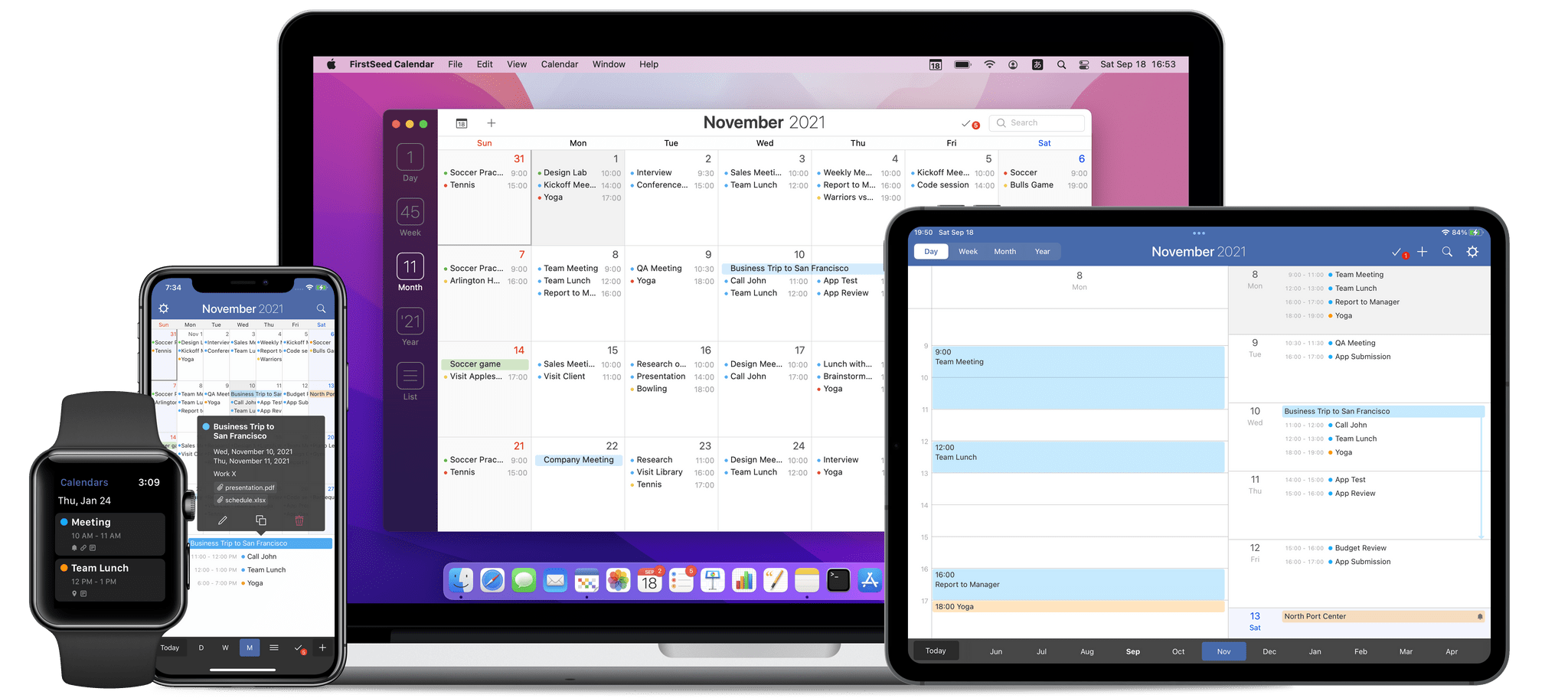
FirstSeed Calendar is the highly customizable calendar app that works on every Apple platform, providing a seamless experience that anyone with a busy schedule will love. Available on the iPhone, iPad, Mac, and Apple Watch, FirstSeed Calendar offers four different monthly calendars and seven types of weekly calendars, ensuring that you’ll be able to find one that suits your needs.
The app takes advantage of the unique features of each Apple platform, providing an unparalleled experience that anyone with a busy schedule will appreciate. For example, FirstSeed Calendar offers elegant one-handed operation of the app’s most frequently used features, like viewing, adding, editing, deleting, moving, and duplicating events, which is perfect for today’s big-screen iPhones.
FirstSeed Calendar never wastes your time either. Unlike most other calendar apps, event names are suggested after typing just a few characters, allowing you to auto-complete events quickly and efficiently. The app also features over 20 Home Screen widgets, so you can get precisely the calendar you want on your Home Screen.
FirstSeed Calendar is continuously updated with the latest technologies too. Most recently, the iPad version of the app added XL widgets. The app also supports time sensitive notifications, allowing you to set alerts that break through Focus modes.
FirstSeed Calendar has all the other advanced features you expect in a pro calendar app too:
- Calendar sets
- Shortcuts integration
- Event templates
- An excellent Apple Watch app
- Support for conferencing services like Zoom, Microsoft Teams, and Webex
- Pointer support on the iPad
- Bulk event editing
- Multiple default event alarms
- Dark mode, themes, custom date colors
Managing your calendar doesn’t have to be complicated. Take control of your schedule today with FirstSeed Calendar.
Learn more here, or go straight to the App Stores and download FirstSeed Calendar for the iPhone, iPad, and Mac today.
Our thanks to FirstSeed Calendar for sponsoring MacStories this week.