
We’re really looking forward to the next A.V. Club Town Hall, but due to unforeseen circumstances, we need to reschedule it. We’ll post a new date in the Announcements channel in the Discord community as soon as we have a little more clarity about our schedules next week. We’d love to share more about what...
 Up Next on MacStories’ Podcasts
Next week on AppStories, Federico and John cover their first impressions of the iPad Air, Mac Studio, and Studio Display, including Federico’s thoughts on where the Air fits into the iPad lineup and John’s take on what to keep in mind when customizing a Mac Studio. This week on MacStories Unwind, Federico shares...
Reader Setup: Dan Stucke

Twitter: @danielstucke. LinkedIn: Daniel Stucke. (Former) Teacher, Data Geek, Runner, Dad & Husband This is my home office in Saddleworth, England, in a village in the hills mid-way between Manchester and Leeds. For the past 18 years I’ve been a teacher and school leader and led hectic days working with teenagers (now I have just...
Town Hall, Apple’s March 8, 2022 ‘Peek Performance’ Event
Club MacStories Town Halls are part of the monthly and other special live audio events we hold in the Club MacStories+ Discord community. The show is a recorded and lightly edited version of the Town Halls that we produce, so Club MacStories+ and Club Premier members who can’t attend the event live can listen later. To learn more about Club MacStories+ and Club Premier, visit our Club plans page.
Federico, John, and Alex are joined by Lachlan Campbell to talk about Apple services, the new iPhone SE and iPad Air, plus the Studio Mac and Apple Studio Display, which were announced at today’s ‘Peek Performance’ event.
Take Your Business Out Of The Dark With Daylite [Sponsor]
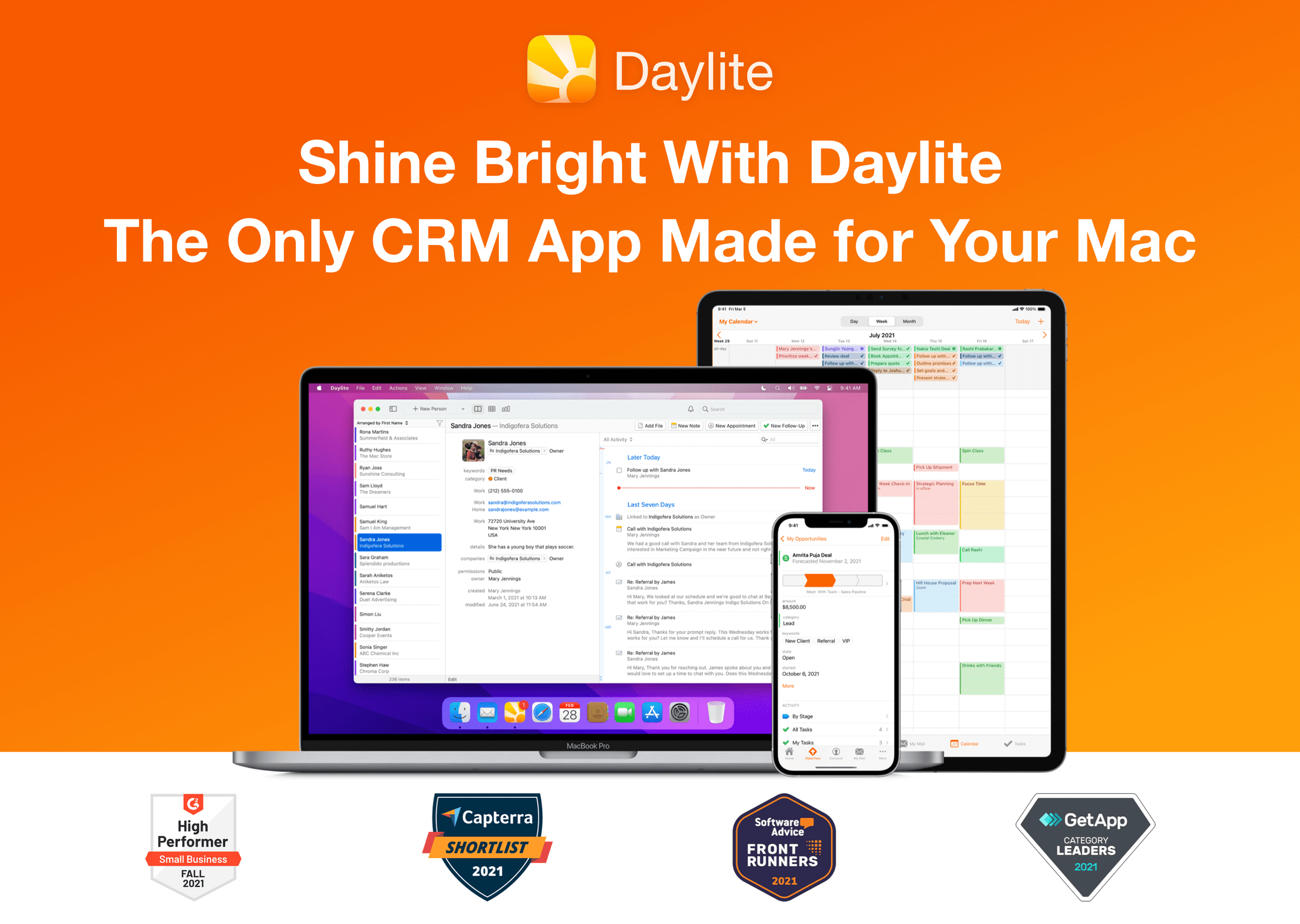
For small businesses, it can be difficult to stay on top of clients, leads, and projects that are evolving every day. Here’s how Daylite can help supercharge your team to shine brighter, handle more clients, close more deals, and execute more projects. Designed for Mac, iPhone, and iPad exclusively.
Daylite empowers small businesses by improving team efficiency and making collaboration easy—everything is organized, searchable, and accessible (even offline). You can easily access information and segment data tailored to your specific client’s history. You can manage and share everyone’s schedules, project status, and next steps.
Seamless Apple Integration
Daylite is the only Mac CRM and productivity app that integrates with Apple devices and most of the built-in Apple apps and features, like direct Apple Mail integration. You and your team can capture all email communication in one place and create opportunities, appointments, and tasks right from your Apple Mail.
Linking
Its linking capability is what makes Daylite shine. You can link emails, notes, tasks, projects, appointments, and other records to existing contacts in Daylite. This enables teams to quickly and clearly view an organization’s structure and access the information they need in a unique way.
CRM + Project Management
Daylite’s productivity-focused design helps you and your team get more done throughout the full customer lifecycle. From meeting prospects and winning business to managing the moving pieces on projects, all the way through to following up on referrals and repeat business, it’s all done in Daylite.
If you live by the Mac, you’ll love Daylite. Start your free 30-day Daylite trial today!
Our thanks to Daylite for sponsoring MacStories this week.
In This Issue
John recommends Diagrams, a tip that mimics the iPhone and iPad’s scroll-to-top gesture on the Mac, Federico shares a shortcut that batch-converts Timery saved timers into a set of single-action shortcuts, plus the usual Links, App Debuts, the latest happenings in the Club MacStories+ Discord community, a recap of MacStories articles, and a preview of...
Up Next On MacStories’ Podcasts
Next week on AppStories, Federico and John talk about how to get more out of Twitter while avoiding doom scrolling, through a combination of advanced Twitter features, third-party apps, and Shortcuts. This week on MacStories Unwind, Federico shares why he’s enjoying Elden Ring so much, and John recommends Kimi, an HBO Max thriller...
Apple ‘Peek Performance’ Event Hub and Town Hall
Next Tuesday, March 8th, Apple will hold the Peek Performance event that it announced earlier this week. As always, you can expect comprehensive, in-depth coverage from the MacStories team. To make it easy to follow along, we’ve created a Peek Performance Event Hub and special RSS feed, which will collect all of our coverage in...
Previously, On MacStories
Stories Apple Announces March 8th Online Event OutlineEdit 3 Offers a Fast, Keyboard-Driven Way to Outline Your Thoughts Last Week, on Club MacStories: Voting on the Next AV Club Pick, a Tip for Avoiding Accidental Lock Screen Activations, Utility Shortcuts for Mac, and a New Episode of Unplugged Tweetbot 7.1 Adds Background Notifications for Follows,...