


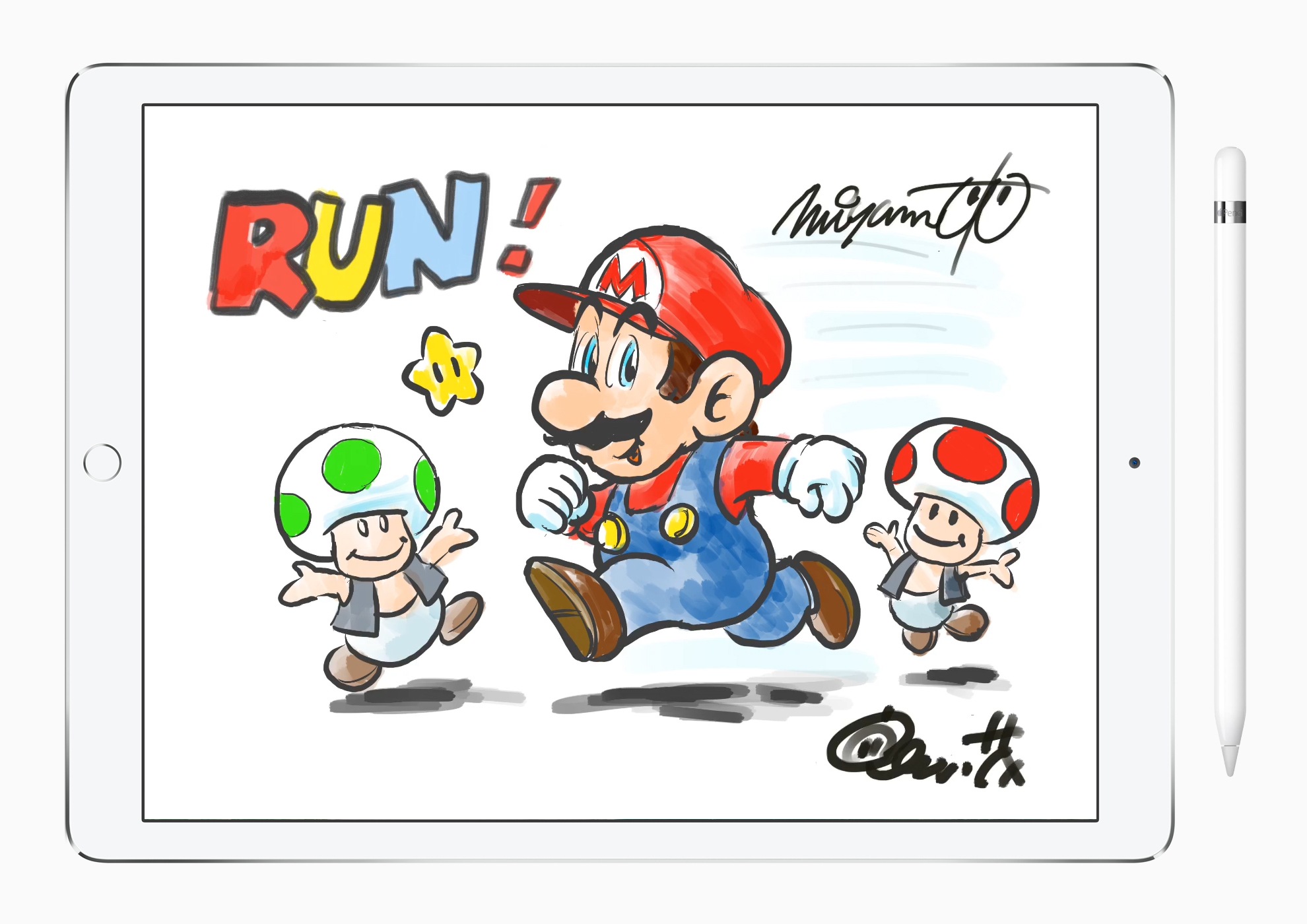
To celebrate the launch of Super Mario Run on the App Store today, Shigeru Miyamoto drew a quick sketch of Mario on an iPad Pro using the Apple Pencil. Below are video of Miyamoto drawing Mario and the final sketch.
Super Mario Run Arrives in the App Store→
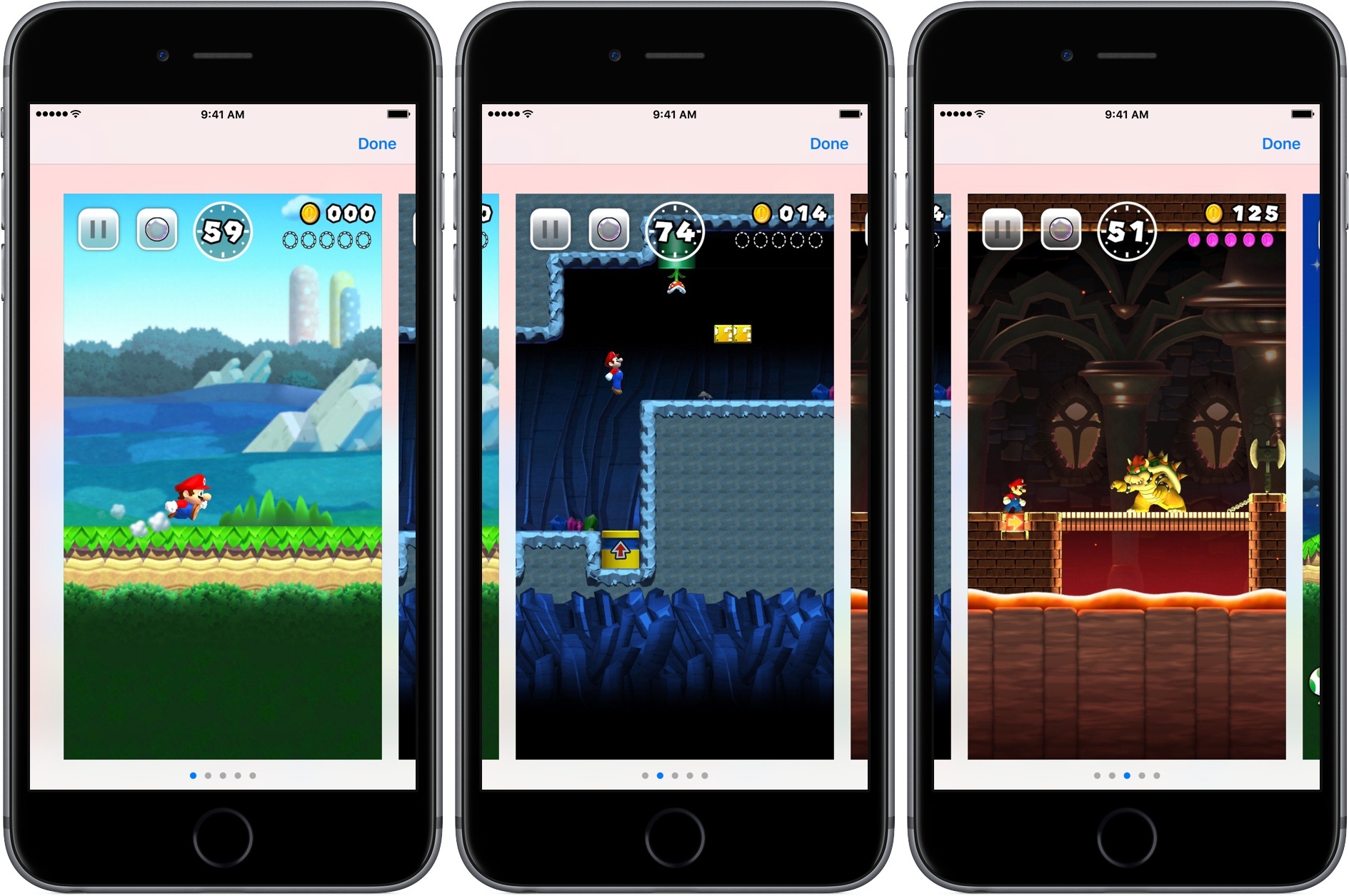
The announcement of Super Mario Run for iOS was a big surprise during Apple’s September 7th iPhone event. It feels like hardly a week has gone by since then without some sort of news about the game.
The wait is finally over. As of a short time ago, Super Mario Run began rolling out worldwide on the App Store. The game features three modes, an endless runner-style mode in which you tap the screen to help Mario reach platforms, collect coins, and avoid enemies, a head-to-head competition mode called Toad Rally, and a building mode called Kingdom Builder. This gameplay video posted by Nintendo last week walks through each part of the game:
Super Mario Run requires a constant connection to the Internet. Nintendo says it implemented the feature to combat piracy of the game – a decision that has been roundly criticized as user-hostile in the days since the requirement was revealed.
You can download Super Mario Run from the App Store for free, but a $9.99 in-app purchase is required to unlock the full game.
Our Favorite Mac Apps of 2016
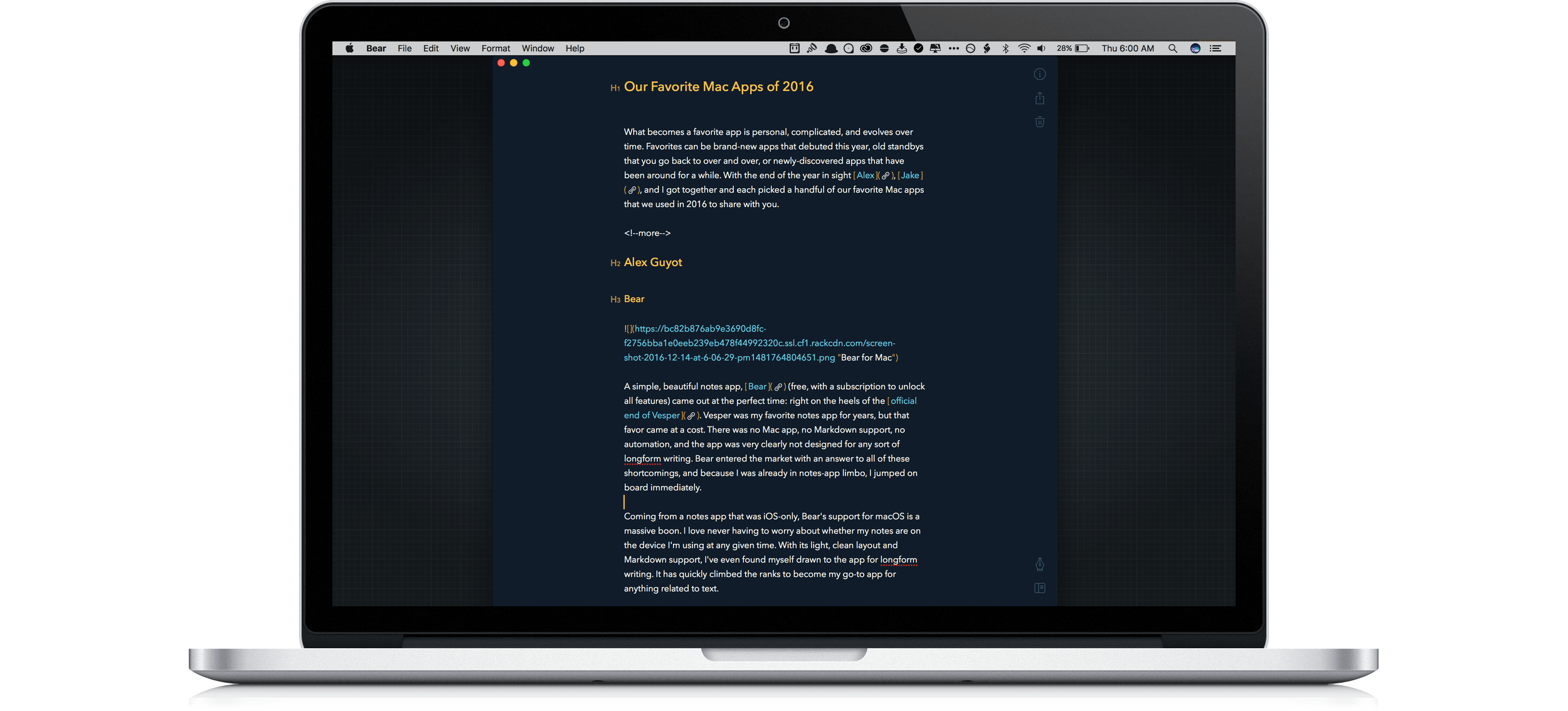
What becomes a favorite app is personal, complicated, and evolves over time. Favorites can be brand-new apps that debuted this year, old standbys that you go back to over and over, or newly-discovered apps that have been around for a while. With the end of the year in sight Alex, Jake, and I got together and each picked a handful of our favorite Mac apps that we used in 2016 to share with you.
Pastebot Reborn as a Powerful Mac Clipboard Manager
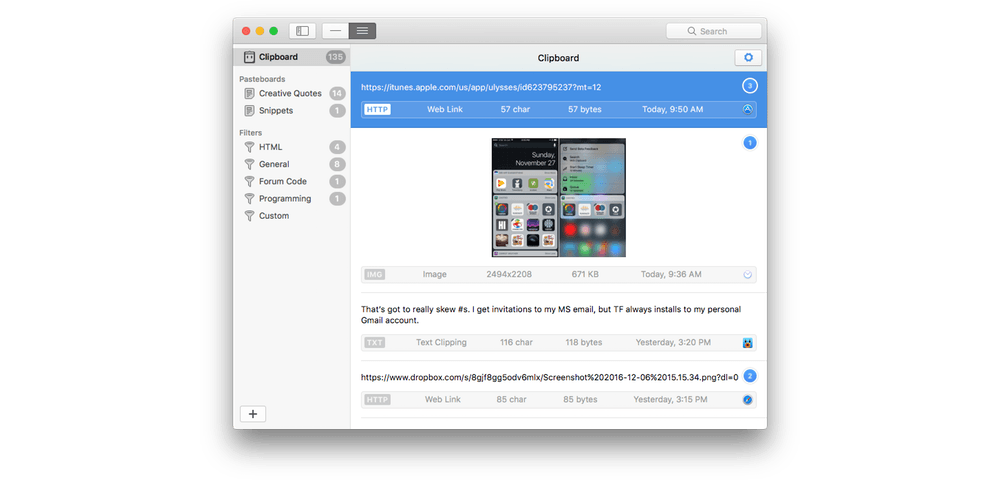
You may remember Pastebot as an early iOS clipboard manager. That app is no longer available, but Tapbots has brought Pastebot back in the form of a macOS app. Pastebot for Mac can store up to 500 of your most recently copied items, including text, URLs, images, and files. The clips are stored chronologically with the most recent ones on top. That makes finding recent clips easy, but even older clips that are buried under recent items aren’t hard to find thanks to Pastebot’s smart search functionality. In addition, you can save frequently used clips to custom pasteboards and manipulate clips with filters.
Apple Releases macOS 10.12.2 and watchOS 3.1.1
Today, Apple updated macOS Sierra 10.12.2 and yesterday, it updated watchOS 3.1.1 with the usual unspecified bug fixes and performance enhancements, but there are also a few other nice perks that are likely to attract customers to the update.
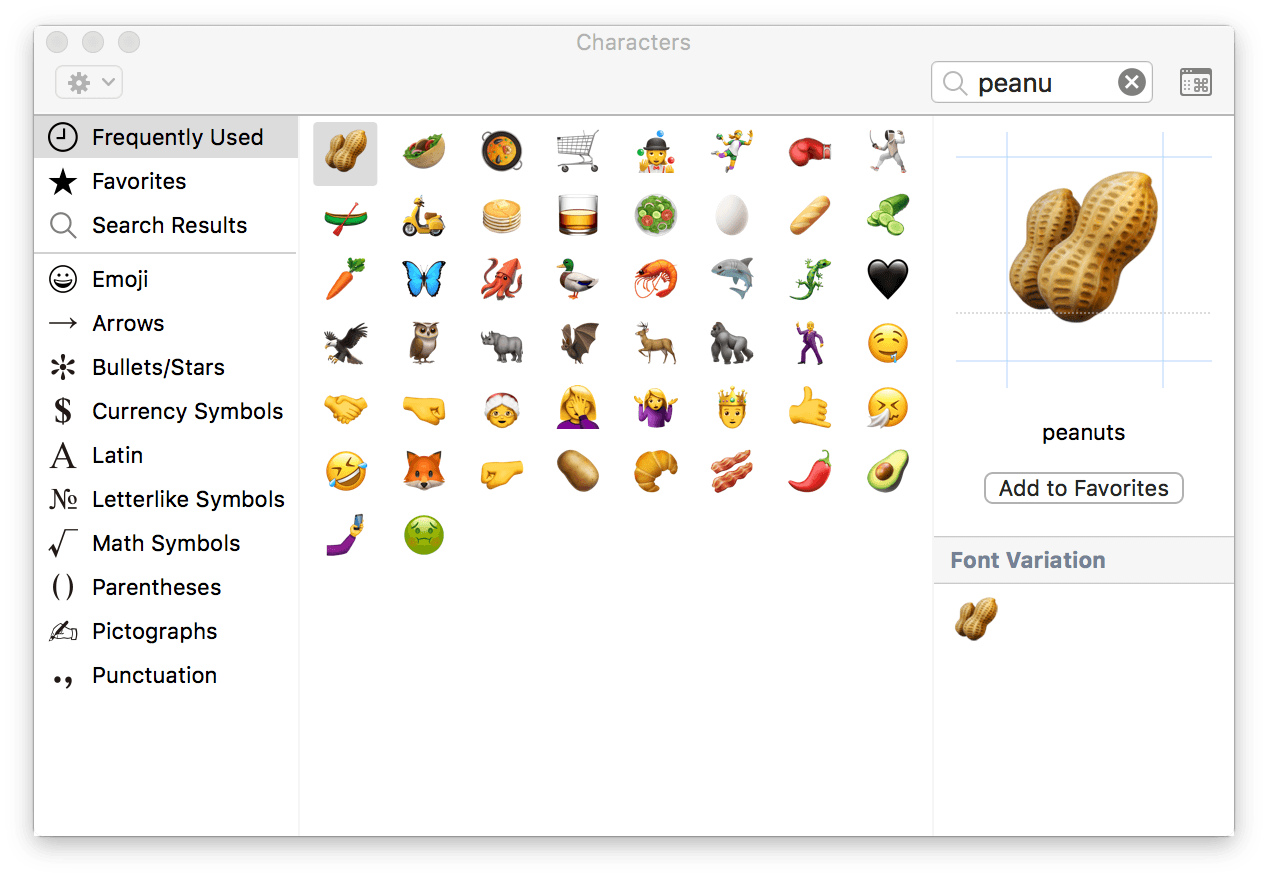
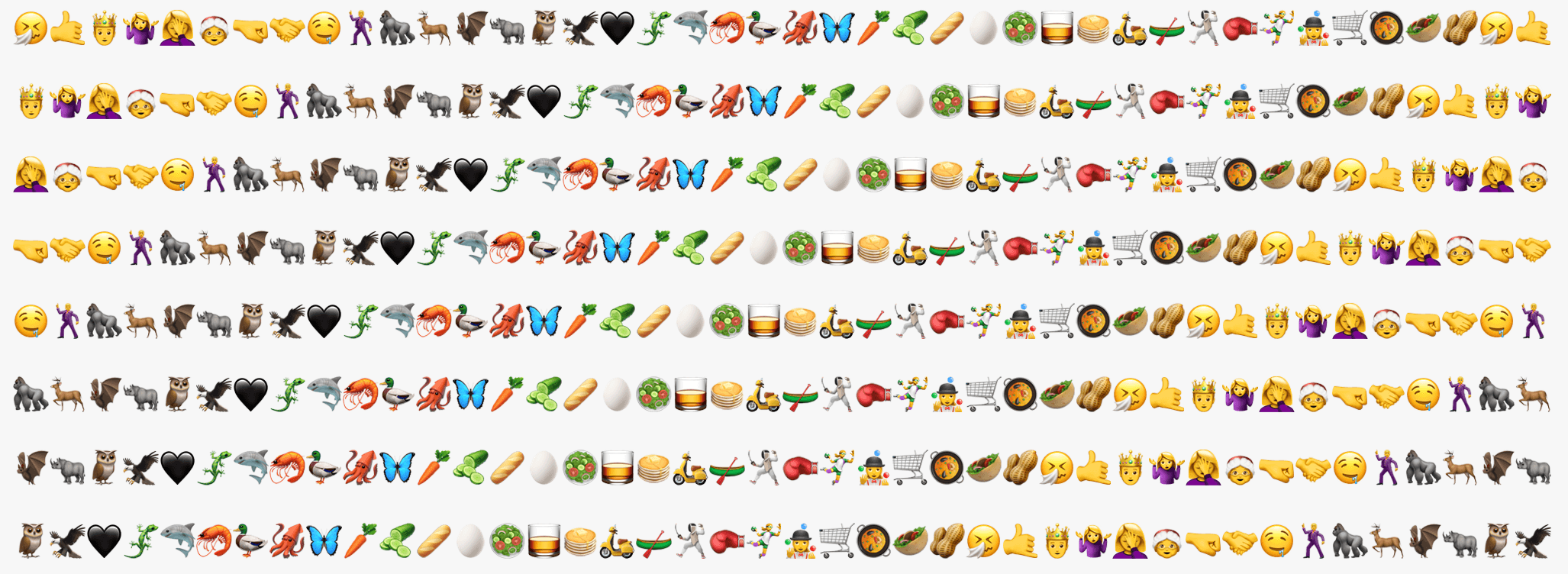
The macOS and watchOS updates both feature the same emoji added to iOS 10.2. The 72 new emoji, approved as part of Unicode 9.0 in June 2016, include new smileys, animals, food items, professions, sports, and more. Apple has also redesigned many of the existing emoji with a slightly more three-dimensional look and greater detail. As has been the case in the past, the new emoji added to macOS and watchOS should encourage adoption of what are otherwise primarily maintenance updates to each OS.
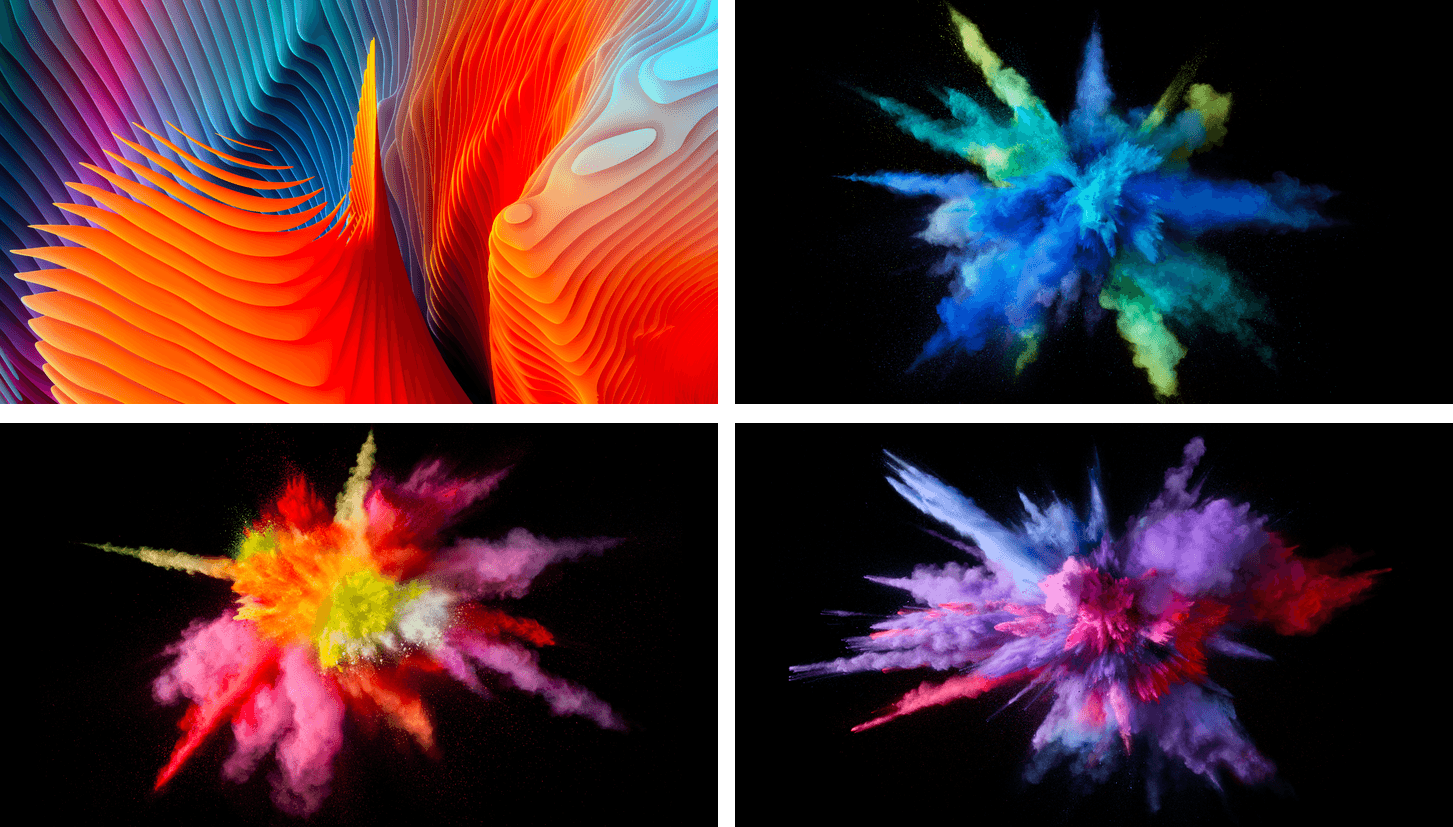
In addition, macOS adds four new wallpapers called Abstract Shapes, Color Burst 1, Color Burst 2, and Color Burst 3. The Color Burst wallpapers were first seen at Apple’s October MacBook Pro event and have since made cameos in advertisements for the new MacBook Pros.
Pitchfork’s Year-End Evaluation of Music Streaming Services→
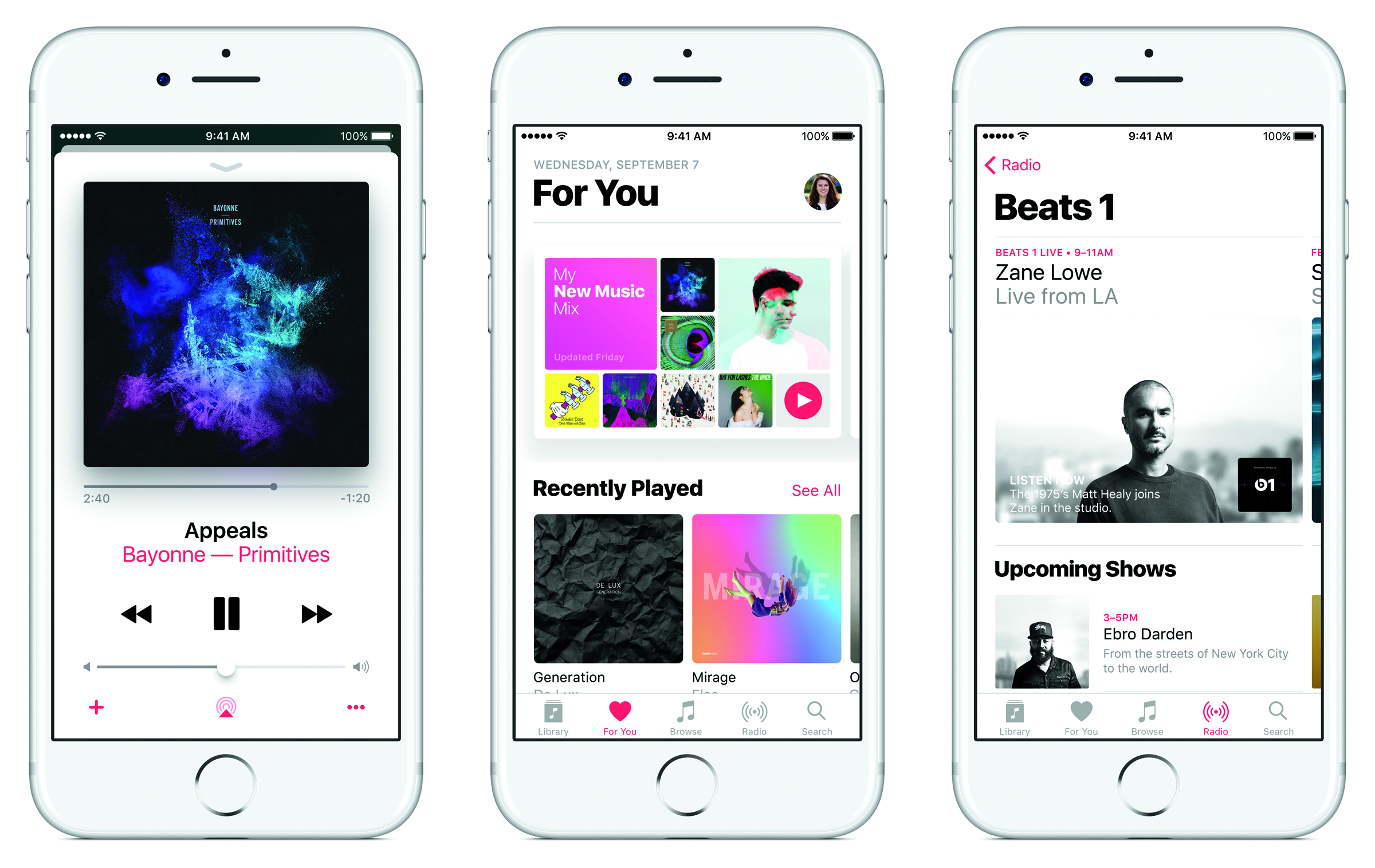
This year should be the first time that music streaming revenue meaningfully exceeds download revenue. According to Pitchfork:
Going into 2017, streaming will no longer be a niche for music but the new normal. The big question is no longer whether streaming is the future, but what form that future will take, who will benefit, and what that might mean for listeners.
To mark this pivotal moment in the music industry’s history, Pitchfork published a survey on the state of music streaming. The article goes into depth about each of the major players, evaluating the highlights and lowlights of each and considers what the future may hold.
Apple Music gets high marks from Pitchfork for solidifying its number two position behind Spotify through exclusive deals with artists, but it also points to missteps that angered customers and artists this year. As for the future, Pitchfork predicts more exclusives and algorithmic playlists for Apple Music and concludes that:
Apple was too late to streaming to hold anything like the stranglehold iTunes had over downloads (at least, not yet). Instead, Apple Music’s battle with Spotify may be more like the Mac vs. PC debate: a corporate presentation of chic tastefulness versus an ostensibly techier rival.
The on-going battle between Spotify and Apple will be interesting. Spotify has never turned a profit and Apple has the cash to weather a long, drawn-out fight for the hearts and minds of customers. With the bulk of music revenues now coming from streaming, it looks as though 2017 could turn out to be an interesting year for the music industry.
AirPods Are Now Available for Purchase and Pre-Holiday Delivery
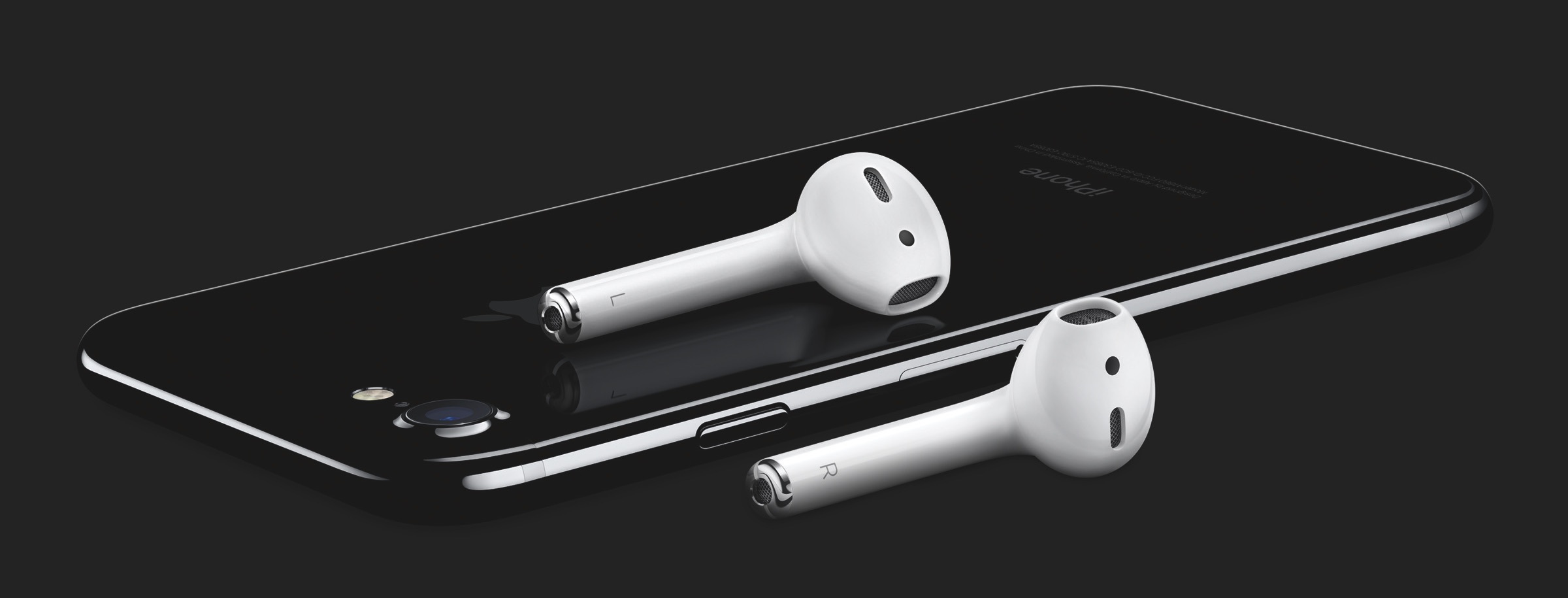
Apple revealed AirPod wireless headphones at its iPhone event in September. Initially, they were slated for release in October, but Apple subsequently announced that the product would be delayed.
This morning Apple updated its online store opening orders for AirPods. I ordered a pair and at least in the Chicago area, they are set to arrive by December 21st.
Calendar Spam Reporting Added to iCloud.com→
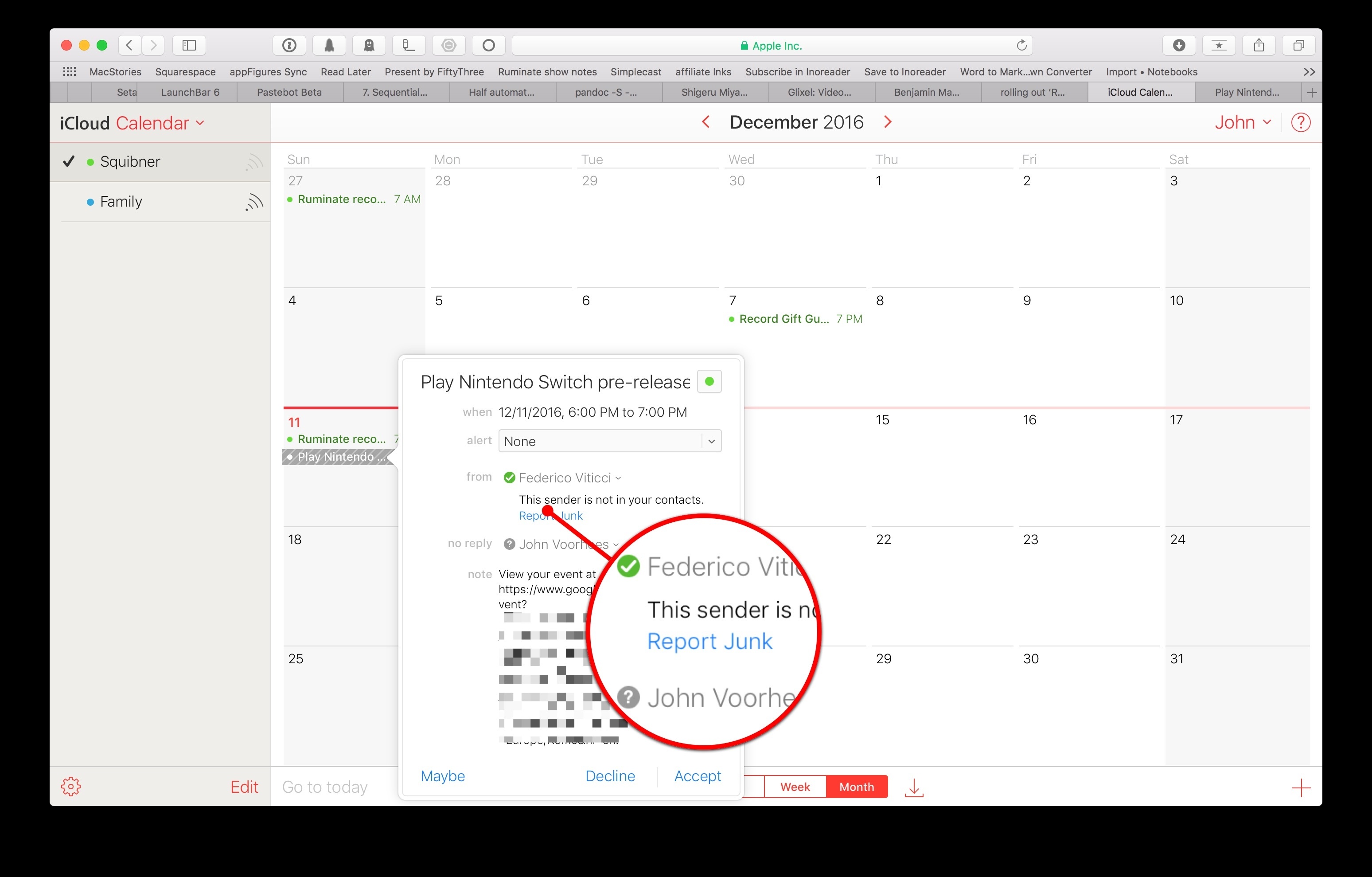
Last month a rash of spam calendar invitations began showing up in iCloud users’ calendars from unknown senders. Benjamin Mayo at 9to5Mac reports that Apple has begun rolling out a ‘Report Junk’ link on iCloud.com to address the situation:
This lets users remove spammy invites from their calendar and reports the sender to Apple for further investigation.
At the moment the fix is available through iCloud.com only. Presumably the feature will be added to a future update to iOS, though it has not made an appearance in the iOS 10.2 betas to date.
If you receive a spam calendar invitation, log into iCloud.com, navigate to the spam invitation, open it, and look for the ‘Report Junk’ link. Clicking that link and confirming that the invitation is junk will remove the event from your calendar and report the sender to Apple. Calendar spam can be reported as junk whether or not you have accepted the invitation first, although it is best to avoid accepting spam invitations because it alerts the senders that the invitation was sent to an active iCloud account.
Game Day: Le Parker – Sous Chef Extraordinaire
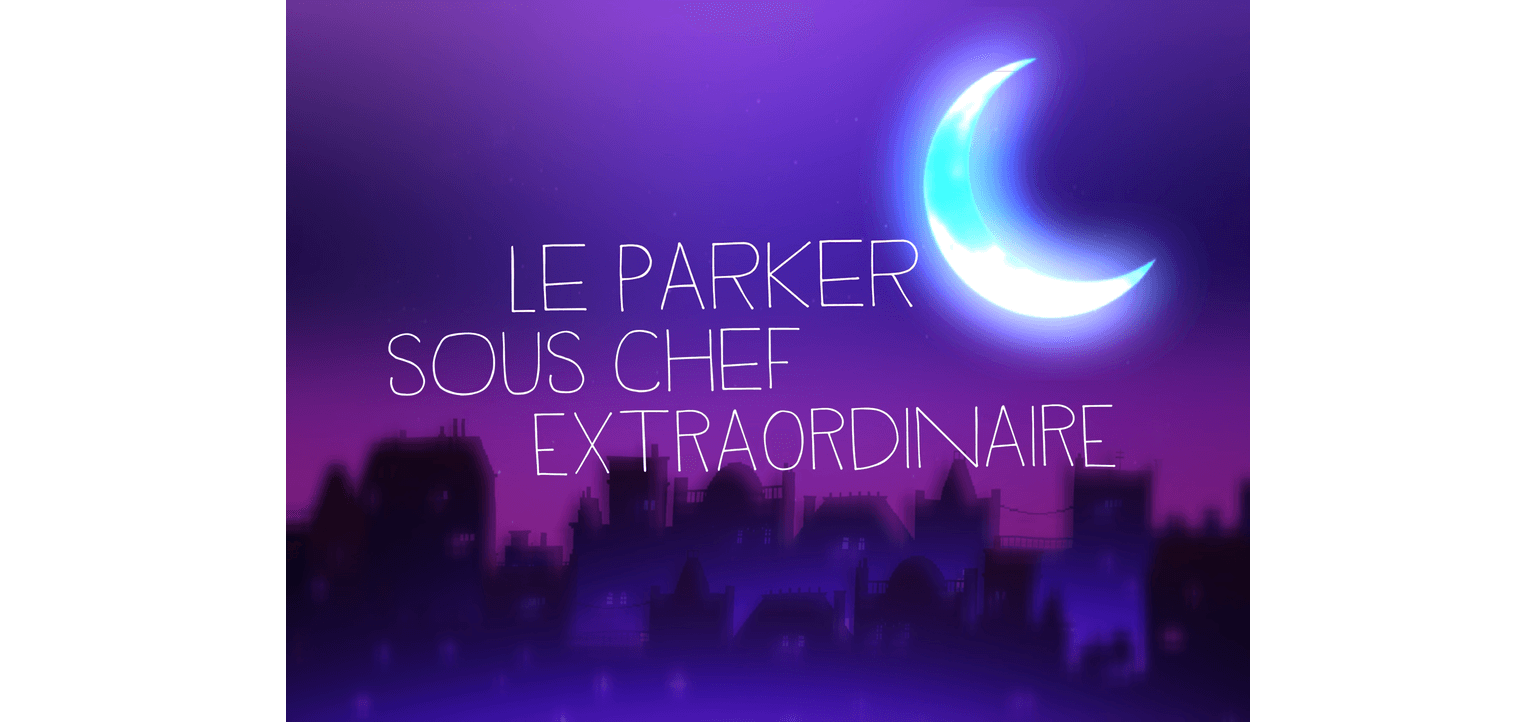
There are a lot of pixel art platformers on the App Store. The hard part if finding the good ones. Too many are shallow imitations of classics like Super Mario Bros. that lack their own personality and challenges. Le Parker – Sous Chef Extraordinaire by Play Pretend is different. There are superficial similarities to the classics, like the save-the-princess storyline, but Le Parker brings together bright, colorful pixel art, fun sound effects, a great soundtrack, and challenging gameplay in a way that puts it head and shoulders above other App Store platformers.

The storyline is simple. You are Le Parker, a chef and the creator of a meringue so light it floats on air. Only the princess has the recipe until one day, the king and his men capture her and banish you from the kingdom. Your goal is to save the princess and recover your magical meringue.
The controls of Le Parker are simple. You run forward and back by dragging a finger left and right across a button in the lower, left-hand corner of the screen. In the opposite corner is an ‘A’ button for jumping. Single tap for one jump and double tap to double jump. How high you jump depends on how long you press the ‘A’ button.
Along your journey, there are macaroons to collect instead of coins. Every 100 macaroons you collect gives you an extra life, which you’ll need. There are also special items scattered throughout the level, including chef hats that give you an extra life and hidden kitchen utensils. Enemies roam Le Parker’s world inflicting damage that can be healed by finding hearts.
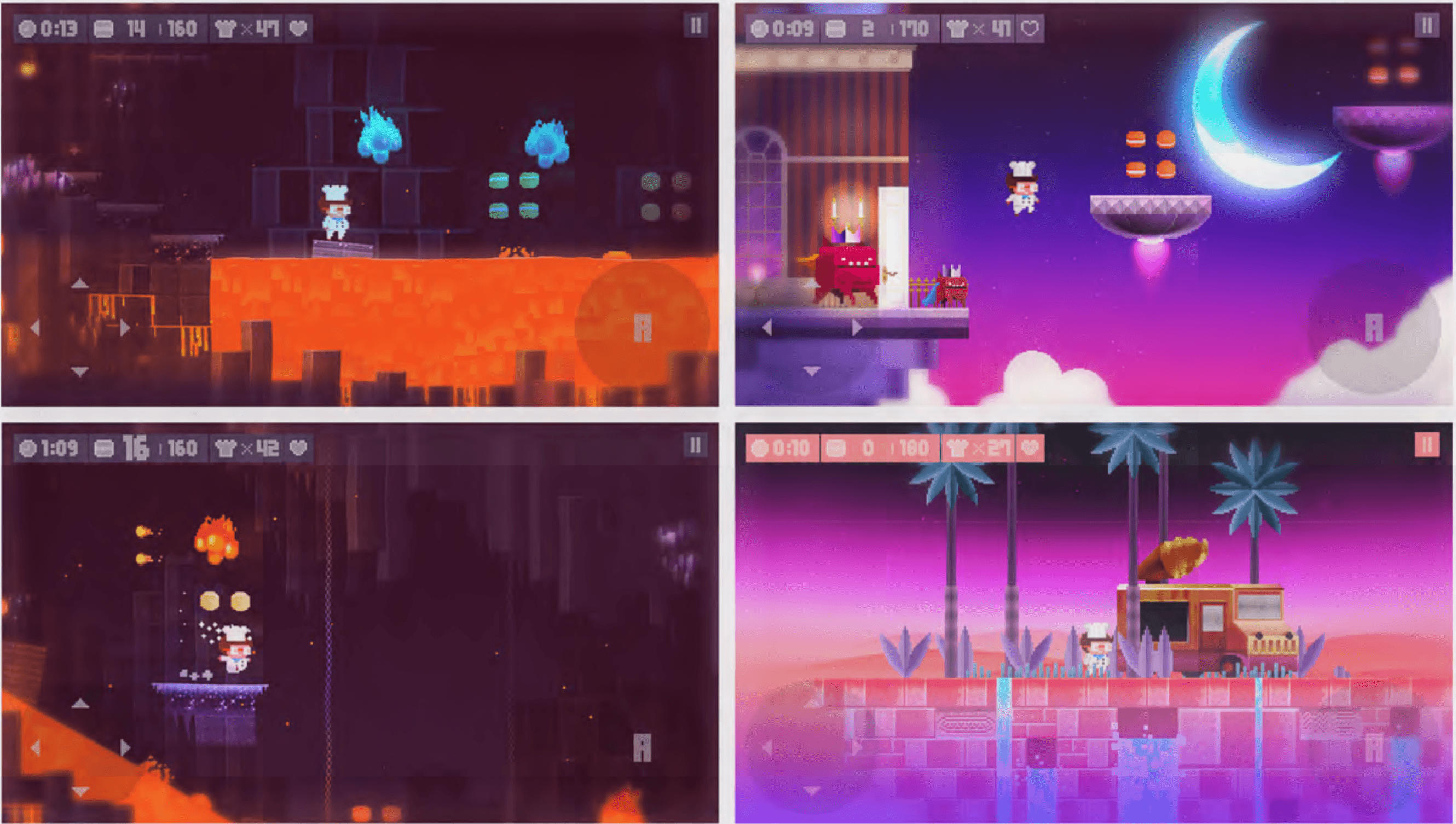
I’ve played many iOS games that look better than they play. What’s special about Le Parker is that there’s substance behind the polished artwork. Each of the 32 levels is deep and designed to keep you coming back to find hidden collectibles or beat the clock with Time Attack challenges. That said, this game is also great to look at. It’s colorful, detailed, and creates a real sense of continuity and presence in Le Parker’s world. Add to that a soundtrack with over twenty songs and the result is a delightful and engaging experience.
Le Parker is a universal app that works equally well on iPhones and iPads, though the iPad’s larger screen helps bring the game to life. Unlike many games, Le Parker syncs your progress among multiple devices. Le Parker also supports the Apple TV. I have found precious few games that are worth playing on the Apple TV, but Le Parker stands out from the crowd. The levels look great on a big screen, but the clincher is that if you have a third-party controller, the controls work better than most games. Mashing a physical ‘A’ button and controlling Le Parker with a thumbstick makes the game feel more like a classic platformer than touchscreen buttons ever could.
If you’re a fan of platform games and especially if you want a challenging game that looks and sounds great, give Le Parker a try this weekend.
Le Parker – Sous Chef Extraordinaire is available on the App Store for $2.99.