John Voorhees

5890 posts on MacStories since November 2015

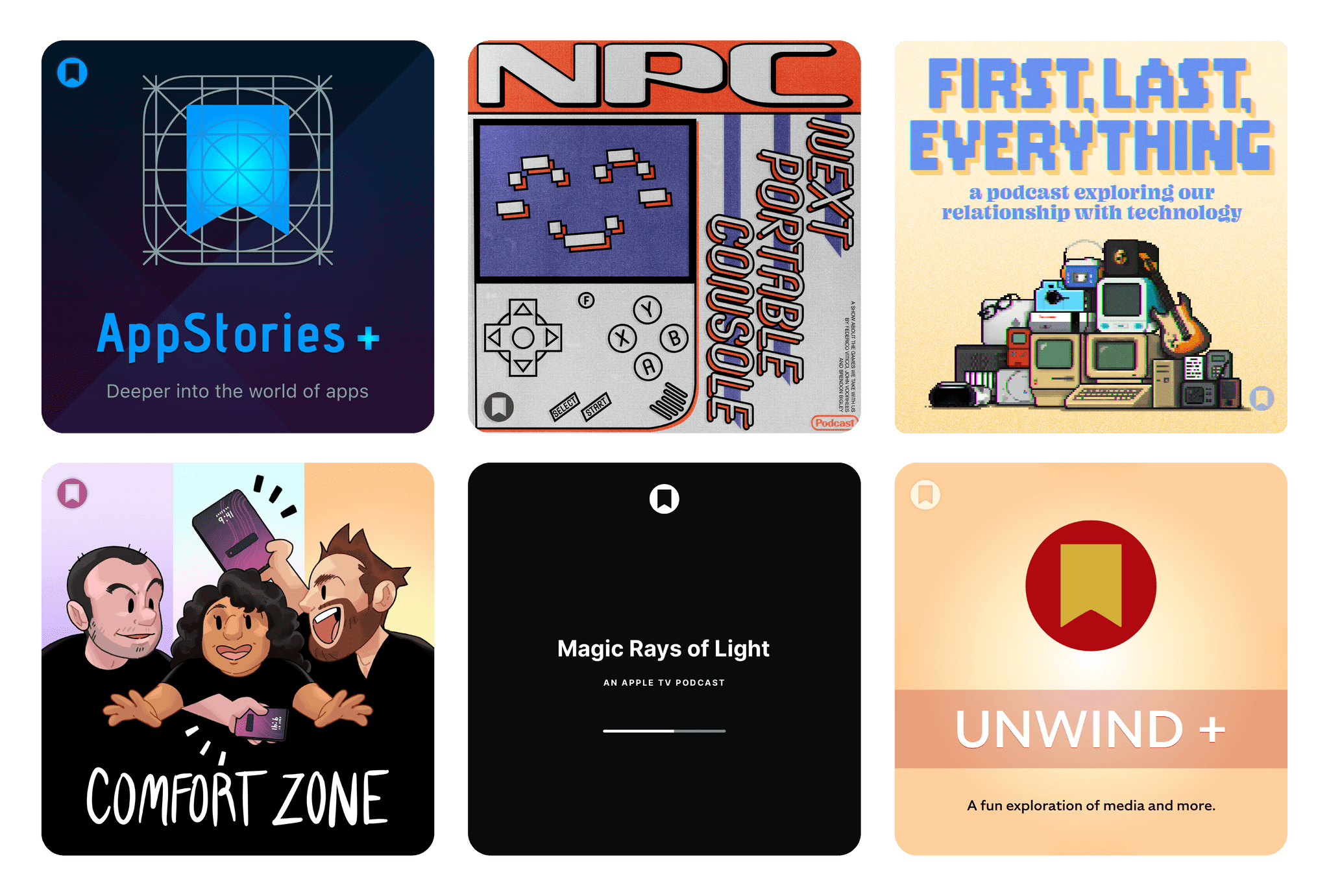
John is MacStories' Managing Editor, has been writing about Apple and apps since joining the team in 2015, and today, runs the site alongside Federico. John also co-hosts four MacStories podcasts: AppStories, which covers the world of apps, MacStories Unwind, which explores the fun differences between American and Italian culture and recommends media to listeners, Ruminate, a show about the weird web and unusual snacks, and NPC: Next Portable Console, a show about the games we take with us.

Amazon Prime Day 2026: Our Top Picks

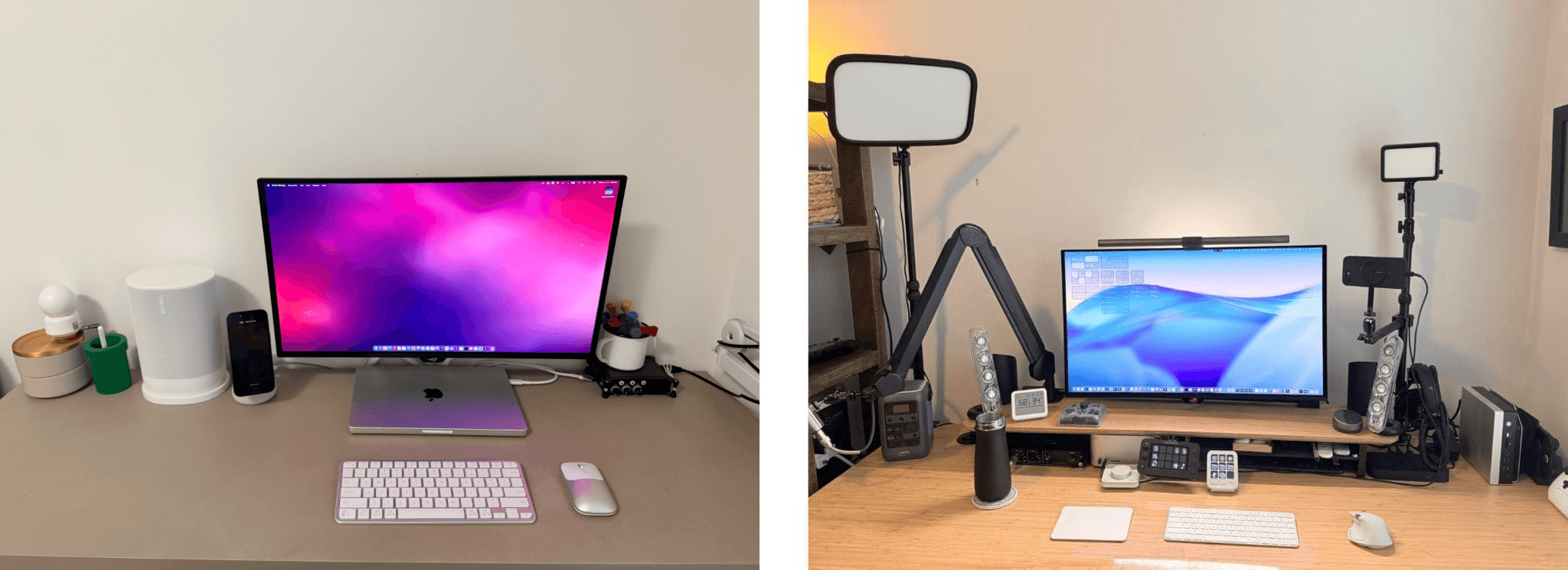
Amazon Prime Day is earlier than ever this year, with lots of deals to be had on our favorite gadgets. As you may have seen, we updated our MacStories Setups page last week, and as it turns out, some of that gear is deeply discounted for Prime Day. Below, you’ll find links to those items, as well as other gadgets we recommend, all on sale now.

For even more deals, join Club MacStories+ or Premier to become a part of our Discord community, where members are sharing their favorite finds, too.

Home Automation
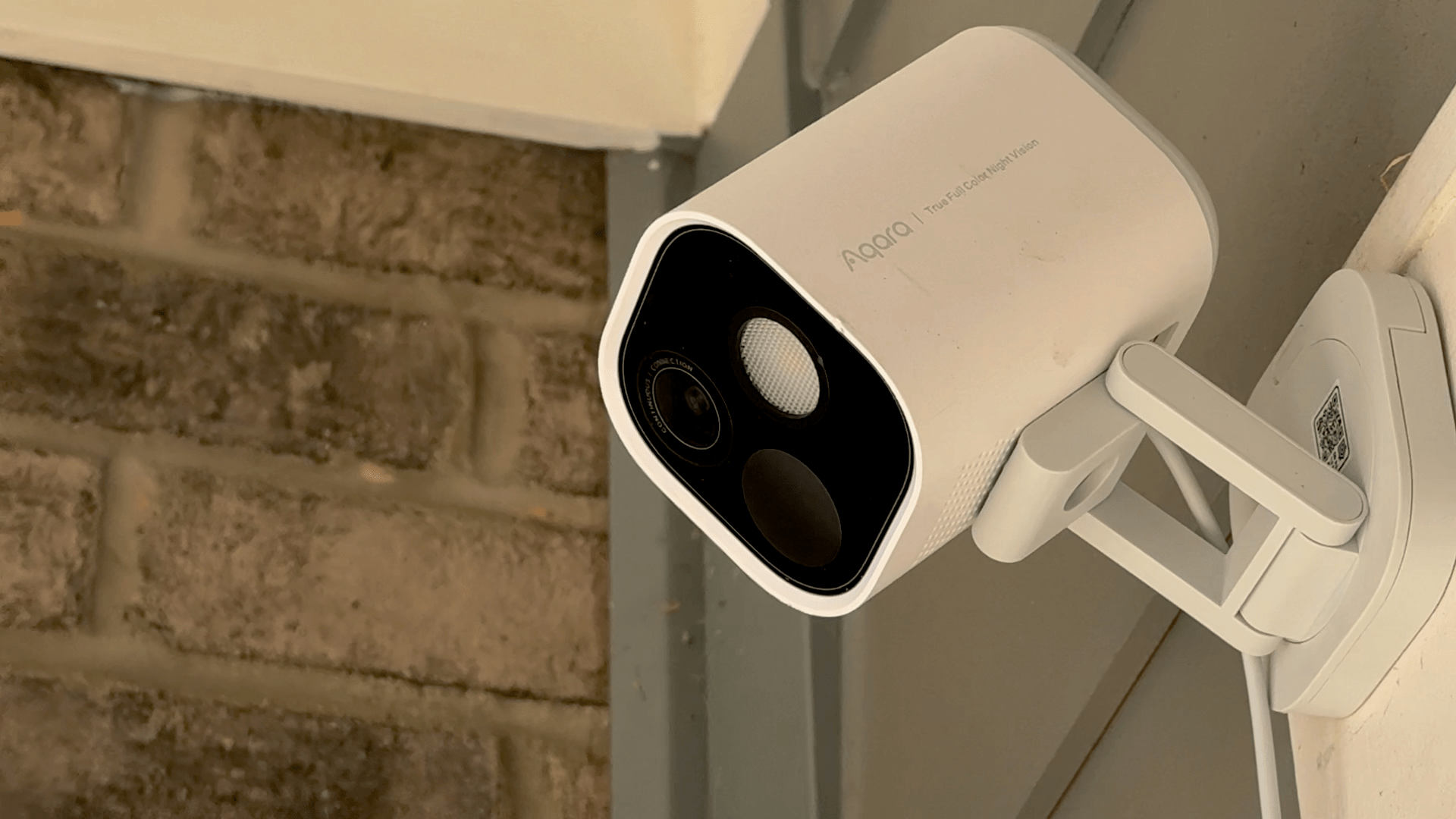
It’s been over a year since I reviewed Aqara’s excellent G5 Pro Outdoor Camera Hub, but it’s still my all-time favorite outdoor HomeKit camera and has been a big hit with readers, too. The camera comes in Wi-Fi and PoE versions and works with HomeKit Secure Video. Before I tried the G5 Pro, my experience with outdoor HomeKit cameras was very spotty, but ever since I mounted the G5 Pro above my front door, it’s been a fixture of my Setups gear collection.

You can also get a great deal on the Aqara Smart Home Hub M3 during Prime Day. It’s not required to run the G5 Pro Outdoor Camera, which is a hub itself, but for anyone with other smart home gear, it’s an excellent addition because it handles Zigbee 3.0 devices and acts as both a Thread border router and a Matter controller, all in one compact unit. Plus, because automations are saved to the device, they continue to run even if your Internet service fails.

To round out the Aqara picks, it’s worth mentioning its UWB Smart Lock U400. This is Aqara’s most advanced smart lock, which uses an Ultra Wideband chip to allow you to unlock your door by simply approaching it from the outside of the door. The lock also works with Home Key, NFC cards, your fingerprint, its own app, a number pad, and more. This smart lock hasn’t been out long, and this is the first time I’ve seen it on sale anywhere.

The ecobee Smart Video Doorbell Camera that I’ve used since I moved into my place in North Carolina is also on sale during Prime Day. I used to have a doorbell camera that overheated in the sun, but the ecobee has stood up like a champ in the direct sunlight all afternoon even as summer temperatures approach 100° F.
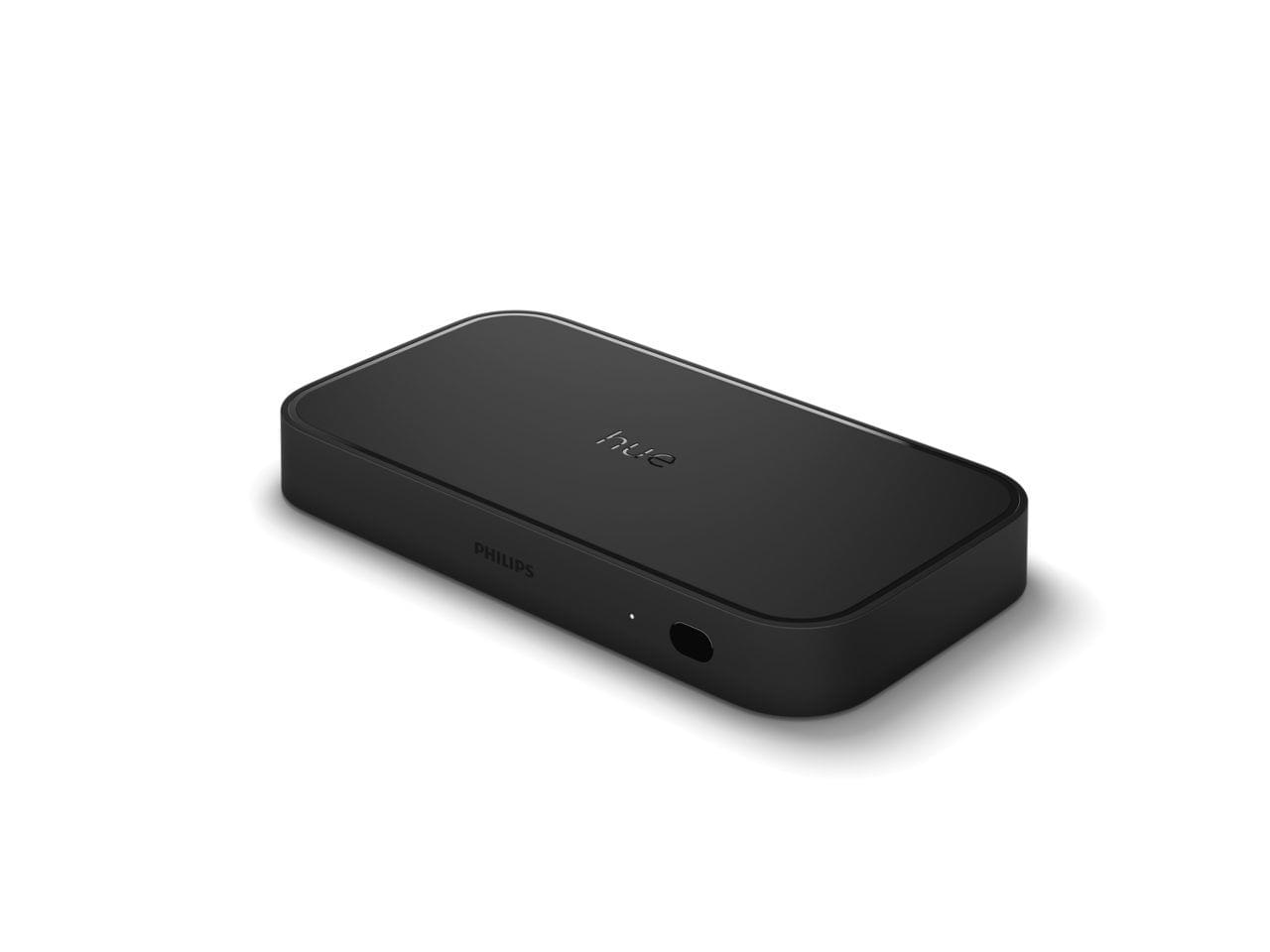
If you’re deep into the Hue lighting scene, the Play HDMI Sync Box 8K is a great way to sync your lighting to your entertainment system or computer display for gaming. I reviewed the Sync Box last year along with the Play Wall Washer lights that are also on sale for Prime Day and still part of my gaming setup.
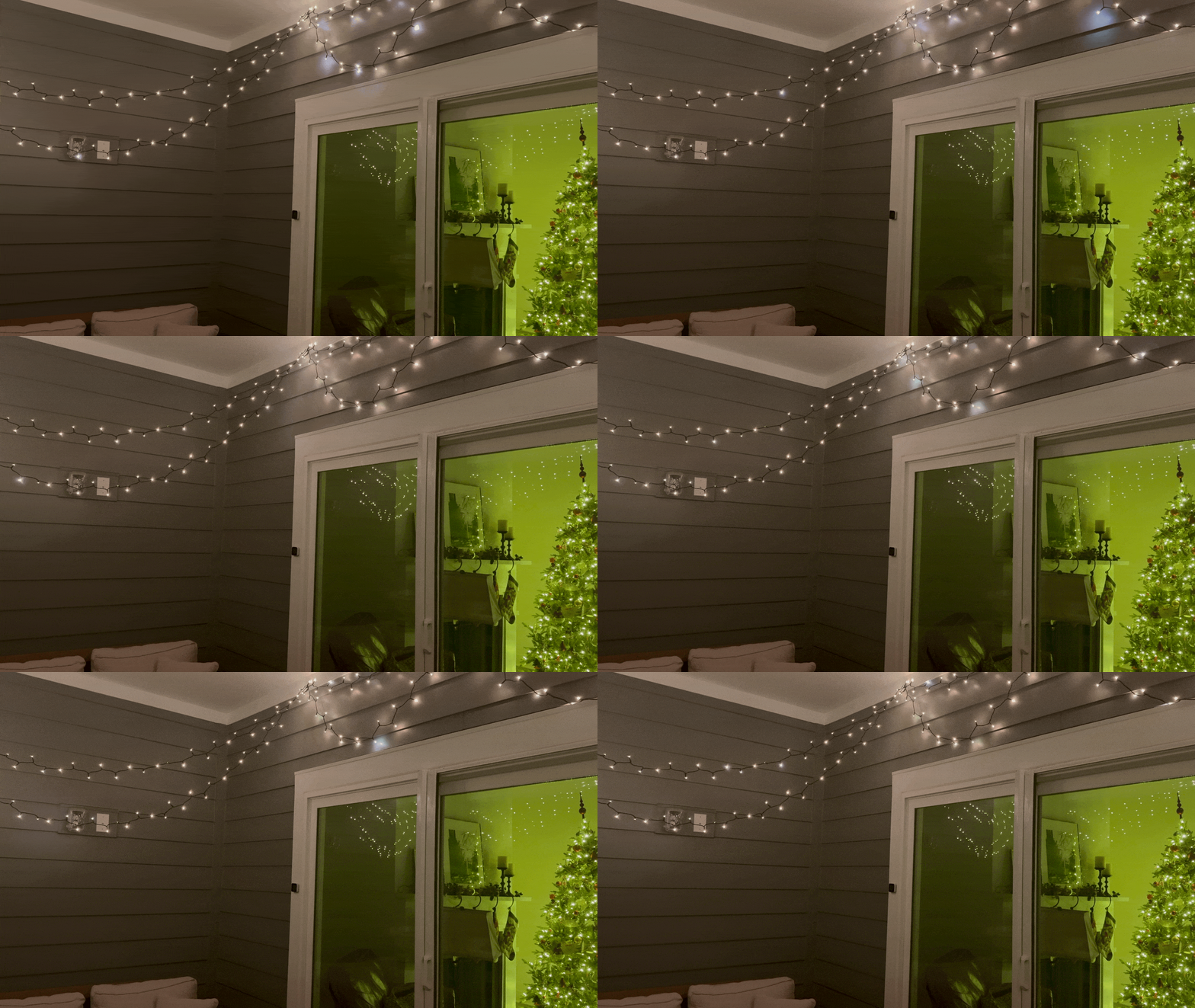
The Hue Festavia string lights.

The Hue Festavia string lights.

Another MacStories Setups mainstay on sale for Prime Day is Hue’s Festavia string lights, which I reviewed a couple of years ago. The color of the lights can be adjusted in the Home app, and the Hue app lets you add animations to simulate a flickering candle or twinkling stars. I love how they look on my balcony.
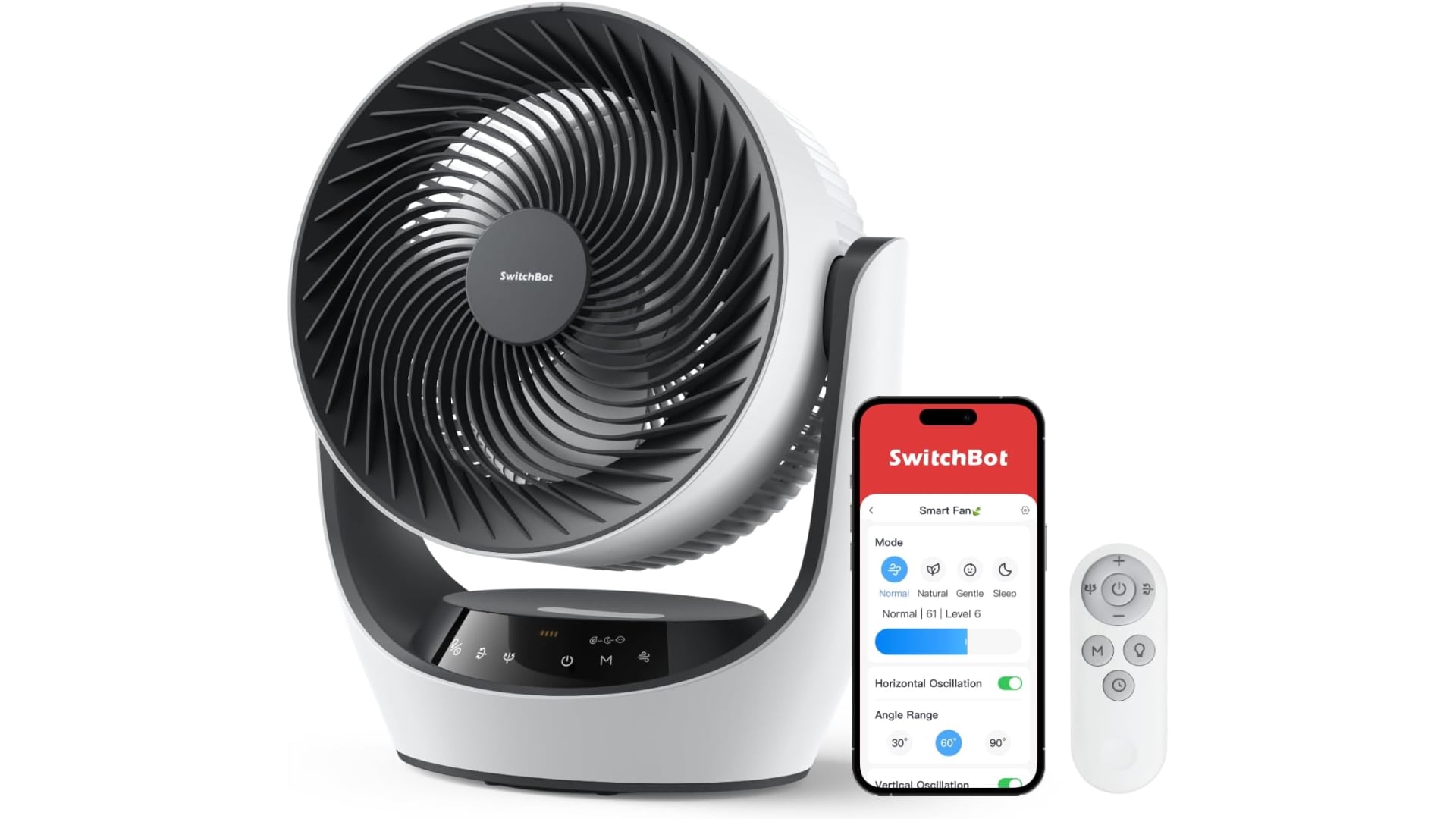
It’s hot where I live, so fans make a big difference. I’ve been using the SwitchBot Smart Desk Fan for about six months in my office and love it. It works with HomeKit and can be automated to turn on and off based on triggers like your room’s temperature. There’s even a cloud-based API that you can use to write your own scripts to control the fan. It and the newer Smart Pedestal Fan are both on sale for Prime Day.

Schlage’s Encode Plus smart lock is one of the few HomeKit-compatible locks that features Apple’s Home Key integration, which enables tap to unlock with an iPhone or Apple Watch. With new UWB locks coming out, this well-reviewed lock is a bargain at its Prime Day price.

Apple Gear
Amazon has a refurbished version of the M4 15-inch MacBook Air in Starlight with 16GB of memory and 256GB of storage on sale for Prime Day. The laptop is from the Amazon Renewed Store, which is generally reliable. And with rumors swirling that base prices of Apple hardware may increase later this month, this MacBook Air might look like an even better bargain in a few weeks, so it’s worth considering if you’re in the market for a new laptop. The 13-inch MacBook Air with an M3 chip, 16GB of memory and a 512GB SSD is also deeply discounted for Prime Day.

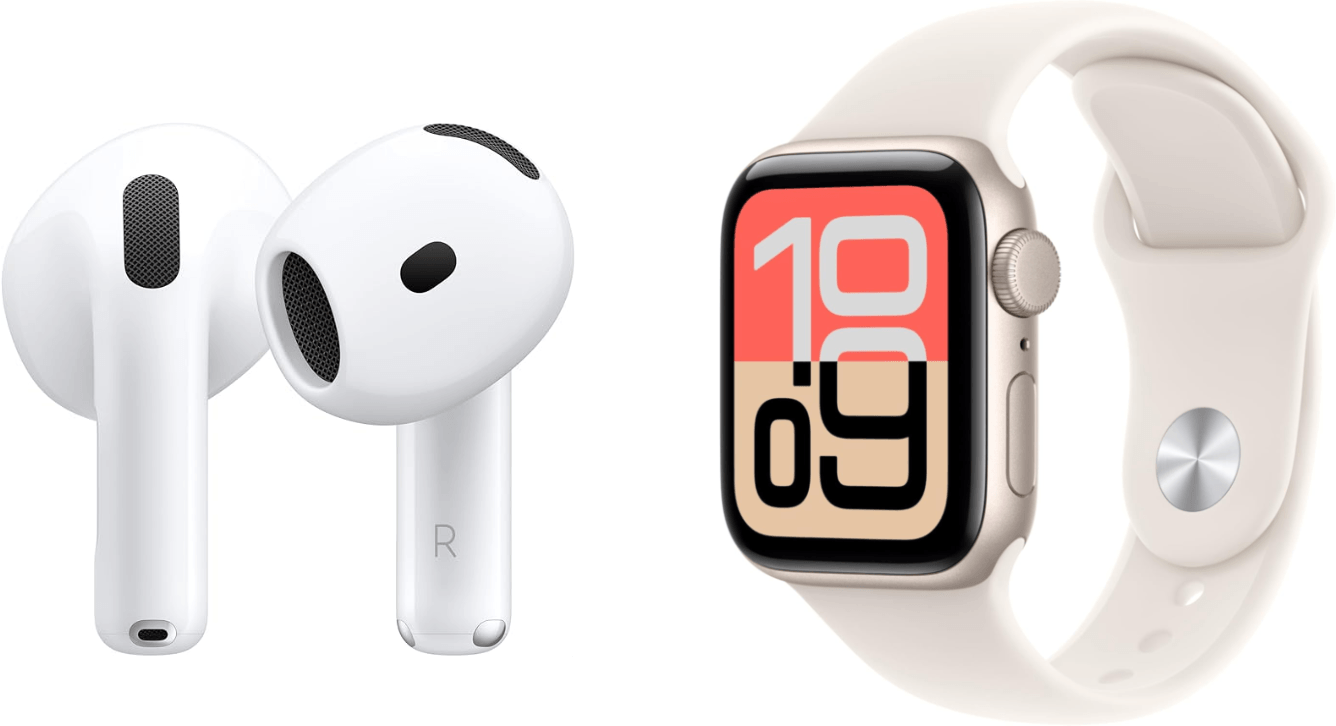
I’m partial to the AirPods Pro 3, but Amazon has the AirPods 4 and AirPods Max 2 on sale, too. Either way, you’re getting great sound and noise cancellation. The Beats Studio Buds + are deeply discounted for Prime Day as well.

Apple Watch Series 11 and Apple Watch SE 3 are also on sale. With summer in full swing, both offer a great way to track your outdoor activities and get notifications without having to pull out your iPhone.

Batteries and Chargers
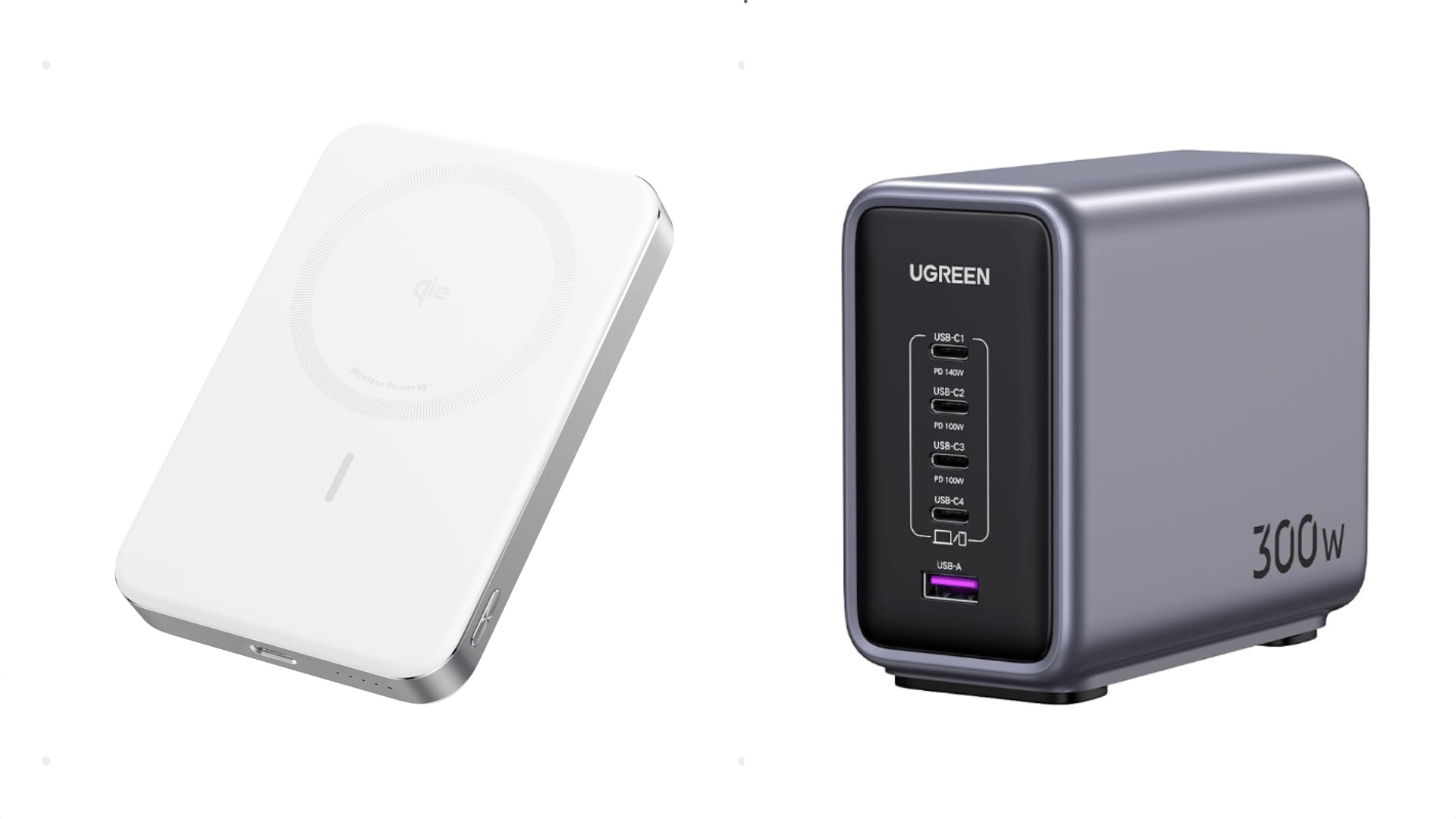
Having a central hub to charge your gear is nice. I’ve had a 200W version of UGREEN’s hub for a few years now and plug things into it every day for overnight charging. For Prime Day, UGREEN’s even more powerful 300W charging hub is on sale. It features four USB-C ports and one USB-A port that can charge at up to 140W.

The Anker MagGo Slim Power Bank is about as slim as a 10,000mAh battery can get. It’s Qi2 certified, which means it will charge your iPhone at 15W, and it’s white, making it the perfect fit with an iPhone Air, too. If you’d prefer a similar battery but with a kickstand (and who doesn’t love a kickstand?), Anker has you covered with its MagGo Power Bank, also on sale for Prime Day.
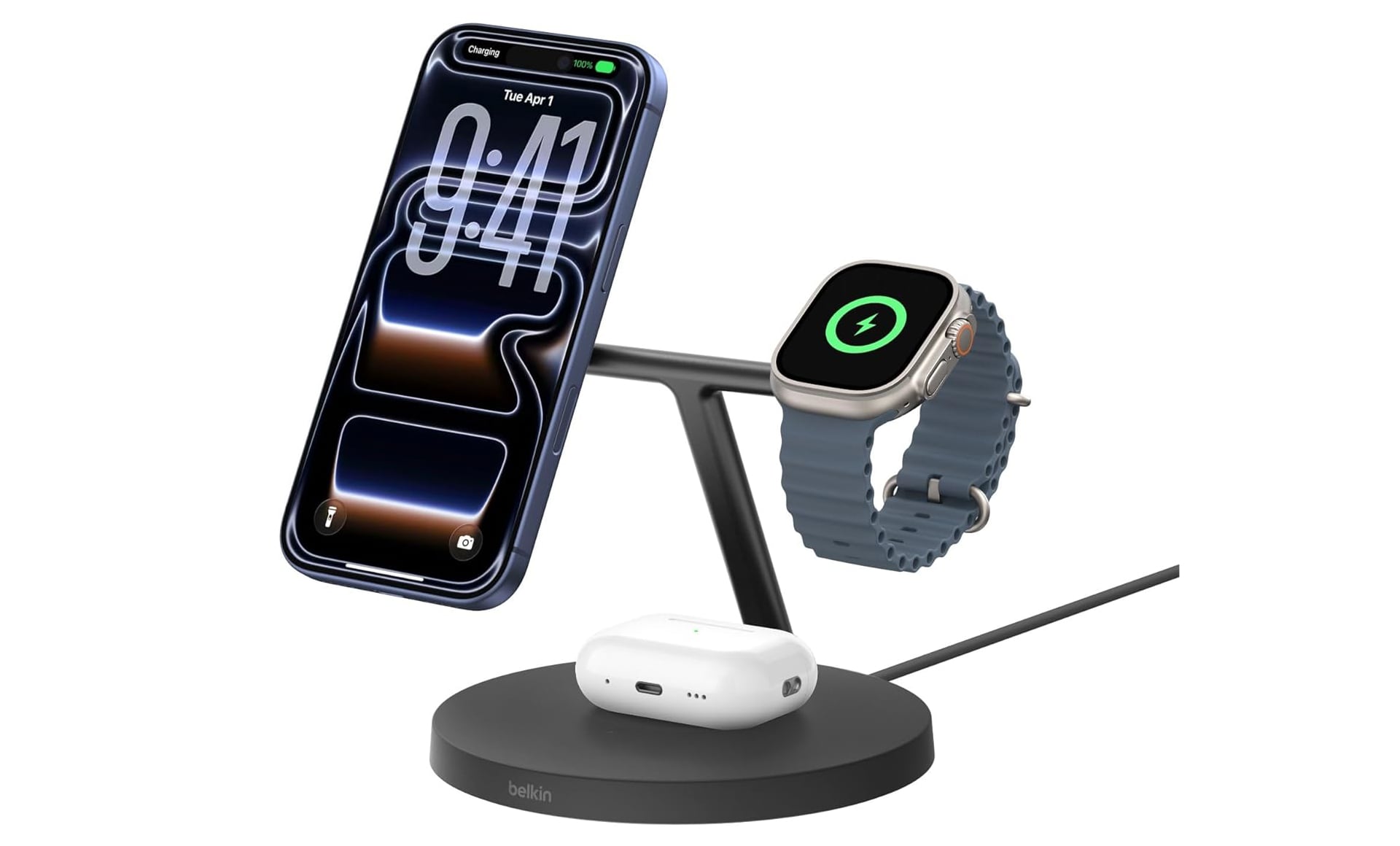
To charge all your Apple devices overnight, I recommend the Belkin 3-in-1 Wireless Charging Station that can handle an iPhone, Apple Watch, and AirPods all at once. It’s Qi2 certified for 15W charging of your iPhone, and has everything charged up and ready to go as soon as you wake up in the morning.

Odds and Ends
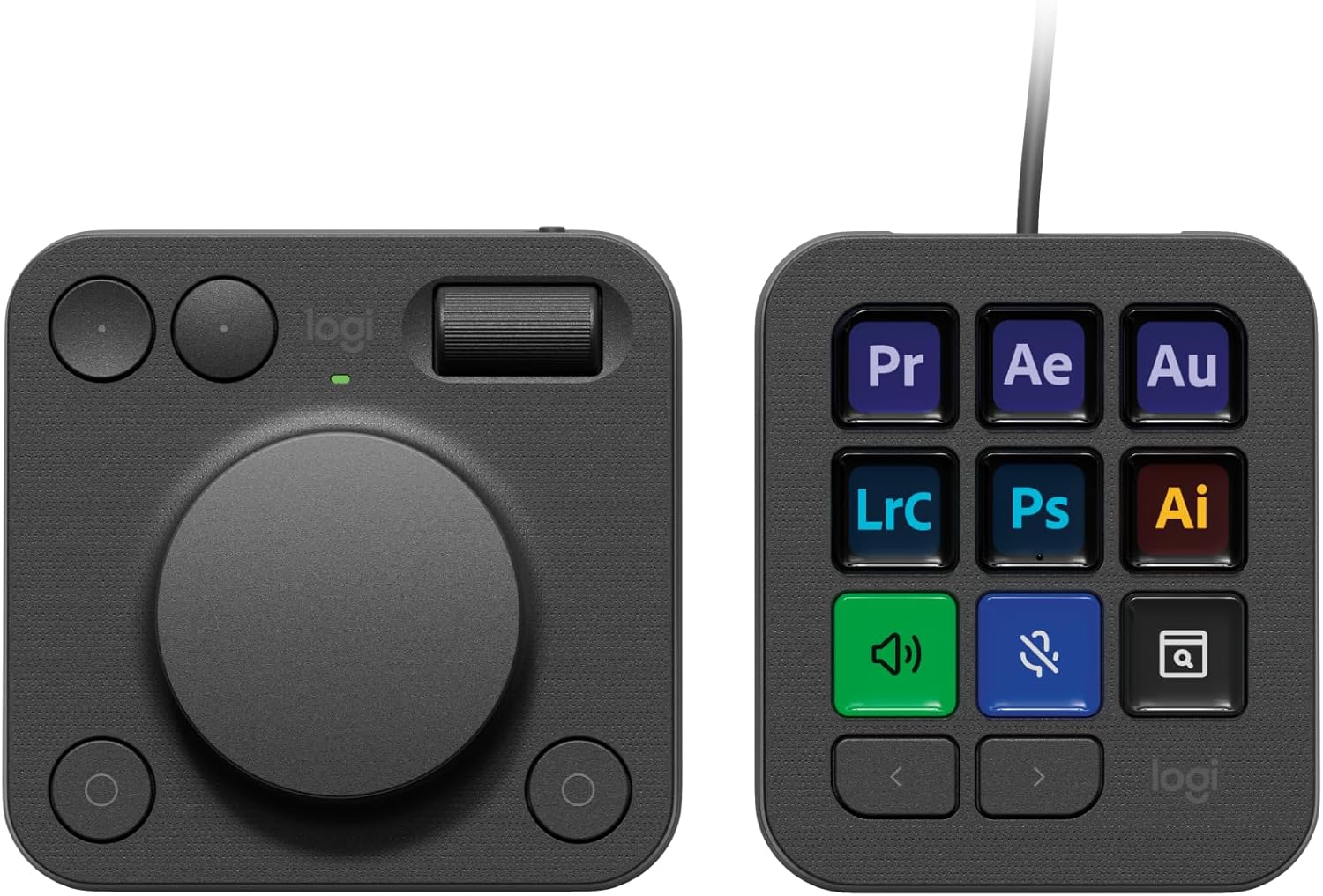
I’m a fan of the Logitech MX Creative Console, a Stream Deck competitor with a nine-button programmable keypad and a separate pad with a dial, scroll wheel, and additional buttons. Both are perfect for automating workflows in specific apps or with macros and Shortcuts. I reviewed the MX Creative Console in 2024, and it’s still sitting on my desk.

The ASUS ProArt Display 32-inch 6K Professional Monitor is on sale for Prime Day, too. The display is bigger, significantly cheaper, and competitively spec’d compared to an Apple Studio Display.

I’ve tried lots of iPhone controllers over the years, and one of the most comfortable and versatile is GameSir’s G8, which can even accommodate an iPad mini. The G8 works with the iPhone 15 and above and is a great choice for summer vacations when you don’t want to bring along a dedicated gaming device.


That’s it for now. As we spot more deals, we’ll post them on the MacStories Deals Bluesky and Mastodon accounts, as well as in the Club MacStories+ Discord community.


WWDC Debrief

This week on AppStories, John and Federico are back home and reflect on all the WWDC announcements, including Siri AI, Apple Intelligence, design changes, developer tools, and more.

On AppStories+, we check in on our research setups and how they fared at WWDC.

Also available on YouTube here.


Subscribe here.

Subscribe here.

We deliver AppStories+ to subscribers with bonus content, ad-free, and at a high bitrate early every week.

To learn more about an AppStories+ subscription, visit our Plans page, or read the AppStories+ FAQ.


AppStories+ Deeper into the world of apps

AppStories Episode 490 - WWDC Debrief

0:00
47:37

↓

AppStories+ Deeper into the world of apps

This episode is sponsored by:

  • Decagon: The AI concierge for every customer. Get a personalized demo.
  • Mercury Weather: Forecasts, beautifully done. Download now for free.

Read more


App Debuts

This Time Last Year This Time Last Year does as the name suggests, allowing you to browse your photos one day at a time. The app displays shots taken on the same day a year ago, two years ago, and further back in time. It also helps you manage your photos by flagging blurry...


My Quick Capture App Trio

As I planned for WWDC this year, I wanted to ensure that I could quickly capture details about the new OSes, no matter the source. That meant handling web pages, social media posts, videos, images, typed notes, and dictated notes. But capturing information is about more than the source; I also wanted apps with strong...


This Week on MacStories Podcasts

This week on MacStories podcasts: Comfort Zone It’s another duo week as Matt is out there… destroying lives??? Despite that, Chris and Niléane talk about the DMA and cool stuff in the OS 27 betas, and Chris has some stories from WWDC. On Cozy Zone, the gang goes through their next three apps they would...


Amazon Prime Day Discord Channel and Spotlighting Setups

Amazon Prime Day is next Tuesday, so we’re bringing back the Prime Day channel on Discord. The channel, where Club MacStories+ and Premier members share their deal finds, was a big hit last year and an excellent complement to the coverage we do on MacStories. So if you’re looking for a great deal, be sure...


Interesting Links

Reviews dropped this week for the Insta360 Luna Ultra gimbal camera. Engadget has an excellent review that covers all the details, including the camera’s unique detachable display and nosebleed price. (Link) AI drama abounds. On one side of the Atlantic, the EU and Apple are fighting over the DMA again and how it applies...


The Bear Team Releases Public Beta of Lettera, a New Mac Markdown Editor

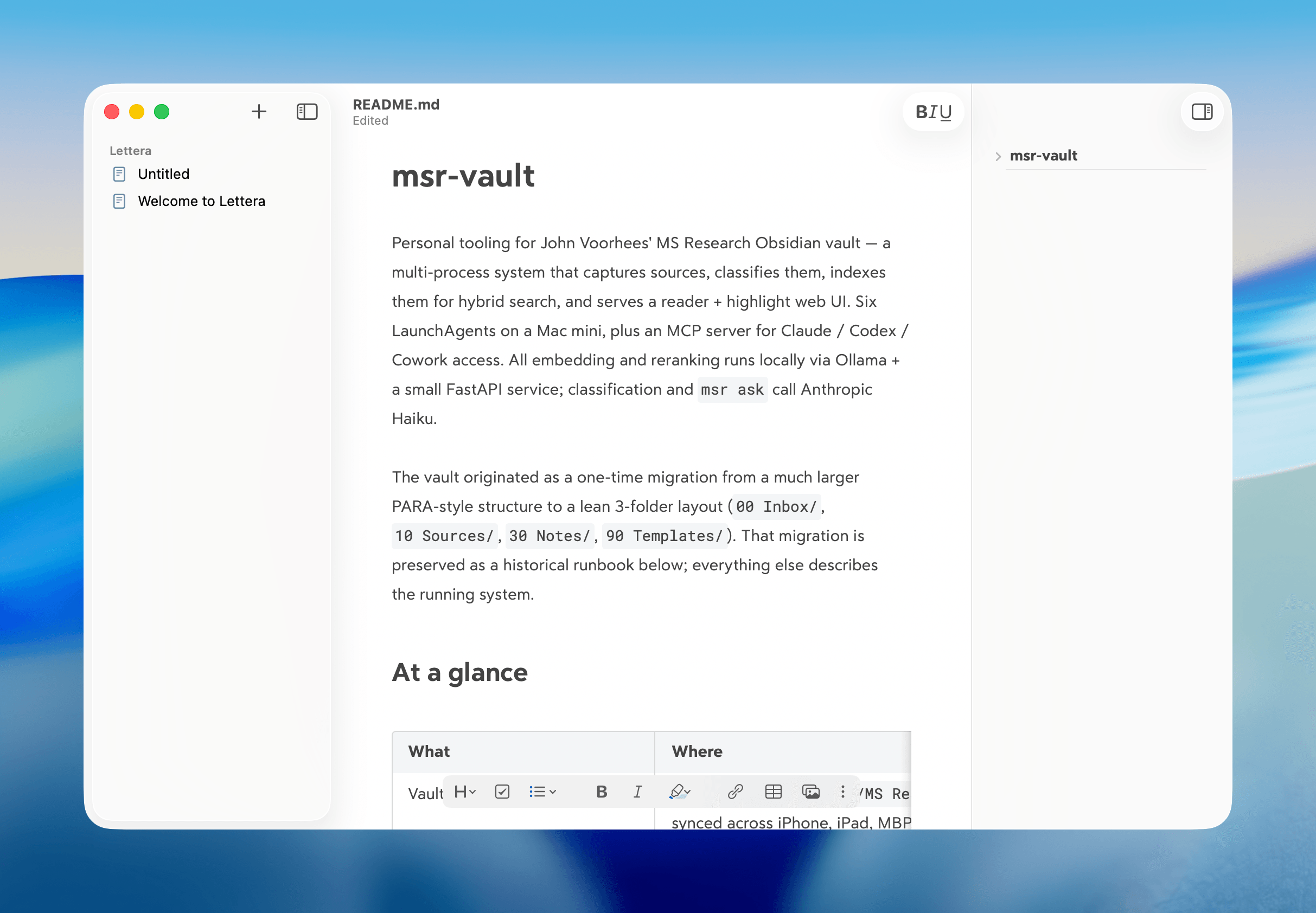
Today, the team behind note-taking app Bear announced the public beta of Lettera, a new Mac text editor, based on Panda, an earlier beta that was used to work out the Bear 2.0 text editing engine. That immediately caught my eye because I’ve been using Panda for months. In fact, it’s the default way I open Markdown files now.

What drew me to Panda was the automation work I’ve been doing with agents. I use the Superpowers plugin (which got an excellent 6.0 update this week) with both Codex and Claude Code, which generates plans, design documents, and specs as part of its process. Panda turned out to be a great way to read those documents because the Bear 2.0 UI is excellent, and with Panda, I could open any Markdown file as a standalone document that didn’t require importing it into Bear itself.

According to the Bear team’s post today, Lettera is designed to preserve Panda’s simple approach to Markdown files and extend it to the Mac’s file system:

Lettera works around your setup. Open a single file to read and edit it, or open a folder as your writing workspace…

That way, Lettera can be used as your default Markdown editor no matter where Markdown files are saved, which is how I’ve been using Panda, or as a text editor with a dedicated folder of working files in iCloud, which is a departure from Bear, which hides the file system from users. Other features will be familiar to anyone who has used Bear before, including its excellent Markdown rendering, versioning, a table of contents sidebar, and support for multiple export formats.

I’ve only just scratched the surface of Lettera, but I was already a fan of the more limited Panda, so I expect Lettera to quickly become the text editor I use for any writing that isn’t an article like this one, for which I’m still using Obsidian, thanks to its extensive plugin catalog.

You can download the beta of Lettera from the Bear post announcing the app.


MacStories Setups Update: Batteries, Chargers, E-Ink Note-Taking, and Videogames

It’s beta season, which is as good an excuse as any to mix up our setups with new gadgets and apps. Between travel, preparing for our OS review research and writing sprint, and revisiting Apple system apps, the past few months have resulted in changes to our setups.

Summer travel means batteries to charge our gear and chargers to charge those batteries. It’s a trend that was clearly on our minds as Federico and I planned our trips to WWDC. Federico added a 20,100mAh Anker Prime Power Bank and an Anker Nano Power Bank, going both big and small for his long flight to California, while I added a beefy Belkin UltraCharge Pro battery with a 25,000mAh capacity and a Belkin USB-C 140W Y Cable. I also added a compact Belkin GaN 70W Charging Station for charging on my balcony over the summer and an Anker Nano Power Strip with Desk Clamp, which has been a great way to keep outlets and USB ports within reach but out of the way.

The remainder of our setups are an eclectic mix of gadgets. Federico fell in love with the Legion Go 2 all over again, swapped his iPhone Air for an iPhone 17 Pro, and added a pair of AirPods Max 2 to his gear.

I'm working on a research system for the reMarkable Paper Pure.

I’m working on a research system for the reMarkable Paper Pure.

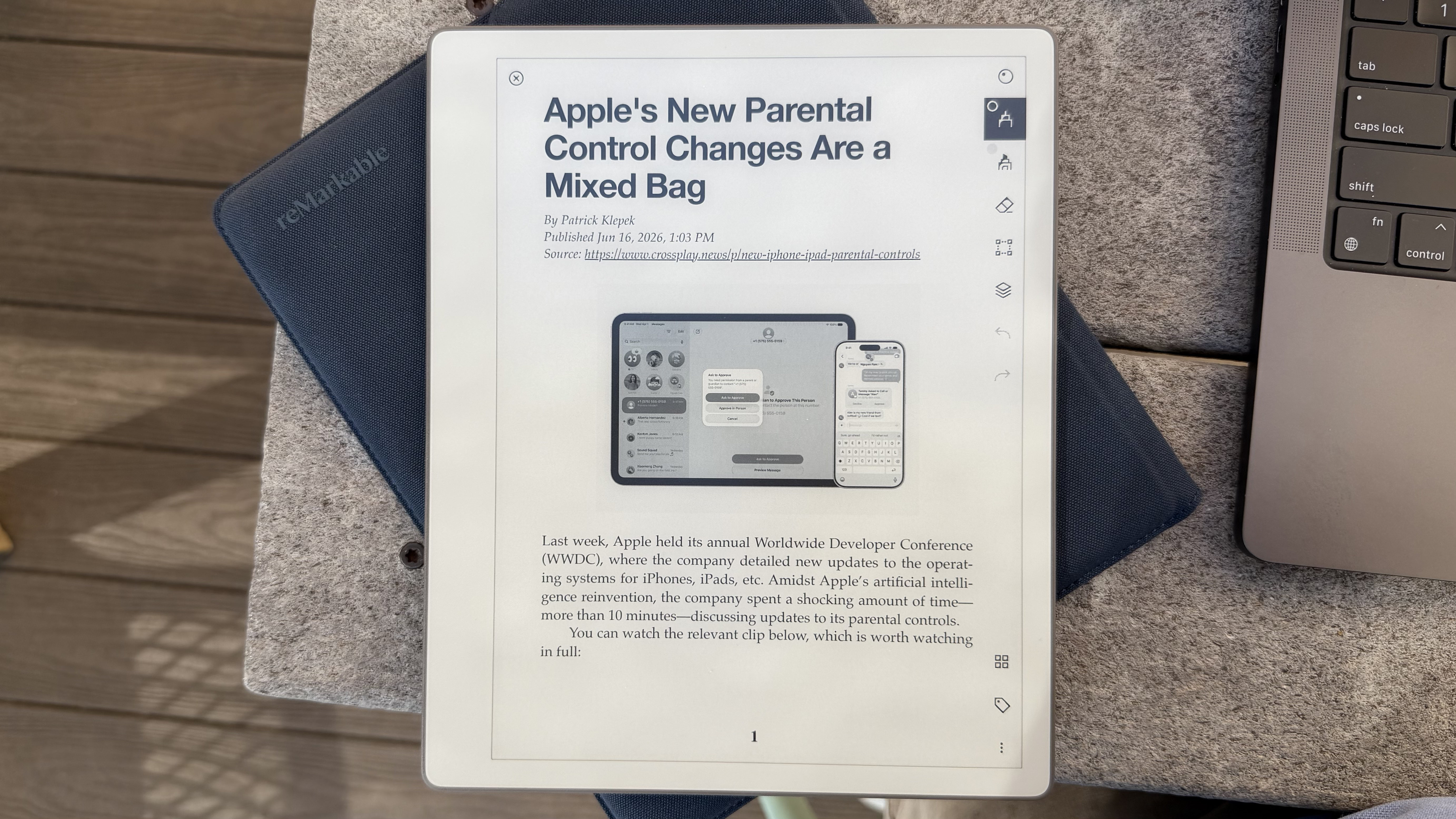
The biggest change to my setup is my most recent: the reMarkable Paper Pure, an e-ink note-taking and reading tablet that I plan to review soon. Preorders just started shipping, and reMarkable sent me a review unit that I plan to incorporate into my research setup through a series of scripts and native apps. The apps will allow me to send articles, PDFs, writing drafts, and more to the Paper Pure and extract handwritten notes as text back into my research setup. It’s been a lot of fun to build and will be the subject of an upcoming Mac Hacks story for Club MacStories members.

The Anbernic RG Rotate and [Logitech Mobi Fold mouse](https://www.logitech.com/en-us/shop/p/mobi-fold-mouse?utm_source=Google&utm_medium=Paid-Search&utm_campaign=DEPT_FY27_Q1_USA_LO_B2C_Always-on-PWS-Base-Plan_Google_CVR_na&gclsrc=aw.ds&gad_source=1&gad_campaignid=21340350467&gbraid=0AAAAADDQ2OzdDNcFdi-Lo_HheSldaUroA&gclid=Cj0KCQjwrs7RBhDuARIsAIVfBD3p1kWAwdT-HsVtSTAXi5ft1ed_eOnGUePe8JMa3SuTOHUGFkO6rKsaAsLjEALw_wcB), which is also featured on [the Setups page](https://www.macstories.net/setups/).

The Anbernic RG Rotate and Logitech Mobi Fold mouse, which is also featured on the Setups page.

On the fun side of things, I’ve been enjoying the Anbernic RG Rotate Android handheld a lot. It has a screen that rotates around one corner to reveal gaming controls. The device, which we covered in a couple of recent NPC episodes, has been a lot of fun to take with me everywhere I go for a quick fix of my favorite retro games. I also added the Mobapad M12 HD to my extensive collection of controllers. I only received the M12 HD a couple of days ago, but it was immediately more comfortable to use than the Switch 2 Joy-Con it replaces.

That’s a wrap for this installment of the Setups update. Be sure to keep an eye on the MacStories Deals Bluesky and Mastodon accounts. Amazon Prime Day is next week, and there are already some great deals on our favorite gear linked on the Setups page, so browse around and get in touch on social media if you have any questions about our setups.