Because Club MacStories now encompasses more than just newsletters, we’ve created a guide to the past week’s happenings along with a look at what’s coming up next:
This week, Federico and John extend last week’s ‘Gone but Not Forgotten’ theme to third-party apps, including Dropbox text editors, Twitter apps, email clients, and more.
Read more
Here are the highlights from the Club MacStories Discord this week: I kicked off a long discussion of Club members’ favorite TV shows and movies of 2022, which we’ll highlight on MacStories Unwind today. Thanks to Drea for inspiring us to extend this week’s Gone But Not Forgotten episode of AppStories to third-party apps and...
Google is adding new features to Chrome that it says will make sites run smoother and minimize the impact on your laptop’s battery. (Link) You’d be forgiven if you thought these $950 air-purifying headphones from Dyson were a vacuum cleaner for your face. (Link) Skydio has designed a robot buddy for its drones that...
Movie Tracker Simone Montalto, the developer of longtime MacStories favorite Book Track, has launched a new app called Movie Tracker. As the name suggests, the app is designed for keeping track of movies and TV shows you want to watch. There’s no shortage of this kind of utilities on the App Store, but there...
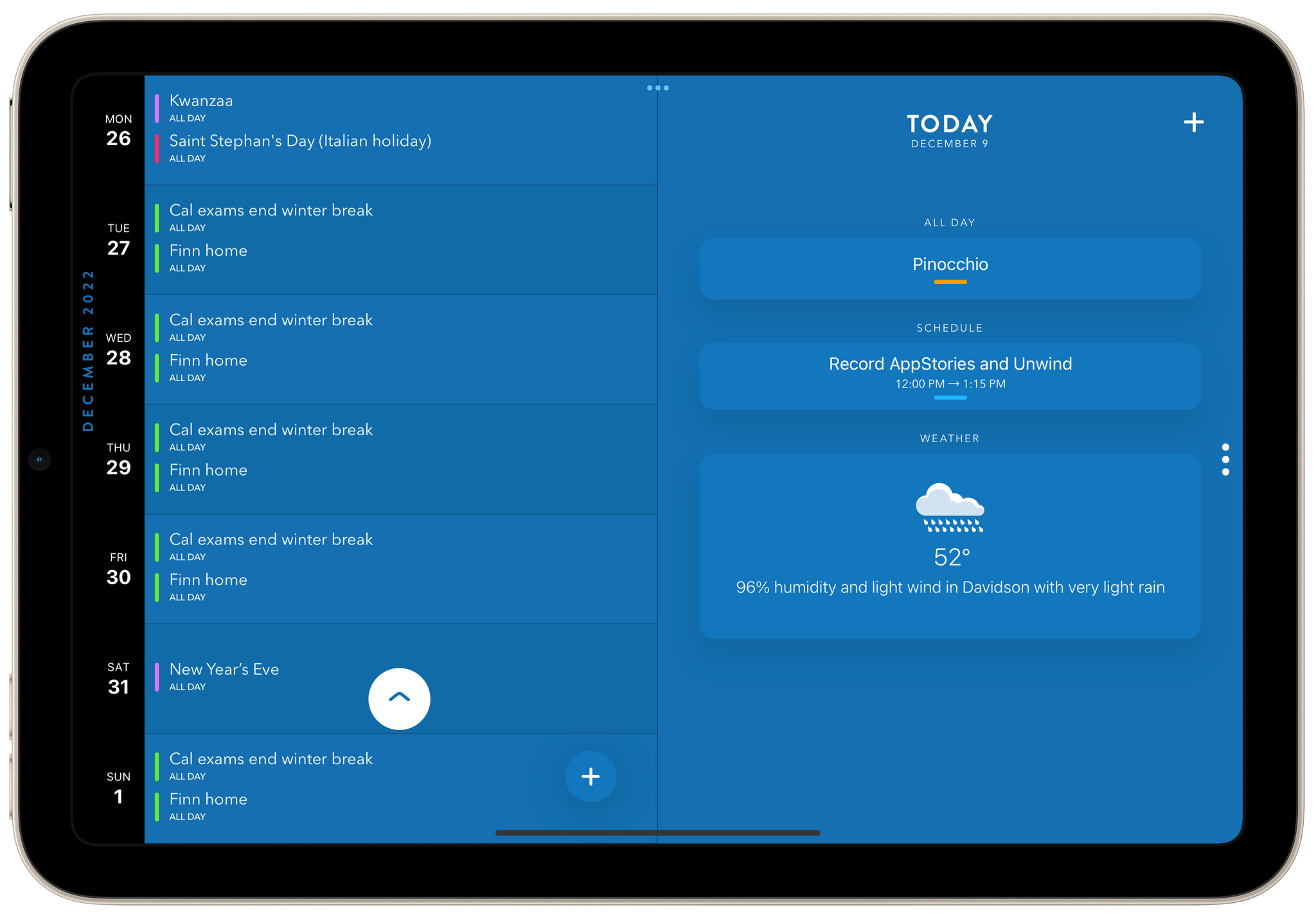
Fantastical has been and continues to be the gold standard against which other calendar apps are measured. The app began with the convenience of entering events in a natural language syntax and expanded from there. Most recently, the app has leaned into scheduling meetings and integrating with a long list of video conferencing systems. I’ve...
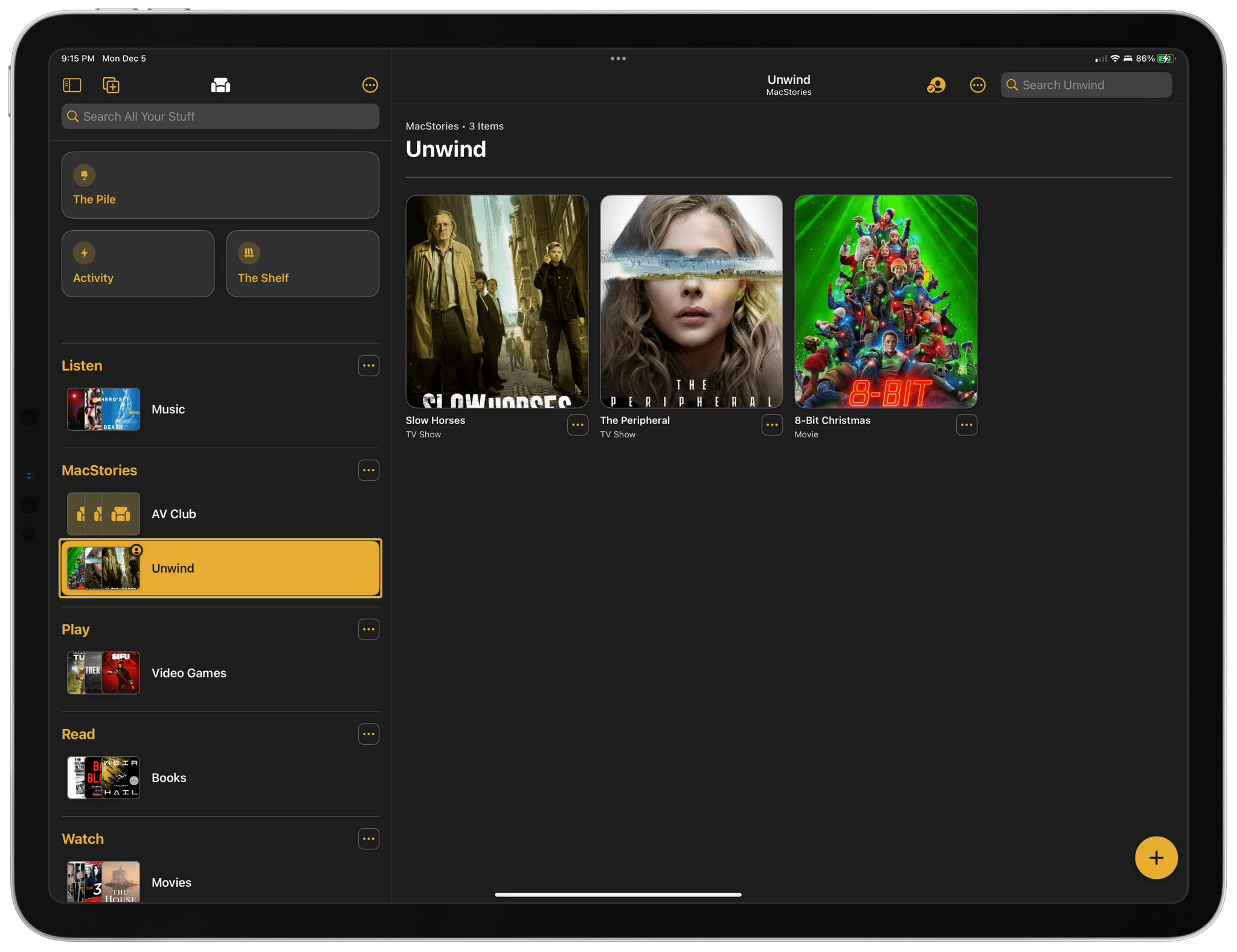
This week, Federico and John share their favorite TV shows and movies of 2022.
The Best TV Shows and Movies of 2022
Joint Picks:
Federico’s Picks:
John’s Picks:
Club MacStories Member Recommendations:
Shawn Hickman is back with another excellent update to Sofa, the downtime/media organization app for iPhone and iPad that we’ve covered several times on MacStories. Sofa remains my favorite one-stop app for managing lists of media I don’t want to forget to enjoy later. The app supports TV shows, movies, books, audiobooks, videgames, music, podcasts, board games, and apps, making it the most comprehensive media organizer I’ve used. However, what makes Sofa special is its design and extensive customization options, which is why it was the runner-up for Best App Update in last year’s MacStories Selects awards.
What I appreciate most about version 3.4 of Sofa is that it extends the app beyond its existing boundaries with list sharing and new Shortcuts support. To round out the update, Sofa also adds Lock Screen widget support and TV and movie provider details for Super Sofa subscribers. It’s an excellent batch of new features for an app that I already consider one of the finest in its category.
Read more
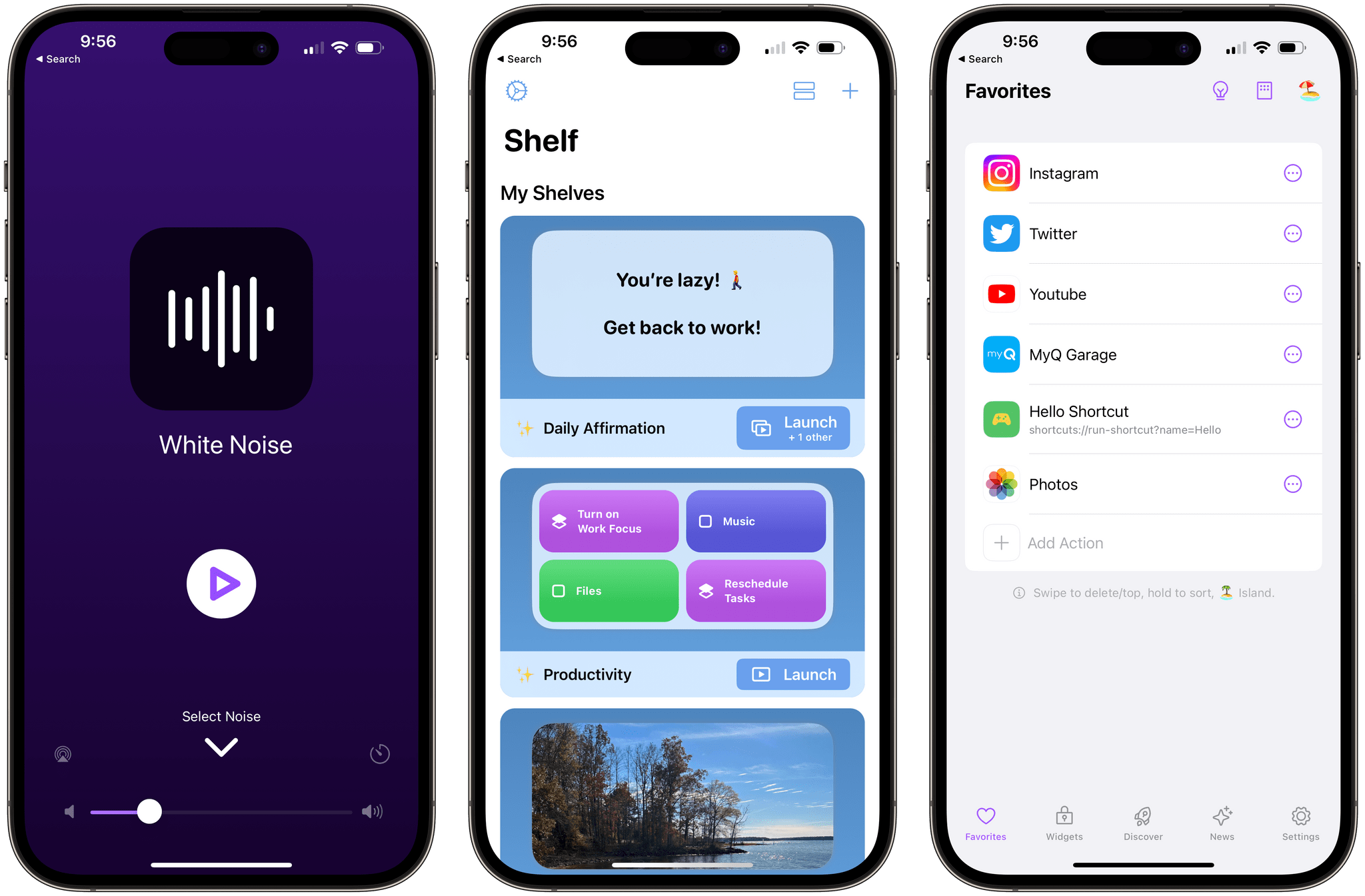
When Live Activities debuted with iOS 16.1, a long list of apps supported the feature. There were some great examples, like the ten apps I covered in October and Timery, which was updated shortly thereafter. Because developers didn’t have a lot of time to prepare their apps for Live Activities, I expected a steady stream of updates that take advantage of the feature, but that hasn’t happened. Live Activity support is still being added to apps, but I thought I’d have more interesting, innovative examples to share by now, but I don’t.
Still, I’d be remiss if I didn’t follow up October’s story with a few additions to my favorite examples of Live Activities. I’m sure there are some I’ve missed and others that will be released in the future, which we’ll cover in the future, but today, I’m going to focus on Dark Noise, Shelf, and Lock Launcher.
Read more



 Federico