

Calame Exclusively for Club MacStories members, we have 10 coupon codes for Calame to give away. Calame is abrand new writing app for the Mac that that uses local AI models to assist with autocompleting words based on your writing. You can readmore about it here. Simply enter your Club MacStories email address in the...
Synology Drops Branded Drive Requirement→
Brad Linder, writing for Liliputing:
Earlier this year Synology announced that you’d need to use Synology-branded hard drives in its 2025 line of “Plus” branded network-attached storage devices if you wanted full functionality. While you could theoretically use a non-Synology drive with the Synology DiskStation DS225+, DS425+, DS925+ and other models, you’d be unable to create data storage pools, or use volume deduplication.
As Linder reports, six months later, Synology has reversed course on what was a widely unpopular decision among Mac and PC users that was viewed by many as a way to lock them into overpriced drives unnecessarily. The change of direction was revealed in a Synology press release announcing DiskStation Manager 7.3, the OS that runs the company’s Plus line of NAS hardware.
This is great news for Mac users who felt betrayed by Synology’s previous announcement. However, as Linder also points out it does not change the fact that the same “Plus” series of 2025 NAS hardware does not include hardware-accelerated transcoding of H.264 and HEVC video, which previous models supported.
MacStories Deals Roundup: Amazon Prime Big Deal Days
Amazon’s Big Deal Days runs today and tomorrow (October 7–8), so I thought I’d share some of the best deals I’ve discovered so far. We’ll be keeping an eye out for other deals and posting them on the MacStories Deals accounts on Mastodon and Bluesky, too, so be sure to follow either for the very latest finds.
For prices, be sure to visit the MacStories Amazon storefront.
Portable SSDs: Samsung T9 and Lexar Armor 700
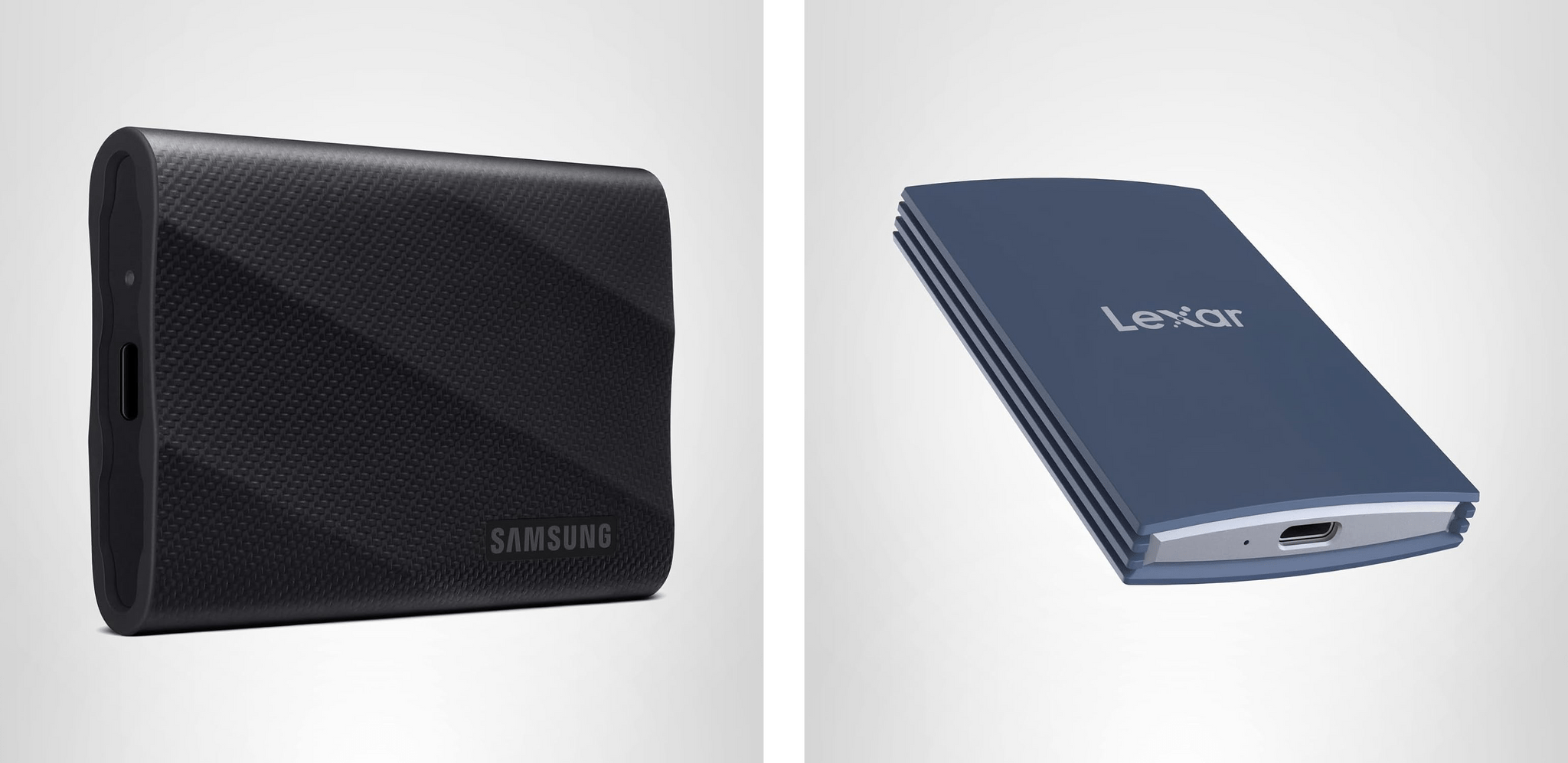
Events like Big Deal Days are always a great opportunity to pick up fast external SSD storage. I’ve used Samsung’s T line of external drives for years, starting with the T5. Lately, I’ve switched to the company’s T9 portable SSDs because they feature USB 3.2 Gen 2x2, which offers the fastest transfers you can get short of something like Thunderbolt 4 or 5, delivering 2,000 MB/s. That’s plenty fast for working with big files or moving a bunch of smaller files from one device to another. I’ve used the T9 for Carbon Copy Cloner backups, Time Machine backups, editing in Final Cut Pro and Logic Pro, and moving my ROM library from one handheld device to another, and it’s been reliable in every case.
During Big Deal Days, the biggest discount is on the 2TB model, with the 1TB model a close second. Depending on your storage needs, you can’t go wrong with either.
More recently, I also started using Lexar’s Armor 700 Portable SSD. In fact, it was one of these drives that we used to transfer huge video and audio files from Apple’s podcast studio at WWDC back to my hotel room for editing.
Like Samsung’s T9, Lexar’s drive features 2,000 MB/s transfer speeds, plus an aluminum case for heat dissipation, a rubberized exterior to help protect against drops, and IP66 water and dust resistance. I’ve been using the 1TB model of the Armor 700, but it’s the 4TB model that’s on the deepest discount during Big Deal Days.
For prices, visit the MacStories Amazon storefront.
Logitech: MX Keys S, Keys-to-Go 2, and POP Mouse
Logitech has gone all-in for Amazon’s big sales event, too. There are a bunch of keyboards, mice, and other accessories on sale, but I’d focus on these three:

The MX Keys S for Mac was my go-to keyboard for years. I’ve switched to Apple’s Magic Keyboard more recently, but if you’re looking for an alternative low-profile keyboard made for the Mac, this is a great pick.

Keys-to-Go 2 is the keyboard I throw in my bag when I need to connect to a handheld gaming device, or when I want a keyboard “just in case” but don’t want to carry my iPad’s Magic Keyboard case. The replaceable watch battery it came with is still going strong, and the integrated cover keeps it from getting damaged. It’s not the most ergonomic keyboard ever designed, but it’s perfect for lightweight travel.
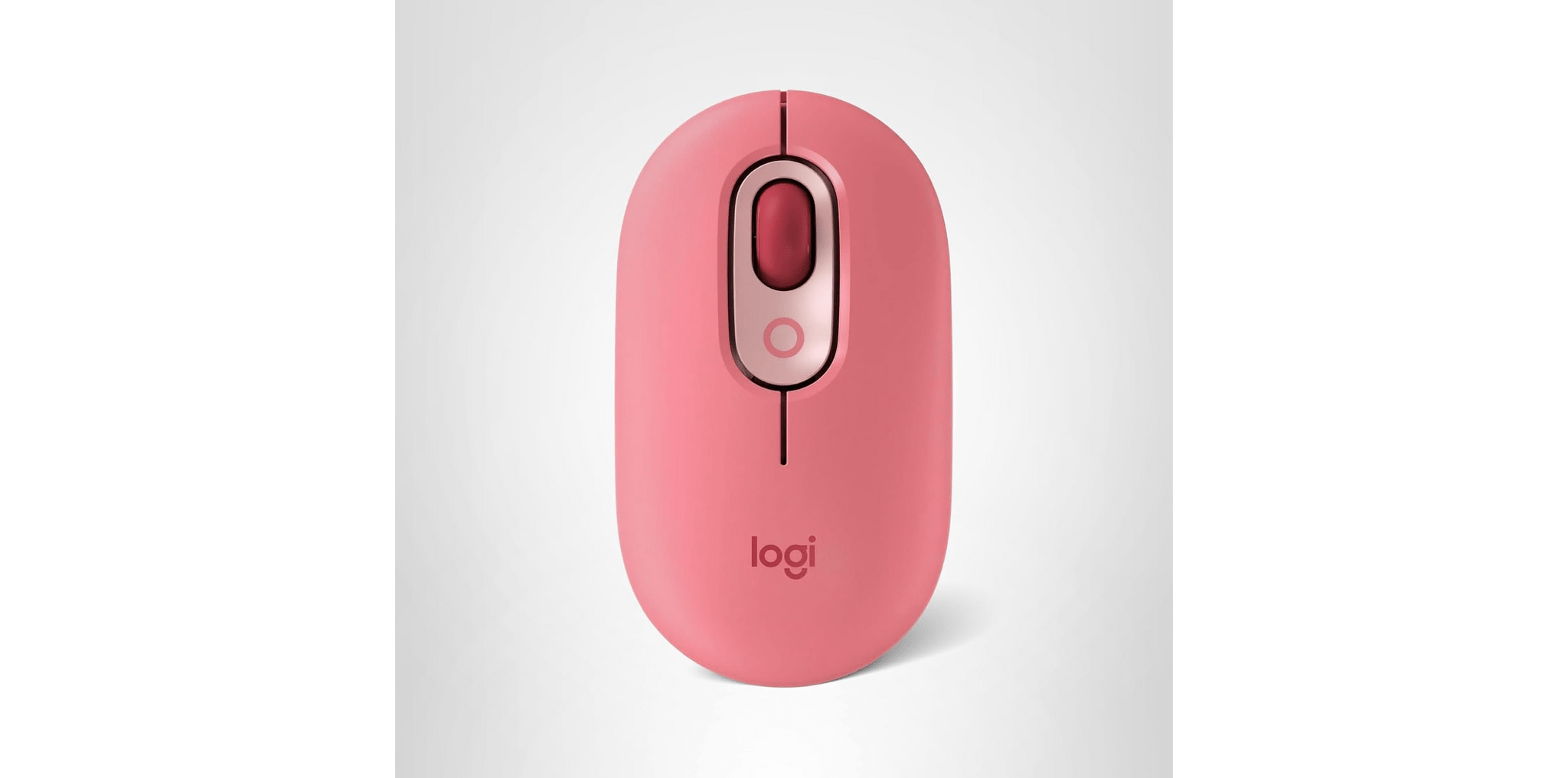
I got a POP Mouse for the same reason I have Logitech’s Keys-to-Go 2 keyboard. It’s a good lightweight on-the-go mouse I can connect to multiple devices. I love that it comes in bright colors, too.
For prices, visit the MacStories Amazon storefront.

Access Extra Content and Perks
Founded in 2015, Club MacStories has delivered exclusive content every week for nearly a decade.
What started with weekly and monthly email newsletters has blossomed into a family of memberships designed for every MacStories fan.
Club MacStories: Weekly and monthly newsletters via email and the web that are brimming with apps, tips, automation workflows, longform writing, early access to the MacStories Unwind podcast, periodic giveaways, and more;
Club MacStories+: Everything that Club MacStories offers, plus an active Discord community, advanced search and custom RSS features for exploring the Club’s entire back catalog, bonus columns, and dozens of app discounts;
Club Premier: All of the above and AppStories+, an extended version of our flagship podcast that’s delivered early, ad-free, and in high-bitrate audio.
Digital Foundry Documents the iPhone 17 Pro’s Major Gaming Gains→
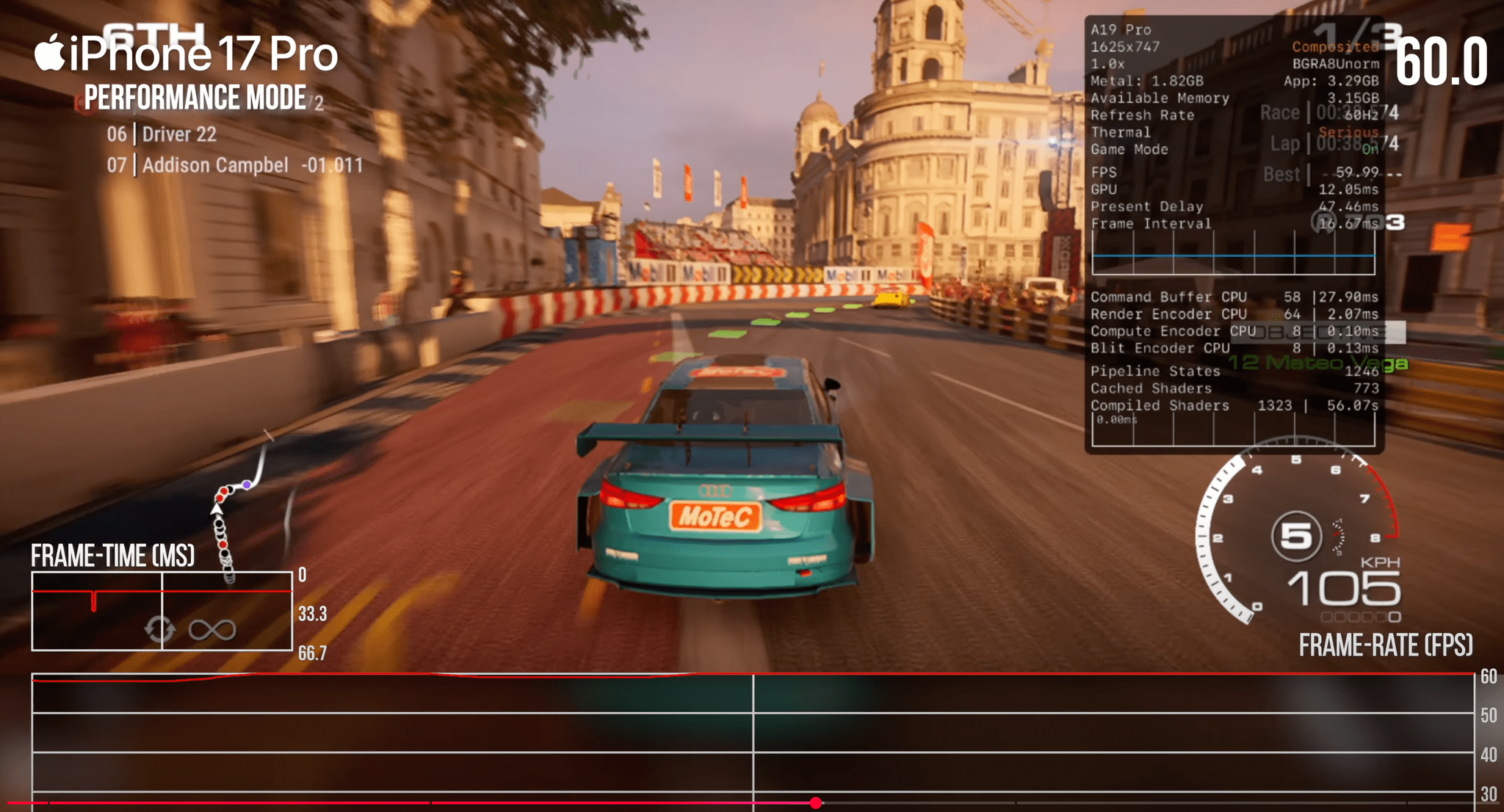
Yesterday, Digital Foundry published their review of the iPhone 17 Pro, which as you’d expect, focuses on the Pro model’s gaming capabilities. Tested against iPhone 13 and 15 Pros and using a series of benchmark tests as well as real-world gameplay, Digital Foundry’s tests revealed significant improvements in several areas, including:
- GPU performance;
- Ray tracing capabilities;
- Second-generation dynamic caching; and
- Improved thermals.
Benchmarks are one thing, but Digital Foundry’s tests also revealed real-world benefits to the iPhone 17 Pro, such as:
- a 60% performance increase over the iPhone 15 Pro on Resident Evil Village,
- the elimination of freezing and big frame rate drops in Assassin’s Creed Mirage,
- more reliable 30 fps gameplay in Death Stranding.
Those are significant improvements in just two generations of the A-series chips.
What really caught my eye, though, was the impact of cooling. The iPhone 17 Pro uses a vapor chamber and aluminum chassis to help cool the device and keep its chips running at full speed longer. When Digital Foundry placed the 17 Pro on a desk fan, it became clear just how important that cooling is.
Running a benchmark stress test with air blowing across the back of the iPhone 17 Pro reduced the performance drop by roughly 50%. With those sorts of results, I expect external cooling solutions like this X5s telescopic controller and FX5 Cooler combo from GameSir to become a popular accessory in the coming year, so of course, I’ve ordered one and will report back soon.
 Making Sense of MCP: The Standard Connecting AI to Apps
 Federico
This week, Federico and John demystify Model Context Protocol (MCP), covering how it works, where it’s heading, and practical examples of what it can do.
On AppStories+, Federico and John experiment with whether AI can make sense of the information firehose.
We deliver AppStories+ to subscribers with bonus content, ad-free, and at a high bitrate early every week.
To learn more about an AppStories+ subscription, visit our Plans page, or read the AppStories+ FAQ.

AppStories Episode 455 - Making Sense of MCP: The Standard Connecting AI to Apps
0:00
38:12
38:12
Interesting Links
Windows 95 Crocs are second only to Kentucky Fried Chicken Crocs. (Link) Adobe Premiere is available for the iPhone and iPad. I’m looking forward to trying this to see how it stacks up to Final Cut Pro on the iPad. (Link) LG showed off its 6K UltraFine display at CES in January and it’s...
App Debuts
Rogue Words Rogue Words brings roguelikes to word games. Although this Editor’s Choice game isn’t exactly new, it’s new to me, and I was impressed with how often it is updated. The game features word-building puzzles that incorporate the aspects of Scrabble combined with deck-building-like elements from roguelikes that result in a uniquely fun...
Prototyping Workflow Ideas and Speeding Up Research with ChatGPT
It all started as procrasti-work. It was mid-August, and I probably should have been writing my macOS Tahoe review. Instead, I was watching TV, thinking about my next week’s MacStories Unwind pick, and messing around with Shortcuts and AI tools, when an idea popped into my head, demanding my attention. Federico and I have been...
The PixelCam Collection
Yesterday I saw on Mastodon that The Iconfactory had sold its app BitcCm app to Héliographe. I had completely forgotten about BitCam, which sent me down the path of exploring other retro style camera apps. There are a lot of them on the App Store, but the good ones are few and far between. Here...