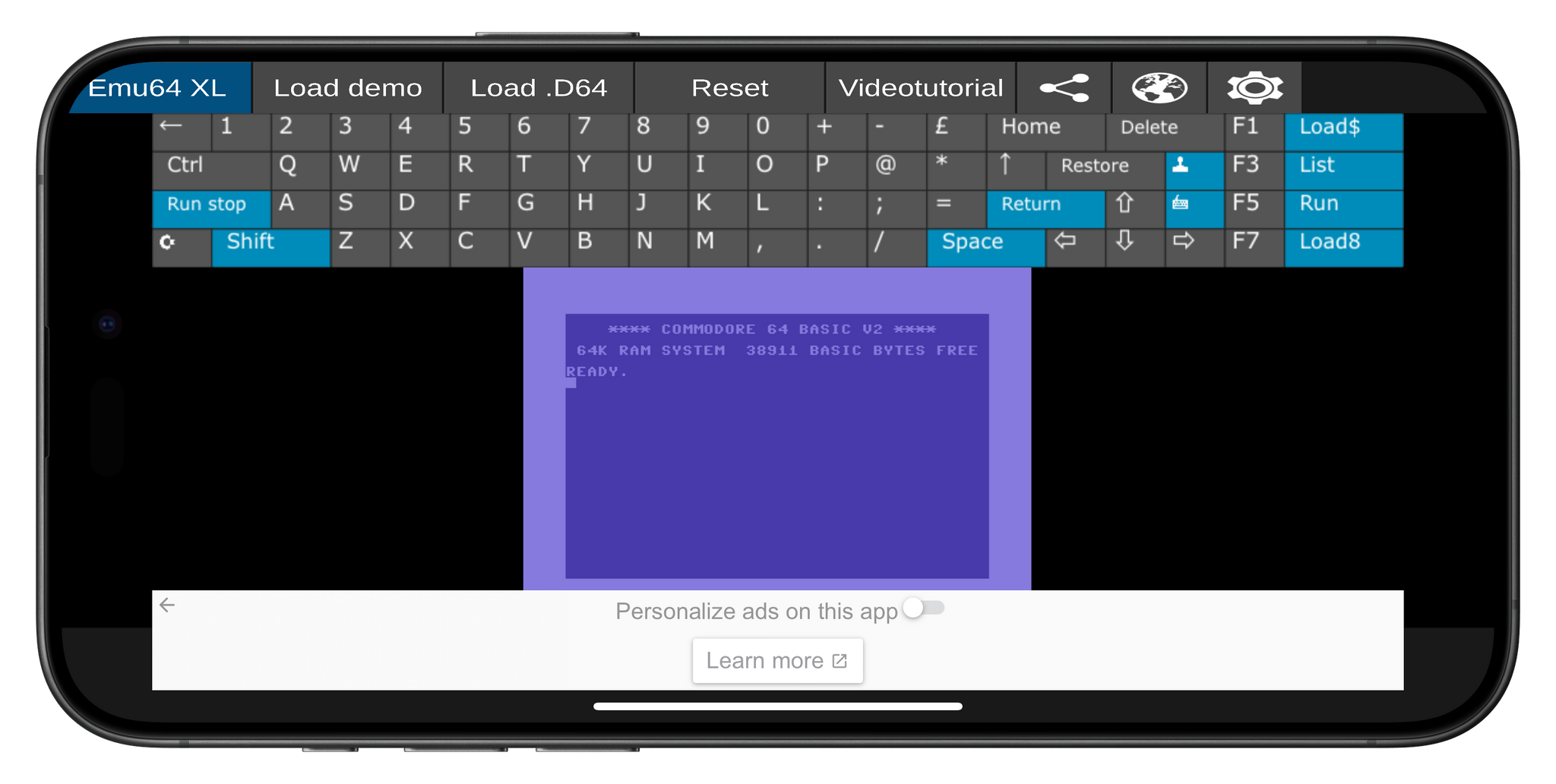
Game emulators are nothing new to mobile phones. That is unless you have an iPhone. There’s a long history of emulation on Android and an even longer history on Macs, PCs, and other platforms. However, with ‘retro game console emulators’ (Apple’s App Review Guidelines term) now allowed worldwide on iOS, we’re seeing the iOS world speed-running game emulation. It will be a while before iOS emulators catch up to Android and other OSes, but in just over a week, there’s already been a lot of news.
- About the same time that iGBA was being pulled from the App Store by Apple, Bimmy, an NES emulator, appeared on the Store for $0.99. It, too, was pulled from the Store within a day or two, but this time, it was the developer who pulled it, not Apple. Tom Salvo, Bimmy’s developer, told Zac Hall of 9to5Mac that he pulled the app “out of fear” and not as the result of pressure from anyone.
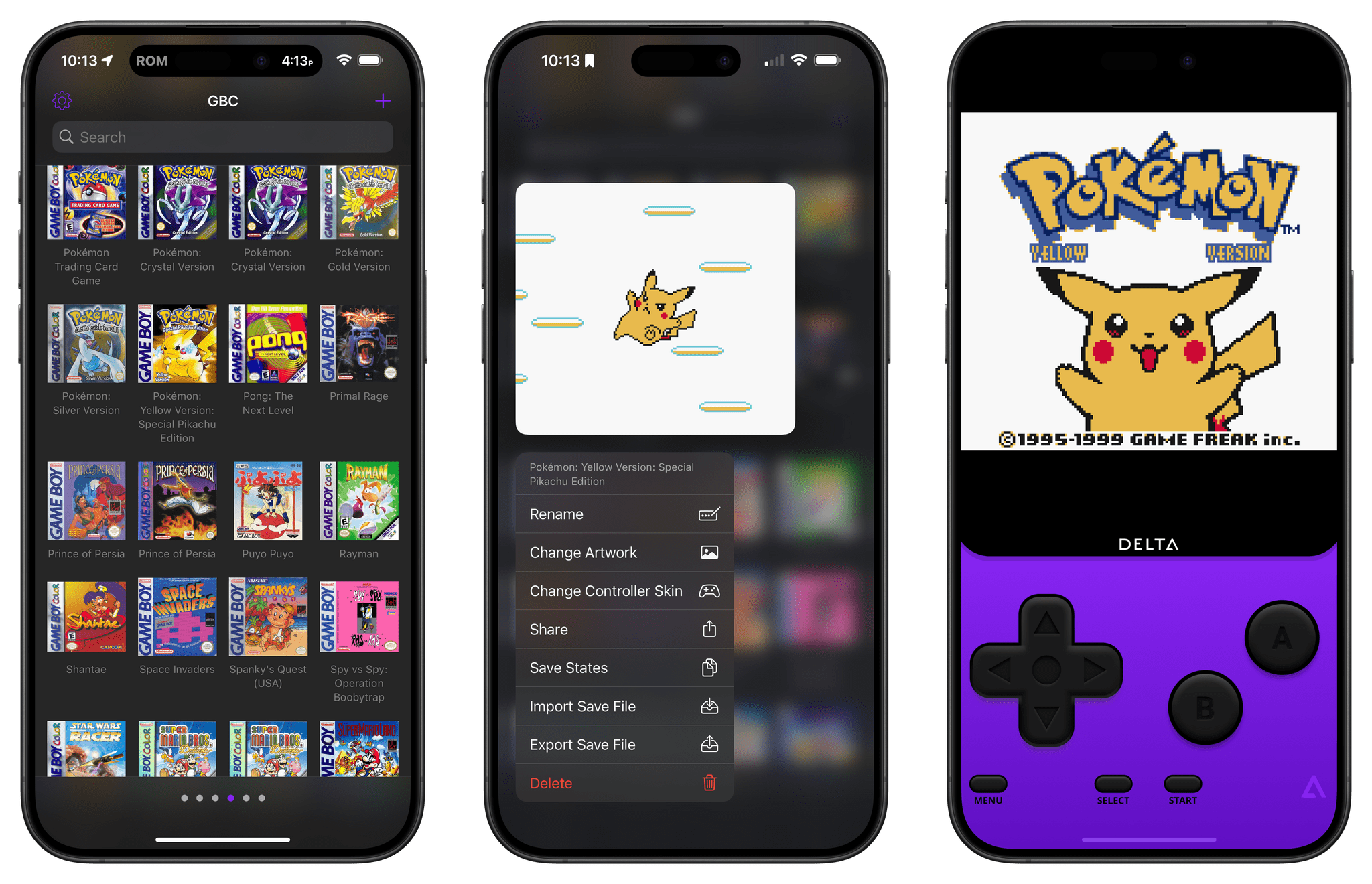
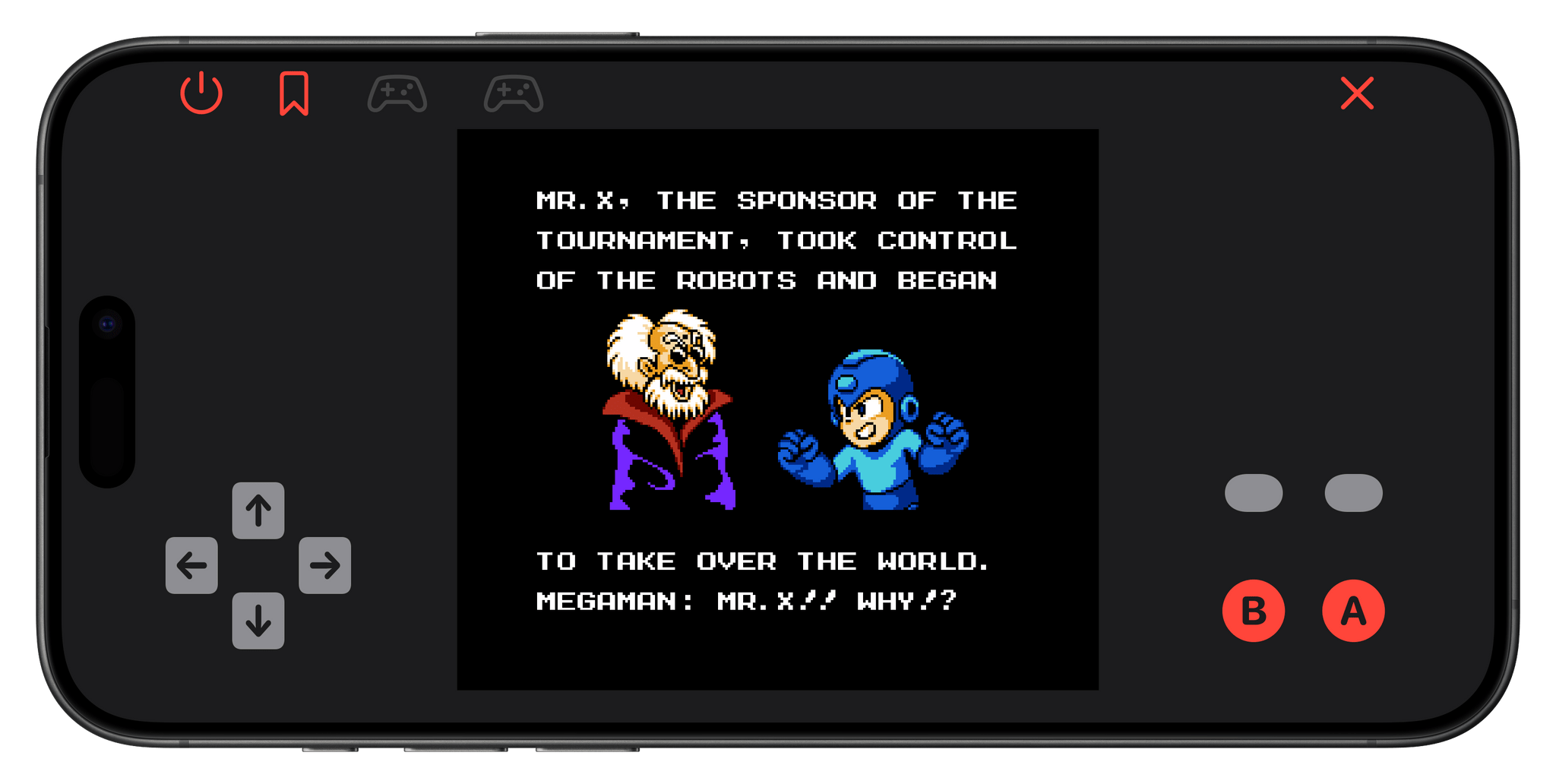
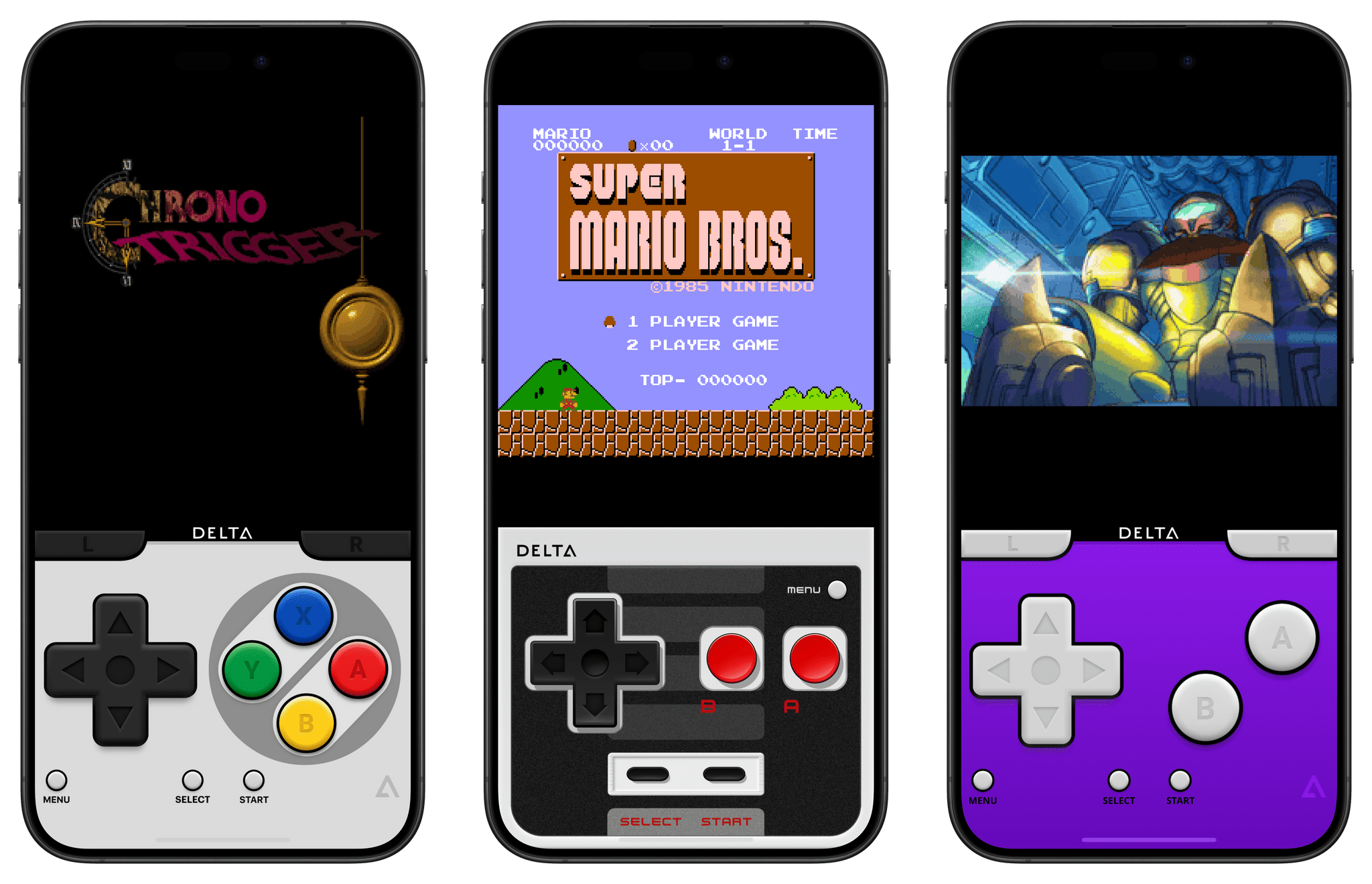
- Then, last Wednesday, Delta, Riley Testut’s game emulator that supports a long list of older Nintendo systems and the Sega Genesis console, was released on the App Store everywhere except the EU, where it is available on AltStore. Within hours, Delta shot to the top of the App Store’s Free Apps Top Chart, where it remains today.
- In the wake of Delta’s success, other developers have announced that they plan to bring their game emulators to iOS, including the maker of the Sony PSP emulator PPSSPP and the developer of Provenance, which works with multiple systems.
- The rush to the App Store by emulator developers isn’t universal, however. The creators of Dolphin, which works with Nintendo GameCube and Wii games, announced that it will not be coming to iOS because Apple doesn’t allow the necessary Just-In-Time recompilers to be integrated with game emulators.
Meanwhile, all eyes are on Nintendo. The company is notoriously protective of its intellectual property. And, although Nintendo has not sought to restrict the availability of emulators for its oldest systems, it aggressively pursued the makers of Yuzu, a Switch emulator, which resulted in the emulator being forced from the Internet with other emulators following suit. So, while emulators for early Nintendo systems have been available elsewhere for years, the sudden mainstream popularity of Delta on the App Store could draw an unwanted reexamination of emulators by the company. My hope is that instead of litigation, the new crop of iOS emulators spurs Nintendo to offer older games on the App Store and via other channels, but history isn’t on the side of my hopes and dreams.
This week on AppStories, we revisit our Obsidian systems, themes, and favorite plugins.
Sponsored by:
- Genius Scan – A scanner in your pocket.
- Jam: Developer-friendly bug reports in 1 click.
Links and Show Notes
An Obsidian Check-In
- Our Systems
- John
- A shallow system of numbered folders organized by areas, projects, and related notes
- A separate vault for the MacStories GitHub repos
- Federico
- Our Themes
- Plugins
On AppStories+, Federico ponders what notes are, what they should be, and whether he should document more of what he learns on the web.
We deliver AppStories+ to subscribers with bonus content, ad-free, and at a high bitrate early every week.
To learn more about the benefits included with an AppStories+ subscription, visit our Plans page, or read the AppStories+ FAQ.
Read more
This week, Federico and John revisit their Obsidian systems, themes, and favorite plugins.
Read more
[[John]] Sean Hollister, writing for The Verge, covers Formlabs’ Form 4, a 3D printer that uses an LCD screen with a bright backlight to print up to five times faster than previous models. (Link) Engadget reviews the Asus ROG Zephyrus G16 and concludes that it’s not just another laptop for gamers, but a great high-performance...
Earlier this year, I wrote about GameTrack 5.4, which added Vision Pro support. That update had a few other new features that I touched on, including deep linking to games in the Delta game emulator. With Delta sitting at the top of the free app chart since its App Store launch earlier this week, I...
Carousel I’ve been thinking about the fact that, in the age of spatial computing, Apple should probably consider bringing back their old Cover Flow UI for browsing music, and it looks like I’m not alone. Carousel (great app name) lets you flick through hundreds of albums from your Music collection with a simple swipe...
This week on MacStories Unwind, I’m a little wired, we explore Southern expressions, share some Legion Go follow-up and have app, hardware, TV, and music picks.
Links and Show Notes
Southern Expressions
Picks
- John’s Pick:
- Federico’s Pick:
MacStories Unwind+
We deliver MacStories Unwind+ to Club MacStories subscribers ad-free and early with high bitrate audio every week.
To learn more about the benefits of a Club MacStories subscription, visit our Plans page.
Read more
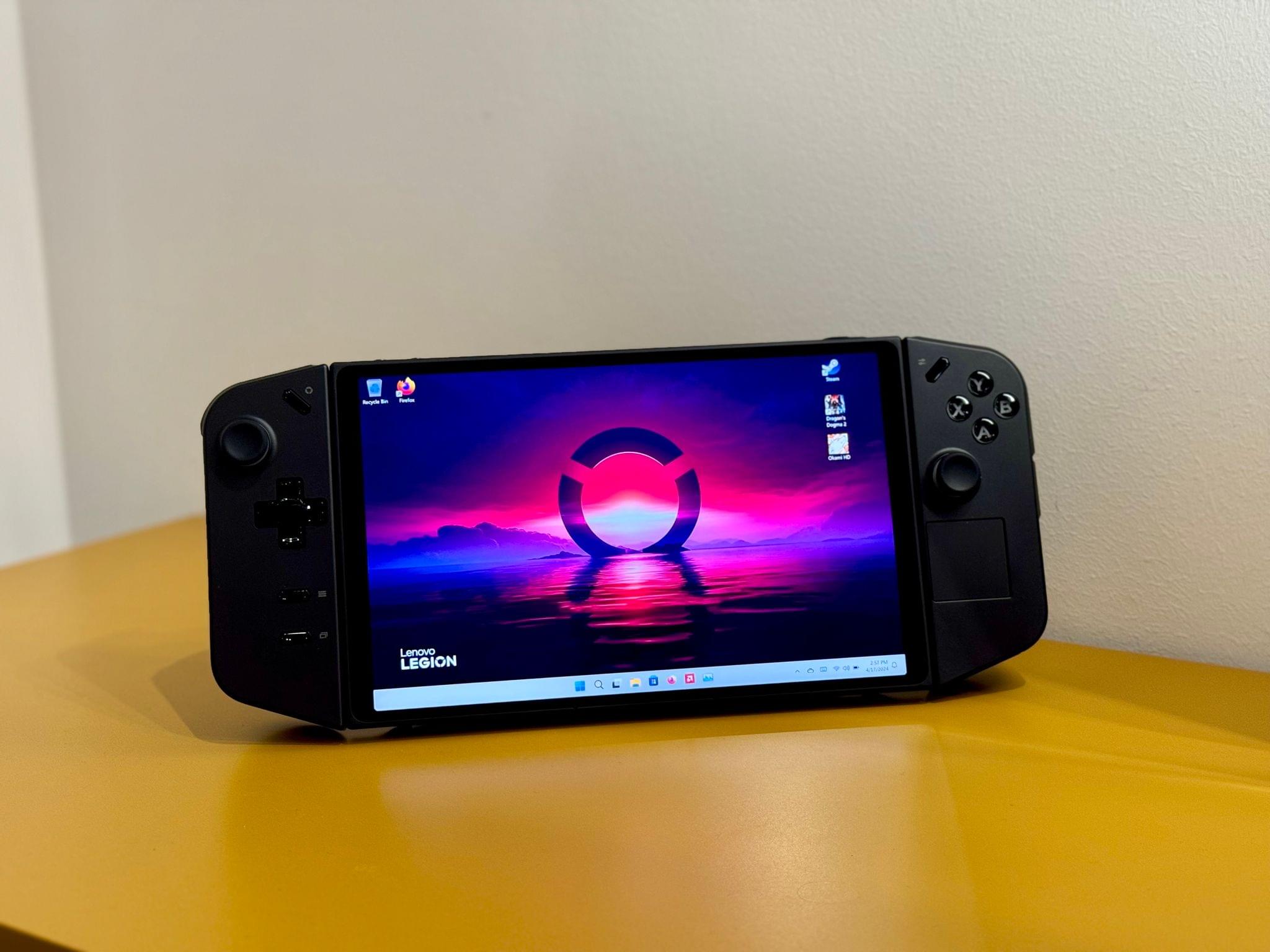
The sands beneath Federico’s videogame setup have shifted. As he explained on Unwind last week, Federico has gone all-in with the Lenovo Legion Go, a Windows-based handheld that he’s paired with a ONEXGPU eGPU, a fancy fiber optic Thunderbolt cable, a compact GaN charger, and more. As a result of the changes, Federico has also trimmed a handful of devices from his setup.
For the latest, visit the MacStories Setups page to find the full changelog and all the other gear Federico and I are using.
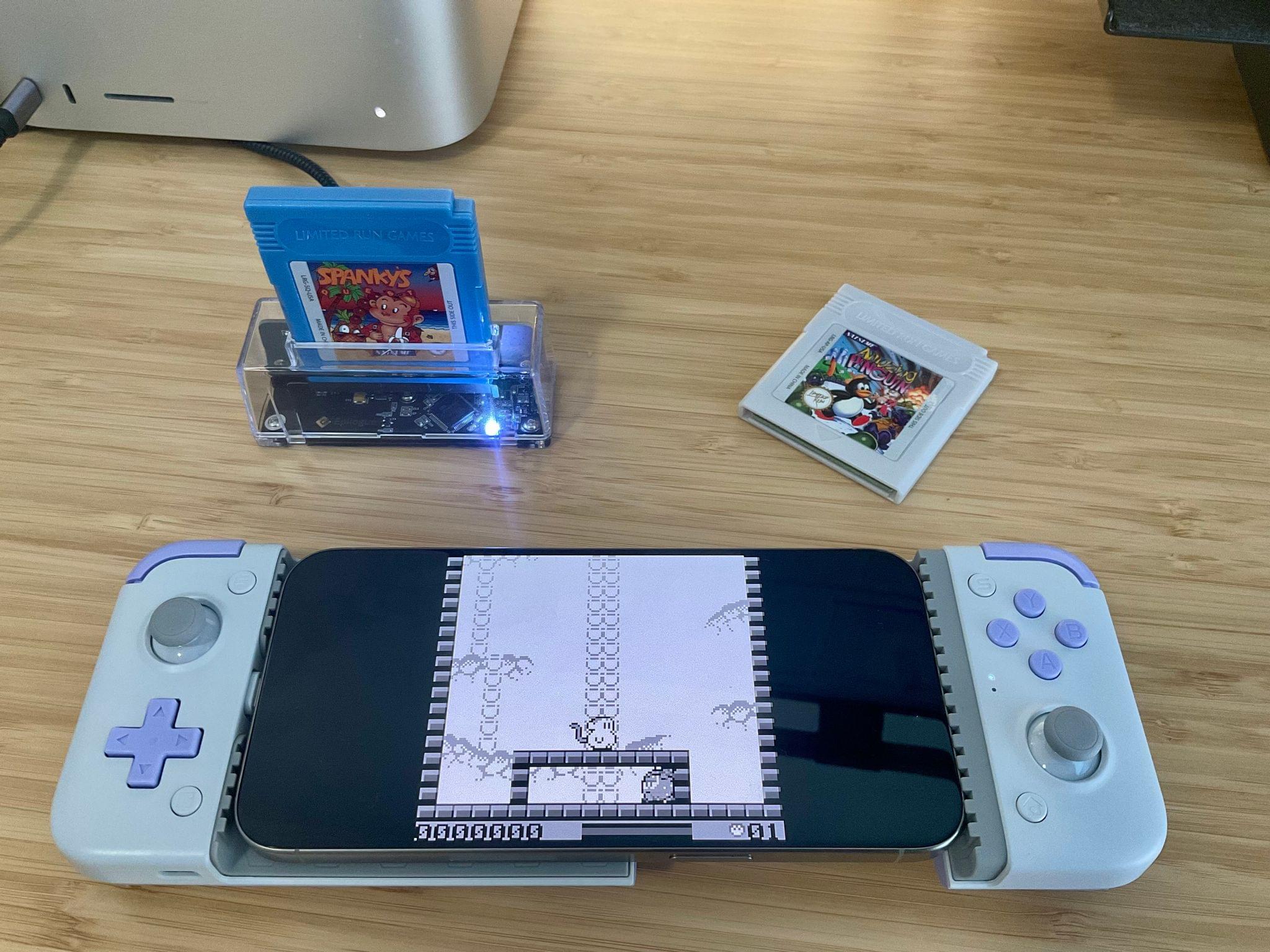
So, you’ve probably seen the (totally justified) hype surrounding the Delta emulator’s launch on the App Store and downloaded it because, why not, it’s free. You may have also recalled that, like a lot of people, you have a box of old Game Boy cartridges stored somewhere that are gathering dust. Or, like me, maybe you spent way too much money on second-hand videogame sites during the COVID lockdown. Regardless of your Game Boy cartridge origin story, today I’m going to show you a simple way to breathe new life into those games by bringing them, along with your save files, to your iPhone.
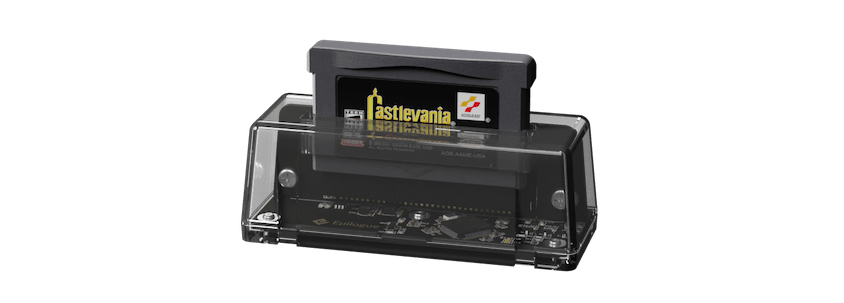
The easiest way I’ve found to pull the game files from a Game Boy, Game Boy Color, or Game Boy Advance cartridge is with a little USB-C accessory called the GB Operator by Epilogue, or as I like to call it the Game Boy Toaster. That’s because the device looks like a top-loading transparent toaster that takes game cartridges instead of bread. If you have a big collection of game cartridges, the GB Operator is a great investment at $50 because it allows you to both play and back up your games using a Mac.
Read more









](https://cdn.macstories.net/banneras-1629219199428.png)

 Federico