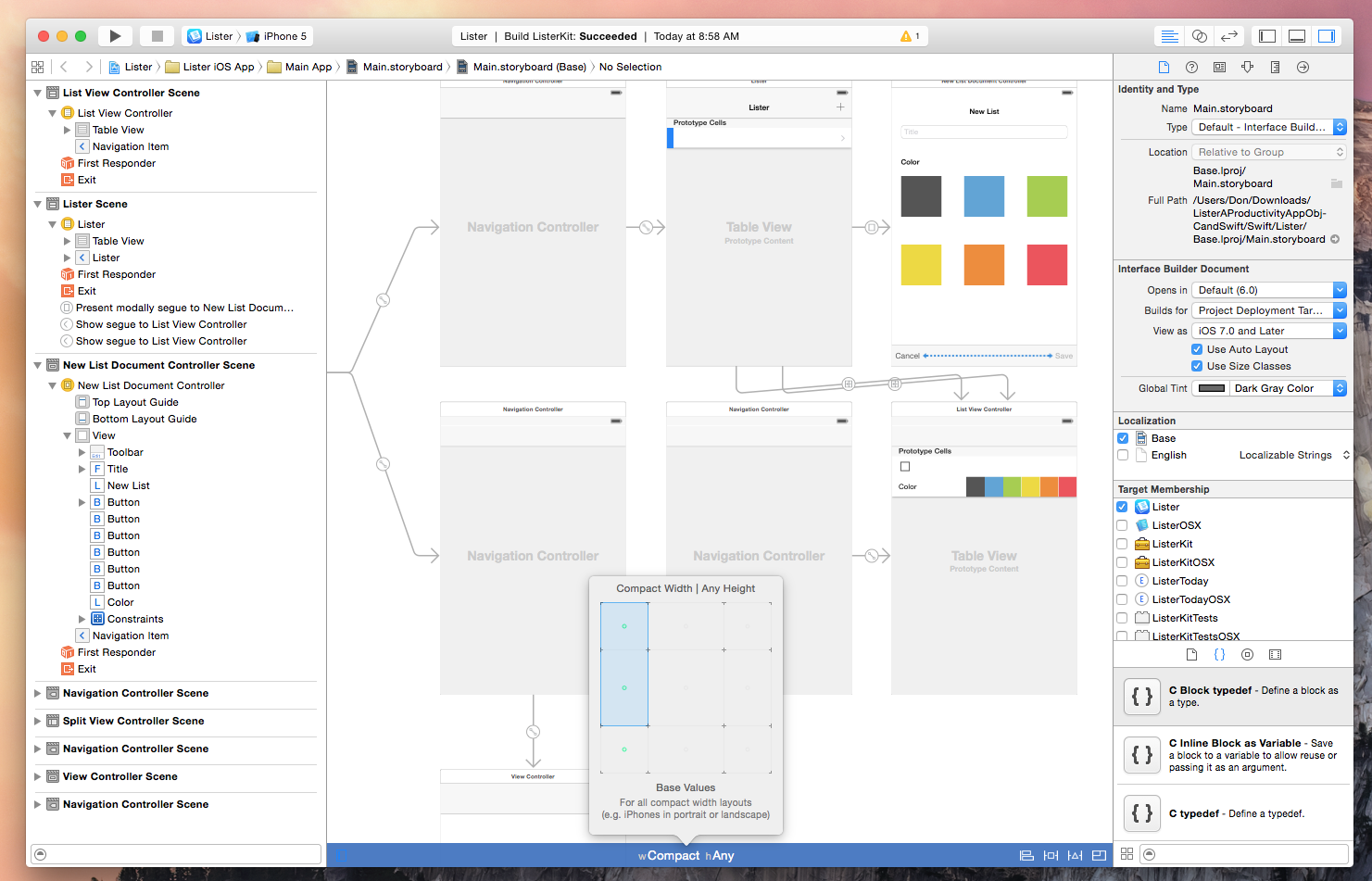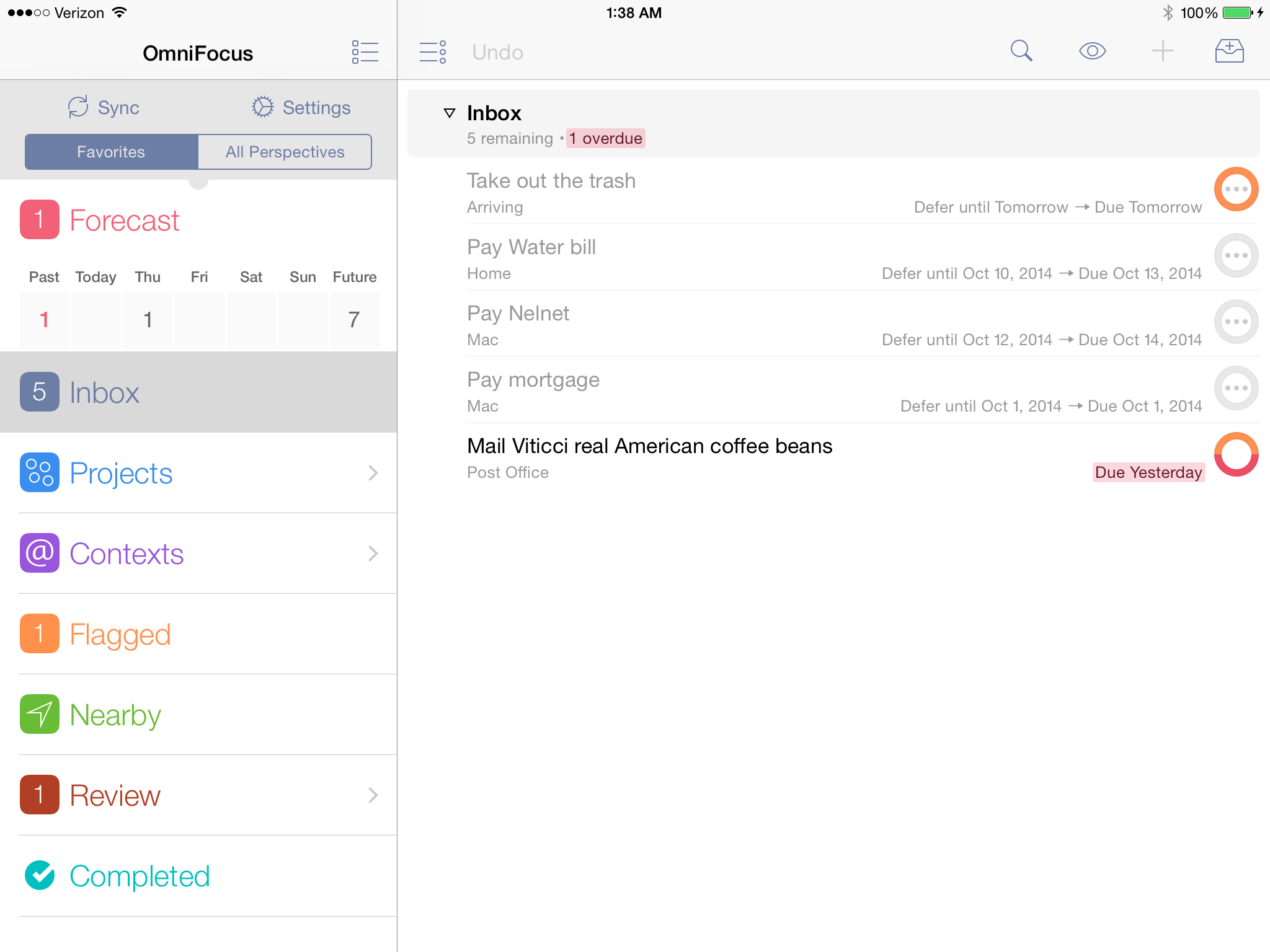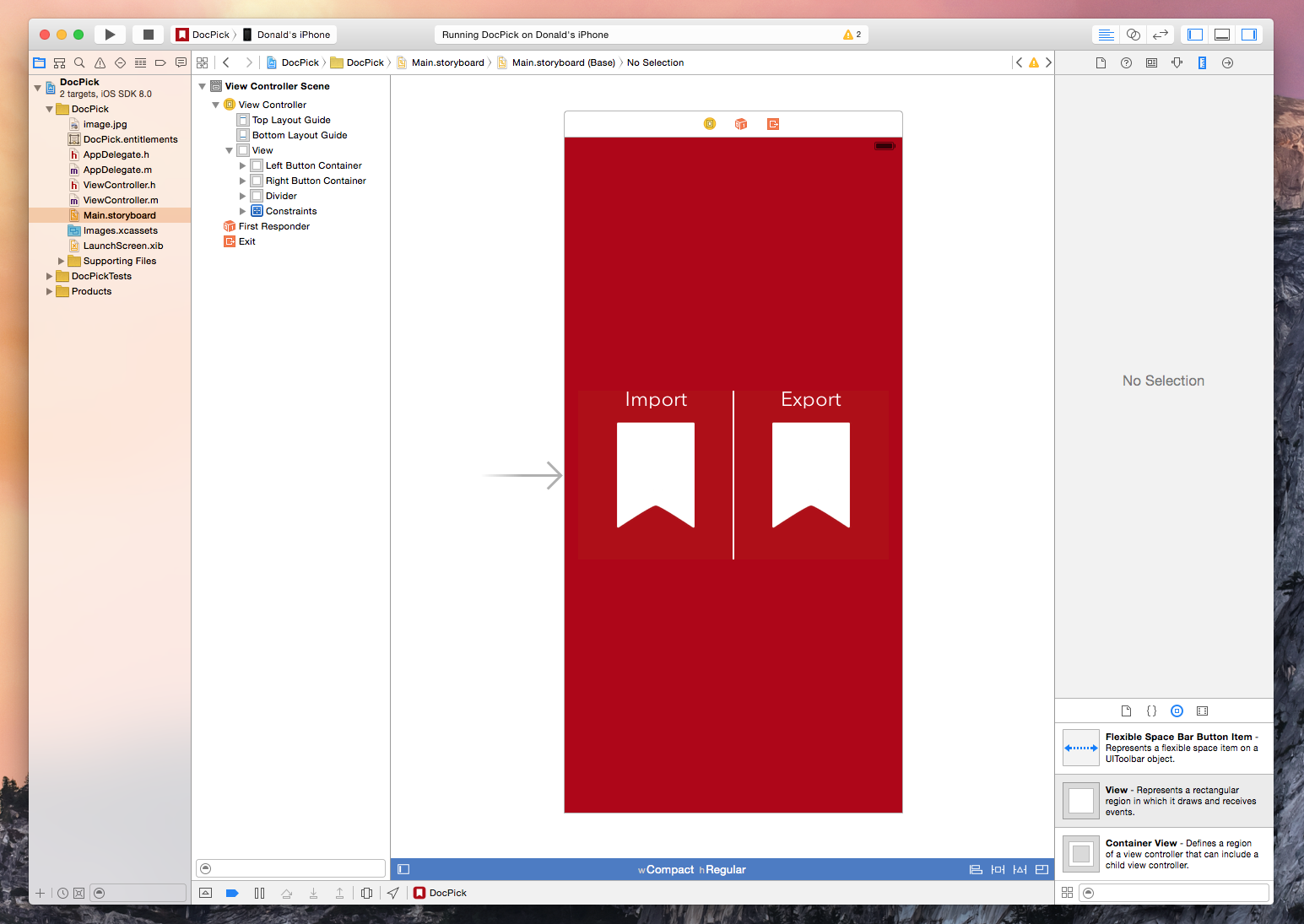
The new document picker and provider functionality in iOS 8 is exciting technology because it expands on the possibilities of what we are capable of doing with our devices. We are already seeing a flood of great apps integrating document pickers and extensions from developers like Dropbox, Panic, and Readdle. I recently had the need for the new UIDocumentPicker functionality so I decided to dive in and see what it takes to implement the feature. As it turns out, getting a basic implementation is extremely easy and only requires a few lines of code. Of course, this is well documented by Apple and seasoned developers will have no problems implementing a picker but for us noobs it helps to see the process laid out – so here is a brief walkthrough.
Implementing iOS 8 Document Pickers

Access Extra Content and Perks
Founded in 2015, Club MacStories has delivered exclusive content every week for nearly a decade.
What started with weekly and monthly email newsletters has blossomed into a family of memberships designed for every MacStories fan.
Club MacStories: Weekly and monthly newsletters via email and the web that are brimming with apps, tips, automation workflows, longform writing, early access to the MacStories Unwind podcast, periodic giveaways, and more;
Club MacStories+: Everything that Club MacStories offers, plus an active Discord community, advanced search and custom RSS features for exploring the Club’s entire back catalog, bonus columns, and dozens of app discounts;
Club Premier: All of the above and AppStories+, an extended version of our flagship podcast that’s delivered early, ad-free, and in high-bitrate audio.