

If you are a Gmail user and you have a Mac, you probably already know how many Gmail notifier applications are available. I don’t even know, maybe more than 20? Not to talk about custom solutions made of Applescript and Automator workflows.
I’m personally a huge fan of Notify from Vibealicious, which provides an easy way to access Gmail from the menubar with a stylish, elegant interface. Moreover, the upcoming 2.0 version will simply rock, trust me. Anyway, I’ve just discovered another Gmail notifier, which sits in the menubar and lets you check your unread messages from your Mac desktop: Gmail Studio.
Gmail studio is a very simple notifier which supports multiple accounts and lets you view your messages from the menubar. It doesn’t have native composing / deleting messages features. Once you’ve downloaded the app and filled the account settings, here’s how Gmail Studio looks like:

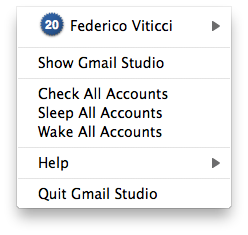
The icon is nice, and it shows a an unread count too. I’ve noticed some speed flaws though, as the application took 40 seconds to retrieve my messages while Notify took only 10. This is not good, the developers should look into it. Clicking on the menubar items shows a dropdown menu that lists the accounts you’ve set up and “Sleep Accounts” or “Wake Accounts” functions.
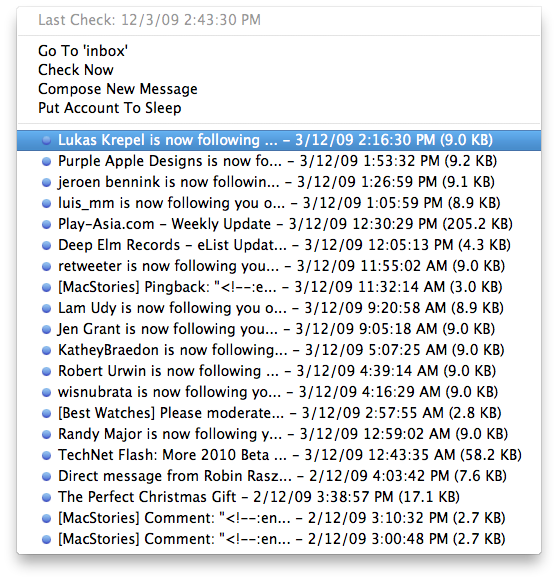
As you select an account with unread messages you’ll be presented a simple list of emails.
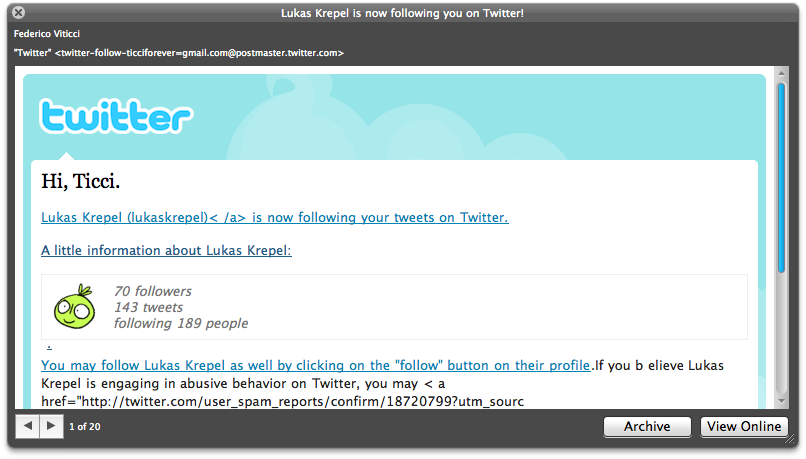
And here comes the only cool thing about Gmail Studio: QuickLook support. You can select a message, hit the spacebar and here you go, your message is “quicklooked”. You can even navigate through emails from this windows thanks to the arrows in the bottom left.
What’s the point of this Gmail Studio thing? I don’t know. It’s too much simple and basic, the only feature I appreciated is Quicklook support. But the worst part is this: “You will be able to use Gmail Studio in full for 30 application executions.”
What? Did you perhaps try to be original guys, removing the standard 30 days full trial?
You can purchase the full version at 10 Euros from the official website.
But in my opinion, you should start saving money for Notify 2.
