

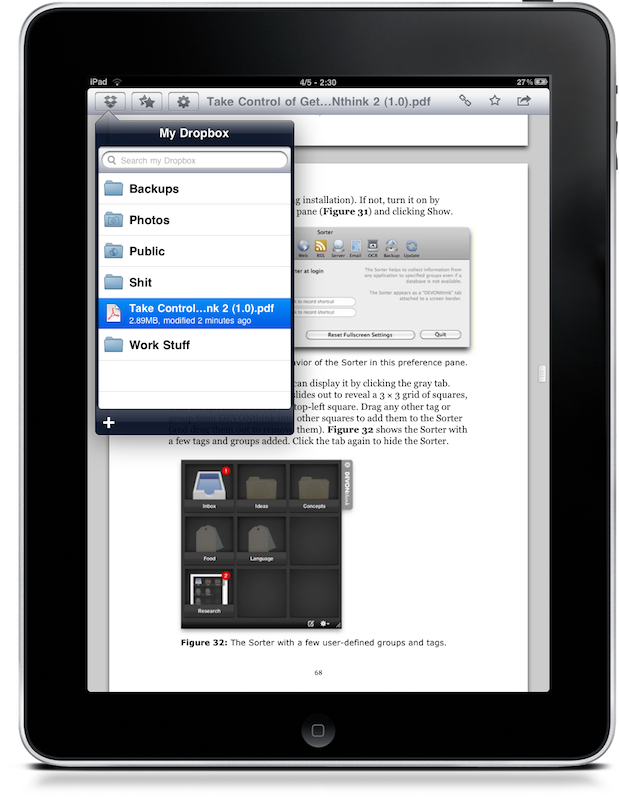
Dropbox has just updated its official iPhone client to include support for the iPad. It’s available for free here.The new version takes advantage of the iPad’s portrait and landscape modes to display your folders on the list, and also makes use of popovers in the main view to email and copy links and access your favorites. Also, it’s now possible to export documents to native iPad apps such as Keynote and Pages.
Keep on reading after the break for our impressions with the app.
Dropbox for iPad feels a lot better and makes more sense than the iPhone version. You can choose to run the app both in landscape and portrait mode, just like Mail app and many others. Also, it finally gets rid of those ugly yellow folders from the iPhone version and puts some great looking Mac OS X-like folders on screen.
First of all, I tried to import some documents I emailed myself but I haven’t been able to open them in Dropbox from Mail.app. I usually follow this method to send stuff to GoodReader and Air Sharing, but it doesn’t work with Dropbox. Maybe because it needs to sync? Or is it just something the devs forgot to include? It’s weird, considering that you can send files from Dropbox to other apps. Also, I found kind of disappointing the lack of a refresh button, meaning that you’ll have to restart the app every time if you want to display the latest changes made on another machine.
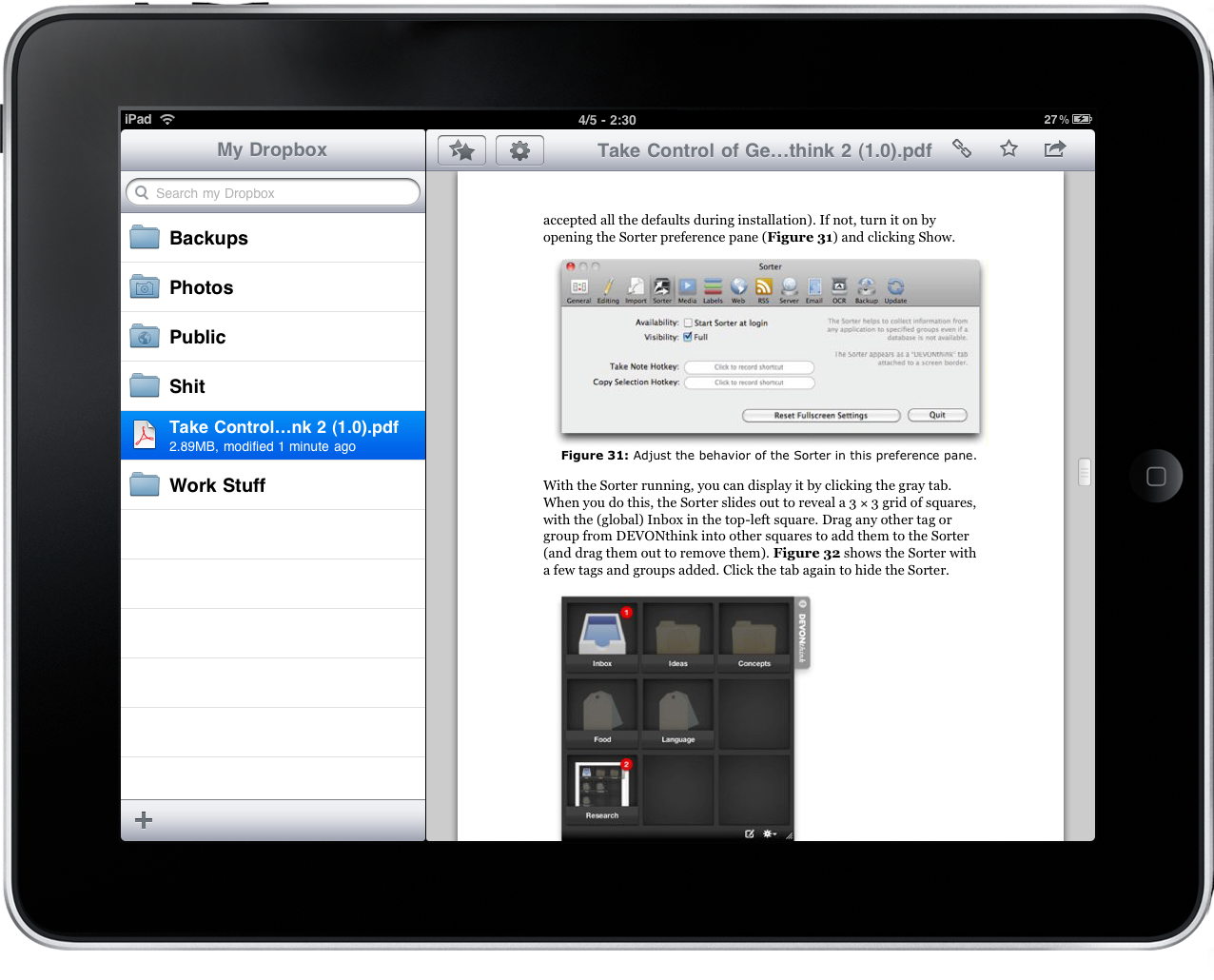
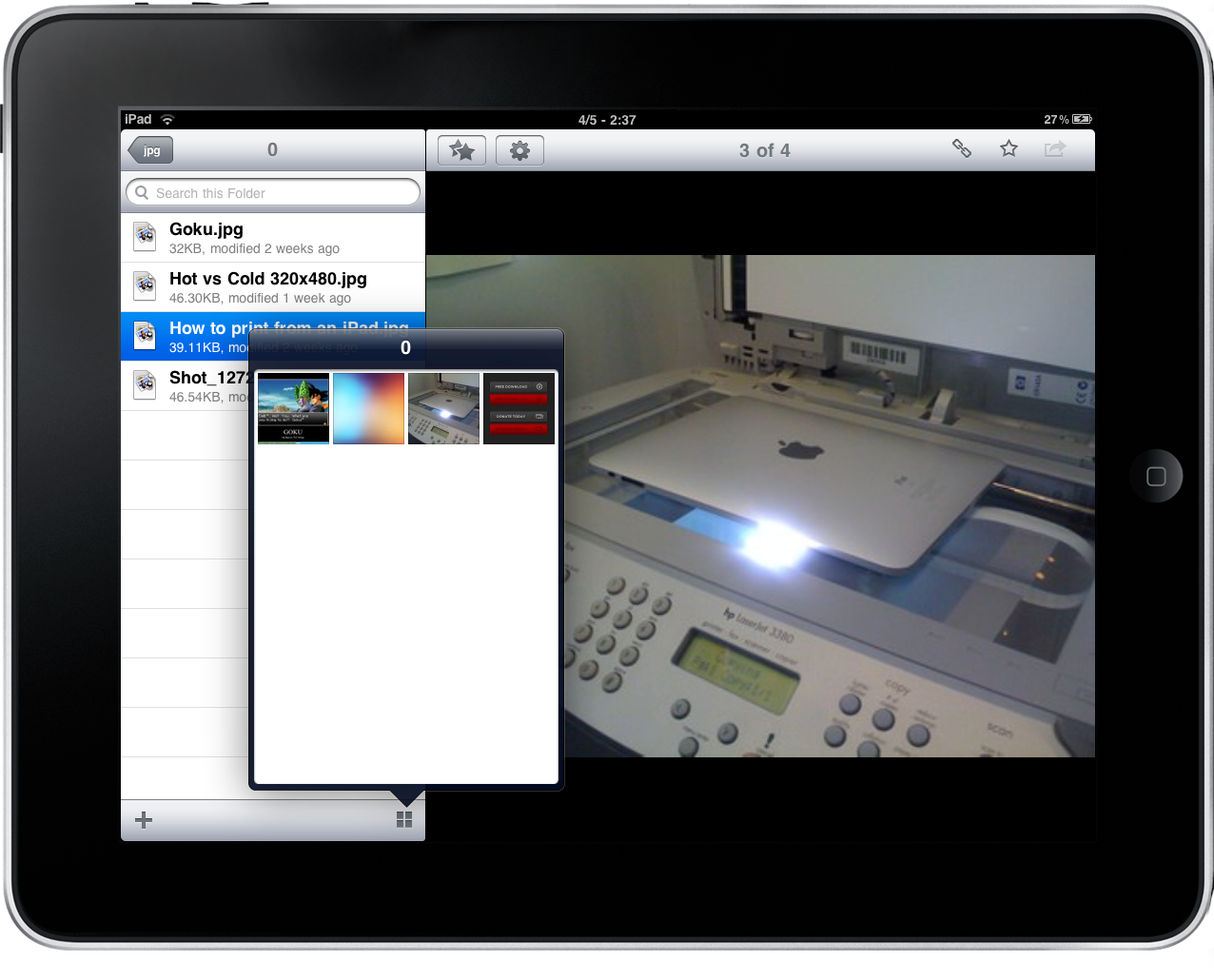
Overall, the app works as expected: you can fave items to download them into the app’s cache (and thus have them available offline) and you can copy an item’s link to the clipboard or simply email it. I highly appreciated the possibility to search for files / folders in your entire Dropbox. As for the files: Dropbox is good at displaying them, but you can’t actually do a lot of stuff besides visualizing them and sharing them. For example, Dropbox displays PDFs just fine, but I wouldn’t recommend it to read an entire 200 pages ebook, as you can’t really do anything except for… well, viewing. No bookmark, no in-page search, anything. Same for images, even though it’s nice to have a popover with thumbnails if a folder contains multiple .jpeg or .png files. You can’t preview .PSDs, extract .zip archives and view .webarchive files: if you consider that apps such as GoodReader or ReaddleDocs can do this, it’s clear that the Dropbox will have to focus on file support and preview capabilities for the iPad.
But anyway, it’s still Dropbox you know and love running with a native interface on the iPad, and if you need to read that something you have on your Mac - you can. It’s the same lifesaver, but it needs a lot of improvements. If you still don’t have a Dropbox account, go create one. It’s free, and it’s the best online backup and sync service you might ever ask for.
We’re looking forward to the next update, and then Dropbox for iPad will really stand out.
