Posts tagged with "iPad"

Well, I Guess I Like Safari’s Compact Tab Bar in iPadOS 26.4 (Also: Using Vertical Tabs in Safari for iPad)

We're so back.

We’re so back.

Yours truly, back in September 2021:

In case I haven’t been clear enough above, I’ll be blunt: I don’t understand why the compact tab bar exists on iPad, and I think this design shouldn’t have shipped to customers.

My understanding is that Apple thought the benefit of removing a separate address bar, therefore saving a few vertical pixels on the page, would have made all the compromises we’ve seen so far worth the trade-offs in usability. I think that’s a wrong and mismanaged decision driven by an unmotivated pursuit of an iPhone-like design that has no place on iPad. If slightly increasing vertical space on webpages is Apple’s only argument here in favor of the compact tab bar, you tell me if it’s worth the trouble by judging from the screenshots below.

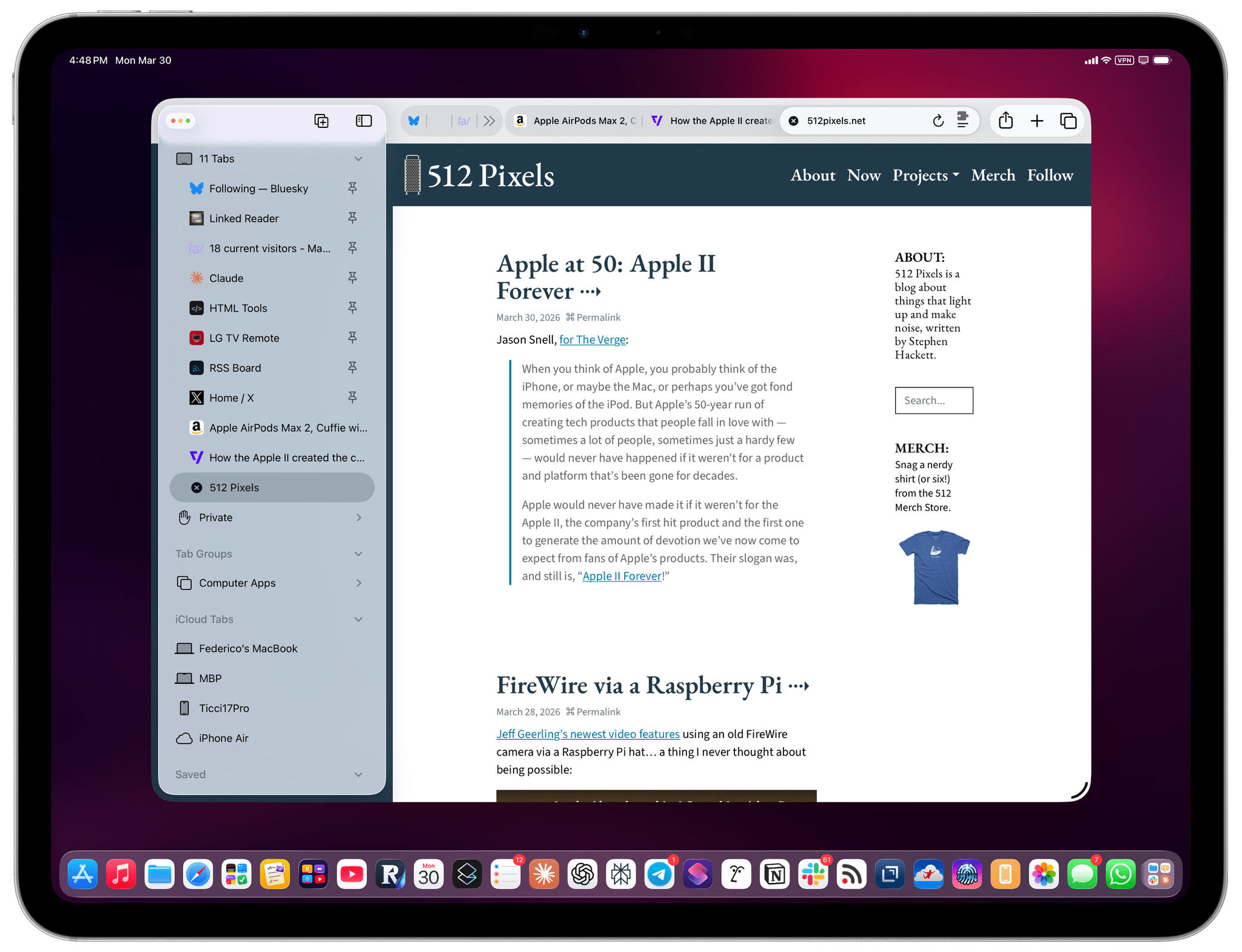
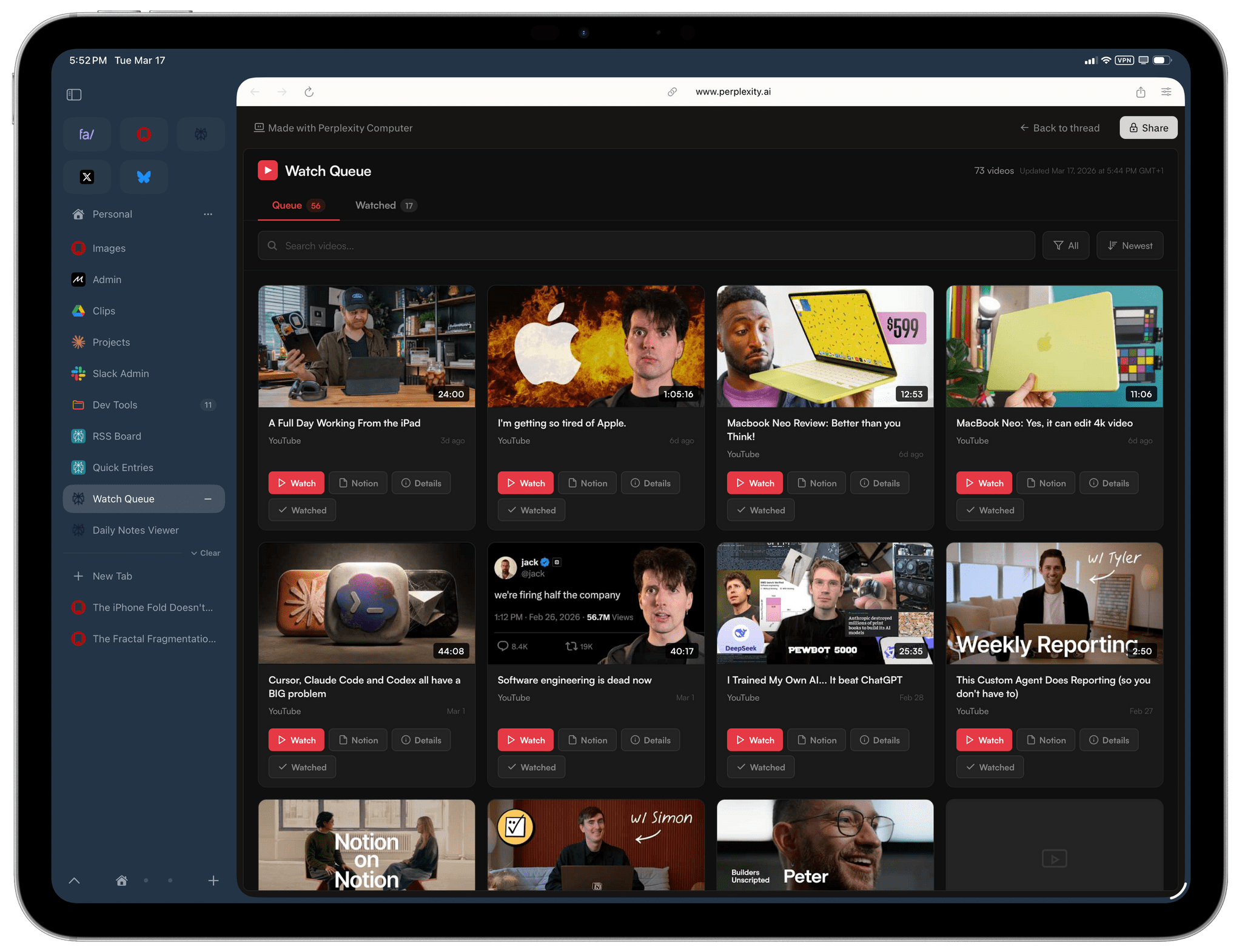
If, like me, you missed this in the release notes for the recently released iPadOS 26.4, the compact tab bar has returned to Safari for iPad after mysteriously disappearing in iPadOS 26.0. And I’m here to tell you that not only do I not despise it like I did five years ago, but I actually like this mode and have been working with Safari on my 13” iPad Pro like this for the past two weeks.
Read more


The iPhone Fold Doesn’t Need iPadOS to Be a Great “Tablet”

I meant to link this at the beginning of the year, then I forgot, but I guess the story is still as timely as ever given the state of the latest rumors. A few months back, Jason Snell 3D-printed a mockup of the upcoming iPhone Fold (which I still think should be called iPhone Duo), which revealed a surprising design decision:

If these mock-ups are real, this folding iPhone is not going to be what you may have pictured in your head: a modern iPhone, roughly the shape of an iPhone Pro, that folds open to reveal a larger screen inside.

Instead, Apple may be making a device that’s much wider and squatter than existing iPhones when it’s folded up. The mock-ups people are printing show a phone that’s squatter than an iPhone mini and wider than an iPhone Pro Max! If that shape is right, the iPhone Fold will look a bit more like a mini notebook when it’s folded, unlike any iPhone that has ever existed.

And:

The shape makes sense, however, when you imagine what that phone looks like when it’s unfolded: a screen with a 4:3 aspect ratio, the shape of an old-school television and—more importantly—an old-school iPad. In fact, this rumored design would make the unfolded iPhone the shape of an iPad, just slightly smaller than the iPad mini. (The iPad mini’s screen is 8.3 inches when measured diagonally, while this screen is rumored to be 7.76 inches.)

Read more


MotionVFX Team Joins Apple

Source: MotionVFX.

Source: MotionVFX.

Earlier today, MacRumors reported that MotionVFX was acquired by Apple. Based in Poland, MotionVFX has been a go-to resource for YouTubers and other creators for years with its highly-regarded plugins, templates, and tools for Final Cut Pro, DaVinci Resolve, and other apps.

According to MotionVFX’s note:

For over 15 years, we’ve been on a mission to create world-class, visually inspiring content and effects for video editors. From the very beginning, we’ve been all about quality, ease of use, and great design. These are also the values that we admire most in Apple’s products, and we’re thrilled to be able to embrace them together.

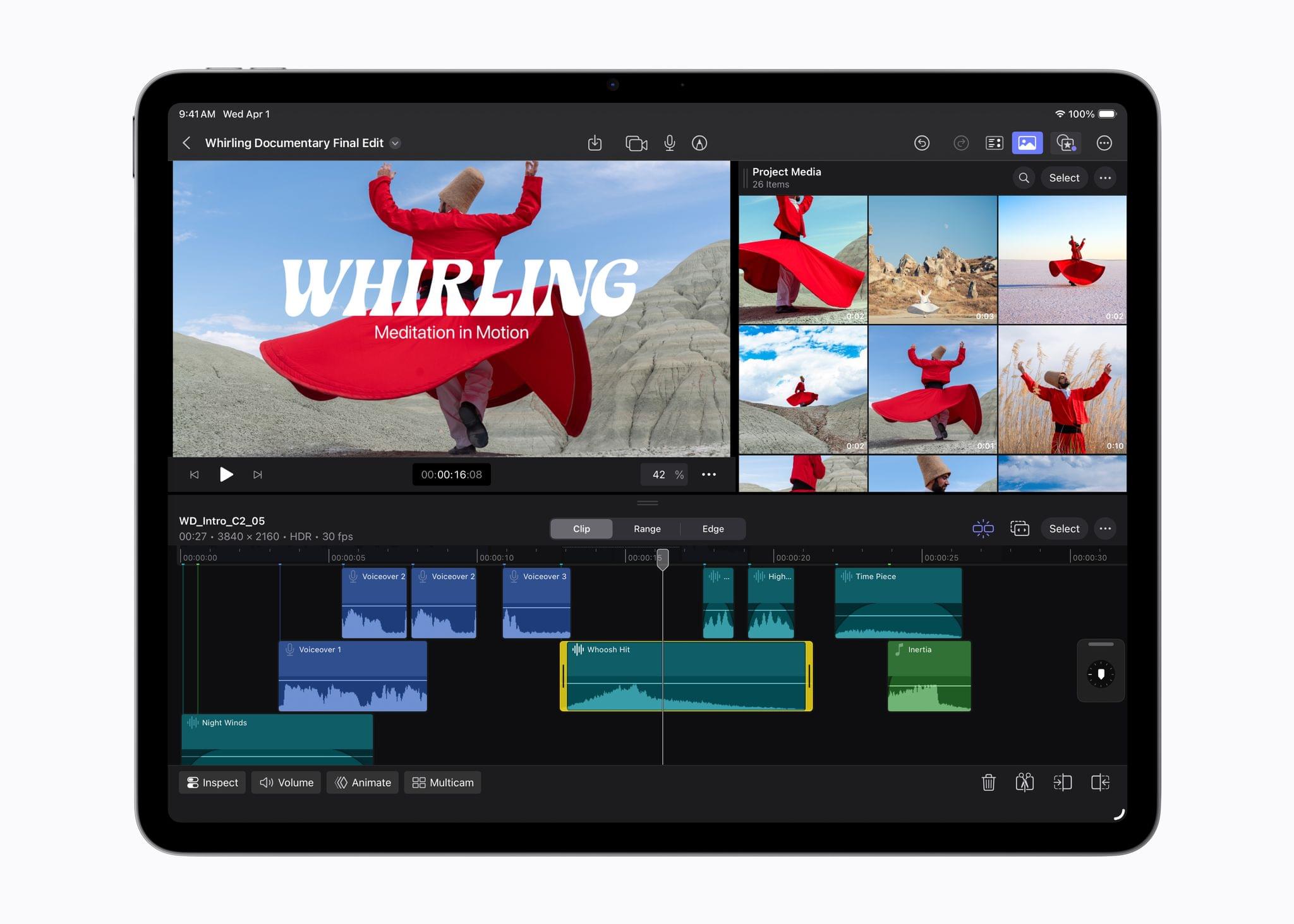
This is exciting news for anyone who uses Final Cut Pro. My hope is that the acquisition will result in MotionVFX’s plugins making their way into Creator Studio and being extended to the iPad. For the Mac, that would add a lot of value to Creator Studio. For the iPad, it would add plugin support for the first time, a feature I expected Apple to have shipped by now.

Permalink

“This Is Not The Computer For You”

I loved this essay by Sam Henri Gold on the MacBook Neo but, really, about where the “wrong” computer in your life can take you:

There is a certain kind of computer review that is really a permission slip. It tells you what you’re allowed to want. It locates you in a taxonomy — student, creative, professional, power user — and assigns you a product. It is helpful. It is responsible. It has very little interest in what you might become.

The MacBook Neo has attracted a lot of these reviews.

The consensus is reasonable: $599, A18 Pro, 8GB RAM, stripped-down I/O. A Chromebook killer, a first laptop, a sensible machine for sensible tasks. “If you are thinking about Xcode or Final Cut, this is not the computer for you.” The people saying this are not wrong. It is also not the point.

Nobody starts in the right place. You don’t begin with the correct tool and work sensibly within its constraints until you organically graduate to a more capable one. That is not how obsession works. Obsession works by taking whatever is available and pressing on it until it either breaks or reveals something. The machine’s limits become a map of the territory. You learn what computing actually costs by paying too much of it on hardware that can barely afford it.

(The MacBook Neo is a lovely computer that feels futuristic despite its specs. I was about to return mine, then decided to keep it because there’s something special about it. You can listen to the latest episode of Connected to hear my take on it.)

Sam’s story resonated with me because I’ve been there, not as a kid, but as a 24-year-old who needed to get work done from a hospital bed and chose to do so with an iPad. I stuck with it after that, despite a lot of people telling me it was the wrong computer for me.

Sometimes the “wrong” computer is the right obsession for you. You never know where that can take you. Go read Sam’s full story if you need a reminder of why specs don’t ultimately dictate someone’s creativity.

Permalink

Apple Introduces M4-Powered iPad Air

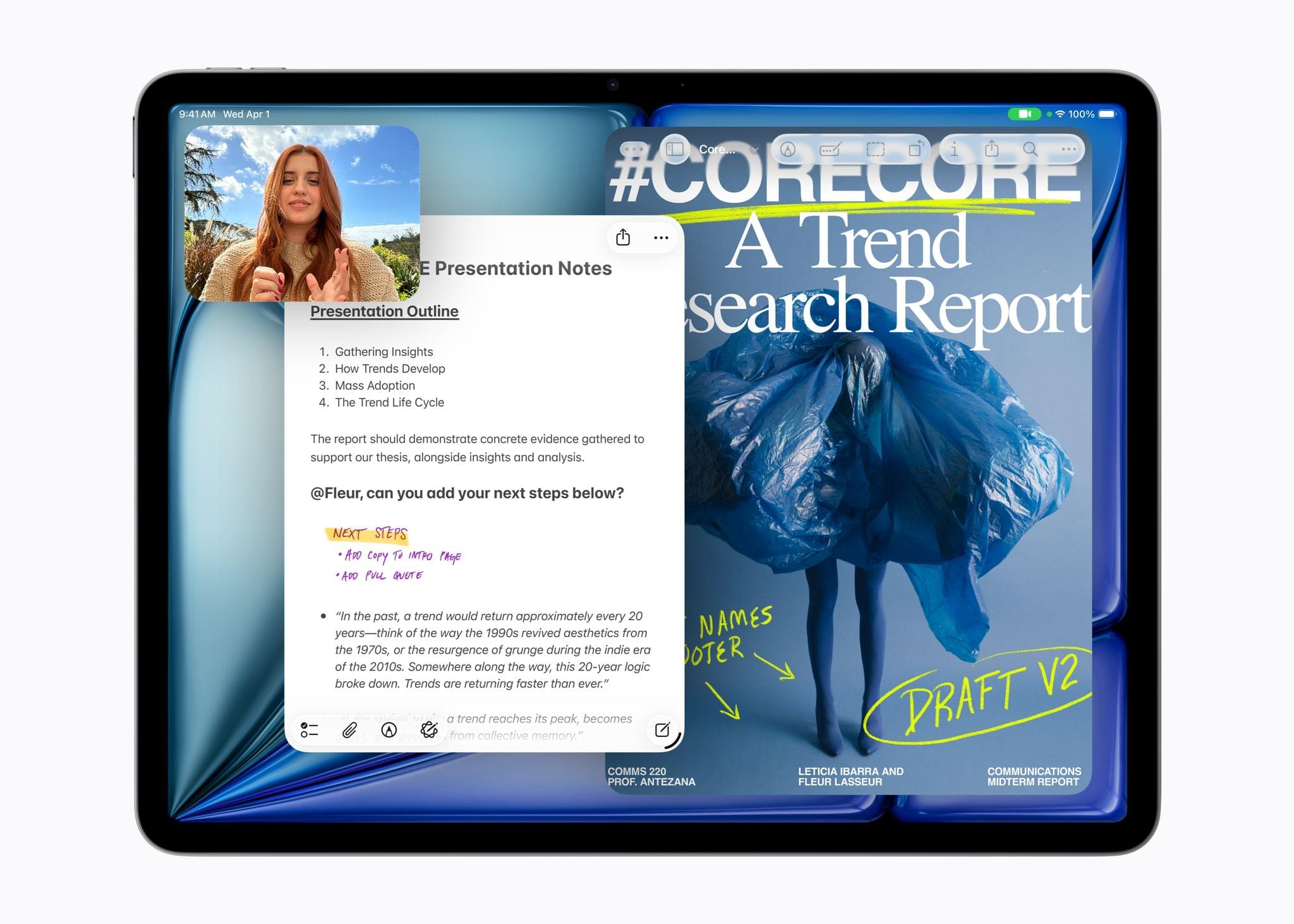
Apple has announced a new iPad Air featuring the M4 chip and 12GB of unified memory. According to the company, the new Air is 30% faster than the M3 iPad Air and 2.3× faster than the M1 Air. Apple says the 50% boost in unified memory enables better AI performance. The new models come in blue, purple, starlight, and space gray, with storage configurations of 128GB, 256GB, 512GB, and 1TB.

Bob Borchers, Apple’s vice president of Worldwide Product Marketing, said of the new Air:

iPad Air gives users more ways than ever to be creative and productive, offering powerful performance and incredible versatility to help them turn their ideas into reality. With its blazing performance thanks to M4, incredible AI capabilities, and game-changing iPadOS 26 features, there’s never been a better time to choose or upgrade to iPad Air.

The M4 iPad Air is available in 11” and 13” sizes and features the Apple-designed N1 and C1X chips for networking and wireless connectivity. The N1 brings Wi-Fi 7 and Bluetooth 6 support to the Air, while Apple says the C1X reduces cell network energy consumption by 30% compared to the M3 iPad Air. Of course, the M4 chipset itself also unlocks new functionality for the Air, including hardware-accelerated mesh shading and ray tracing for gaming.

The 11” iPad Air starts at $599, and the 13” model begins at $799. Education market pricing starts $50 lower for each model. Both Air models support the Apple Pencil Pro, the USB-C Apple Pencil, and Apple’s Magic Keyboard case. Preorders begin this Wednesday, March 4, with deliveries and in-store availability starting March 11.


Creator Studio Review: Redefining Pro for the Modern Era

Starting today, Apple is offering a subscription bundle of its creative apps called Creator Studio. Some of what’s included is exclusive to the subscription package, while other parts of it remain available à la carte. It’s a lot to absorb, and I’ll get to all the details in due course.

However, what’s most exciting to me is the fact that Apple is clearly repositioning these apps to appeal to a broader cross-section of creatives. Apps like Final Cut Pro and Logic Pro are no longer just for Hollywood and music studios. By filling out the iPad lineup and adding Pixelmator Pro along with enhanced versions of their productivity apps, Apple has taken the first steps toward realigning its apps with what it means to be a creative professional in 2026.

This transition isn’t the sort of thing that happens overnight, which is why it’s easy to spot the gaps in Creator Studio’s offerings. I ran into a couple of bugs along the way, too. However, by and large, I think the bundle of apps hits the right notes and is heading in the right direction. Let’s take a closer look.

Read more


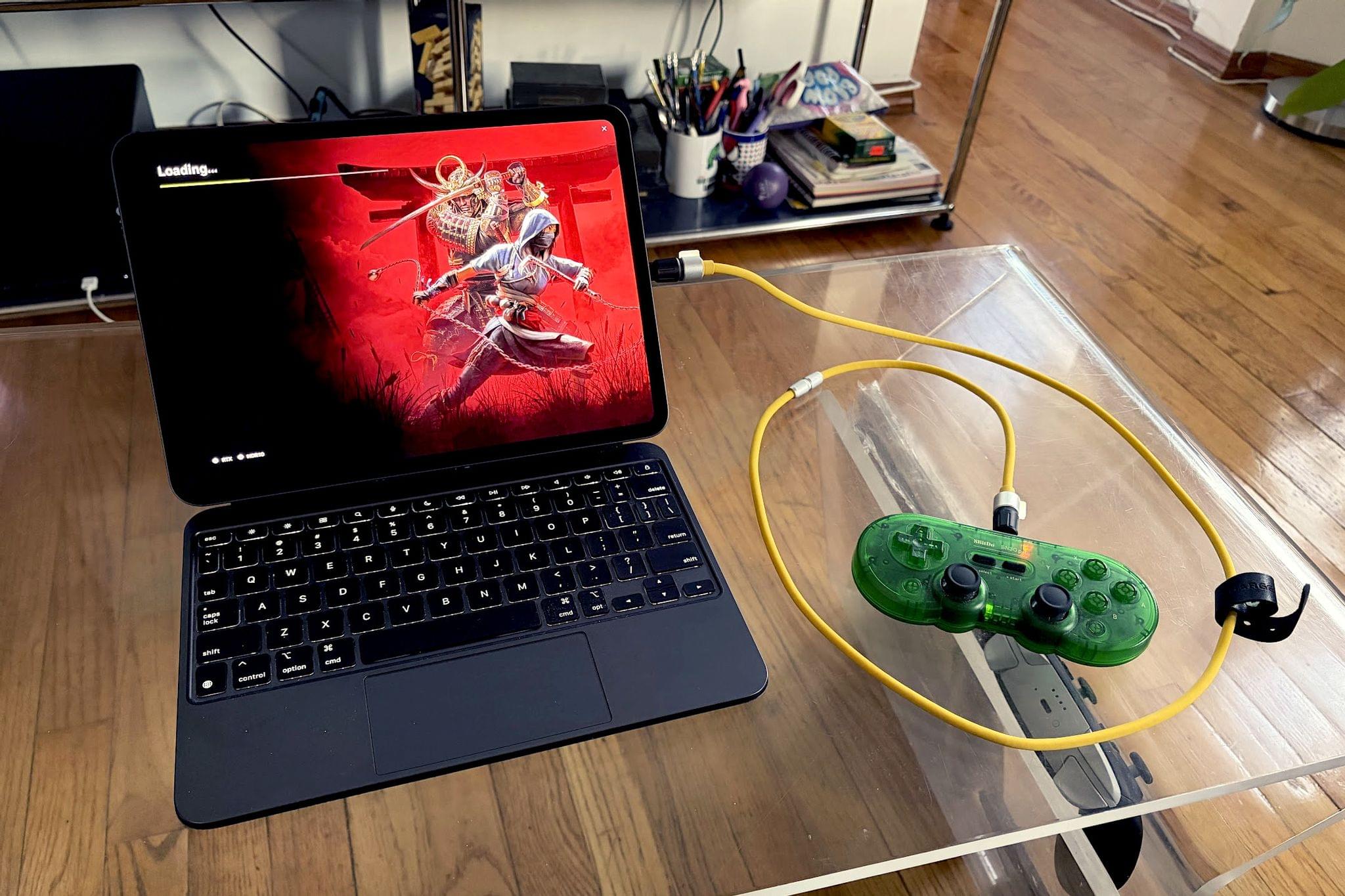
The iPad Finally Becomes a Gaming Console with CloudGear

My iPad has been gathering dust. I bought it last May – an 11” M4 iPad Pro with 512GB of storage and a Magic Keyboard – mostly for writing, photo and video editing, and experimenting with Apple’s seemingly renewed focus on gaming.

On paper, it excels at all of these things.

While the M4 chip is overkill for the iPad’s possibility space, the ever-present specter of the shortcomings inherent in iPadOS tends to loom over more intensive tasks. There’s a clear disconnect between what Apple states the iPad is for in a post-iPadOS 26 world and what the hardware itself is allowed to do when constrained by software limitations. Quinn Nelson of Snazzy Labs explored this from multiple angles in a recent video that ended with a poignant sentiment:

There are still days that I reach for my $750 MacBook Air because my $2,000 iPad Pro can’t do what I need it to. Seldom is the reverse true.

As a person who also owns a MacBook Pro with an M4 Pro chip stashed away inside, I’ve found the moments I choose my iPad to be few and far between. Despite the ease with which I could fit it into most of my small sling bags when I leave the house and the fact that it’s “good enough” at accomplishing most tasks I could throw at it, I still tend to pack the MacBook instead.

Just in case.

Read more


“The iPad’s Software Problem Is Permanent”

I love my iPad Pro, but, as you know, lately I’ve been wondering about what comes after iPadOS 26. We have much better multitasking now, and key workflow limitations such as file management, audio recording, and long-running background tasks have been addressed by Apple this year. But now that the user-facing system’s foundation has been “fixed”, what about the app ecosystem?

Over at Snazzy Labs, Quinn Nelson has been wondering the same, and I highly recommend watching his video:

Quinn makes a series of strong, cogent arguments with factual evidence that show how, despite multitasking and other iPadOS 26 improvements, using apps on an iPad Pro often falls short of what can be achieved with the same apps on a Mac. There is so much I could quote from this video, but I think his final thought sums it up best:

There are still days that I reach for my $750 MacBook Air because my $2,000 iPad Pro can’t do what I need it to. Seldom is the reverse true.

I’m so happy that Apple seems to be taking iPadOS more seriously than ever this year. But now I can’t help but wonder if the iPad’s problems run deeper than windowing when it comes to getting serious work done on it.

Permalink