This Week's Sponsor:

SoundSource

New Year, New Audio Setup: SoundSource 6 from Rogue Amoeba


Posts tagged with "accessories"

MacStories Setups Update: Fresh Approaches, Wi-Fi Upgrades, and Handhelds

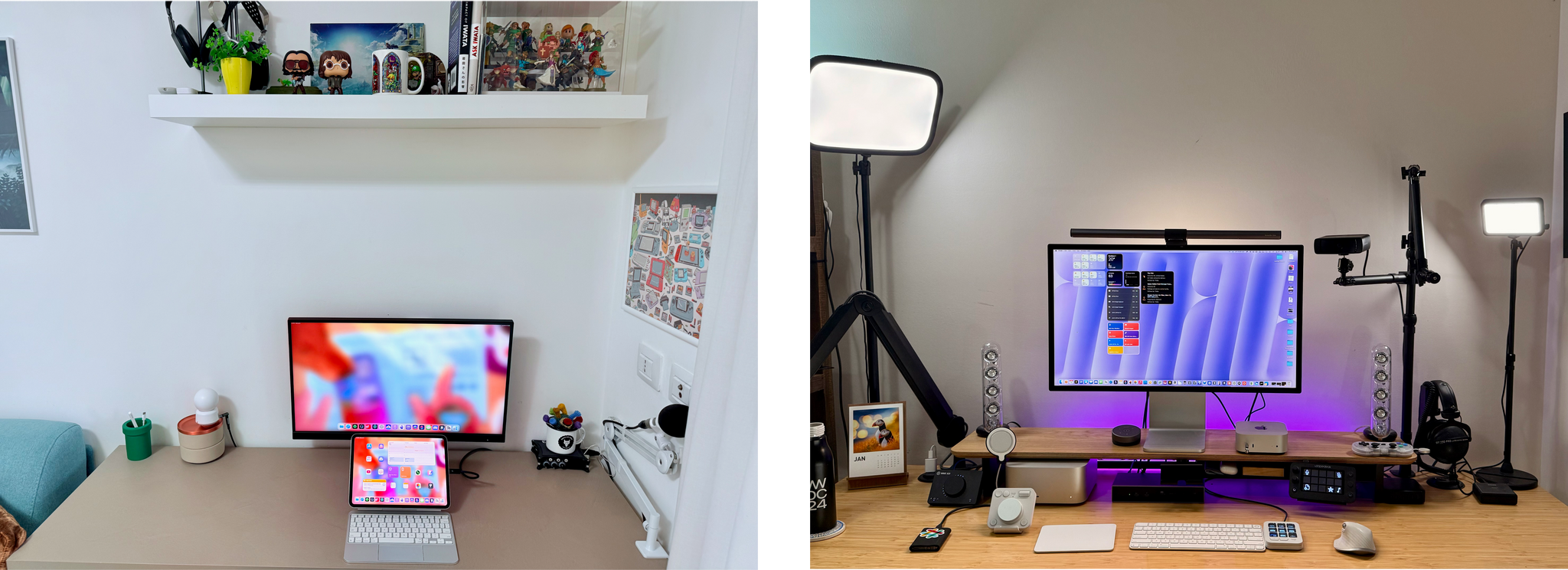
Our setups.

Our setups.

It’s time for another update to the MacStories Setups page, where you’ll find all the gear and apps that Federico and I use for work and play. With Prime Day upon us, it’s a great time to revisit our setups and see what’s on sale. Plus, there’s a handy changelog at the top of the page for those of you who are only interested in what’s new. If you want to hear more about what drove the latest changes to our setups, we’ll be discussing them in more detail on this week’s episode of MacStories Unwind, too.
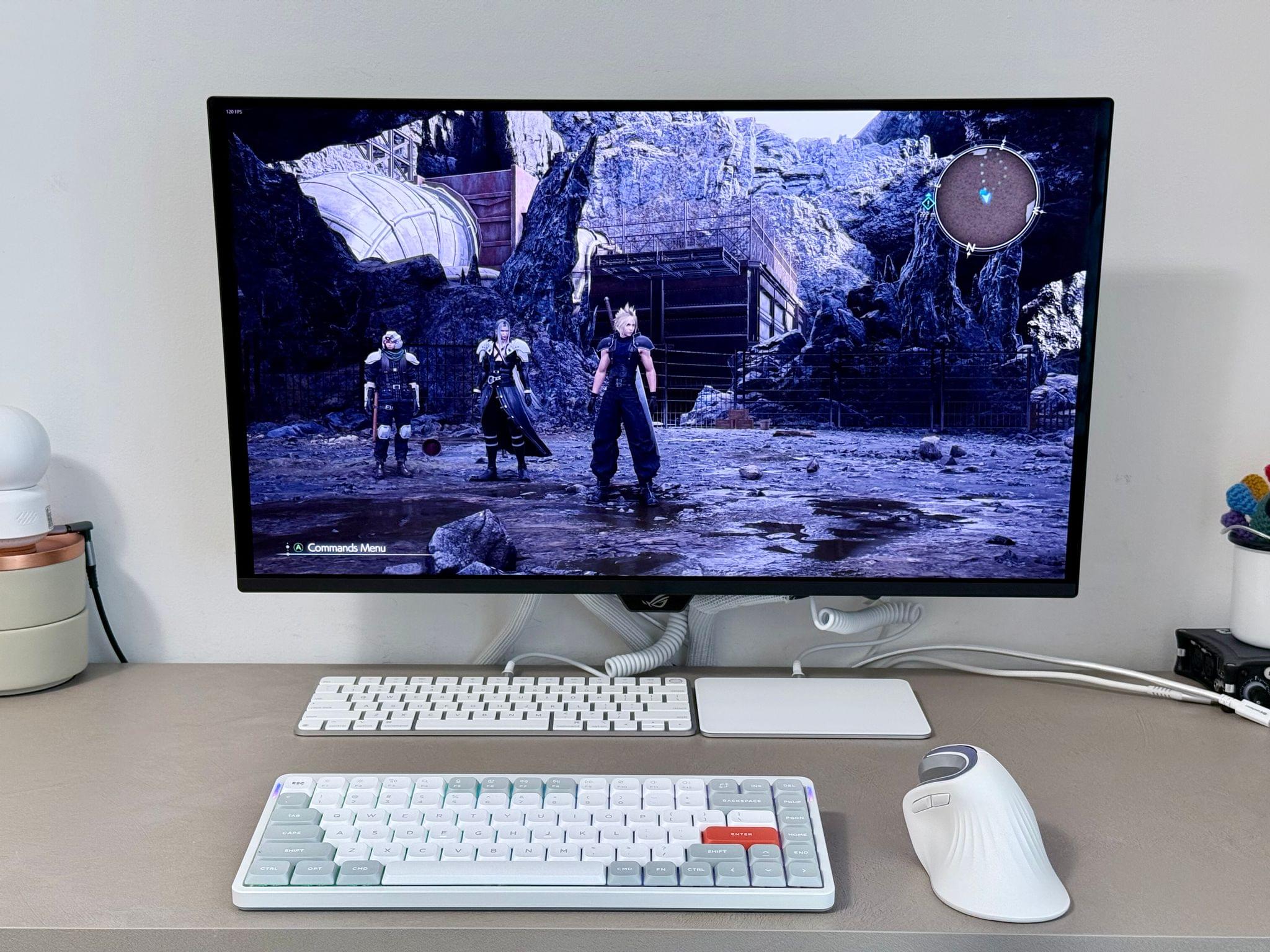
Federico's PC accessories.

Federico’s PC accessories.

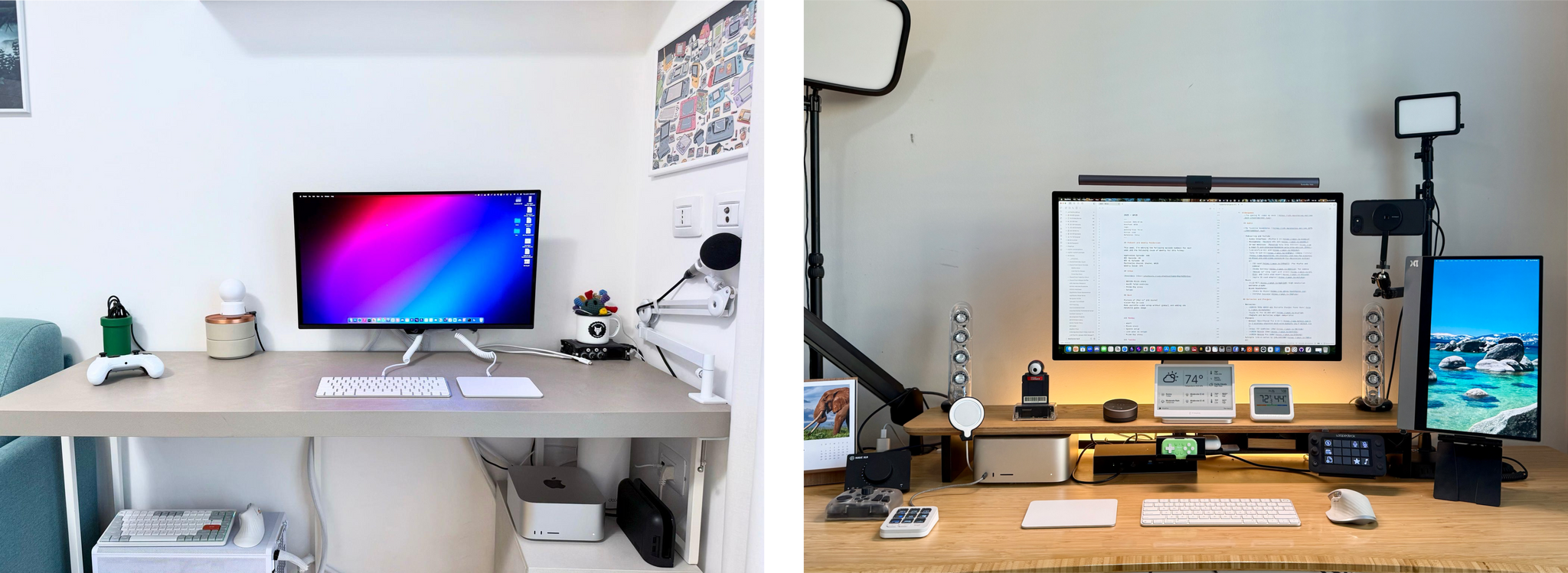
It’s been a little while since we last heard from Federico about his setup, which took a recent turn with the developer beta of iPadOS 26. The iPad Pro is back at the center of Federico’s workflow, but he’s been able to keep everything as streamlined as ever with the help of his ASUS ROG PG27UCDM monitor that features a built-in KVM switch. That display lets him easily switch between the iPad, an M4 Max Mac Studio, his custom-built gaming PC, and the Nintendo Switch 2. When he’s not at his work and gaming monitor, Federico has the latest Viture Pro XR glasses that serve as a USB-C connected external display.

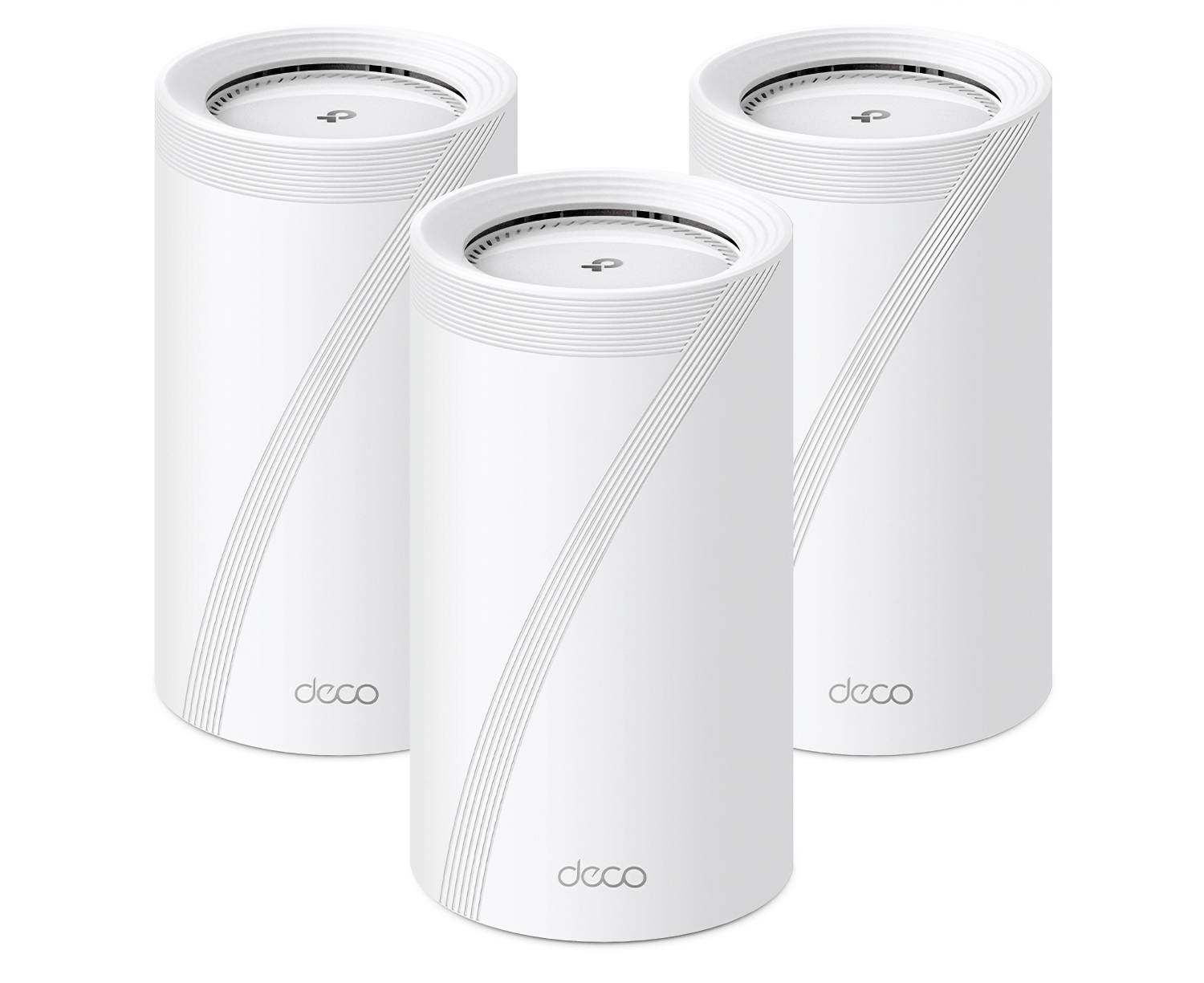
One highlight of both of our setup updates is the TP-Link WiFi 7 Deco BE85 routers. Federico got a two-pack, and I have a three-pack, thanks to my three-story condo. Home Wi-Fi 7 mesh networks are still on the expensive side, but they are much faster than Wi-Fi 6 and 6E in my experience, and the models that Federico and I each installed earlier this year are discounted during Prime Day.
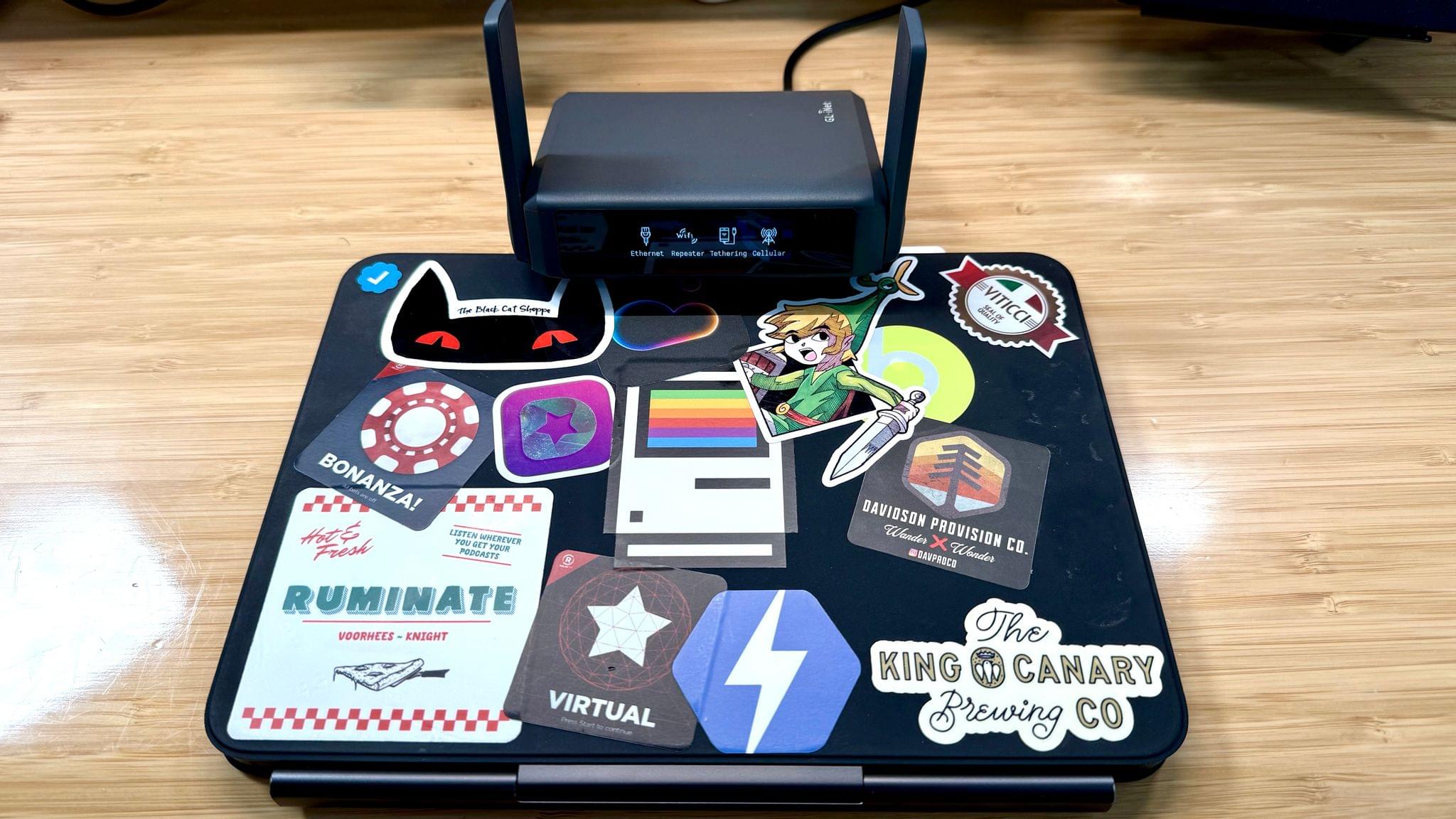
My 11" iPad Pro and GL.iNet portable Wi-Fi 7 router.

My 11” iPad Pro and GL.iNet portable Wi-Fi 7 router.

My setup has been simplified a bit with my latest update. I’m carrying a smaller tomtoc bag when I’m away from home (which I’ve been loving), I upgraded my travel router to Wi-Fi 7 with the GL.iNet GL-BE3600 (Slate 7) Portable Travel Router, and I’m a big fan of the compact elegance of the MOFT Invisible Laptop Stand that I reviewed earlier this year.

At my desk, I swapped a Belkin AirPlay 2 receiver for the more powerful Arylic LP10 AirPlay 2 Wireless Music Streamer, which drives my Harmon Kardon SoundSticks III speakers. I also replaced a pair of broken podcasting headphones with the inexpensive but very comfortable CCZ Yinyoo Melody In Ear Monitors. And I recently started using the Kensington SD5000T5 Thunderbolt 5 Docking Station to expand my Mac Studio’s peripheral options.

Finally, you’ll notice I’ve trimmed down my handheld console setup. There’s still a lot there, but I’ve been focused on flip-style handhelds and picking a favorite of each form factor instead of jumping endlessly from one handheld to the next. With this update, the big additions are the Retroid Pocket Flip 2 and the Miyoo Flip.

Both of us have added other apps and gear, too, so be sure to browse through the Setups page to find the complete listing of our current setups.
Permalink

Amazon Prime Day 2025: Our Top Picks

You’re sure to see a lot of Prime Day roundups around the web today, but ours is a little different. Although there are a lot of great deals during Prime Day, we gather ours from among the hardware we’ve actually tried and can recommend to readers. Here are the best deals we’ve found.

For even more deals, join Club MacStories+ or Premier to become a part of our Discord community, where members are sharing their favorite finds, too.

Storage

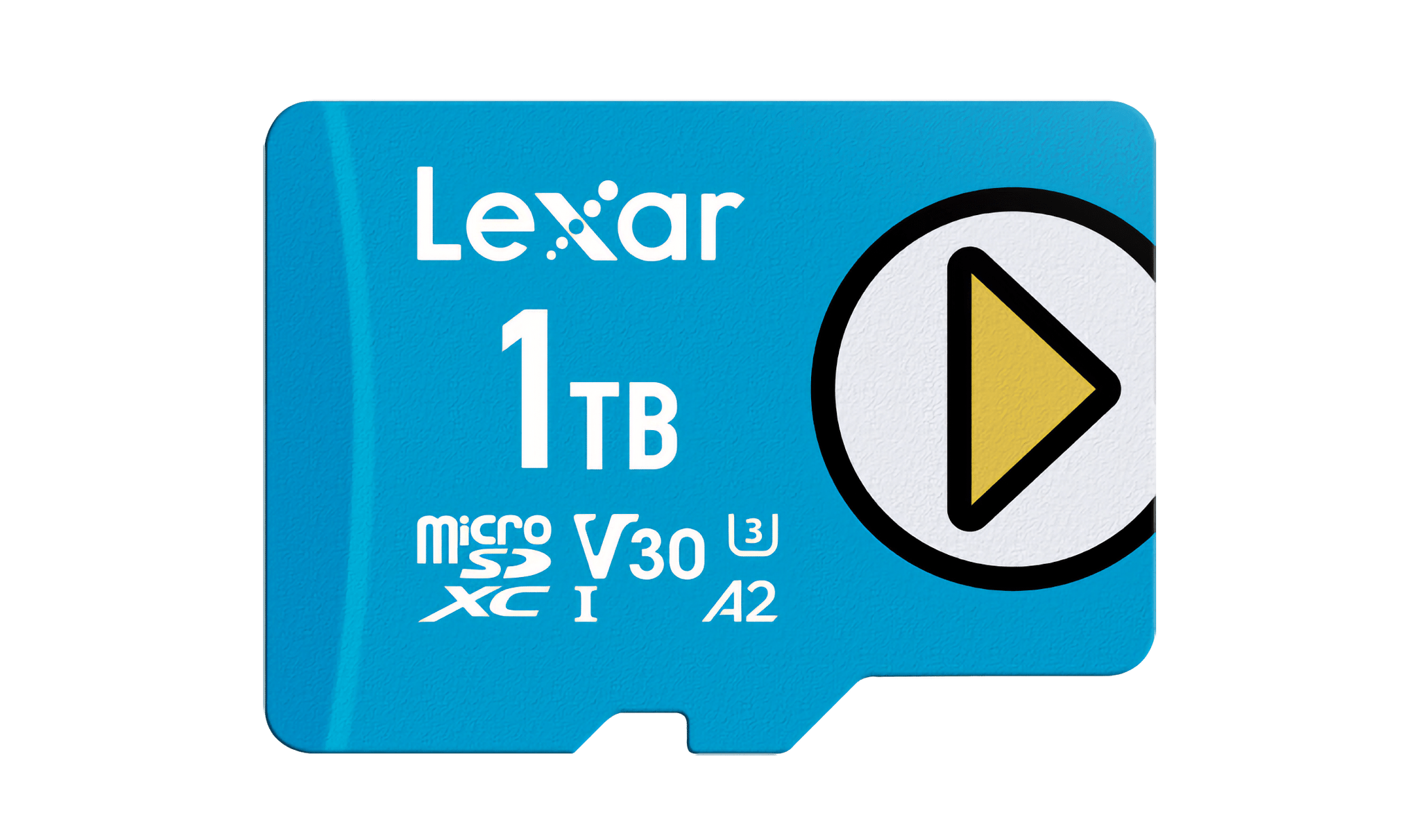
Lexar's 1TB blue microSD card.

Lexar’s 1TB blue microSD card.

I’ve tried just about every major brand of microSD card at this point while testing handheld gaming consoles for NPC: Next Portable Console. One of my go-to brands is Lexar, which has a bunch of cards on sale for Prime Day:

Also on sale are Lexar’s portable external SSDs, which I most recently used at WWDC for transporting large podcast files. You can get the 2TB SL500 model, with USB-C 3.2 data transfer rates, for 31% off during Prime Day.

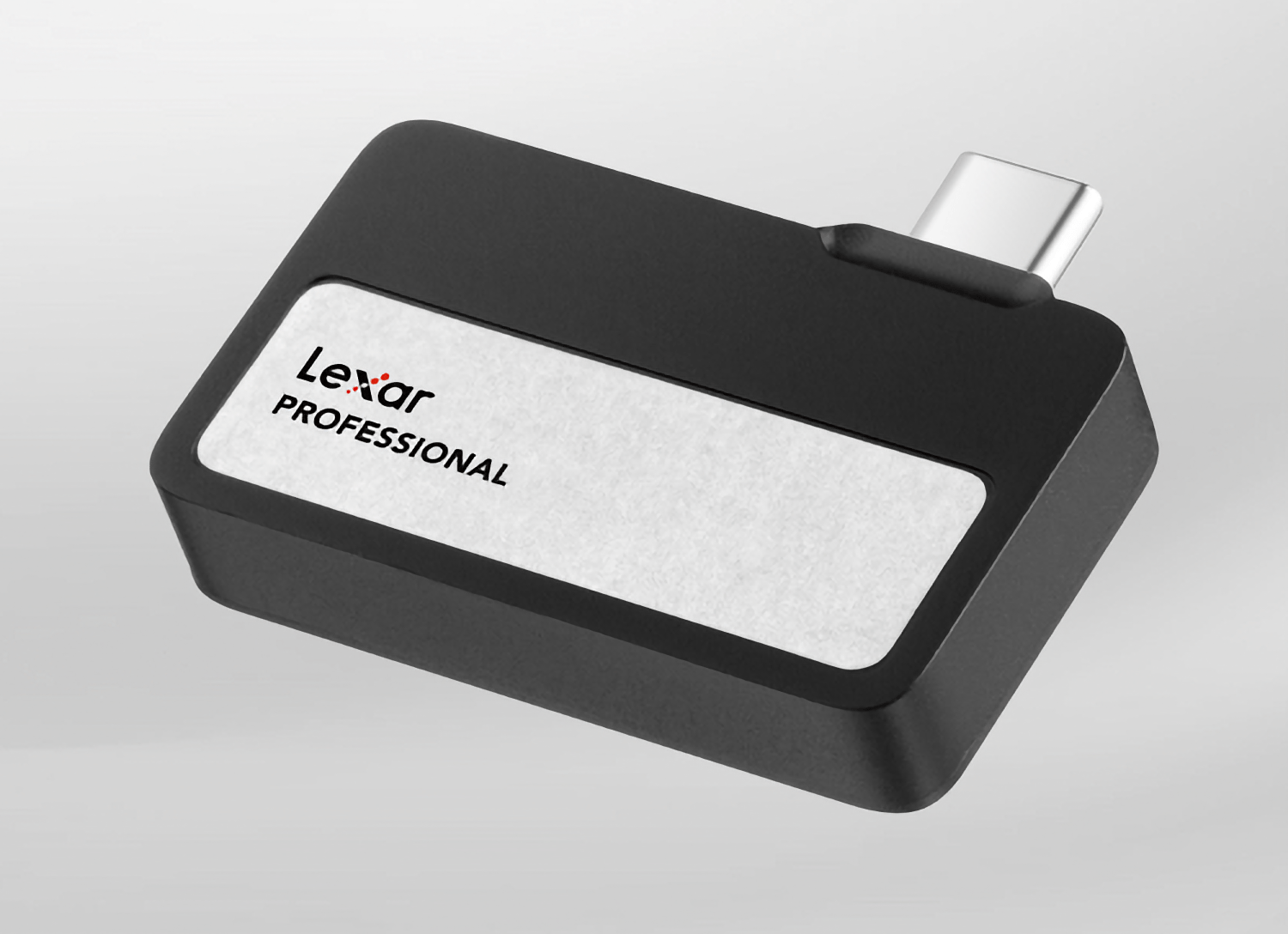
The Lexar Professional Go SSD.

The Lexar Professional Go SSD.

If you shoot video with your iPhone, you might want to check out Lexar’s 2TB Professional Go SSD and Hub, which I used to shoot video for NPC during CES in January. On sale for 30% off, the SSD fits right on the end of your iPhone, adding a bunch of extra storage for video footage, and with the hub (also 30% off), you can add an extra port for charging as you shoot videos. The 1TB version of the SSD is on sale for 26% off, too.

Apple Gear

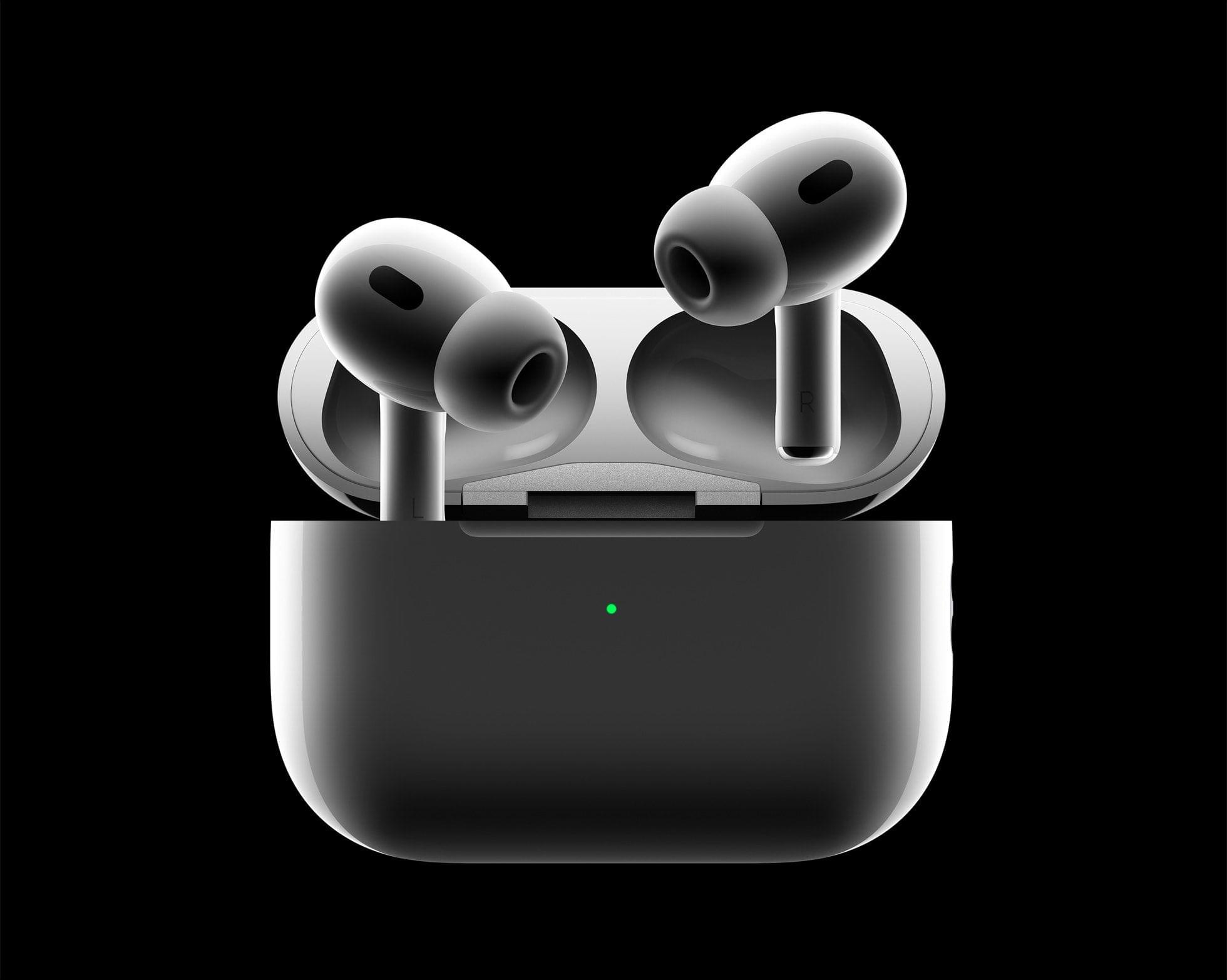
AirPods Pro 2.

AirPods Pro 2.

There are some great Apple hardware deals available for Prime Day, including:

Wi-Fi 7 Mesh Routers

Earlier this year, I upgraded my Wi-Fi to a TP-Link Wi-Fi 7 Mesh system. I came from a Wi-Fi 6E system and was pleasantly surprised to find that TP-Link’s Deco BE95 Wi-Fi 7 BE22000 routers are substantially faster. I’ve had the setup for about three months, and I love it. During Prime Day, you can get the routers individually or in a three-pack for 30% off.

Lighting

The Philips Hue Festavia string lights.

The Philips Hue Festavia string lights.

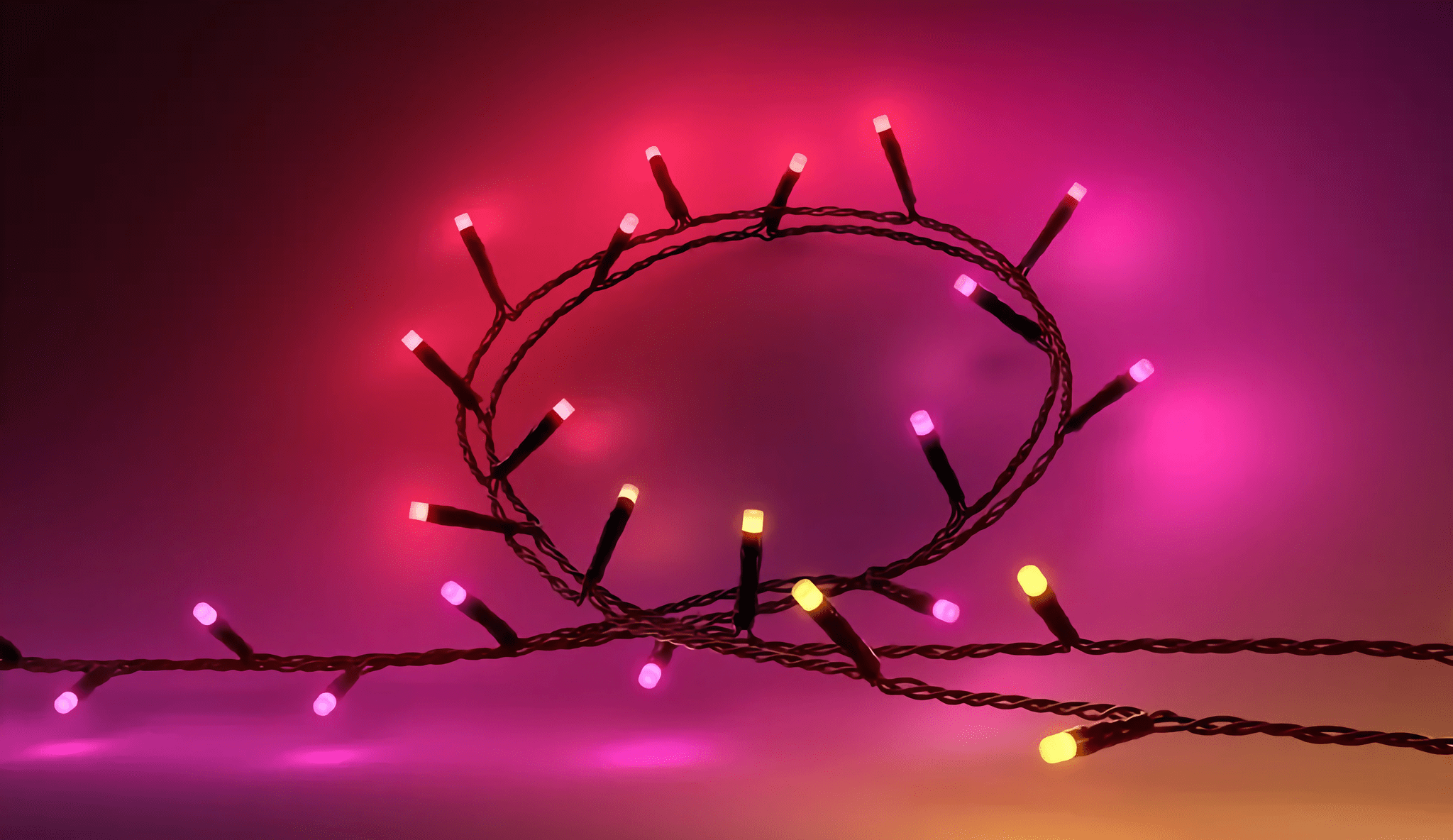
The 65-foot-long Philips Hue Festavia Lights that decorate my balcony are 30% off for Prime Day, as is the Philips Hue Play HDMI Sync Box 8K, which Federico swears by for mood lighting behind his TV. A four-pack of Hue 60W equivalent A19 color-changing smart bulbs is 41% off, too. It’s a great deal, and so is the 33% you can save on a four-pack of the recessed Hue lights that Federico added to his setup today.

Logitech Peripherals

Logitech's Keys-to-Go 2.

Logitech’s Keys-to-Go 2.

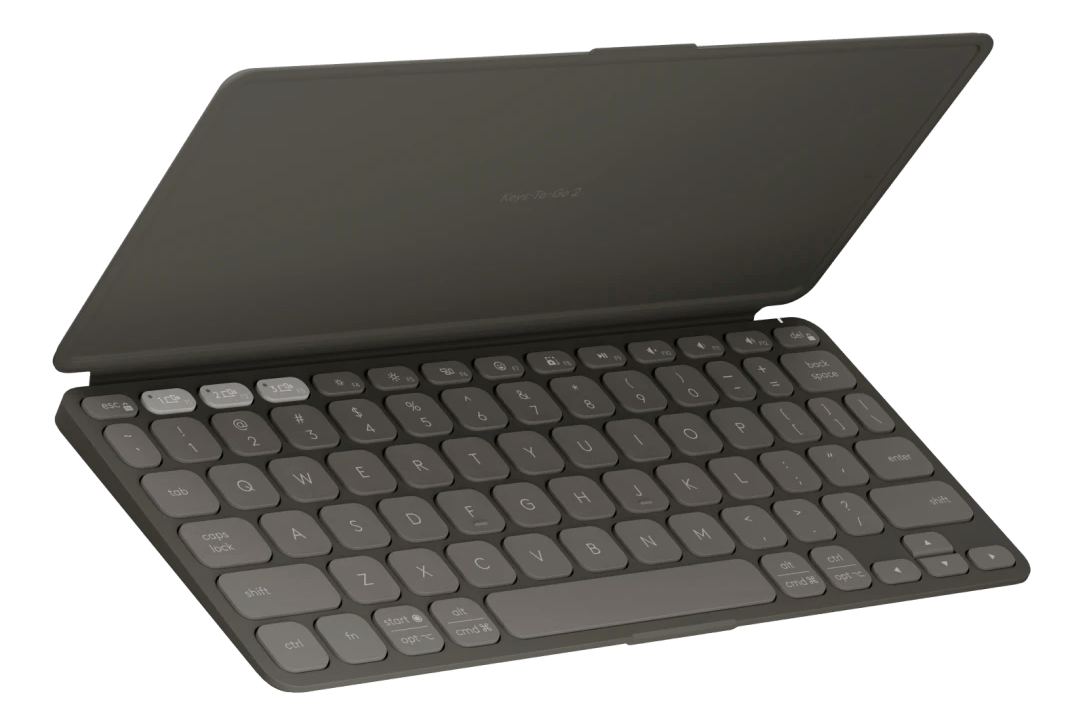
I’ve used Logitech keyboards and mice for a long time. For Prime Day, the company is offering its Keys-to-Go 2 keyboard, the slimmest and most usable small keyboard I’ve ever tried, for 25% off. The POP Mouse, which I use with a variety of handheld gaming devices and the Mac mini, is also on sale for 37% off. Finally, the Logitech C922x HD webcam is 37% off. I haven’t used mine since I went 4K, but if you’re looking for a 1080p webcam, the C922x is my personal favorite.

Elgato Gear and Gaming

Elgato's Prompter.

Elgato’s Prompter.

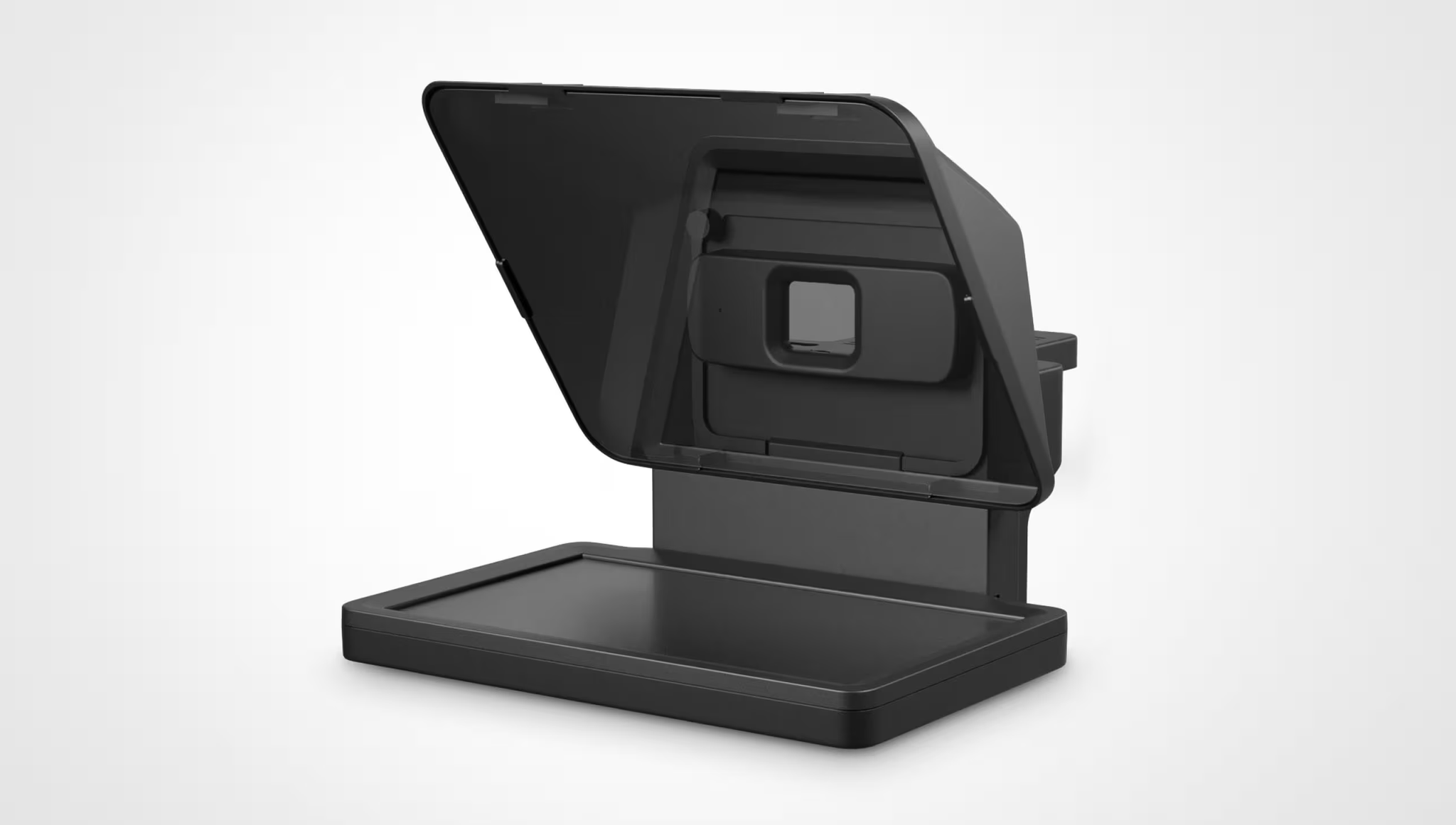
Earlier this year, I purchased an Elgato Prompter that uses mirrors to reflect a second Mac screen in front of a camera for recording videos. It’s a clever setup that works not only with Elgato’s webcams, but also with DSLRs and even iPhones, which is how I use it. During Prime Day, the Prompter is 33% off.

Two other handy podcasting tools I use every week are on sale too. The Elgato Key Light is 22% off during Prime Day, and the Wave Mic Arm is 30% off.

Elgato’s 4K capture card, which is compatible with HDMI 2.1, is on sale during Prime Day for 20% off. It’s one of the best ways I’ve found for capturing videogame footage or anything else that connects via HDMI.

Razer Kishi Ultra.

Razer Kishi Ultra.

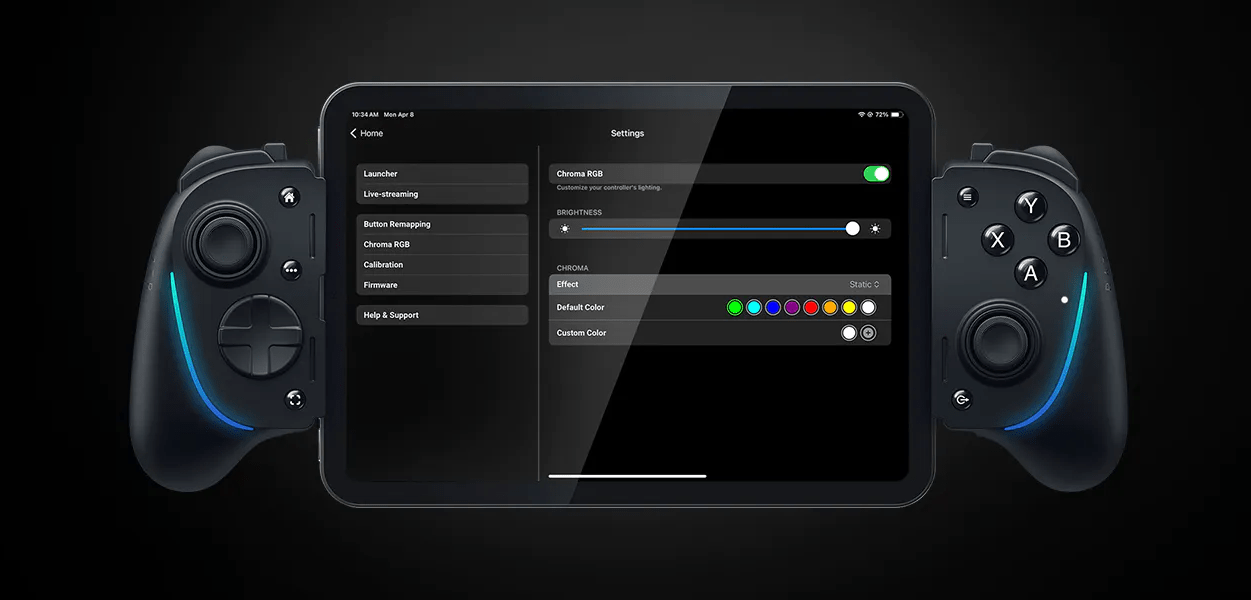
Speaking of games, Razer’s Kishi Ultra controller for the iPhone is also available at a deep 33% discount during Prime Day. The Kishi Ultra is on the large size of iPhone controllers, but as long as that isn’t an issue, you can’t find a better controller to drop your phone into.


Recording Video and Gaming: A Setup Update

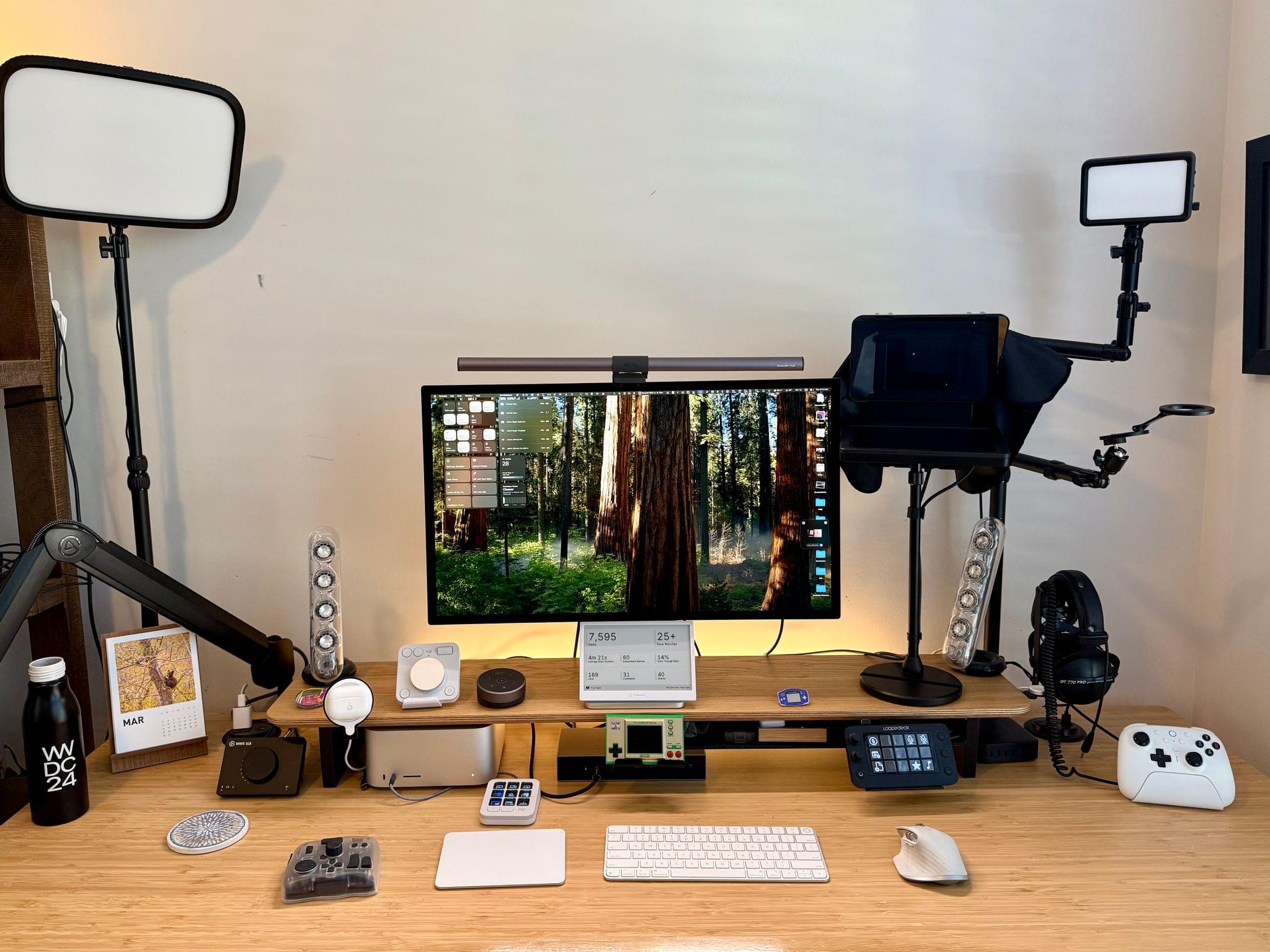
It’s been a couple of months since I updated my desk setup. In that time, I’ve concentrated on two areas: video recording and handheld gaming.

I wasn’t happy with the Elgato Facecam Pro 4K camera, so I switched to the iPhone 16e. The Facecam Pro is a great webcam, but the footage it shot for our podcasts was mediocre. In the few weeks that I’ve moved to the 16e, I’ve been very happy with it. My office is well lit, and the video I’ve shot with the 16e is clear, detailed, and vibrant.

The iPhone 16e sits behind an Elgato Prompter, a desktop teleprompter that can act as a second Mac display. That display can be used to read scripts, which I haven’t done much of yet, or for apps. I typically put my Zoom window on the Prompter’s display, so when I look at my co-hosts on Zoom, I am also looking into the camera.

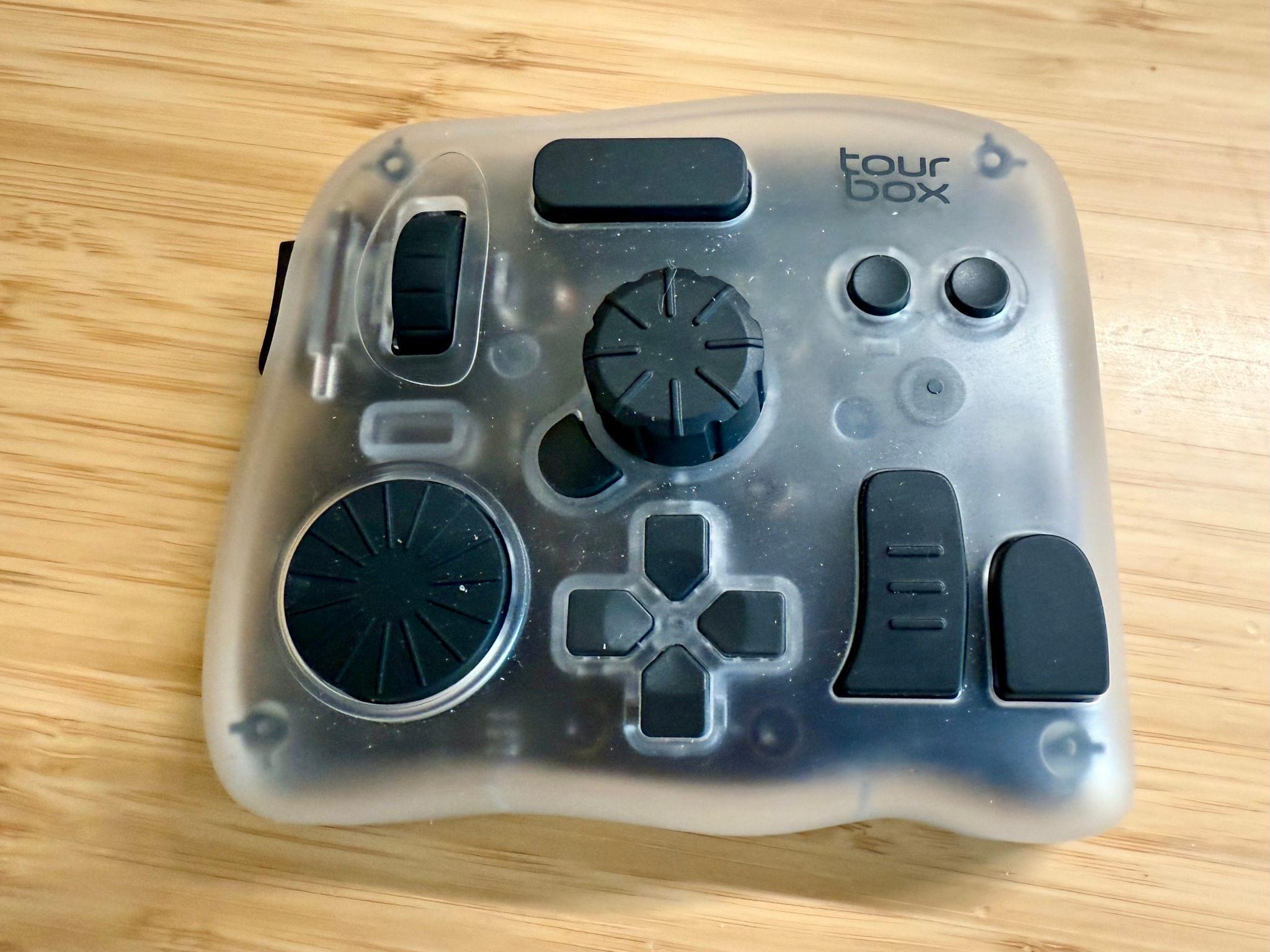
The final piece of my video setup that I added since the beginning of the year is the Tourbox Elite Plus. It’s a funny looking contraption with lots of buttons and dials that fits comfortably in your hand. It’s a lot like a Stream Deck or Logitech MX Creative Console, but the many shapes and sizes of its buttons, dials, and knobs set it apart and make it easier to associate each with a certain action. Like similar devices, everything can be tied to keyboard shortcuts, macros, and automations, making it an excellent companion for audio and video editing.

On the gaming side of things, my biggest investment has been in a TP-Link Wi-Fi 7 Mesh System. Living in a three-story condo makes setting up good Wi-Fi coverage hard. With my previous system I decided to skip putting a router on the third floor, which was fine unless I wanted to play games in bed in the evening. With a new three-router system that supports Wi-Fi 7 I have better coverage and speed, which has already made game streaming noticeably better.

Ayn Odin 2 Portal Pro. Source: Ayn.

Ayn Odin 2 Portal Pro. Source: Ayn.

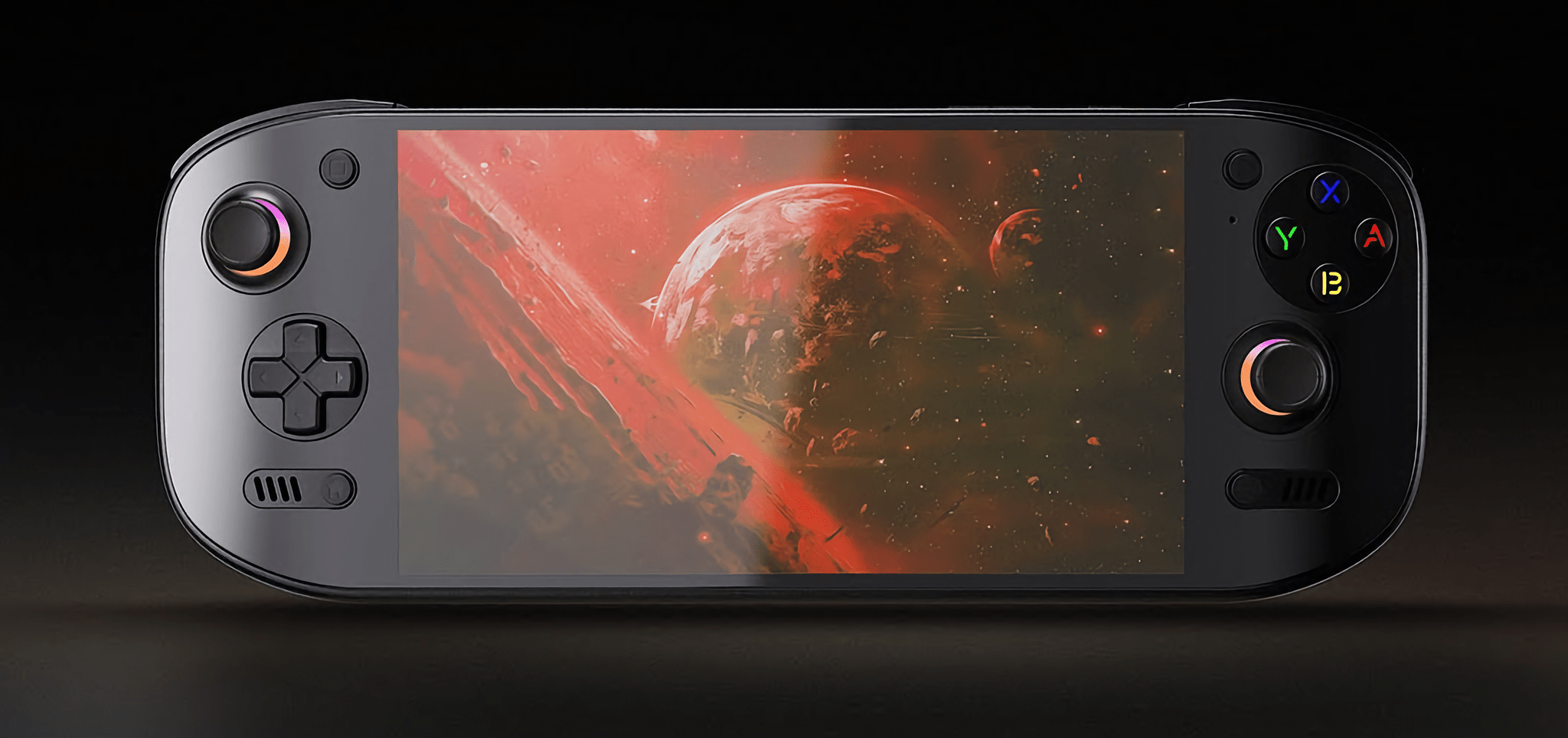
The other changes are the addition of the Ayn Odin 2 Portal Pro, which we’ve covered on NPC: Next Portable Console. I love its OLED screen and the fact that it runs Android, which makes streaming games and setting up emulators a breeze. It supports Wi-Fi 7, too, so it pairs nicely with my new Wi-Fi setup.

A few weeks ago, I realized that I often sit on my couch with a pillow in my lap to prop up my laptop or iPad Pro. That convinced me to add Mechanism’s Gaming Pillow to my setup, which I use in the evening from my couch or later in bed. Mechanism makes a bunch of brackets and other accessories to connect various devices to the pillow’s arm, which I plan to explore more in the coming weeks.

The 8BitDo Ultimate 2 Controller. Source: 8BitDo.

The 8BitDo Ultimate 2 Controller. Source: 8BitDo.

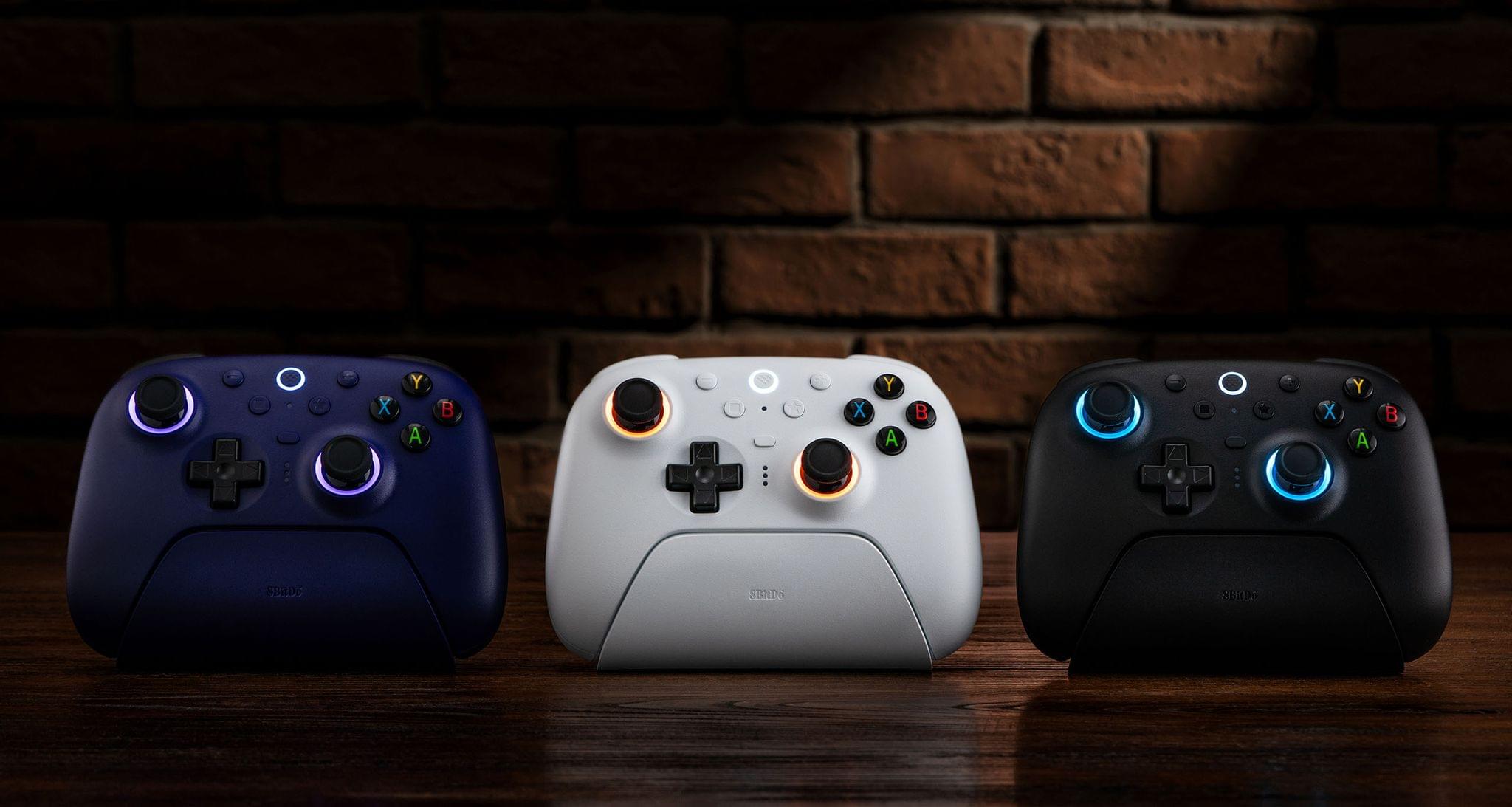
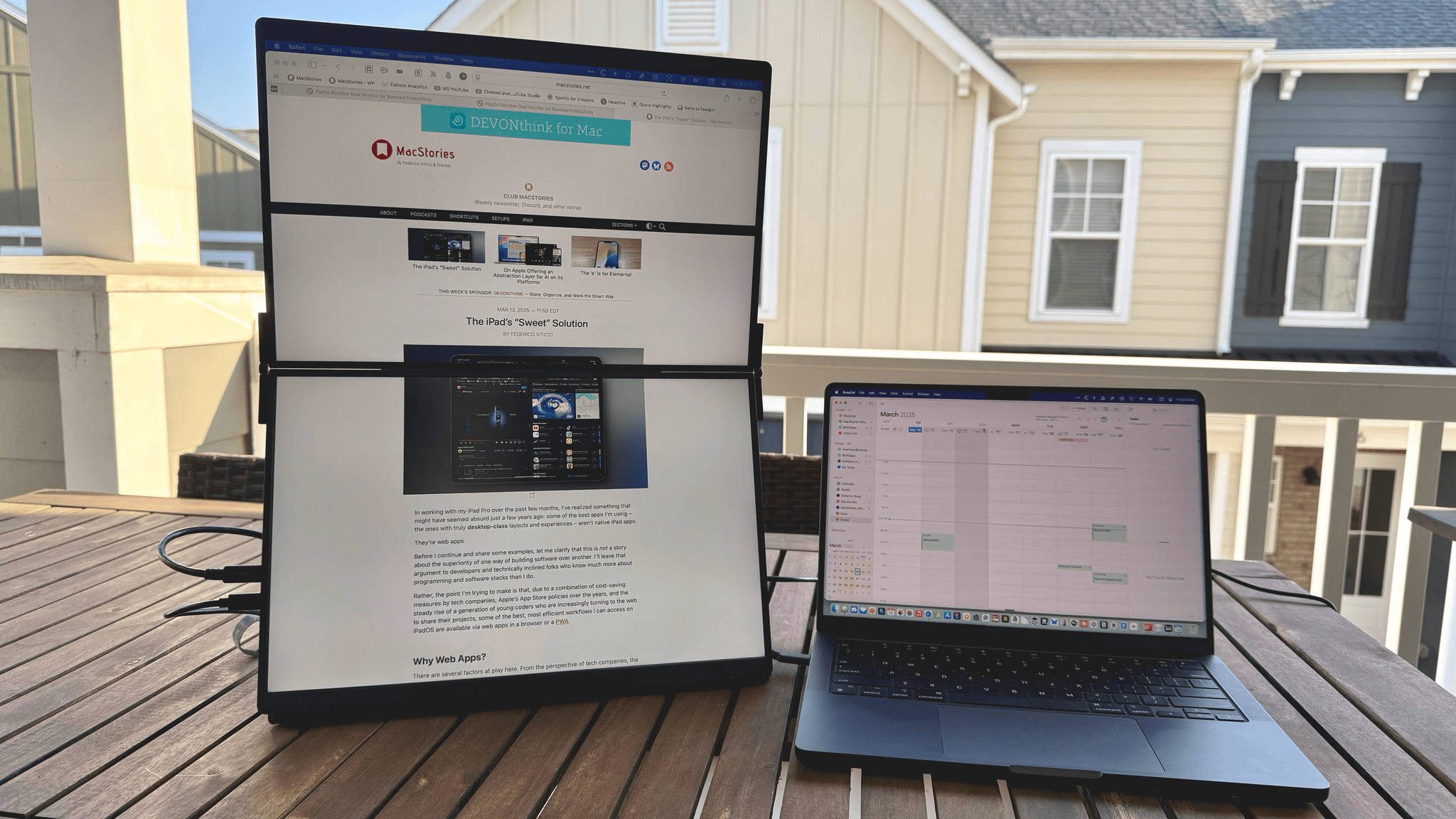
There are a handful of other changes that I’ve made to my setup that you can find along with everything else I’m currently using on our Setups page, but there are two other items I wanted to shout out here. The first is the JSAUX 16” FlipGo Pro Dual Monitor, which I recently reviewed. It’s two 16” stacked matte screens joined by a hinge. It’s a wonderfully weird and incredibly useful way to get a lot of screen real estate in a relatively small package. The second item is 8BitDo’s new Ultimate 2 Wireless Controller that works with Windows and Android. I was a fan of the original version of this controller, but this update preserves the original’s build quality and adds new features like L4 and R4 buttons, TMR joysticks that use less energy than Hall Effect joysticks, and 2.4G via a USB-C dongle and Bluetooth connection options.

That’s it for now. In the coming months, I hope to redo parts of my smart home setup, so stay tuned for another update later this summer or in the fall.

Permalink

Getting Away from Your Desk with JSAUX’s FlipGo Pro Dual Display

JSAUX’s 16” FlipGo Pro Dual Portable Monitor is the sort of gadget that I expect most people will look at and either understand immediately or dismiss, which makes it the kind of hardware I love. I have a fascination with portable displays borne of too many hours sitting at a desk staring at the same screen. I love my desk setup, but an occasional change of scenery goes a long way toward improving my day. It clears the cobwebs, sparks creativity, and is just nice.

So when JSAUX offered to send me their 16” FlipGo Pro dual-screen portable display after CES, I took them up on it. I’ve tried other portable displays, a journey that began with the C-Force CF015 15.6” portable OLED display and more recently led me to try 15.6” 1080p and 17” touch-enabled 4K displays from espresso. Each has had its strengths and weaknesses, but all were roughly laptop-sized displays. There’s a place for that; however, I was intrigued by the idea of something that’s even bigger yet still portable.

That’s exactly what the FlipGo Pro is aiming for by taking two 16” IPS displays and joining them with a hinge. The result is a big, bright display that can adapt to a number of use cases. Yet, while the FlipGo Pro is portable, it’s still a lot of display that will make you think twice before throwing it in your bag. That isn’t a deal-breaker, but it’s a factor worth examining more closely, along with the display’s full specs and the situations where it works best.

Read more


BANG!CASE: Push-Button iPhone Automation

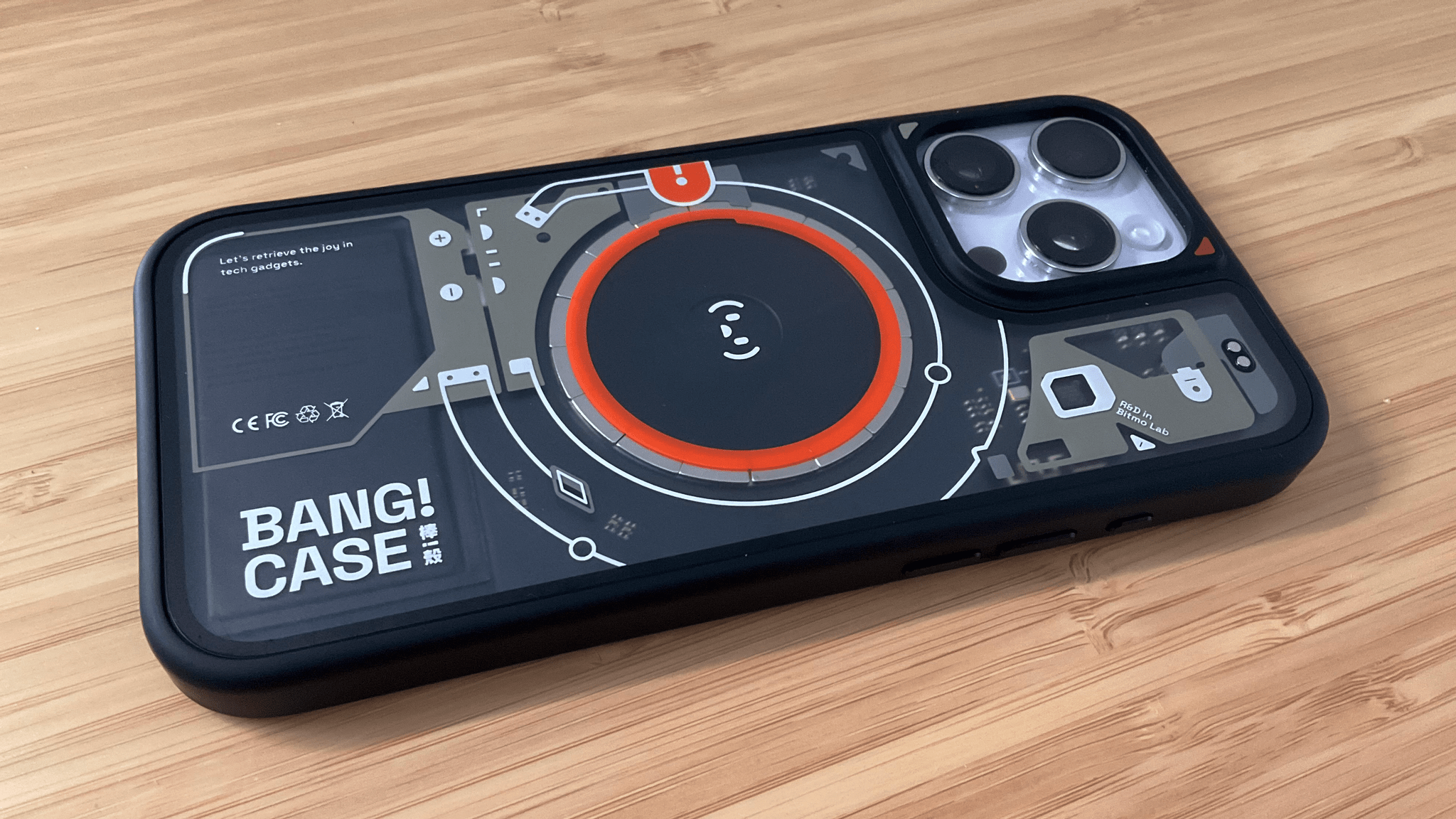
I’ve been intrigued by the BANG!CASE ever since it was introduced by Bitmo Lab as a Kickstarter campaign about a year ago. The case includes a programmable button that can be used to automate actions using your iPhone’s accessibility features. However, because I don’t normally use a case with my iPhone, I never followed through on buying the BANG!CASE.

Fast forward to early January at CES when I visited the booth for JSAUX, an affiliate of Bitmo Lab. In addition to JSAUX’s portable displays and gaming accessories, the company was showing off the BANG!CASE and GAMEBABY. (More on that on NPC soon.)

It just so happens that since the holidays, I’ve continued my quest to refine how I collect and process information throughout my day. That’s led me to test a dozen or so apps, build new shortcuts, and explore other new setups. As a result, I was primed to give the BANG!CASE a try when Bitmo offered me a review unit at their booth, and I’ve been using it for a couple of weeks.

The case has a couple of minor drawbacks that I’ll get to, but by and large, it’s the most unique and useful case I’ve ever put on an iPhone. After enjoying my iPhone without a case for nearly two years, I’ve found that the utility of the BANG!CASE is significant enough that I’ve decided to keep using it, which I didn’t expect. So today, I thought I’d lay out why I like the BANG!CASE so much and how I’m using it.

Read more


Our MacStories Setups: Updates Covering Video Production, Gaming, and More

The second half of 2024 saw a lot of change to my setup and Federico’s. We launched the MacStories YouTube channel, expanded our family of podcasts, and spent time chasing the ultimate portable gaming setup for NPC: Next Portable Console. The result was that our setups have evolved rapidly. So, today, we thought we’d catch folks up on what’s changed.

Our Setups page has all the details, but you’ll notice a couple of trends from the changes we’ve made recently. As Federico recounted in iPad Pro for Everything: How I Rethought My Entire Workflow Around the New 11” iPad Pro, the linchpin to ditching his Mac altogether was recording audio and video to SD cards. He already had a solution for audio in place, but video required additional hardware, including the Sony ZV-E10 II camera.

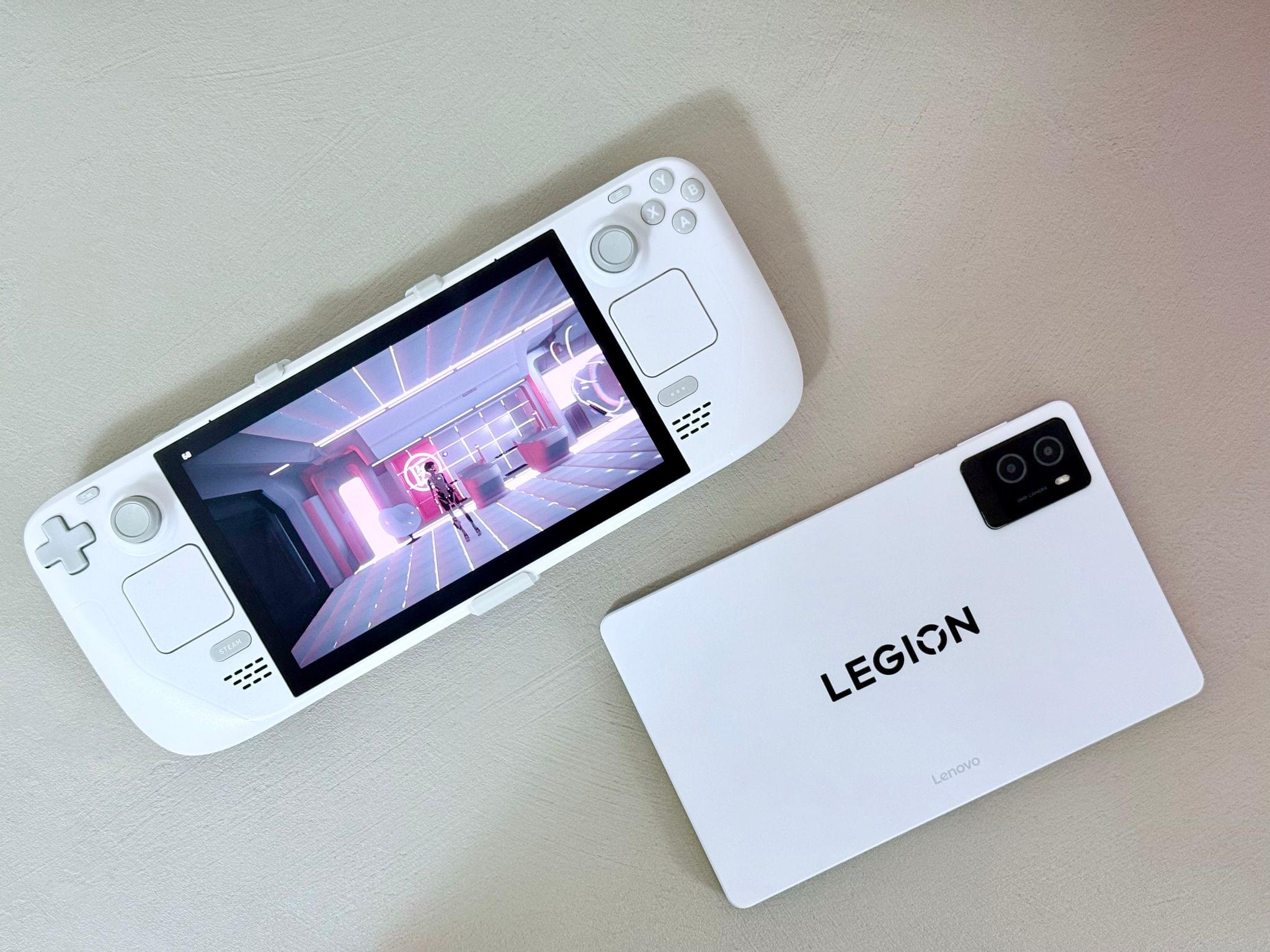
Federico's White OLED Steam Deck and Lenovo Legion y700 tablet.

Federico’s White OLED Steam Deck and Lenovo Legion y700 tablet.

Federico’s gaming setup has evolved, too. The Sony PS5 Pro replaced the original PS5, and he swapped the limited edition white Steam Deck in for the standard OLED version. He also revealed on NPC: Next Portable Console this week that he’s using a Lenovo y700 2024 gaming tablet imported from China to emulate Nintendo DS and 3DS games, which will be available worldwide later this year as the Lenovo Legion Tab Gen 3. Other upgrades to existing hardware Federico uses include a move from the iPhone 16 Plus to the iPhone 16 Pro Max and an upgrade of the XREAL Airs to the XREAL One glasses.

My portable video recording setup

My portable video recording setup

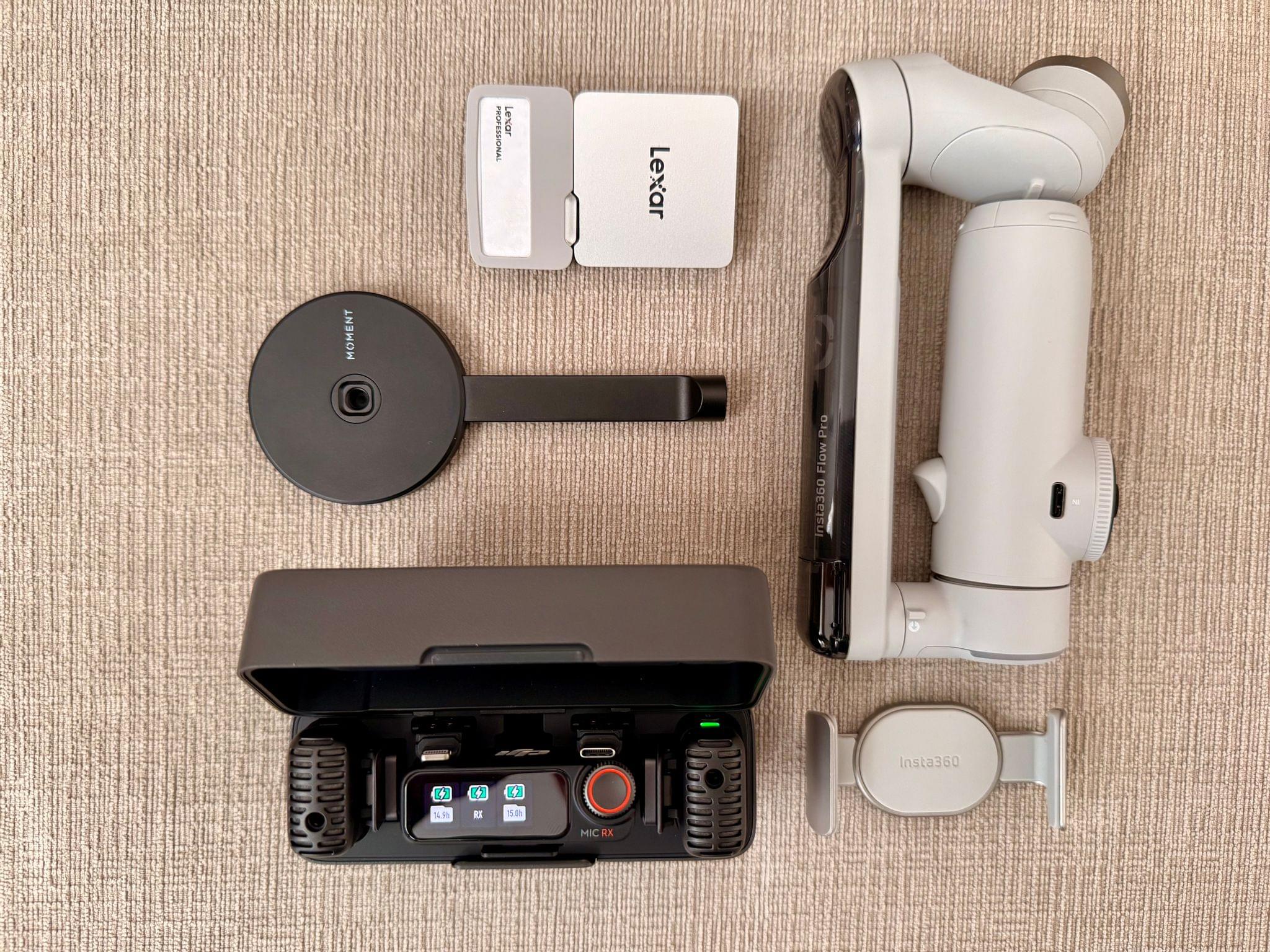
As for myself, CES and its bag size limitations pushed me to rethink my portable video and audio recording setups. For recording when I’m away from home I added several items to my kit that I detailed in What’s in My CES Bag?, including:

On the gaming side of things I added a white TrimUI Brick and GameCube-inspired Retroid Pocket 5.

2024 was a big year for setup updates for both of us. We already have new hardware incoming for testing, so keep an eye on the Setups page. I expect we’ll update it several times in 2025 too.

Permalink

A Tiny But Exciting CES Smartphone Controller Discovery

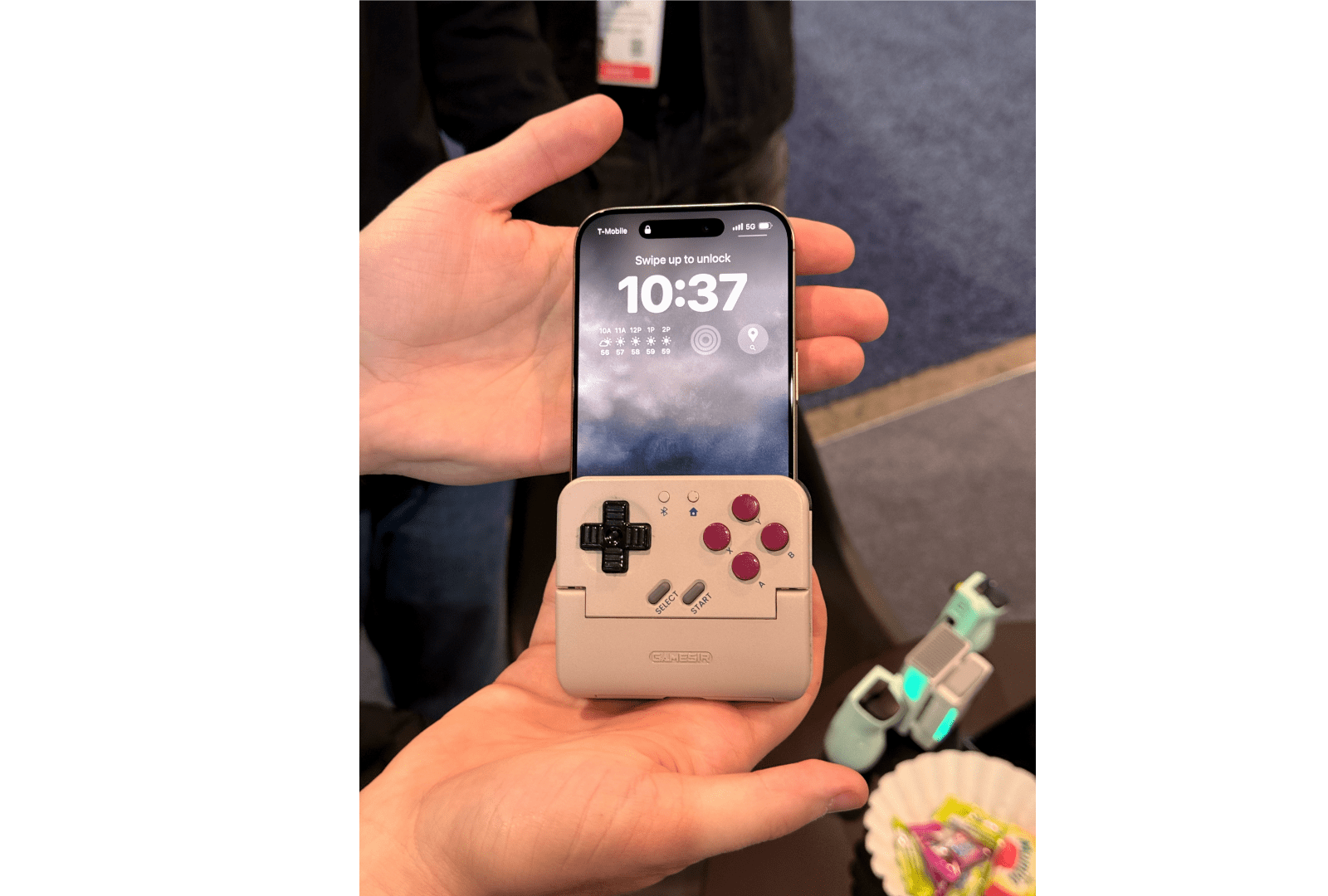
One of my favorite surprises during CES 2025 so far was when Brendon pointed to a small device sitting on a table at the GameSir booth and asked ‘What’s that?’ It turns out it was a prototype Game Boy-style smartphone controller that doubles as a battery pack. As Brendon explained on Wavelengths yesterday:

GameSir’s concept is brilliant in that it’s a completely new form-factor for a mobile controllers, but also (though I didn’t confirm this) appears to be the kind of design that could work across both iPhone and Android devices. Even in my brief time messing around with it, the buttons and d-pad felt great, the shoulder buttons allowed for a pretty natural shelf for resting your hand on top of (similar to the Trim-UI Brick), and overall I left the booth blown away by it.

From our conversations with GameSir, it looks like a Kickstarter campaign is in the works and the device could be shipped in the first half of 2025. With emulators available on the iPhone since last summer, we’ve begun seeing more innovative controller solutions on smartphones, which I love. Be sure to check out Brendon’s story on Wavelengths for more photos of the GameSir prototype and his thoughts on it.

Permalink

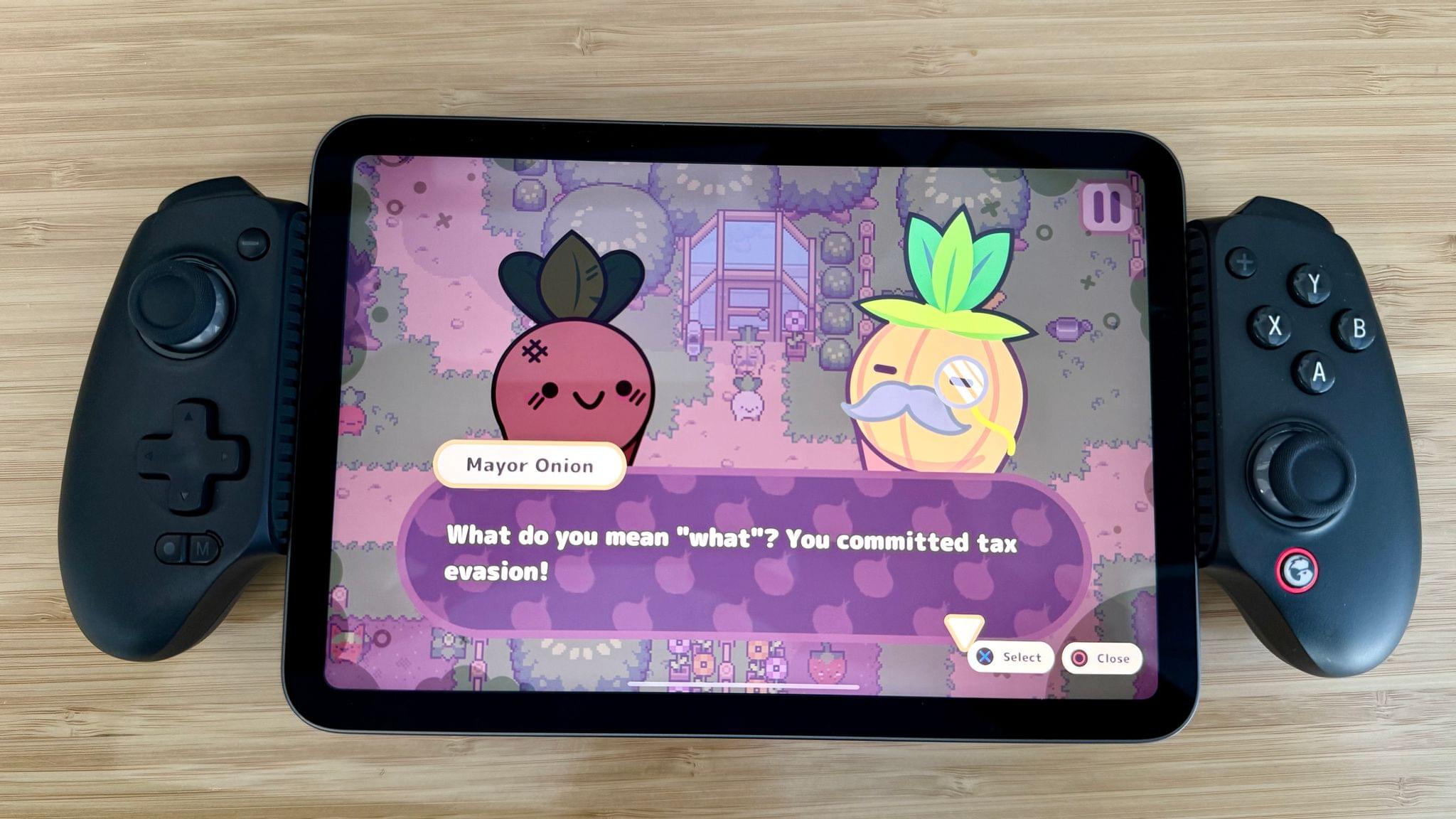
GameSir G8+ iPad mini and iPhone Controller Walkthrough

The new iPad mini is the first model with Wi-Fi 6E support, which makes it the best mini for game streaming yet. Of course, it’s a great size for playing App Store and Apple Arcade games too.

Last weekend, I did an in-depth review of the GameSir G8+ for Club MacStories Weekly, which included an early look at the controller and a video walkthrough on the MacStories YouTube channel as a new perk for Club members. The video is now available for everyone to watch here:

For early access to future hardware walkthroughs and the full review, you can join Club MacStories now through November 1st for 20% off all annual plans by using the code CLUB2024 at checkout, as detailed here.

Permalink

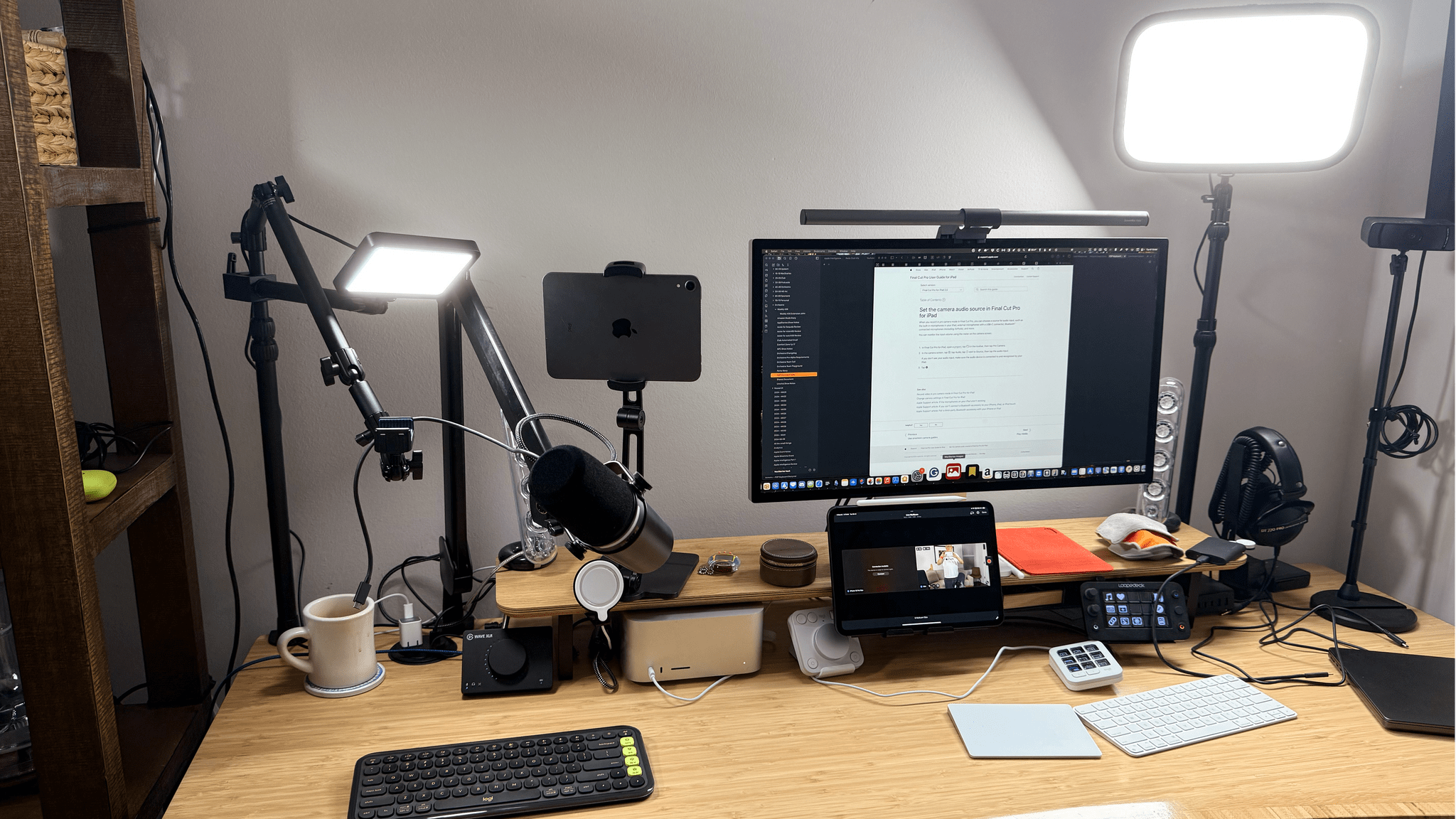
Video Production, Automation Hardware, Gaming, and More: My Desk Setup Update

Earlier today, we published an episode of AppStories covering the latest changes that Federico and I have made to our desk setups and other gear. I last updated my desk setup in July, before we started recording a video version of NPC: Next Portable Console. Since then, I’ve also started publishing bonus NPC videos and hardware reviews on the MacStories YouTube channel, which has driven the bulk of the changes in my setup.

On the hardware side, the changes include the addition of Elgato mounts, namely the Elgato Flex Arm and Solid Arm, along with a second Master Mount and Mini Key Light. I also purchased a Moment Multi Threaded Mount that lets me connect my iPhone 16 Pro Max to the Elgato Flex Arm using a strong MagSafe magnet for filming top-down shots. And I switched my podcast recording headphones to the Moondrop ARIA 2 In-Ear Headphones because the Shure model I used before didn’t stay in my ears.

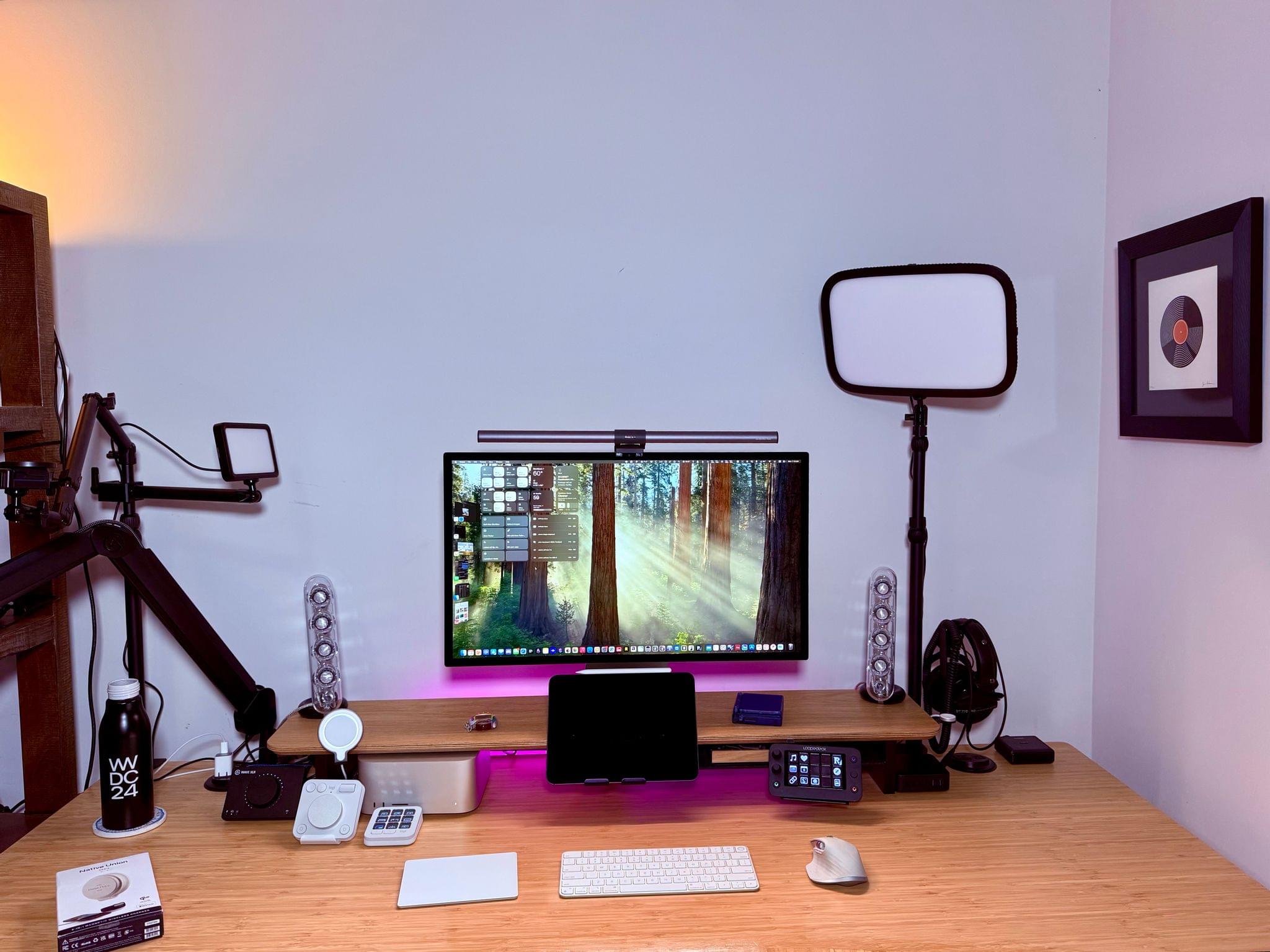
Making the most of a small space..

Making the most of a small space..

The rest of my computing setup hasn’t changed much. I removed my M2 MacBook Air because the 11” M4 iPad Pro has replaced it for most of my lightweight portable needs. I’ve also added the Logitech MX Creative Console and Logitech POP Icon Keys keyboard. I’ve grown to like the Creative Console more than the Loupedeck Live for push-button automation, but for now, I still use both. I’m not entirely sure if I’ll stick with the POP Icon Keys keyboard because, as much as I like the automation that’s been baked into it, I prefer the feel of the Magic Keyboard, but I haven’t shelved it yet. I’ve also abandoned the Belkin BoostCharge Pro Wireless Charger because of a recent recall. Instead, I’ve switched to a Native Union Voyage Magnetic Wireless Charger that I’ve been testing and will review soon.

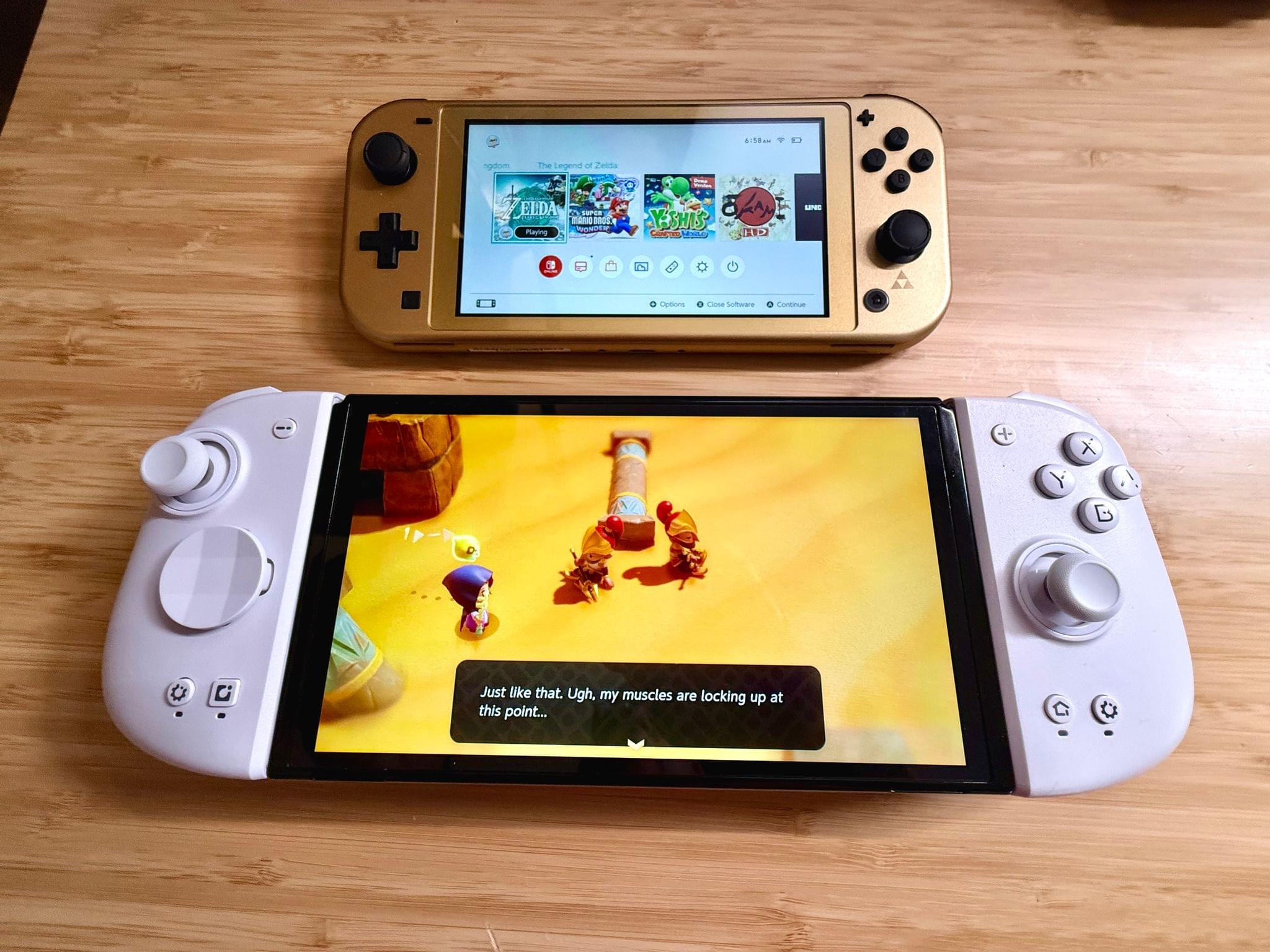
On the videogame side of things, I’ve gravitated to Anbernic devices, adding the Anbernic RG40XXV and Anbernic RG28XX to my setup. Along with the Anbernic RG35XXSP that was already on my list, I now have a nice range of retro handheld sizes and form factors. I have others as well, but these are my current go-to devices. I also added the Nintendo Switch Lite (Hyrule Edition) because I’m a sucker for anything Zelda and I wanted a smaller Switch for traveling.

The Mobapad M6 HD Joycons with my OLED Switch and the Switch Lite Hyrule Edition.

The Mobapad M6 HD Joycons with my OLED Switch and the Switch Lite Hyrule Edition.

I’ve tried to be good and stop buying controllers, but there have been some great ones released lately, so my list now includes the Mobapad M6 HD Joycons for my OLED Switch and the GameSir G8+. The G8+ is a lot like the GameSir G8 Galileo that it replaced except that it has Bluetooth and works with the iPhone, iPad mini, and Nintendo Switch; I love it.

Finally, I’ve made several changes to my app lineup. There are more Apple system apps on the list, which is usually the case after a long summer of testing macOS betas. Plus, there are several video recording and editing apps on the list now, including Final Cut Pro for the iPad and Mac, Final Cut Camera, a Stupid Raisins plugin for doing split-screen video, and Camo Studio.

That’s it for now. However, I’m already thinking about some fall and winter projects that will mean more changes to my setup, especially with respect to video production tools.