Last summer, I wrote an article for iMore in which I stress the importance of looking at hardware in accessibility terms. I wrote, in part:
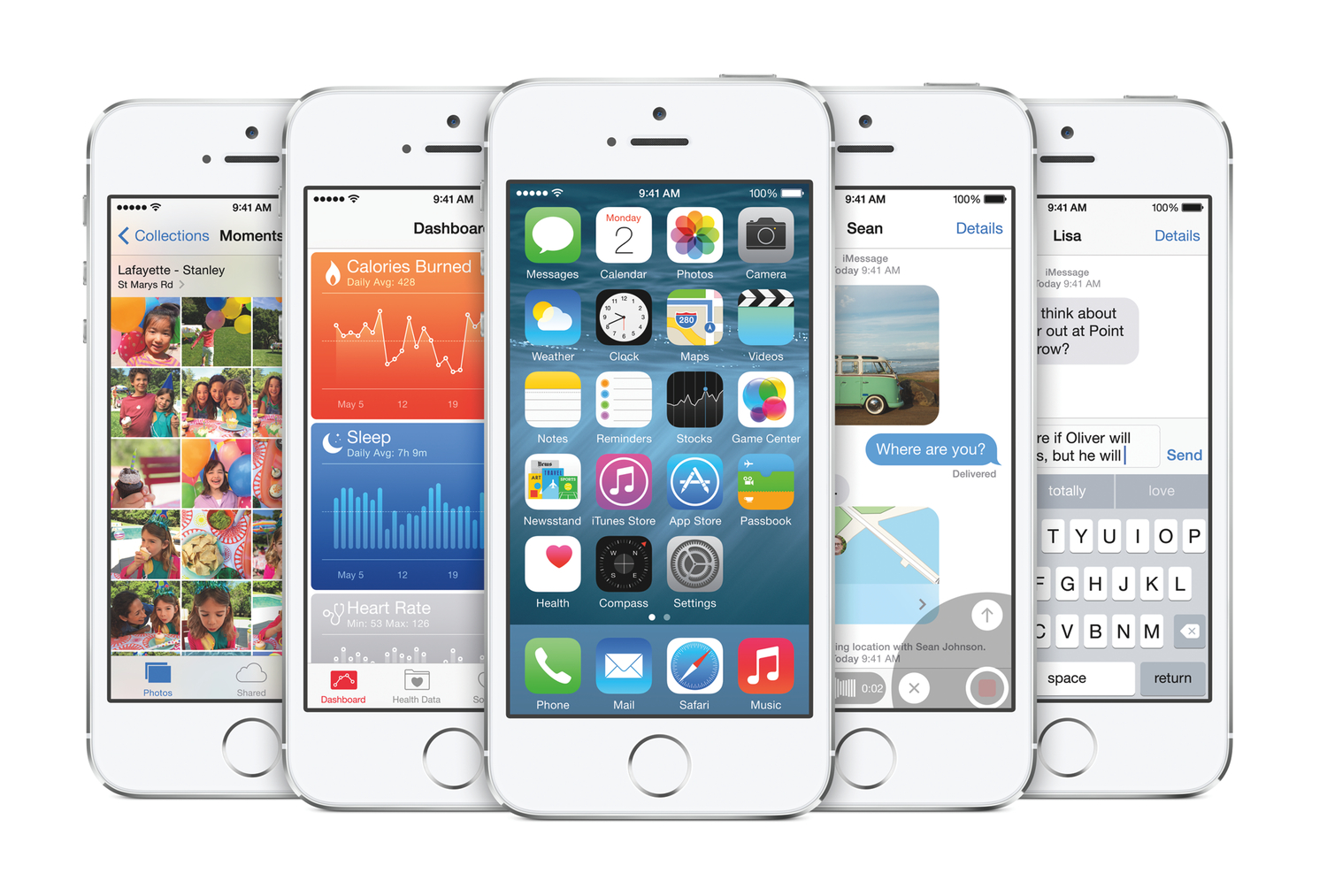
Assessing the kinesthetic, tactile value of using an iPhone or iPad is just as important as assessing the software it runs. Speaking from personal experience, not only am I visually impaired but I also suffer from a mild form of cerebral palsy. What this means is, for me, the strength in my hands and fingers are substantially less than that of a fully-abled person. Hence, it takes much more effort to hold things — in this case, my iOS devices — as well as do things on my devices, like typing. Because of this, my approach to buying a new iPhone or iPad depends not only on 64-bit systems-on-a-chip and improved cameras, but also how the device feels in my hands: the weight, width, thinness, etc.
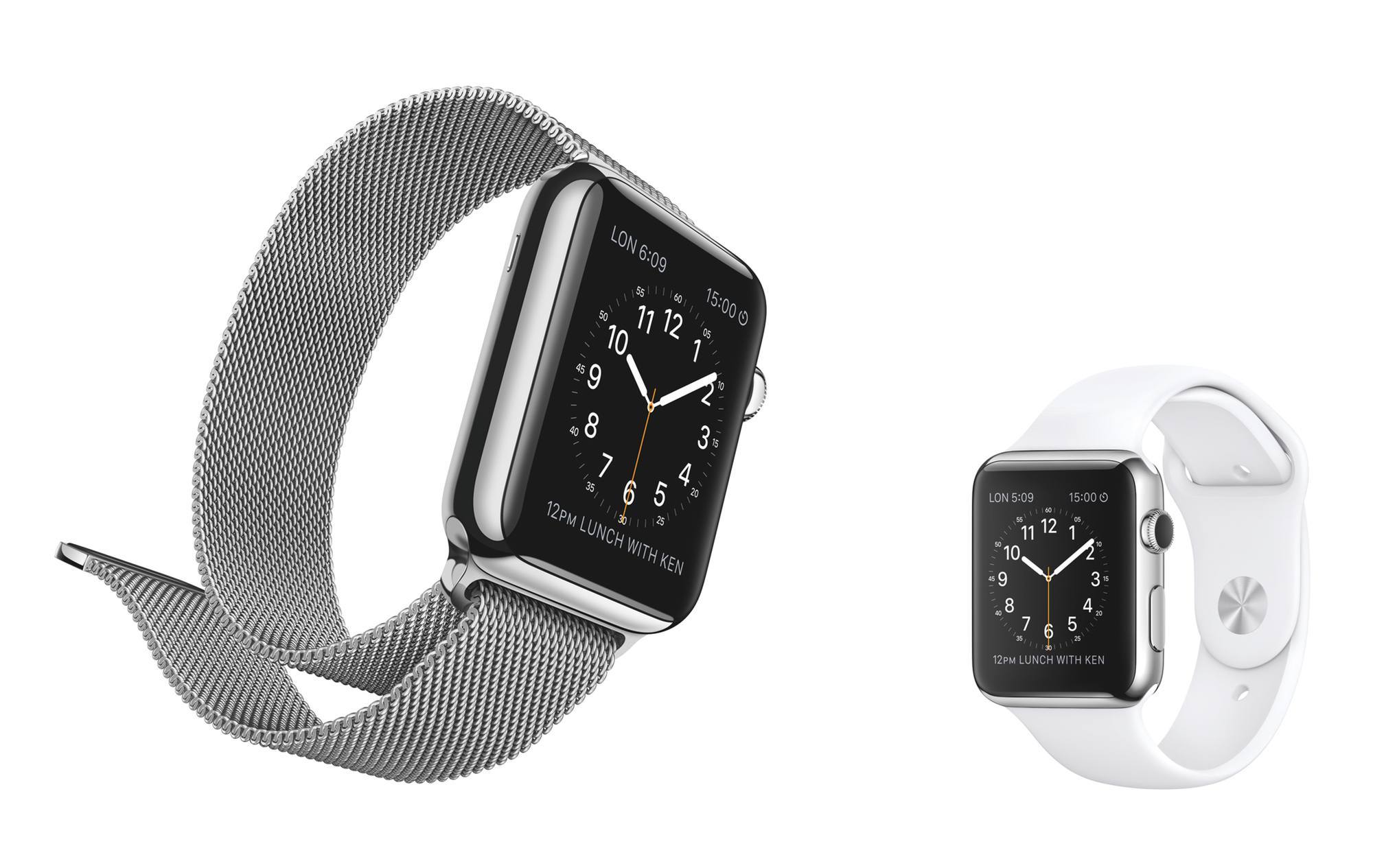
What applies to iPhones and iPads also applies to Apple Watch. In the context of the Watch, the hardware that is most crucial, accessibility-wise, are the bands. To folks like me who suffer from motor delays, the ability to successfully get the Apple Watch on and off is as key to a positive user experience as the quality of the software it runs.