Podcasts for iOS Updated with Siri Integration, Improved Show Notes Support, and More

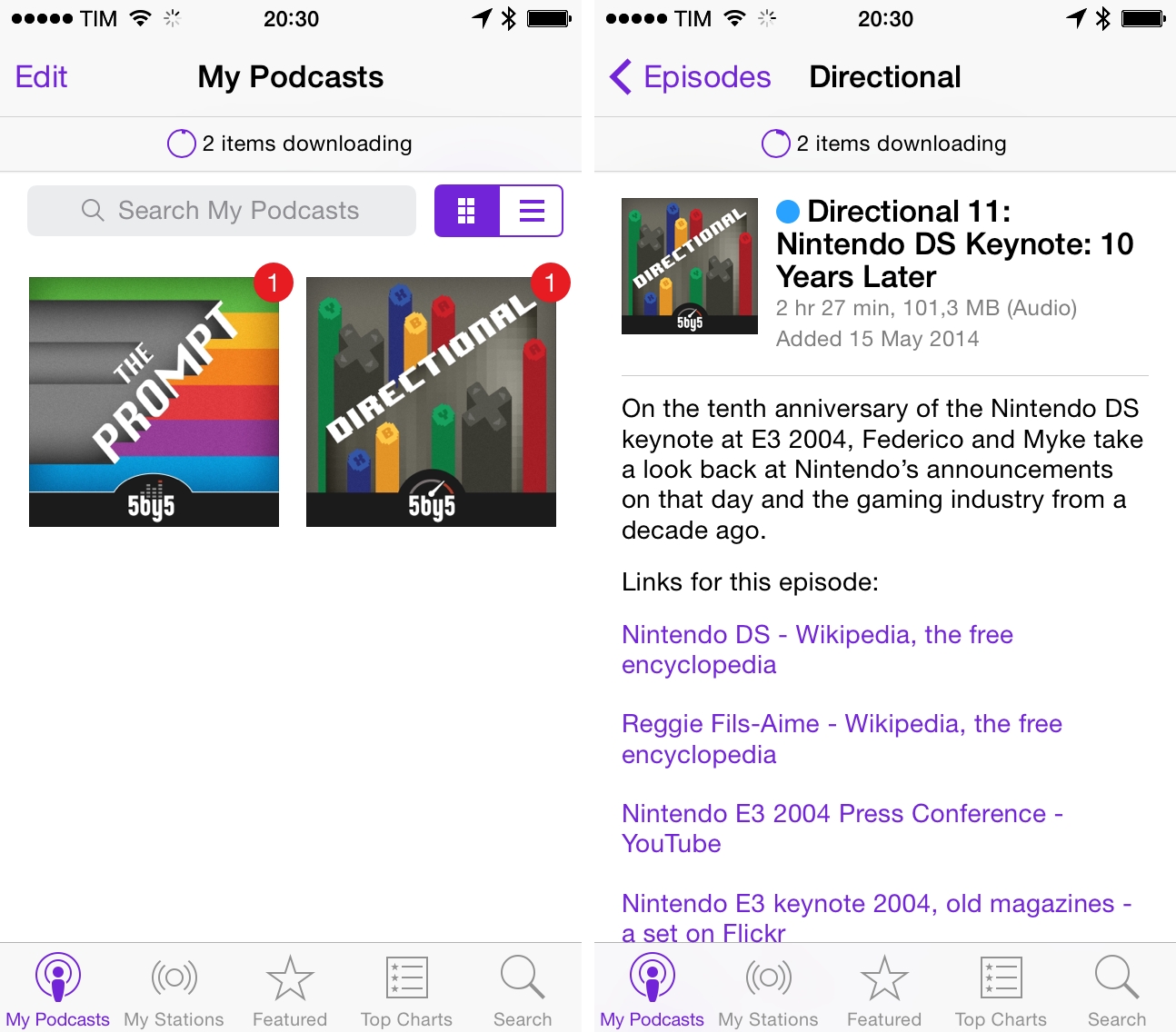
Following changes to podcast listening in iTunes 11.2, Apple updated its dedicated app for iOS devices, Podcasts, to version 2.1, available now on the App Store.

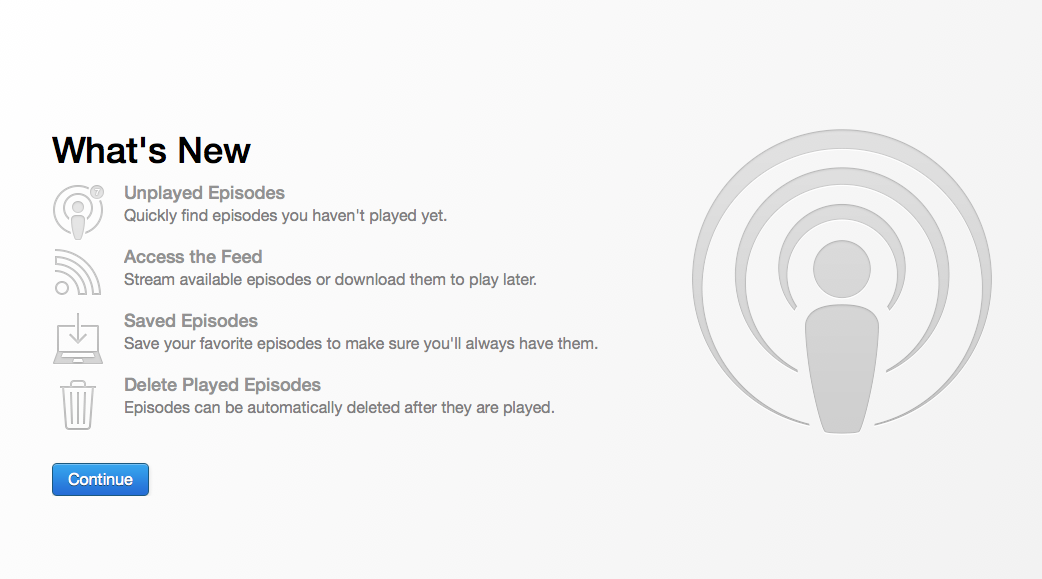
Podcasts 2.1 comes with the same browsing improvements seen in the latest iTunes – you can browse by All Unplayed episodes, scroll a podcast’s feed, and manage settings for automatic download of episodes and deletion after playback. Settings and Share menus are available in a podcast’s individual screen, where tabs for Unplayed and Feed allow you to browse episodes you haven’t listened to as well as all episodes from a show’s archive. Read more


Apple Releases OS X 10.9.3

Apple updated OS X Mavericks to version 10.9.3 today, adding better support for 4K displays, sync improvements, and bundling Safari 7.0.3 (previously a standalone update) into the OS.

Improved 4K display support is available for the Late 2013 Mac Pro and 15-inch MacBook Pro with Retina Display, and it allows OS X to drive a connected 4K display with pixels in “2x” (Retina) mode for high-resolution graphics. As for sync improvements, OS X now allows contacts and calendars to be synced between a Mac and iOS using a USB connection.

Other improvements in OS X 10.9.3 are listed on Apple’s official release note page. OS X 10.9.3 is available through Software Update on the Mac App Store or via direct download using the links below.


Nintendo DS Keynote: 10 Years Later

On the tenth anniversary of the Nintendo DS keynote at E3 2004, Federico and Myke take a look back at Nintendo’s announcements on that day and the gaming industry from a decade ago.

On May 11, 2004, Nintendo officially introduced the first-generation Nintendo DS – a console that would go on to revolutionize portable gaming and set new paradigms for touch-enabled games for the next several years.

We did a lot of research for this episode – make sure you don’t miss my Flickr set with scans of old videogame magazines showing photos of E3 2004 and the first tech demos and games. It’s difficult to measure the impact of the Nintendo DS on the industry and Nintendo itself in two hours, but we tried our best.

Get the episode here.

Permalink

Thomas Was Alone Released for iPad

Mike Bithell’s classic indie puzzle platformer Thomas Was Alone has been released on the iPad today. The game, ported by Surgeon Simulator developer Bossa Studios, features 100 levels, a new on-screen control system designed for iOS, and the same narration by Danny Wallace for which the British filmmaker and actor won a BAFTA Games Award in 2013.

Thomas Was Alone is one of the best games I’ve played this year. I bought the PS Vita version a few months ago, and I’ve been constantly impressed by Bithell’s tasteful level design and focus on collaboration between characters to get through stages. In Thomas Was Alone, you control a group of AIs who have become sentient and want to escape the computer mainframe they’re trapped into; the AIs (Thomas and his friends) are rectangles, and each one of them has a special ability, whether it’s higher jump or the ability to float on water. To complete stages, you’ll have to think in terms of collaboration rather than individualities: there are platforms that can be reached only if one character helps another jump onto it, while water-based sections require the AIs to proceed on top of the one that can swim. The way AIs, game mechanics, and narrations are intertwined makes for a classy, precise, and elegant game that always requires you to think of platforms as puzzles that can be solved by collaborating instead of running towards the end of a level. I love Thomas Was Alone and I can’t wait for Bithell’s next game.

Polygon has an interview with Bithell in which he explains the new controls for iPad:

“On either side of the screen, we have these color balls that you put your thumb on in order to select which character you want to use,” he said. “It’s a really intuitive, easy thing that you can basically play the entire game without moving your hands.

“That was the thing. It’s on iPad. If you’re holding the iPad, I don’t want you to ever have to move your hands from flanking either side of the iPad in your hands. I don’t want you to have to put the weight of the iPad in one hand and then use your finger for something else. It’s all played in that kind of default gamer position of the two thumbs, ready to do stuff on the screen.”

Thomas Was Alone for iPad is available at $8.99 on the App Store.

Permalink

Sandboxing Difficulties Mean Coda 2.5 Will Not Be Released on the Mac App Store


Panic announced yesterday that they will be moving away from the Mac App Store for distribution of their popular and Apple Design Award winning Coda app. Panic has been working for a number of months on a significant 2.5 update for Coda but have been struggling to resolve issues with maintaining adherence to the sandboxing requirements of the Mac App Store. Instead, Panic has decided to revert back to distribution of Coda outside of the Mac App Store so they can release the update shortly.

As we continued to work on Coda 2.5—a significant update that we’re really excited about—we continued to discover new corners of the app that presented challenges under sandboxing. Coda, to be fair, is a very complex developer tool and is something of a sandboxing worst-case scenario.

Panic makes this move despite the fact that they had a notable degree of help from teams within Apple - but it seems that ultimately it just was not enough. They write that Apple “to their considerable credit, spent a lot of energy assisting us with ideas, workarounds, and temporary exemptions we might be able to use to get around some of the issues”. The move also comes more than a year after Panic successfully made the decision to change the way Coda worked in some ways so that it could be sold on the Mac App Store despite the, new at the time, sandboxing rules.

The new version, which will be available from Panic’s website upon release, will automatically detect if there is a Mac App Store version of Coda installed and unlock the app for use. As a consequence of moving away from the Mac App Store, it also means the Coda can no longer use iCloud Sync and as a result, Panic have developed their own sync service - Panic Sync. This new service will be free and work across Panic’s apps, including Coda and Diet Coda.

Panic write in their announcement that they will always “evaluate the possibility of sandboxing with each future release of Coda”, with the hope of one day returning to the Mac App Store. Finally, Daniel Jalkut made the point on Twitter that Coda will no longer be eligible for the award it won last year, the Apple Design Award, because it is leaving the Mac App Store.


Birdbrain Updated with New iOS 7 Design, Graphs for Twitter Stats

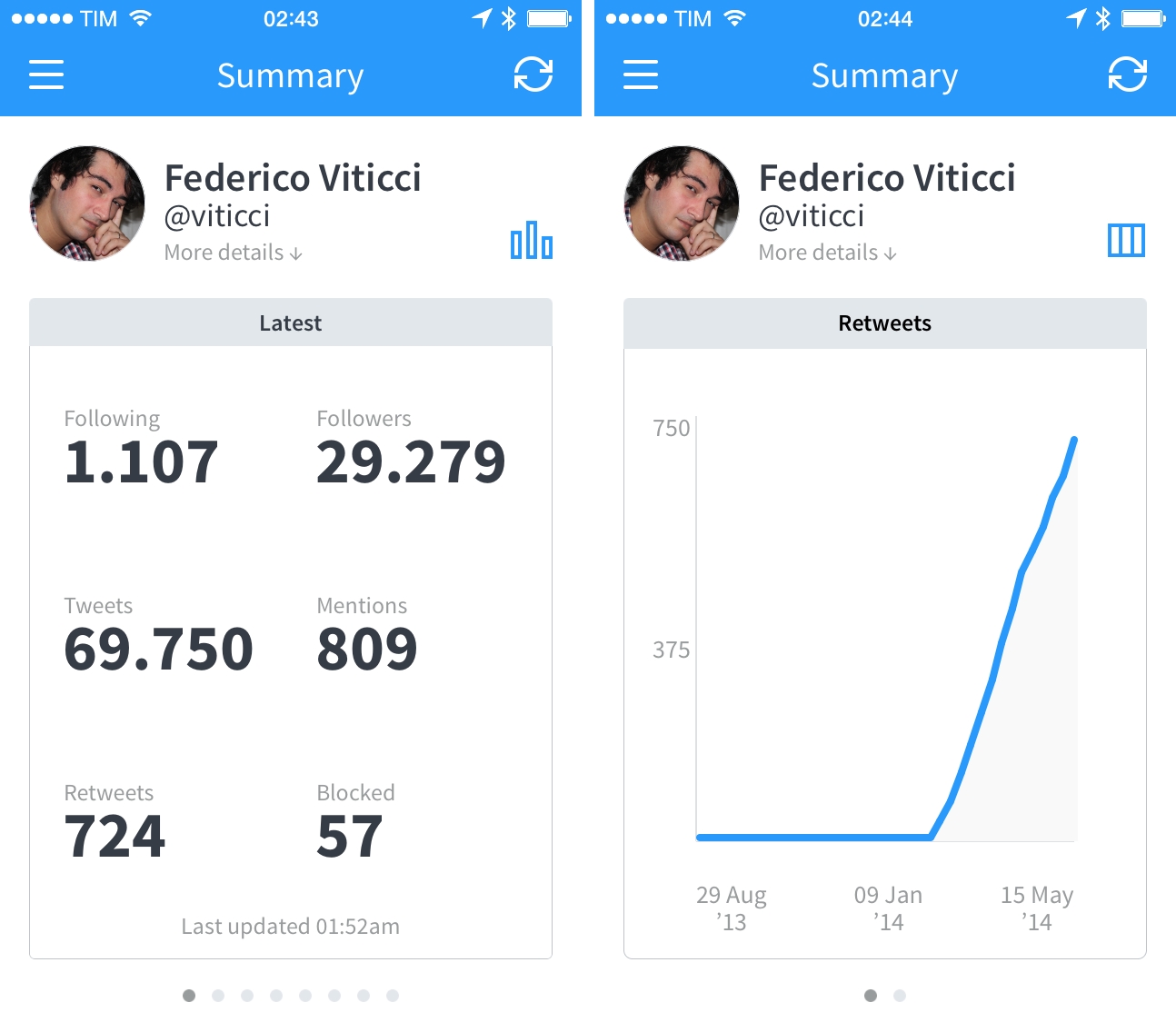
Birdbrain is one of the oldest Twitter apps I’ve been using on my iPhone, but it’s not a Twitter client in the traditional sense. Before Tweetie 2 and Tweetbot, Twitter for iPhone and Tweetbot 3, Birdbrain, originally released in July 2009, allowed me to keep an eye on my Twitter stats for follower counts, mentions, number of retweets, and more. Part ego-boosting tool and part utility to better understand why or how many people follow you, Birdbrain is back today with an iOS 7 update that brings a redesign and a couple of new features to monitor your Twitter account.

Read more


Teleprompt+ 3

I’ve always heard good things about Bombing Brain’s Teleprompt+, a popular teleprompter app for iOS. While I don’t personally use it (although it may be worth experimenting with it for podcasts), I wanted to link to the latest version, released this week.

Teleprompt+ 3 adds rich text support for inline formatting, a quick edit mode to make last-minute changes to displayed text without leaving the current session, and a new design for a Universal app that runs on both the iPad and iPhone. Because it’s an app, Teleprompt+ takes advantage of iOS to enable features like remote control for multiple devices (have a technician adjust text and speed on a master device while text is displayed on a second iPhone or iPad), Dropbox import for text, and audio and video recording through the built-in microphone and cameras. I find it fascinating when old equipment and technologies are made obsolete by cheaper and smarter software, and Teleprompt+ is a good example of how iOS devices can be integrated in professional environments (it even supports third-party accessories).

Teleprompt+ 3 is a new version of the app, and it’s available on the App Store at $14.99 as a launch sale.

Permalink