Working with Mac OS 9 Today

Andrew Cunningham tried to work with Mac OS 9 and published an interesting account of his experience at Ars Technica. Make sure to reach the conclusion for some good points about software updates:

People love to complain about change. Those complaints aren’t always unwarranted. We live in an era of constant updates, where your browser changes every six weeks, and your operating system changes every 12 months. Who even knows how often they’re changing Gmail and Twitter and Facebook? The idea of supporting and using a single OS for 13 years seems completely absurd. Sometimes you just want everything to stand still for, like, a second.

Also, don’t miss Riccardo Mori’s counterpoints at System Folder.
Permalink

Twitter for Mac Updated with Image Features

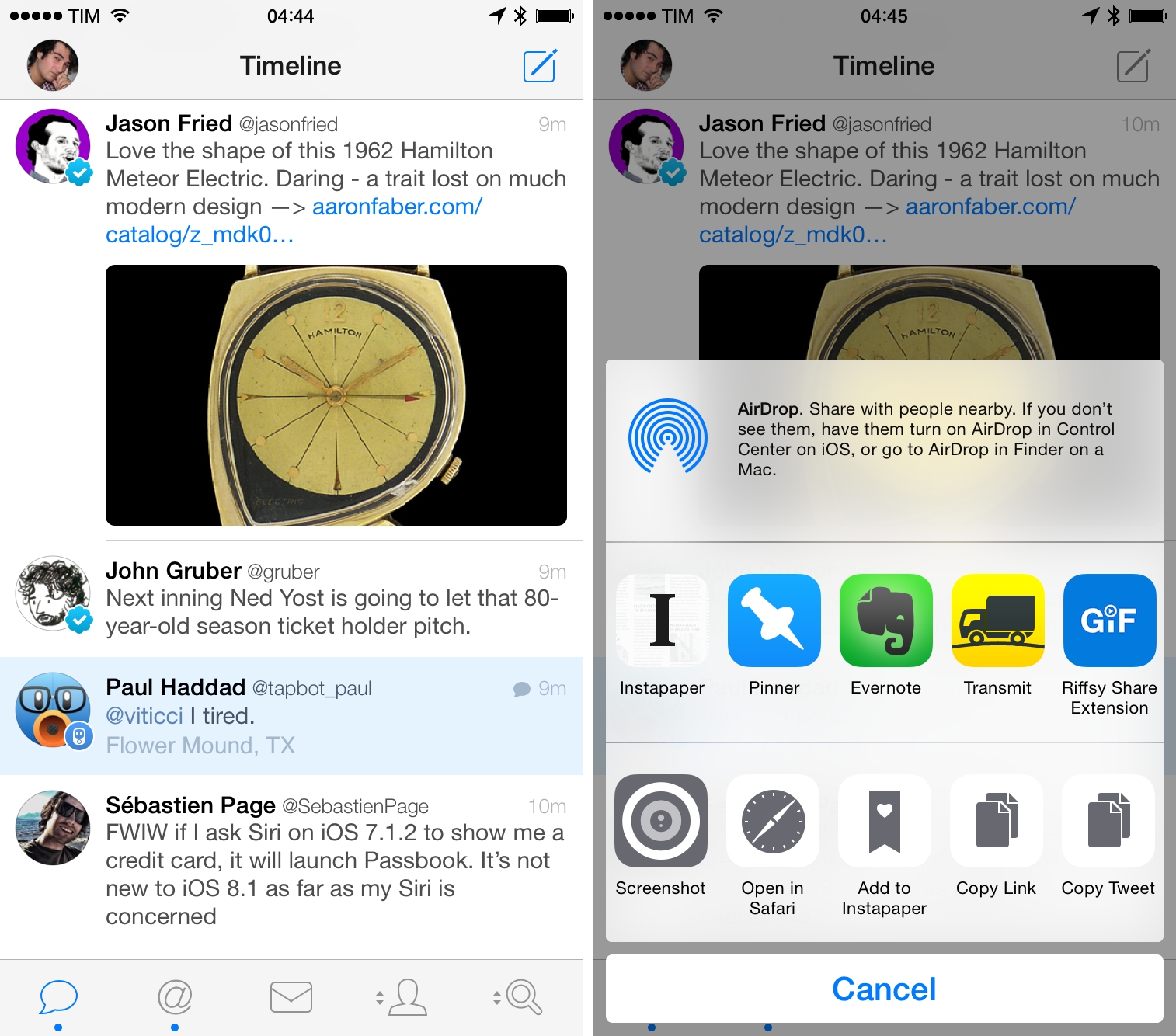
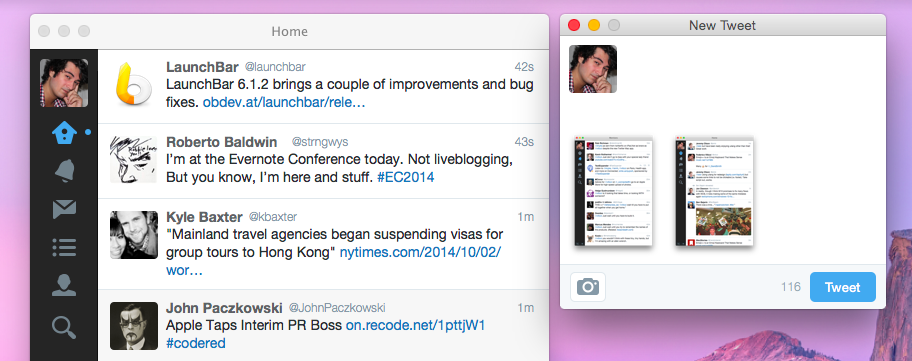
Speaking of Twitter apps, Twitter today released an update to their official app for Mac that brings support for images in direct messages and tweets with multiple images (first rolled out on the iPhone in December and March, respectively).

Progress on Twitter for Mac has been slow, but I’m glad the app isn’t completely abandoned. It would be nice to have all the recent features and design changes of the iOS app, though (particularly Cards and redesigned profiles).

Side note: you can use this Terminal command to enable circular avatars in the app.

Permalink

Emoji++ Is an Emoji Keyboard That Makes Sense

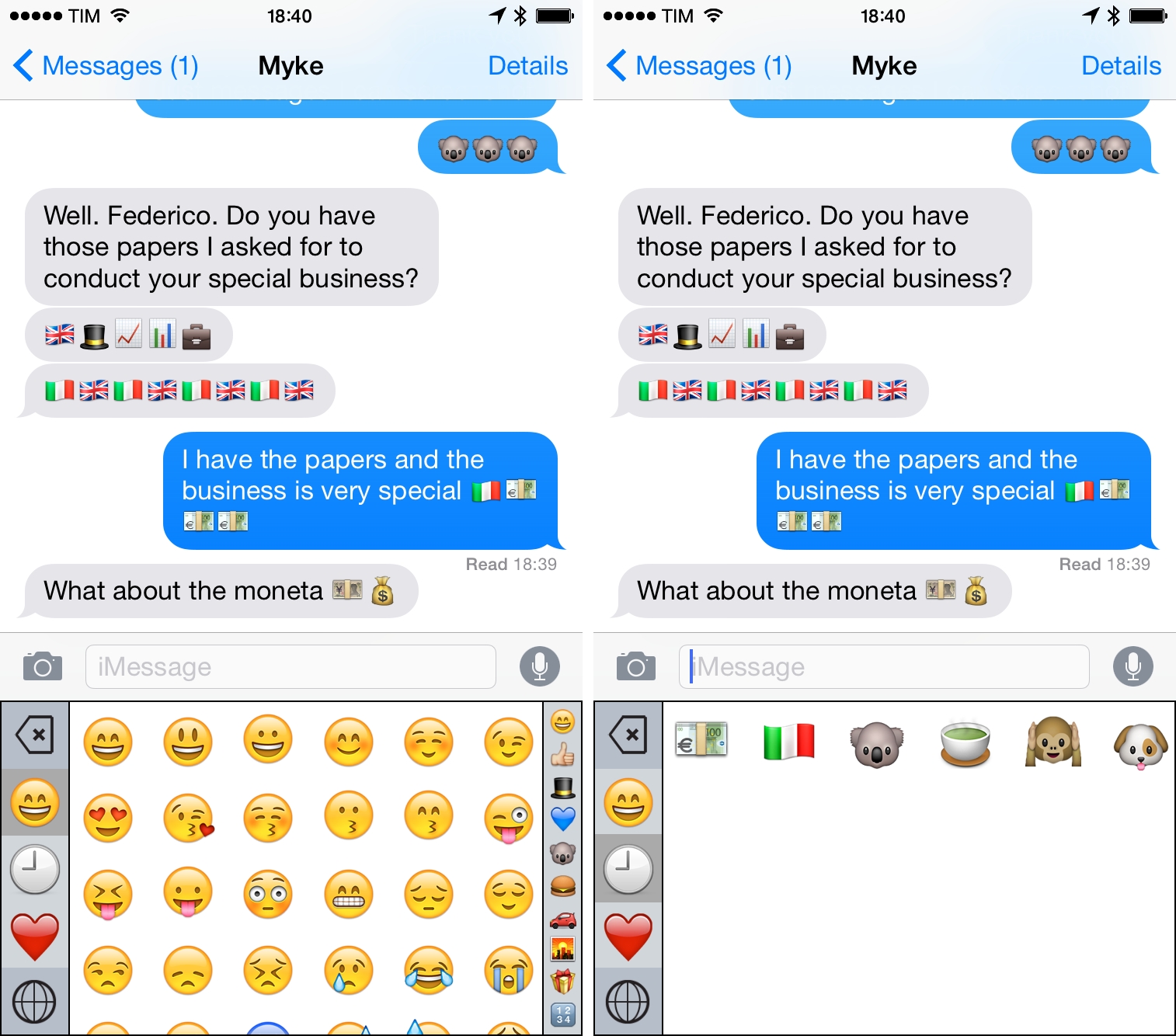
I wouldn’t consider myself a professional emoji user as Casey Liss, but, like many others, I do use emoji to enrich communications with friends and colleagues on a daily basis. Apple’s Emoji keyboard never made much sense to me: it’s hard to find the right emoji in the keyboard’s questionable category choices and characters are organized in pages that you need to swipe multiple times. I often want to use new emoji I haven’t sent before, and it always feels like I’m playing a guessing game against iOS to remember where the koala or the monkeys are.

Thankfully, Underscore David Smith has accepted the challenge of improving the emoji keyboard and released Emoji++ today, an iOS 8 custom keyboard that makes it easier to find and use emoji.

Read more


Firmware Update Brings CarPlay to Selected Pioneer Products

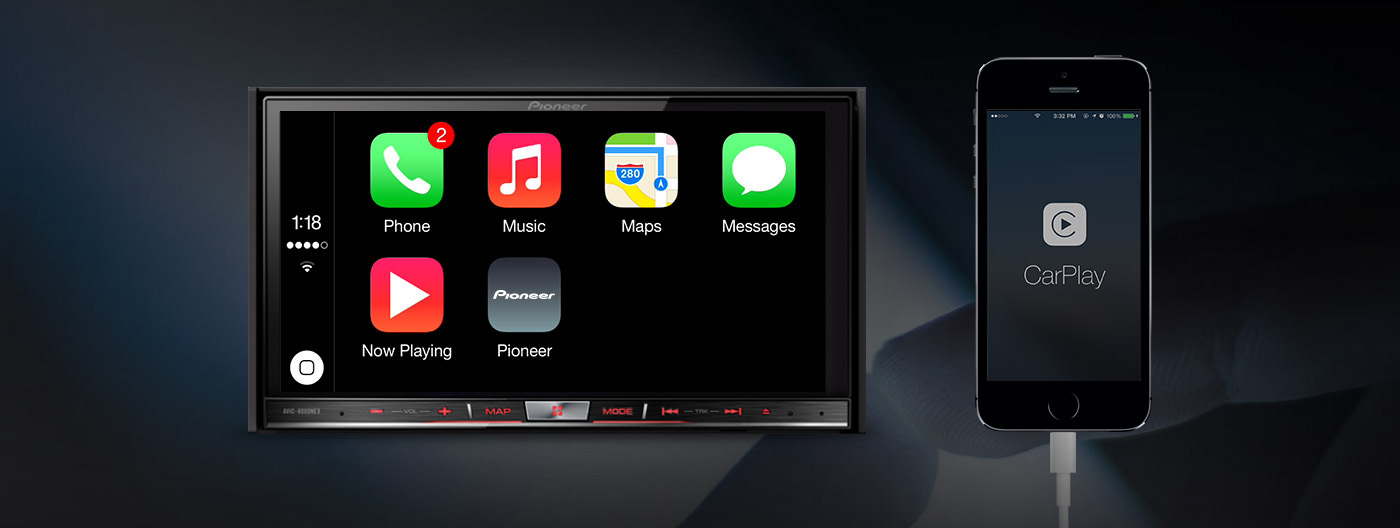
Pioneer has today issued firmware updates for several of their aftermarket in-dash receivers that brings direct support for Apple’s CarPlay software. The firmware update is available for users of Pioneer’s AVIC-F60DAB, AVIC-F960DAB, AVIC-F960BT, AVIC-F860BT and the AVH-X8600BT dashboard systems, as well as the new SPH-DA120 model.

“CarPlay enriches the iPhone experience in the vehicle by providing a safer way to access the iPhone features they want to use most while driving,” said Philippe Weyers, marketing communication manager at Pioneer Europe. “With Pioneer’s implementation, CarPlay can now be integrated into millions of vehicles already on the road.”

Spotify has also updated its app today, bringing support for CarPlay. It joins other apps such as Podcasts, Beats Music, iHeartRadio, MLB At Bat, Stitcher and CBS News in supporting CarPlay.

Apple has partnered with dozens of car manufacturers, as well as Pioneer and Alpine, to bring an improved experience for iPhone users in cars. By leveraging the power of Siri, CarPlay focuses on making it easier and safer to accomplish basic tasks while driving. You can learn more about CarPlay here. 


Paste+, a Clipboard Action Widget

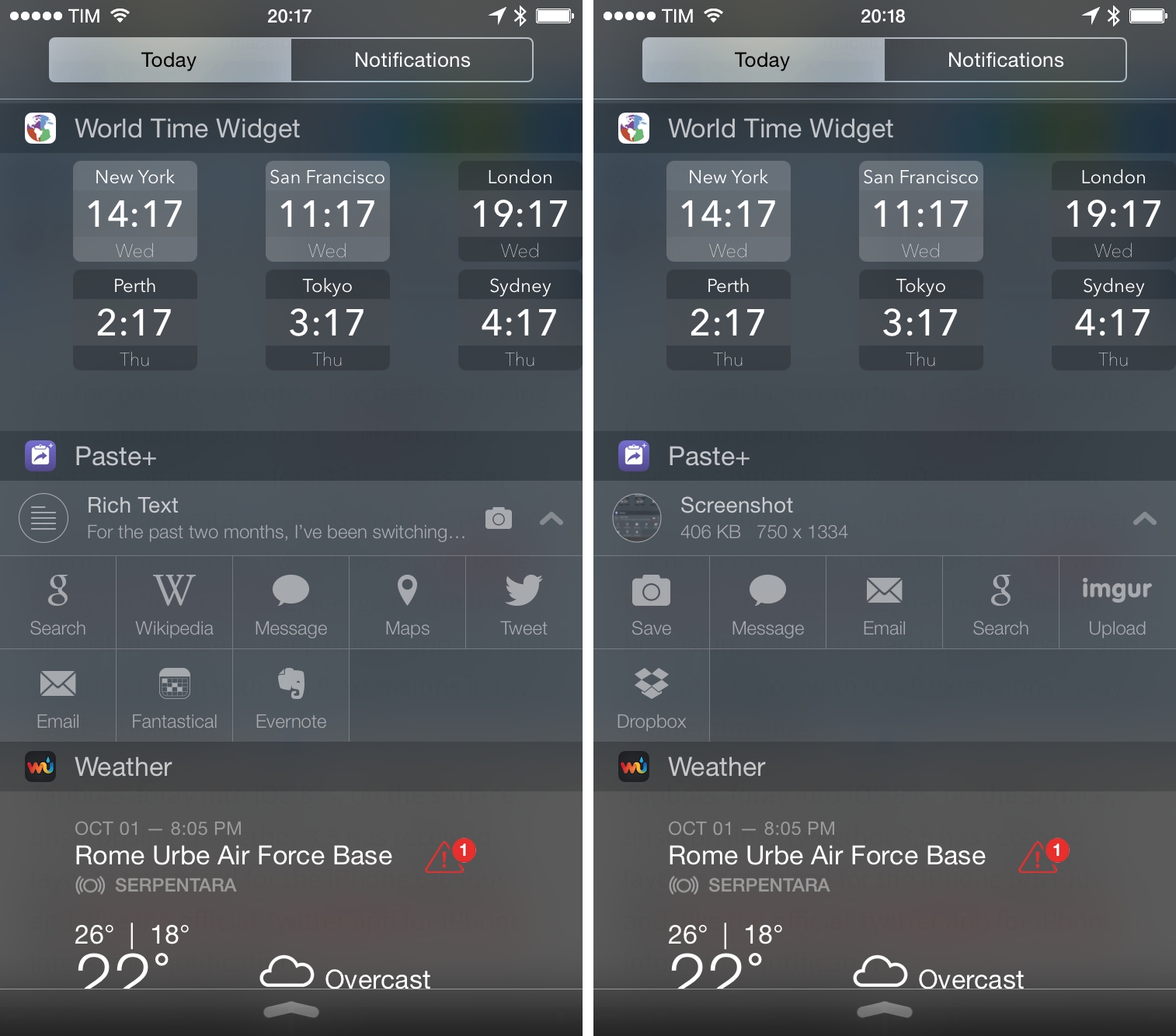
When iOS 8 launched three weeks ago, I came across a company called Avanio Labs that had launched a set of three apps on the App Store: Paste+, Agenda+, and Forecast+. The apps were presented as Notification Center widgets, and I found that interesting as I assumed that Apple would reject apps that only offered widgets with no primary functionality. Of Avanio’s three apps, I’ve been using Paste+ on a daily basis. I think it’s a nice little utility to save taps and launch specific iOS features faster with Notification Center.

Read more


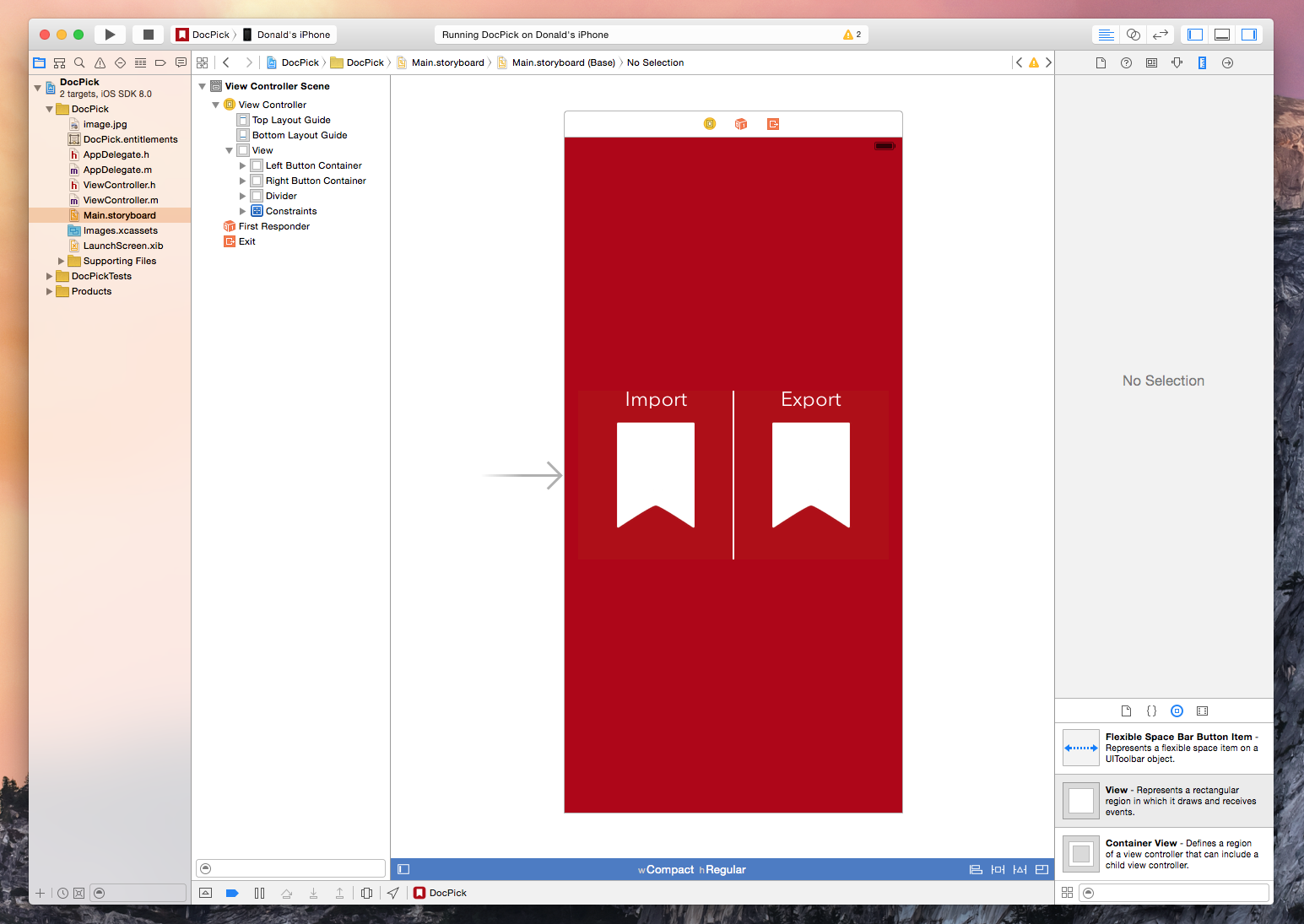
Implementing iOS 8 Document Pickers

The new document picker and provider functionality in iOS 8 is exciting technology because it expands on the possibilities of what we are capable of doing with our devices. We are already seeing a flood of great apps integrating document pickers and extensions from developers like Dropbox, Panic, and Readdle. I recently had the need for the new UIDocumentPicker functionality so I decided to dive in and see what it takes to implement the feature. As it turns out, getting a basic implementation is extremely easy and only requires a few lines of code. Of course, this is well documented by Apple and seasoned developers will have no problems implementing a picker but for us noobs it helps to see the process laid out – so here is a brief walkthrough.

Read more


The Future of Apple and Google

A thoughtful article by Steve Cheney. This point was particularly interesting:

New frameworks for devices to interact with the physical world have arrived and will further Apple’s lead. These are important to the growth of the platforms. These include BLE, iBeacon, NFC and other areas adjacent to discovery and the purchase funnel. These short range technologies (when made developer-friendly through APIs) allow phones to connect with the nearby world (the ‘edge’ or last 50 feet), much like GPS allowed phones to connect with the outdoor sky 10 years ago. This short range RF stack is maturing rapidly, but it’s still a little bit like GPS was 5-10 years ago. Back then the apps sucked—remember the first Garmin device you had to plug in to your cigarette lighter, which had no real apps or expansion capability? Or the first time you used maps on a Nokia series 40 phone? The applications were bad, the devices sucked, and the developer tools were non-existent. Now every single app you download uses location and you can get a car delivered to your house in 5 minutes, all enabled by GPS.

It took years for GPS to become widespread, but it has changed how we live. Seems clear that near-field discovery and communication will do the same.

Permalink