This Week's Sponsor:

BetterTouchTool

Now with a Powerful Launcher for Your Mac


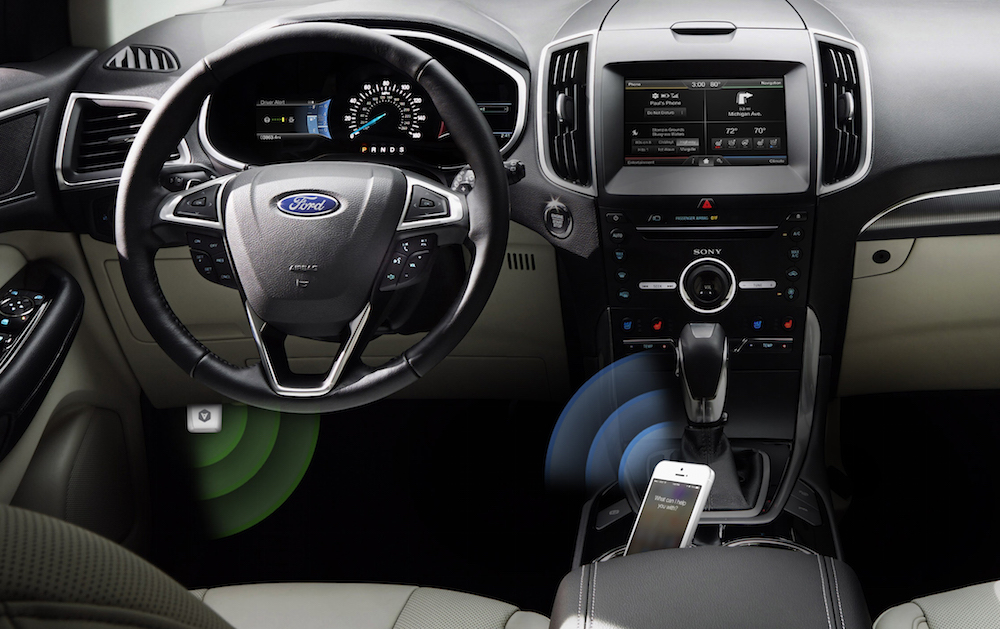
Automatic: Your Smart Driving Assistant on Your Smartphone [Sponsor]

There’s a mountain of data inside your car waiting to be unleashed, and all you have to do is plug in a quick little connector and download a mobile application.

Automatic is a smart driving assistant that plugs into your car’s data port and lets you connect your smartphone (either iPhone or Android) with your car. By  talking to your car’s onboard computer and using your smartphone’s GPS and data plan to upgrade your car’s capabilities, Automatic will allow you to easily diagnose your engine light, never forget where you parked your car, and save hundreds of dollars on gas.

Automatic learns your driving habits and gives you suggestions through subtle audio cues to drive smarter and stop wasting gas. Thanks to a map view available on your phone, Automatic can display a trip timeline after every driving session, showing you how you’re doing with a Drive Score; the app can even track local gas prices and tell you how much you’re spending.

In case of engine problems, Automatic can decipher what the “check engine” light means and show you a description of the issue with a possible solution. And thanks to a feature called Crash Alert, Automatic can detect many types of serious crashes and automatically alert local authorities as well as your loved ones when you can’t.

Automatic is currently available in the US for iPhone and Android devices, with a 45-day return policy and free shipping in 2 business days.

MacStories readers can go to automatic.com/macstories to get $20 off and buy Automatic at just $79.99. For more information, check out Automatic’s website.

Our thanks to Automatic for sponsoring MacStories this week.

Sofa: Discover New Movies from Curated Collections

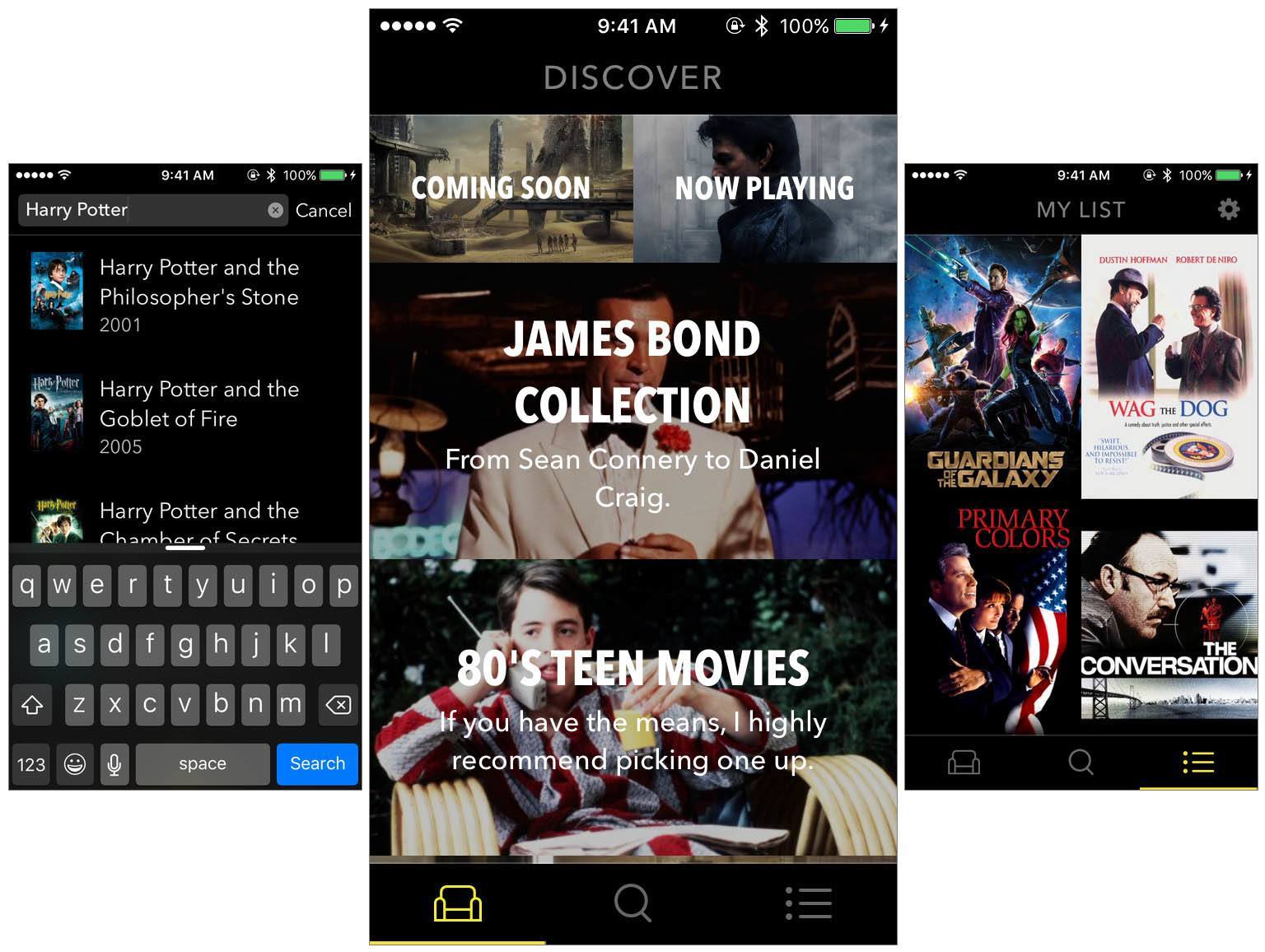
Sofa is a new app that launched just last Friday. Sofa does two things: it helps you discover new movies to watch, and it lets you keep a list of movies you want to watch. Despite its rather sparse feature list, Sofa is well worth your time. One of the reasons why is because Sofa’s discover section is populated by hand-curated collections of movies. But Sofa also looks great and, because it isn’t burdened with dozens of features, the app is simple and delightful to use.

Read more


Introducing Club MacStories

Since 2009, MacStories has delivered quality articles for the Apple community with a focus on depth, accuracy, and personal stories. We’ve written thousands of detailed app reviews. We’ve covered news with facts and opinions. We’ve shared stories on how technology is changing our lives.

Now, we’re ready for the next step. Today, I’m thrilled to introduce Club MacStories.

Read more


Apple Asks Developers to Start Submitting iOS 9, El Capitan, watchOS 2 Apps

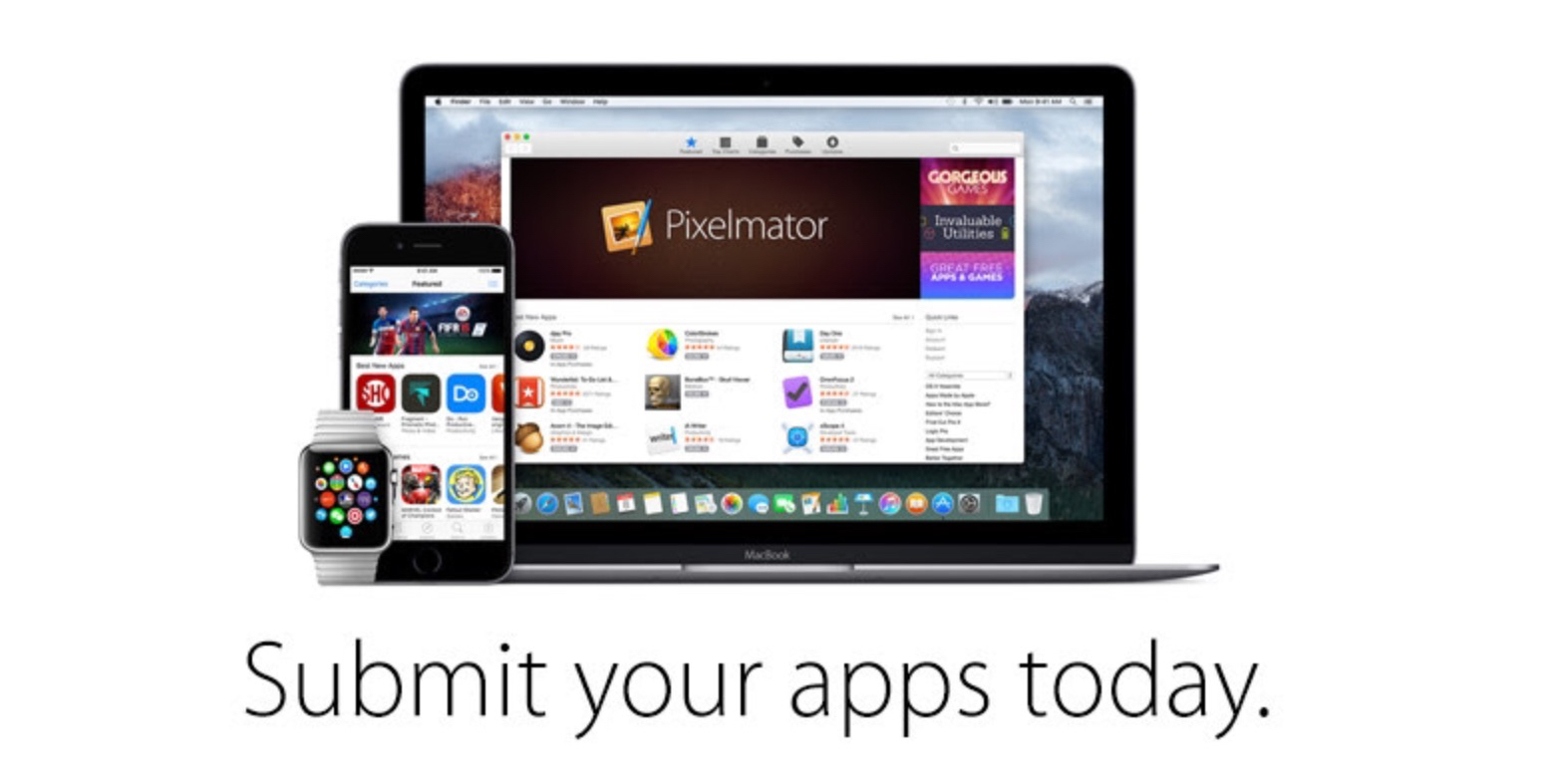
Ahead of the upcoming release of iOS 9 and watchOS 2 on September 16, Apple has now begun notifying registered developers that App Store submissions are open for iOS 9 apps.

In an email shared today with the developer community, Apple has confirmed submissions are also open for OS X El Capitan apps built using the OS’ Golden Master seed.

From Apple’s email:

The next release of watchOS, iOS, and OS X will soon be in the hands of hundreds of millions of customers around the world. Make sure your apps are optimized for the exciting new features now available for these platforms.

To prepare, build your apps using Xcode 7 GM seed, and test with the GM seeds of iOS 9, OS X El Capitan, and watchOS 2. Read the App Review Guidelines and use TestFlight to get feedback before submitting to the App Store.

Starting today, developers will also be able to set up iOS 9 apps with external testers via TestFlight, Apple’s beta testing service.

iOS 9 adds hundreds of new features that developers can leverage to improve their apps, including multitasking on iPad, new gaming APIs, expanded search capabilities and deeper support for CloudKit, HomeKit, HealthKit, and MapKit. iOS 9 will be released next week on Wednesday, September 16.


Interesting Apple TV Tidbits: App Size Limits, Parallax Icons & More

If you haven’t already read our overview of the new Apple TV, I’d recommend reading that first. But since then we’ve also learnt a few more details about the Apple TV that were interesting enough to share. They include details about Apple TV app size limits, parallax icons (and how you can test them today), the Remote Loop and the Nimbus Steelseries (third-party) controller.

Apple TV Apps Limited to 200MB

As noted by 9to5Mac, Apple is restricting the size of Apple TV apps to 200MB. Apps can of course download additional content at any time, but this additional data will only be kept temporarily. This might not be too much of a problem for apps, but this may prove to be a big hurdle for some of the more ambitious Apple TV games.

Along with the lack of local storage, the maximum size of an Apple TV app is limited to 200MB. Anything beyond this size needs to be packaged and loaded using on-demand resources. Knowing how and when to load new assets while keeping your users engaged is critical to creating a successful app. For information on on-demand resources, see On-Demand Resources Guide.

Read more about this in Apple’s tvOS Developer Library.

Read more


Apple Watch Announcements from the September 9 Apple Keynote

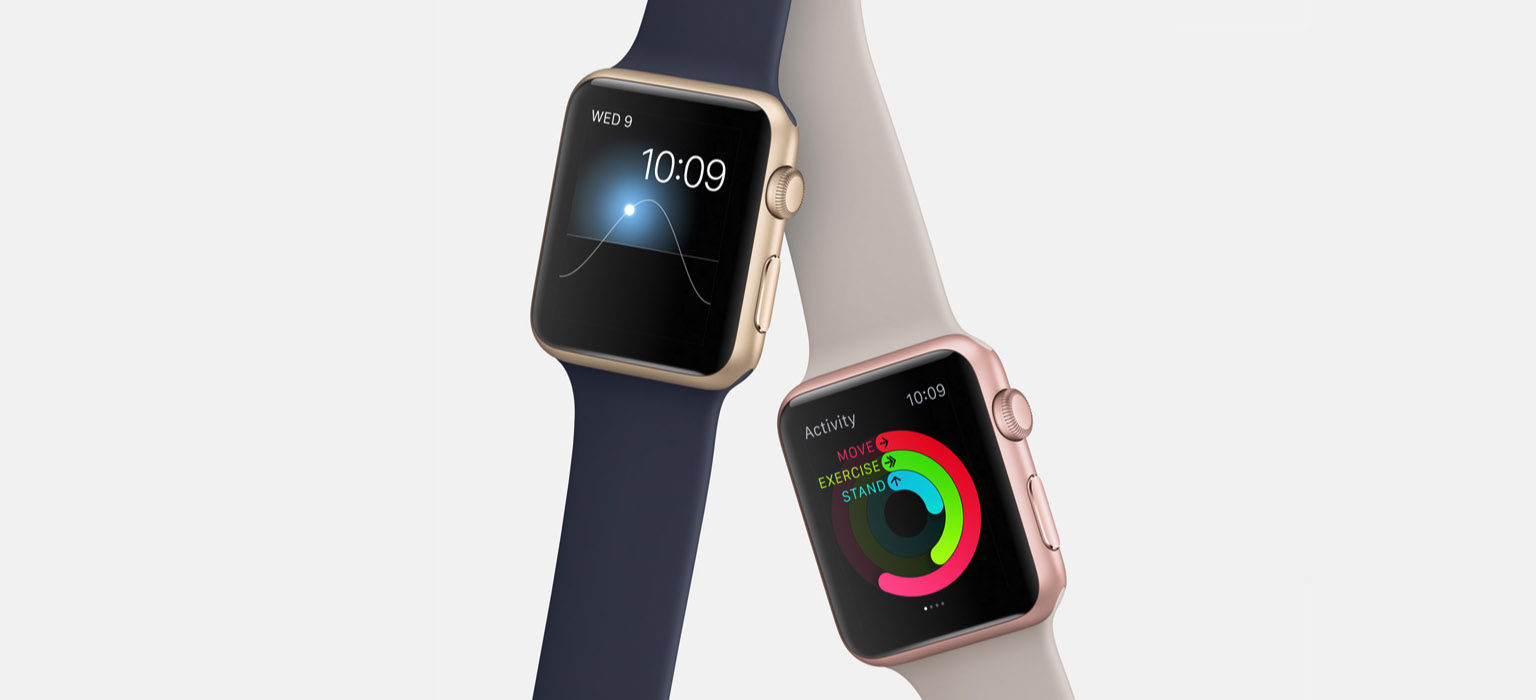
The Apple Watch didn’t receive a hardware update, but it was the subject of a number of other big announcements at today’s Special Event keynote from Apple. On the software front, it was revealed that watchOS 2 would be released to the public next Wednesday, September 16. Apple also took the time to unveil a number of new watch bands, new variations in each of the Apple Watch collections, and a partnership with Hermès to deliver a fourth Apple Watch collection.

Read more


The New Apple TV: Our Complete Overview

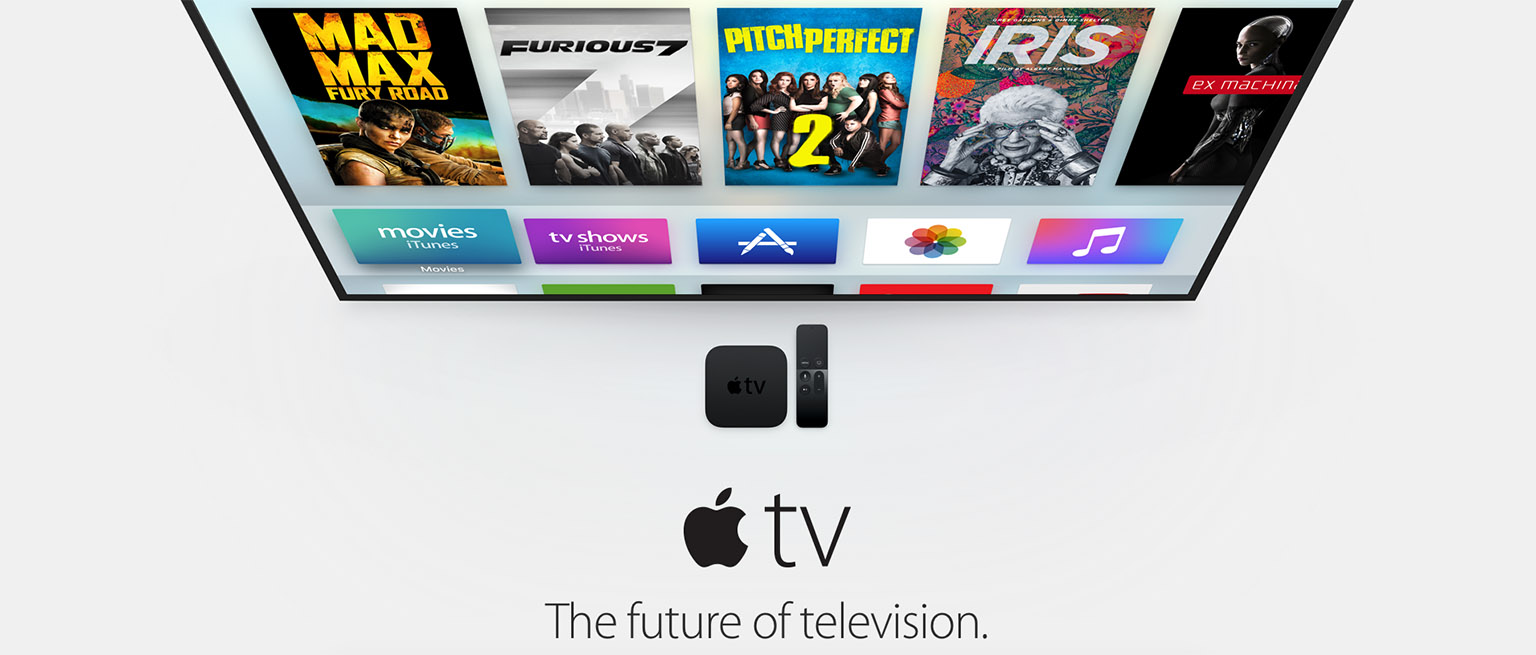
As was widely expected, Apple today unveiled the new Apple TV at its Special Event keynote at the Bill Graham Civic Auditorium in San Francisco. The new Apple TV (fourth generation) features a familiar but overhauled user interface, a redesigned remote which features a touch surface for navigation and Siri for interaction, plus there’s now an App Store for apps and games.

Tim Cook: This is the new Apple TV and we believe it is the future of television.

Read more