

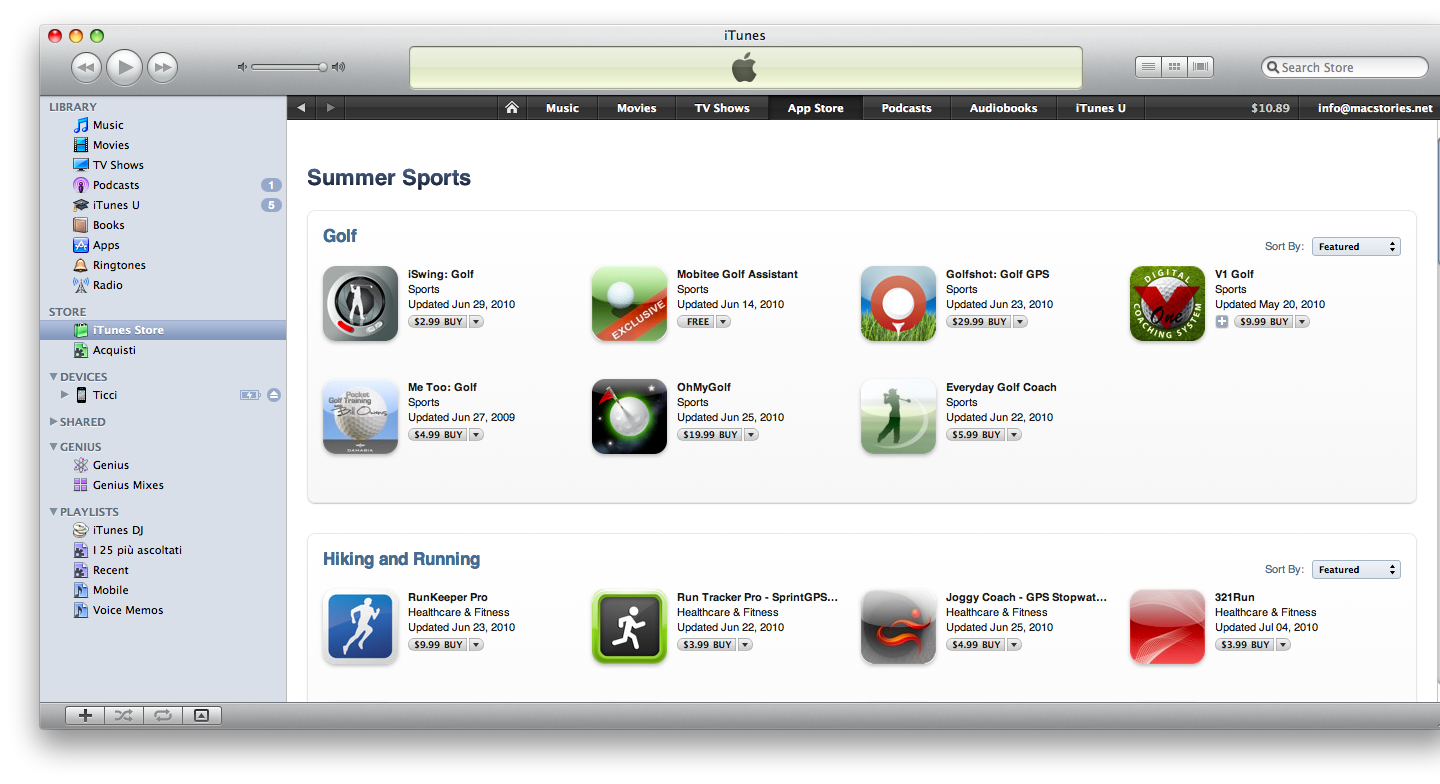
Available here [iTunes link] this new section features applications about Golf, Hiking and Running, Sailing, Cycling and Raquet Sports.
Apple Launches “Summer Sports” Category in the App Store
Reading Speeds - Is the iPad Really Faster than Printed Books?
Answer: no, but the result is interesting. Basically, the guys over at UseIt wanted to see if tablets really come with faster reading speeds than printed books.
Is the iBooks or Kindle experience really more engaging than old paper?
Save Web Pages to iTunes As PDFs
Yesterday I stumbled upon this tutorial on CNET which shows how you can save a webpage to .PDF, import it in iTunes using Mac OS X’s built-in “print to PDF” functionality and then read it on your iPad / iPhone with iBooks. It’s an interesting hack, which implies creating an iTunes alias and move it into Library/ PDF Services.
I’ve followed the tutorial and I think that it works pretty good if you want to save pages without formatting, focusing only on text - it’s perfect for long articles. But I’d like to be able to save webpages of any kind, not just articles that don’t have images. I want the full web page on my iPad, and I think I’ve found a good solution.
iTunes Accounts Hacked by Vietnamese Developer? [Update: Apps Removed]
This is the Books category in the iPhone App Store, and these are the top paid apps in that category. Notice something weird? There’s a developer who has 40 apps (!) in that chart, and all of them are badly coded Vietnamese comics (manga) apps based on stolen intellectual property (Conan, Dragon Ball).
How is this even possible?
Retro Apple Logo Decal for iPad
Flash Is Coming to the iPad - As “Frash”, Jailbreak Only
Apple doesn’t want Flash on its devices, and I believe them when they say that it kills performances on mobile devices. And as much as Adobe likes to complain, they didn’t ship an official mobile version of Flash until a few weeks ago, when Android devices got their first version of Adobe’s platform. Still, some developers are working on a port of the Android version for the iPad.
iPhone 4 Vs. Canon 7D
We saw iPhone 4 camera comparisons before, and we know that the camera holds up pretty good to other devices in the market. This time, we’re seeing the iPhone 4 used as a filmmaking tool over at Take Zer0.
DeskAgent 1.1 Giveaway!
No doubt you’ve read our overview of DeskAgent for the iPad on MacStories before. We think it’s a pretty classy clock designed for the most minimal of desks, and as of the newest 1.1 update, it now supports localized weather debriefing before you head out on that big office meeting. So don’t just sit there and watch the weather pass you by – we’ve got six copies of DeskAgent to giveaway.
Solace - Composed on iPad, Shot on iPhone 4
Rana Sobhany has been experimenting with custom iPad DJ setups for quite a while now. But with the iPhone 4, she decided to take this a step further, and composed a song on the iPad using AKAI’s Synthstation and SoundTrend’s Looptastic. The music video was shot on an iPhone 4, the same day it came out.
The result is quite impressive in my opinion, and I look forward to the next video.