
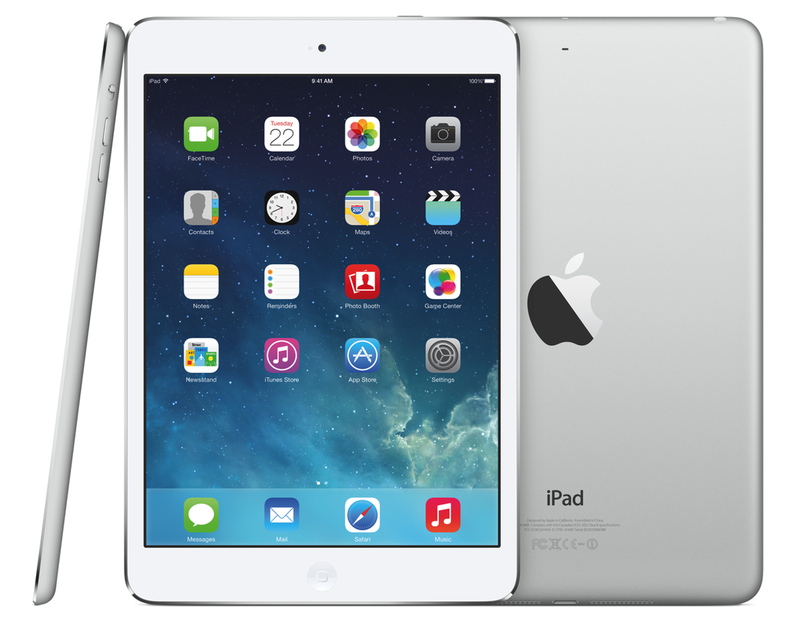
Retina iPad mini: First Impressions

After a surprising and unexpected launch, I made a reservation for a Retina iPad mini earlier today at my local Apple store, waited five hours, then drove to the store and bought it. I got a 32 GB, LTE, Silver iPad because, when I made the reservation, that model wasn’t available in Space Gray and, as an Apple store employee later told me, reservations cannot be modified after the fact (not that it really matters – the store didn’t have it in stock today). I don’t care about the color of my iPad, and I prioritized getting one as soon as possible over looks. I think that Silver looks great.

As I’ve already discussed, I’ve been working from my iPad mini for the past year, and I couldn’t wait to get an upgrade to enjoy the higher resolution of the Retina display. I was forced to get used to the old iPad mini’s display, but that doesn’t mean I liked it. The form factor was more important than the display in the end, but, this year, I can have both: the iPad mini’s lighter body and the Retina display. I was, to use an euphemism, “fairly” excited about the Retina iPad mini.

Don’t consider this post a “review”. Rather, this is a collection of my first impressions with the device after less than five hours spent working with it. I am posting this list of points primarily for myself, so I can solidify my thoughts by making them public and getting the opportunity to reference them later. Secondly, I am publishing this post for readers who asked me questions about device and still don’t know whether they should buy an iPad mini or an iPad Air. This is not a buyers recommendation guide, but I’ll try to my best to collect everything that I thought of in the past five hours. Read more
App Developers Can Now Generate 100 Promo Codes Per Release

I saw some reports in my Twitter timeline this morning, and it does indeed look like Apple updated iTunes Connect to allow app developers to generate 100 promo codes for each release. Previously, the limit was set to 50 codes per app release; for years, developers have been asking (among other things) to see an increase in the amount of promo codes they can use to gift their apps to members of the press, friends, or other users.

The news hasn’t been confirmed on Apple’s Developer News website yet, but screenshots of the new promo code count have been posted by various developers. Based on my tests in iTunes Connect, the limit for book publishers is still set to 50.

Permalink


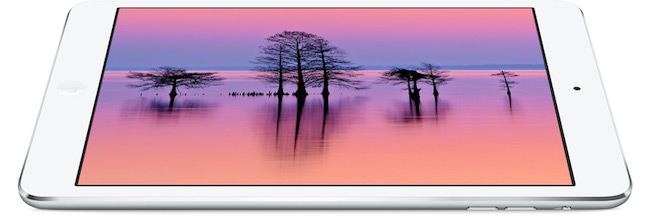
iPad mini with Retina Display Available Today

Following an update posted on the GSX website last night, Apple today launched the iPad mini with Retina display on its online store. The launch came as a surprise due to the lack of press releases to pre-announce the launch and product reviews from journalists who received a unit in advance. The launch followed rumors of a “delay” for the iPad mini due to supply constraints for the new Retina display.

As of this morning, the iPad mini with Retina display is available through the Apple online store with shipping times of 5-10 business days for both WiFi and WiFi + Cellular models. In a press release published a few minutes ago, Apple mentioned that it will also be available with Personal Pickup at Apple retail stores (in the United States at least):

iPad mini with Retina display is available to order through the Apple Online Store (www.apple.com) to ship or through Personal Pickup at Apple’s retail stores, and through AT&T, Sprint, T-Mobile, Verizon Wireless and select Apple Authorized Resellers.

From the press release:

The response to iPad Air has been incredible, and we’re excited for customers to experience the new iPad mini with Retina display,” said Philip Schiller, Apple’s senior vice president of Worldwide Marketing. “We think customers will love both of these thin, light, powerful new iPads, and we’re working hard to get as many as we can in the hands of our customers.

The iPad mini with Retina is Apple’s new 7.9-inch tablet that comes with a high-resolution display, A7 processor with 64-bit CPU, and all the other features of the larger iPad Air, in a lighter and smaller body.


Recreating the Everpix Flashback

Thomas Verschoren came up with a nice solution that uses Automator and Dropbox to replicate the Everpix Flashback feature without Everpix:

Now that Everpix is gone, I’m missing its daily flashback feature. I loved going into the app each morning and seeing images from the past year. Since there’s no alternative available, I decided to build my own Flashback feature based on my existing Dropbox photo-storage.

While there is no algorithm that can pick the “best” photos from any given day, it’s better than nothing and it relies on Automator, which is a built-in OS X tool. To replicate the daily reminders, I would suggest setting up a recurring item in the Reminders app with a link to the shared Dropbox folder, so that you’ll always be taken to a day’s flashback photos when clicking it.

After last week’s challenge on The Prompt, we have received some interesting scripts and ideas for workflows that recreate the Everpix Flashback. We’ll discuss the results on Wednesday, so, if you haven’t yet, you still have time to enter our “contest”.

Permalink

Does Mavericks’ Mail Update Fix Everything?

Joe Kissell, in a follow-up to his original article on Mavericks and Gmail:

If you were holding off on upgrading to Mavericks because of the Mail problems, all I can say is that it’s safer now than it was at first. I can’t guarantee you a trouble-free experience, and without a doubt, some people upgrading from Mountain Lion will feel the new version of Mail is a distinct downgrade. It all depends on how you use Mail, and as we’ve seen, each person approaches it a bit differently from the next.

I’ll let you read Joe’s article to see what’s been fixed and which issues persist after Apple’s update. As I said earlier today, I’ve been fine with MailMate.

Permalink

Inside Apple’s Spaceship Headquarters

Kyle Vanhemert:

In these images, we see for the first time the space port-like entrance to the development’s subterranean parking lot, a cavernous cafeteria that spills into the grassy landscape beyond, and the glass pavilion that will serve as the entrance to Apple’s new underground auditorium — a secure lair where press will gather for future product launches. In short, these documents give us the most complete picture of Apple’s new home yet, a campus that Steve Jobs himself thought had a shot at being “the best office building in the world.” Here’s a peek at life in the mothership.

Wired has obtained new renderings of Apple’s spaceship headquarters. The cafeteria looks like an Apple retail store; photo #6 gives you a good idea of the proportions of the massive building.

Permalink

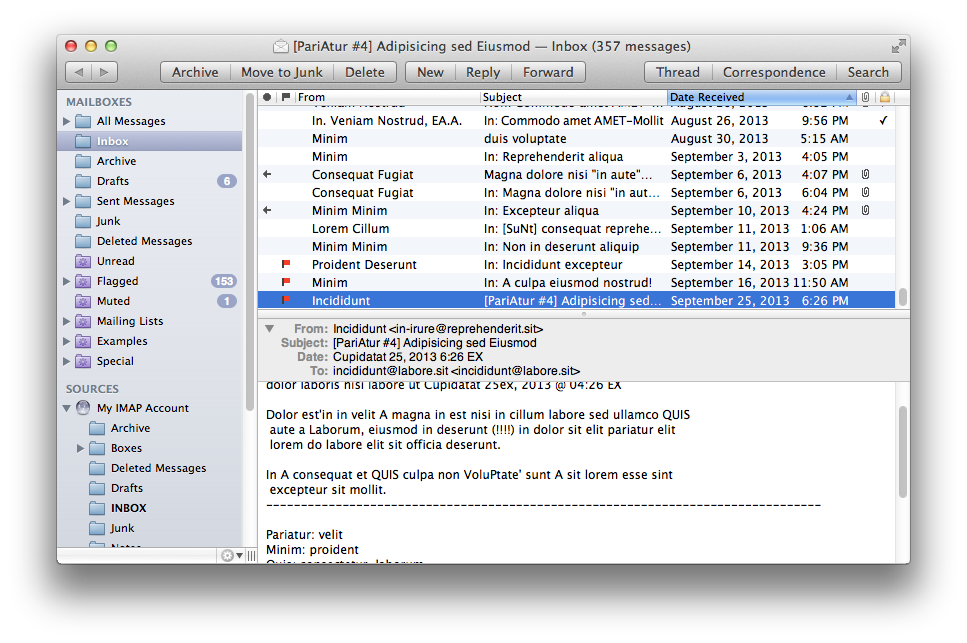
MailMate Developer Launches Crowdfunding Campaign for MailMate 2.0

MailMate is a third-party email client for OS X developed by Benny Kjær Nielsen. The app was initially released in 2011 and it’s been actively developed for two years. Here’s a summary of the app’s features from the developer’s website:

MailMate is an IMAP email client featuring extensive keyboard control, Markdown supported email composition, advanced search conditions and drill-down search links, equally advanced smart mailboxes, automatic signature handling, cryptographic encryption/signing (OpenPGP and S/MIME), tagging, multiple notification methods, alternative message viewer layouts including a widescreen layout, and much more.

Today, Benny launched a crowdfunding campaign for MailMate 2.0. From his blog post:

The goal is now to fund the time needed to finish version 2.0 of MailMate. This requires a minimum of 6 months of 2014 and therefore I’ve set the initial fixed goal to $25,000. A fixed goal means that I get nothing if the goal is not reached. Anything beyond $25,000 increases the period I am guaranteed to work full time on MailMate. The exact period depends on daily sales, but a rough estimate is an additional month for every $5,000.

And from the campaign page:

I’m an academic by heart and to me MailMate is a never ending research project filled with challenging problems. To you I hope MailMate is one hell of a powerful email client — an email client worth paying for. I don’t ever expect MailMate to become a golden egg, but I have reached a point where MailMate has to put food on the table.

MailMate is a one-man business. I take care of development, support, homepage, marketing, sales, and now, crowd funding. It’s as personal a business as it can be. Supporting MailMate is to support me and my family. If you want to then you can read a bit more about me and the background for this crowd funding campaign.

Two weeks ago, I decided to start moving away from Gmail/Google Apps and go back to old-fashioned IMAP with Exchange support for iOS devices. I wanted to regain control of my email, and the fact that Mavericks’ Mail had serious issues with Gmail wasn’t helping. So I backed everything up, settled with Rackspace Email, and downloaded MailMate. I’ve been using MailMate intensively for the past week and I’m excited for the app’s future. Read more