
It’s been a while since I last wrote about quick file sharing apps. I’m talking about excellent pieces of software like Cloud, Droplr, Fileshuttle and Tinygrab: apps that allow you to select an image, file or URL from Finder or Safari and send it to the cloud with a few clicks, and then share a short link on your social network of choice.
Let’s talk about Tinygrab. Tinygrab is one of the most popular image sharing services that, unlike many others, comes both with a Mac desktop app and a Windows version. They have a pretty huge userbase and they have just released a shiny new iPhone app, developed by my good friend Tim Davies. Wait, what? An iPhone app to share images? Yeah, I have to admit that it’s a new thing to me as well - I mean, if I want to share an image on Twitter I use the built in img.ly uploading features.
Could a mobile image sharing app hold on to its desktop version?

The real question is: why hasn’t anyone come up with something like this up until now? Because no one thought that sharing images like this might be useful on a mobile device. Think about it: if you want to share an image with your iPhone you either email it or send to Twitpic. What if you don’t want to send crappy messages full of attachments and you don’t want to use Twitter? There it comes Tinygrab for iPhone, which lets you upload an image in seconds to your online account and gives you a short url that you can paste anywhere. It’s got the same features of the desktop version, but it’s of course optimized for the iPhone.
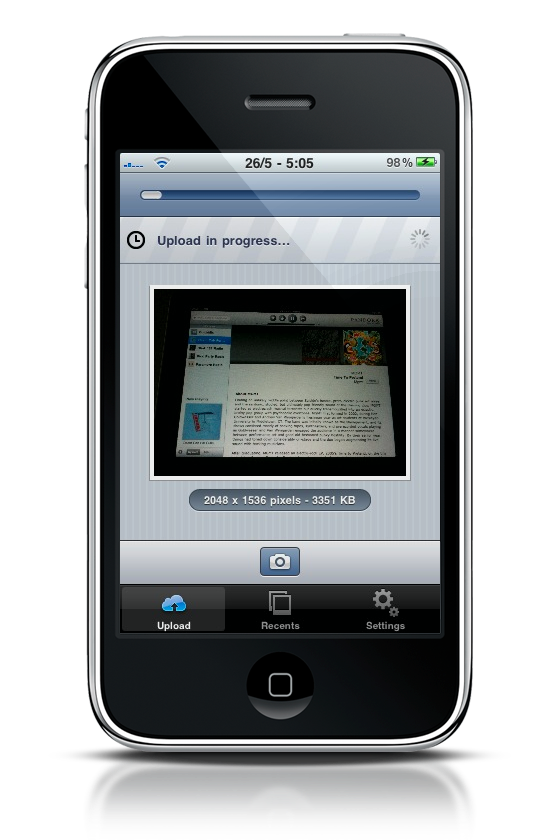

The interface design is top notch: sleek, native and intuitive. It takes a couple of taps to choose an image and upload it, it takes a tap to select the uploaded image and email it. As for the short URL, it goes into your iPhone’s clipboard as soon as the image is online.

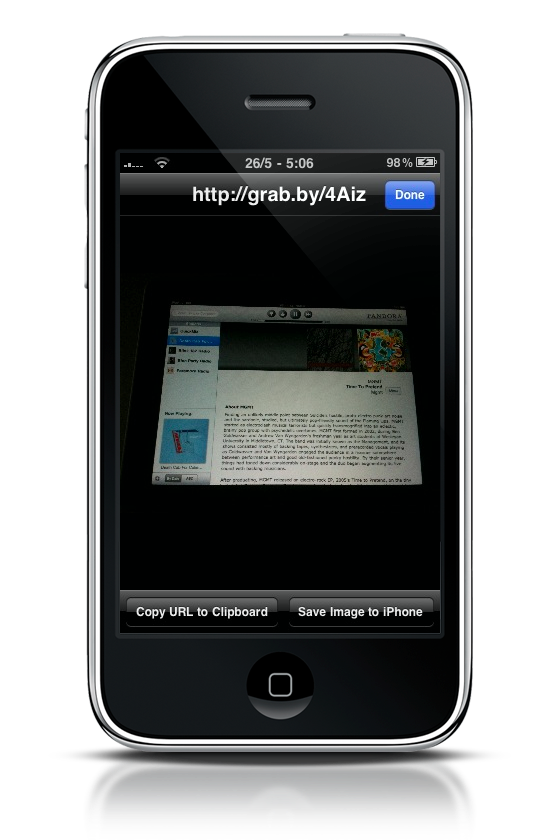
TinyGrab for iPhone is available at $2.99 in the App Store, and if you find yourself needing to share images every day but you don’t want to use emails / Twitter for that, than this app is for you. It’s fast, easy to use and has got a stunning icon. What else can you ask for?
