


The updated OpenGL release includes enhanced shaders, better texture support, and 64-bit double-precision floating point operations, amongh other features. It offers support for backwards compatibility with existing OpenGL code.
Razer Announces Support for Mac OS X
“Today at the Game Developers Conference, Razer, the world’s leading manufacturer of high-end precision gaming and lifestyle peripherals, announced an effort to increase support for Mac users by issuing driver support for all upcoming Razer products, including the Razer StarCraft II peripheral suite.”
Steam coming to Mac, now Razer. I have the feeling 2010 is going to be an interesting year for gaming on Mac OS X.
Win a Copy of Quiet Read Pro
Quiet Read Pro, which we covered here, is a nice utility which allows to quickly capture any web address for later by simply dragging the url onto its menubar icon. The new Pro version comes with interesting additions to the regular free counterpart, like Instapaper and Read It Later “send to” actions and global activation shorcuts.
We have 5 licenses up for grabs, all you have to do is leave a comment here. No tweeting required!
Winners will be announced on Saturday, March 13th.
Good luck!
Magic Mouse, Fixed.
$10 for United States (shipped), only $13 internationally.
Sneak Peek: Bulletin, New RSS App for iPhone by Tim Davies
Developers will never stop dreaming about the perfect RSS reader for iPhone or at least, they have to try. I’ve come to this conclusion after trying many feeds readers actually, like Byline, Newsrack (former Newstand), Newsprint, Reeder, MobileRSS Pro. They’re all great applications but the question is - is there room for one more?
Sure there is, and we think Bulletin by Tim Davies is gonna be the next big thing in its category.
Animated Lyrics, Stunning HTML5 Music Visualizer
Animated Lyrics is a html5 based music visualizer from Svg-Wow.org that was demonstrated at the SVG Open 2009 conference, and it’s beautiful.
Using features like web fonts, scripted animations, text on path and HTML 5 “<audio>” and “<foreignObject>” tags, it displays the lyrics of a song playing in the background (and previously chosen with a nice transparent menu) together with effects and various animations.
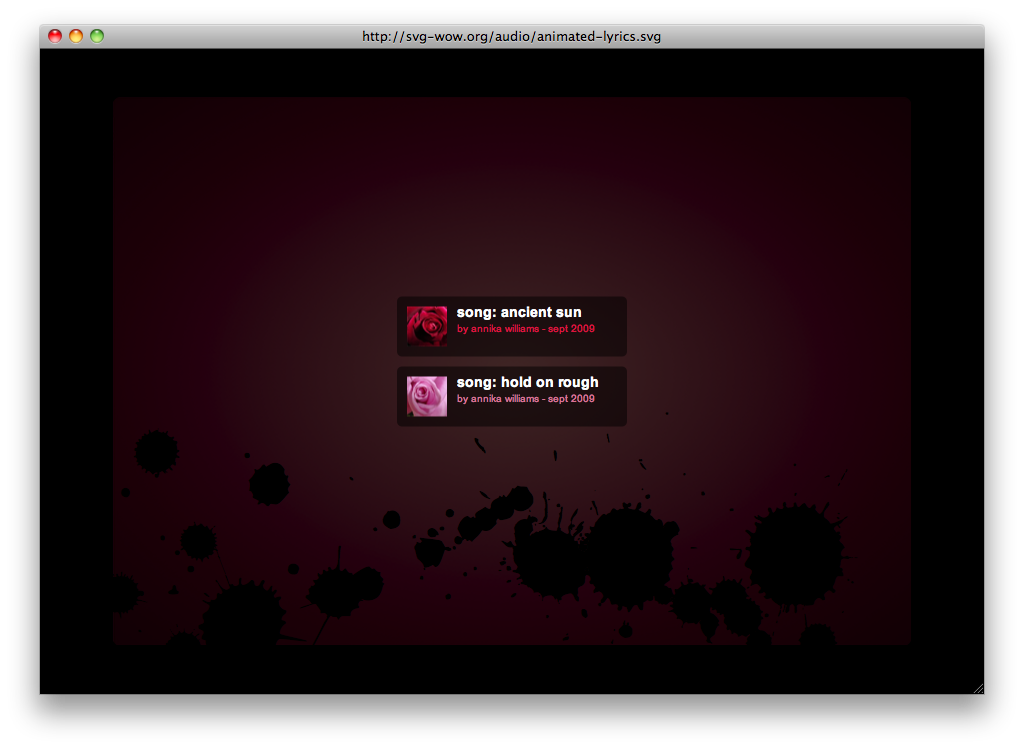
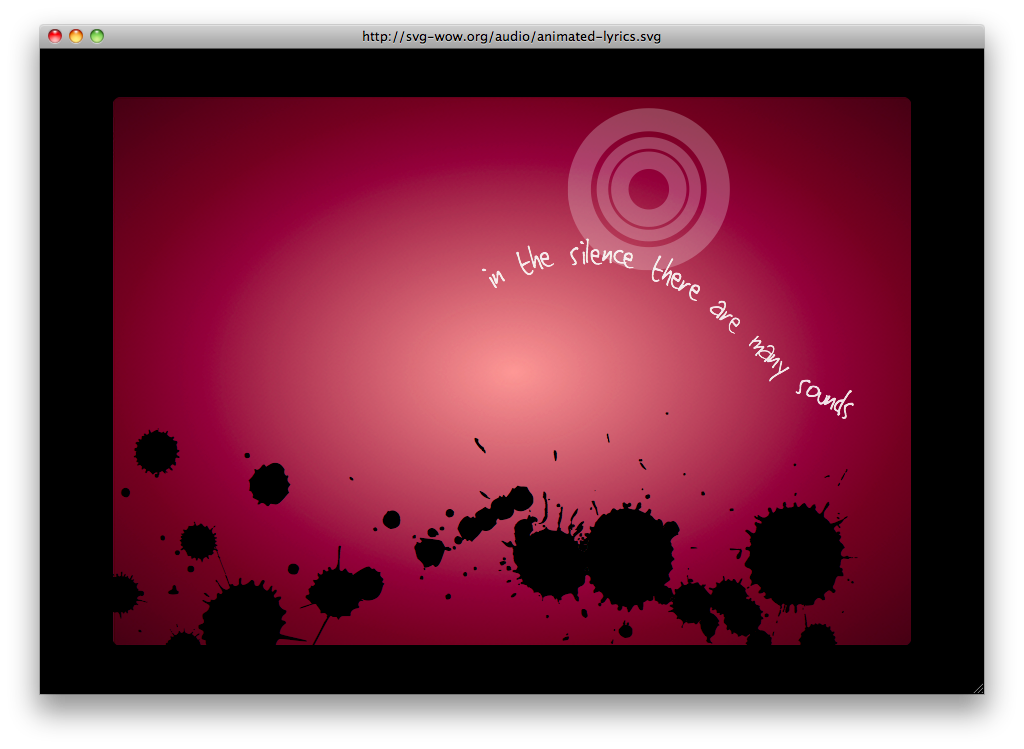
I couldn’t help but think how this could seriously improve the experience of enjoying music on the internet. But sadly, still a demo.
Notable Quotes Winners Announced
Thanks everyone who entered the Notable Quotes giveaway. Also, we’d like to thank the Hand Carved Code developers for the promo codes they gave to MacStories.
Here are the winners:
Mads
Wei
Benjamin Metzler
Adam
You’ll receive the promo code in your inbox in a matter of a few hours. Stay tuned for other giveaways coming this week.
In the meantime, you can follow the official MacStories Twitter account as @macstoriesnet.
Monkey Island 2 Special Edition Coming to the iPhone This Summer
“Lucas Arts revealed the games to kick off their annual Game Developers Conference party, bringing Tim Schaefer and Ron Gilbert, the originals creators of the game, to the front of the room for the announcement.The special edition includes new high-def graphics, a re-mastered musical score, full voiceover, and an in-depth hint system.”