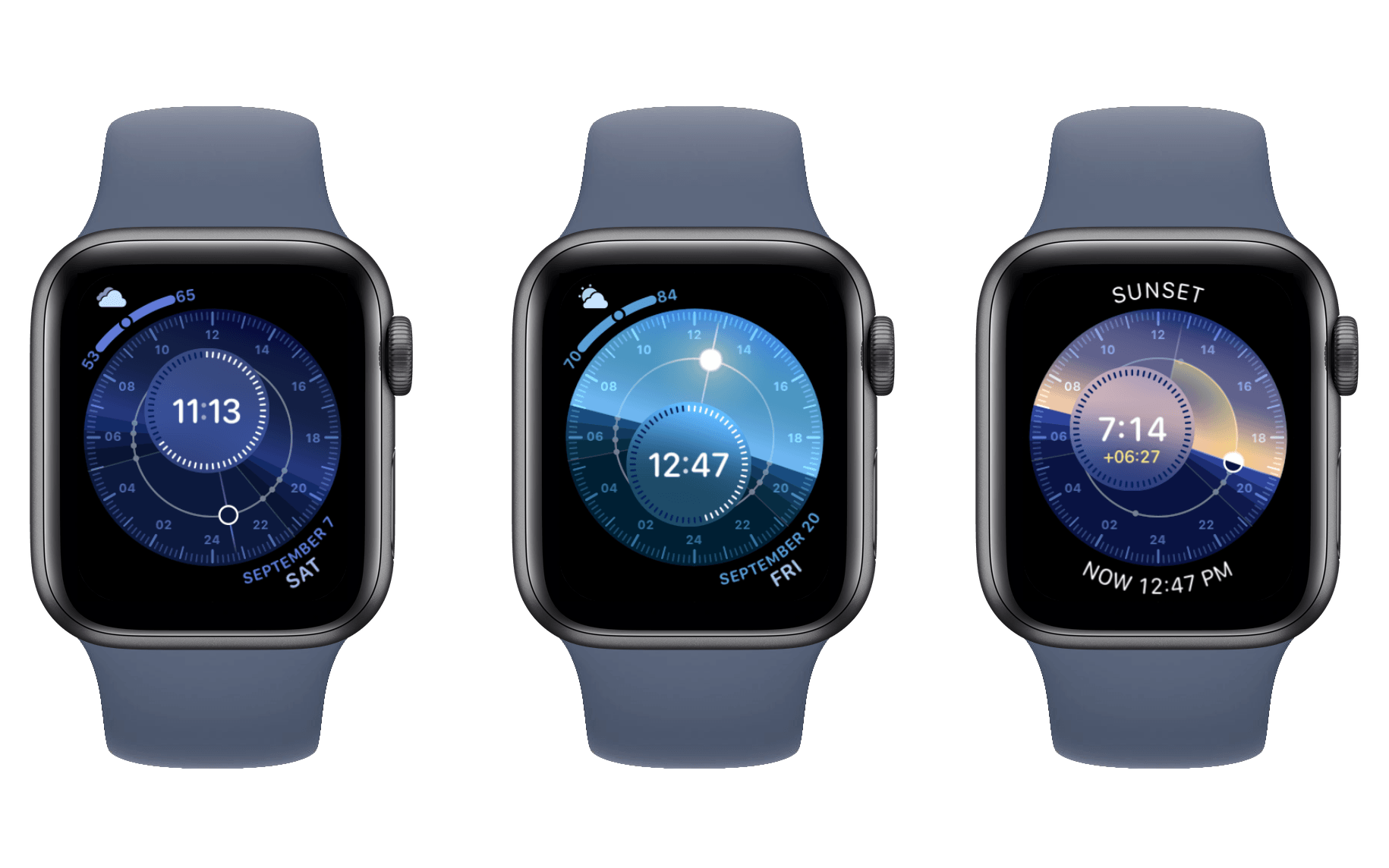
Jack Forster at Hodinkee has a wonderful deep-dive essay on the Solar Dial face on Apple Watch, which was added last year in watchOS 6:
Tapping the Solar Dial watch face will allow you to see whether it’s day, or night, or one of the various phases of twilight. You can also see how many hours of daylight there are. The color of the sky also changes depending on the time of day, and during the twilight hours, you get a very pretty transition from blue, to a deeper blue, to a lovely pale pink as the solar disk begins to sink below the horizon. You can rotate the crown to show you what time sunset takes place, as well as the various phases of twilight. You’ll also see, in yellow numbers in the sub-dial, how many hours it is from the current time to sunset, or other solar astronomical events.
[…]
I give the Apple Watch Solar Dial a lot of credit for taking the properties of the smartwatch and using them to create a very captivating experience. The luminosity of the display and its ability, as night falls or sunrise dawns, to display different colors, as well as the general composition of the dial, makes for something much richer and far more emotionally evocative than the mere delivery of information. And too, it gives us a chance to reflect on what darkness and light have meant, and continue to mean, culturally and historically. There is something irresistibly compelling about having a little model universe on your wrist.
It’s remarkable how much attention to detail Apple gave to this watch face, including the intricate nuances of the different phases of twilight. I’ve never used the Solar Dial face before, but Forster’s piece has changed that, and I’m eager to see how the face transforms throughout the remainder of today.
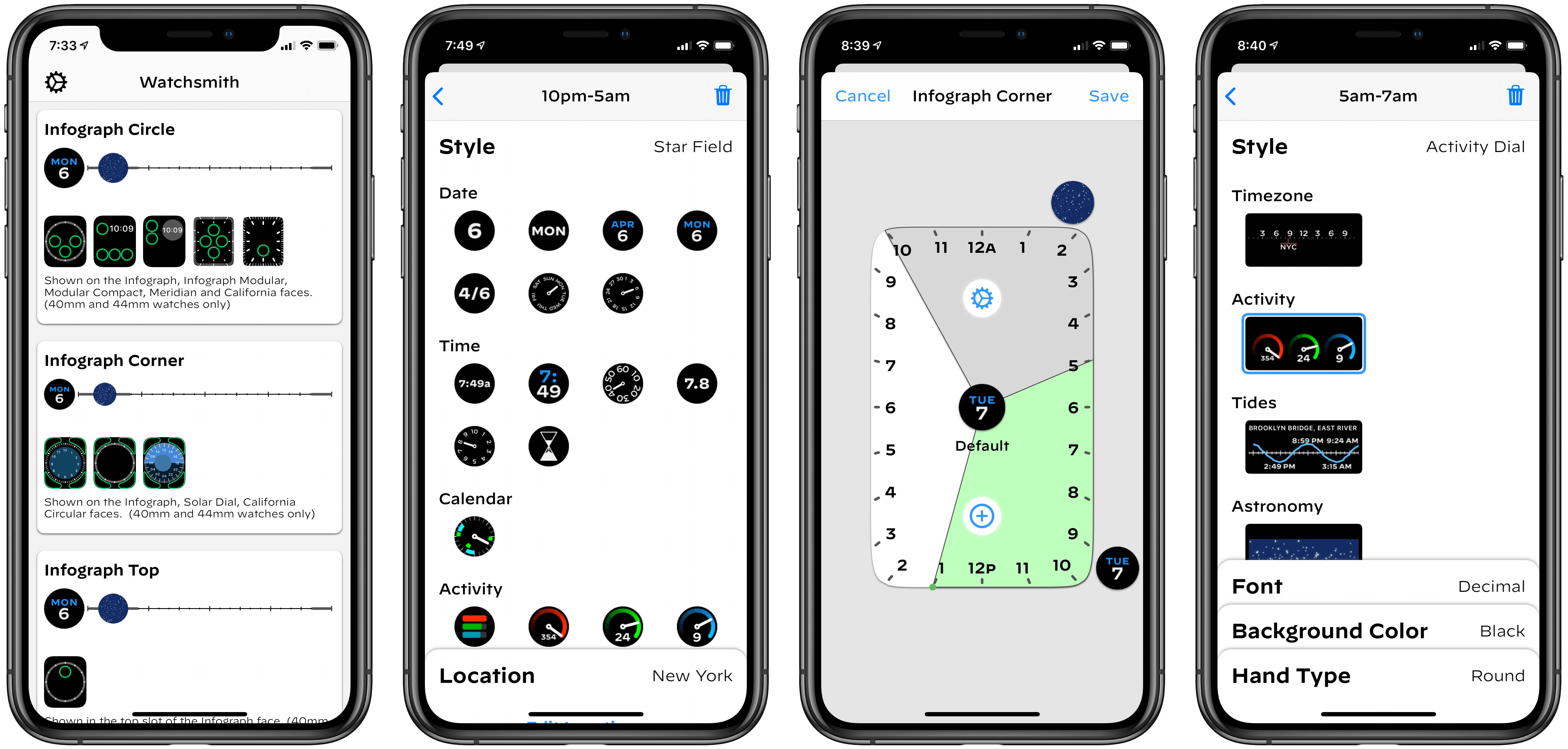
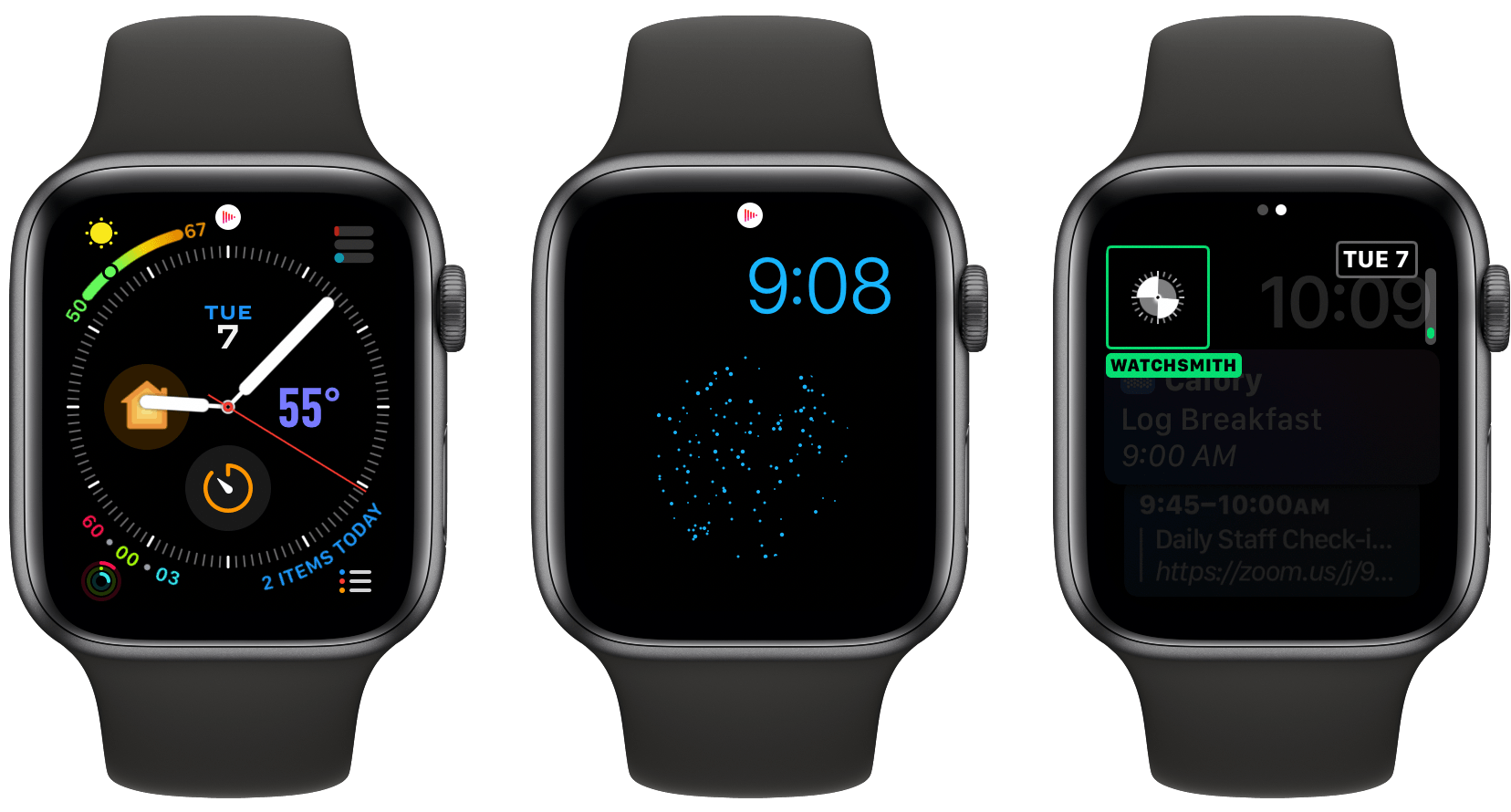
Watchsmith, the latest app from David Smith, was birthed from the inability to create third-party watch faces on the Apple Watch. As Smith has previously explained, while third-party faces may never be possible, several first-party faces already offer significant room for customization. The Infograph face, for example, contains eight different complication slots; if a rich array of third-party complications were available, you could build a highly customized watch face using the existing faces provided by Apple.
Watchsmith exists to provide that rich set of complications. The app offers 37 types of complications, each adaptable to different watch faces and complication slots, and all fully customizable so they can look exactly the way you prefer. Additionally, Watchsmith offers scheduling functionality to cause different complications to appear on your Watch at different times throughout the day.
In the absence of third-party watch faces, Watchsmith offers the next best thing: third-party complications that are highly customizable and can be optimized to your daily schedule.
Read more
Picture in Picture is one of the best, yet most under-utilized iPadOS system features. First debuting in iOS 9 almost five years ago, Picture in Picture was one of three multitasking features added to the iPad that year, joining Split View and Slide Over. While the latter two features have become nearly ubiquitous across...
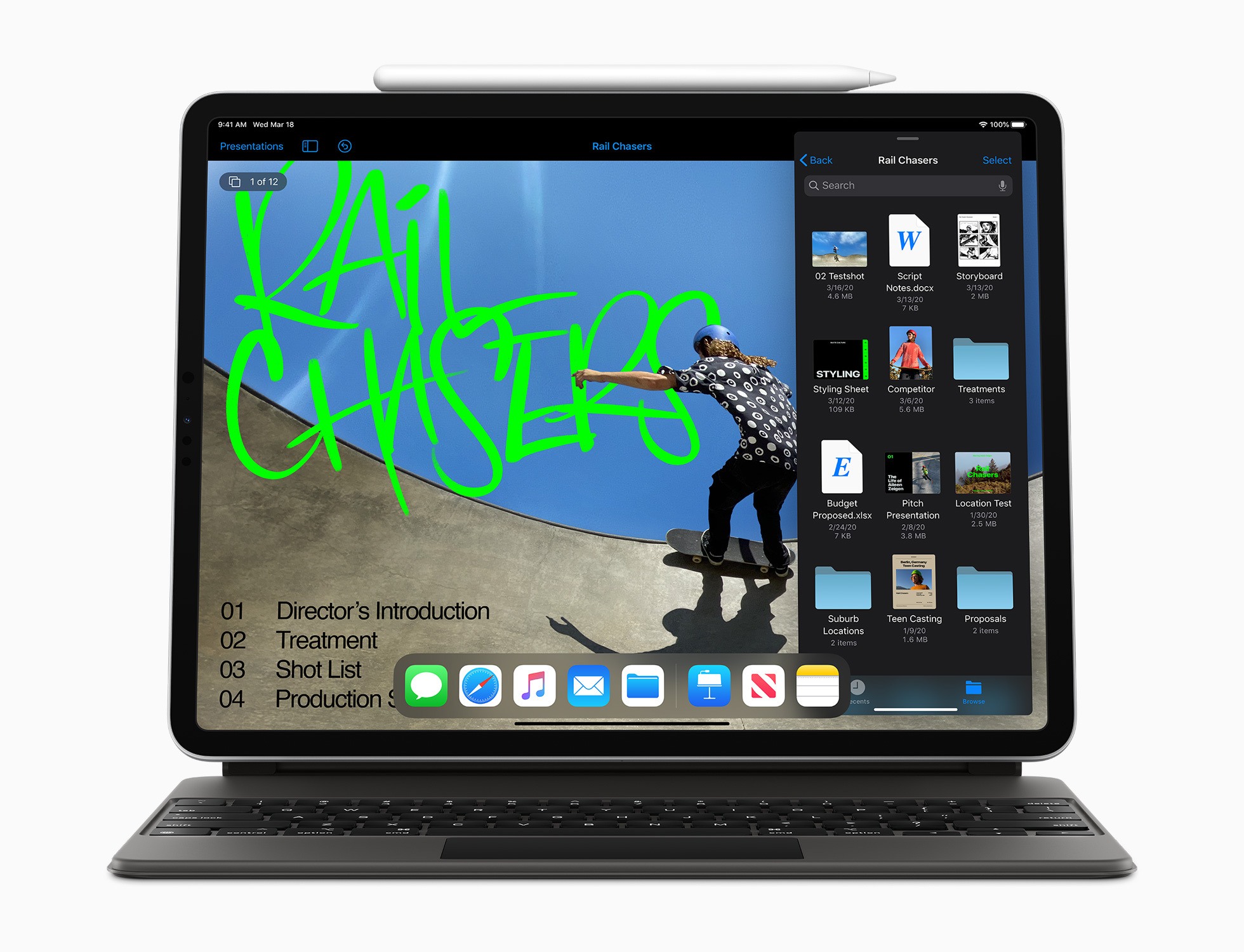
Apple has released noteworthy updates for its iWork suite of Pages, Numbers, and Keynote, alongside a new version of iMovie, all of which have as their hallmark feature mouse and trackpad support on iPadOS. There are a variety of other nice changes too, big and small, that make these apps more powerful than ever across all platforms.
Read more
From the start, the iPad has always been rife with potential. This is partly because it launched as a new type of product category, with unexplored use cases prompting users towards a different computing experience. But it’s also because the device’s very nature – a slab of glass that becomes its software – evokes countless possibilities.
To celebrate 10 years of iPad, I spoke to the developers of many of the device’s best apps across areas of productivity and creative work. They’re the people who make that slab of glass into something new, realizing the iPad’s potential but also showing, by their constant work of iteration and reinvention, that there’s always more that can be done.
In sharing their stories from the last decade, the people I spoke with outlined some of the best and worst things about iPad development, memories of their reactions to the product’s introduction, and dreams for where its future might lead. All throughout, it’s clear how much excitement remains for the iPad’s potential even 10 years on.
Read more
When the time arrived for New Yorkers to self-quarantine a few weeks ago, I thought I was in pretty good shape to handle shifting all my work to home. I also assumed that my iPad Pro would serve as well as ever as my primary computer. Guess who was wrong on both counts? It...
I’ve worked primarily from home for nearly a decade, and as I’ve had more conversations with people who are new to the practice, one of the key things I’ve tried to communicate is the importance of time management. Some workers are used to just going with the flow of wherever their day takes them,...
If you like the iPad, next week is going to be a fun one on MacStories. Though we did a little iPad reflection back in January to commemorate the 10-year anniversary of the device’s introduction, next week marks a much bigger occasion: a decade since the iPad officially arrived in users’ hands. Despite the name...
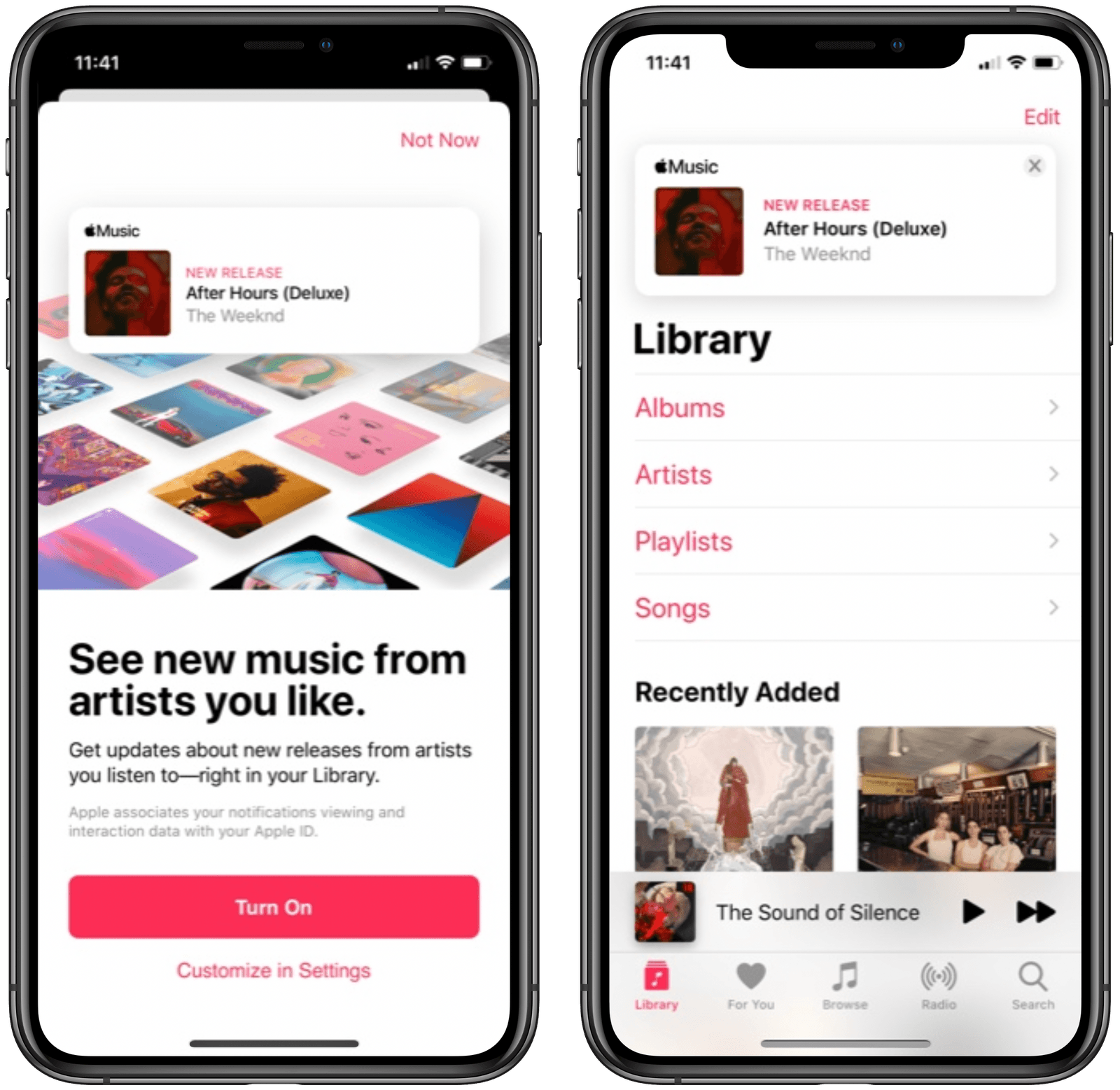
Mitchel Broussard at MacRumors reports on a new Apple Music feature that’s been spotted rolling out to a limited set of users:
Apple today is rolling out a new feature to Apple Music users, prominently displaying new albums, EPs, and videos from their favorite artists at the top of the Library tab in iOS.
The new feature first appears as a splash page in Apple Music on iOS, telling users that they can “see new music from artists you like.” This will let you get updates about new releases from artists you listen to, with notifications appearing above your library of albums and playlists.
Apple Music has long offered push notifications for new releases from artists you enjoy, but for me and everyone else I know, those are wildly inconsistent. Because of that, I’ve grown to depend on the excellent app MusicHarbor instead, which is much more trustworthy.
I like the idea of seeing new releases right inside the Library tab, but will wait and see whether they prove reliable or not. Based on my prior experience with Apple Music notifications, I wouldn’t be surprised to see banners for new albums show up even after I’ve saved those albums to my library. I’d happily be proven wrong, though, so here’s hoping this new method of music updates means Apple has also paid attention to the engine running the feature.