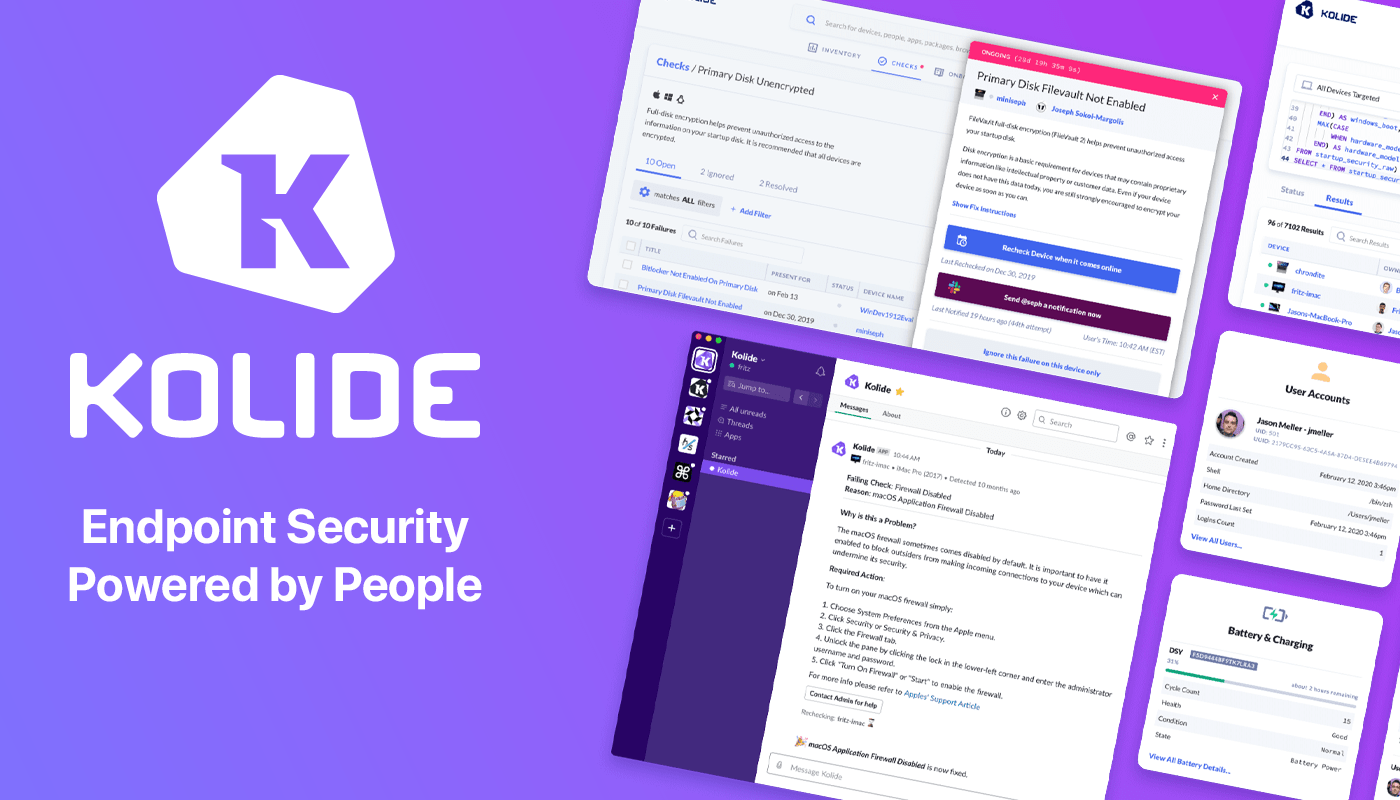
At Kolide, we believe the supposedly Average Person is the key to unlocking a new class of security detection, compliance, and threat remediation. So do the hundreds of organizations that send important security notifications to employees from Kolide’s Slack app.
Collectively, we know that organizations can dramatically lower the actual risks they will likely face with a structured, message-based approach. More importantly, they’ll be able to engage end-users to fix nuanced problems that can’t be automated.
Try Kolide for 14 days free; no credit card required.
Honest.Security is one part guide and another-part manifesto that defines a user-first approach to security and IT compliance. It’s not just Kolide’s north star but also an aspirational roadmap. It’s our positive contribution to counterbalance the worrying upward trend of human-hostile cyber security, device management, and workplace surveillance philosophies that we’ve seen reach a fever pitch as organizations adapt to the long-term term prospects of remote work.
Our thanks to Kolide for sponsoring MacStories and all of our WWDC coverage this week.
Earlier this week, we outlined our WWDC 2022 coverage on MacStories, so be sure to check that out for all the details. For Club MacStories, we’ve got a lot planned: Special daily episodes of AppStories recorded live in the Club MacStories+ Discord community. Episodes will be recorded Monday-Thursday at a variety of times that we’ll...
It’s rumored that Apple will unveil a ‘pro’ mode at WWDC and Federico has questions, John shares his WWDC Home Screen, we have a Timery giveaway for members, plus the usual Links, App Debuts, the latest happenings in the Club MacStories+ Discord community, a recap of MacStories articles, and a preview of upcoming MacStories podcast...
Timery for Toggl Exclusively for Club MacStories members, we have 20 coupon 1-year subscription codes to give away from Joe Hribar, the maker of Timery. Enhance your Toggl time tracking experience with Timery, which just released a new Apple Watch app. From starting your favorite timers with one tap to managing your projects and tags,...
Stories WorldWideWeb: A Simple Web Server Utility for Mac, iPad, and iPhone 2022 Apple Design Award Finalists Announced Rediscovering the Mac: An iPad User’s Journey into macOS with the M1 Max MacBook Pro Announcement: MacStories’ WWDC 2022 Coverage Last Week, on Club MacStories: MusicBox Shortcuts, Great iPad mini Reading Apps, and MacStories Unplugged Podcasts AppStories,...
Next week on AppStories, Federico and John will kick off a special series of episodes covering everything announced at WWDC. Get ready for four packed episodes from Tuesday through Friday next week that will be recorded live in the Club MacStories+ Discord where we’ll also be taking listener questions that will be released as...
Club MacStories Town Halls are part of the monthly and other special live audio events we hold in the Club MacStories+ Discord community. The show is a recorded and lightly edited version of the Town Halls that we produce, so Club MacStories+ and Club Premier members who can’t attend the event live can listen later. To learn more about Club MacStories+ and Club Premier, visit our Club plans page.
For the latest Club MacStories+ Town Hall, Federico and John were joined by Lachlan Campbell to preview MacStories’ WWDC coverage, share their hopes for what’s coming next week during WWDC, and discuss Federico’s review of the M1 MacBook Pro from the perspective of a long-time iPad user.
Read more
This month, John reflects on the many benefits of in-person WWDC and shares the gear he’ll be traveling with next week for the conference....
Kolide is a SaaS app that sends employees important, timely, and relevant security recommendations concerning their Mac, Windows, and Linux devices, right inside Slack.
Kolide is perfect for organizations that want to move beyond a traditional lock-down model and move to one where employees are educated about security and device management while fixing nuanced problems. We call this approach Honest Security.
For example, Kolide can:
- Instruct developers to set passphrases on the unencrypted SSH keys littered throughout their devices.
- Find plain-text two-factor backup codes and teach end-users how to store them securely.
- Convince employees to uninstall evil (yet allowed) browser extensions that sell their browser history to marketing companies
You can try Kolide on an unlimited number of devices with all its features for free and without a credit card for 14 days.
Our thanks to Kolide for sponsoring MacStories this week.